A:AnswerYes you can change channel and volume with buttons under the Samsung sensor/logo. Download Samsung SmartThings app on your phone and you can use your phone as a remote.
A:AnswerMordaal - The Q60B offers Dual LED backlighting to deliver vivid images with improved contrast, off-axis viewing, and color accuracy. When stepping up to the 55" Q80B, you'll gain Wide Viewing Angle and Adaptive Picture technology which optimizes your picture with a lighting system that automatically senses, reacts, and adjusts to the brightness of the space you're in. Starting with our 55” QN90B TV, you’ll gain Ultra Viewing Angle with Anti Reflection technology which provides wider viewing angles, enhances color, and minimizes glare to help you enjoy shows without distractions.
~ Samsung Specialist
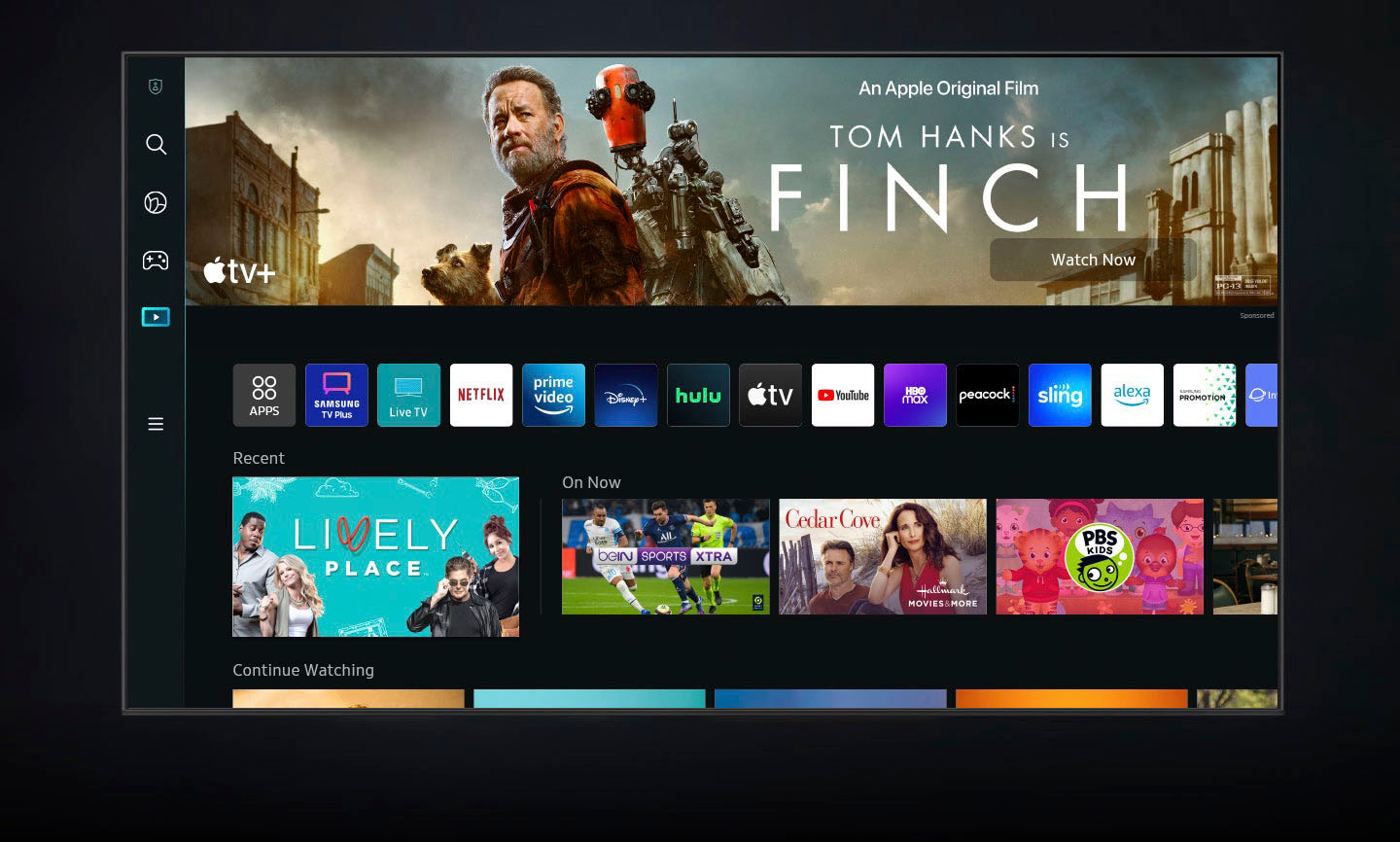
A:AnswerThe TV doesn’t require a receiver but you do need the Internet. Yes you can add speakers. The TV will walk you they the set up. The TV is loaded with apps.
A:Answeraibling328 - When pairing devices via Bluetooth, please keep in mind the following restrictions:
• You can't use Bluetooth devices and the Wi-Fi Speaker Surround Setup feature simultaneously.
• Compatibility issues may occur, depending on the Bluetooth device (A Mobile exclusive headphone may not be available, depending on the environment).
• Lip-sync errors may occur.
• The TV and Bluetooth device may disconnect, depending on the distance between them.
• A Bluetooth device may hum or malfunction:
– When a part of your body is in contact with the receiving/transmitting system of the Bluetooth device or the TV.
– When the device is subject to electrical variation from obstructions caused by a wall, corner, or office partitioning.
– When the device is exposed to electrical interference from same frequency-band devices including medical equipment, microwave ovens, and wireless LANs.
If any of the above issues occur, we recommend you use a wired connection.
~ Samsung Specialist
A:AnswerHi - You can download the Q60B TV's User Manual, e-Manual, Remote Control Leaflet, and Quick Setup Guide on Samsung's website by clicking Support > Manuals & Software > TVs & Home Theater > TVs. From there, you can select the Q60B TV under 4K QLED TVs > B Model Lineup and download the guides you would like. The e-Manual is also embedded into the TV itself under Settings > Support > Open e-Manual.
~ Samsung Specialist