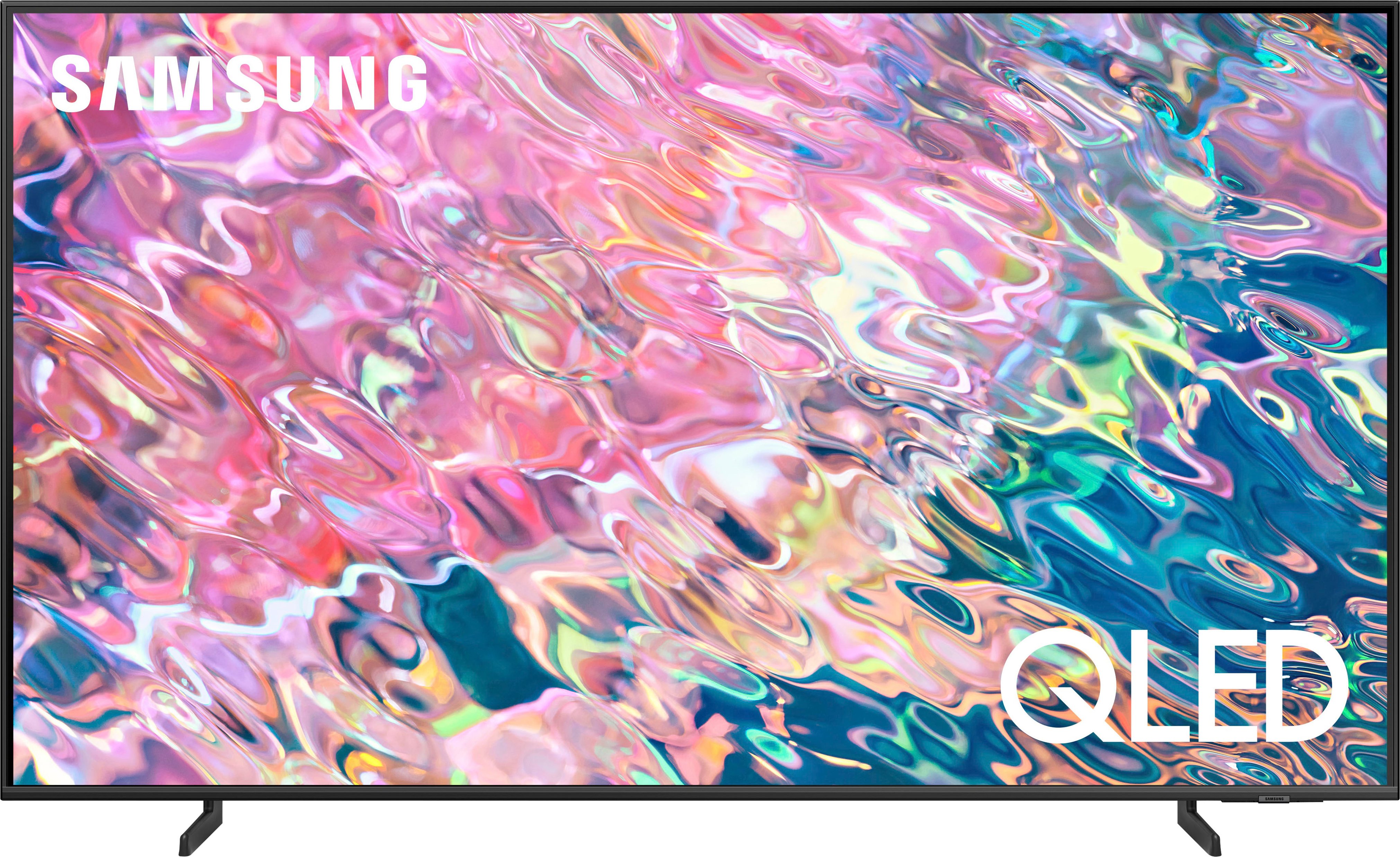
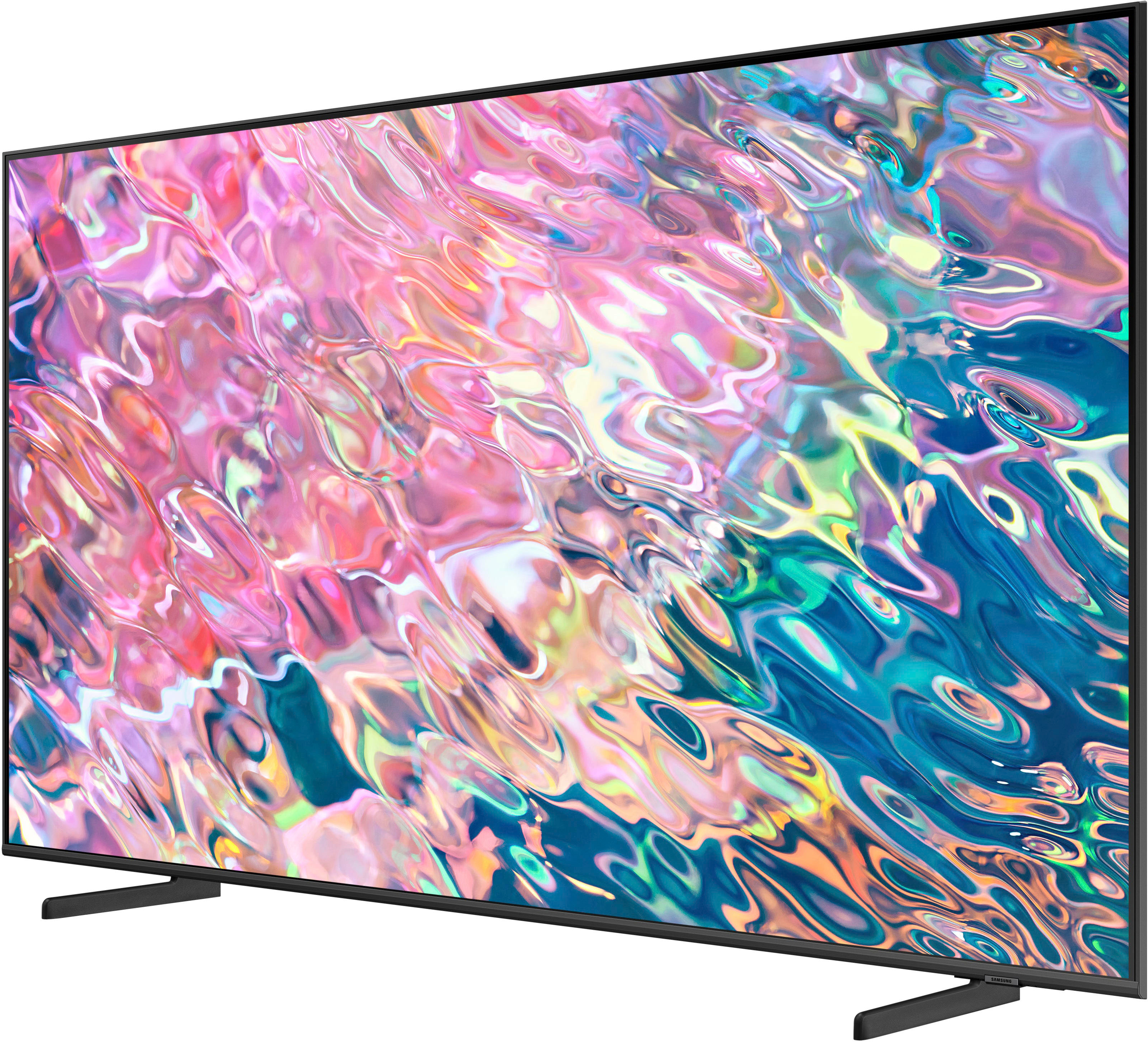
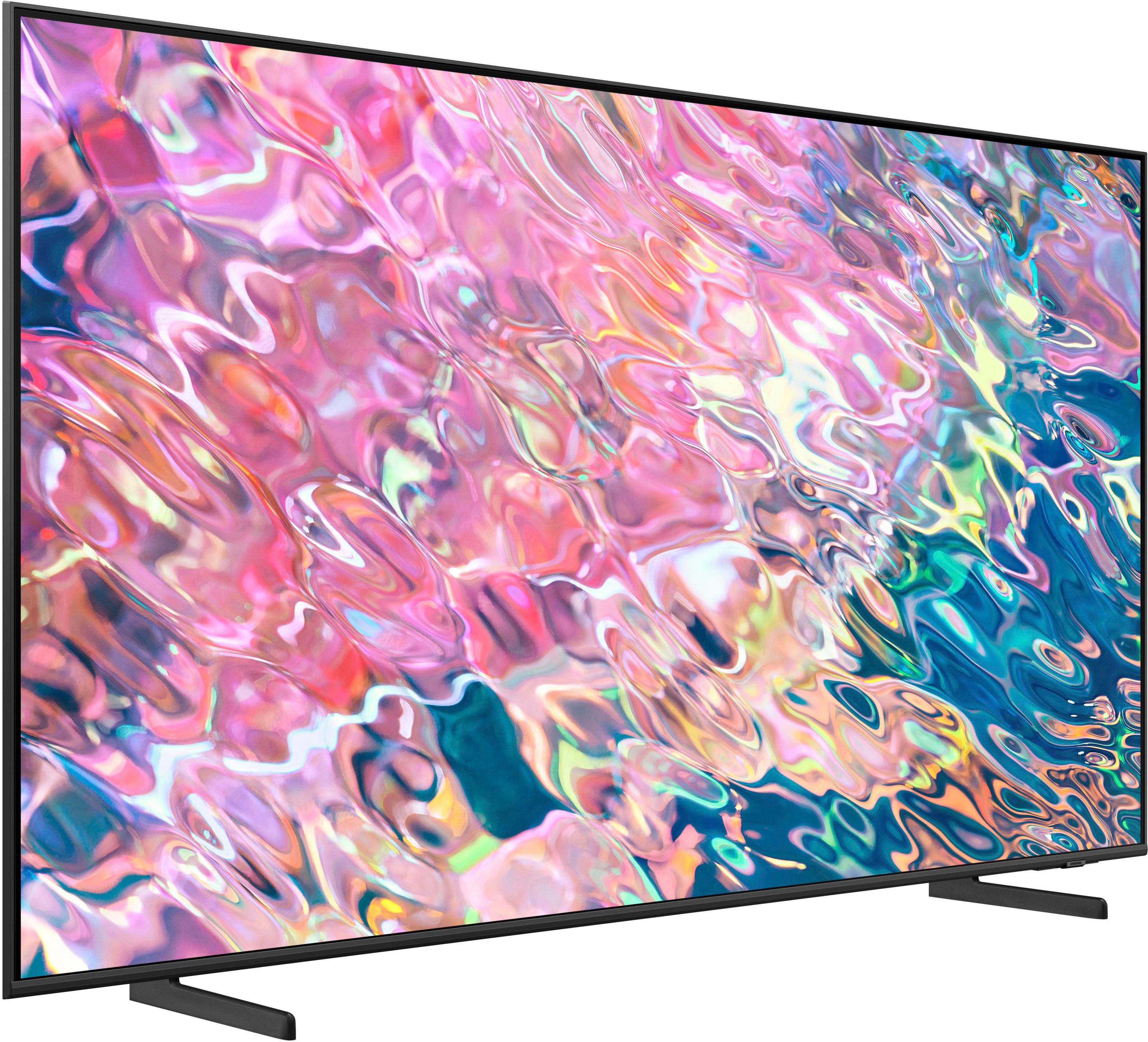
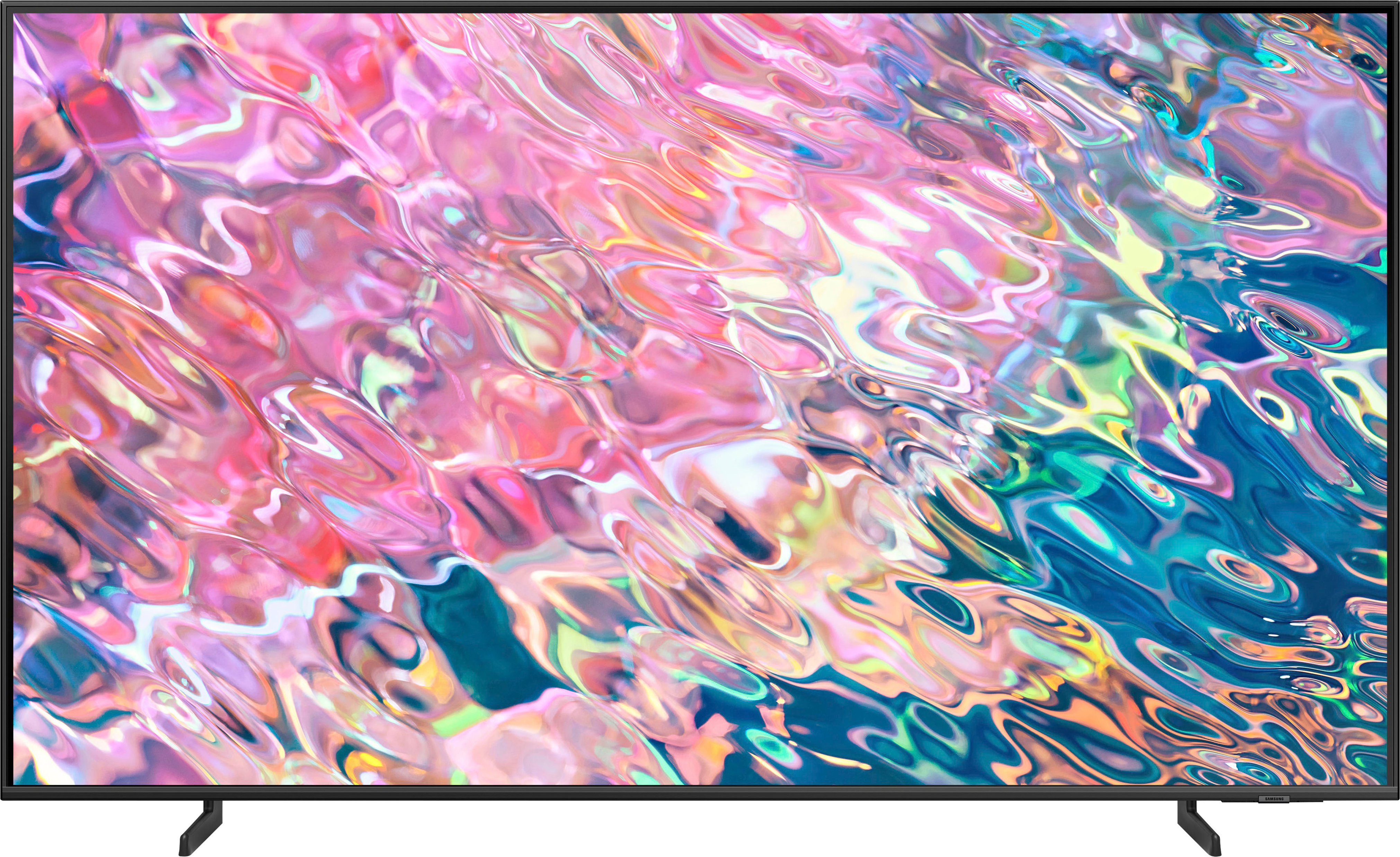
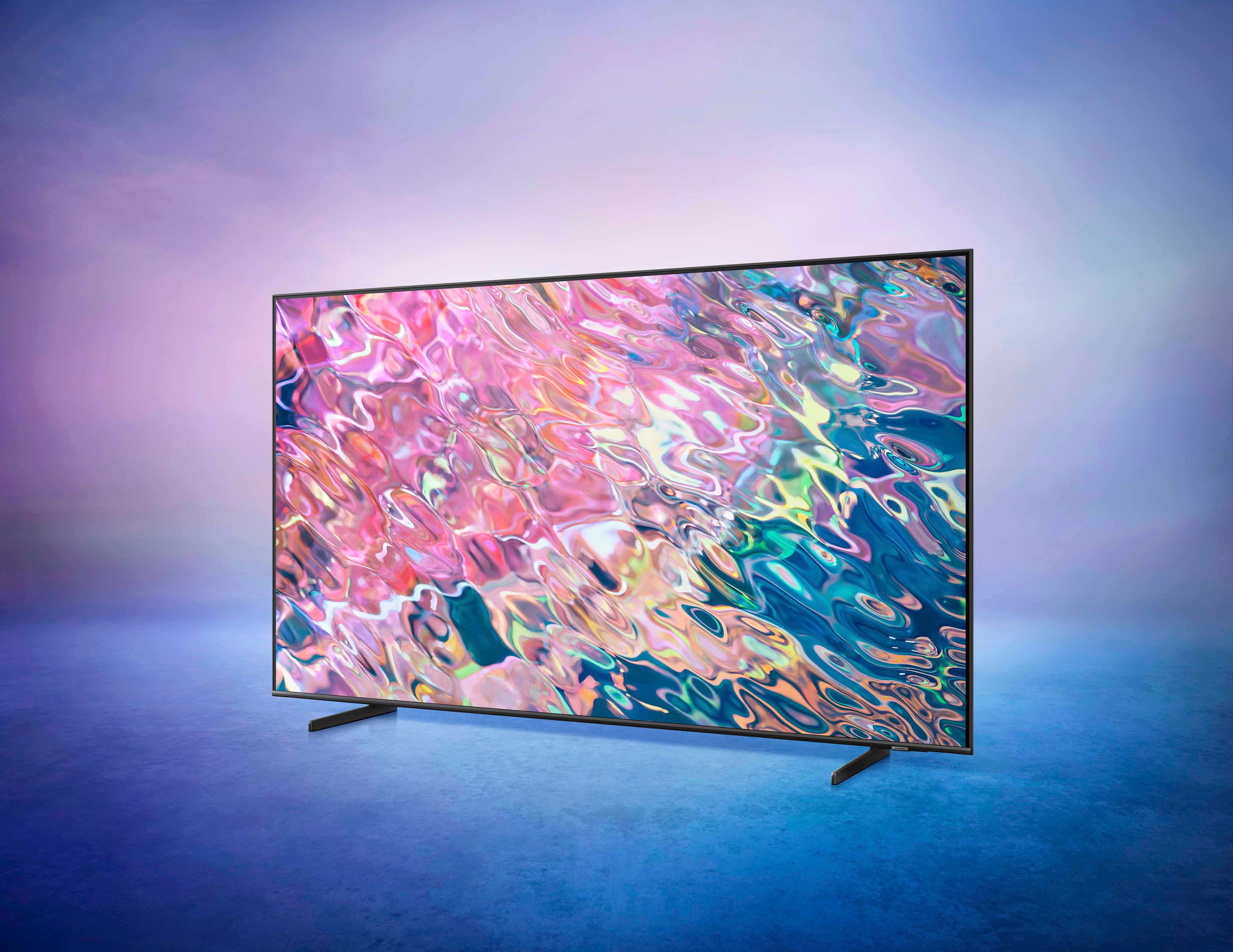
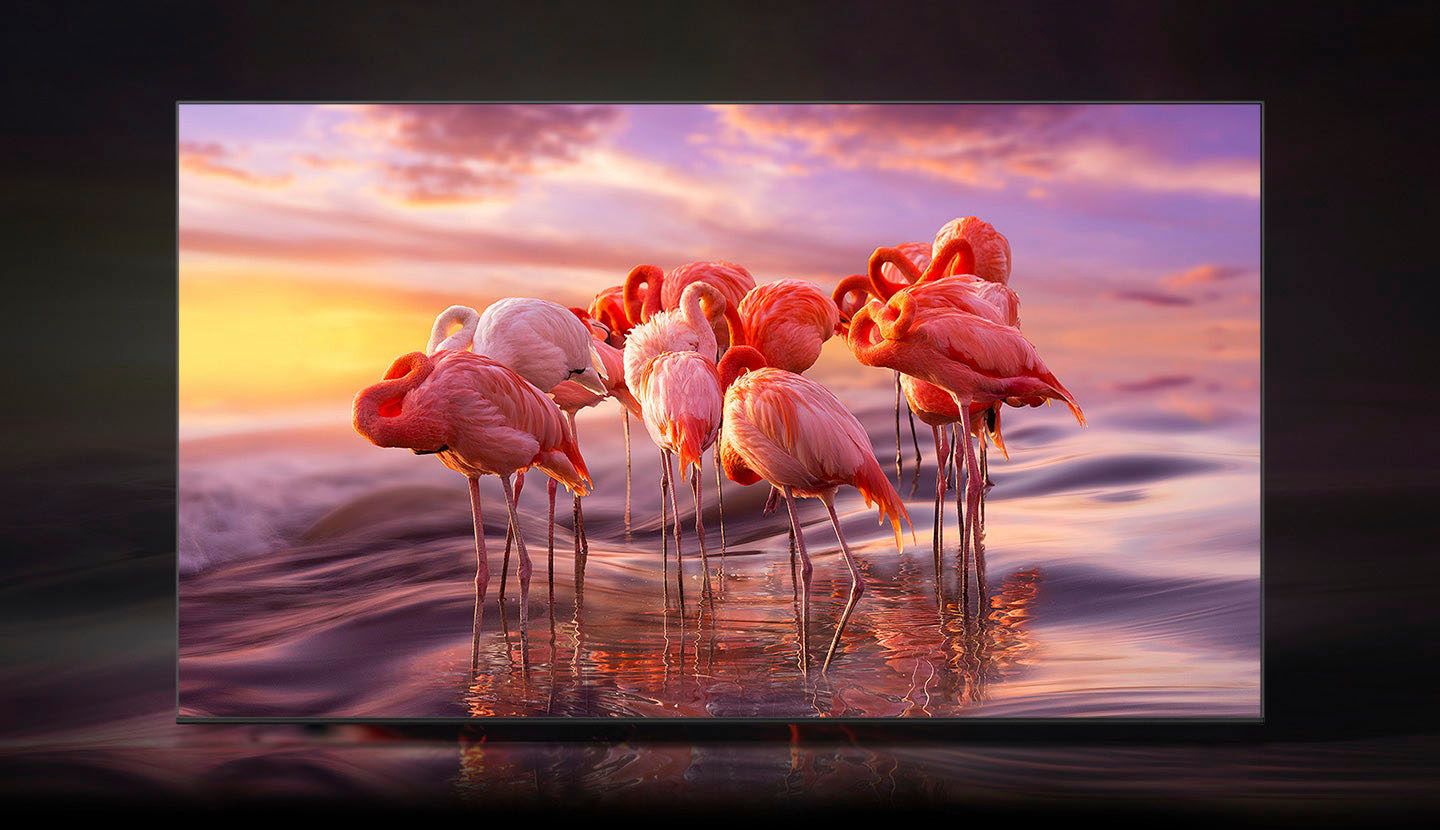
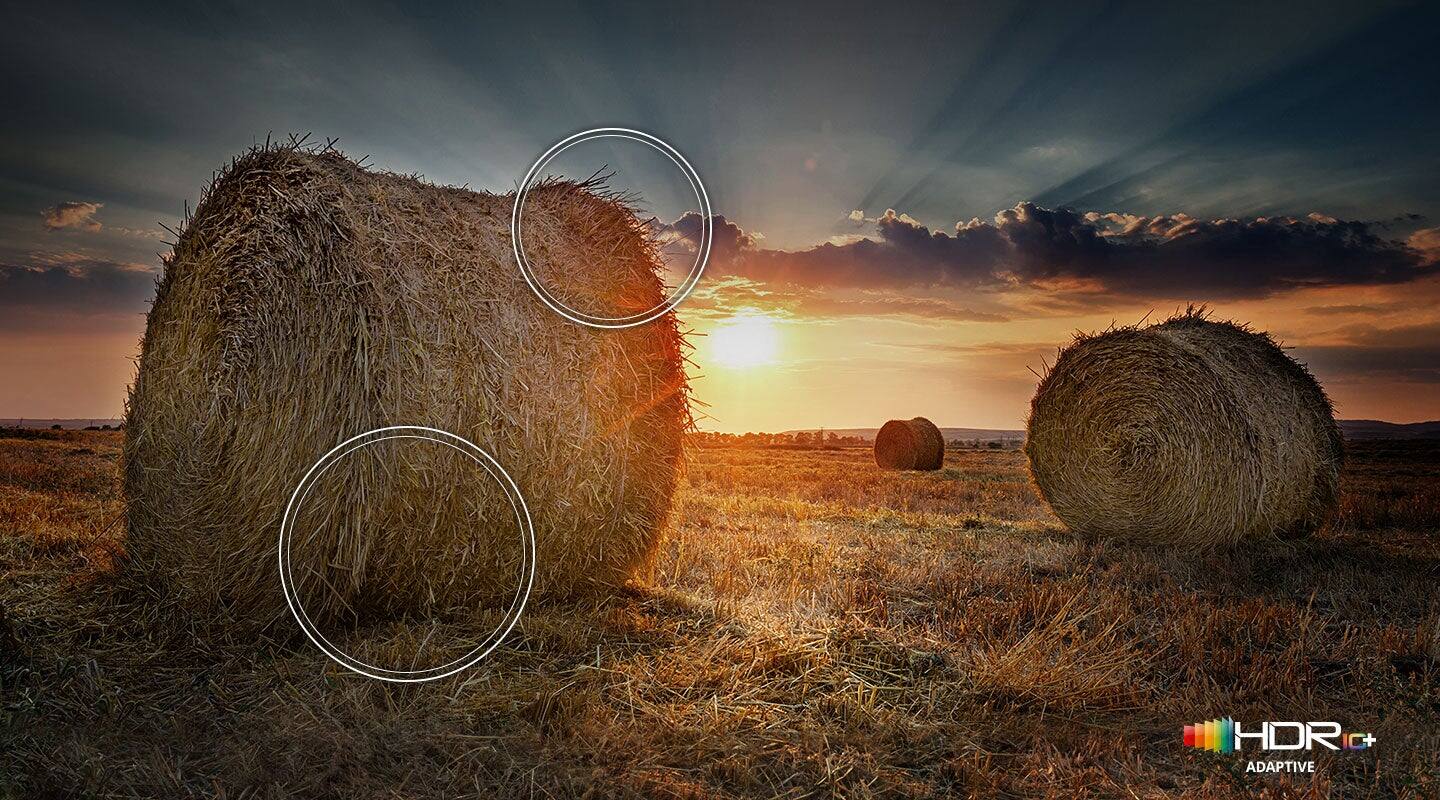
A:AnswerDeeLee - Quantum Dot technology provides you with 100% Color Volume, with over one billion shades of pure accurate color. With detail at any level of luminance, Quantum Dots are durable and scalable to deliver the same amazing picture across various models.
~ Samsung Specialist
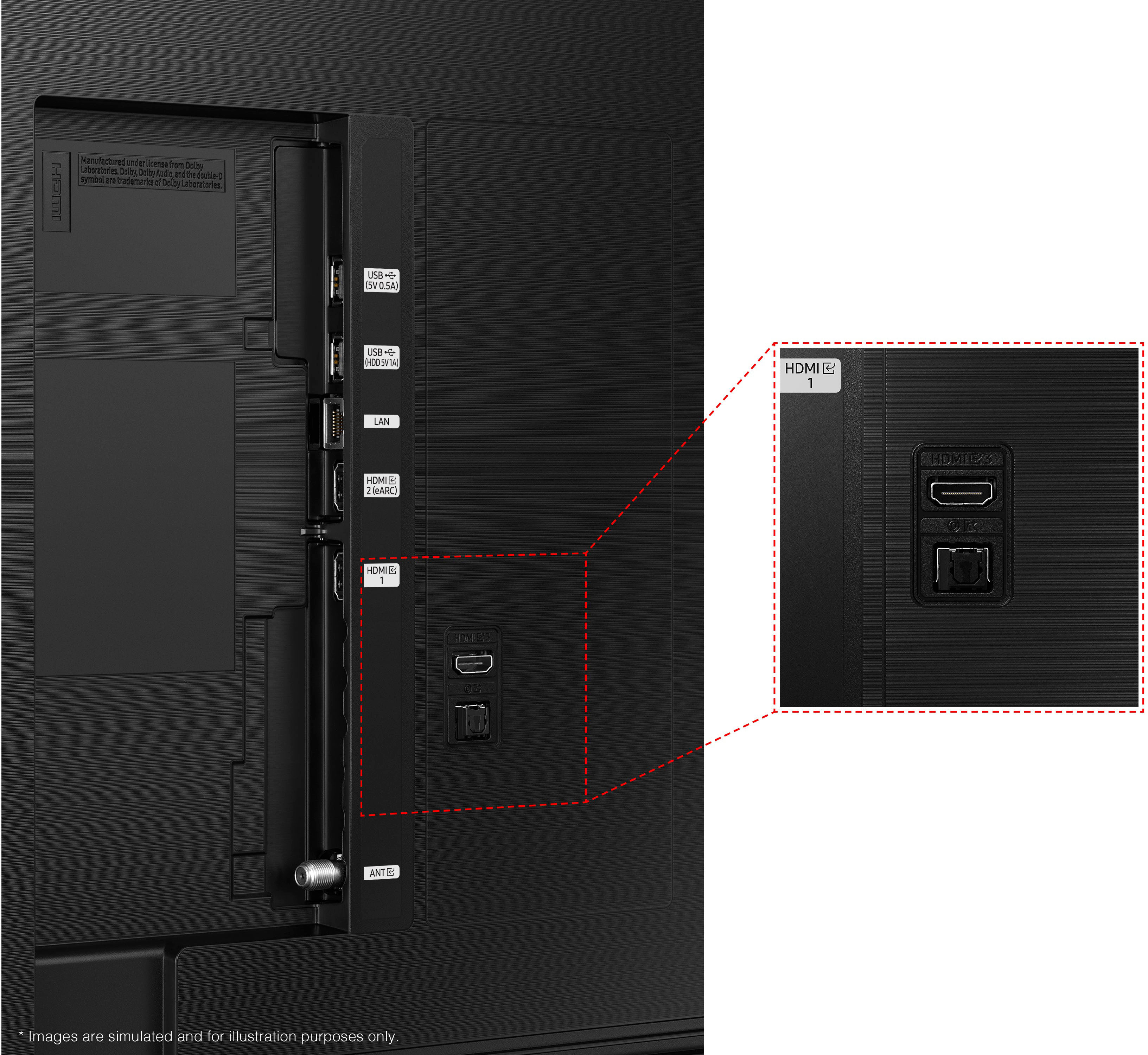
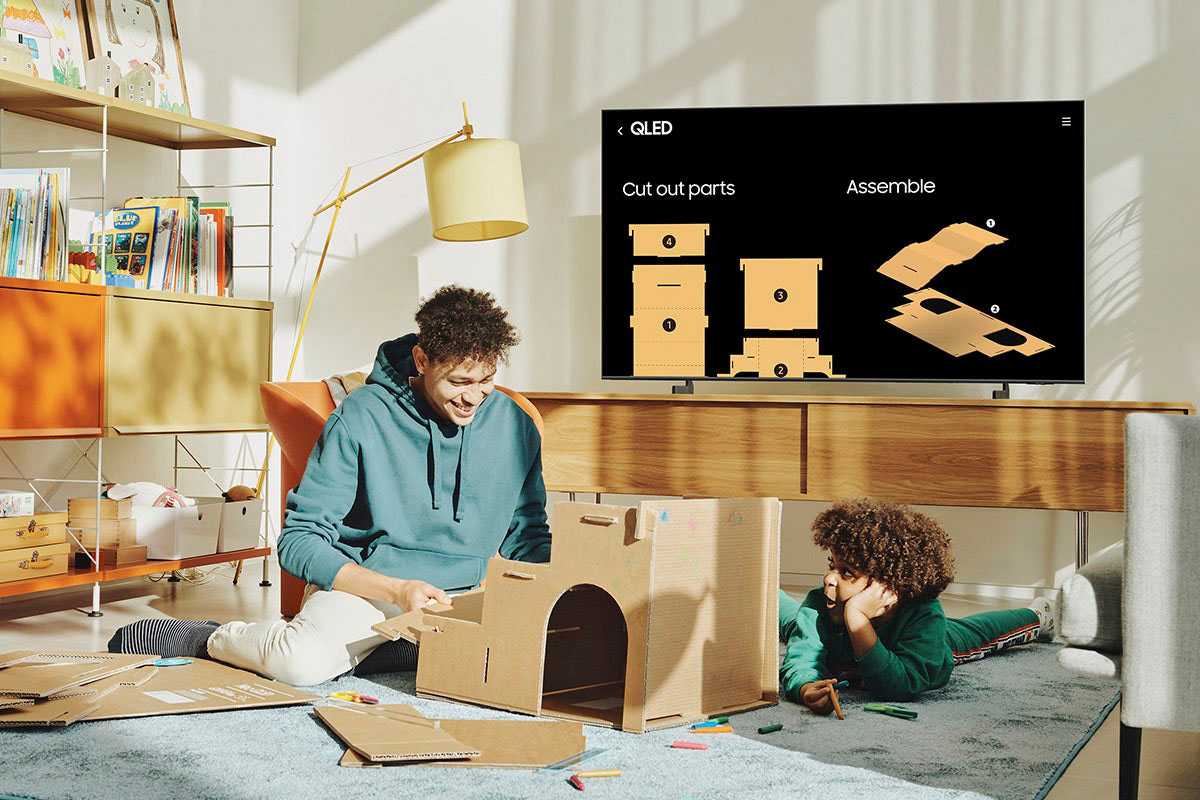
A:AnswerWILLY - Multi View allows you to watch up to two things at once on your TV, including what’s on your Smartphone. Whether it's live stats for the sports you’re watching or cheat videos while you play a game, Multi View provides you with different possibilities for splitting screens and viewing several types of content at the same time. While 2 HDMI inputs can’t be viewed simultaneously, here’s an example of how you can use this feature: On the left screen, you can play apps like TV+ or YouTube, HDMI devices, Antenna or Cable, or USB devices. On the right screen, you can screen mirror, use AirPlay, cast from an app, or cast from an IoT camera.
~ Samsung Specialist
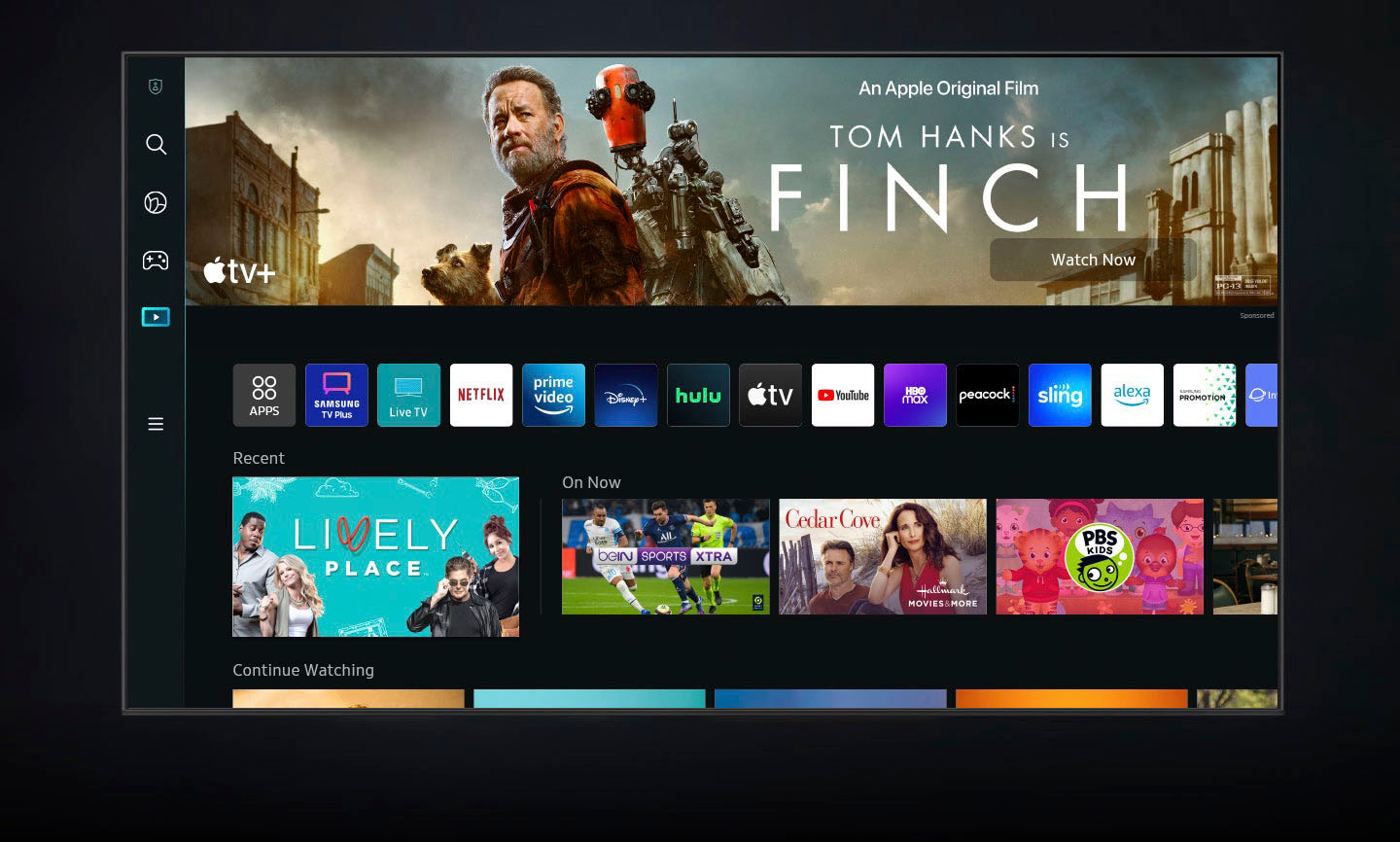
A:AnswerNM - While there's no Peloton app available in the Q60B TV's App Store, you can cast the Peloton app from iOS devices via AirPlay or from Android devices via the SmartThings app.
~ Samsung Specialist
A:Answerglrnn - So that we can better understand and assist you with your question, please reach out to Samsung Support at: 1-800-SAMSUNG, 8AM - 12AM EST, 7 days a week, or Chat with us on Samsung.com: https://www.samsung.com/us/support/contact/
~ Samsung Specialist
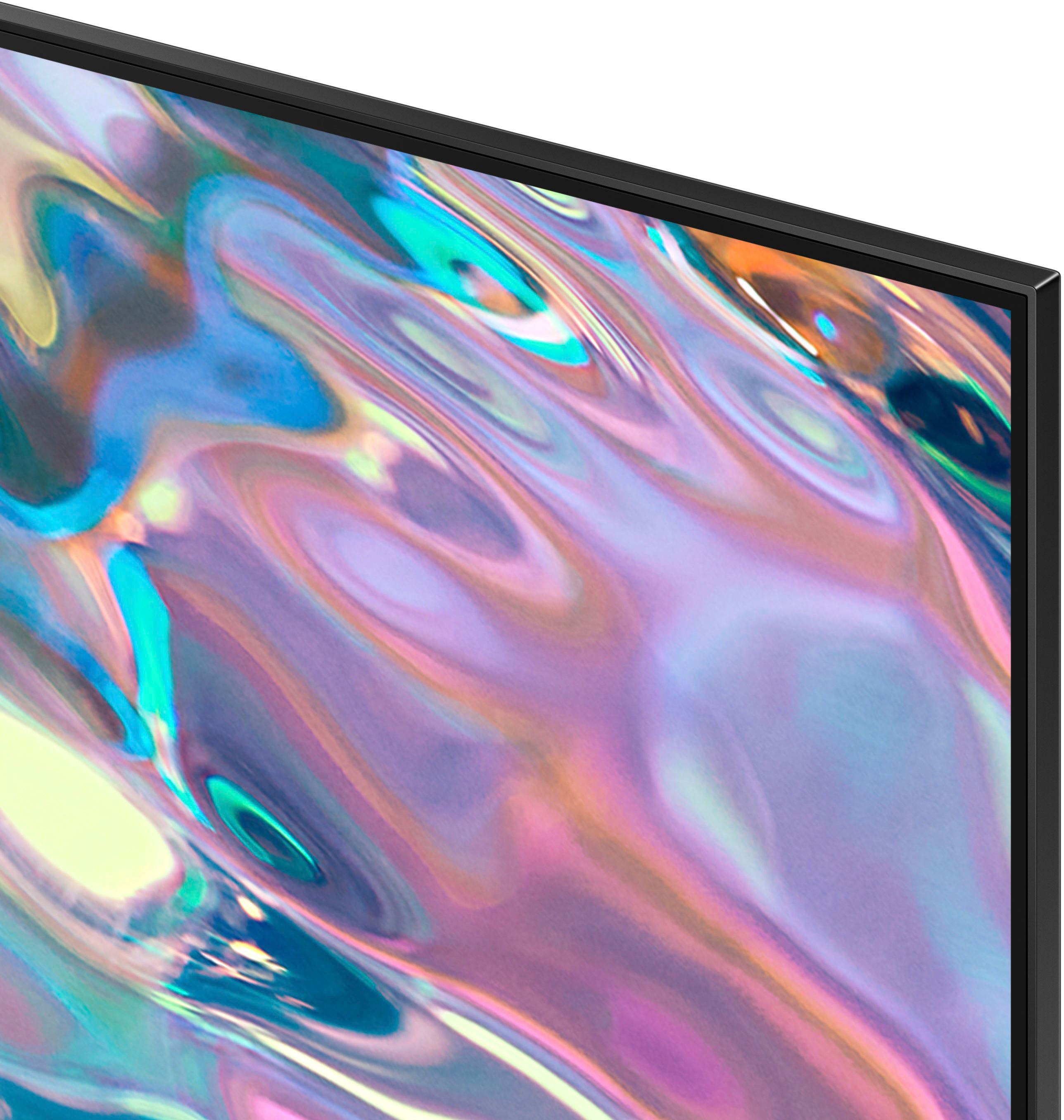
A:AnswerHi KM - The Q60B TV offers Dual LED backlighting to deliver vivid images with improved contrast, off-axis viewing, and color accuracy. Starting with our 55” QN90B TV, you’ll gain Ultra Viewing Angle with Anti Reflection technology which provides wider viewing angles, enhances color, and minimizes glare to help you enjoy shows without distractions.
~ Samsung Specialist