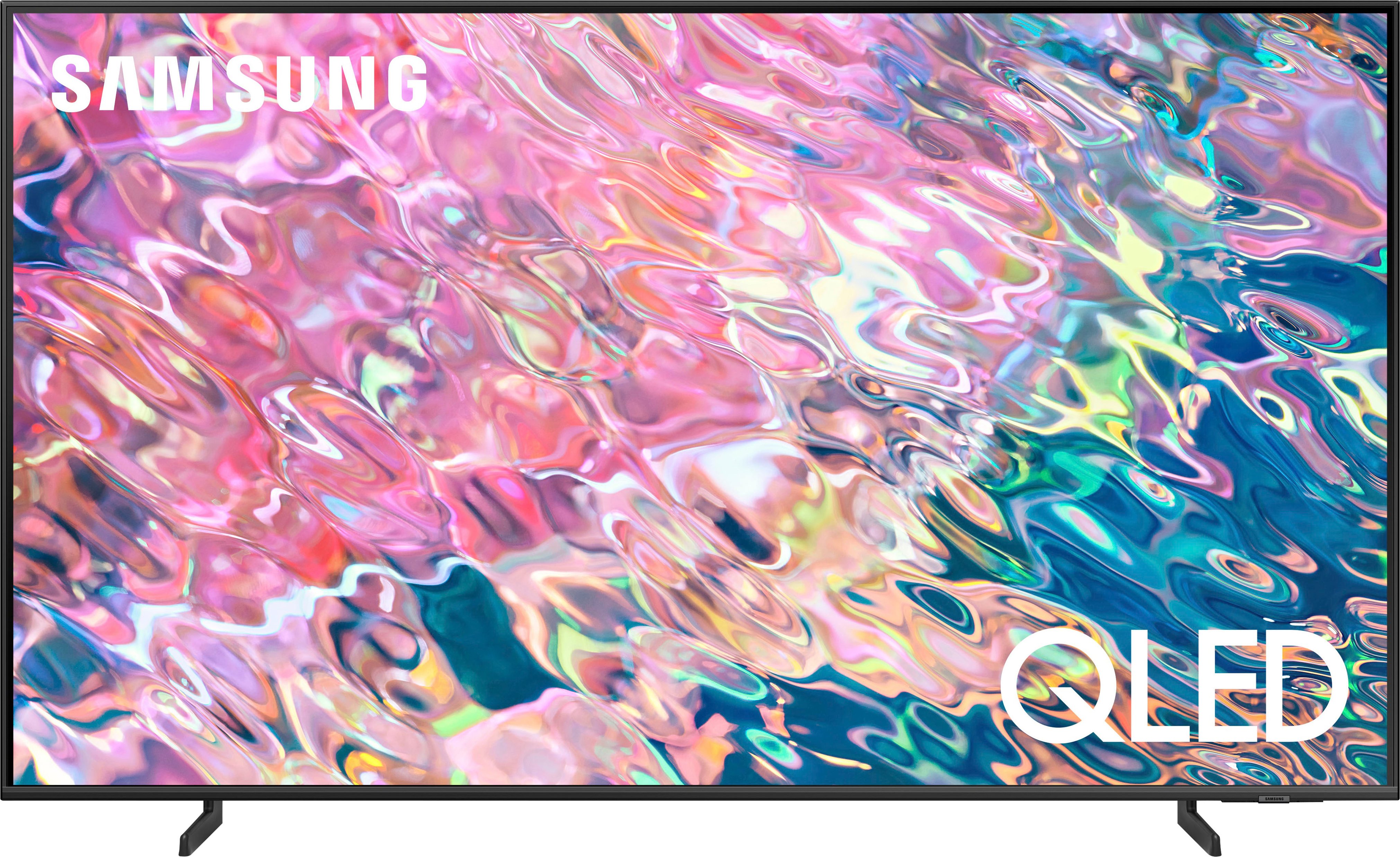
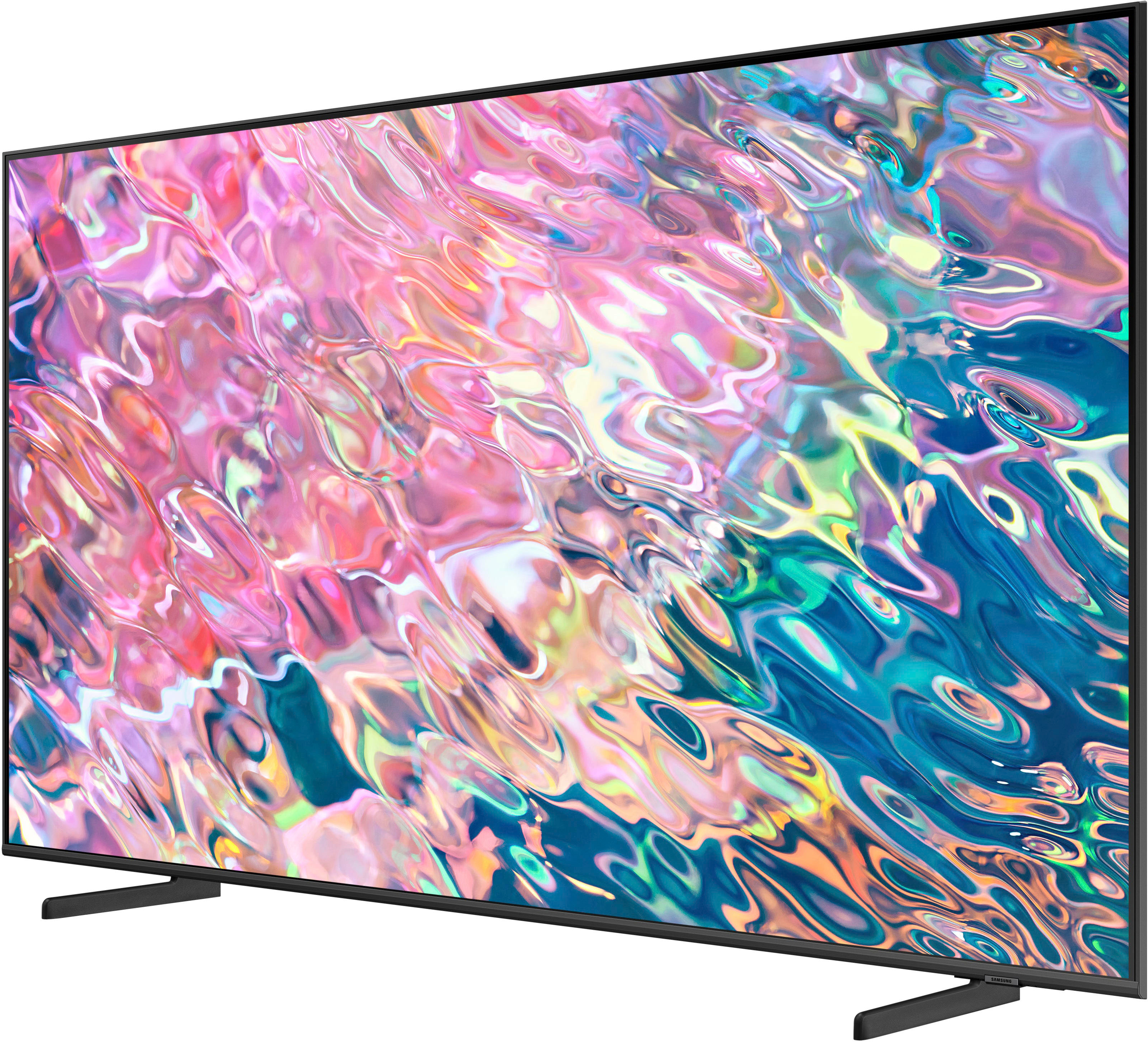
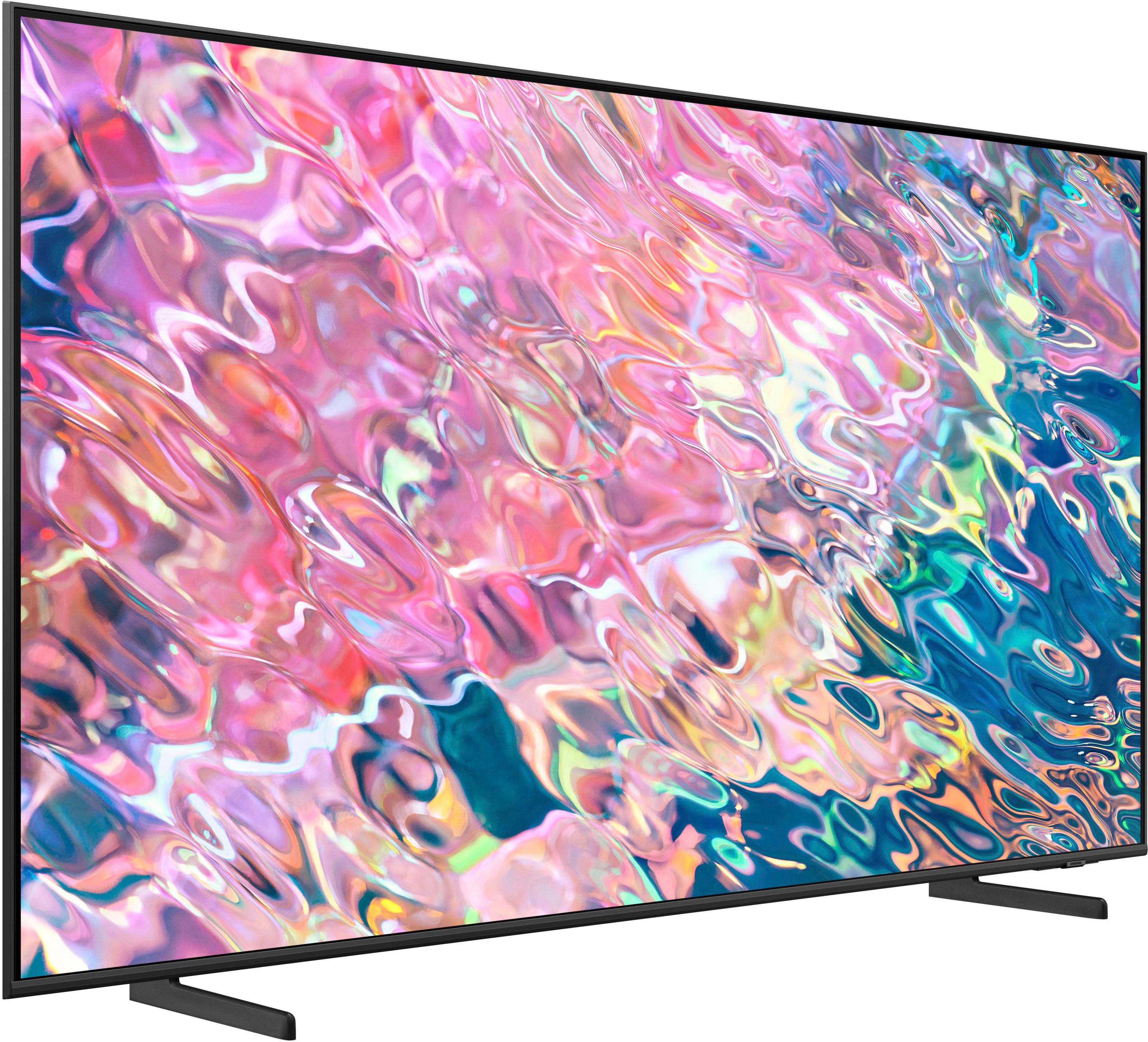
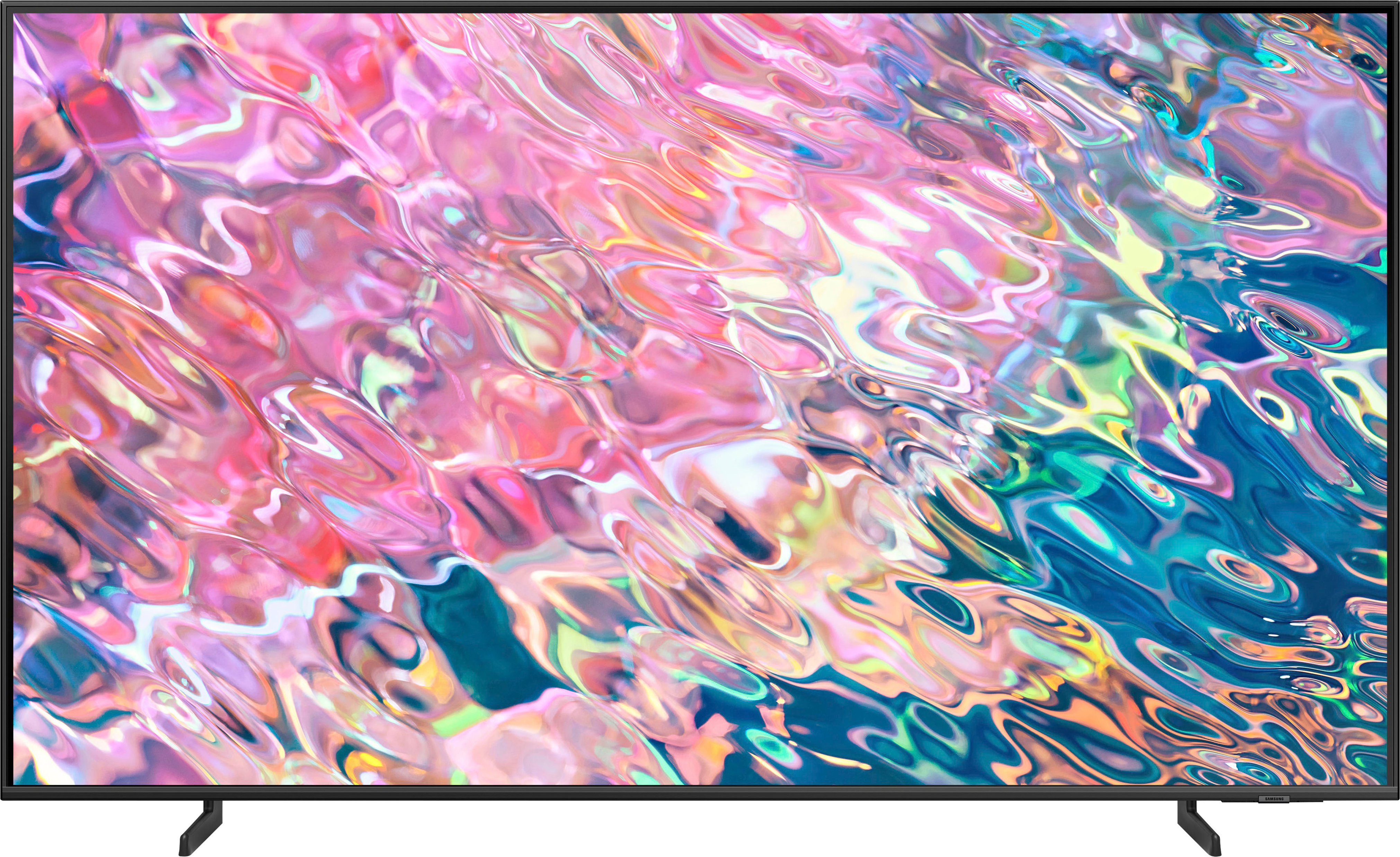
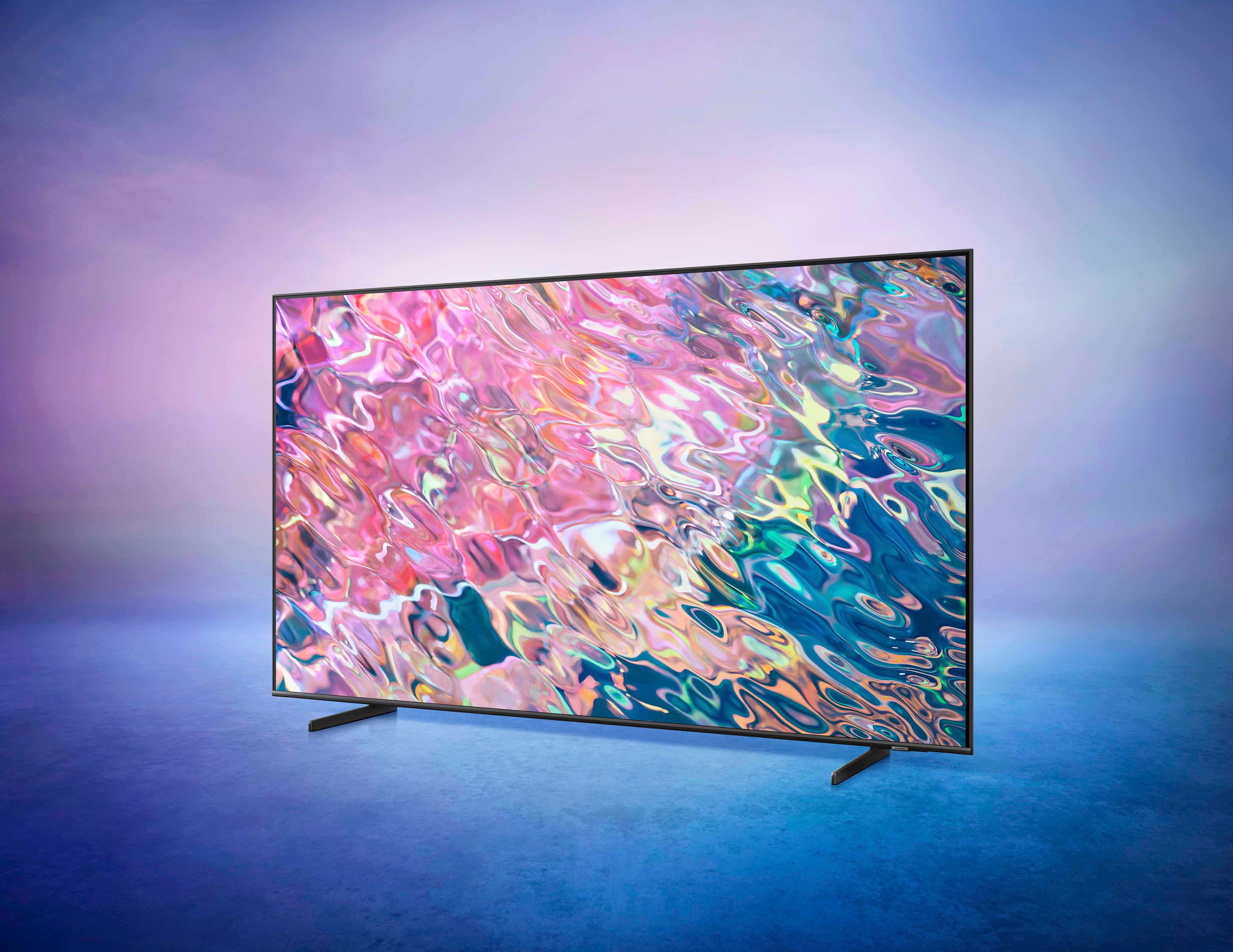
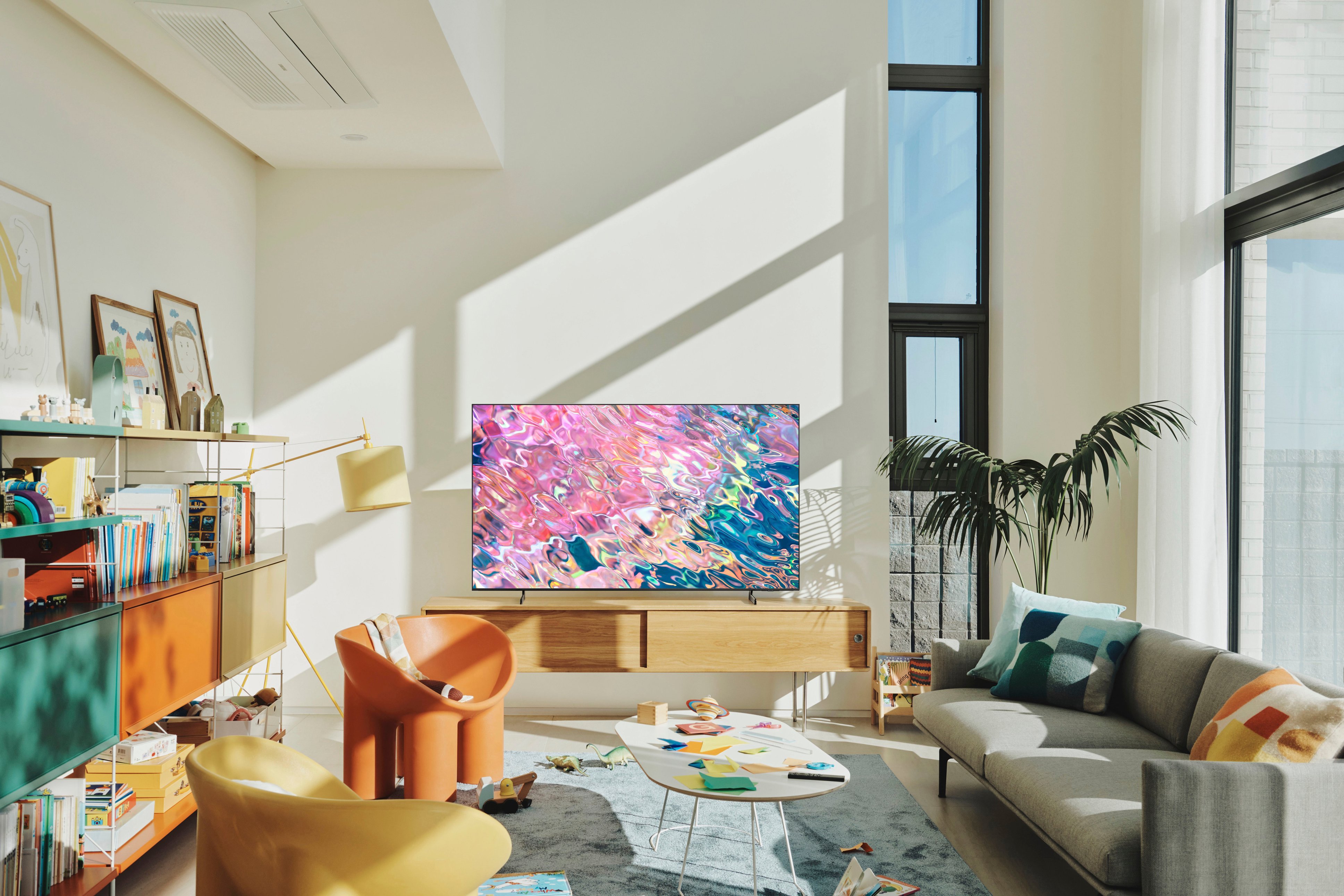
A:AnswerIBChicago - The 50” Q60B TV legs are height adjustable for a total TV height of 26.8" (1.4" of clearance) or 27.8" (2.4" of clearance).
~ Samsung Specialist
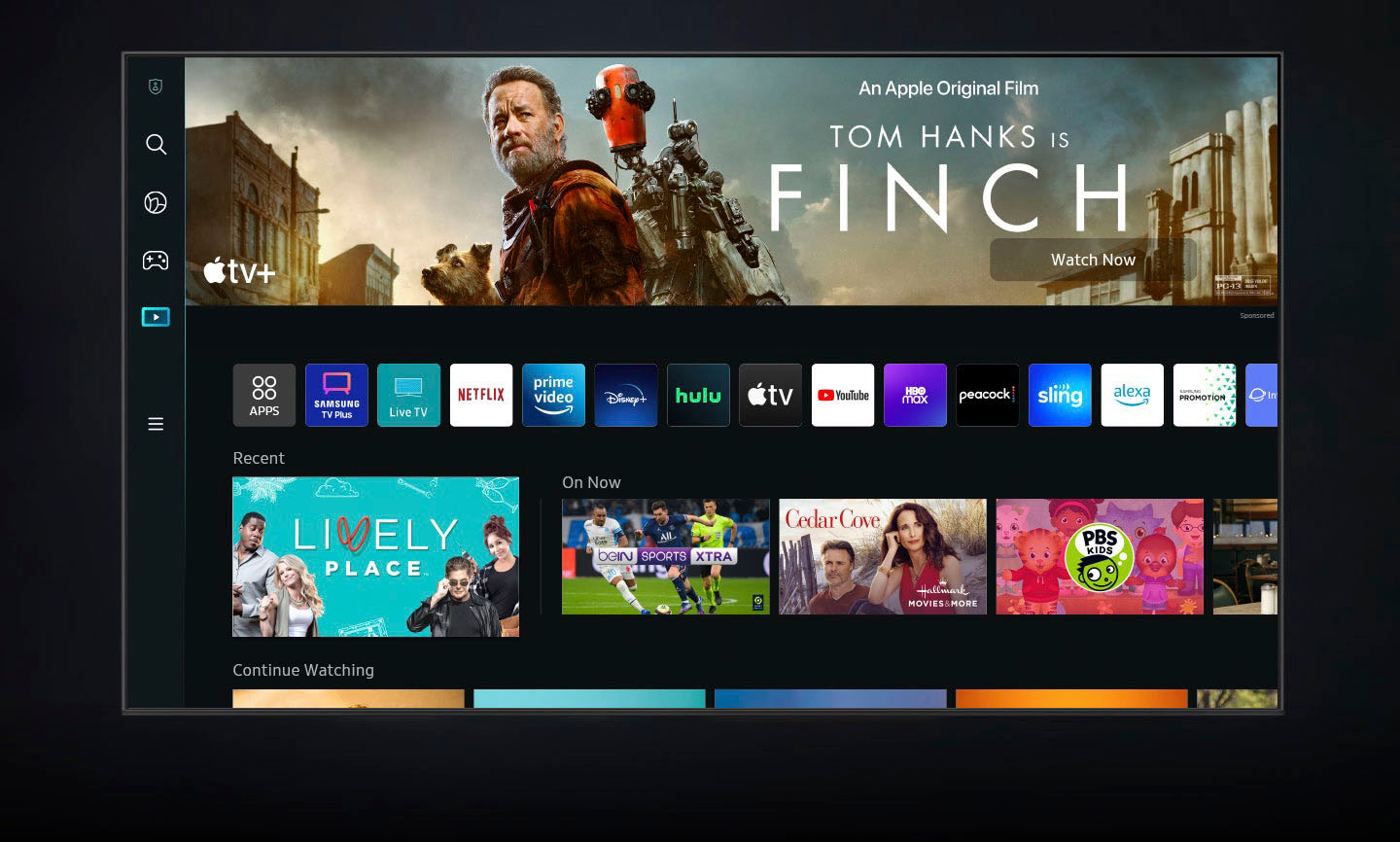
A:AnswerHi Cutip - Absolutely! The Q60B TV features a built-in App Store that allows you to choose from and download hundreds of apps such as discovery+, Disney+, Paramount+ and many more. We are continuously adding more premium content and new services to our Smart TV platform. It also comes with Samsung TV Plus which offers hundreds of free channels of news, sports, movies, and much more.
~ Samsung Specialist
A:AnswerSince this tv is in my bedroom, i usually have subtitles on. I wear hearing aids as well. I do not have a sound bar and can hear it pretty well.
A:AnswerSuds - The Q60B has a built-in ATSC/ClearQAM tuner; when stepping up to the QN90B, you’ll gain a built-in ATSC 3.0/ClearQAM tuner for receiving digital broadcasts. ^Gina
A:AnswerHi Marv39402 - So that we can best assist with your question, please reach out to Samsung Support at: 1-800-SAMSUNG, 8AM - 12AM EST, 7 days a week, or Chat with us on Samsung.com: https://www.samsung.com/us/support/contact/ ^Gina
A:AnswerIf you are asking if there is a shutdown time, yes there is a timer. It will ask after a few hours if you are still watching tv and power off if you done comfirm.
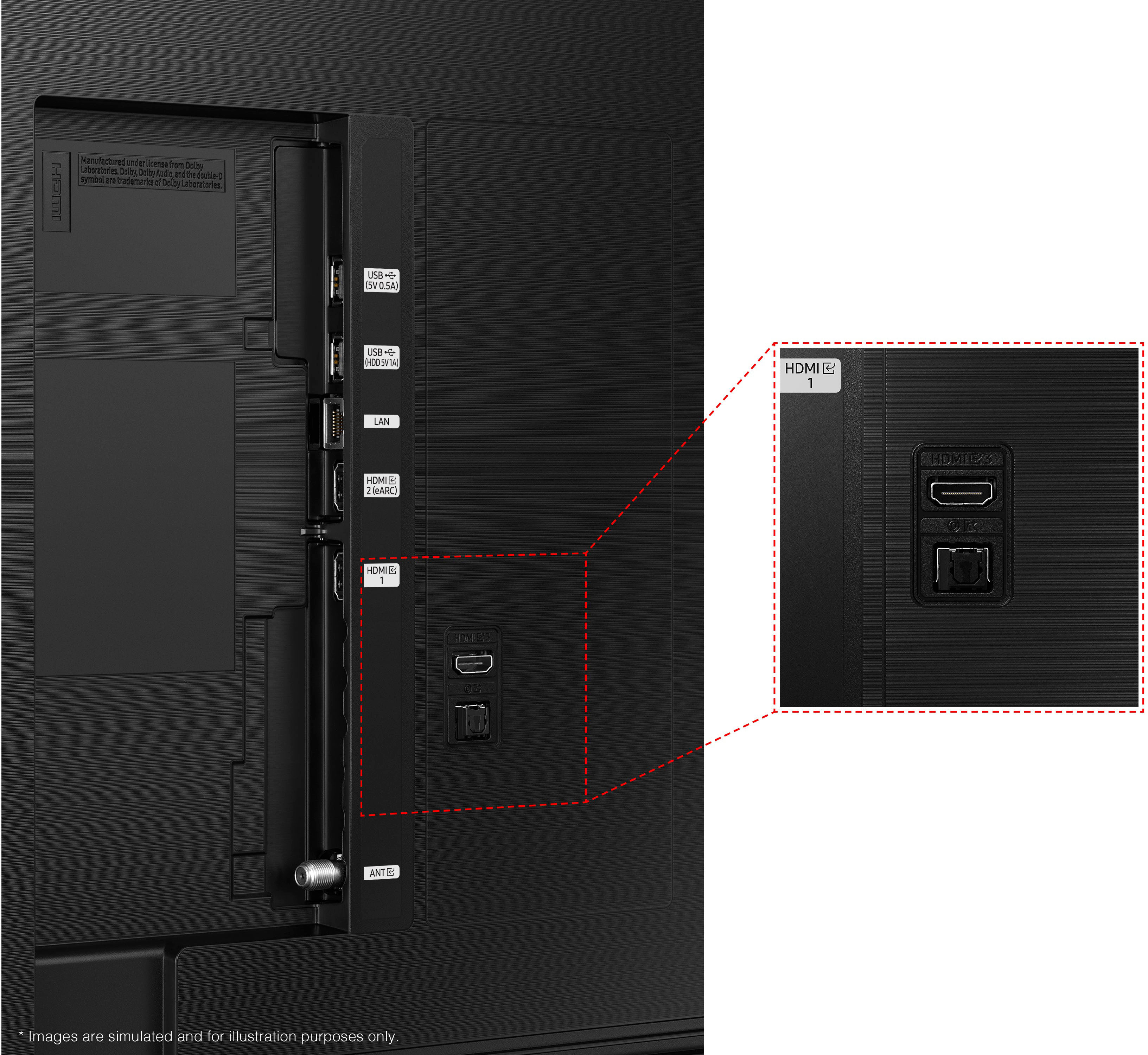
A:AnswerHi garyl - The Q60B features HDMI and Optical ports, as well as Wi-Fi and Bluetooth connectivity; if your soundbar features any of these connection types, you can absolutely use it with the Q60B TV. ^Gina
A:AnswerHi Stoneman! You can use any Bluetooth enabled wireless headphones with the Q60B TV. To assist you with recommendations specific to your usage scenario, we recommend directly contacting or visiting your local Best Buy store. ^Gina
A:AnswerBob - The Q60B is powered by Quantum Dot Technology. QLED TVs’ durability lies in Samsung’s use of Quantum Dots, allowing QLED TVs to offer exceptional, long-lasting picture quality. ^Gina
A:AnswerHi NessaTay - The Q60B features Multi View which provides you with the option to view different two different types of content side-by-side. For example, you can view media from different sources, such as an app, Blu-ray player, or game console, on the main left screen, while also mirroring your phone to the smaller screen. Multi View provides you with different possibilities for splitting screens and viewing several types of content at the same time. On the left screen: You can play Samsung TV Plus, TV apps, HDMI devices, Antenna or Cable, or USB devices. On the right screen: You can screen mirror, use AirPlay, cast from an app, or cast from an IoT camera. 2 HDMI inputs cannot be viewed at the same time. ^Gina
A:AnswerHi HarryESJ,
Thanks for asking! The Picture: Both models feature our Quantum Processor 4K Lite, 100% Color Volume with Quantum Dot Technology, and Dual LED backlighting to deliver vivid images with improved contrast, off-axis viewing, and color accuracy. Sound: When paired with a Q or S Series Soundbar, you can take advantage of Q-Symphony 3.0, which uses AI to enhance further and amplify your sound for a more accurate and immersive audio solution.
Features: The Q60C includes Telemedicine for at-home care and ConnecTime to make and receive video calls – directly from the TV itself. Lastly, Gaming: Game Bar 3.0 adds MiniMap Sharing and Virtual Aim Point to elevate the experience for every type of gamer.
~Samsung Advisor