A:AnswerHi Ron,
The U7900F TV is backed with a limited 1-year Manufacturer’s Warranty when purchased brand-new from an authorized dealer. You can enter the model number to review the full warranty details here: https://www.samsung.com/us/support/legal/LGL10000312/#standard-limited-warranty
~ Samsung Advisor
A:AnswerHi SuzieQ,
The Sleep timer offers several increments up to 180 minutes, including 30, 60, 120, and 190 minutes. Go to Home > Settings > All Settings > General & Privacy > Power and Energy Saving > Sleep Timer.
~Samsung Advisor
A:AnswerHi Curious,
No, the TV Timer does not offer specific on and off times. However, you can set up a routine in SmartThings to turn your TV off and on at a specific time.
~Samsung Advisor
A:AnswerHi Curious,
The TV Timers offers an off setting, but at a specific time each day. However, you can set up a routine in SmartThings to turn your TV off and on at a specific time.
~Samsung Advisor
A:AnswerHi Elipyo,
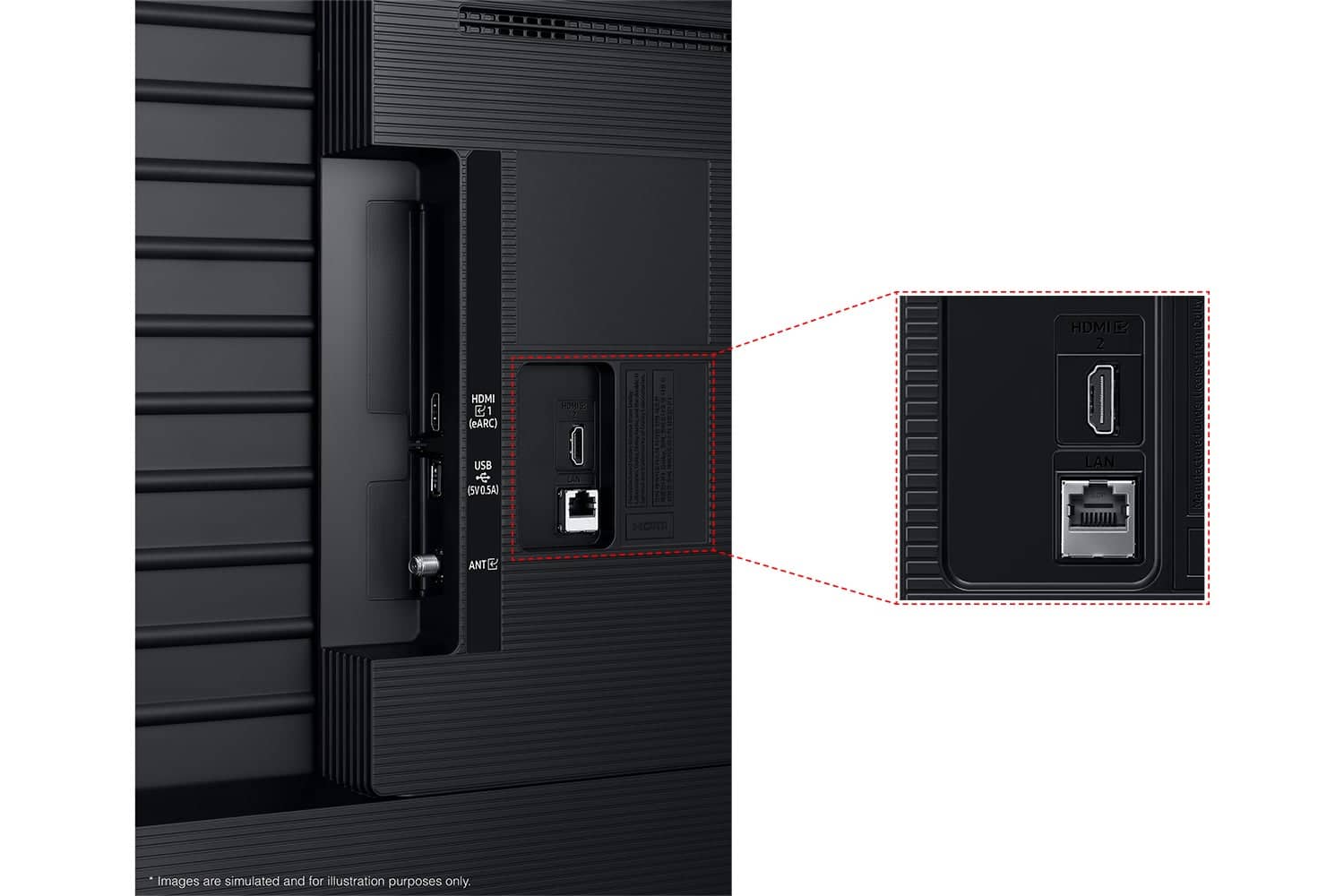
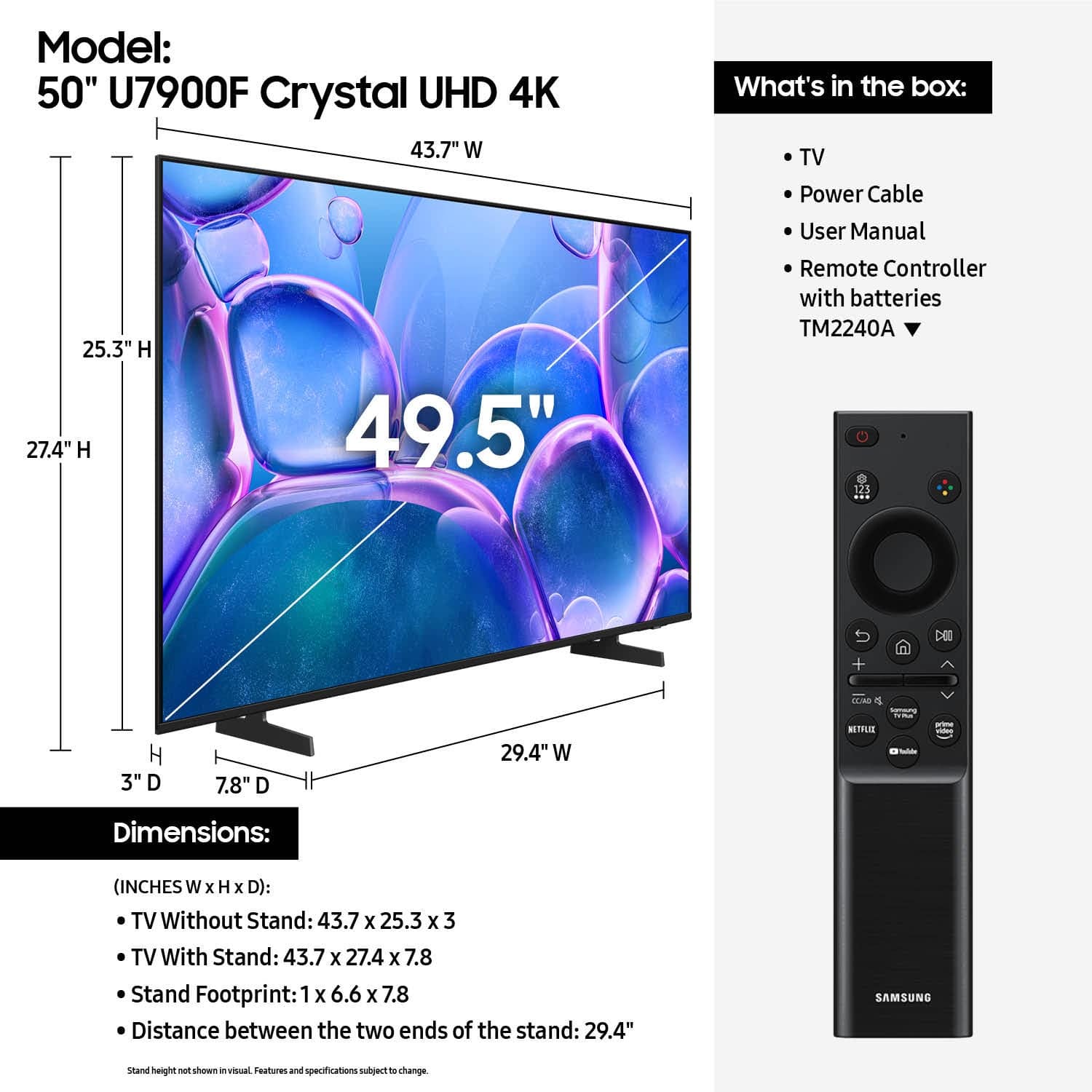
The connections should be similar. You should be able to connect your DVR via HDMI or coax cable. A remote control is included with purchase.
~Samsung Advisor
A:AnswerHi Ray,
Best Buy has delivery and setup options available when you make your purchase. You do need to purchase these additional items, or they will not set up the TV for you. I recommend reaching out to your local Best Buy directly to assist you with your purchase.
I hope this helps!
~Samsung Advisor
A:AnswerHi Wood,
To reset your TV try the following:
1. Cold boot – Hold the Power button on your remote for 5+ seconds until the TV restarts.
2. Reset Smart Hub – Home > left directional key > Settings > Support > Device Care > Self Diagnosis > Reset Smart Hub (This will sign you out of apps and reset Smart Hub to factory default.)
~Samsung Advisor