A:AnswerI find it funny that the Samsung person would say it doesn't support bluetooth, when it clearly does. It supports connecting to bluetooth speakers. I just set mine up last night, and saw it in the menu options.
I believe I also saw support for a bluetooth keyboard
A:AnswerYou will need to connect the headphone tower via optical cable. Locate the optical port on your Samsung One Connect, then on your Sony headphone tower, connect with optical cable. If you don't have an optical cable, BestBuy sells them.
This is a generic set up, if you provide a model number for your headphones I could help further.
A:AnswerYes, the tv stand design is not very good, as they are way to wide for most common tv stands, My stand was 3" too short. I had to purchase a strong 70" X 12" wood board to place between the my tv stand & tv for a strong support. It works!
A:AnswerThe one connect cable goes from the one connect box to the back of the television. You just need to connect an hdmi cable from your cable box to the one connect box, and you should be fine. I hope that helps
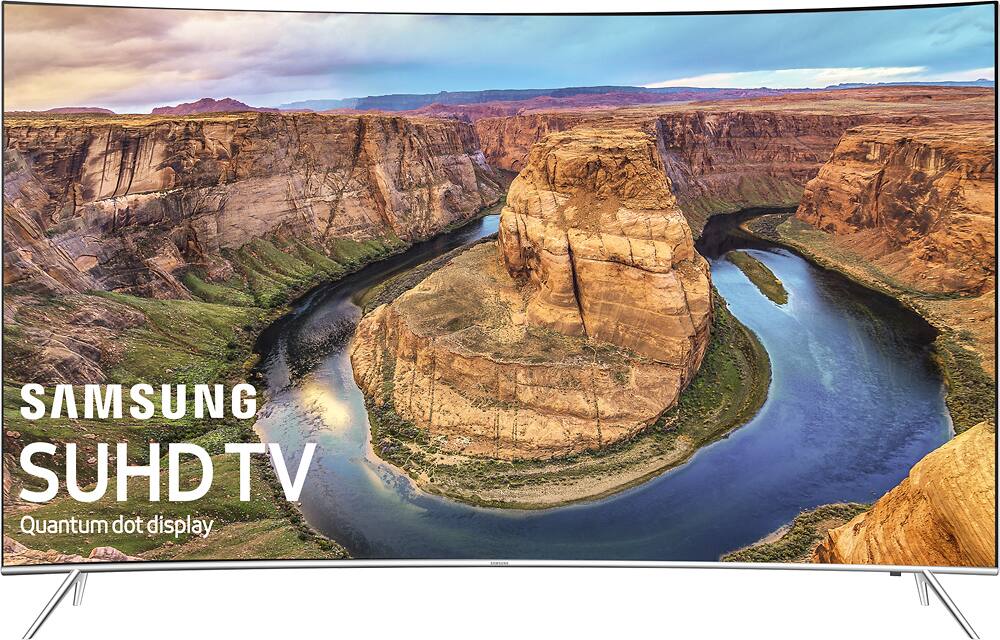
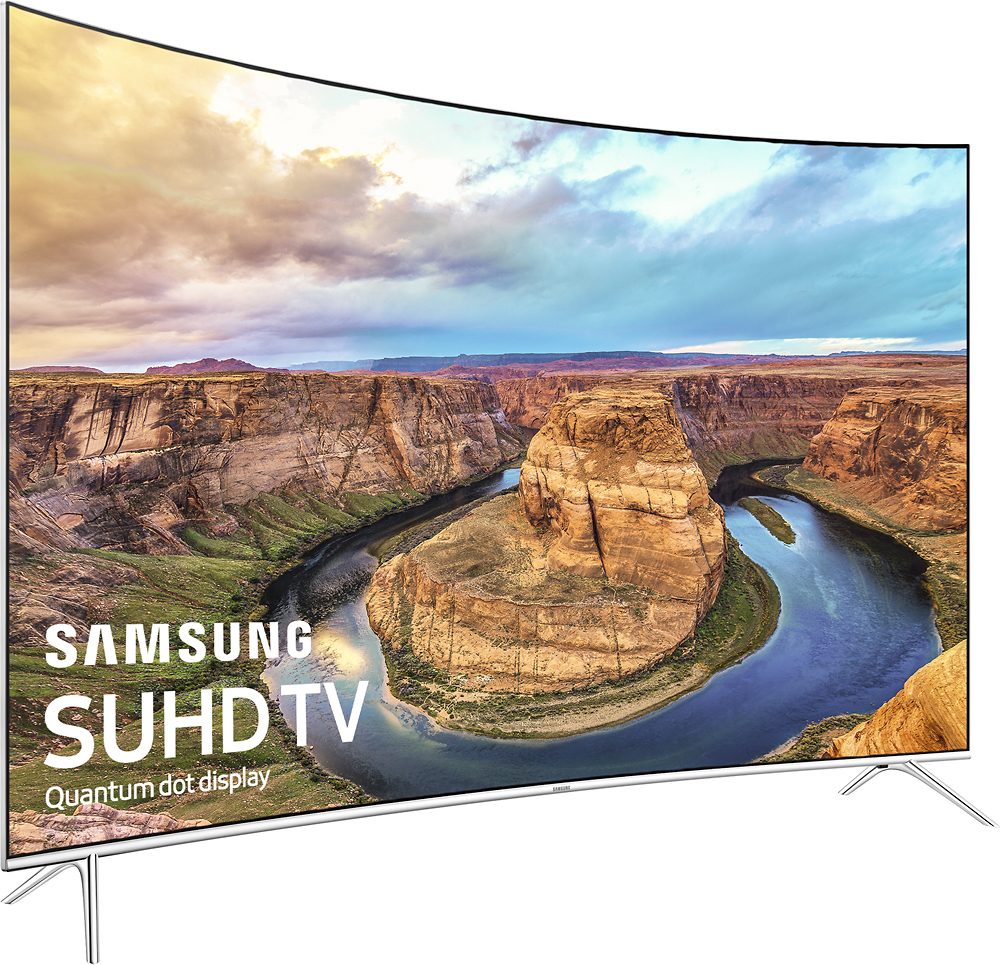
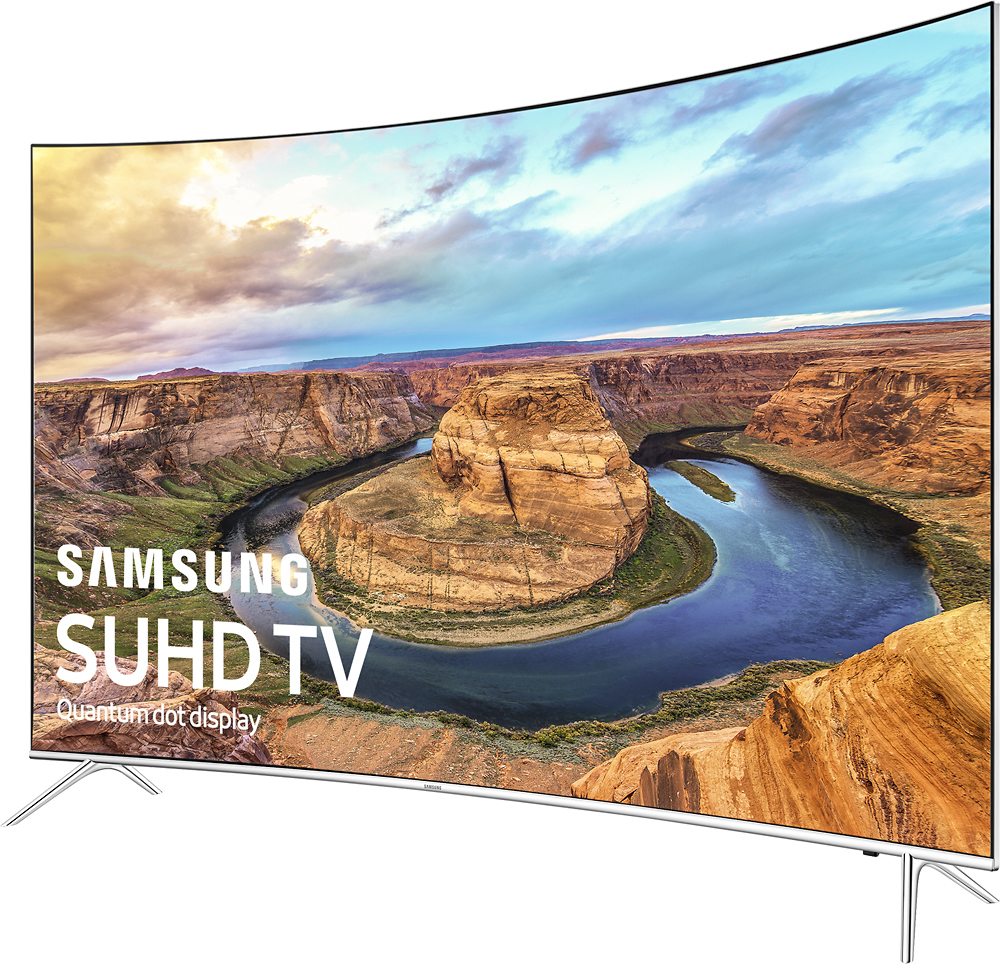
A:AnswerThe length from the outer edge of the back legs is 43 3/8". The front legs are a little closer to each other, they're 43 1/8" from the outer edge of each leg.
A:AnswerIn my opinion it makes a difference. I feel like the image on a curved display has more "in life" quality to it. Almost as if it brings you a little closer to actually being in the experience. It's easy to test out for yourself though, almost all TV retailers have both curved and flat units on display.
A:AnswerThe metal portion that goes into the bottom of the TV is about 2" and each stand is marked either Left or Right, no confusion or it won't fit correctly. After stands is in correctly, you have a 3" clearance under the TV enough room to put your sound bar under. Hope this helps