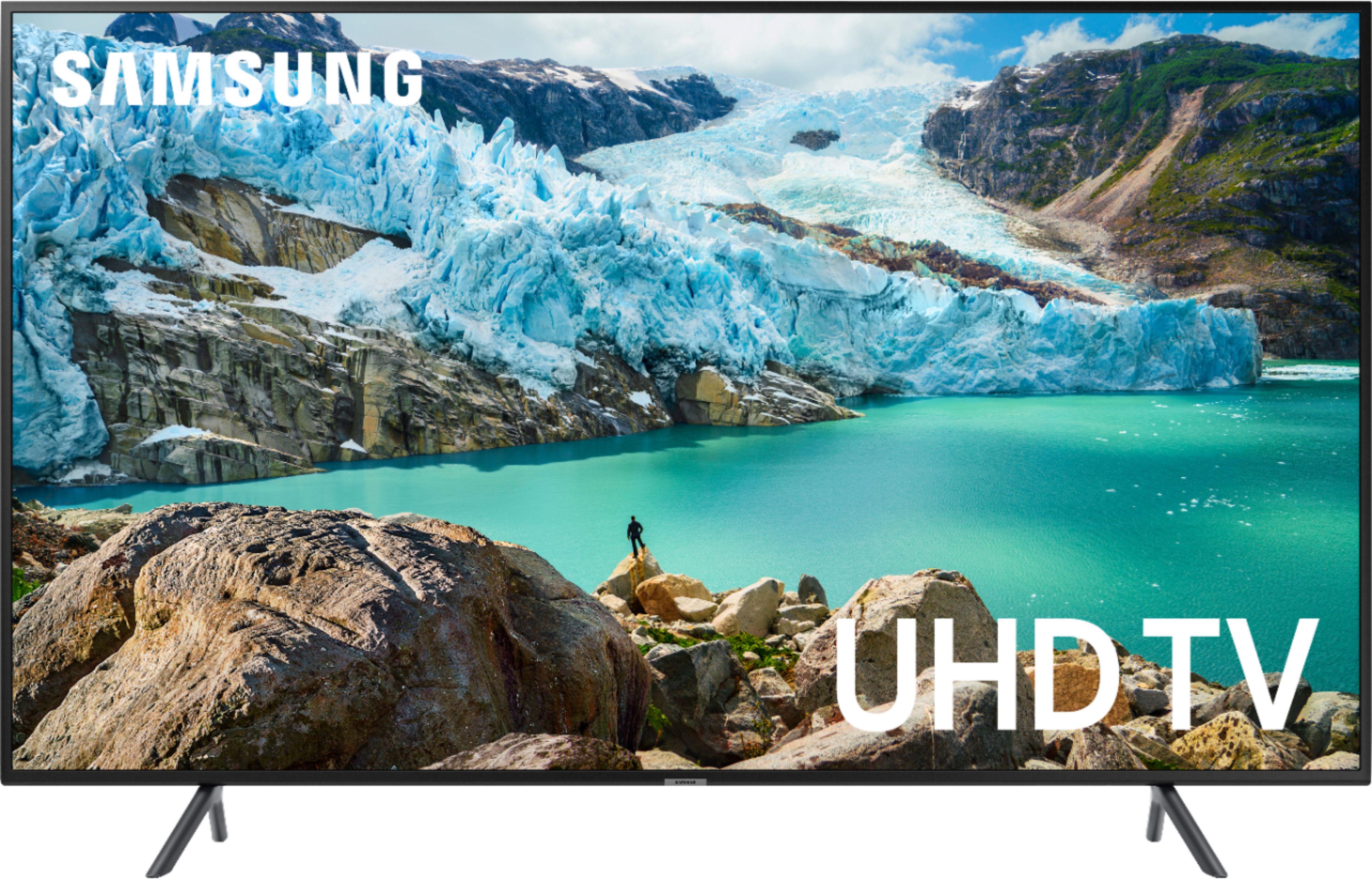
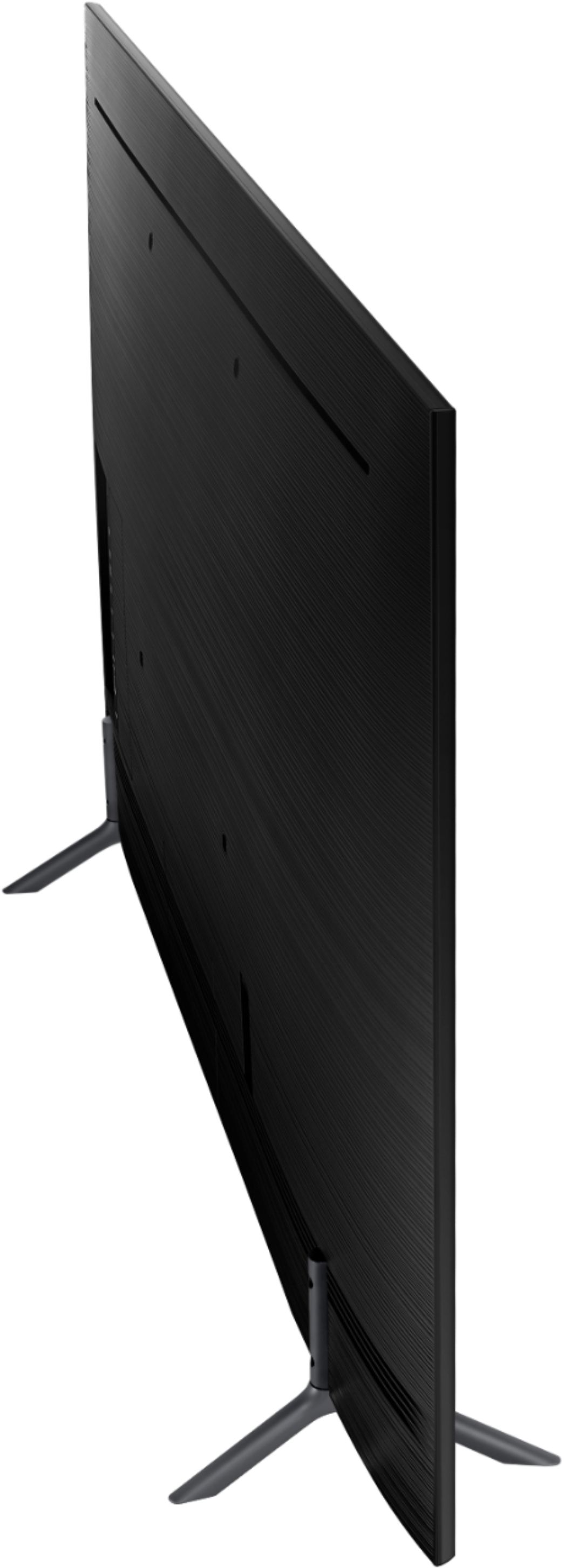
A:AnswerThe TV measurements from side to side is 49 inches. The TV measurements from top to bottom are 28 1/2 inches. These measurements are screen side only and do not include the legs of the TV or the bevel in back of the TV for inputs.
A:AnswerI think you’re going to need a modem and router to stream tv and not be a victim of Cable. At least that’s what I was told. Be sure to buy your own so you’re not dependent on the Cable provider. I’m streaming live tv via YouTubeTv which was recommended on CNET.com. In their search engine ... cut the cord. Article reviews YouTubeTv, Hulu, Sling etc
A:AnswerScreen dimensions are measured diagonally from corner to corner on TV's. which would be 54 5/8" wide and 26 5/8" high on the Samsung.
If you need the dimension measuring strait across the screen it is 47 5/8" wide and 26 5/8" high.
Hope this helps.
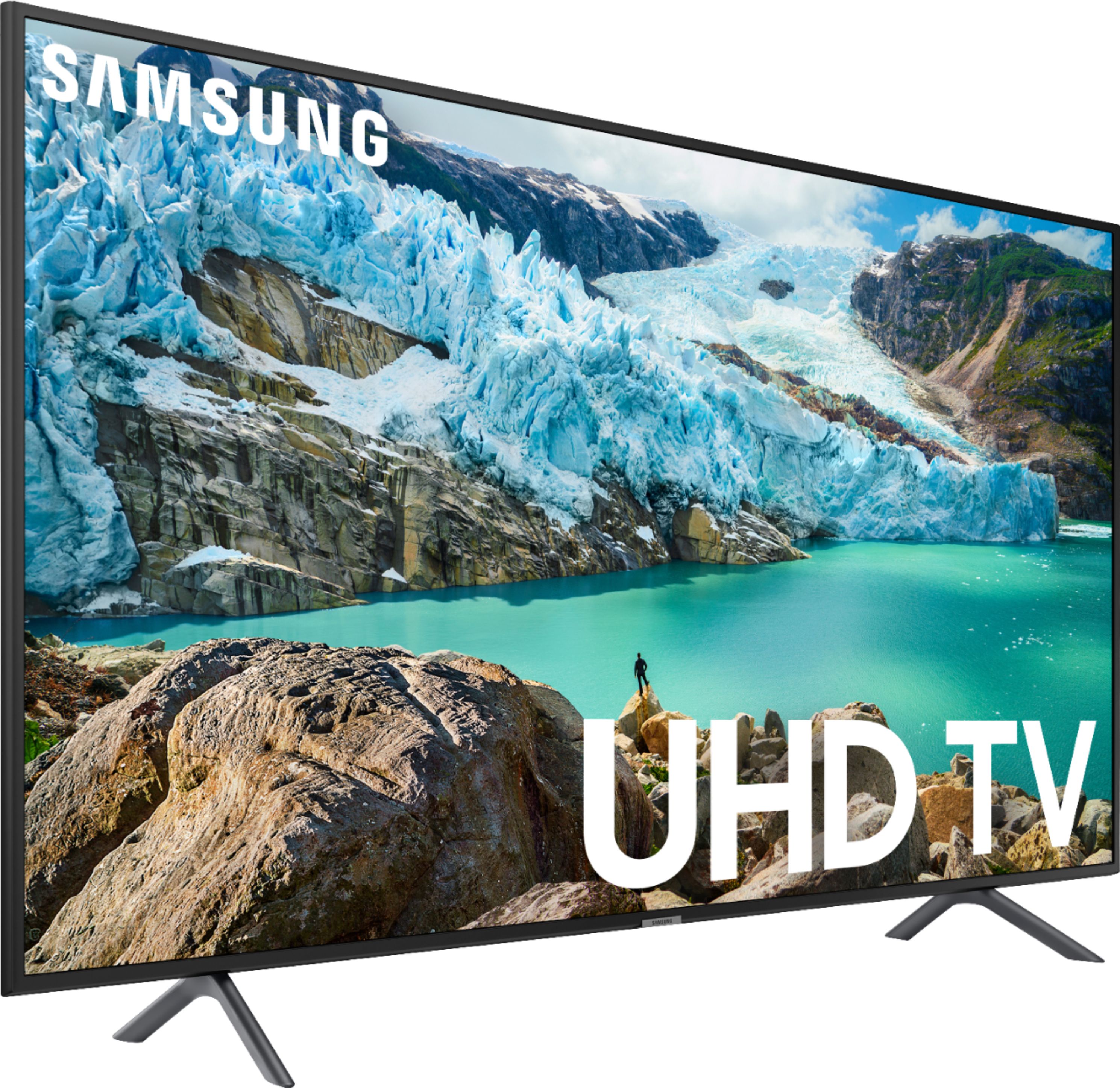
A:AnswerHere are the dimensions:
Product Height With Stand
31.2 inches
Product Width
48.8 inches
Product Depth With Stand
10.3 inches
Product Height Without Stand
28.1 inches
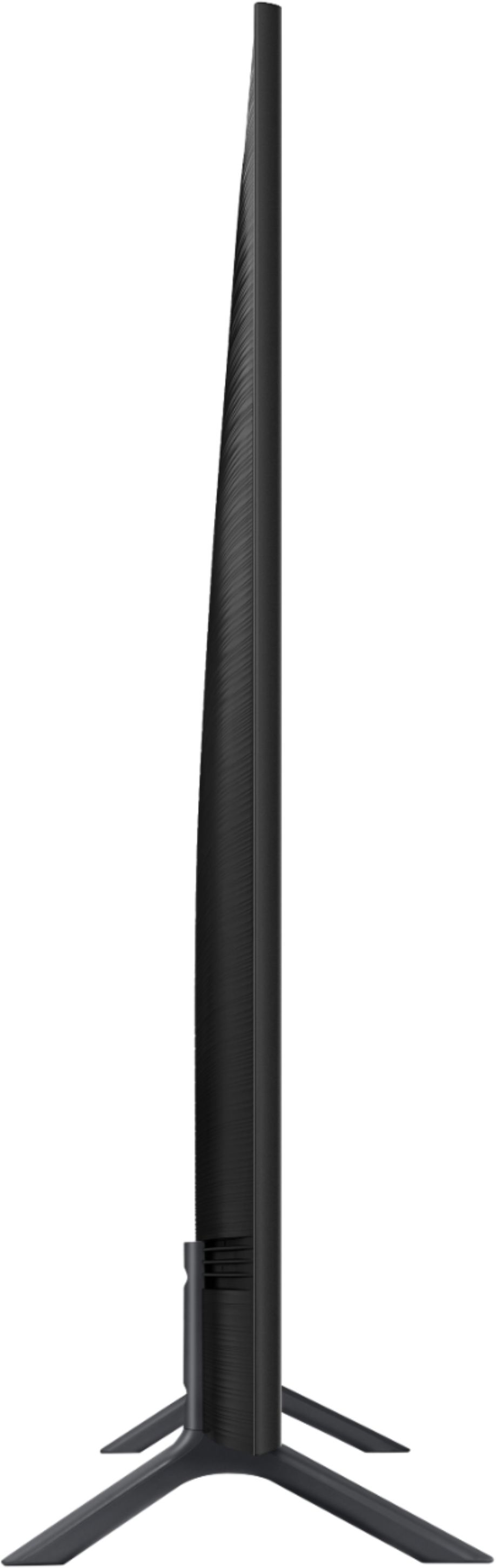
Product Depth Without Stand
2.3 inches.
A:AnswerFor use as a PC monitor, PC Mode can be enabled by setting the Device Type to PC from the Input Device Manager submenu in the External Device Manager menu. For proper chroma 4:4:4 support, HDMI UHD Color must be enabled for the port. When in PC Mode, a Sharpness setting of 10 is the default neutral setting. It is not possible to add sharpness, instead decreasing the setting will soften the image.
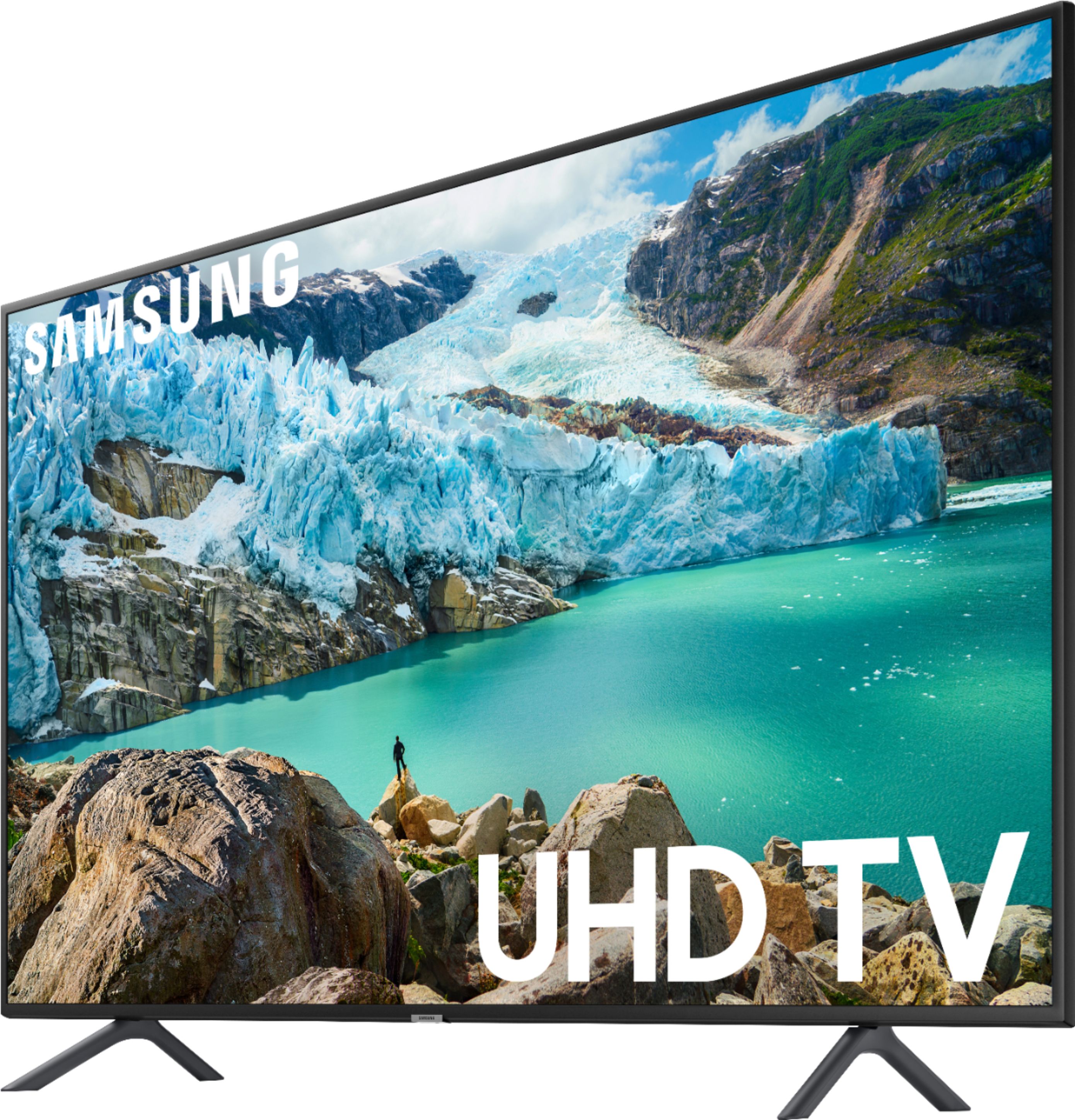
A:AnswerThe actual measurement of this TV is as follows:
Product Height With Stand
31.2 inches
Product Width
48.8 inches
Product Depth With Stand
10.3 inches
Product Height Without Stand
28.1 inches
Product Depth Without Stand
2.3 inches
Product Weight With Stand
39 pounds
Product Weight Without Stand
38.1 pounds
A:AnswerI found the default settings produced the best picture. I also fiddled with the settings thinking I could improve the picture but decidedthe default was the best and most natural.