A:AnswerSo that we can better understand and assist with this, please reach out to Samsung Support at: 1-800-SAMSUNG, 8AM - 12AM EST, 7 days a week, or Chat with us on Samsung.com: https://www.samsung.com/us/support/contact/
~ Samsung Specialist
A:AnswerPlease give us the opportunity to better assist with this by reaching Samsung Support at: 1-800-SAMSUNG, 8AM - 12AM EST, 7 days a week, or Chat with us on Samsung.com: https://www.samsung.com/us/support/contact/
~ Samsung Specialist
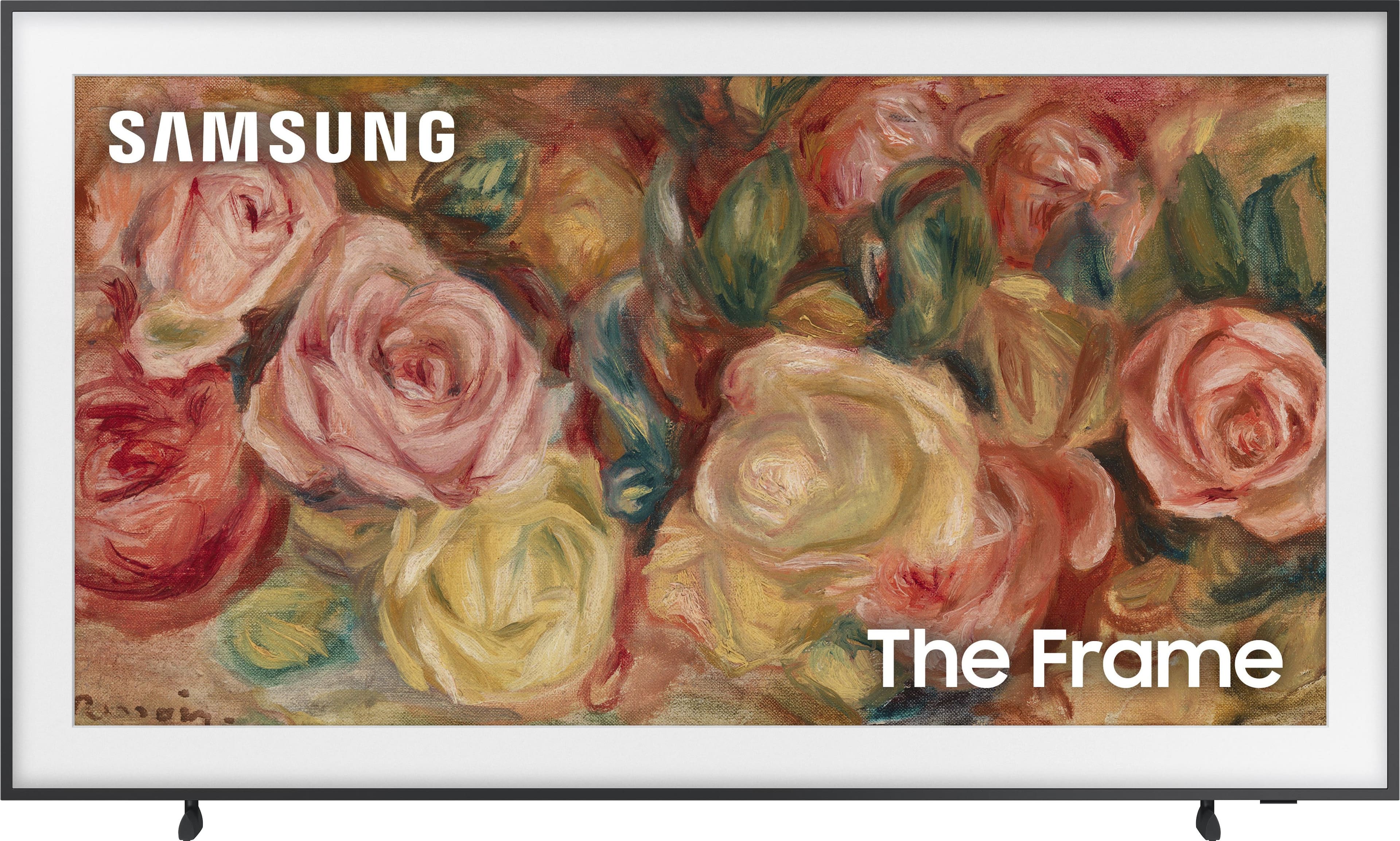
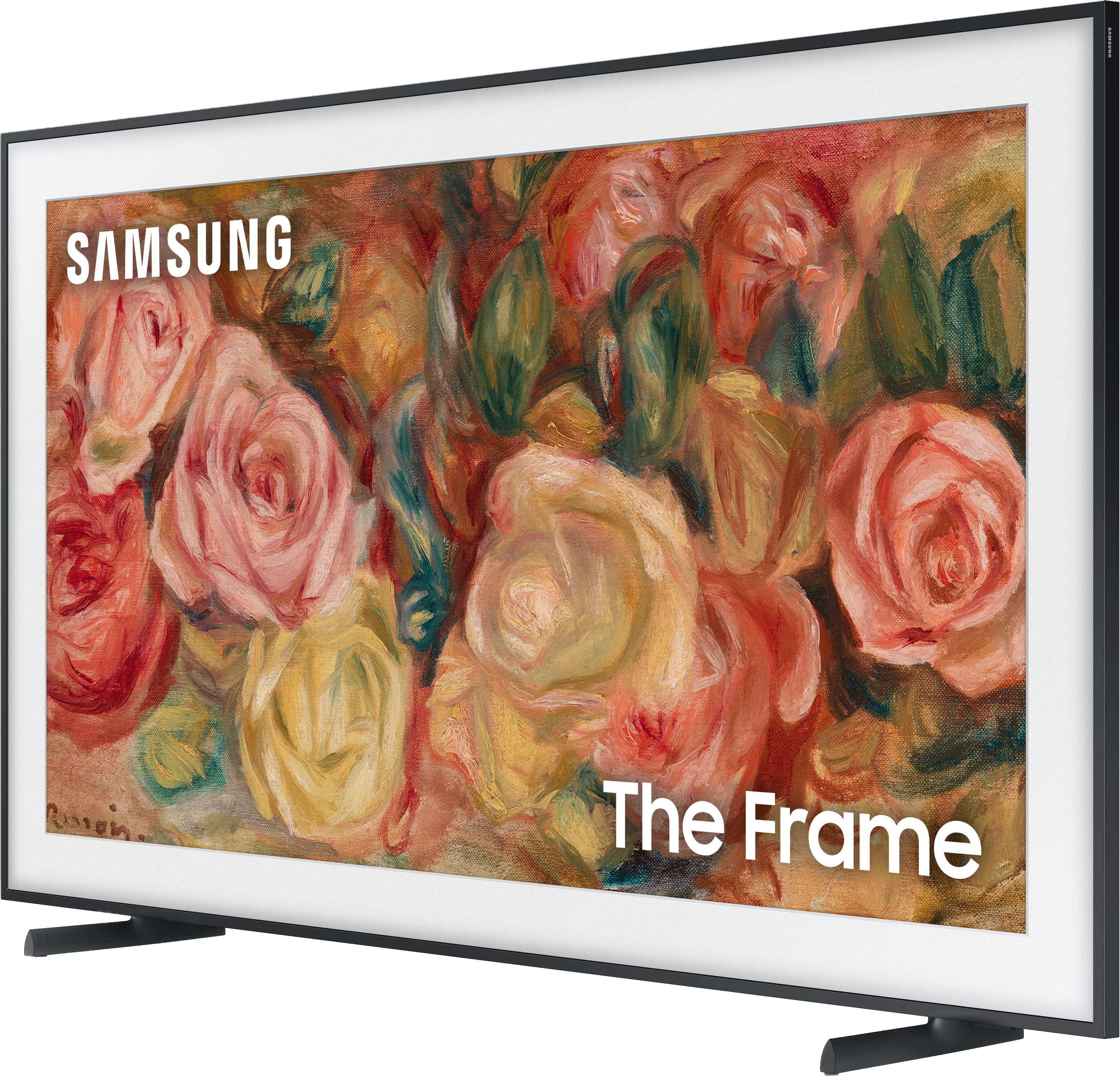
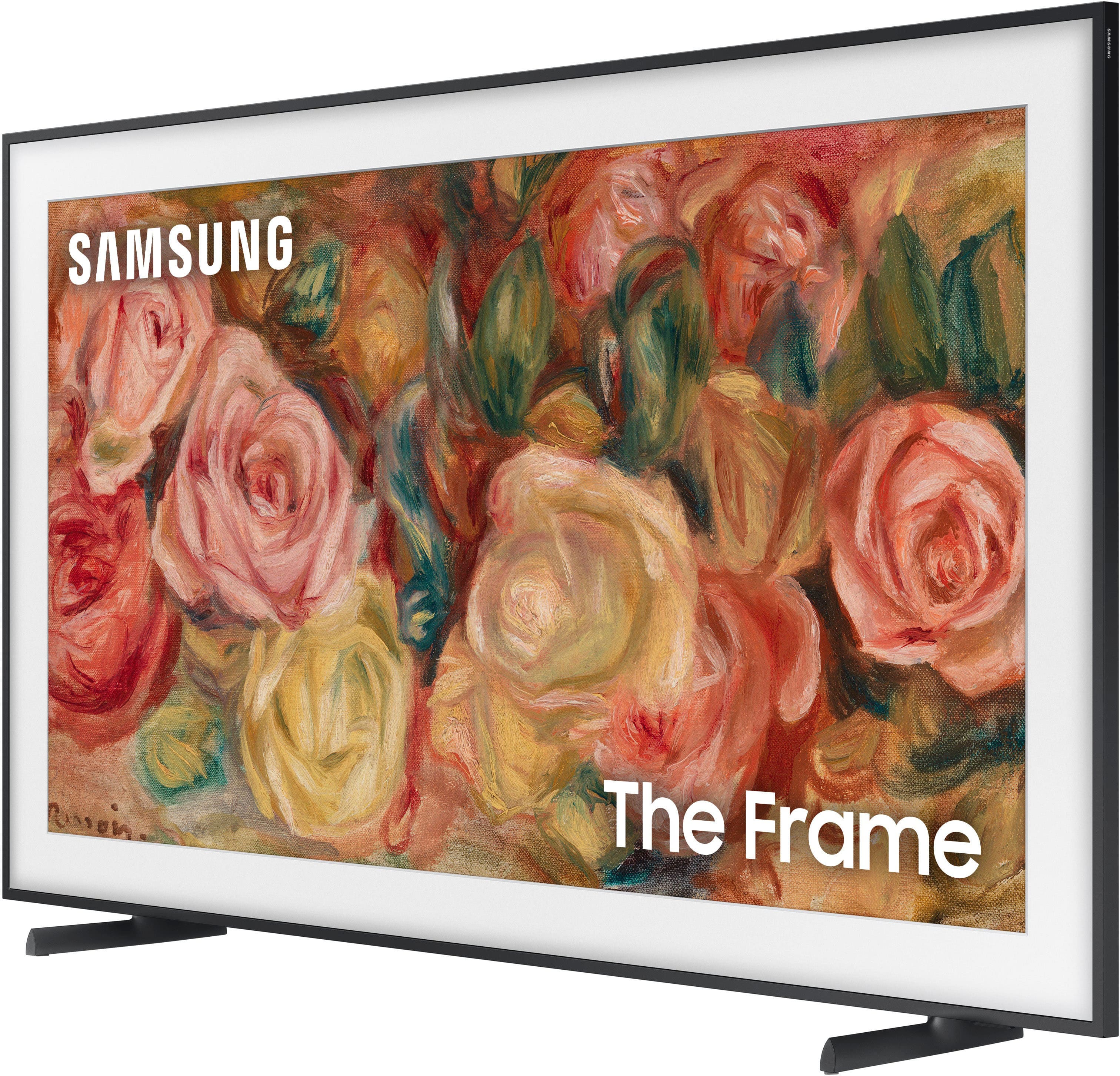
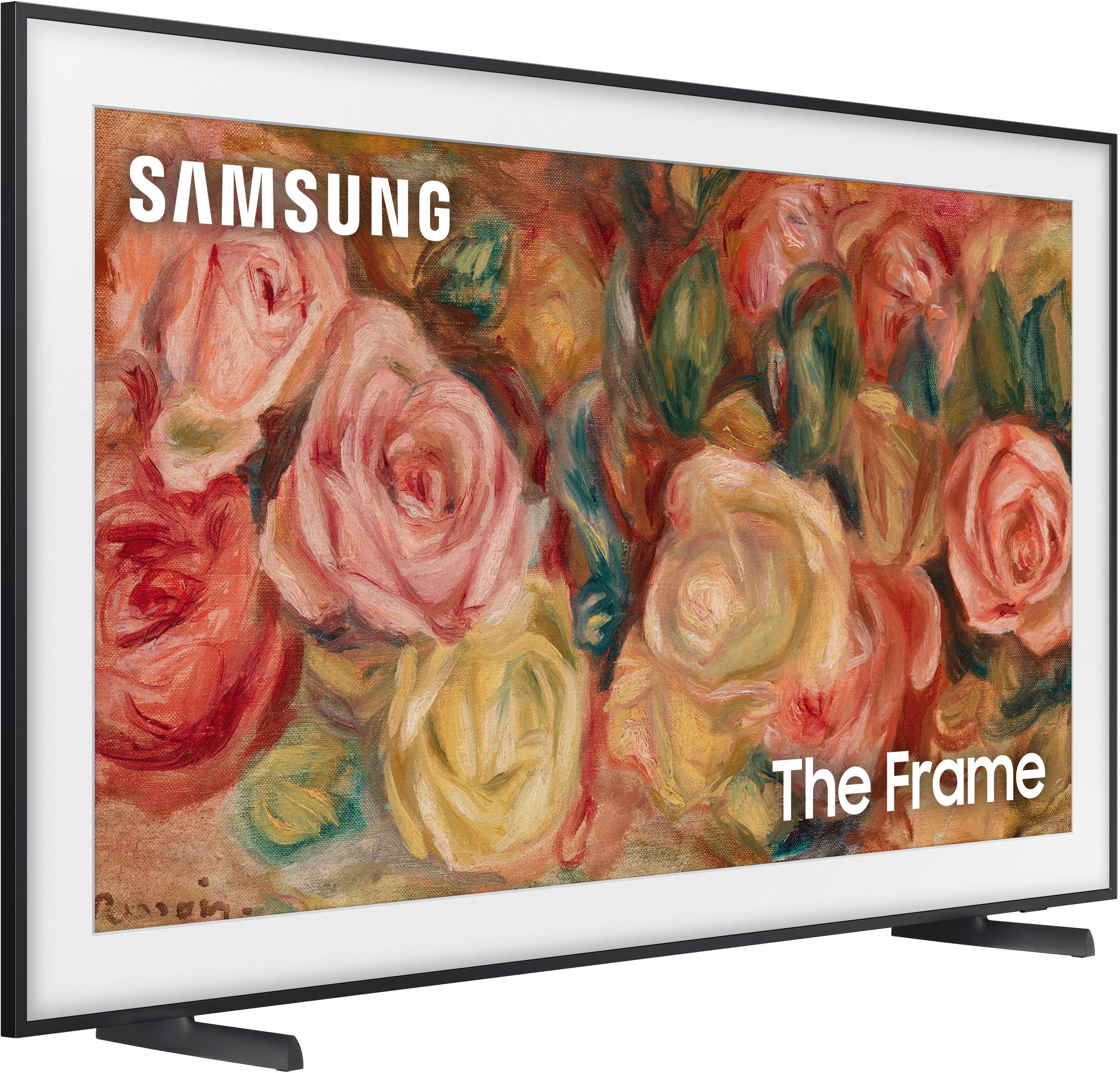
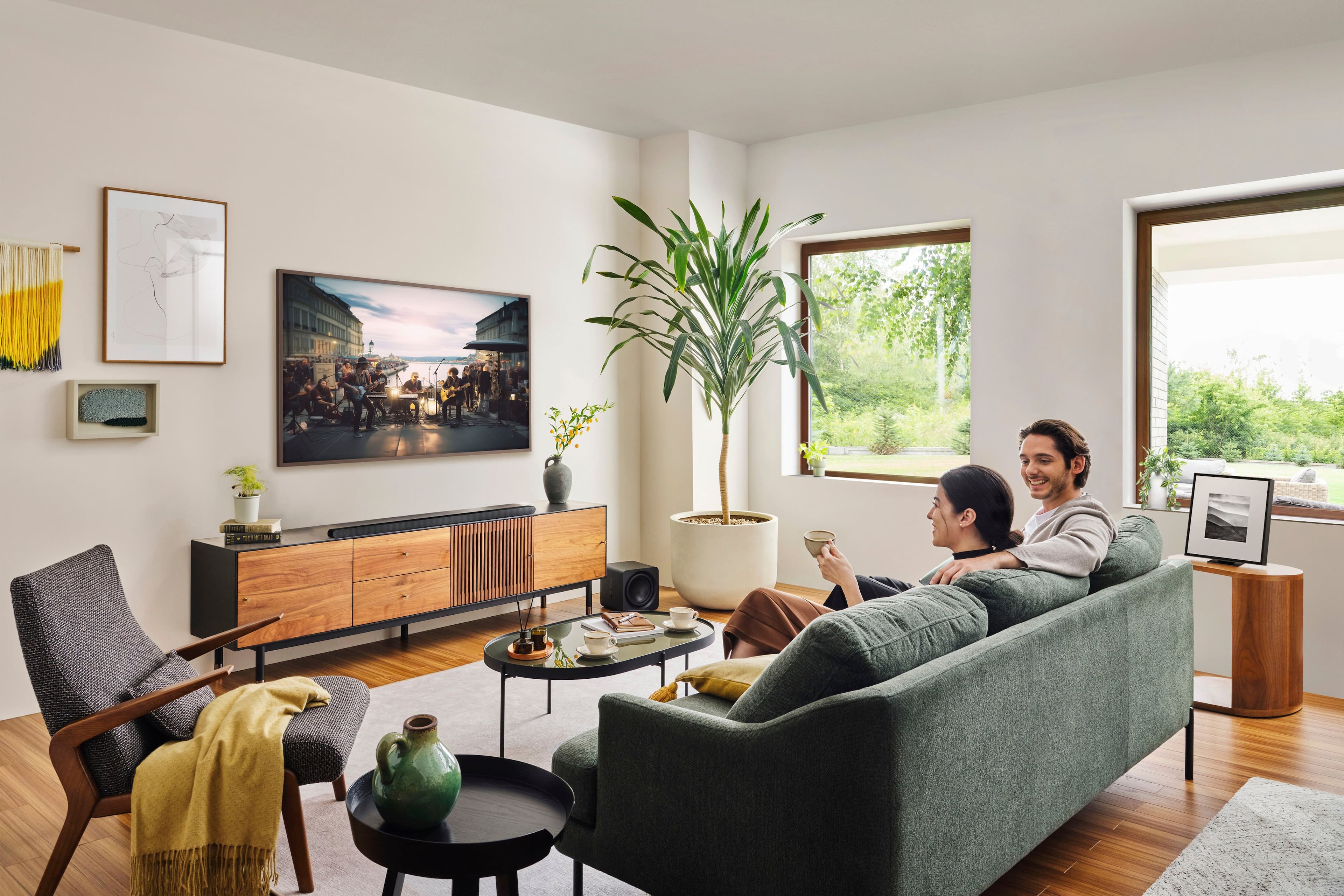
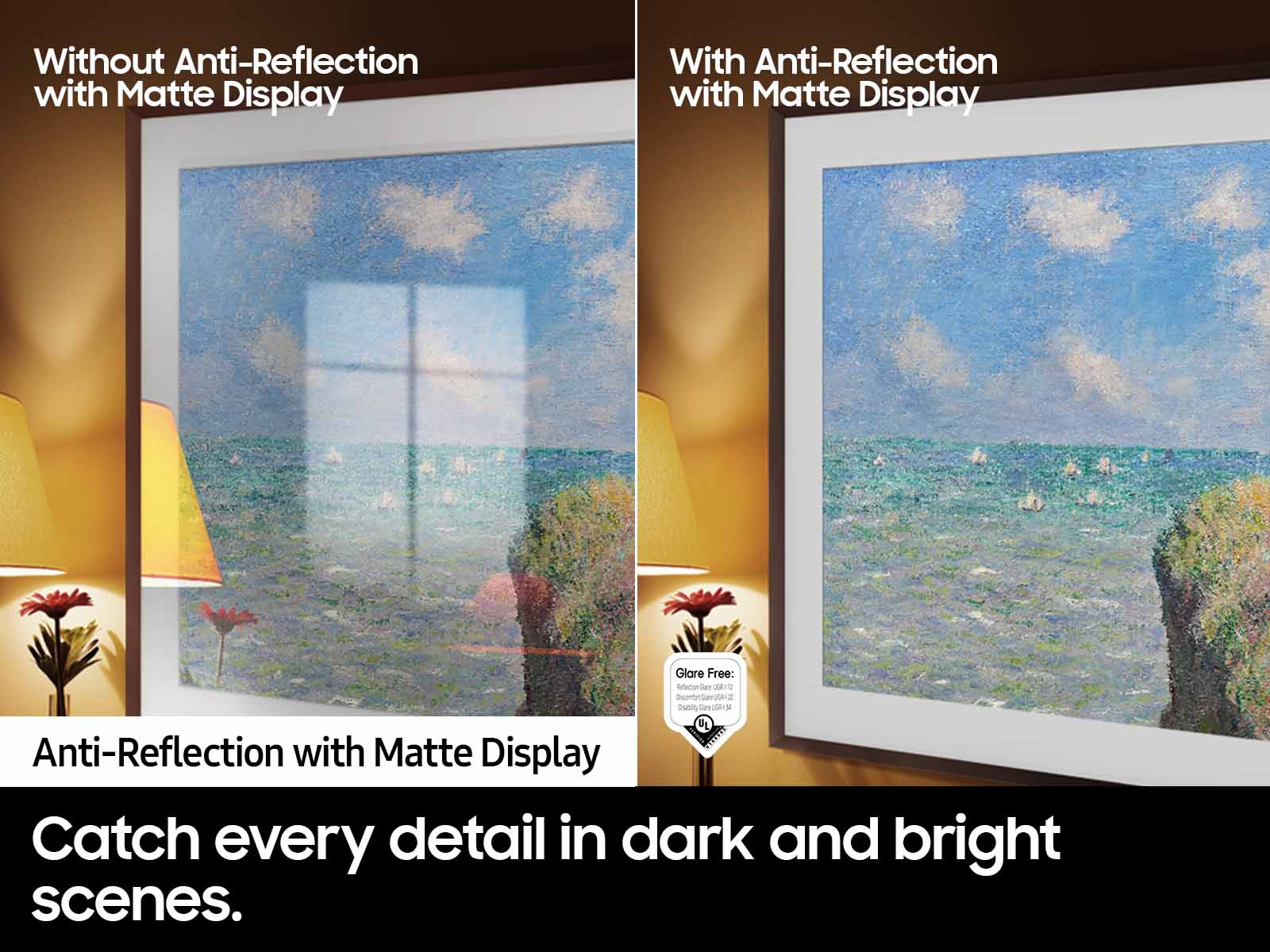
A:AnswerThe 55" Frame TV offers Wide Viewing Angle, as well as Adaptive Picture technology to optimize your picture with a lighting system that automatically senses, reacts, and adjusts to the brightness of the space you're in.
~ Samsung Specialist
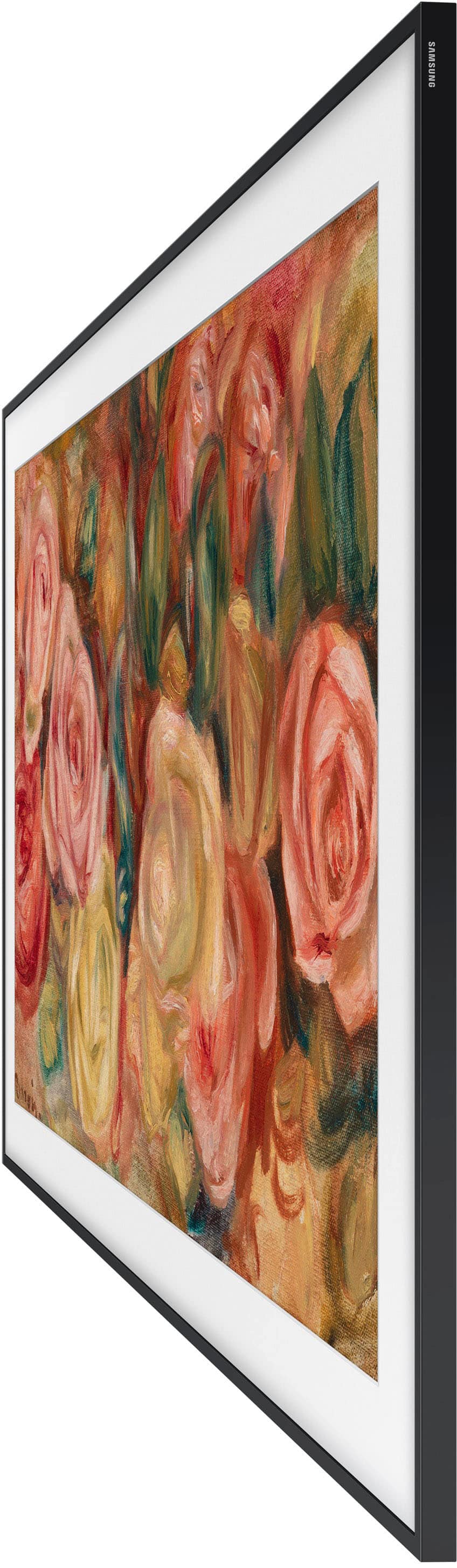
A:AnswerThe frame is sold separately, but even without, it still looks like art, just a matter black frame.
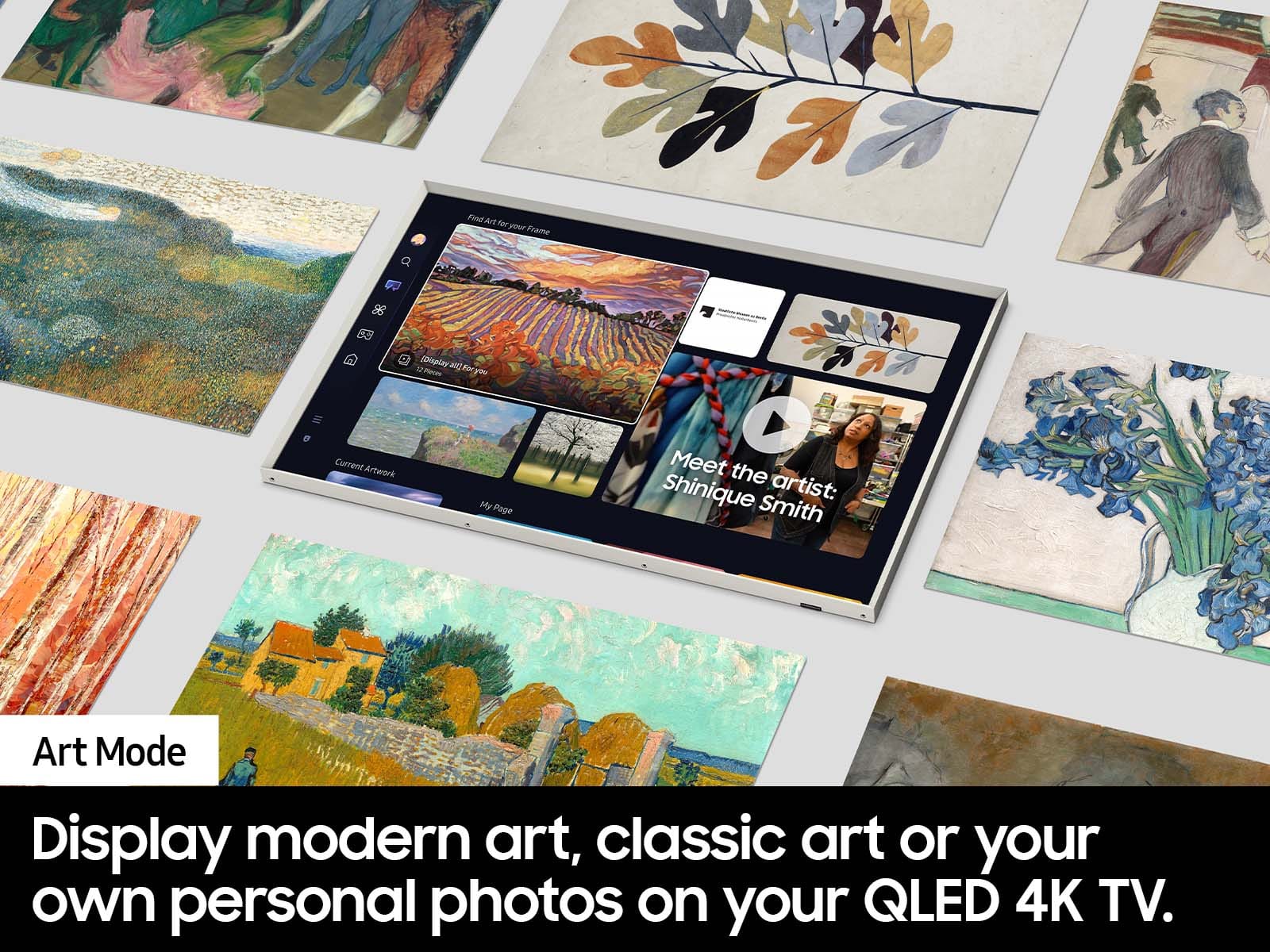
There is no matting--thats just done by the screen when you turn it off/into art mode.
A:Answerabahl - Please give us the opportunity to better assist with this by reaching Samsung Support at: 1-800-SAMSUNG, 8AM - 12AM EST, 7 days a week, or Chat with us on Samsung.com: https://www.samsung.com/us/support/contact/
~ Samsung Specialist
A:AnswerHi there - Please give us the opportunity to better assist with this by reaching Samsung Support at: 1-800-SAMSUNG, 8AM - 12AM EST, 7 days a week, or Chat with us on Samsung.com: https://www.samsung.com/us/support/contact/
~ Samsung Specialist
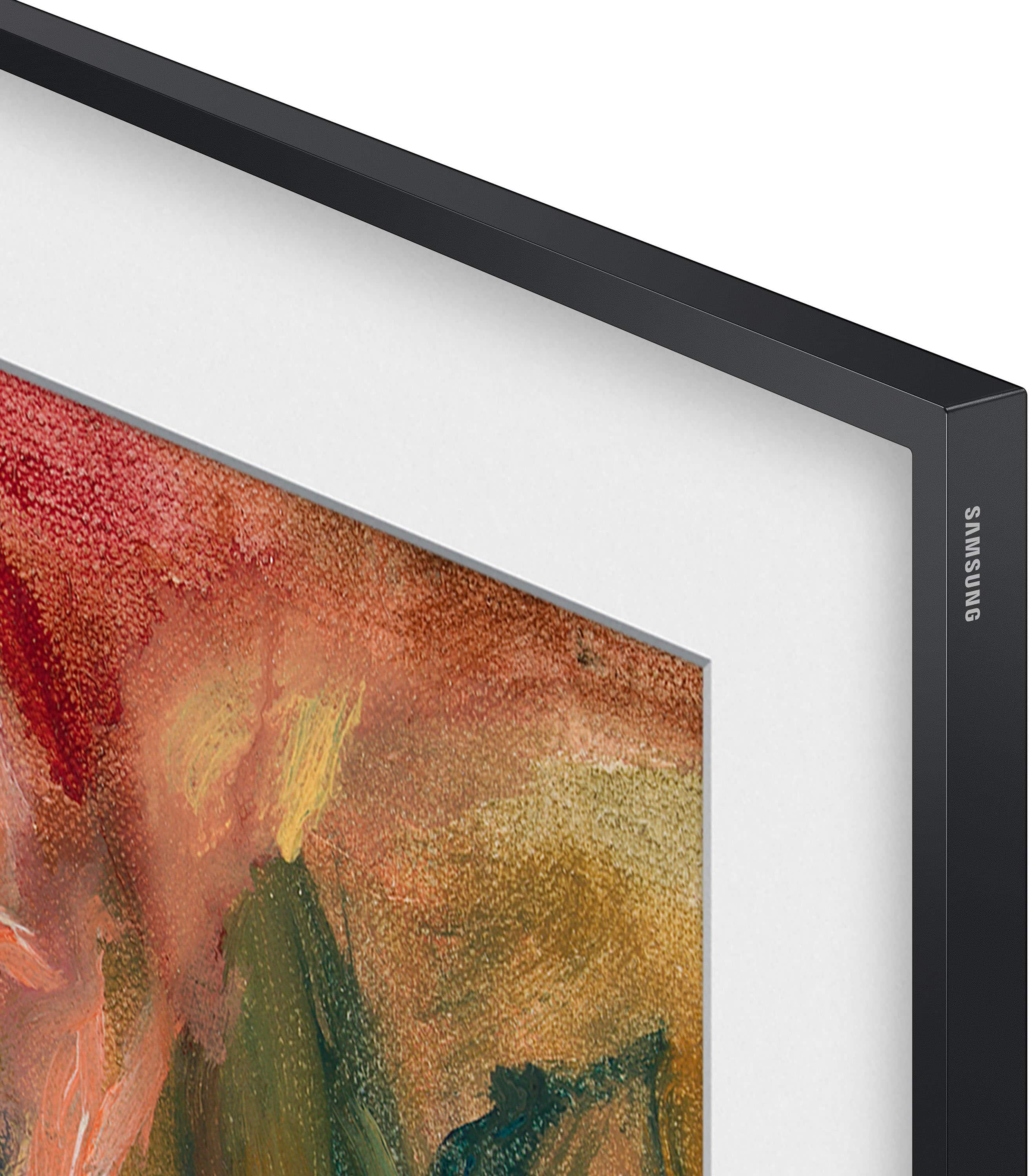
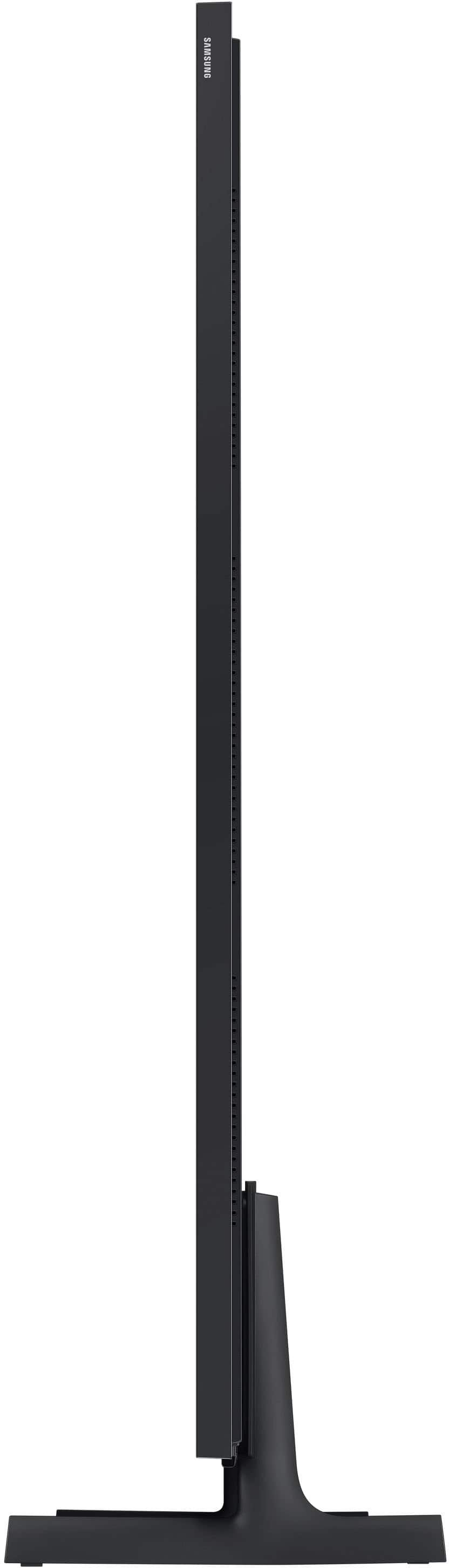
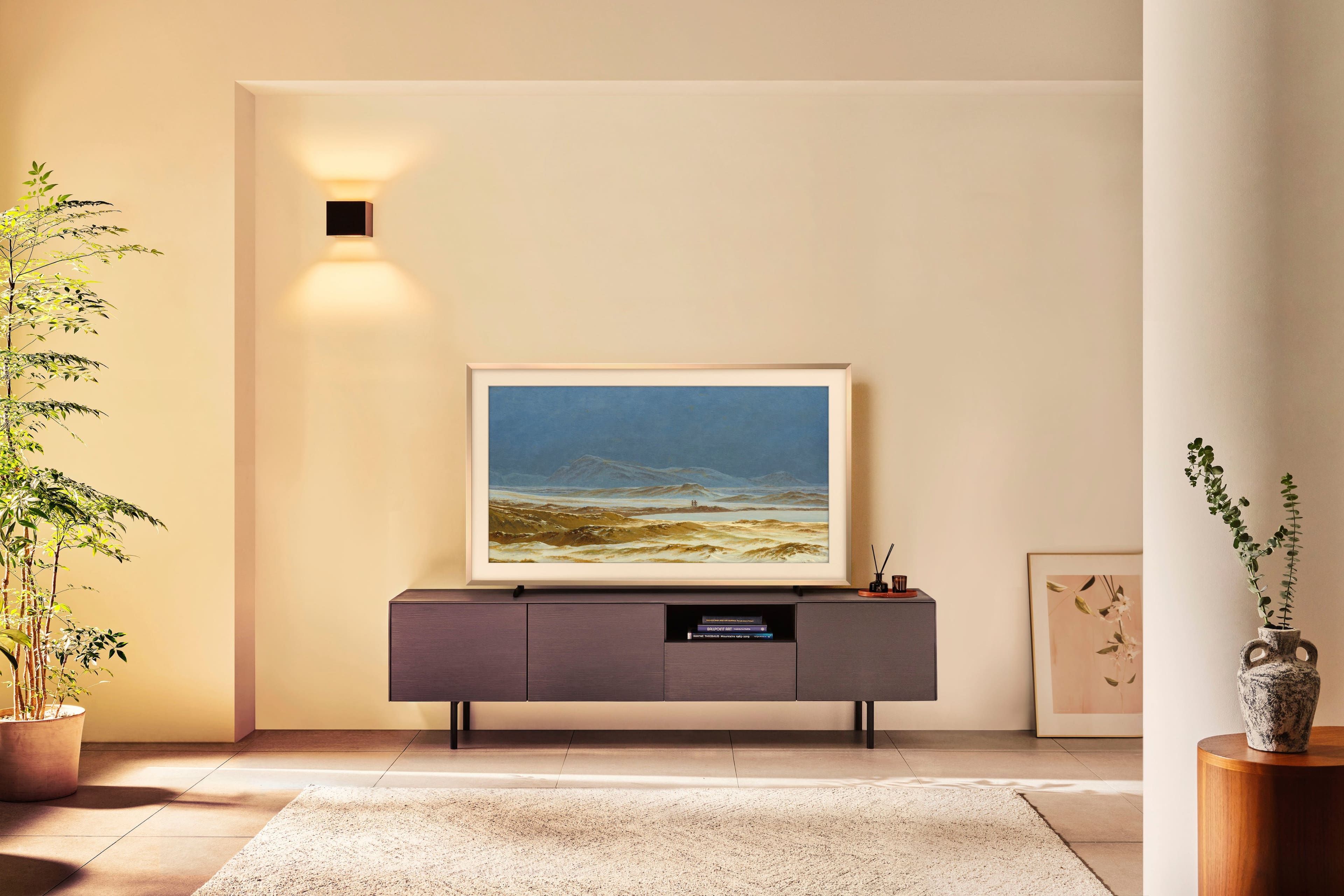
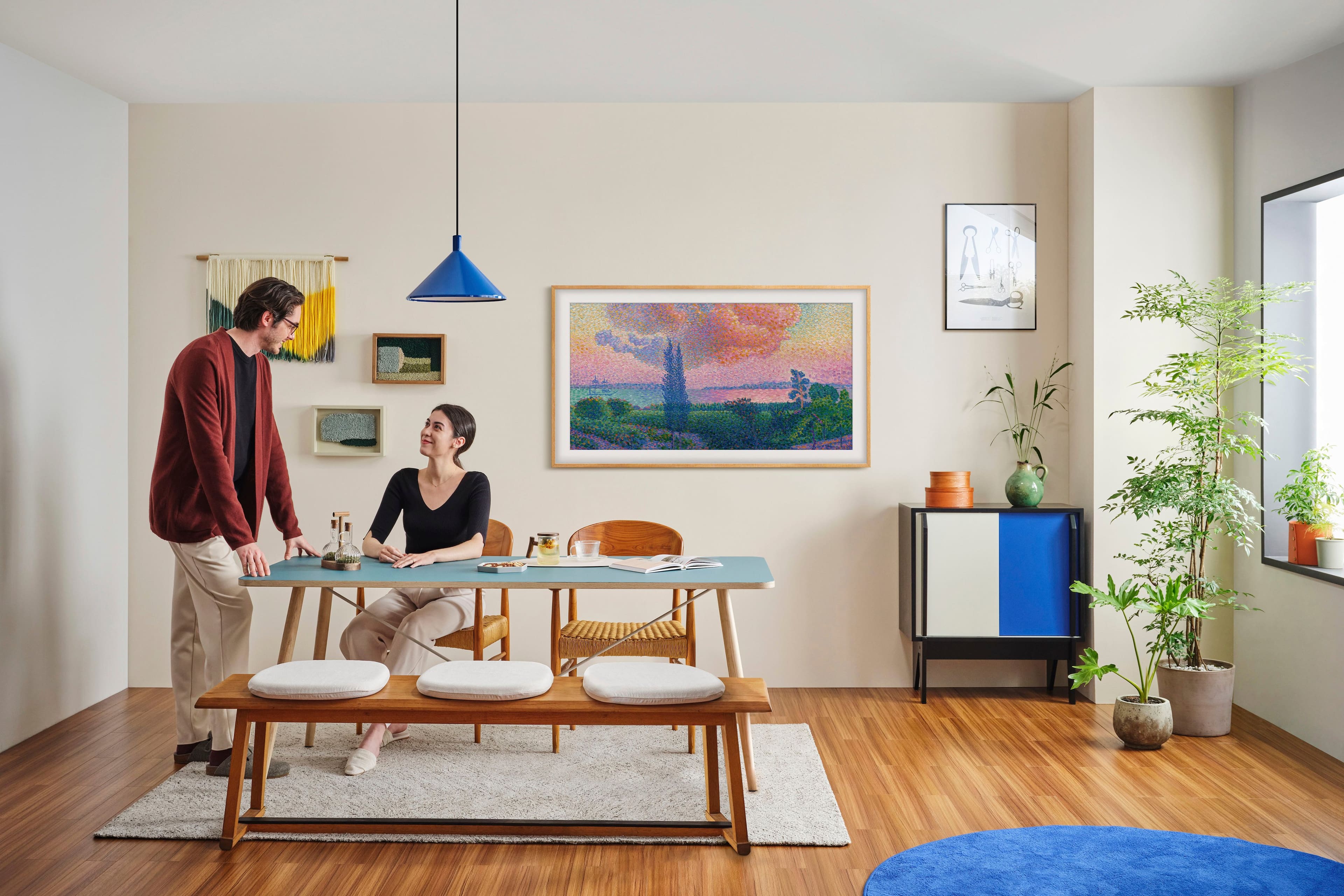
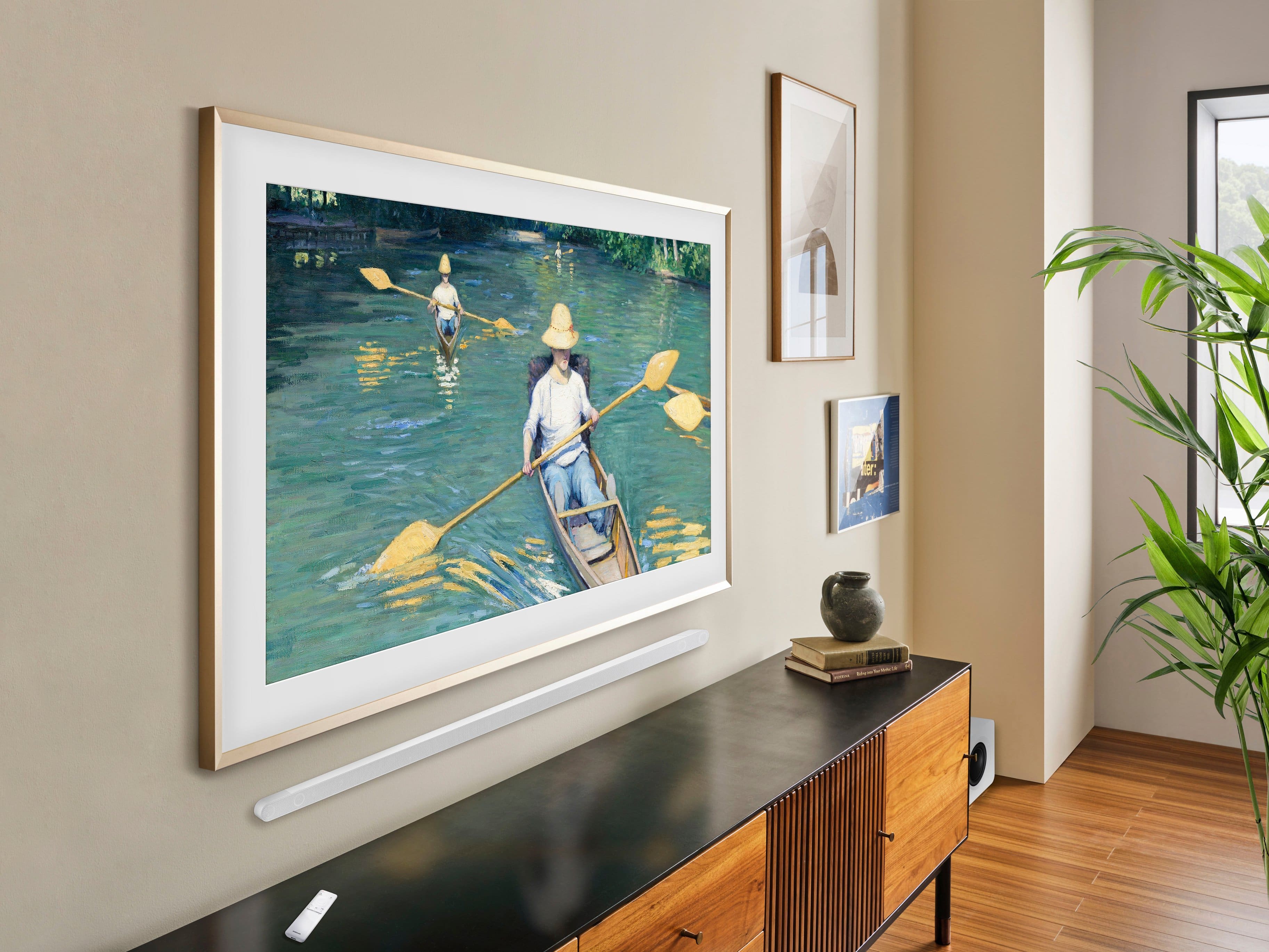
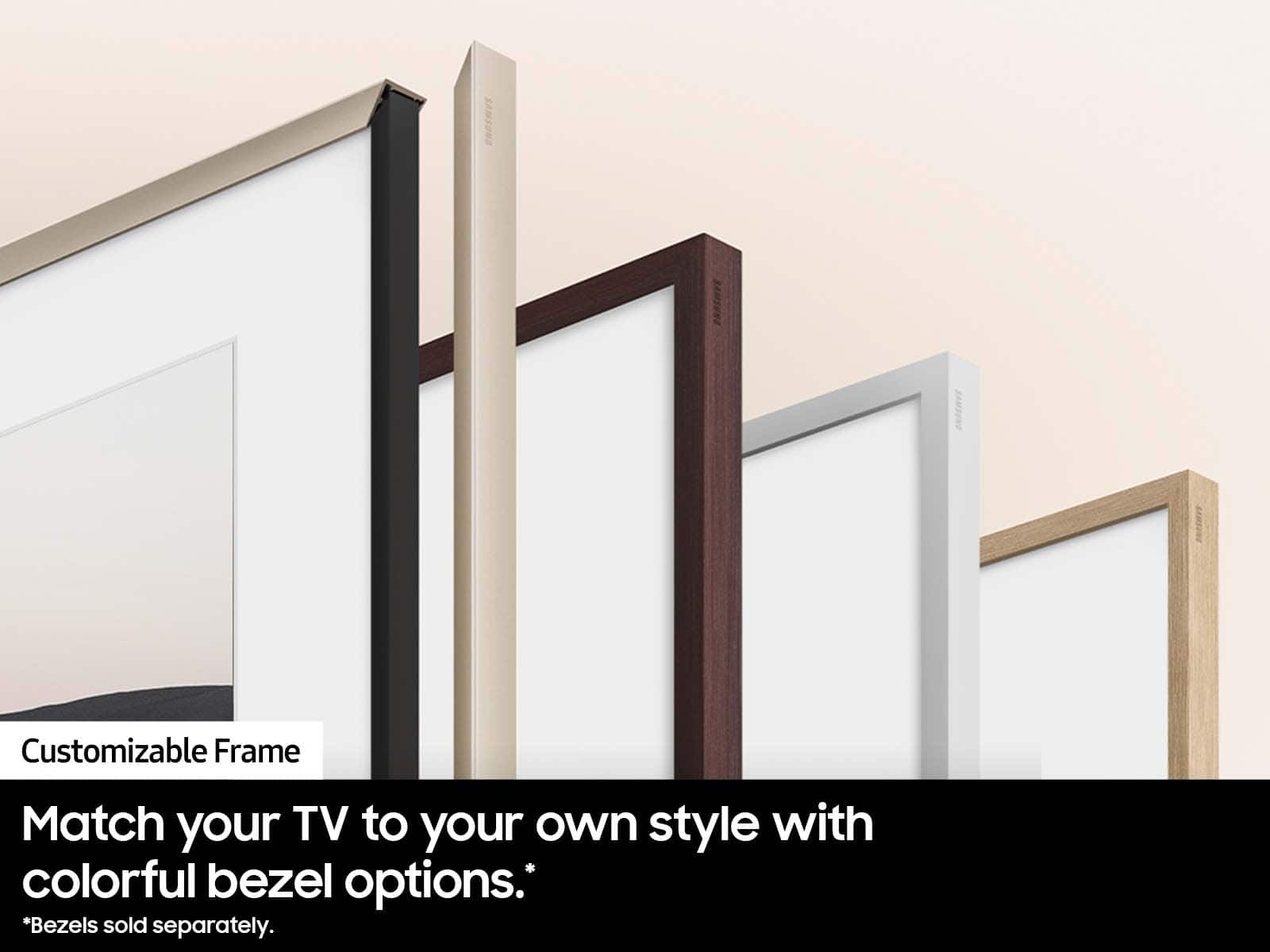
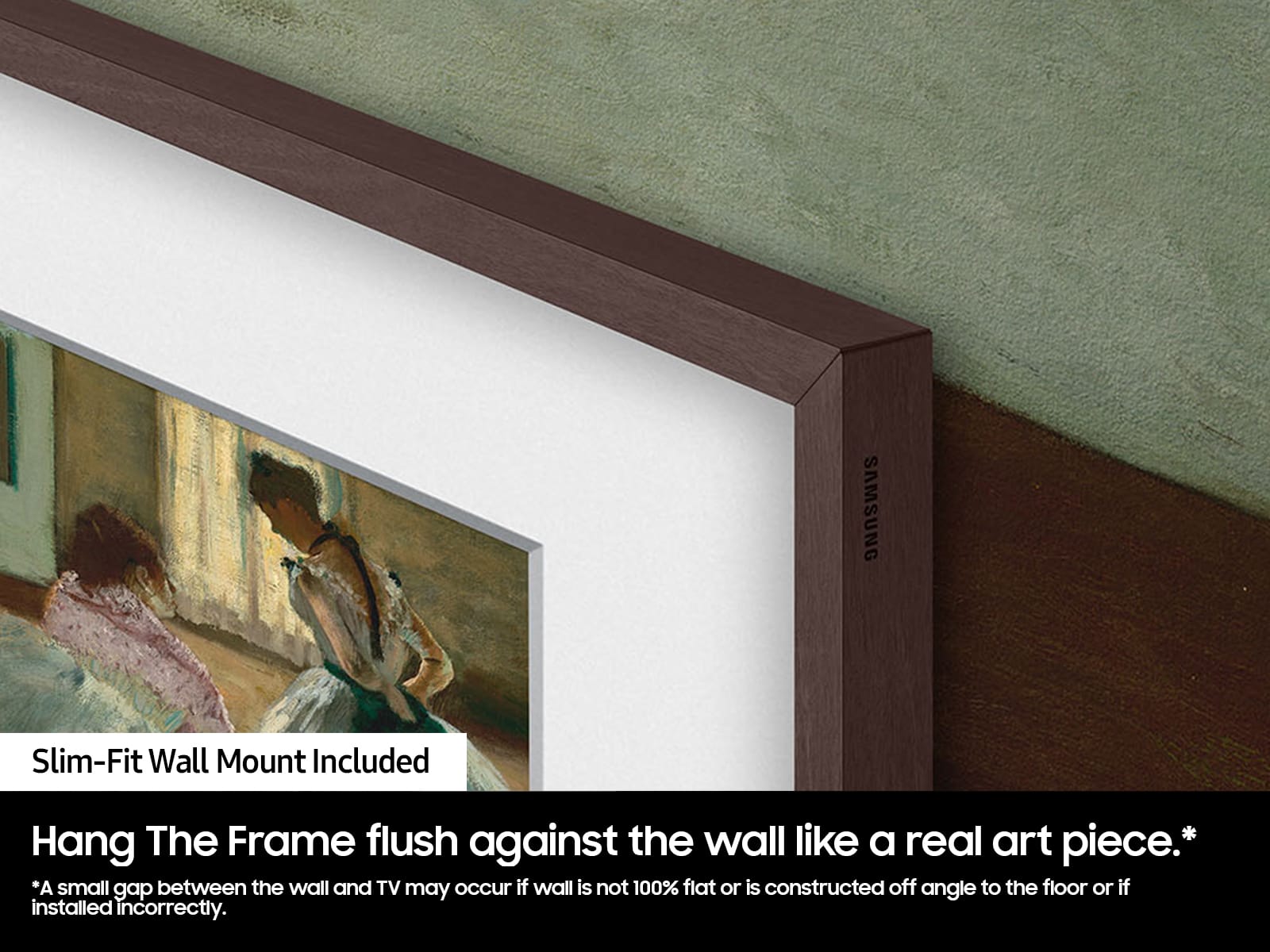
A:AnswerHi there - The Frame TV is designed to be displayed with its built-in black bezel, which is not removable. Customizable Bezels, sold separately, are designed to attach directly over the black bezel. These magnetic frames are available in Sand Gold (Metal), Modern Brown, Modern Teak, and Modern White. ~ Samsung Specialist
A:AnswerSpud - Although The 55" Frame TV doesn’t feature out-of-the-box Vertical/Portrait support, it can be used in Portrait Mode when attached to the Auto Rotating Wall Mount (Model: VG-ARAB22WMTZA).
~ Samsung Specialist