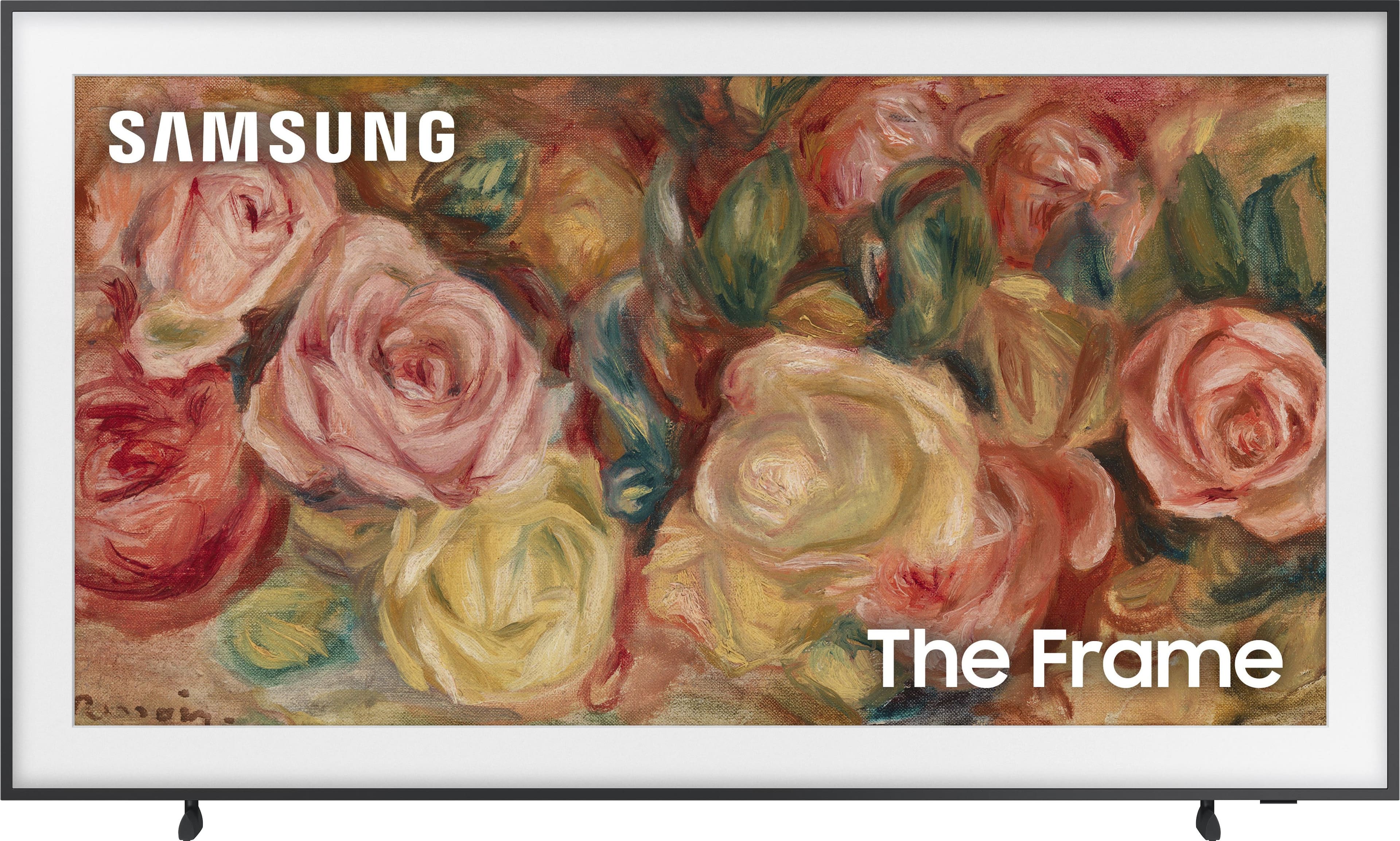
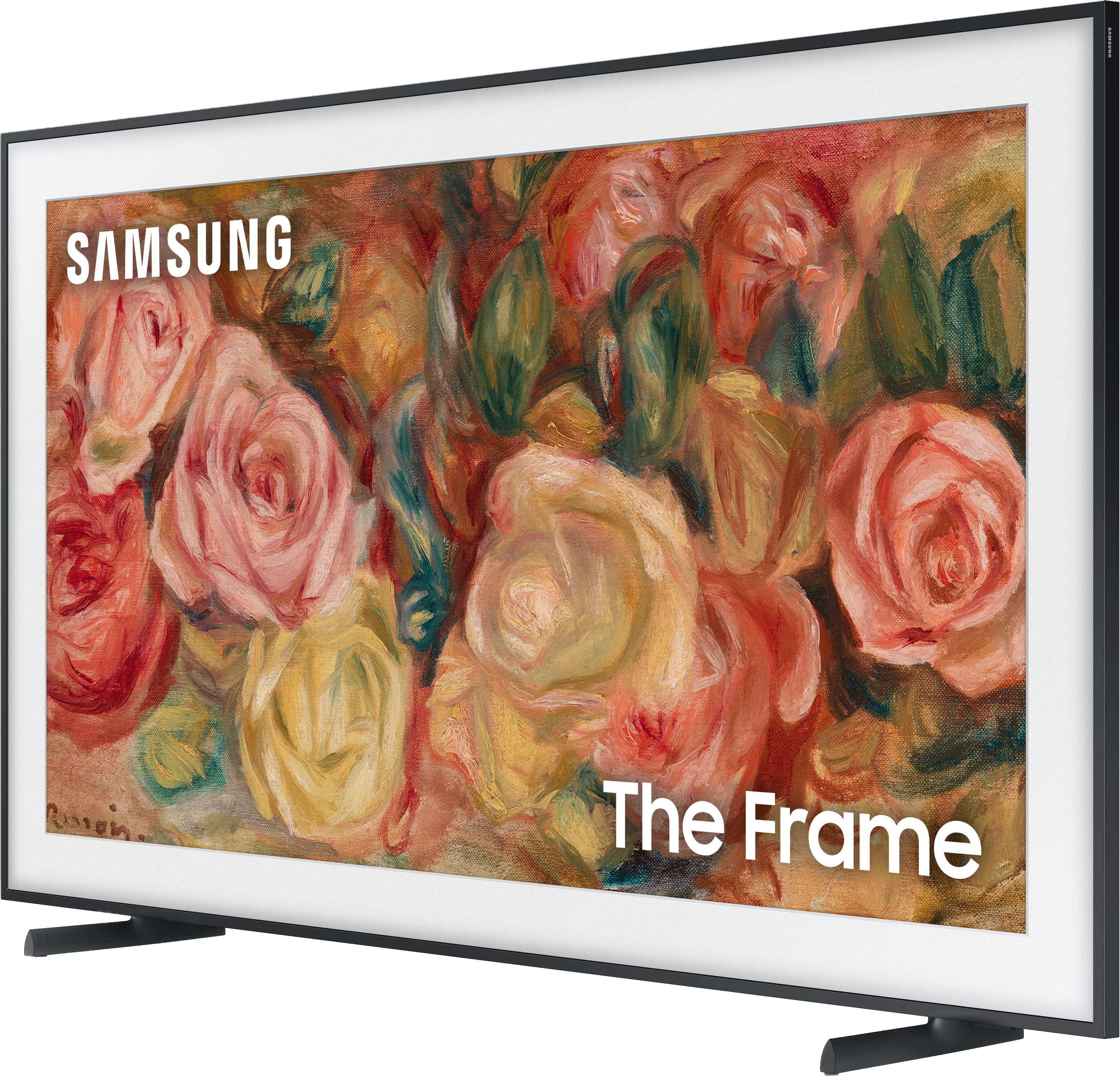
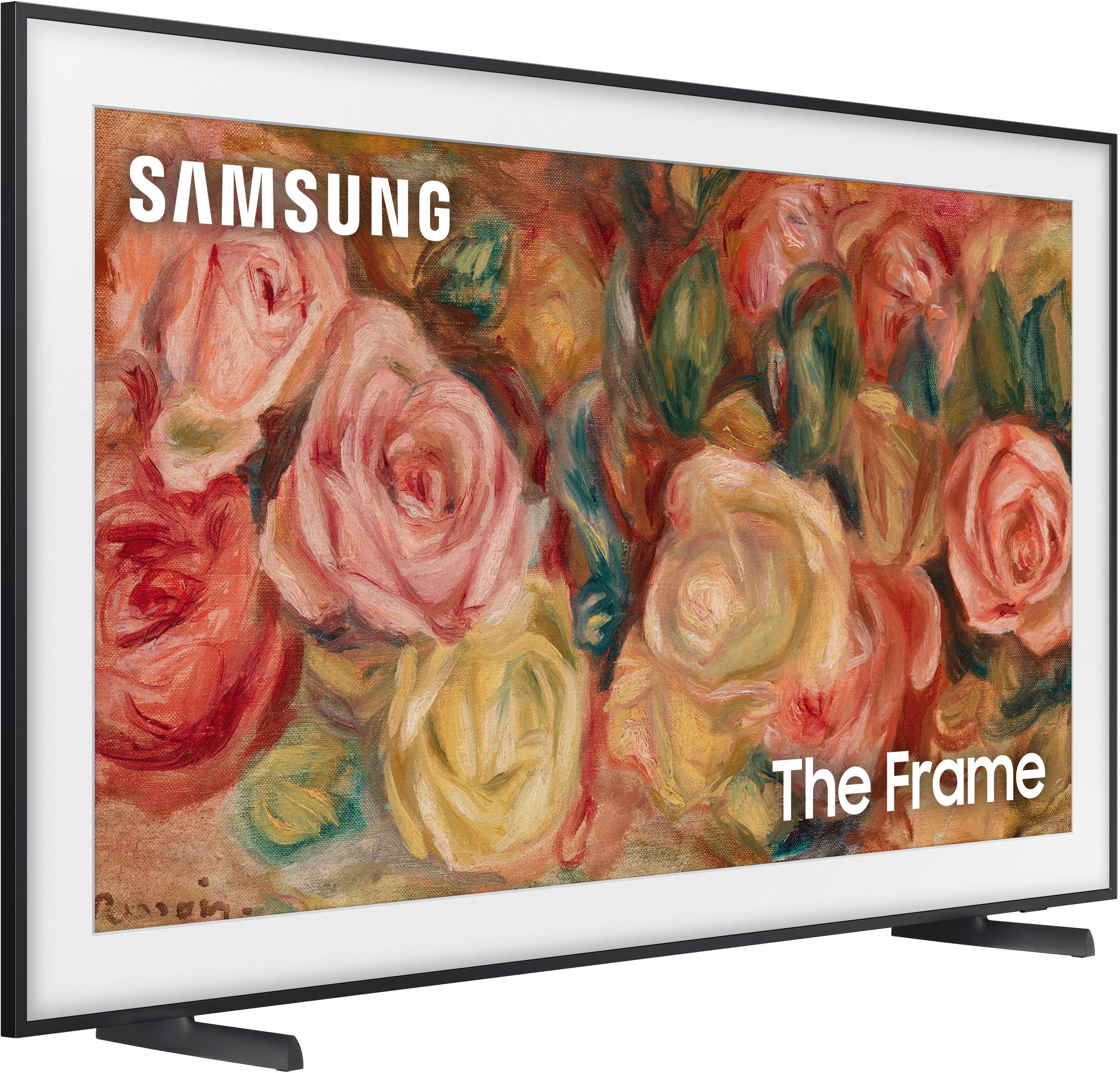
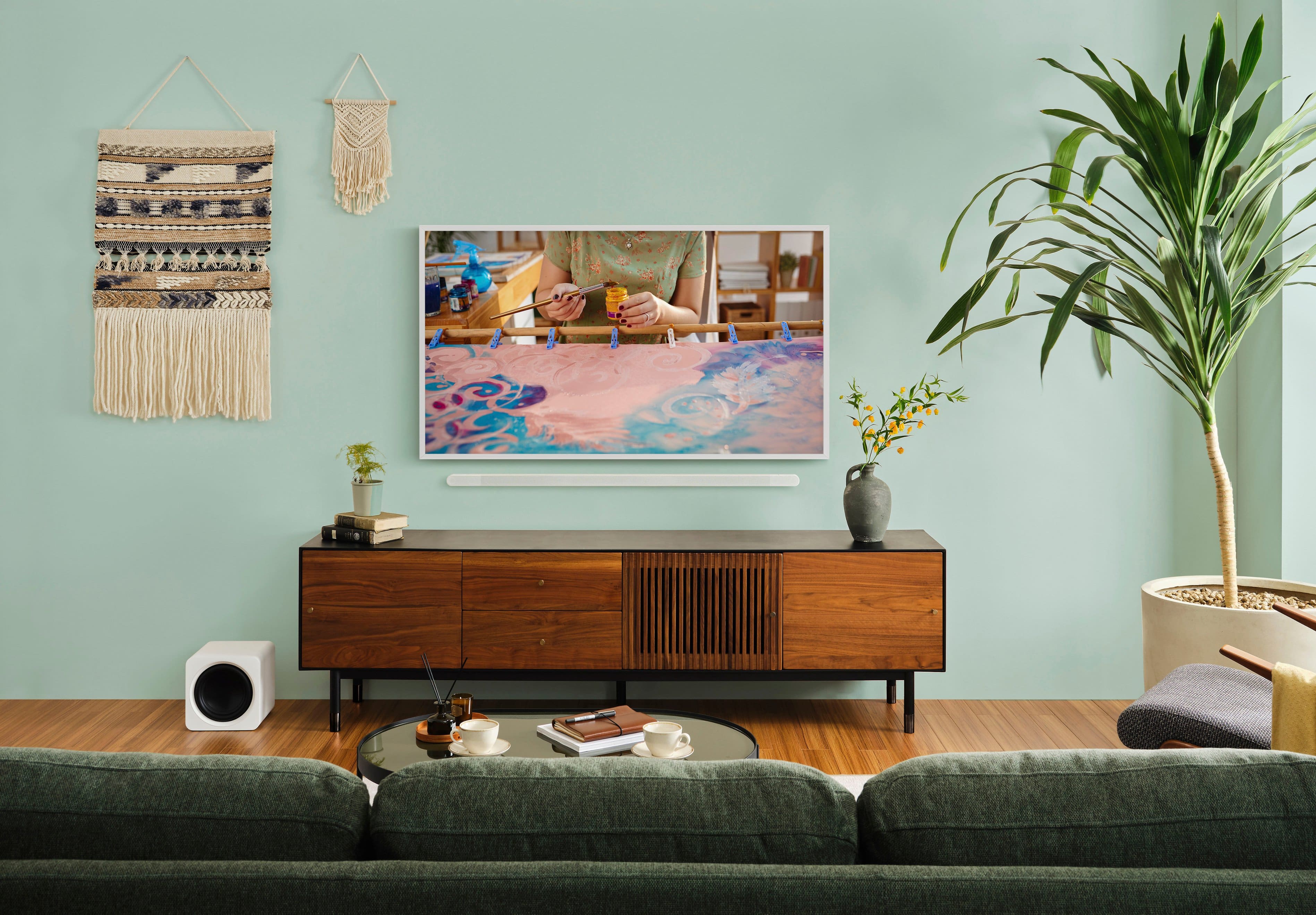
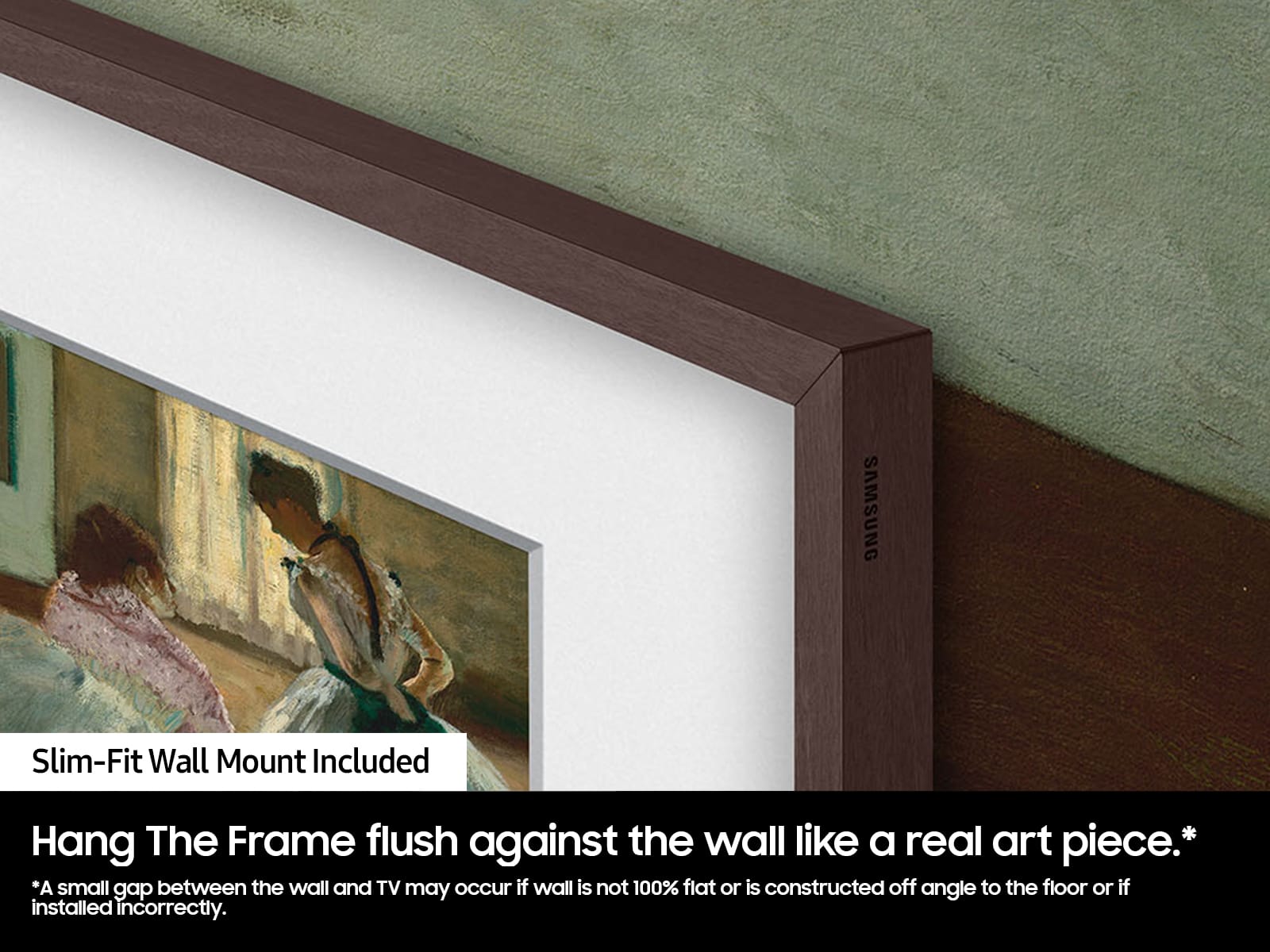
A:AnswerYes - you can install this on a brick fireplace with the mounting kit that is provided in the original packaging. No additional mounting kits needed.
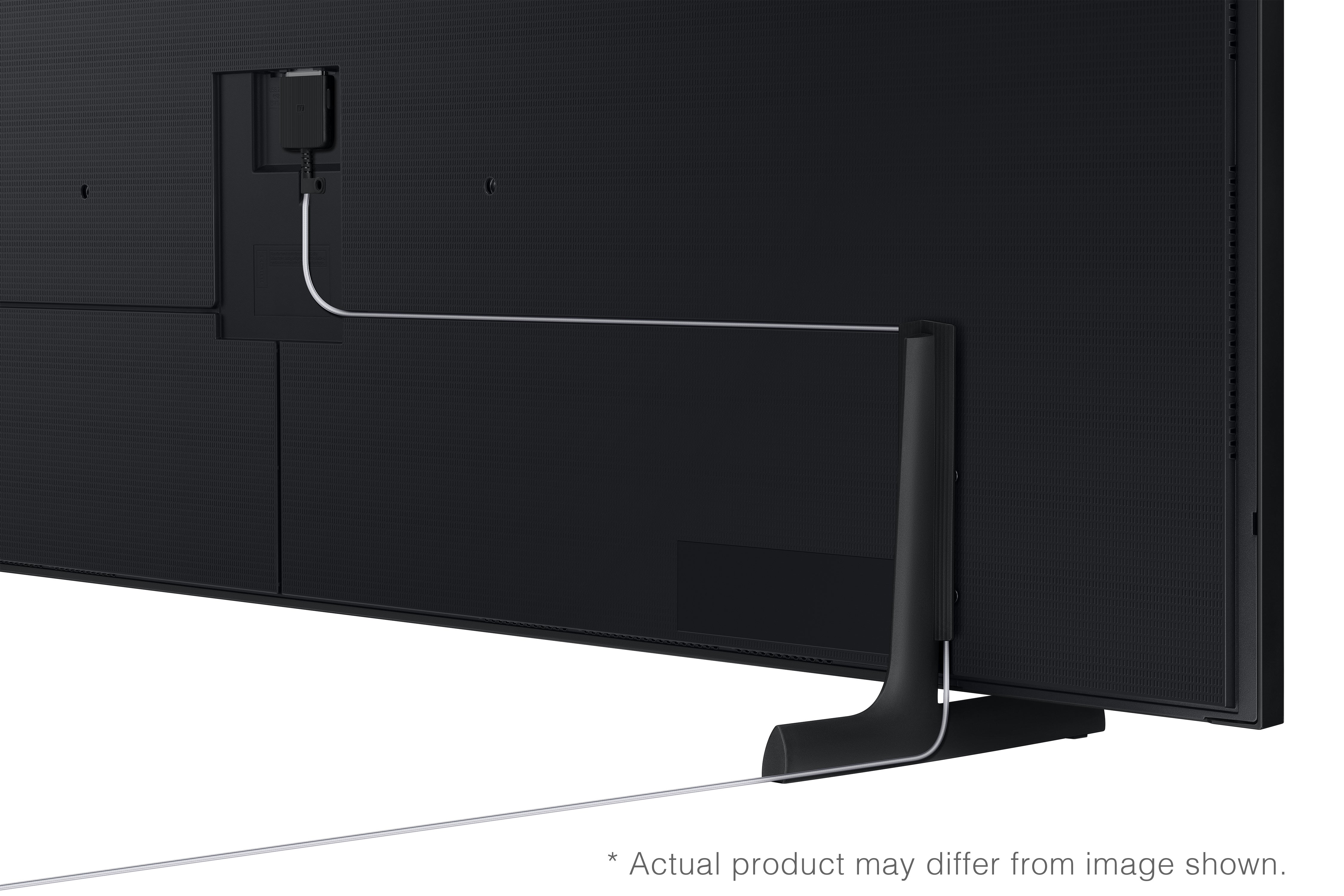
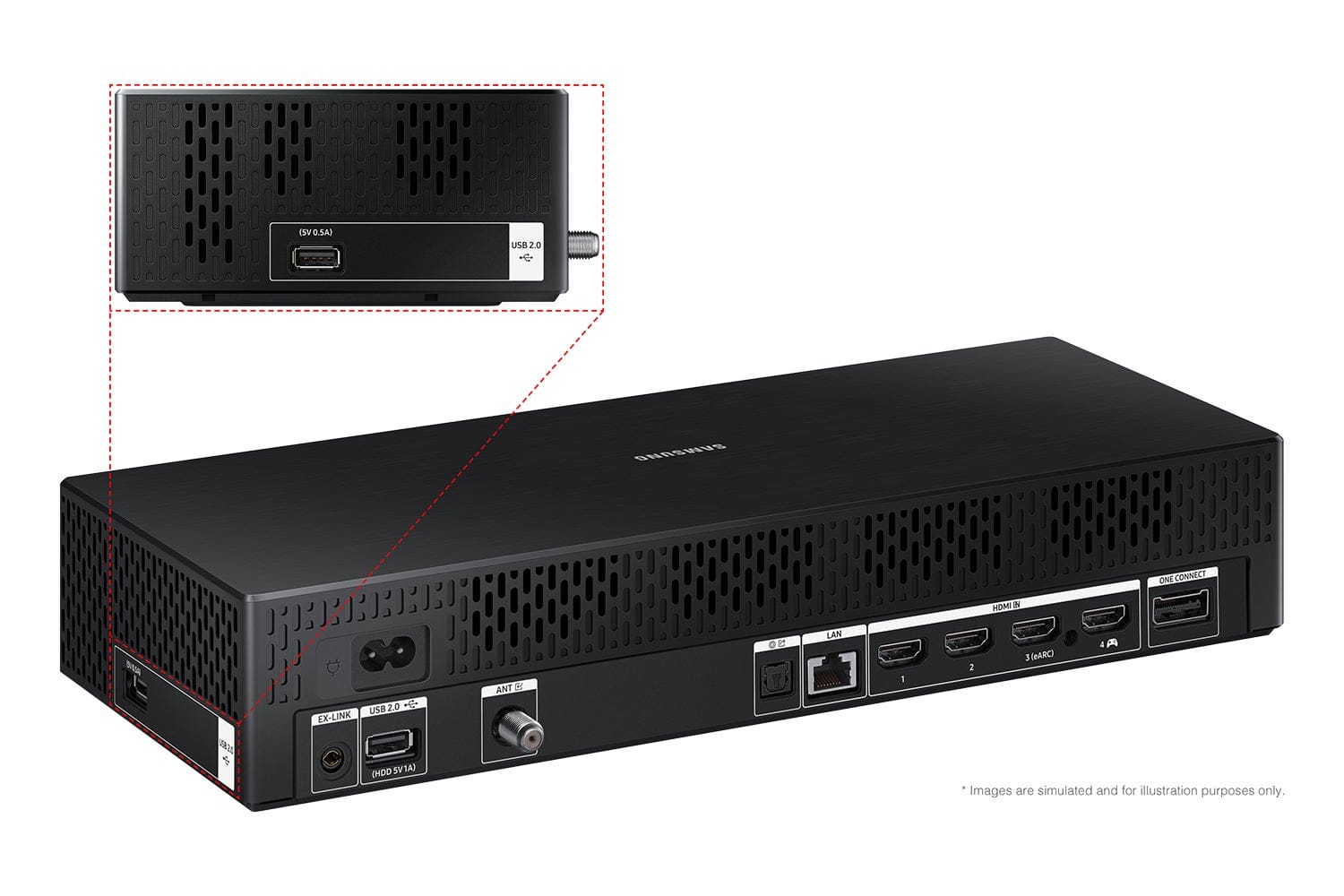
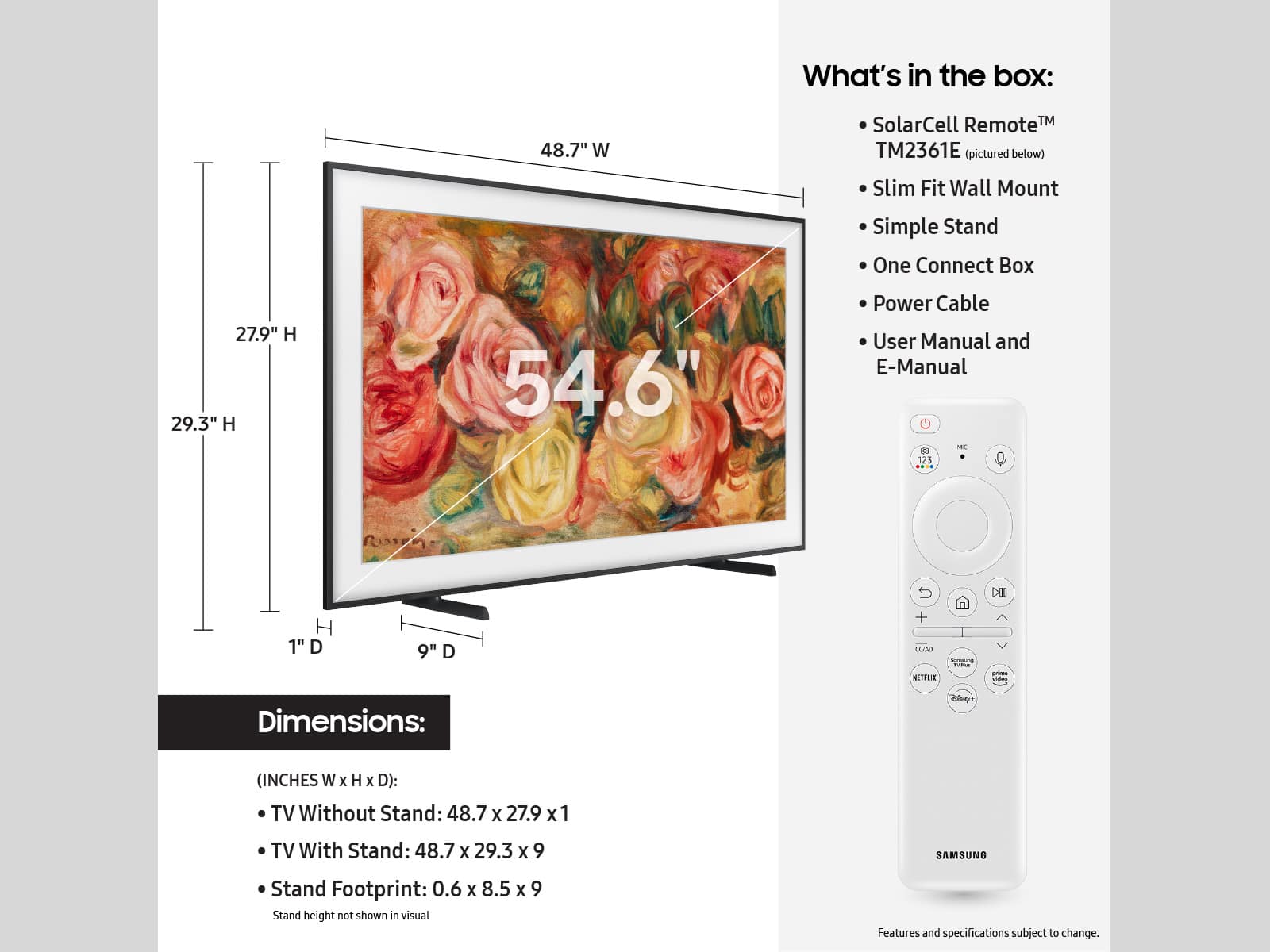
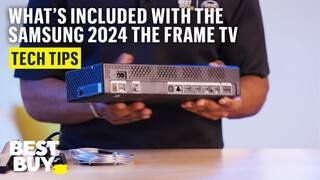
A:AnswerThe Frame TV comes with a One Connect Box, allowing you to connect your components to one separate box, not to the back of the TV. Your TV is connected to the One Connect Box with the One Invisible Connection – a translucent cable allowing you to place your TV accessories wherever works best for you.
~ Samsung Specialist
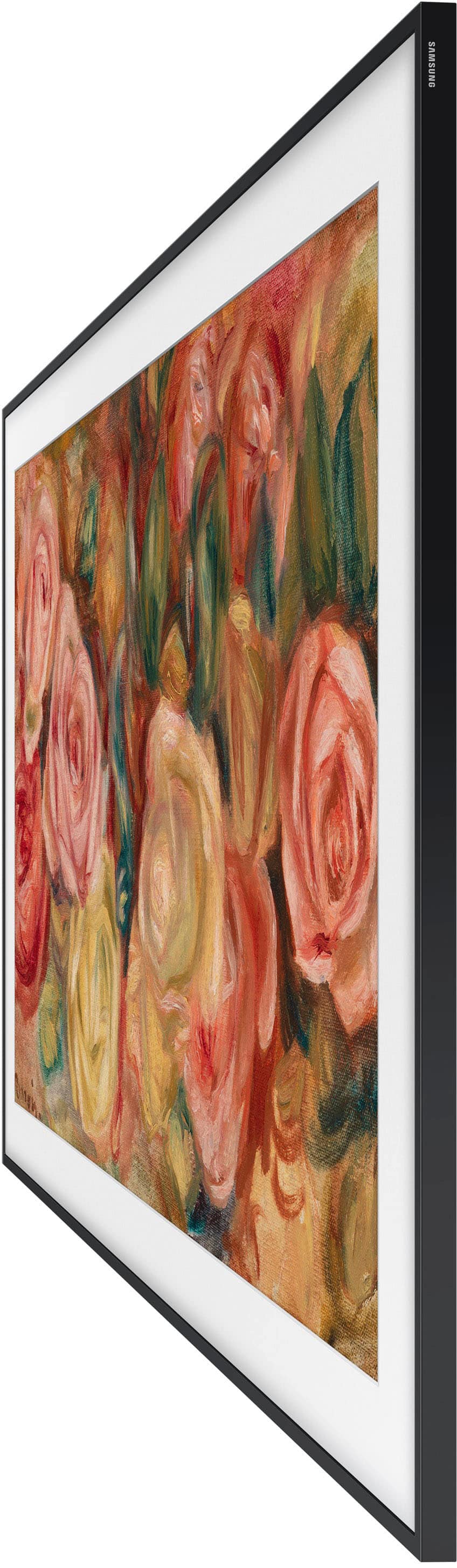
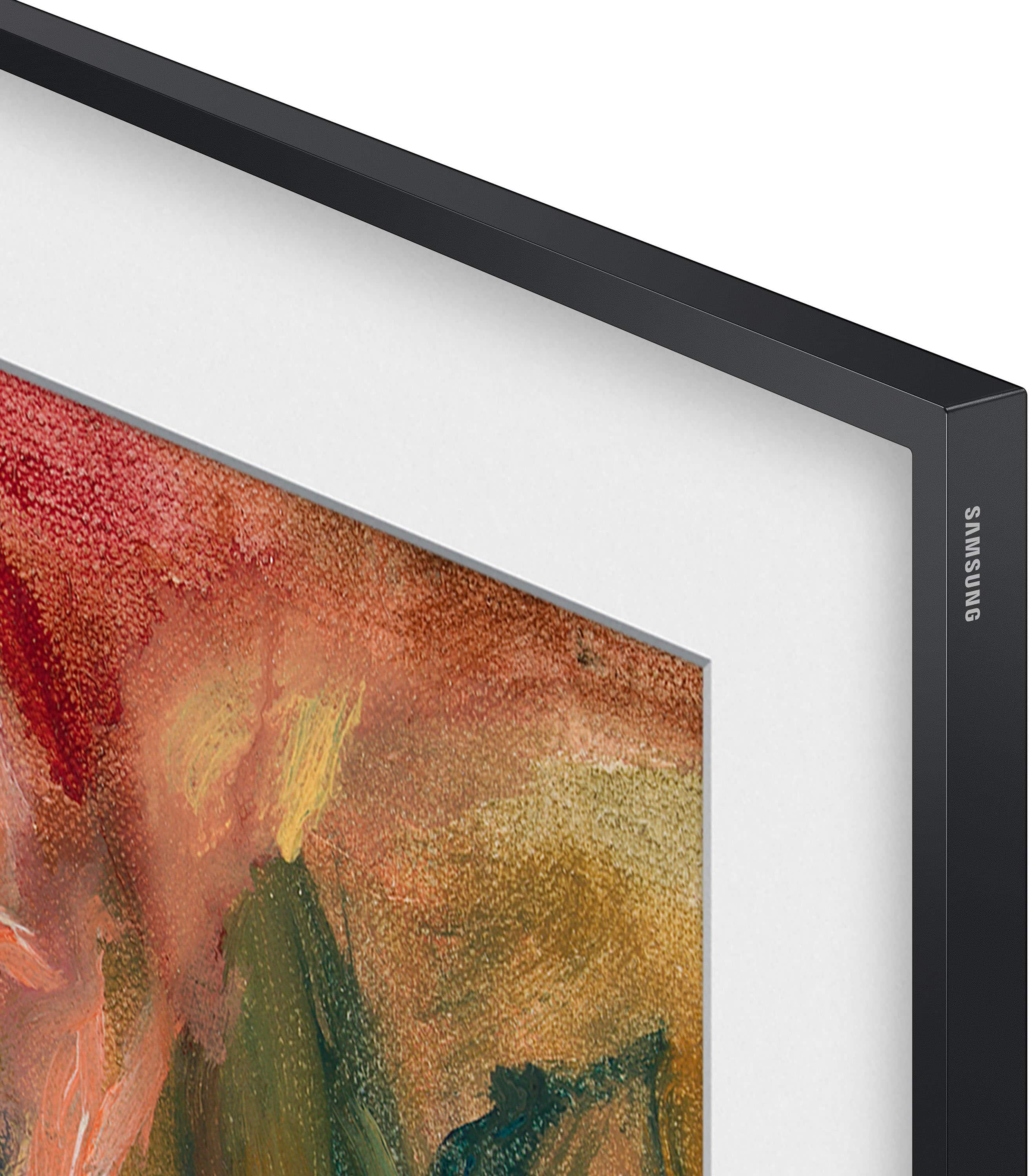
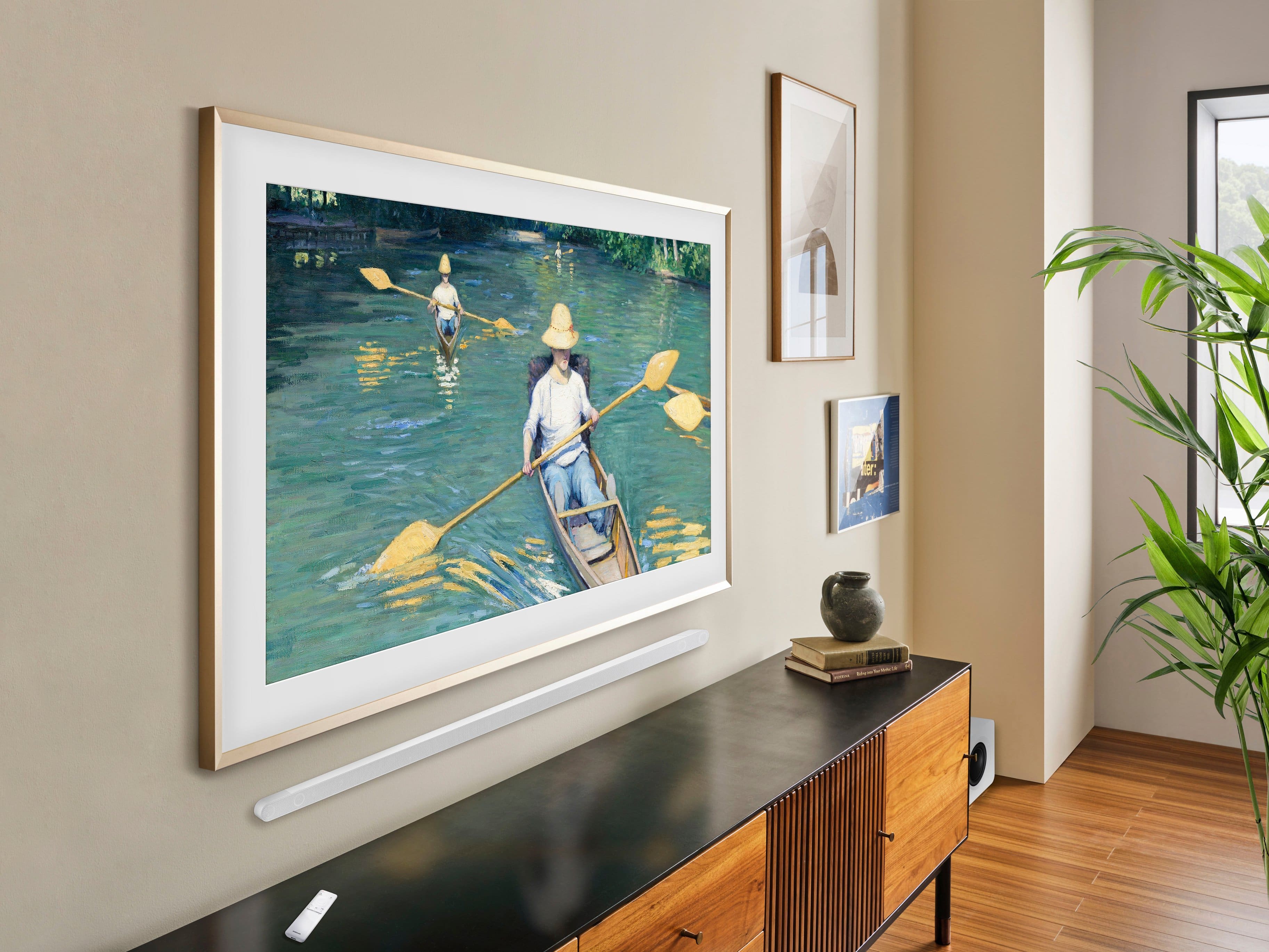
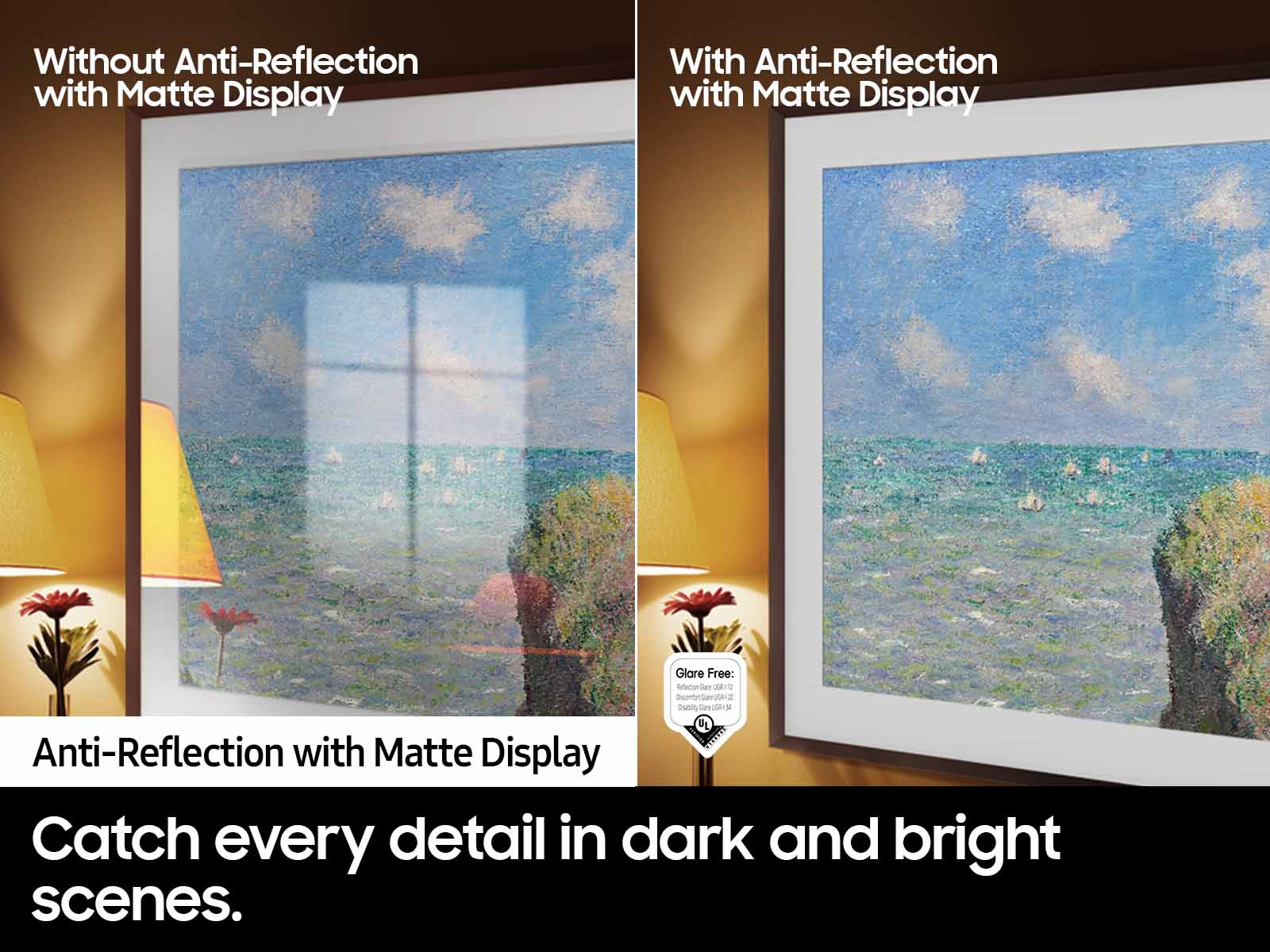
A:AnswerThe Frame TV features Anti-Reflection technology to provide you with wider viewing angles, enhanced color, and minimized glare to help you enjoy shows without distractions.
~ Samsung Specialist
A:Answerkategold - While I don't know the mount or TV you currently use, the 55" Frame TV can utilize any wall mount that supports a VESA pattern of 200mm x 200mm.
~ Samsung Specialist
A:AnswerPlease give us the opportunity to better assist with this by reaching Samsung Support at: 1-800-SAMSUNG, 8AM - 12AM EST, 7 days a week, or Chat with us on Samsung.com: https://www.samsung.com/us/support/contact/
~ Samsung Specialist
A:AnswerHi Scott - Almost all 55" Samsung TVs support these features. Please give us the opportunity to better assist with this by reaching Samsung Support at: 1-800-SAMSUNG, 8AM - 12AM EST, 7 days a week, or Chat with us on Samsung.com: https://www.samsung.com/us/support/contact/
~ Samsung Specialist
A:AnswerHi gabt,
Samsung TVs do not support Apple HomeKit; however, they are compatible with Amazon Alexa, Bixby, Google Assistant, SmartThings, and other connected devices that "Work With SmartThings".
~Samsung Advisor
A:AnswerYao - Although The 55" Frame TV doesn’t feature out-of-the-box Vertical/Portrait support, it can be used in Portrait Mode when attached to the Auto Rotating Wall Mount (Model: VG-ARAB22WMTZA).
~ Samsung Specialist
A:AnswerHi Maxi - A 5m One Invisible Connection Cable is included with the Frame TV, and a 15m version (Model: VG-SOCR15/ZA) is sold separately as an optional accessory.
~ Samsung Specialist