A:Answerallen - Samsung Smart TVs utilize Tizen OS which includes a built-in App Store, allowing you to choose from hundreds of apps that you can download, and we are continuously adding more premium content and new services to our Smart TV platform. ^Gina
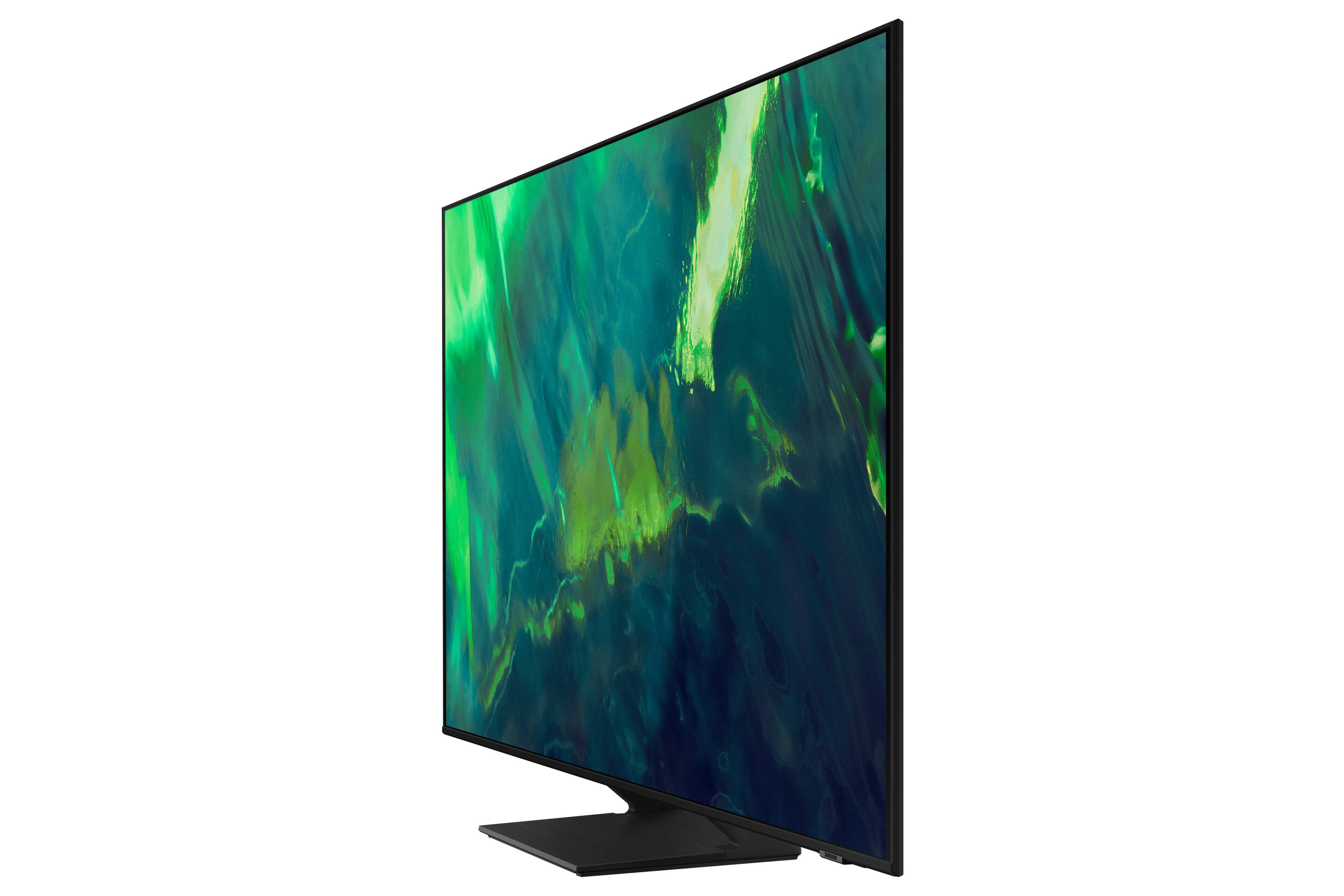
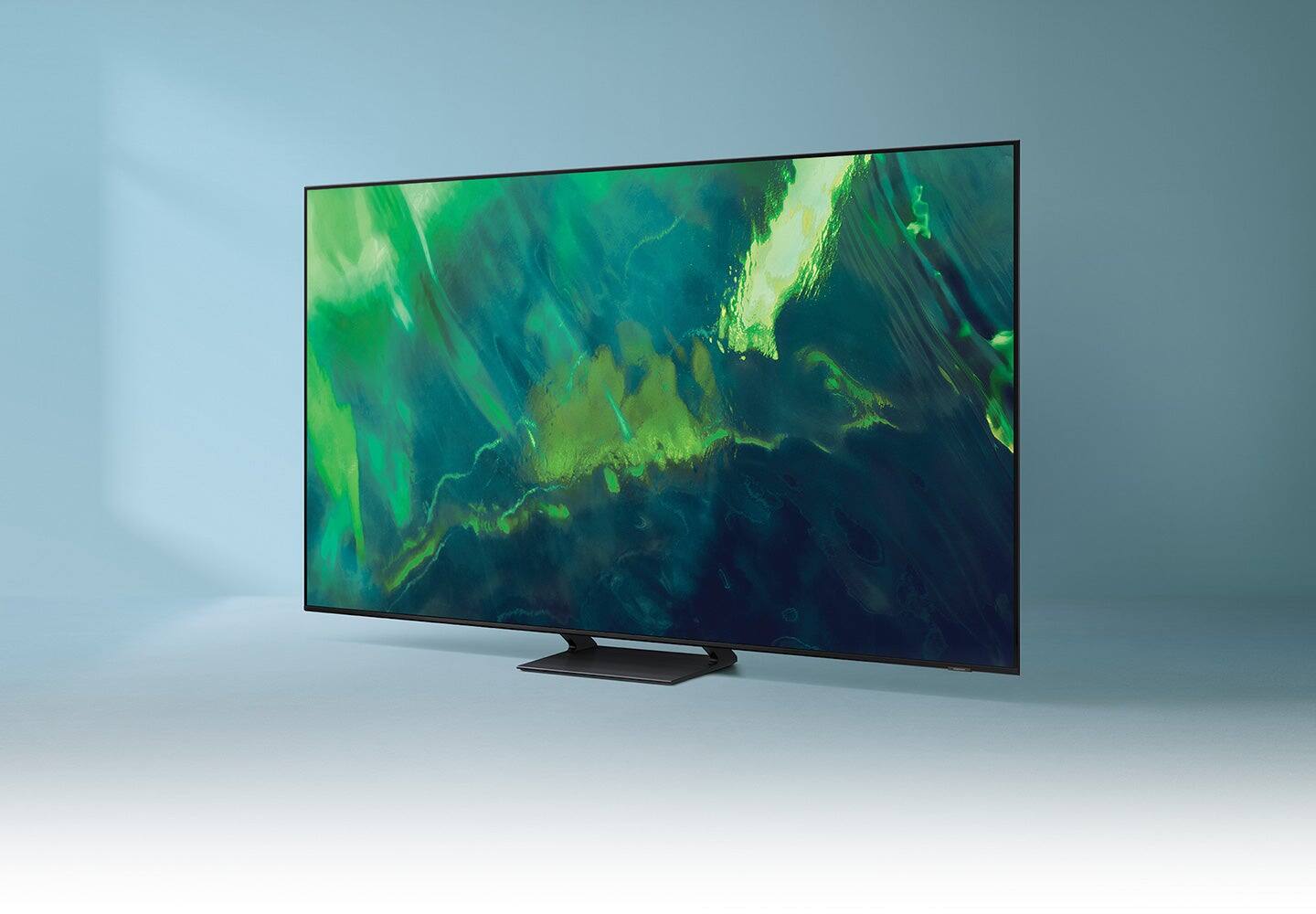
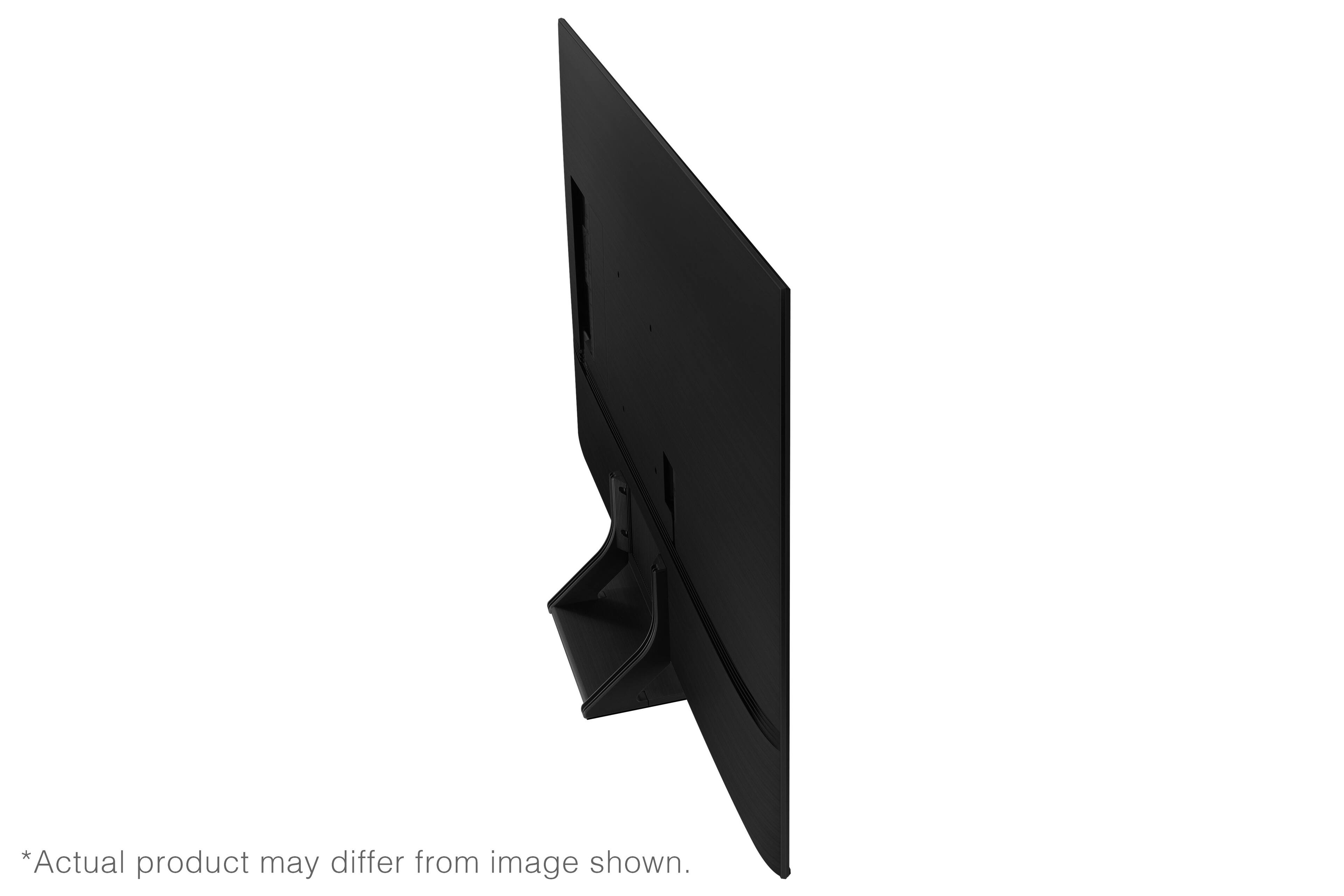
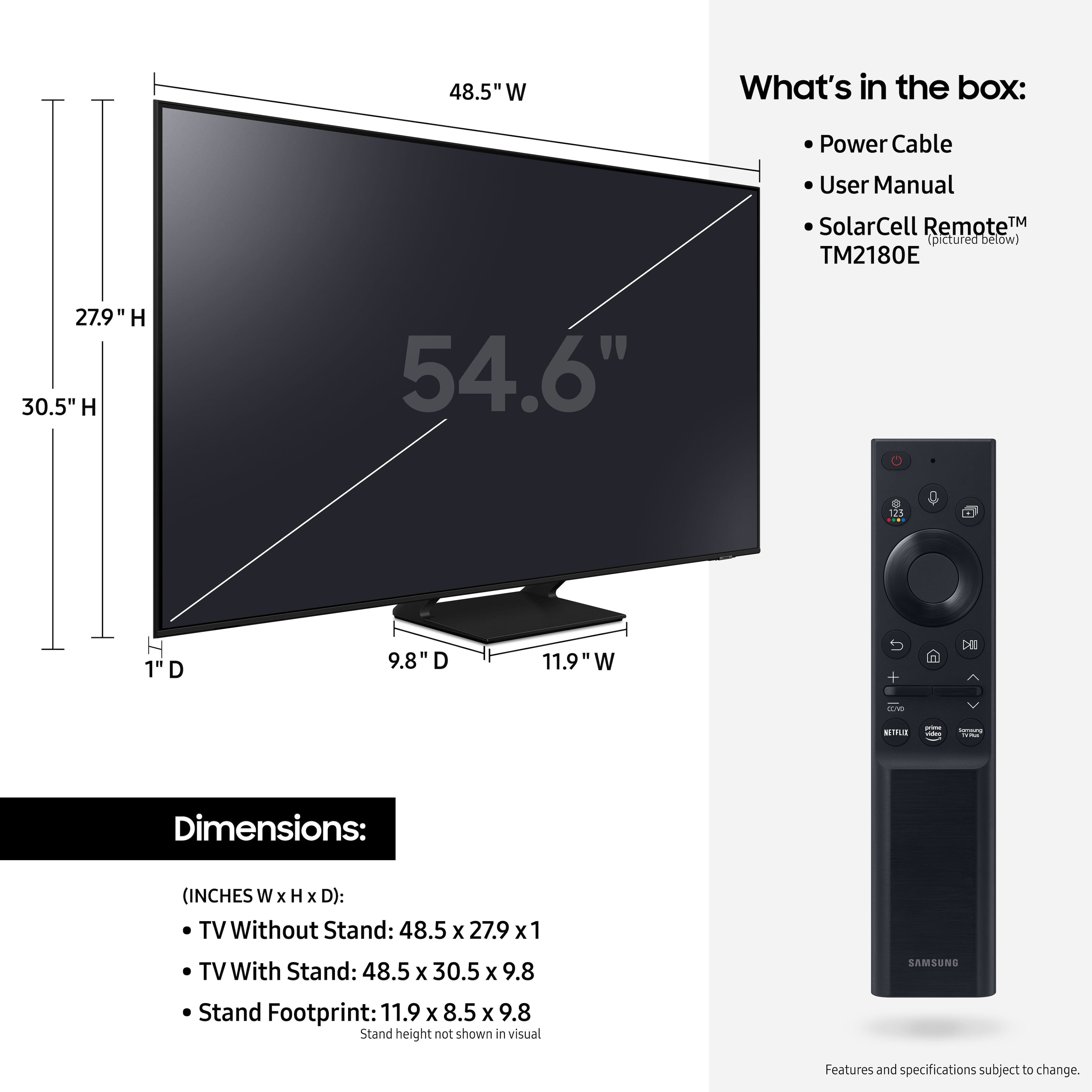
A:AnswerHi G! I don't know the dimensions of your Nissan Rogue, but the size of the box for the 55" Q70A is 55.1 x 33.3 x 5.8 (W x H x D in inches). Please note that it is highly recommended to transport TVs upright. https://www.youtube.com/watch?v=_S1JoYUoTiA&t=192s ^Val
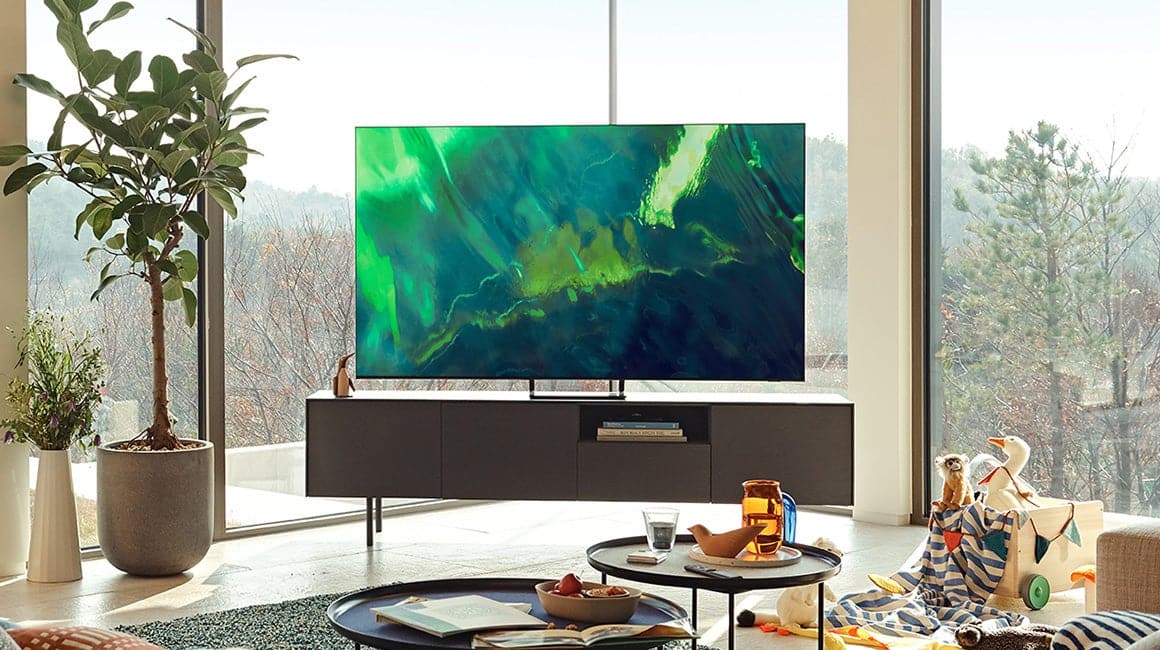
A:AnswerHi Danny, for optimal glare control, we recommend positioning the TV to minimize incident light falling on the screen or consulting a professional installer. Starting with our QN85A model, Samsung TVs feature Anti-Reflection Technology reducing ambient light reflections on the TV screen. ^Val
A:AnswerHi - The Q70A is a Bluetooth enabled TV which allows you to seamlessly connect with any Bluetooth enabled devices, such as AirPods and hearing aids (if they support Bluetooth). With the Q70A TV's Multi-output Audio function, you can turn on both the TV speaker and Bluetooth device at the same time. When this function is active, you can set the volume of the Bluetooth headphone higher than the volume of the TV speaker. Go to: Settings > General & Privacy > Accessibility > Multi-output Audio.
~ Samsung Specialist
A:AnswerHi KA,
The Q70A is a Smart TV that features a built-in App Store, allowing you to choose and download from hundreds of apps including DIRECTV STREAM - no external streaming device necessary.
^Brie
A:AnswerI also enjoy the classics. The picture quality is superb in my opinion. So far we are extremely pleased with the picture and performance of the tv
A:AnswerBigmac - Tizen is the name of the operating system utilized in Samsung TVs. Smart TVs generally include features such as a built-in App Store, Apps, as well as additional functions such as Intelligent Mode, Adaptive Sound, and many more. ^Gina
A:AnswerSahara - The Q70A has internal speakers and features Object Tracking Sound Lite (OTS Lite) giving you immersive 3D surround sound with strategically placed dynamic speakers that move the sound around you. ^Gina
A:AnswerSahara - The Q70A TV's built-in App Store allows you to choose from and download hundreds of apps such as discovery+, HBO Max, Disney+ and many more. We are continuously adding more premium content and new services to our Smart TV platform. It also comes with Samsung TV Plus which offers hundreds of free channels of news, sports, movies, and much more. ^Gina
A:AnswerMick - You can connect an external Roku device to the Q70A TV; however, please know the Q70A is a Smart TV which features a built-in App Store, allowing you to choose and download from hundreds of apps including DIRECTV STREAM - no external streaming device necessary. ^Gina
A:Answerdb808 - You can screen mirror to the Q70A TV via AirPlay on iOS devices or SmartThings on Android devices. The image size will depend on the content & screen rotation of the casting device. ^Gina
A:AnswerSam - Starting with our QN85A model, Samsung TVs feature Anti-Reflection Technology reducing ambient light reflections on the TV screen. For optimal glare control, we recommend positioning the TV to minimize incident light falling on the screen or consulting a professional installer. ^Gina
A:AnswerGeorge - The Q70A does not include a headphone jack; however, we do recommend utilizing Bluetooth headphones as the Q70A is Bluetooth enabled, and will allow you to seamlessly pair wireless Bluetooth headphones. When using Bluetooth headphones, you can use both TV and Bluetooth device audio simultaneously using the Multi-Output Audio feature. When this function is active, you can set the volume of the Bluetooth headphones higher than the volume of the TV speaker. First, make sure your Bluetooth headphones are paired. Press HOME on your Q70A remote. Then go to Settings > General > Accessibility > Multi-output Audio. Find the device you'd like to pair. ^Gina