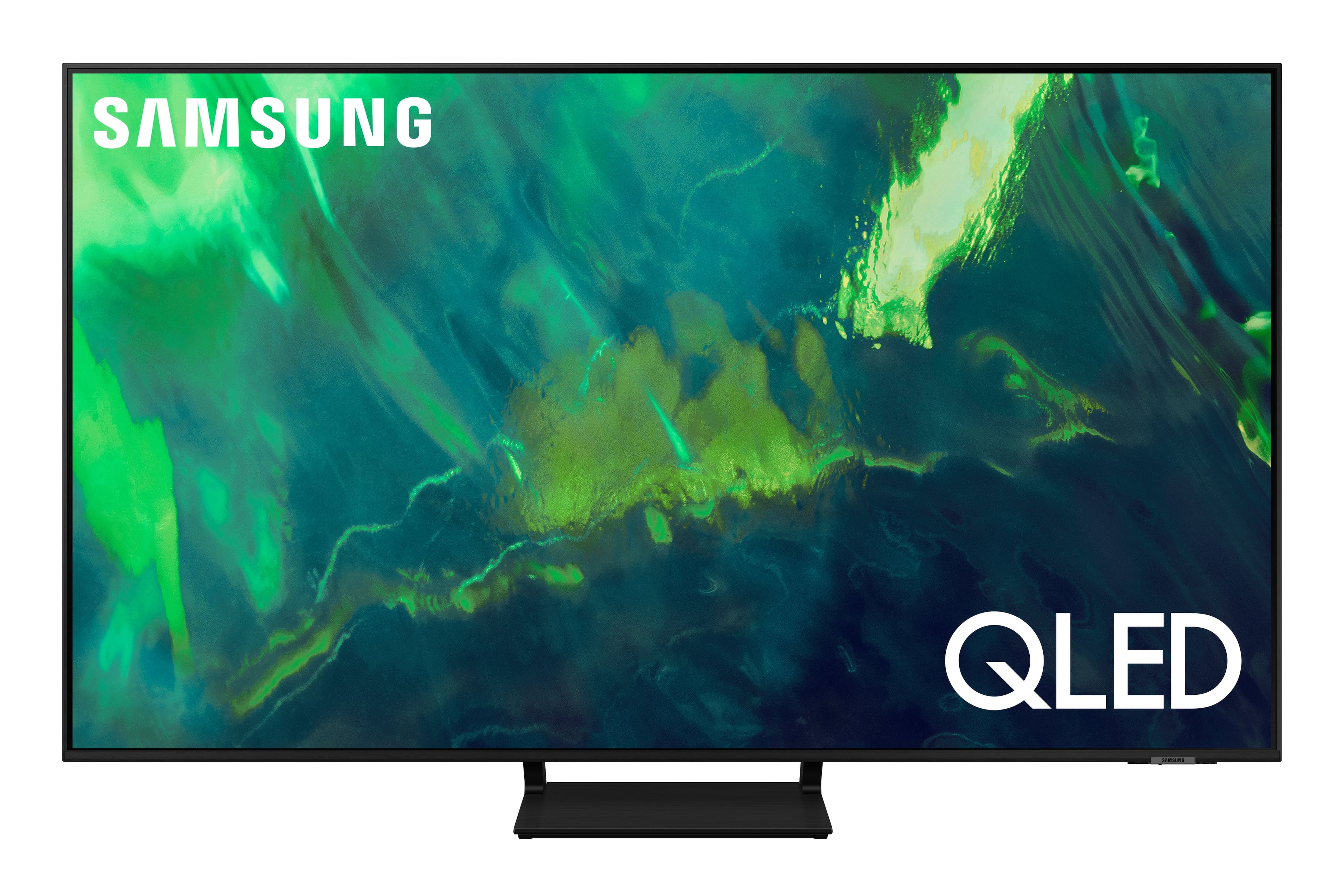
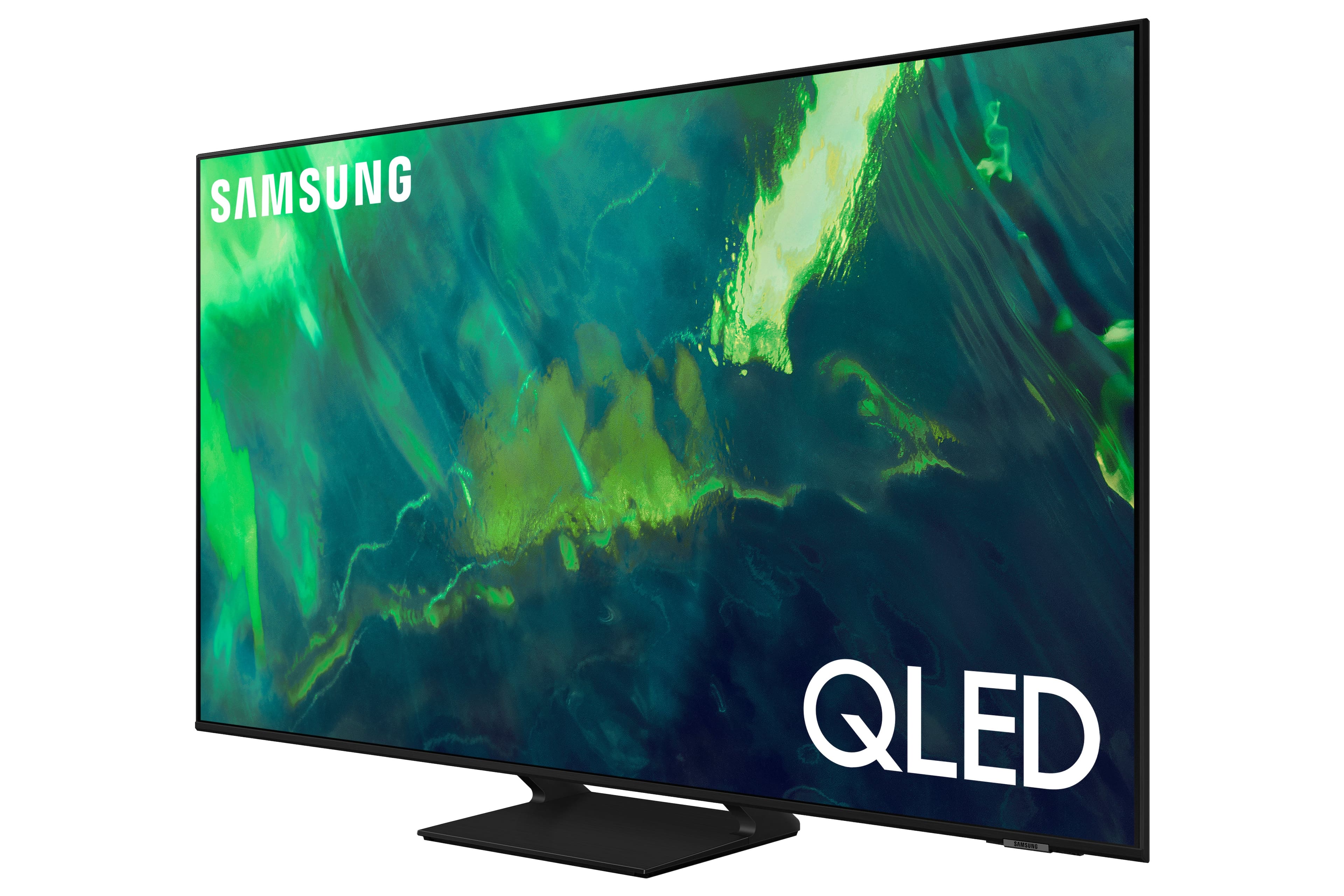
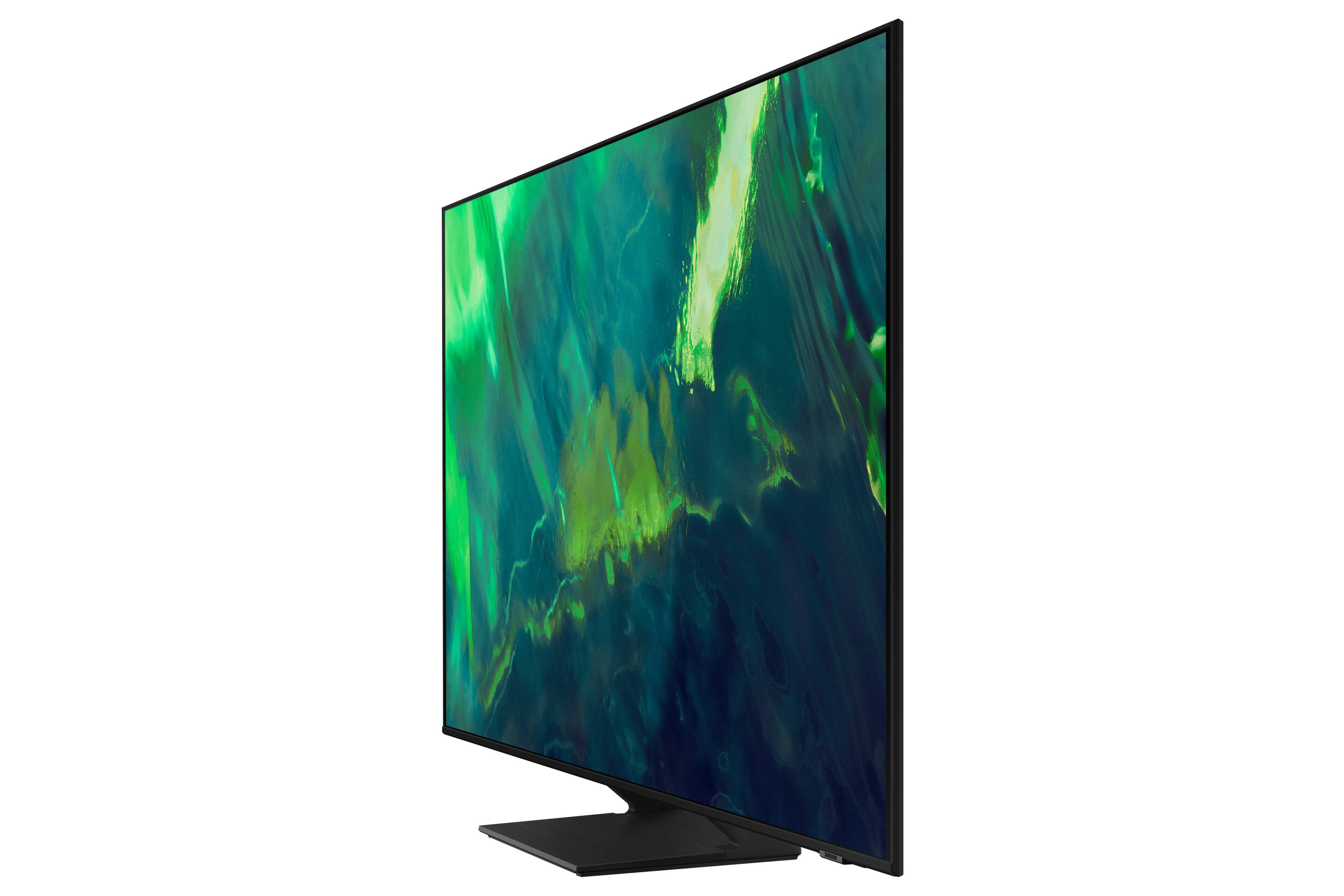
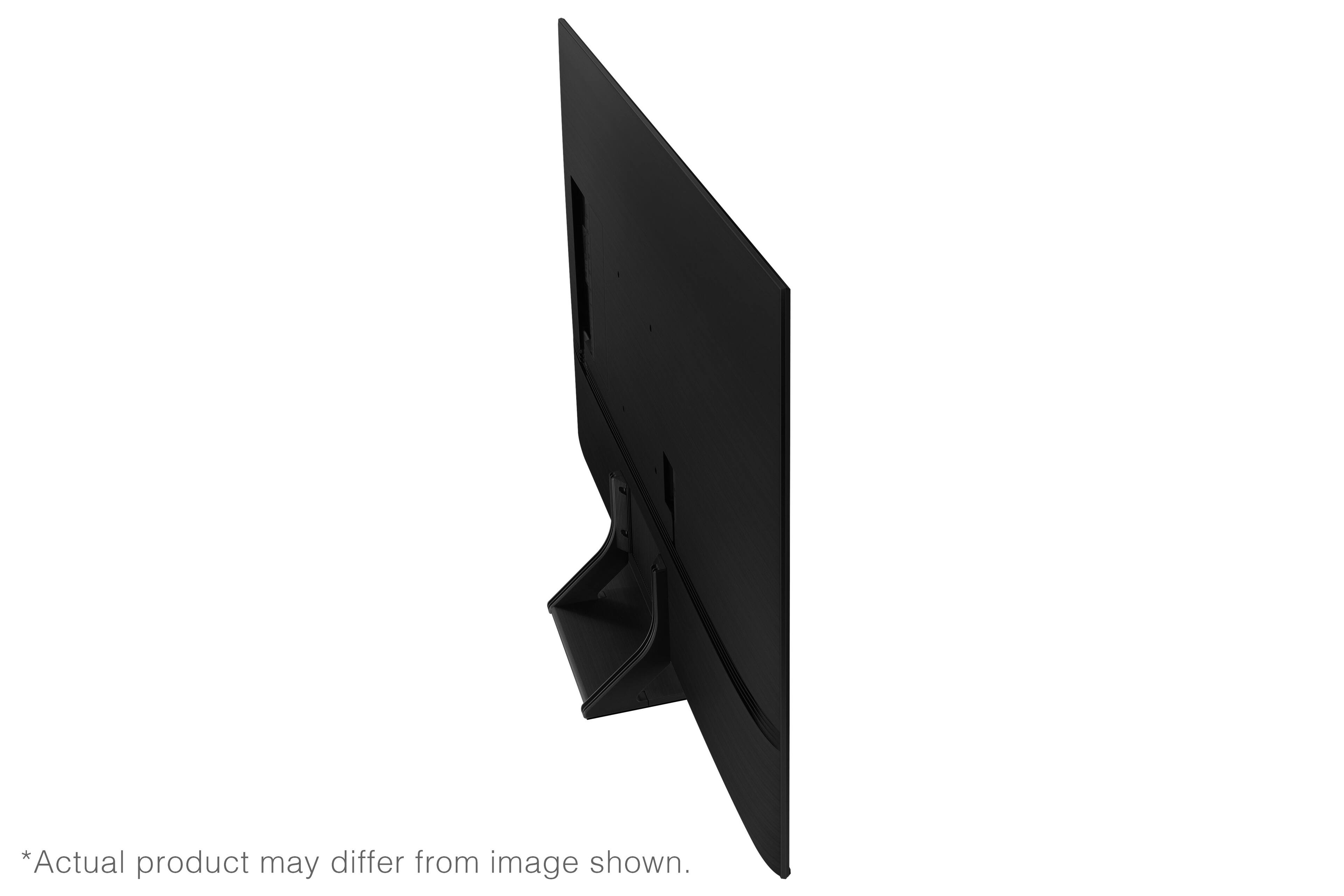
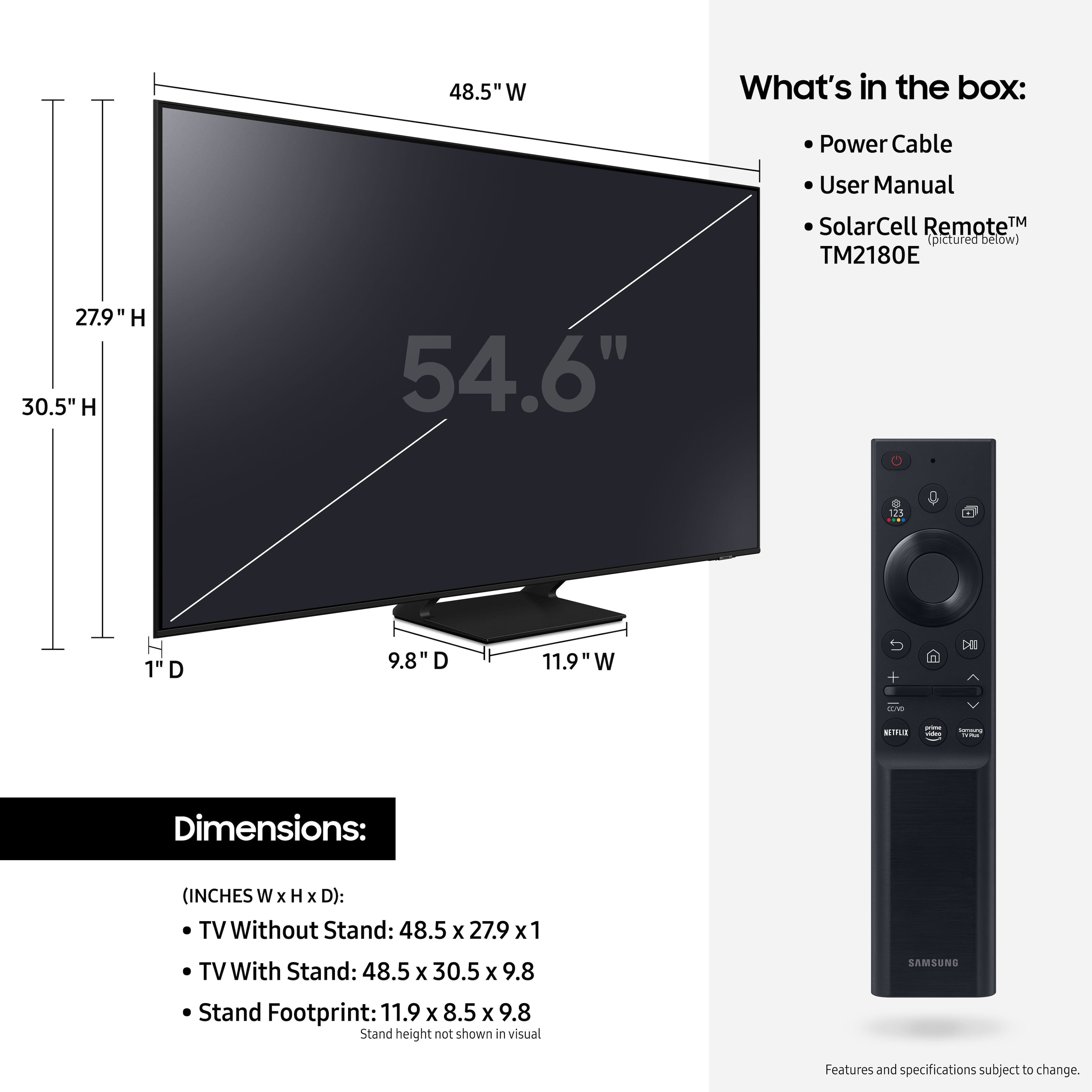
A:AnswerCasey - The distance from the top mounting holes to the top of the 55" Q70A TV is 9.3". The distance from the bottom holes to the bottom of the TV is 10.6". The distance on each side is 20.2". ^Gina
A:AnswerMare - The Q70A features HDMI and Optical inputs, as well as Bluetooth and Wi-Fi connectivity; if your devices support any of these connection types, you sure can connect them to this TV. ^Gina
A:AnswerYes, its not as easily accessible as other tvs but if you open the menu and go all the way left into the settings, there should be a bunch of options near the "all settings" button and one of them is a timer, if you hit the center button on that timer you can increment it. You can also access the timer through the all/advanced settings menu
A:AnswerNicsan - The Q70A TV features HDMI and Optical connections; if you are connecting a different type of cable (IE. Analog), you will need to utilize an RCA to HDMI converter. ^Gina
A:AnswerStreamdaddio58 - To locate the storage amount available to be used for Apps please follow these steps: Home > Apps > Settings. In the upper right hand corner you should see how much storage you have used and what is available to be used. Samsung TV Plus will come preinstalled on the Q70A TV; HBO Max, Peacock, Disney+ and discovery+ can all be downloaded directly from the built-in App Store. ^Gina
A:AnswerYes, HBO Max is one of the pre-loaded apps that show up on the Home screen on the QLED tv's. All you need to do is connect the tv to the internet and login to your HBO Max account.
A:AnswerBarryman - Samsung TVs do not feature built-in Chromecast; however, the Q70A is a Smart TV Powered by our Tizen OS, which features a built-in App Store allowing you to choose and download from hundreds of apps. ^Gina
A:AnswerI have an older Samsung model,the NU8000 from 2018 and I watch Spectrum through their app. So if my 3 year old Samsung set can do it then I'm pretty sure the new ones can also.
A:AnswerBluetooth is just a network connection
The Q70AA has a Bluetooth function for Bluetooth speakers but as far laptop connections there are no Bluetooth connections I hope this helps! ☺