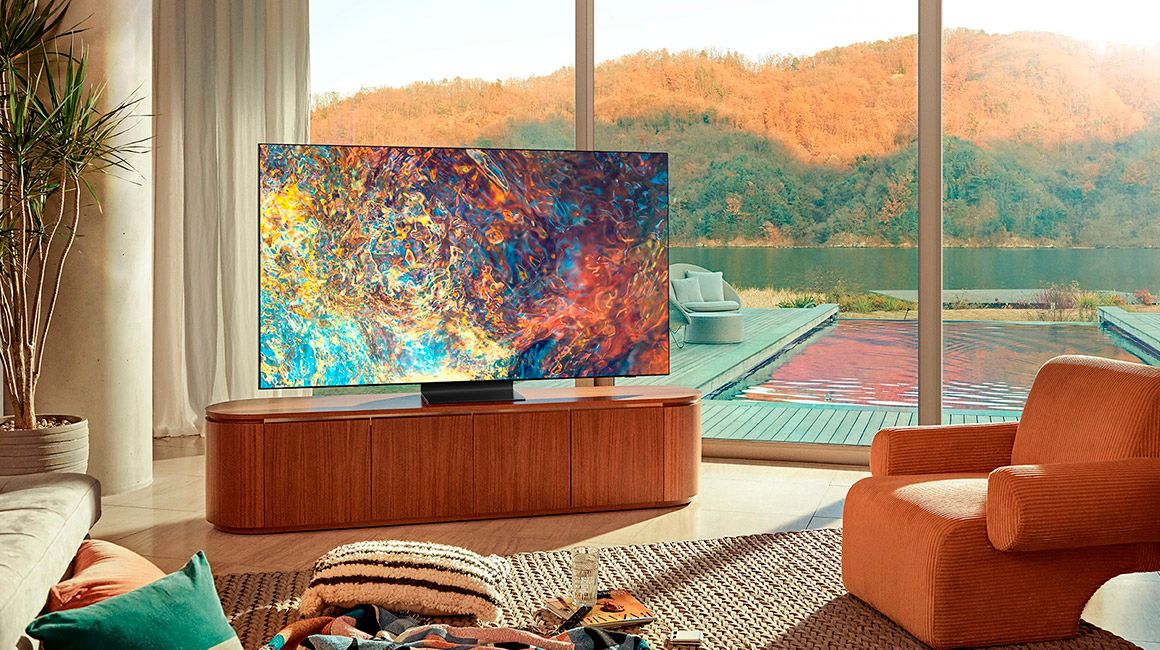
A:AnswerSJD54 - The QN90A TV is not rated for outdoor use. If you are looking for a TV to use outdoors, we recommend checking out Samsung's The Terrace TV which is optimized for outdoor use. ^Gina
A:AnswerSquiggy - The Netflix, Prime Video, and YouTube apps will come preinstalled on the QN90A. Additionally, the built-in App Store allows you to choose from and download hundreds of apps such as discovery+, HBO Max, Pandora, and many more. We are continuously adding more premium content and new services to our Smart TV platform. It also comes with Samsung TV Plus which offers hundreds of free channels of news, sports, movies, and much more. ^Gina
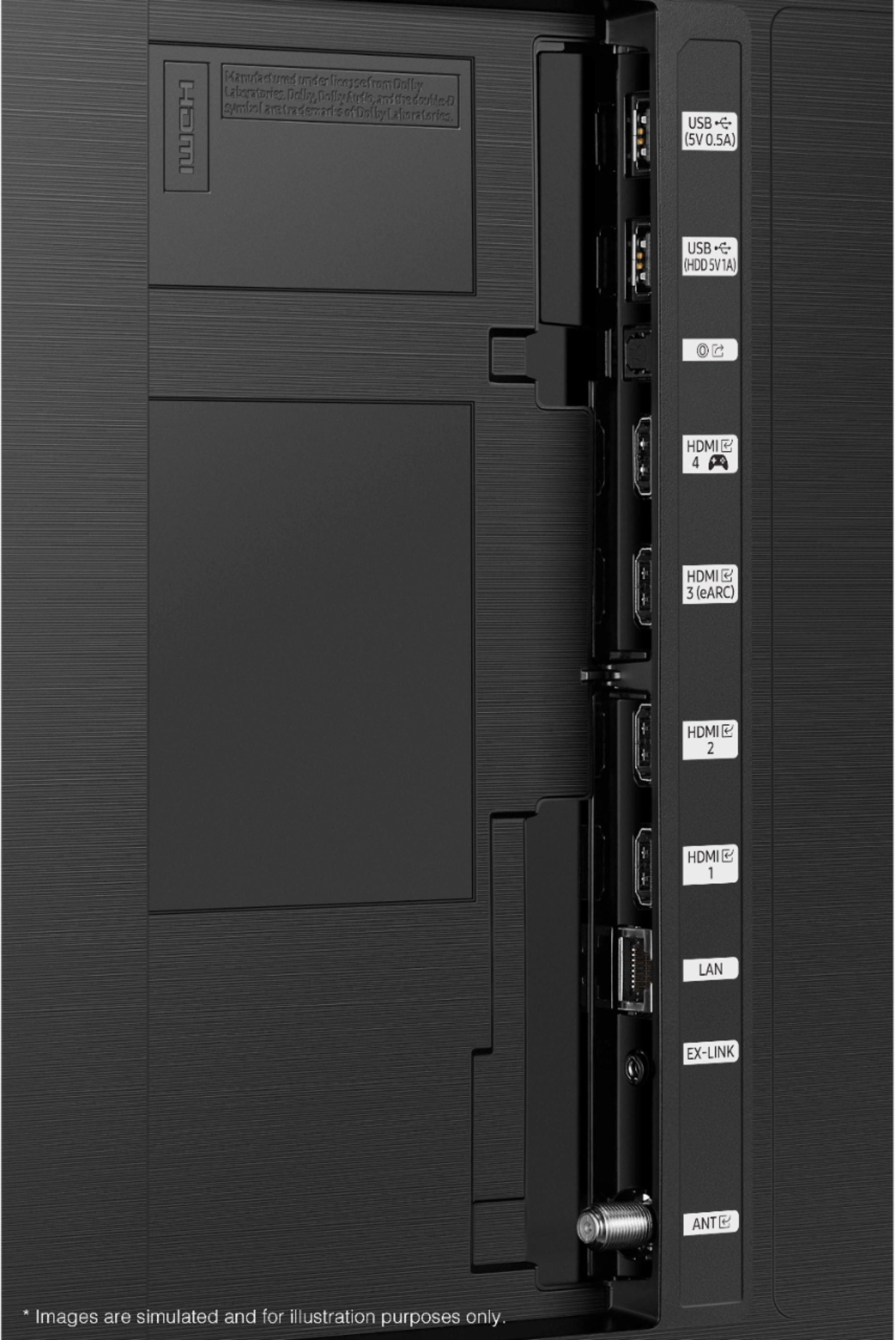
A:AnswerHi! The QN90A features HDMI and Optical connections; in order to connect a VHS player, you may need to use an adapter. Please directly contact or visit your local Best Buy to find the adapter you need. ^Gina
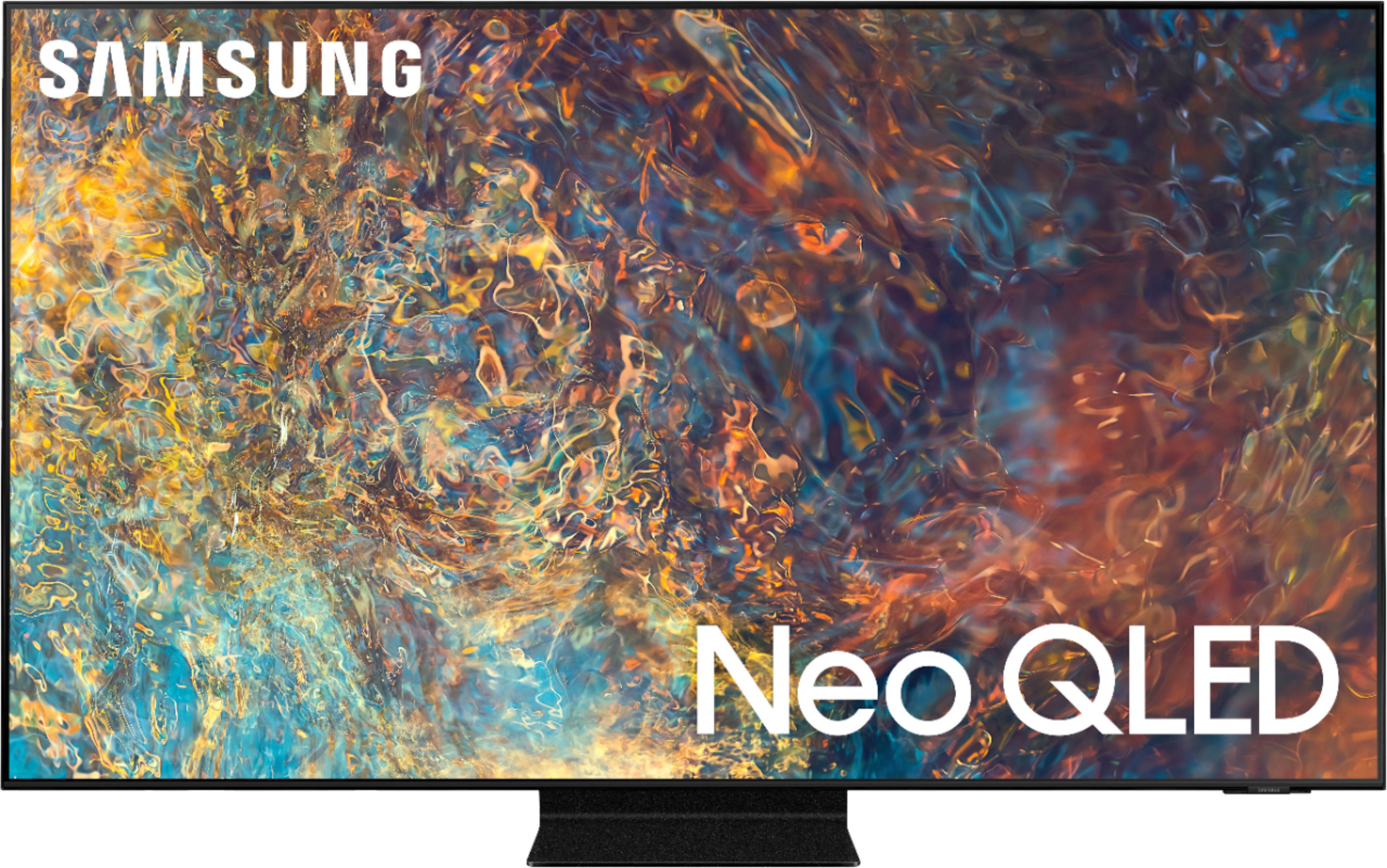
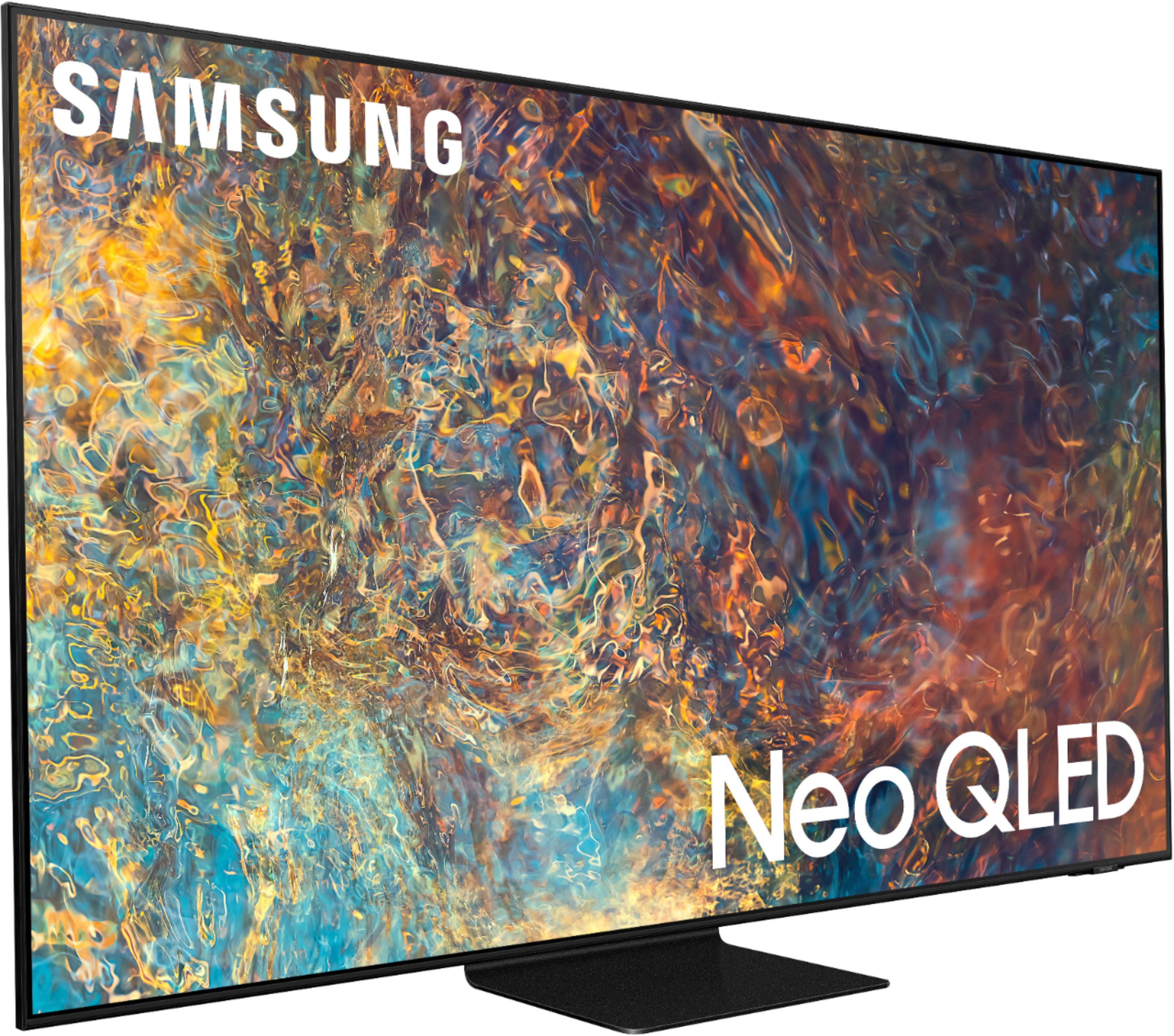
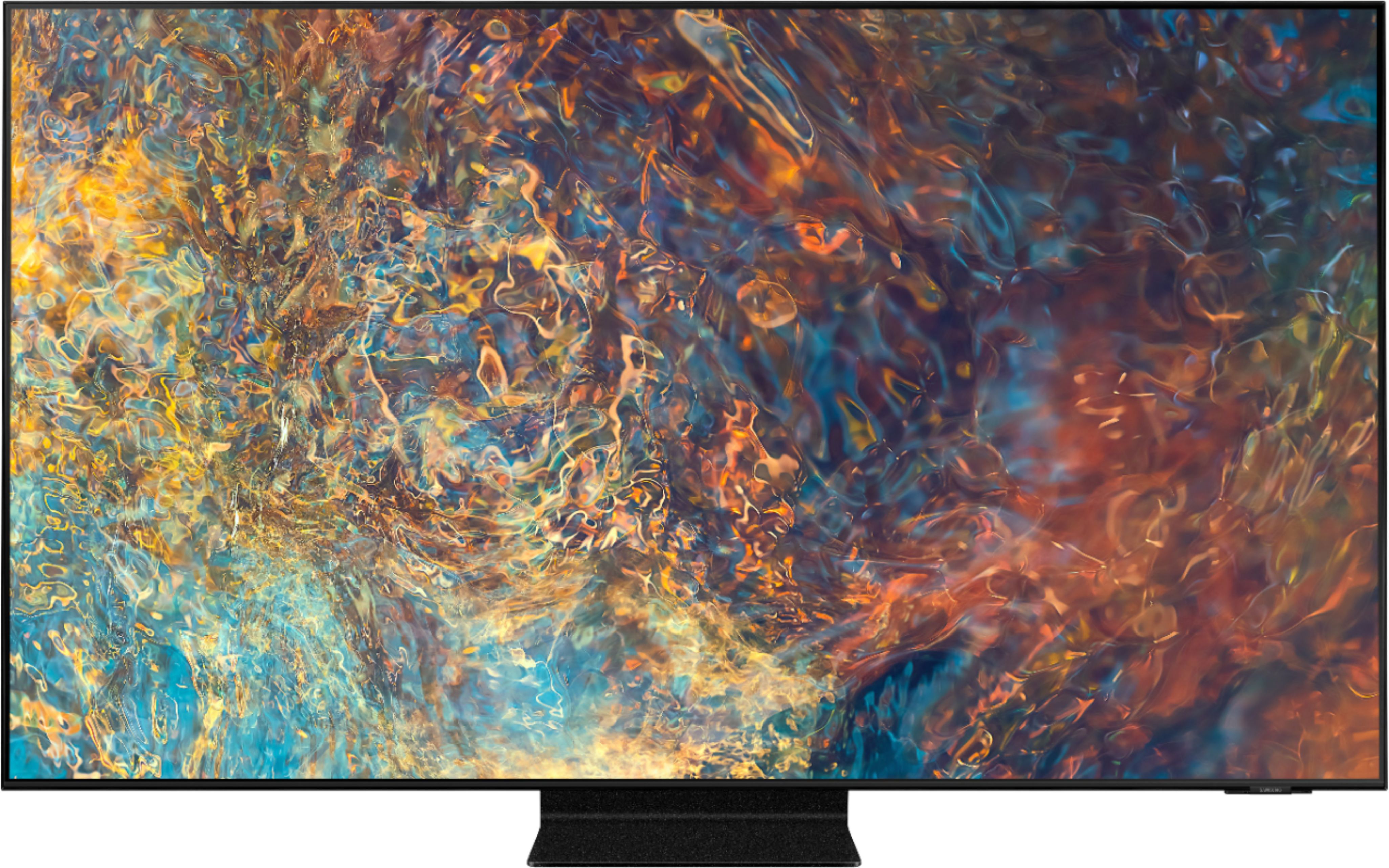
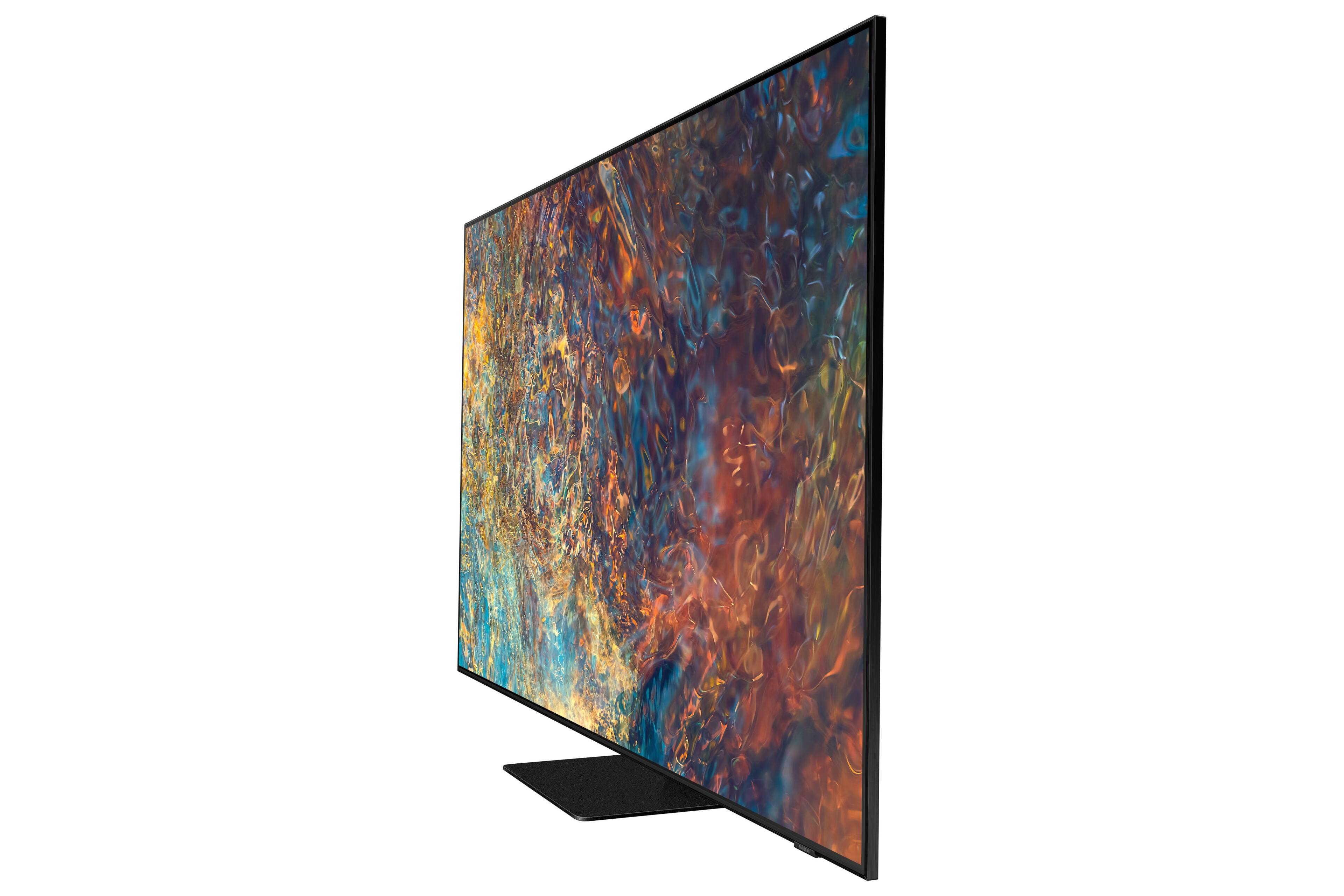
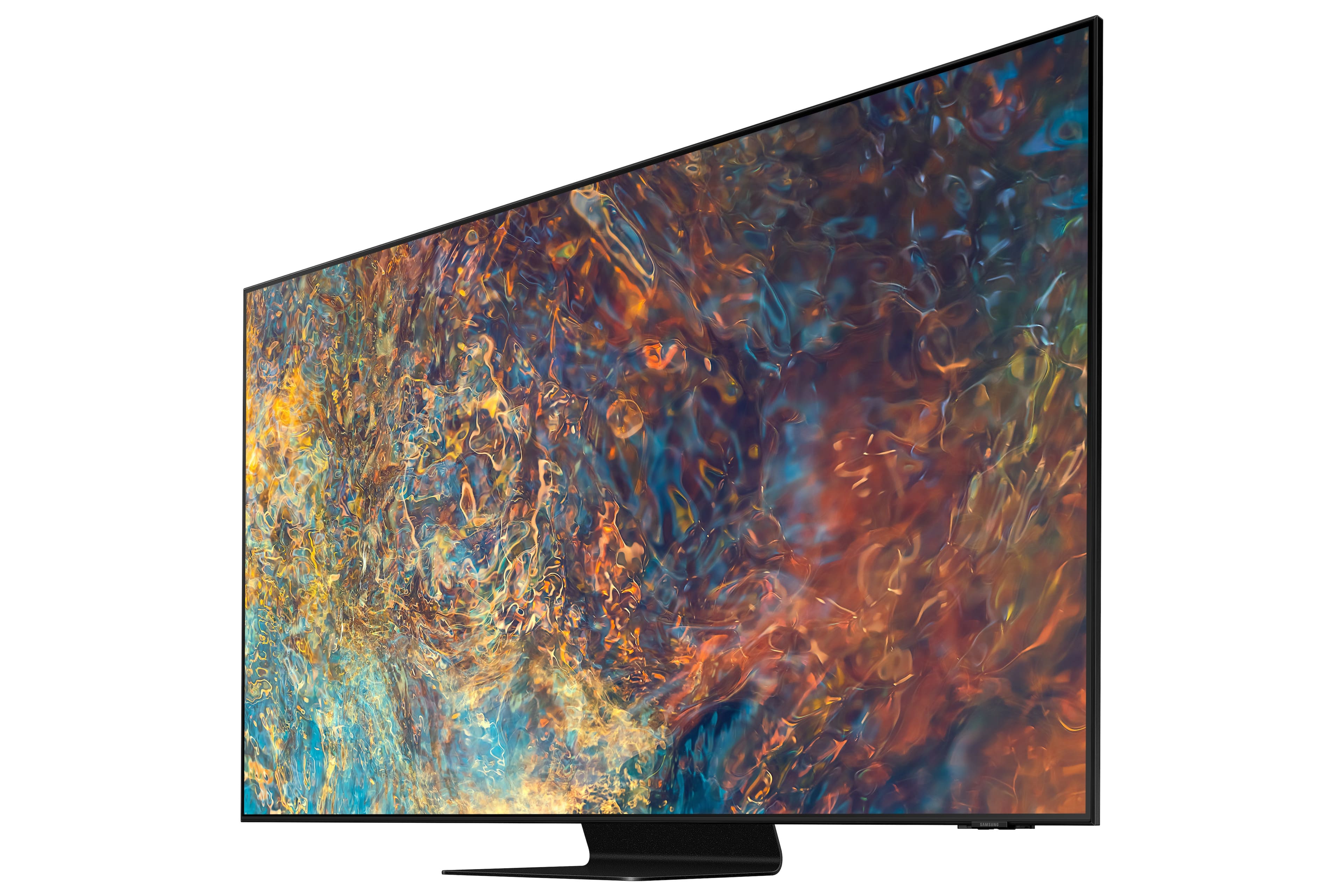
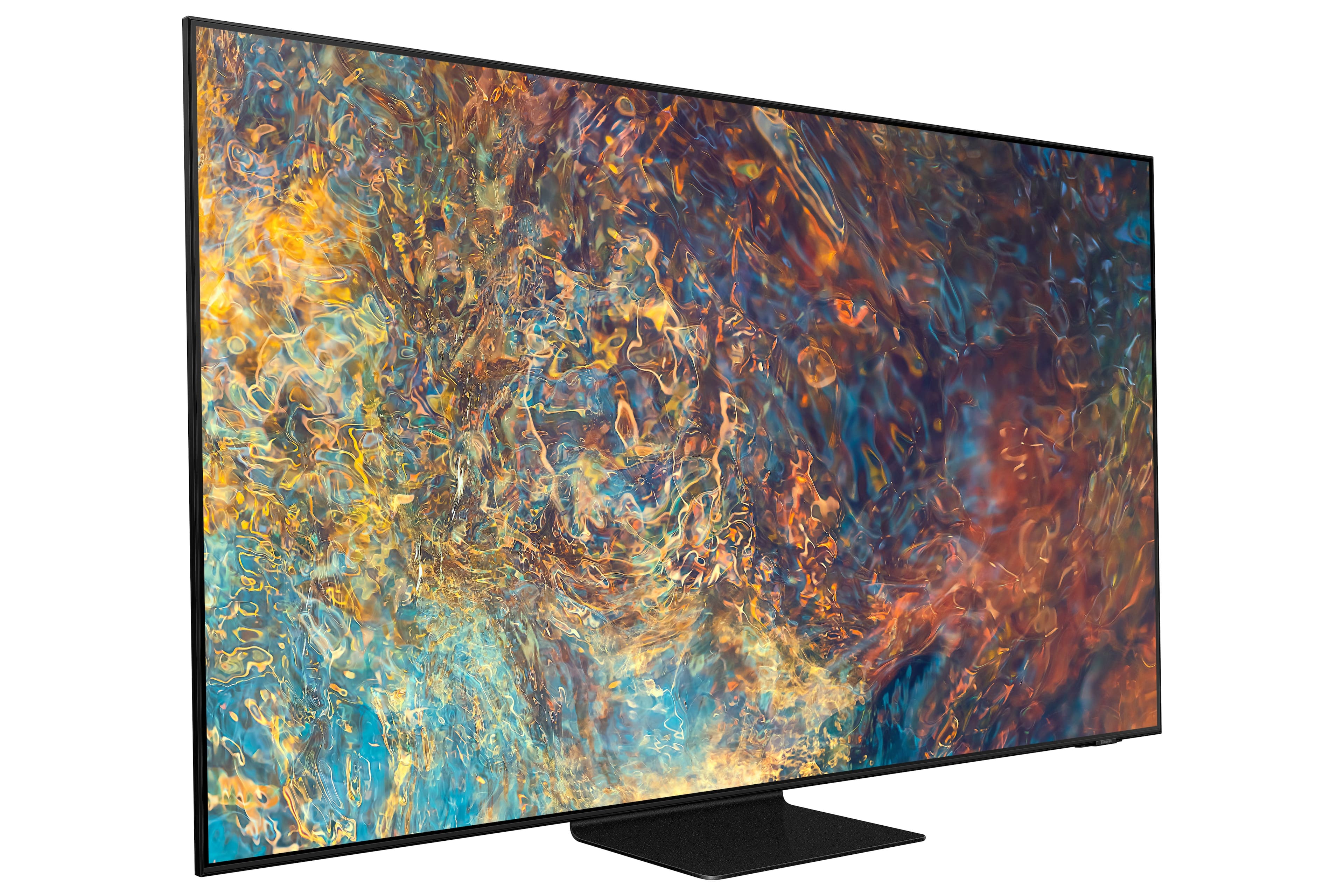
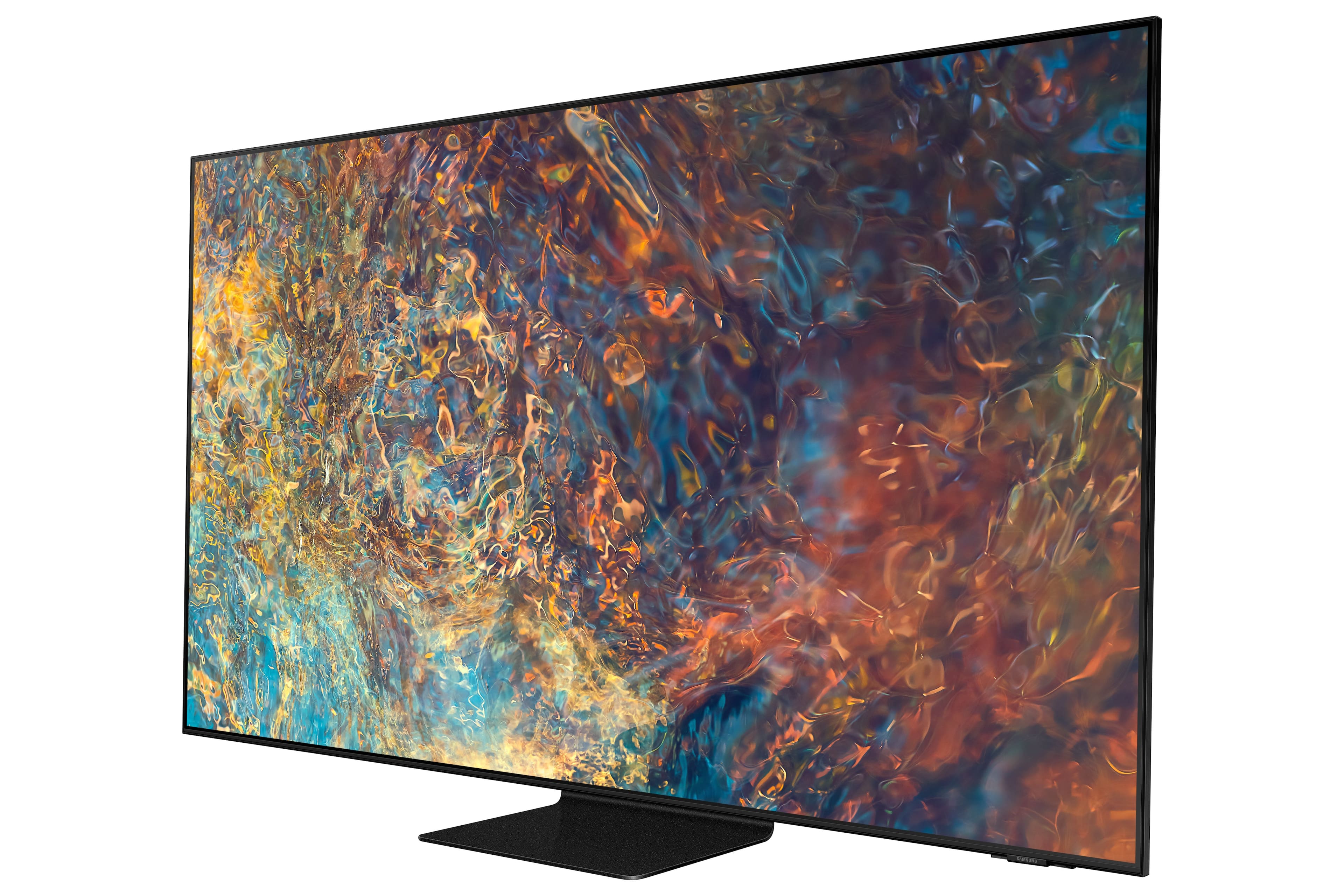
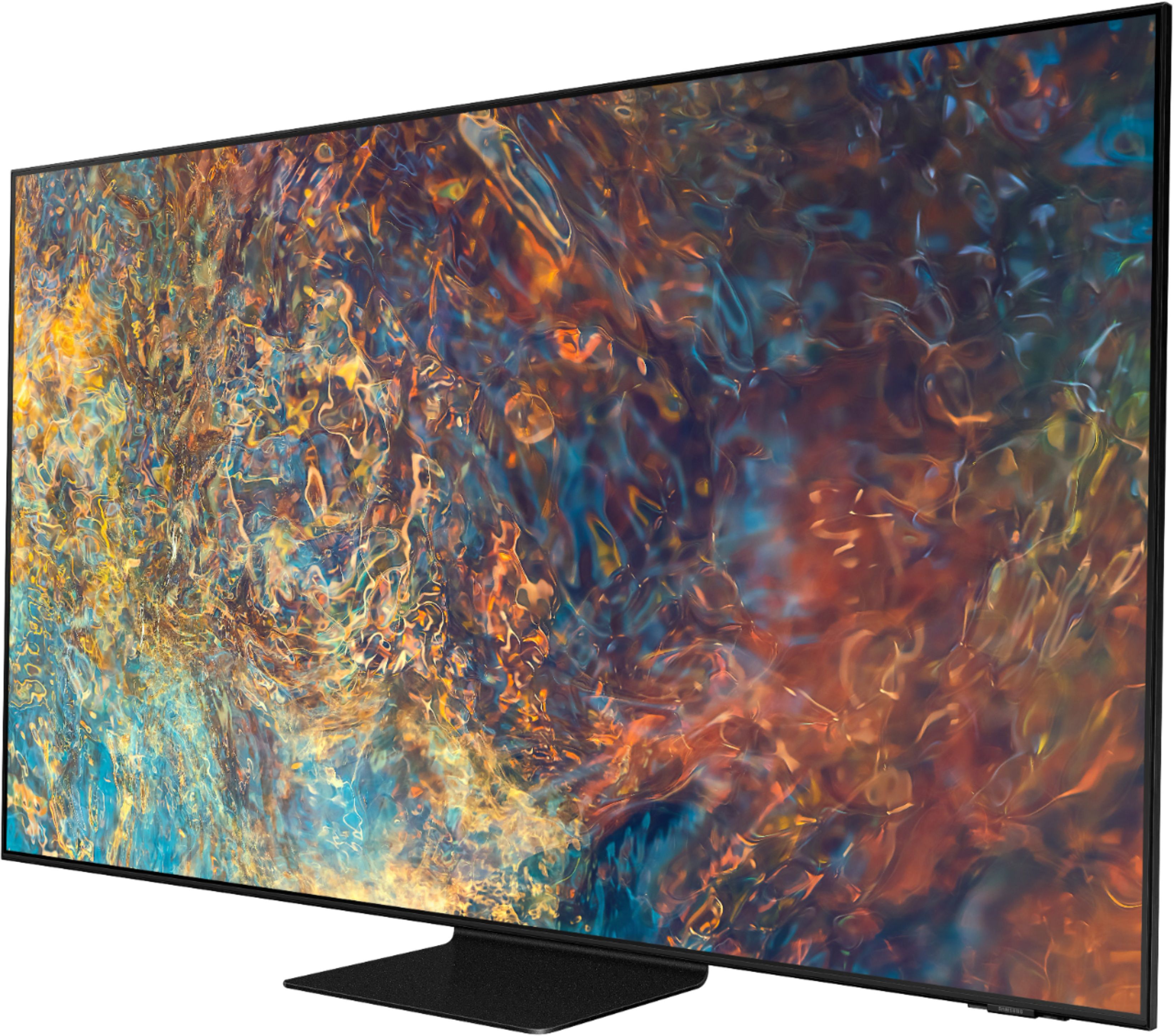
A:AnswerBandit - Samsung's Neo QLED TVs are Quantum Dot TVs that include features such as Quantum Matrix Technology which allows you to experience a brilliantly intense picture powered by a vast array of tiny light cells using exclusive Mini LED designed technology for hyper-focused brightness and dimming in all the right areas. Additionally, Neo QLEDs feature our Neo Quantum Processor 4K which analyzes the signal, source, and content scene-by-scene to optimize your 4K clarity. You get our finest picture ever with Color Volume 100% Quantum Dot giving you a billion shades of color. ^Gina
A:AnswerMy understanding from an answer off the Samsung site is that most of this answer is true except it does not address the sound bar. You can simultaneously have a headset and tv sound but through the tv speakers, not the sound bar. That I find disappointing.
A:AnswerMPSClearwater - This will vary depending on your preferences; however, there are many sound adjustments you can make. The QN90A features SpaceFit Sound to optimize sound tailored to your environment and Active Voice Amplifier (AVA) which further detects disturbances and enhances the on-screen voices for clear dialogue.
Go to Home > Settings > General > Intelligent Mode Settings. Turn the options on or off to meet your needs:
- Active Voice Amplifier is available only when the sound sensor of the TV is active and the sound output is set to TV Speaker, or a Samsung Soundbar interlinked with Adaptive Picture is connected.
- Adaptive Sound+ provides optimized sound quality by analyzing the viewing space and the acoustic components of the content
- Adaptive Volume Automatically adjusts to a specific volume level while you are watching TV.
Several Sound Modes are likewise available to meet your personal preferences (Home > Settings > Sound > Sound Mode). You can also customize sound with Expert Settings (Settings > Sound > Expert Settings).
Another feature of your TV is OTS (Object Tracking Sound) which means that there are strategically placed dynamic speakers that track the action and move the sound around you. If you have, or plan on adding a Samsung Q-Series Soundbar, please take advantage of Q-Symphony which synchronizes both your TV speakers and soundbar to give you an excellent surround experience. ^Gina