A:AnswerWe purchased ours about a month ago and have never had this happen. This is not normal. Check your internet provider. I would call the geek squad.
A:AnswerCAJ - Please give us the opportunity to better assist with this by reaching Samsung Support at: 1-800-SAMSUNG, 8AM - 12AM EST, 7 days a week, or Chat with us on Samsung.com: https://www.samsung.com/us/support/contact/
~ Samsung Specialist
A:AnswerSamuel - So that we can better understand and assist with this, please reach out to Samsung Support at: 1-800-SAMSUNG, 8AM - 12AM EST, 7 days a week, or Chat with us on Samsung.com: https://www.samsung.com/us/support/contact/
~ Samsung Specialist
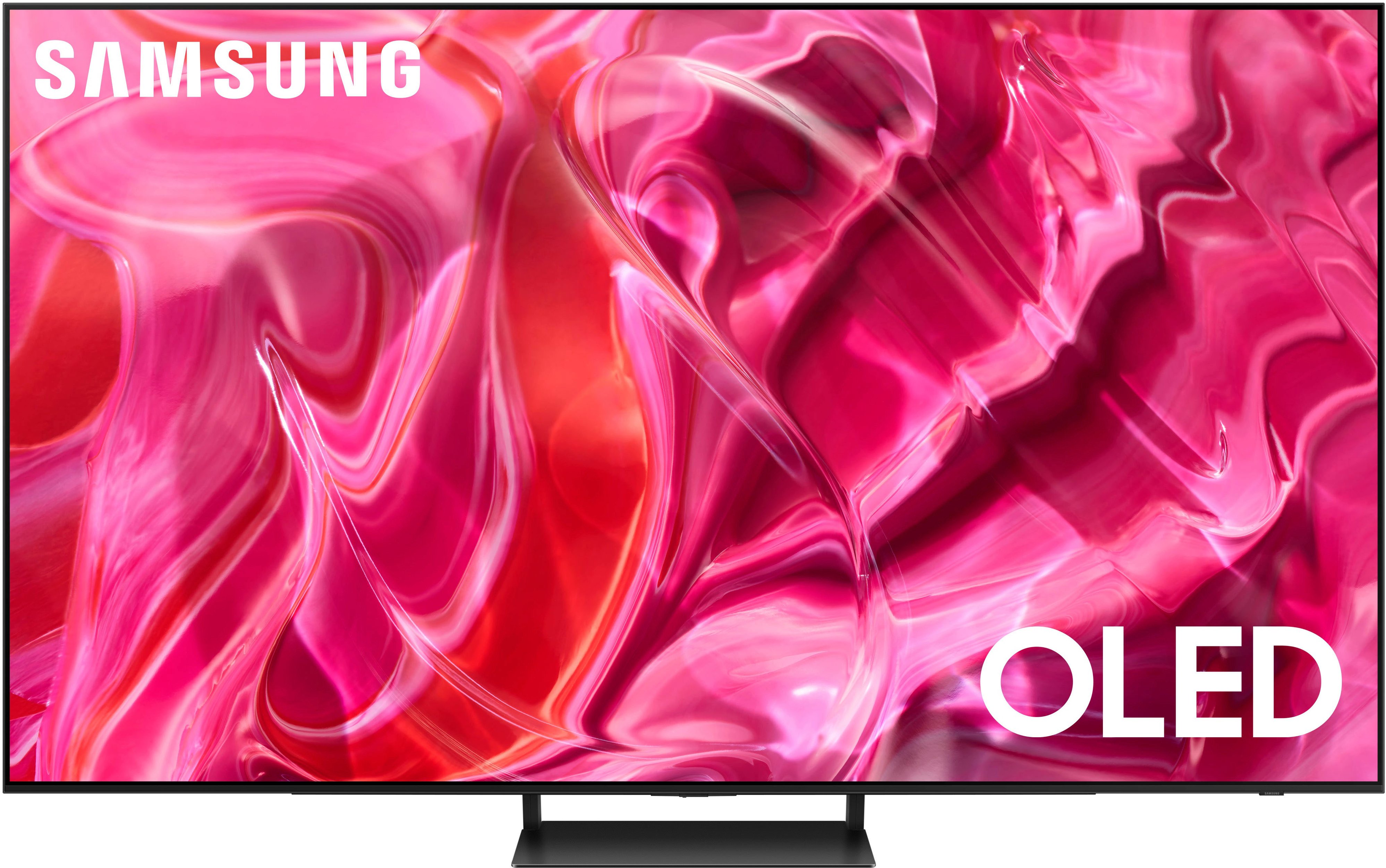
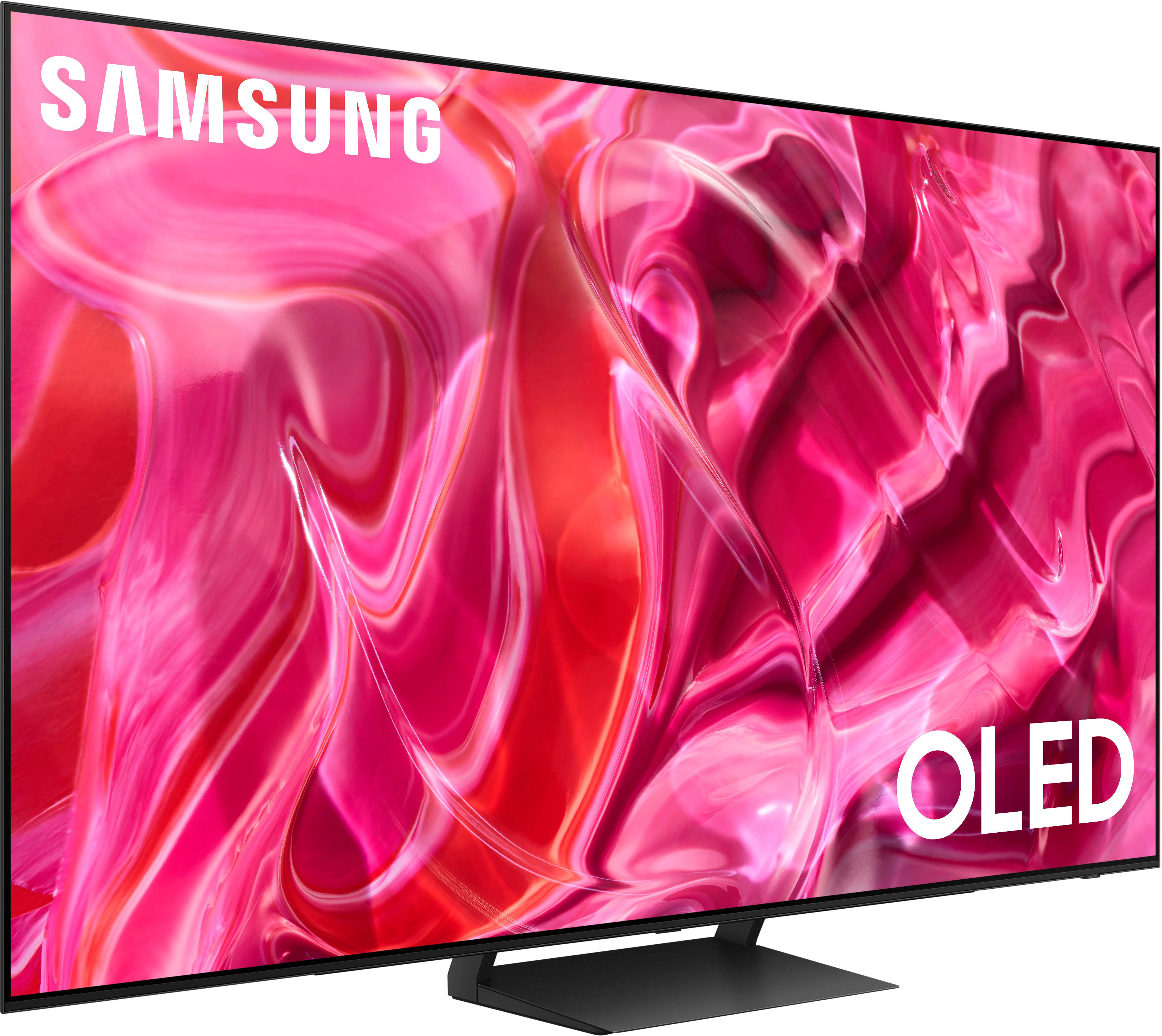
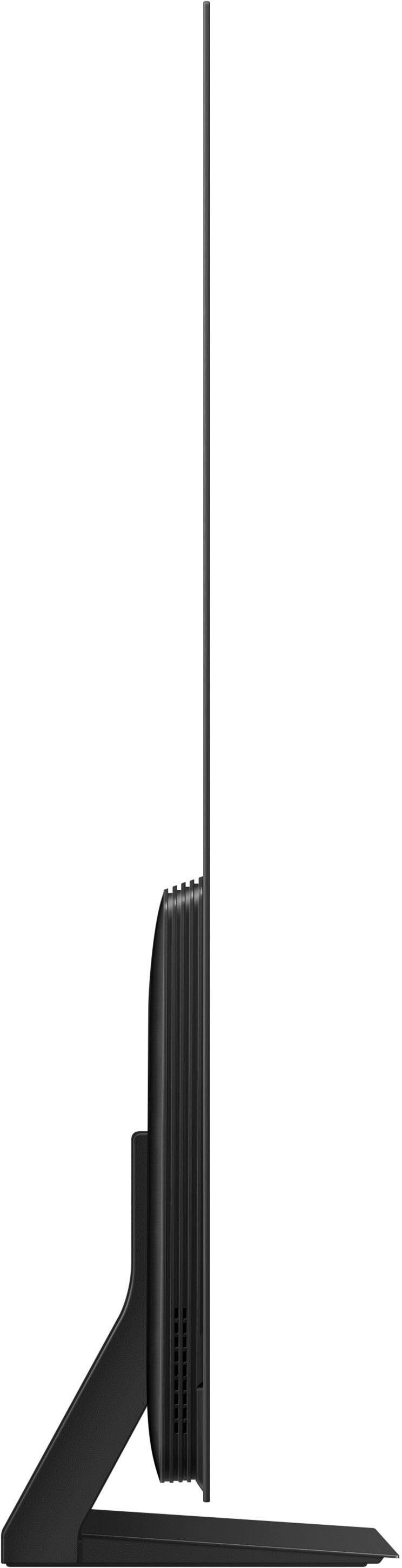
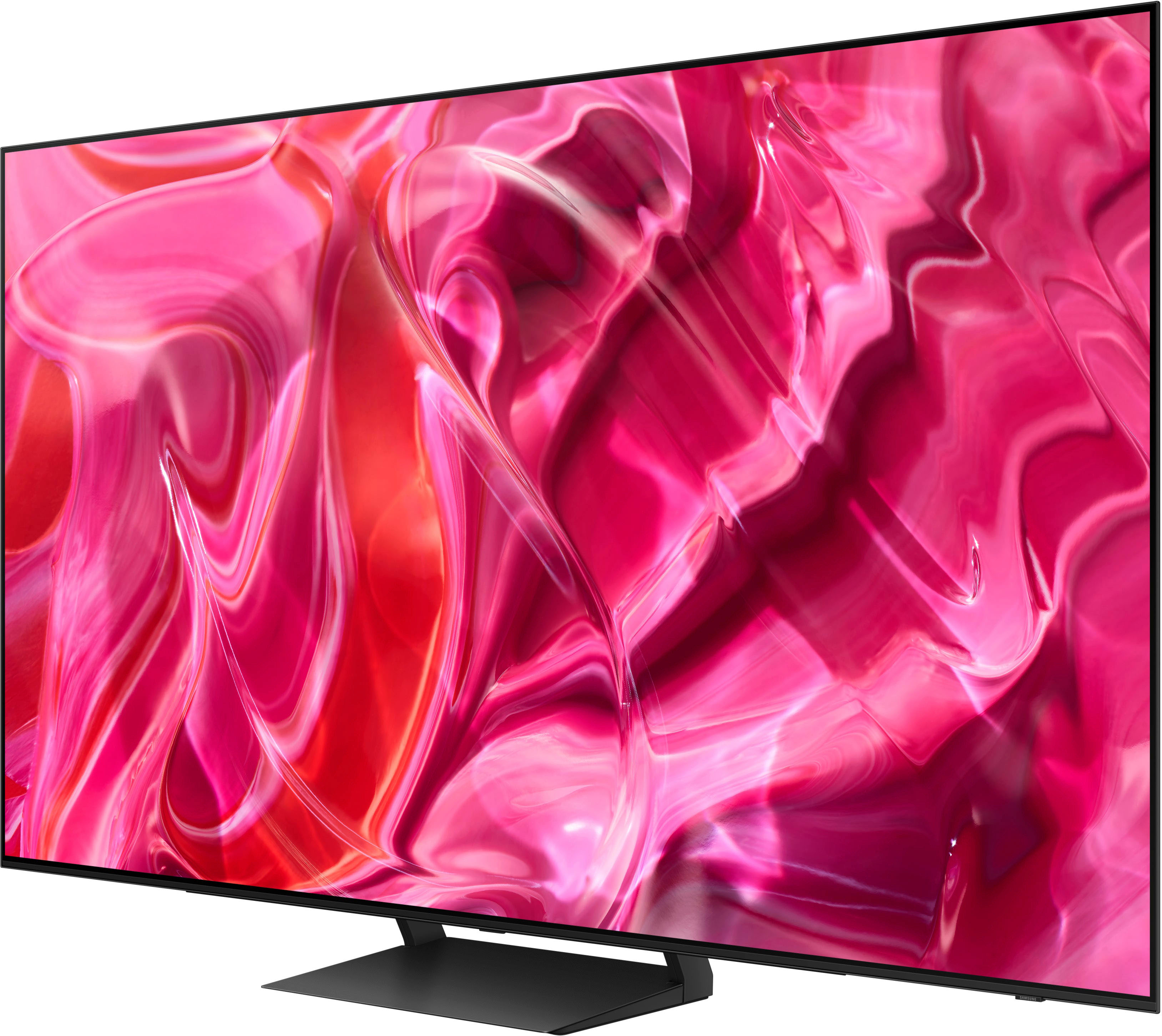
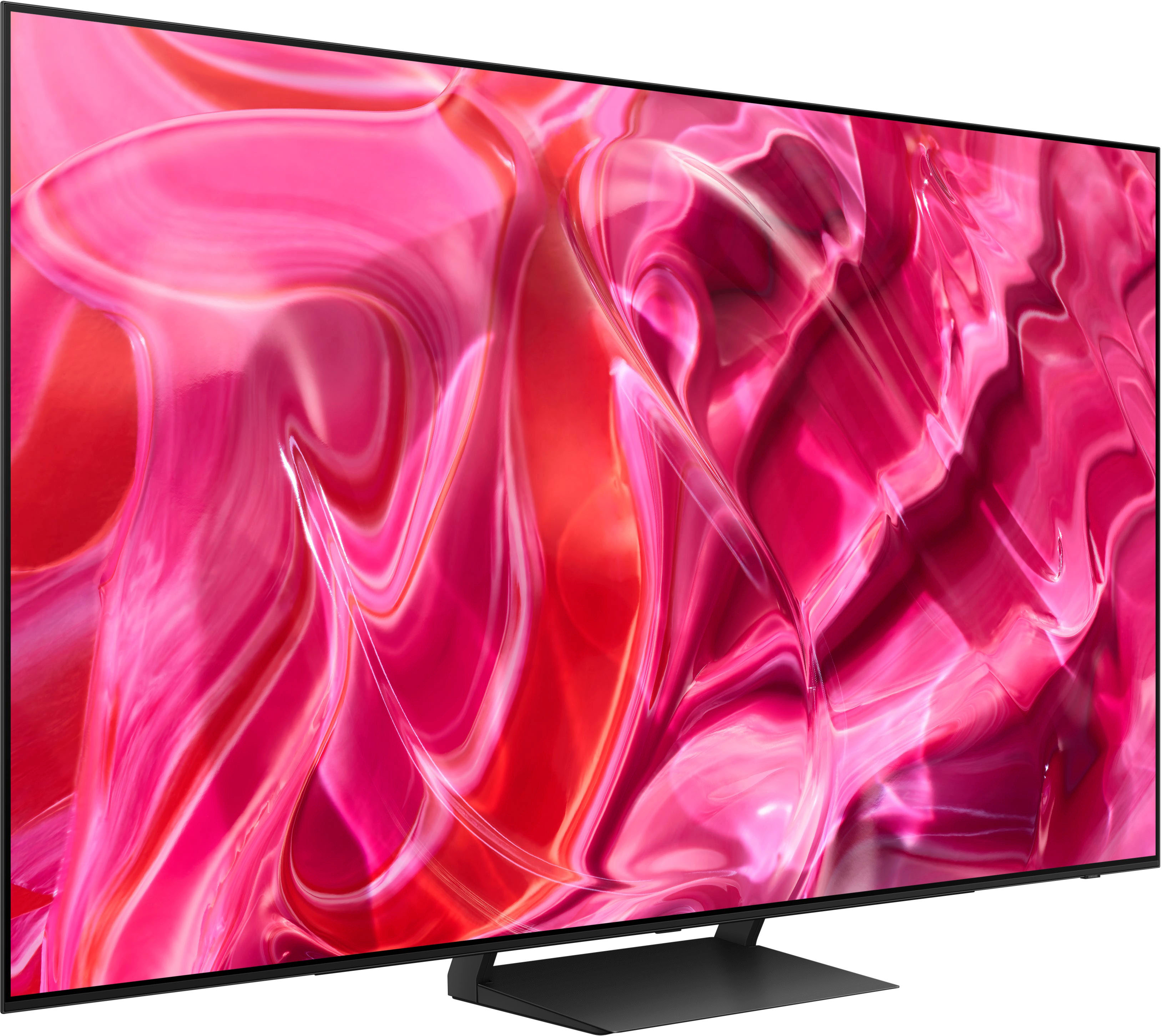
A:AnswerMikeyBananas - On the 55" S90C, the distance from the top VESA mounting holes to the top of the TV is 16.3". The distance from the bottom holes to the bottom of the TV is 3.8".
~ Samsung Specialist
A:AnswerHi KathB - We'll need to know a bit more about your receiver to assist with your question. Please give us a call at 1-800-SAMSUNG, 8AM - 12AM EST, 7 days a week, or Chat with us on Samsung.com: https://www.samsung.com/us/support/contact/
~ Samsung Specialist
A:Answerrick - While Art Mode is exclusive to The Frame TV, the S90C features Ambient Mode which offers customizable themes, colors, and photo options. Instead of seeing a blank background when your TV is turned off, you can enhance your screen with landscape images, artwork, and unique scenes. Your own photos can be turned into backgrounds as well with the My Album feature. Ambient Mode can be accessed directly on your TV or with the SmartThings app on your phone or tablet.
~ Samsung Specialist
A:AnswerHi BS - Please give us the opportunity to better assist with this by reaching Samsung Support at: 1-800-SAMSUNG, 8AM - 12AM EST, 7 days a week, or Chat with us on Samsung.com: https://www.samsung.com/us/support/contact/
~ Samsung Specialist