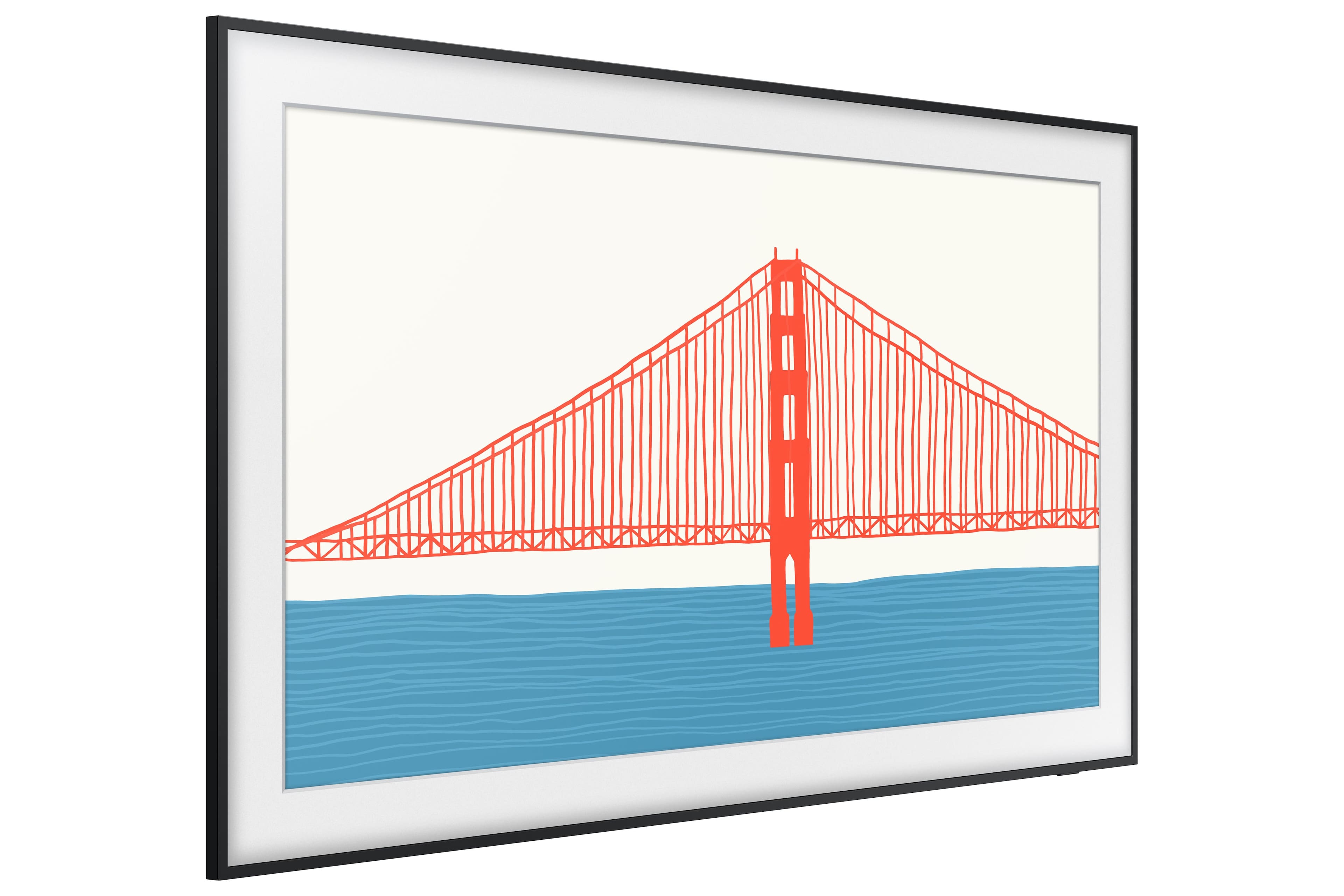
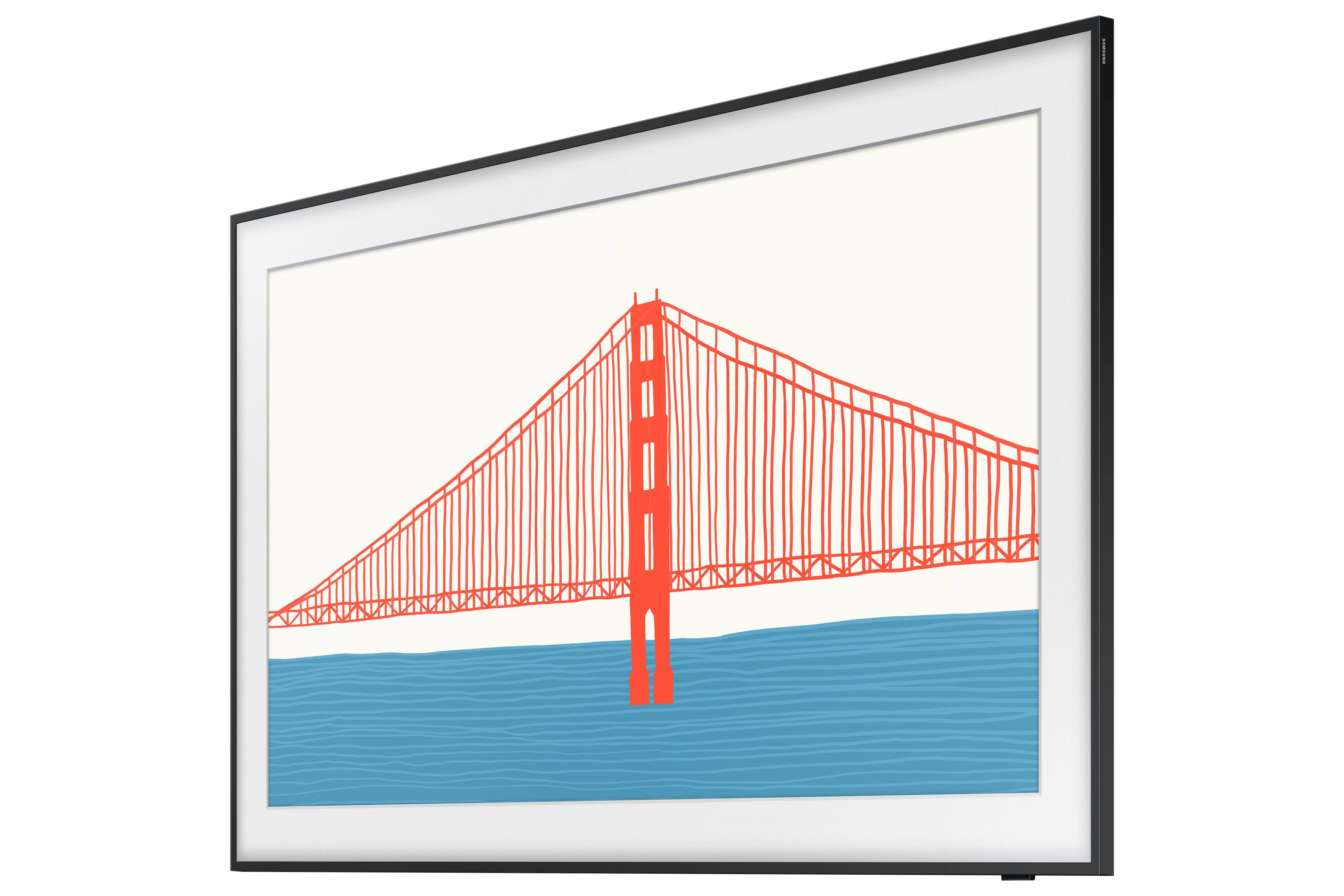
A:AnswerThe main manual (there are three) is called the "E-MANUAL" but much of the content is incomplete and/or incorrect. The other two manuals are useless.
A:AnswerHi DB - The Frame TV does not come with a soundbar. The TV itself features 40 Watt 4 Channel audio with Object Tracking Sound Lite (OTS Lite) which gives you immersive 3D surround sound with strategically places dynamic speakers that move the sound around you. ^Gina
A:AnswerHi IPryor - Please make sure Anynet+ is enabled on The Frame TV. Anynet+ controls external devices that are connected to the TV via an HDMI cable, and will turn on/off when you turn the TV on/off.
To turn this on, go to: Settings > General > External Device Manager > Anynet+ (HDMI-CEC). Please also be sure you are running the latest firmware. You can check to see what software version your TV is using and if there is an available update through the settings on your TV. Go to: Settings > Support > Software Update. ^Gina
A:AnswerOur FRAME is mounted above our fireplace. A mantle projects out over the fireplace, meaning heat is dissipated as it rises upwards, towards the screen. While heat rises from the fireplace, we do not anticipate a problem with FRAME. You could check back with us in the spring of 2022, after we have used the fireplace a number of times. The FRAME controls are in a box to the side of the fireplace so they are definitely not impacted by its location. You might want to refer your question about the screen to Samsung engineers, to determine at what temperature the FRAME screen unit will be damaged. If you're worried about this you could install a fan to blow room air past the FRAME to prevent rising heat from unduly heating the FRAME's screen. It would only have to run when there is a fire in the fireplace.
A:AnswerMchutch - All sizes of the 2021 Frame TV utilize the same Slim Fit Wall Mount; when exchanging your TV, we do recommend to include all parts and accessories included with your original unit. Should you have further questions, you can reach us at 1-800-SAMSUNG / Available 8AM – 12AM EST 7 days a week. ^Gina
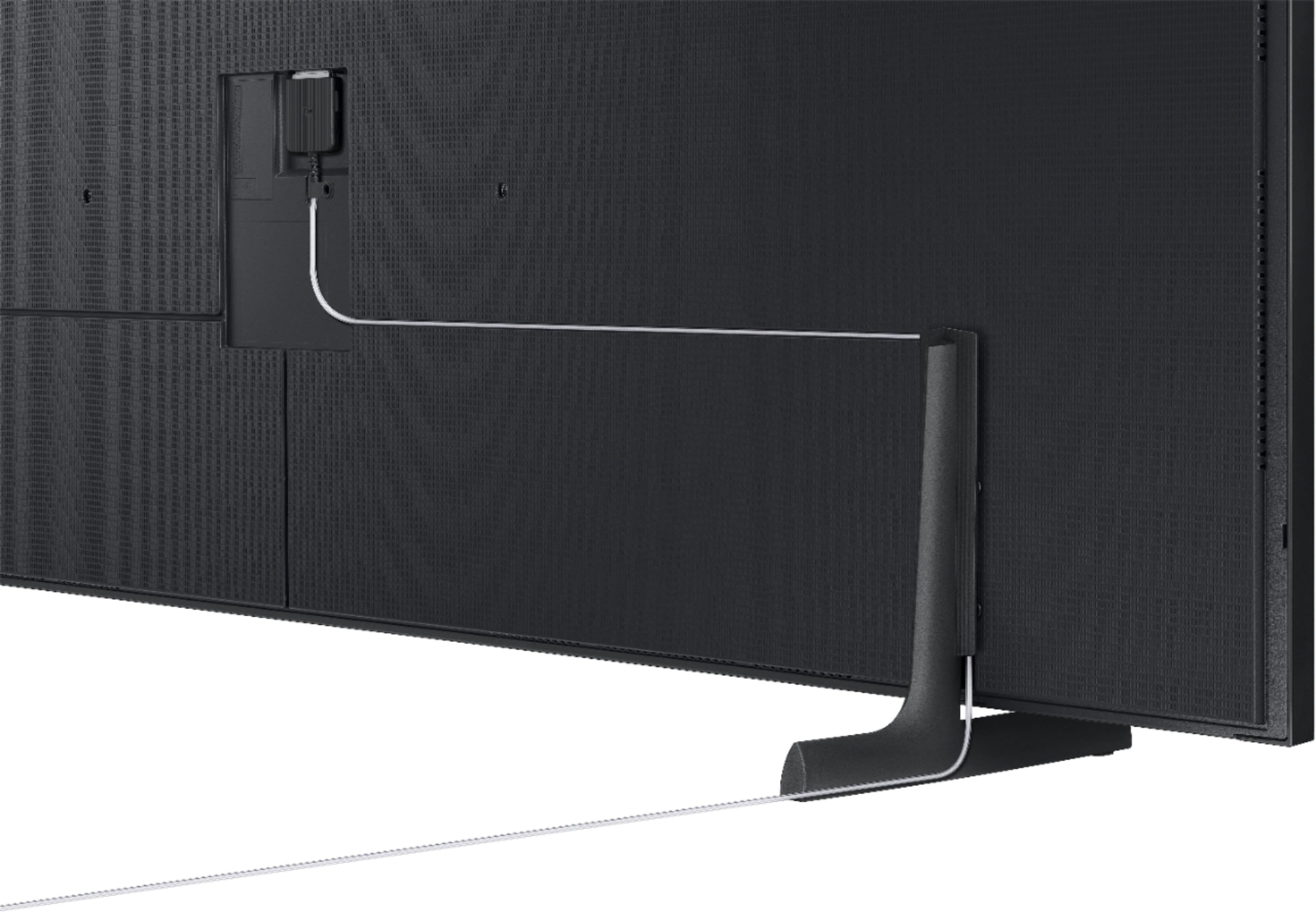
A:AnswerNo, just for the connect box, and any other peripherals you might connect to the connect box (Blu-ray, etc). Note that the fiber optic cable that connects to the connect box is not approved for in wall use with this version. Their term invisible is an exaggeration, at best.
A:AnswerHi PatientlyWaiting, Best Buy and Samsung are working together to make this product available as soon as possible. Please continue to check the website or contact your local Best Buy for more information. ^Val
A:AnswerHi Elias, Best Buy and Samsung are working together to make this product available as soon as possible. Please continue to check the website or contact your local Best Buy for more information. ^Val
A:AnswerHi Brett, the Motion Rate of the 2021 55" Frame is 240. Motion Rate is a metric that combines the panel's native refresh rate, image processing, and backlighting technology. Different sizes within this series may have different Motion Rates. ^Val
A:AnswerLizLime - You do not need to place your One Connect Box within line of sight; you absolutely can place it in your cabinet! This goes for all sizes of The Frame TV. ^Gina
A:AnswerGet a large recessed tech box where you can store the one connect. It fits perfectly behind the tv to allow for not running cables anywhere. If you have a separate cable box both won’t fit but if you wanted maybe two boxes or a larger one could hold all you need. If that’s the case you can run the cables from box to box.
Legrand - OnQ Cable Management, Structured Media Enclosure, in-Wall Enclosure, TV Home Theater Box, Recessed Storage Box, Dual Purpose, 9 Inches, White
A:AnswerHi Brian, the 2021 55" Frame TV is available now on BestBuy.com. Please check with your local store for availability if you would like to pick it up. https://www.bestbuy.com/site/samsung-55-class-the-frame-series-led-4k-uhd-smart-tizen-tv/6451485.p?skuId=6451485 ^Val