A:AnswerHi SamsungFan,
The U7900 TV defaults to Samsung TV Plus at startup. You can customize what happens when the TV powers on. Go to: Settings > All Settings > Advanced Features > Start Screen Option, then enable or disable:
• Start with Smart Hub Home
• Autorun Multi View Casting
• Autorun Multi View Mirroring
If you need help adjusting these options, feel free to reach out to Samsung Support at 1-800-SAMSUNG, 8AM – 12AM EST, 7 days a week. LiveChat agents are also available on our website under ‘Support’.
~ Samsung Advisor
A:AnswerHi Jenny,
If you are referring to voice assistants, you do not have to connect a voice assistant to your TV. If there are specific features you are wanting to disable, please feel free to contact us at 1-800-SAMSUNG. We’re available daily from 8AM to 12AM EST, or you can chat with us at https://www.samsung.com/us/support/contact/
~ Samsung Advisor
A:AnswerHi sshah,
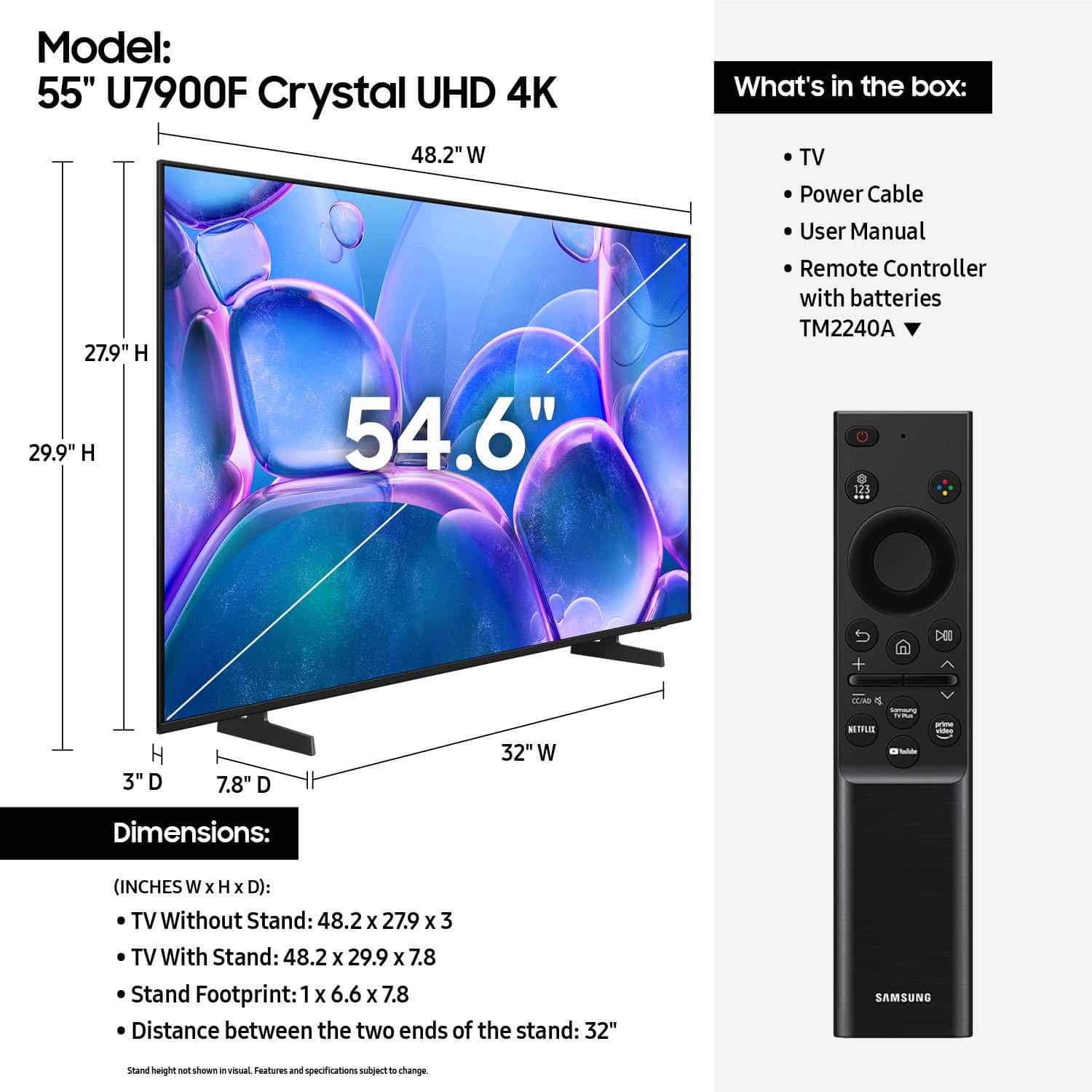
Yes, it includes batteries. If you do not have a Samsung Account you will need to create one here: https://account.samsung.com/iam/signup/terms.
The U7900 TV has a built-in app store with hundreds of apps available including Netflix, Hulu+, Apple TV, Prime Video etc.
~Samsung Advisor
A:AnswerHi Bo,
The U7900 TV comes with a 1-year limited manufacturer's warranty. For details about available Geek Squad Services, we recommend contacting your local Best Buy or visiting: https://www.bestbuy.com/site/electronics/services/pcmcat1528819595254.c?id=pcmcat1528819595254
~ Samsung Advisor
A:AnswerHi,
Apps such as Netflix come pre-installed on the U7900 TV. However, each streaming service has its own sign-ins and subscriptions, which are not included with the TV purchase.
~Samsung Advisor