A:AnswerHi Jenny,
If you are referring to voice assistants, you do not have to connect a voice assistant to your TV. If there are specific features you are wanting to disable, please feel free to contact us at 1-800-SAMSUNG. We’re available daily from 8AM to 12AM EST, or you can chat with us at https://www.samsung.com/us/support/contact/
~ Samsung Advisor
A:AnswerHi sshah,
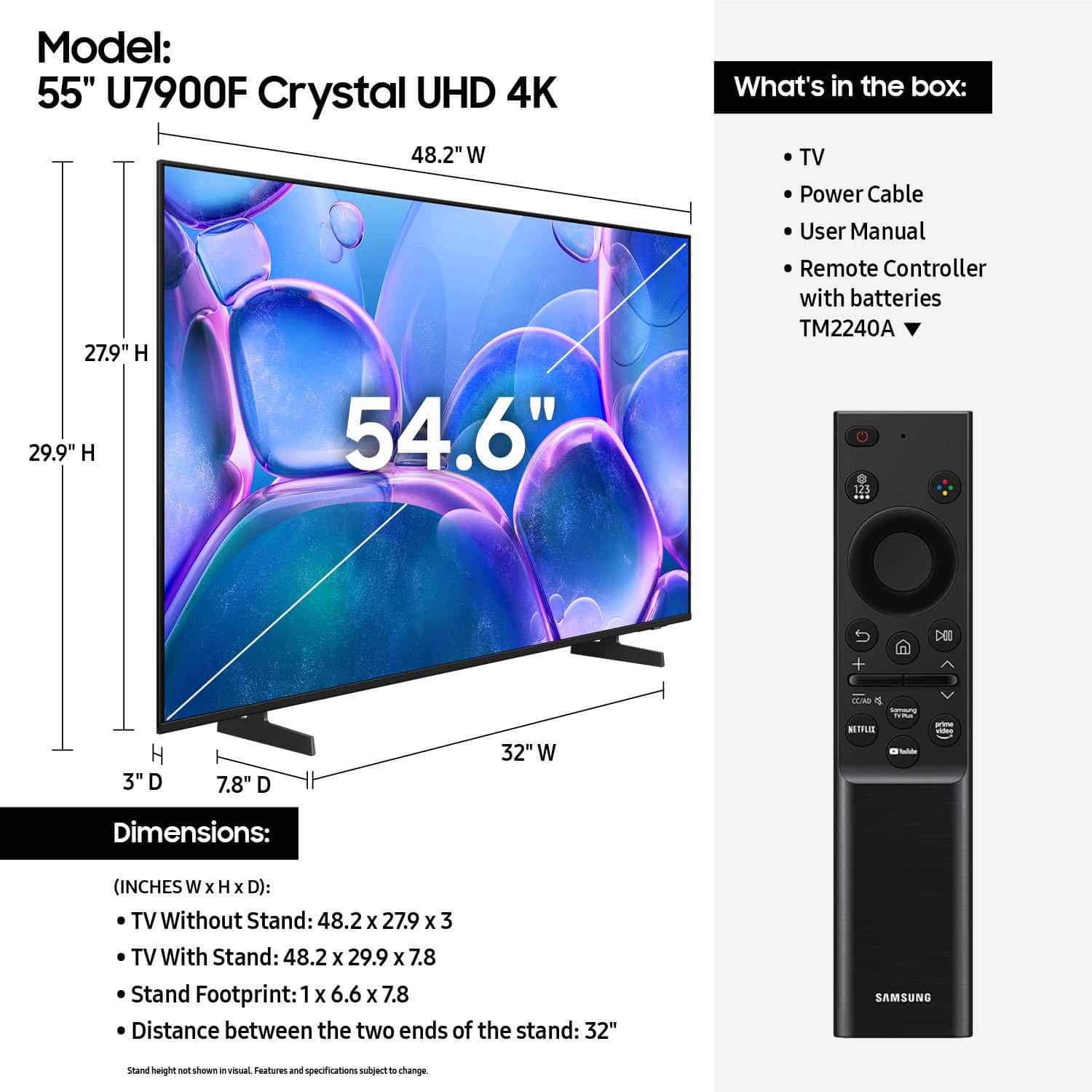
Yes, it includes batteries. If you do not have a Samsung Account you will need to create one here: https://account.samsung.com/iam/signup/terms.
The U7900 TV has a built-in app store with hundreds of apps available including Netflix, Hulu+, Apple TV, Prime Video etc.
~Samsung Advisor
A:AnswerHi Bo,
The U7900 TV comes with a 1-year limited manufacturer's warranty. For details about available Geek Squad Services, we recommend contacting your local Best Buy or visiting: https://www.bestbuy.com/site/electronics/services/pcmcat1528819595254.c?id=pcmcat1528819595254
~ Samsung Advisor
A:AnswerHi,
Apps such as Netflix come pre-installed on the U7900 TV. However, each streaming service has its own sign-ins and subscriptions, which are not included with the TV purchase.
~Samsung Advisor
A:AnswerHi Steve,
You can absolutely wall-mount the U7900 TV. You will need an external wall mount, which is not included with the TV.
~Samsung Advisor
A:AnswerHi,
A Samsung Account is required to access Smart Hub, which powers core smart features like app access (Netflix, YouTube), service updates, and content personalization. Without signing in and accepting the Terms and Conditions, the TV will operate in a basic mode - allowing use of external devices (HDMI, antenna), but without access to streaming apps or Smart Hub services. We understand this may not suit every user, but it’s necessary to unlock the full range of Samsung’s smart features and connected services.
~ Samsung Advisor