A:AnswerOn your TV remote and press the Menu or Settings button. Select Picture > Expert Settings > Auto Motion Plus. Then, select Auto Motion Plus and toggle the setting off.
It is so called "Soap opera" effect - good for sports, horrible for movies.
A:AnswerHi AngeU,
The Samsung Gaming Hub is not available on the TV. It is available on the QN900B, QN800B, QN95B, QN90B, and the Q60B series TVs.
~Samsung Advisor
A:AnswerHi Glll,
You can use the SmartThings app on your smartphone to control this TV, but the TU690T TV does not support the SmartThings feature, which monitors and configures other smart devices in your home. This feature is found in our Q60B models and higher.
~Samsung Advisor
A:AnswerHi Anthony,
Best Buy and Samsung are working together to make this product available as soon as possible. Please continue to check the website or contact your local Best Buy for more information.
^Brie
A:AnswerHi Mandy,
if there is a protective film on your screen, it will be indicated with a large blue triangle in the upper left corner. The triangle will have an illustration showing how to remove the protective film.
If you do not have a blue triangle in the upper left corner, then that means there is no protective film on the screen, so please do not try to peel off anything. You will damage what is actually the screen.
~Samsung Advisor
A:AnswerHi Natethegreat,
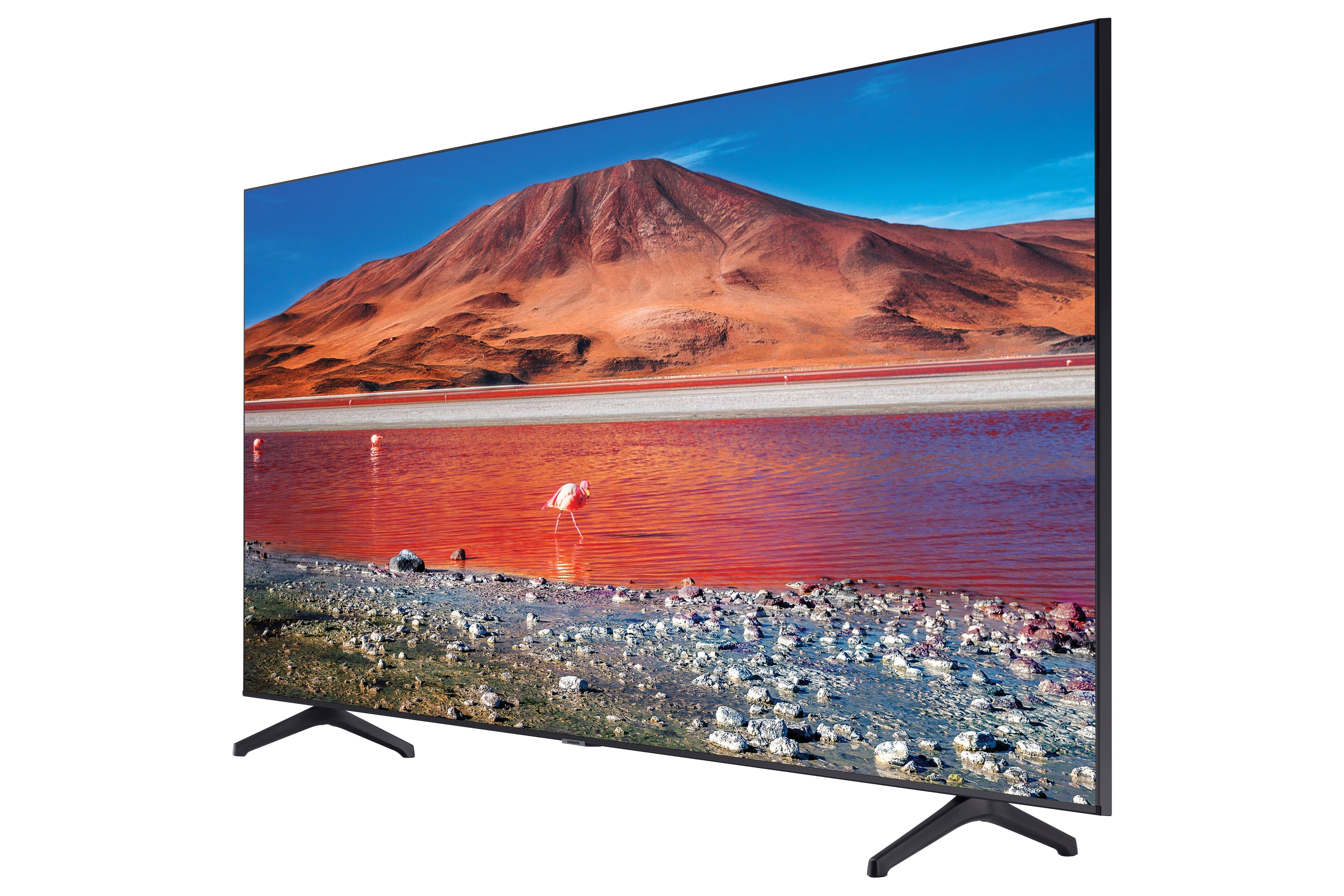
Great question! Both the TU690T and TU7000 both feature Crystal Displays for brilliant colors and exceptionally crisp, vivid images. Their Crystal 4K Processor further brings impressive clarity to all your content while upscaling everything you watch to stunning 4K definition, no matter the source.
When stepping up to the TU7000, you'll gain Filmmaker Mode, which allows you to watch the source content (e.g., movie) just as the director intended, as well as Tap View, which allows you to cast content from your smartphone by simply tapping it to the side of the TV.
~Samsung Advisor
A:AnswerHi Synithia,
Yes, the TU690T has an internet browser where you can surf the internet and a built-in App store with hundreds of apps such as discovery+, HBO Max, Disney+, and many more available for download.
~Samsung Advisor
A:AnswerHi Mike,
If you want to turn this on or off, press the HOME button > Settings > General > Eco Solution > Ambient Light Detection.
~Samsung Solutions