A:AnswerHi Scott - The MLB.tv app is not available at this time, but the built-in App Store allows you to choose from and download hundreds of apps such as discovery+, HBO Max, ESPN+, FOX Sports and many more. We are continuously adding more premium content and new services to our Smart TV platform. It also comes with Samsung TV Plus which offers hundreds of free channels of news, sports, movies, and much more. ^Gina
A:AnswerHi Gregory - The MLB.tv app is not available at this time, but the built-in App Store allows you to choose from and download hundreds of apps such as discovery+, HBO Max, Disney+ and many more. We are continuously adding more premium content and new services to our Smart TV platform. It also comes with Samsung TV Plus which offers hundreds of free channels of news, sports, movies, and much more. ^Gina
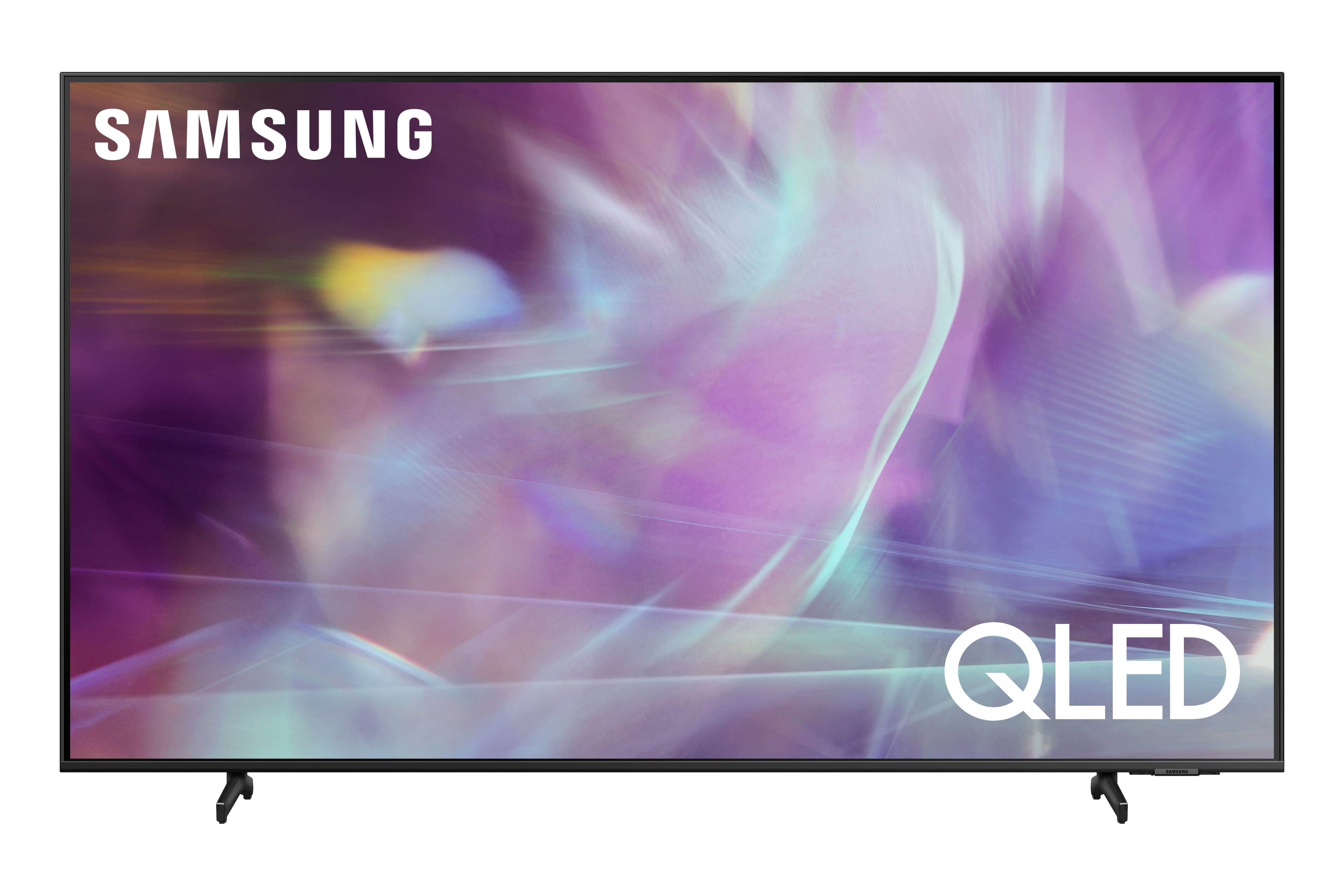
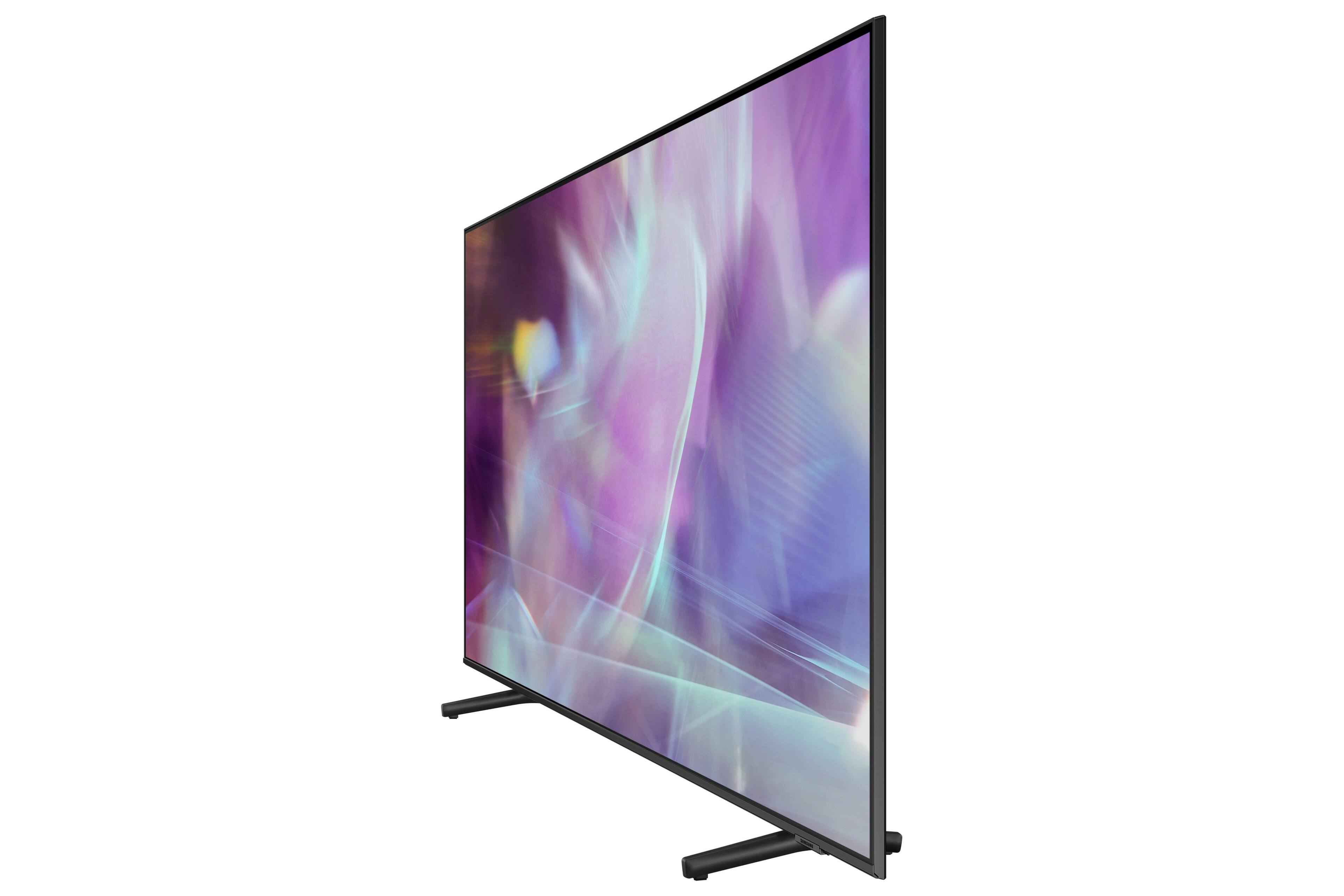
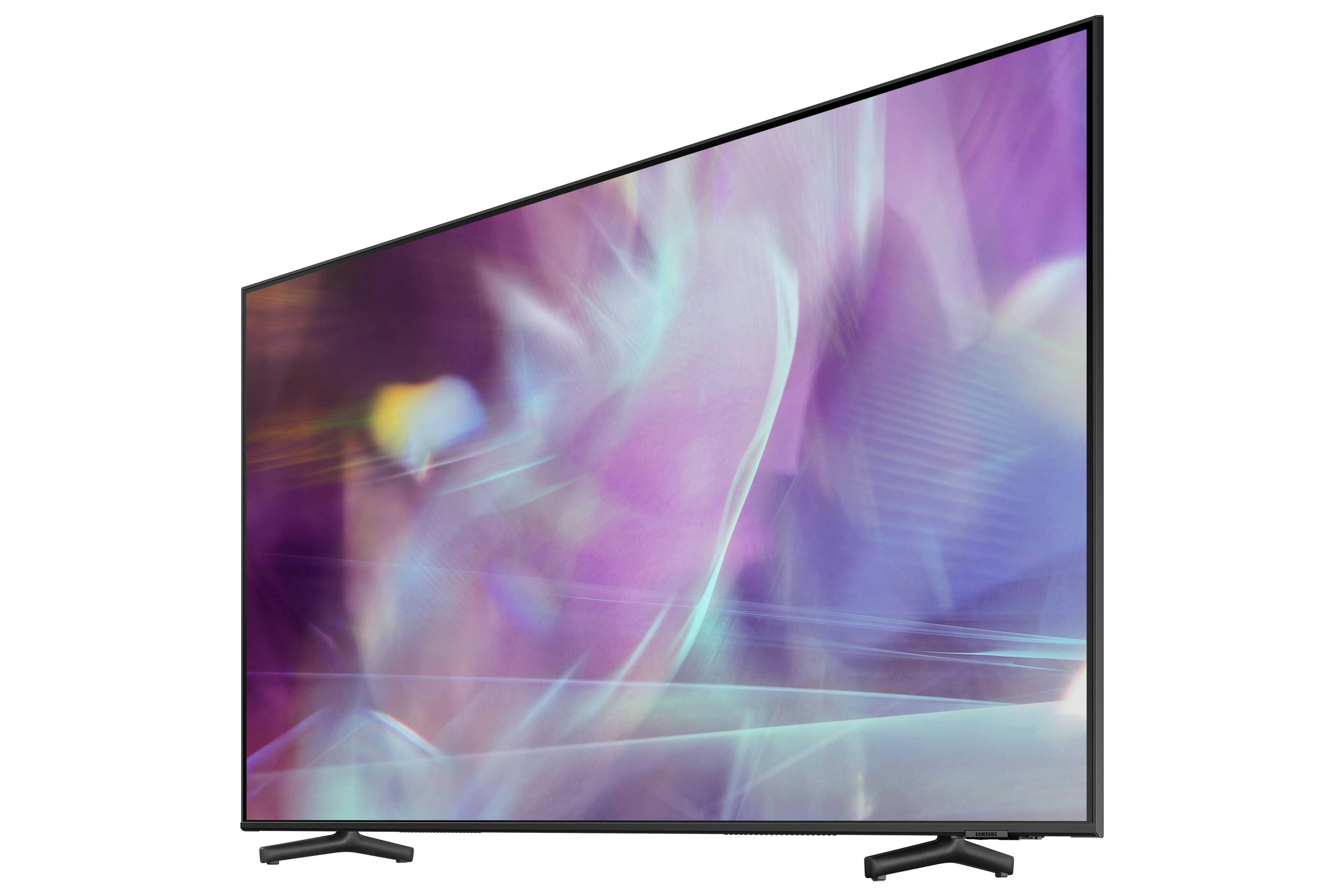
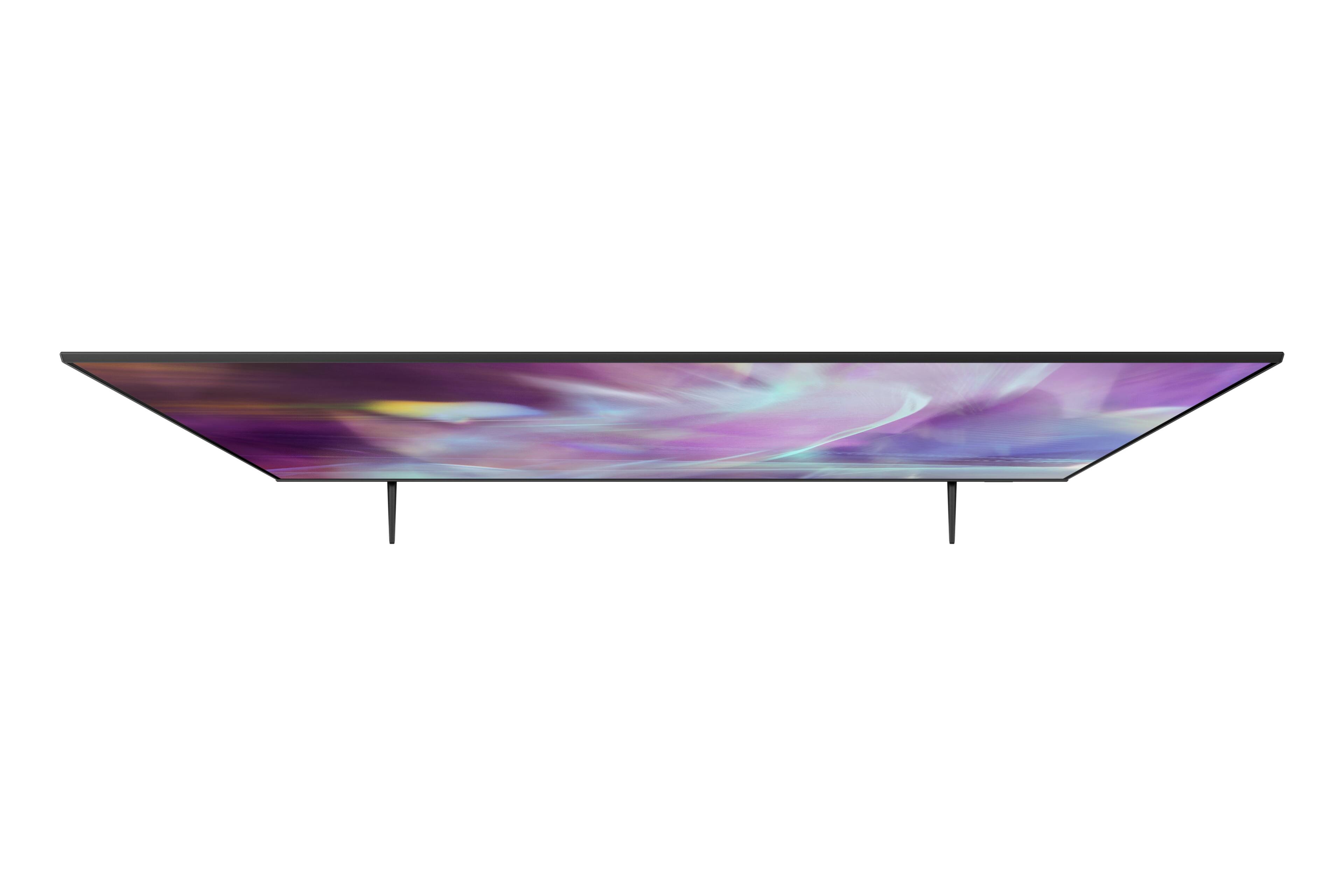
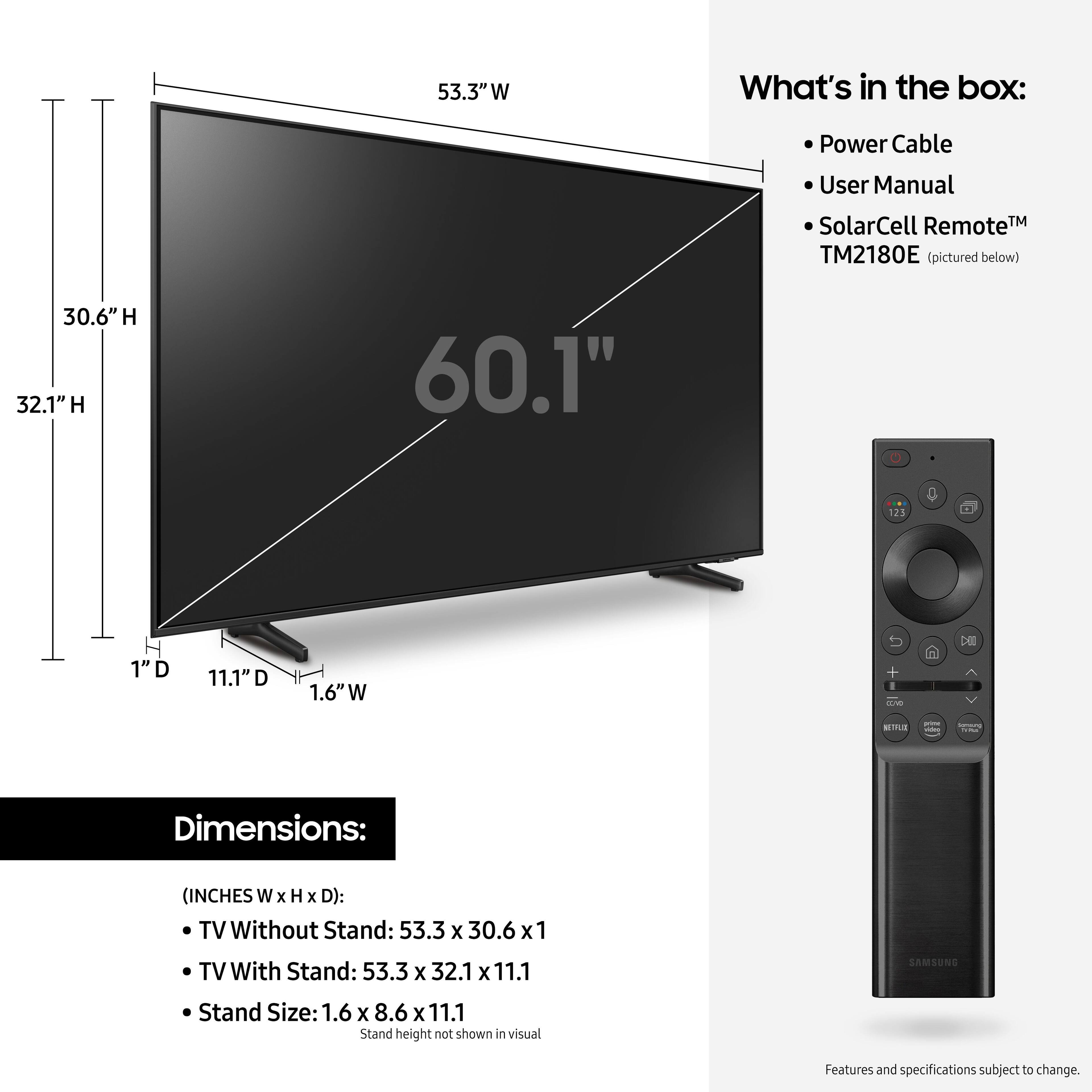
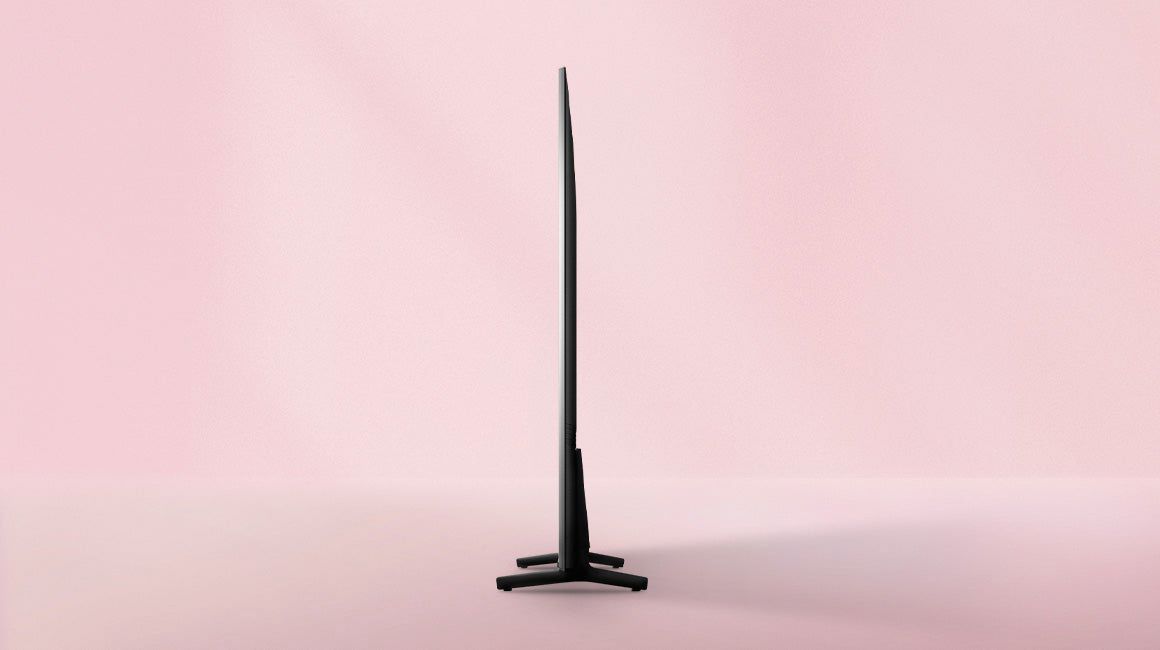
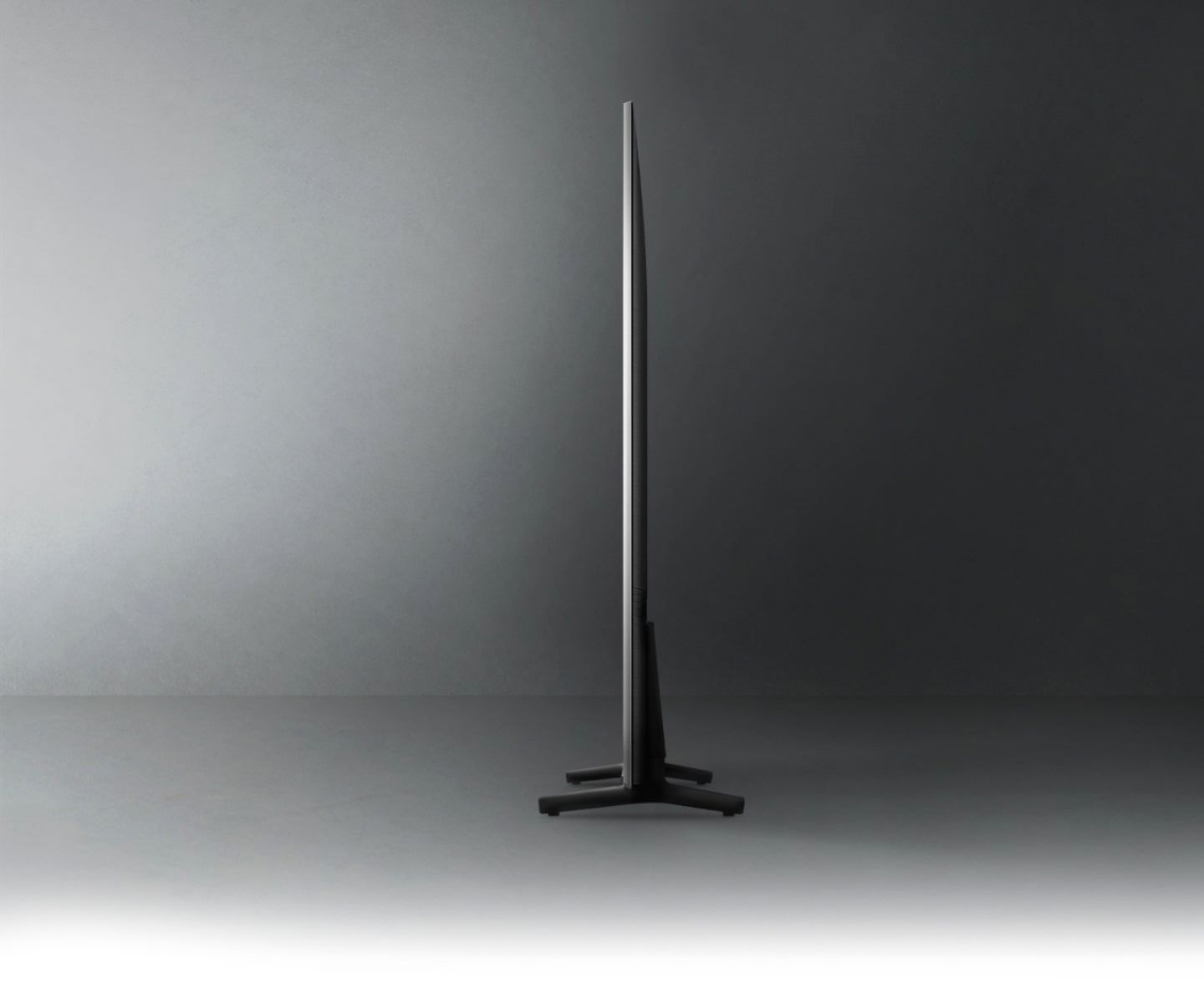
A:AnswerHi, the full dimensions of the 60" Q60A are: (INCHES W x H x D):
- TV without stand: (53.3 x 30.6 x 1)
- TV with stand: (53.3 x 32.1 x 11.1)
^Val
A:AnswerHi Everett, the 60" Q60A is currently available for purchase. Check out this link: https://www.bestbuy.com/site/samsung-60-class-q60a-series-qled-4k-uhd-smart-tizen-tv/6453029.p?skuId=6453029 ^Val
A:AnswerHi chris, HBO max is now available to download from your TV's built-in App Store. Please be sure that you have Auto Update turned ON by going to: Settings > Support > Software Update, then select Auto Update. ^Val
A:Answerbear - You can choose what your Q60A TV does when you turn it on by going to Settings > General > Smart Features
1) When you set Autorun Smart Hub to on, the TV displays the Home Screen automatically when you turn the TV on.
2) If Autorun Last App is set to on, the last used app is automatically run when you turn on the TV. Please know that the Last App Used function may not work with all apps.
^Gina