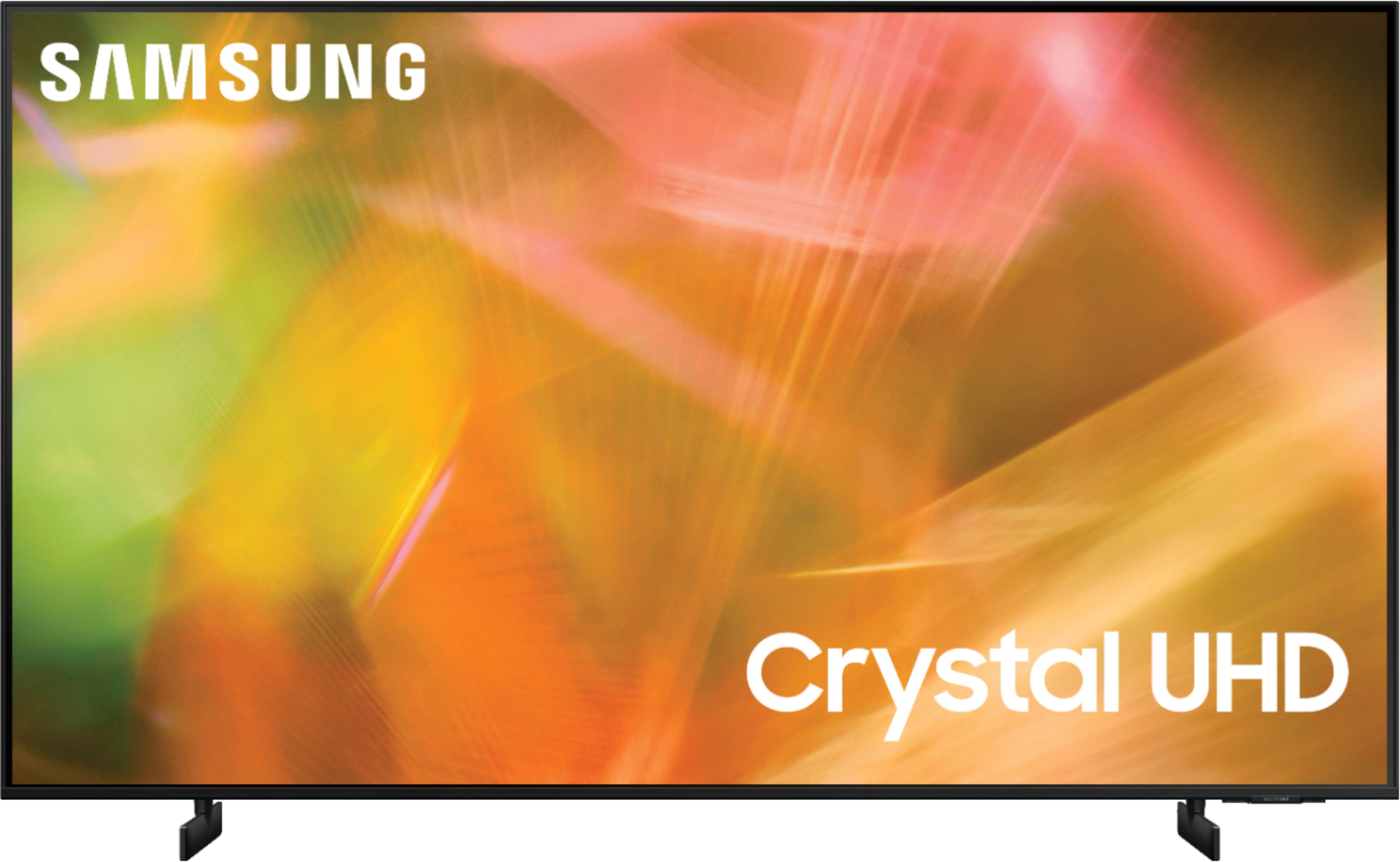
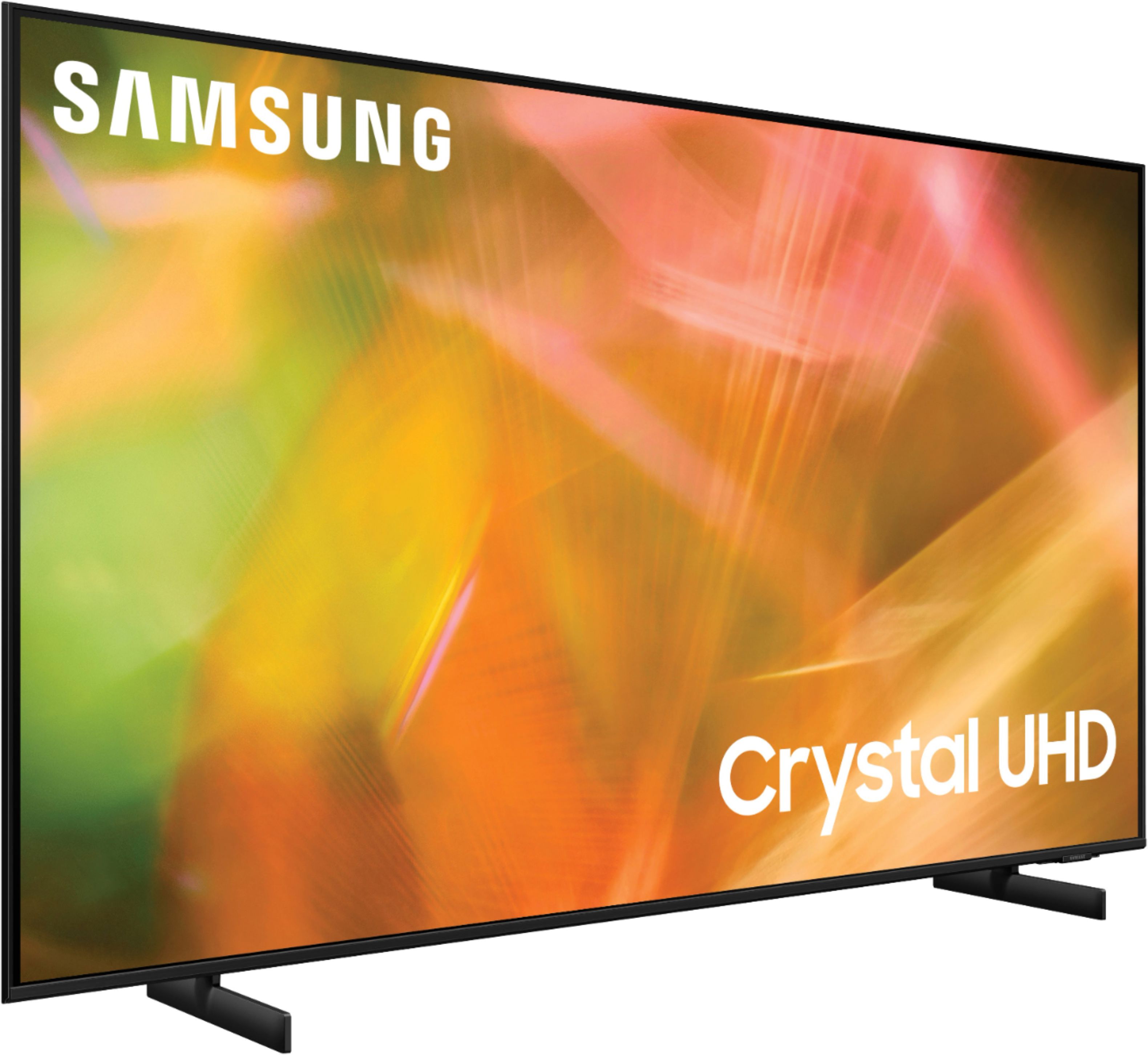
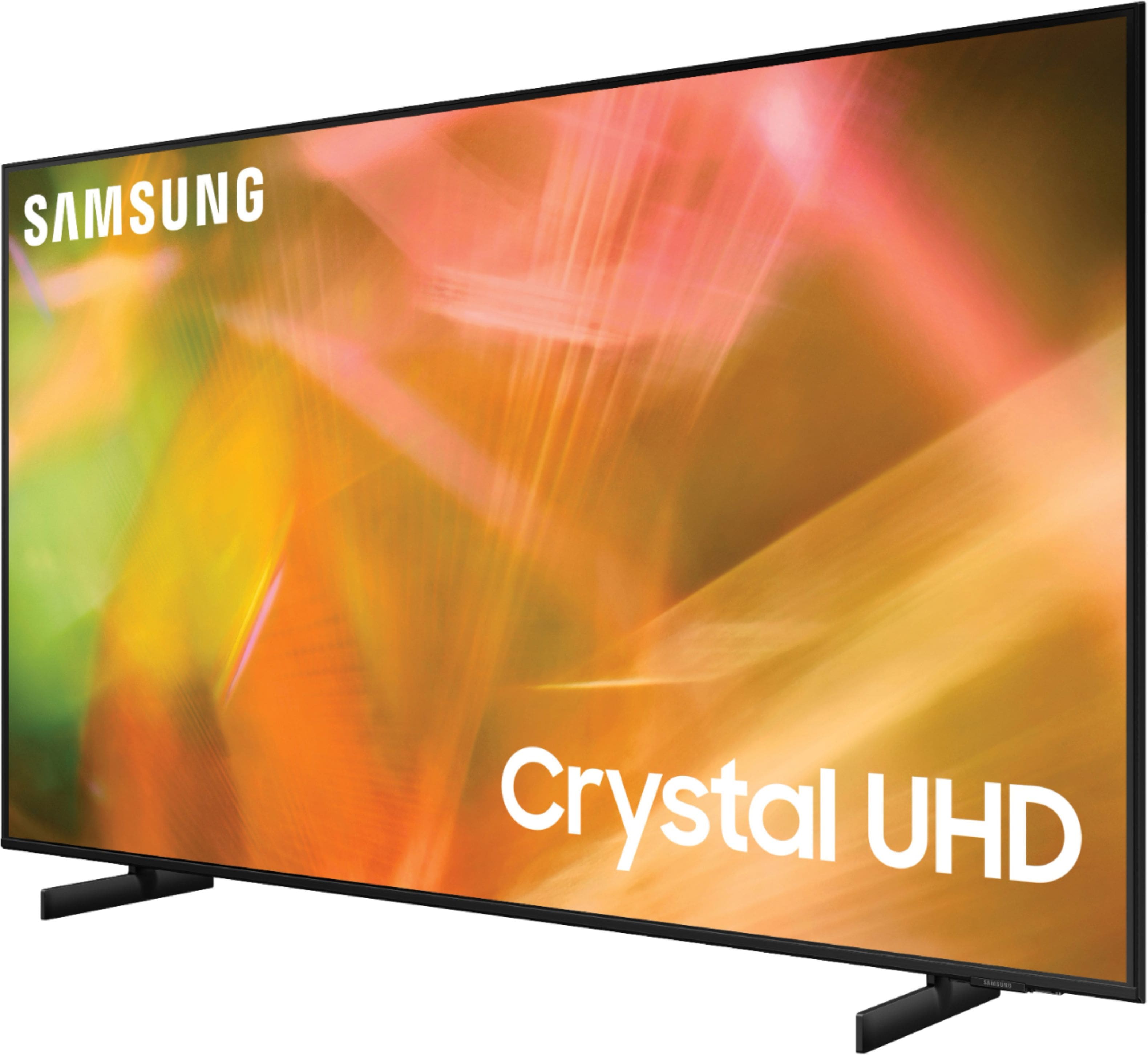
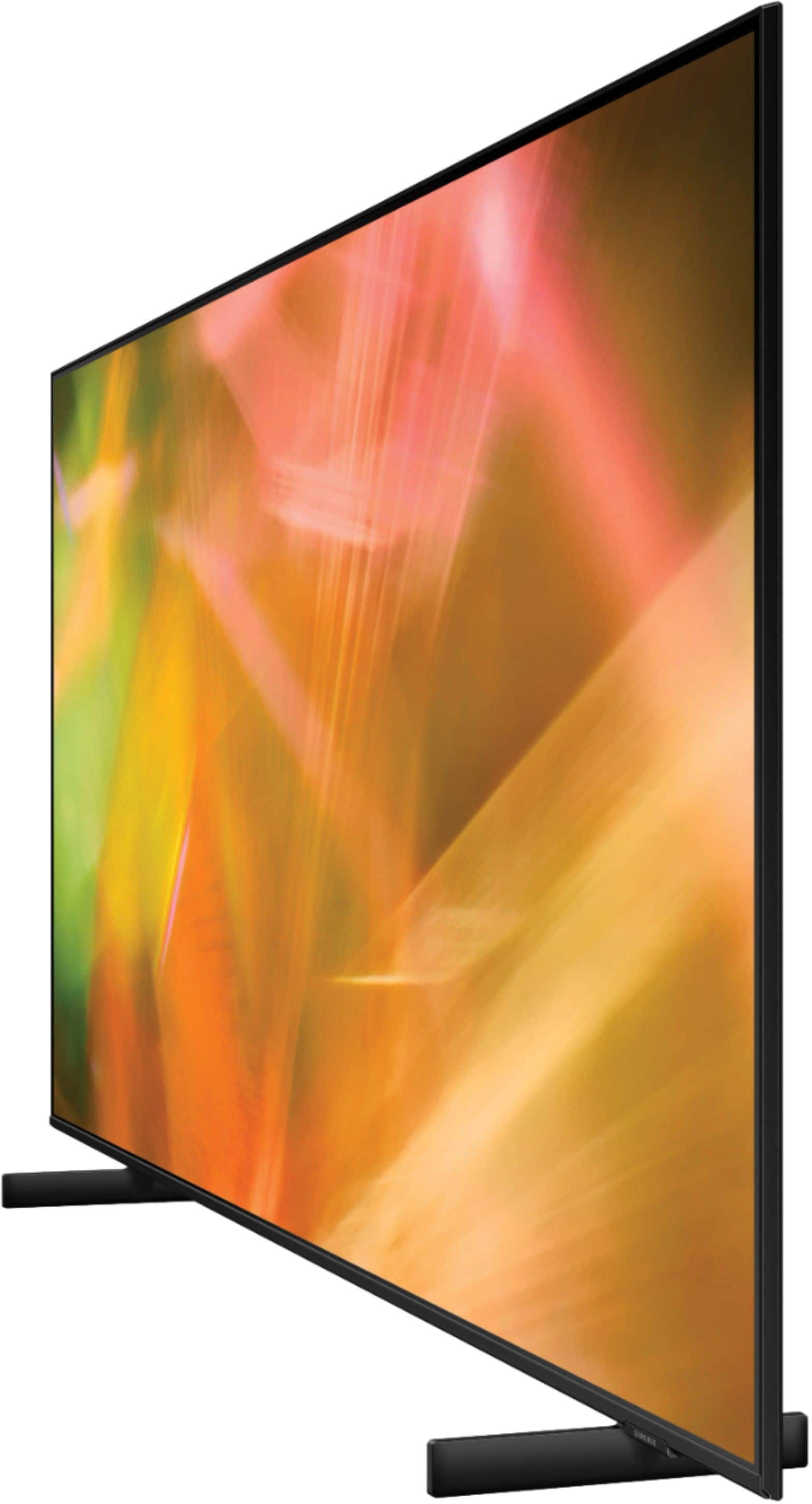
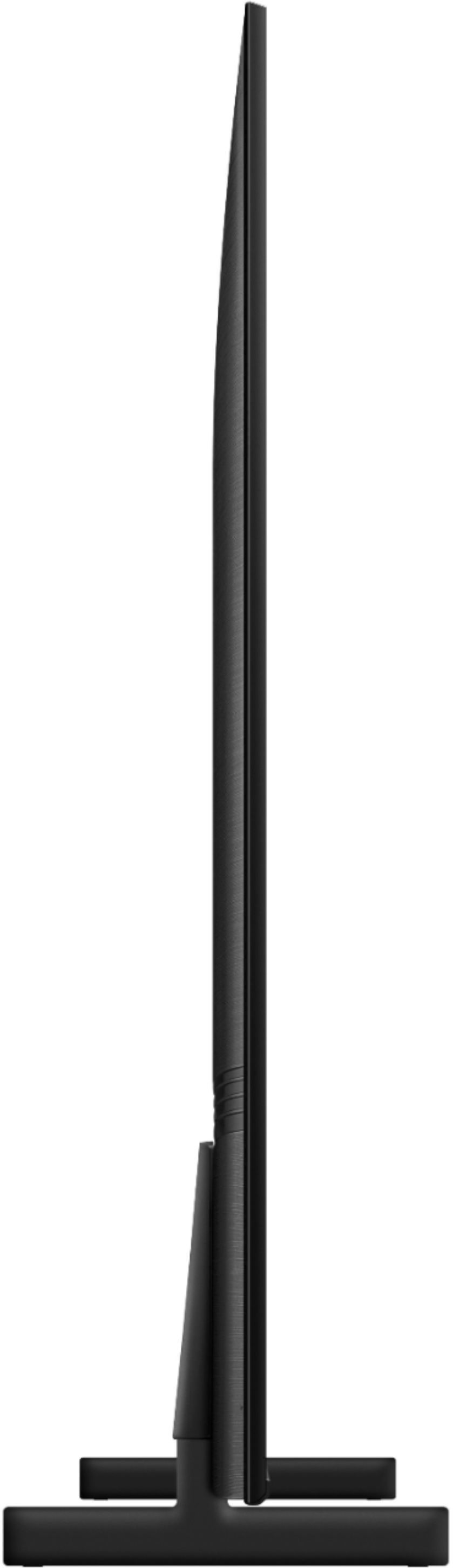
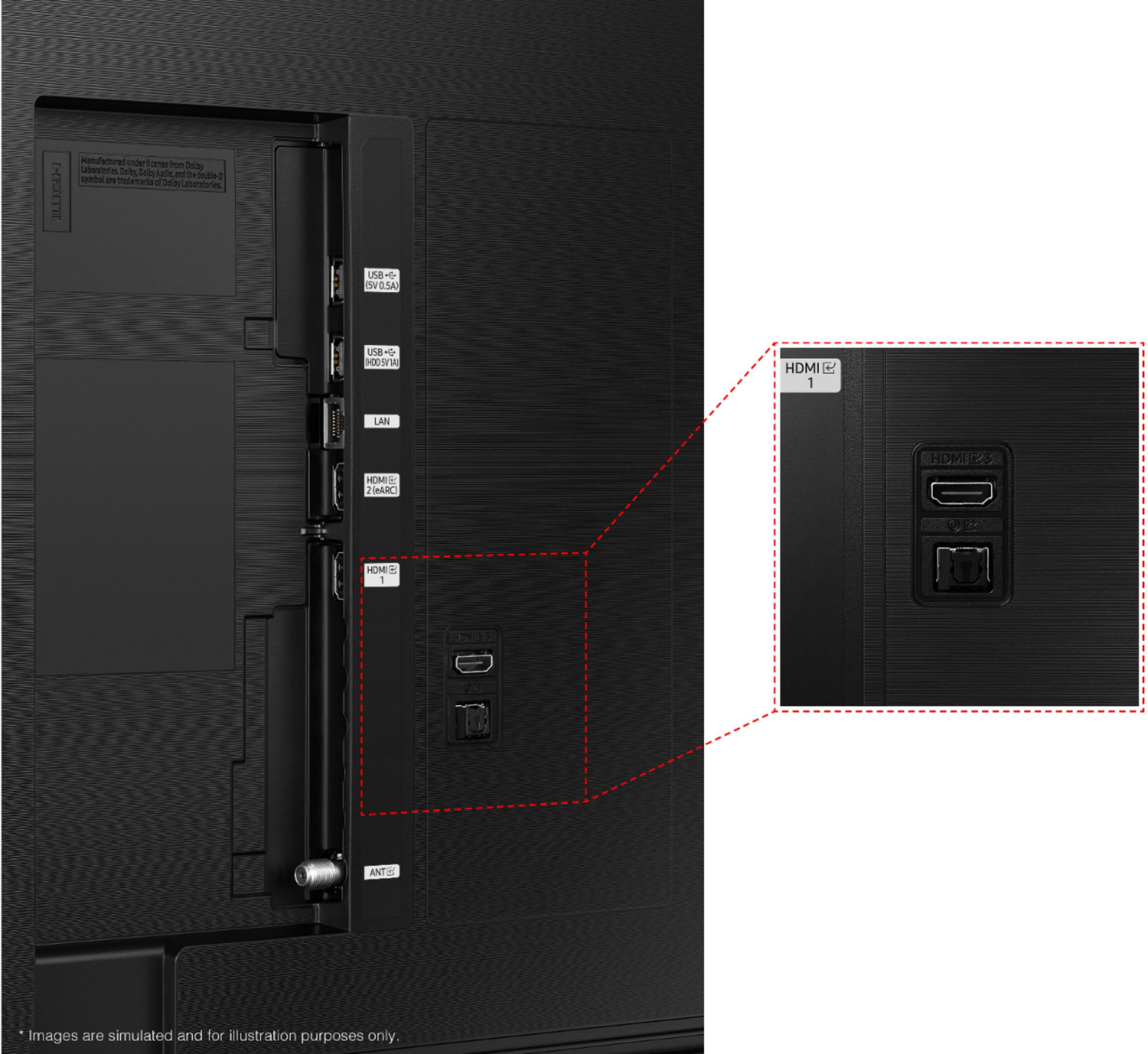
A:AnswerHi Ed - The Series 8000 and Series 8 typically refer to the same Samsung TV model. You may see retailers utilizing different names, or see different 2-letter codes in front (eg: TU8000 is a 2020 Samsung TV model, AU8000 is a 2021 Samsung TV model). HDMI eARC is supported in port number 2 on the AU8000. ^Gina
A:AnswerHi Vidpro66 - The AU8000 features Multi-output audio, which will allow you to play TV speaker audio and Bluetooth headphone audio simultaneously; however, this feature is only able to work with Bluetooth headphones or hearing aids. ^Gina
A:AnswerHi Jeff,
To remove the legs from your Samsung TV, gently lay the TV screen-side down on a clean cloth, and then they should easily slide out.
^Brie
A:AnswerHi! The 65" AU8000 features a 20W 2.0ch sound system with Object Tracking Sound lite designed to further immerse you in sound when compared to standard TV speakers by intelligently analyzing the content on screen.
^Tim
A:AnswerHi! I’m sorry to see that you are having difficulties with the antenna connection on your new TV.
So that we can better troubleshoot towards a solution, please reach out to Samsung Support at: 1-800-SAMSUNG (ask for TVs), available 8AM - 12AM EST, 7 days a week, or Chat with us on Samsung.com: https://www.samsung.com/us/support/contact/
^Tim
A:AnswerHi! Tizen refers to the Samsung TV’s operating system. This gives you access to a built-in App Store allowing you to choose from and download hundreds of apps such as Disney+, HBO Max, discovery+ and many more. It also comes with Samsung TV Plus which offers hundreds of free channels of news, sports, movies, and much more.
^Tim
A:AnswerHi bogie! Samsung TVs such as the AU8000 feature a standard RF Coaxial connection for an external antenna to connect to. Once connected, perform a channel scan to find the live local channels in your area. ^Tim
A:AnswerHi Catty! The AU8000 allows you to mirror both Android and Apple mobile devices wirelessly. Certain applications such as Netflix or Youtube will allow you to cast the application directly to the TV without interrupting use on your mobile device. ^Tim