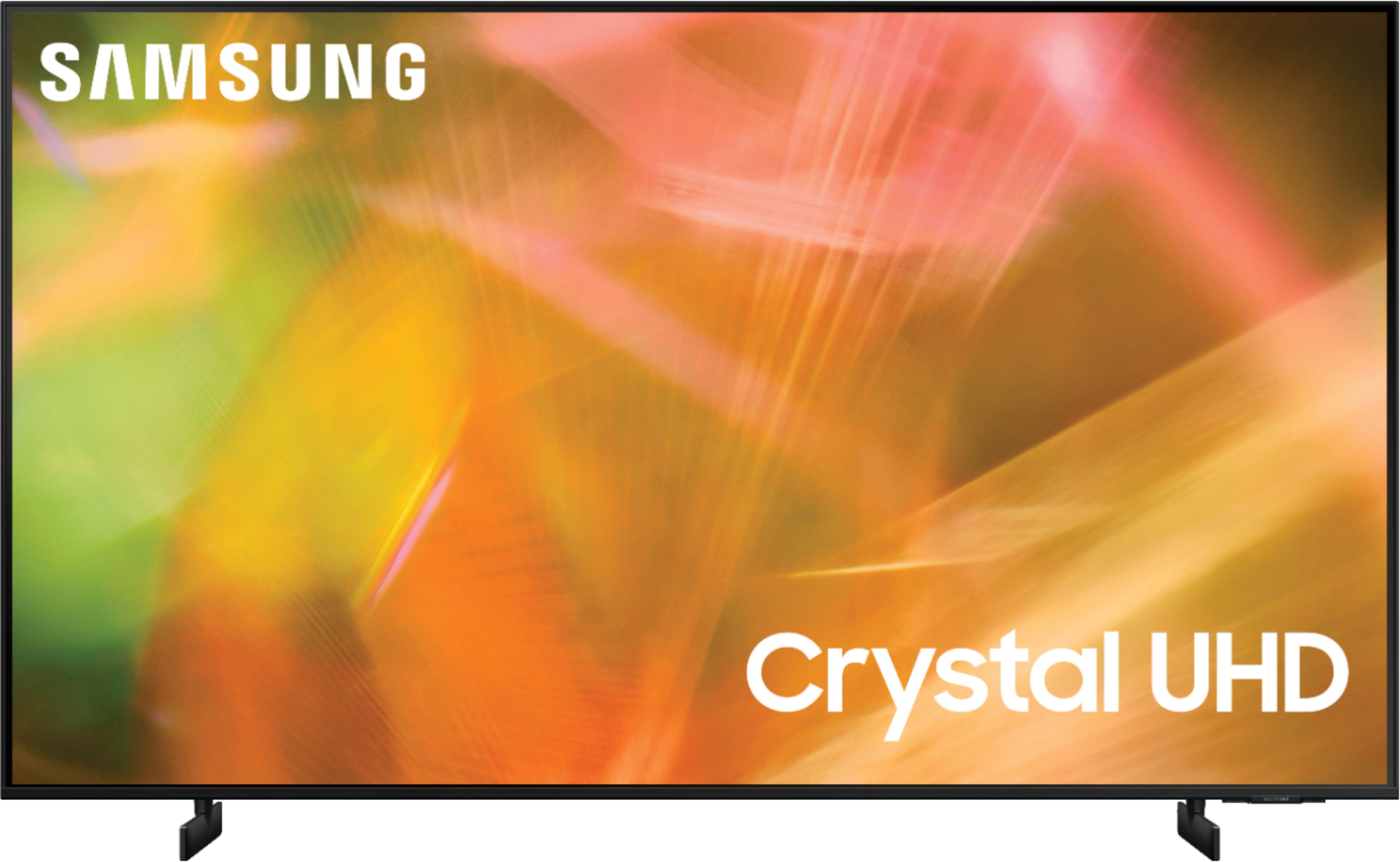
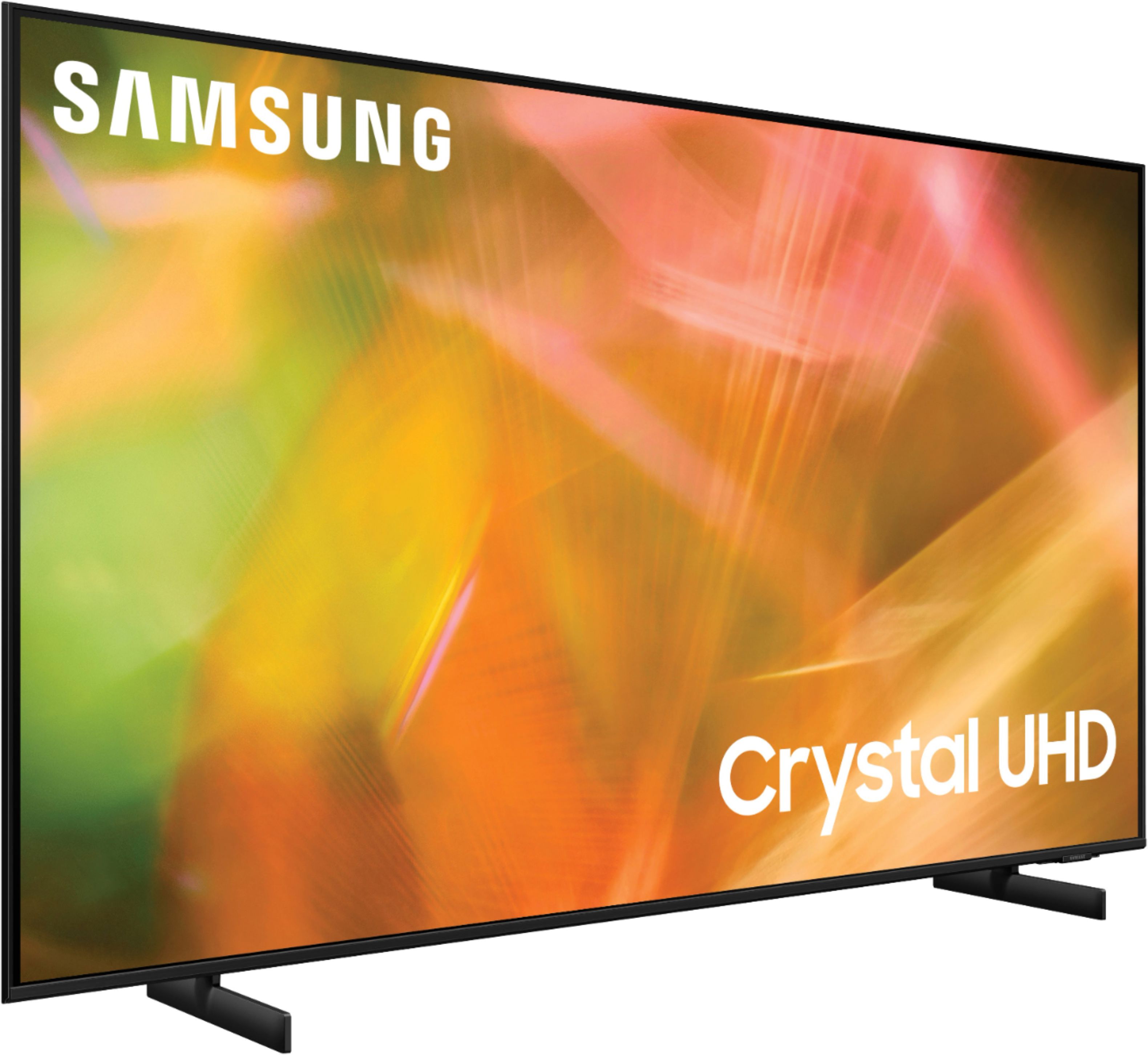
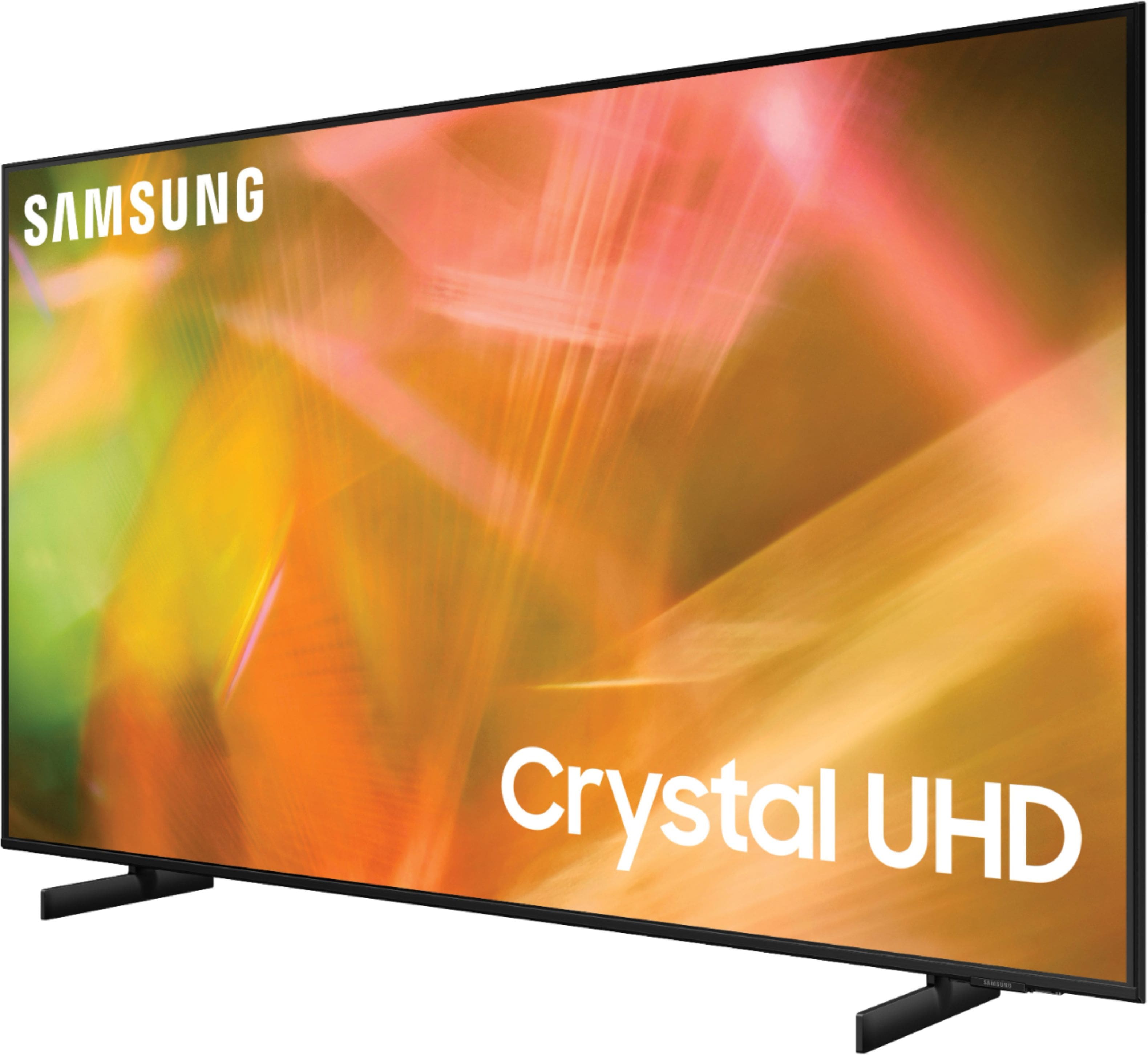
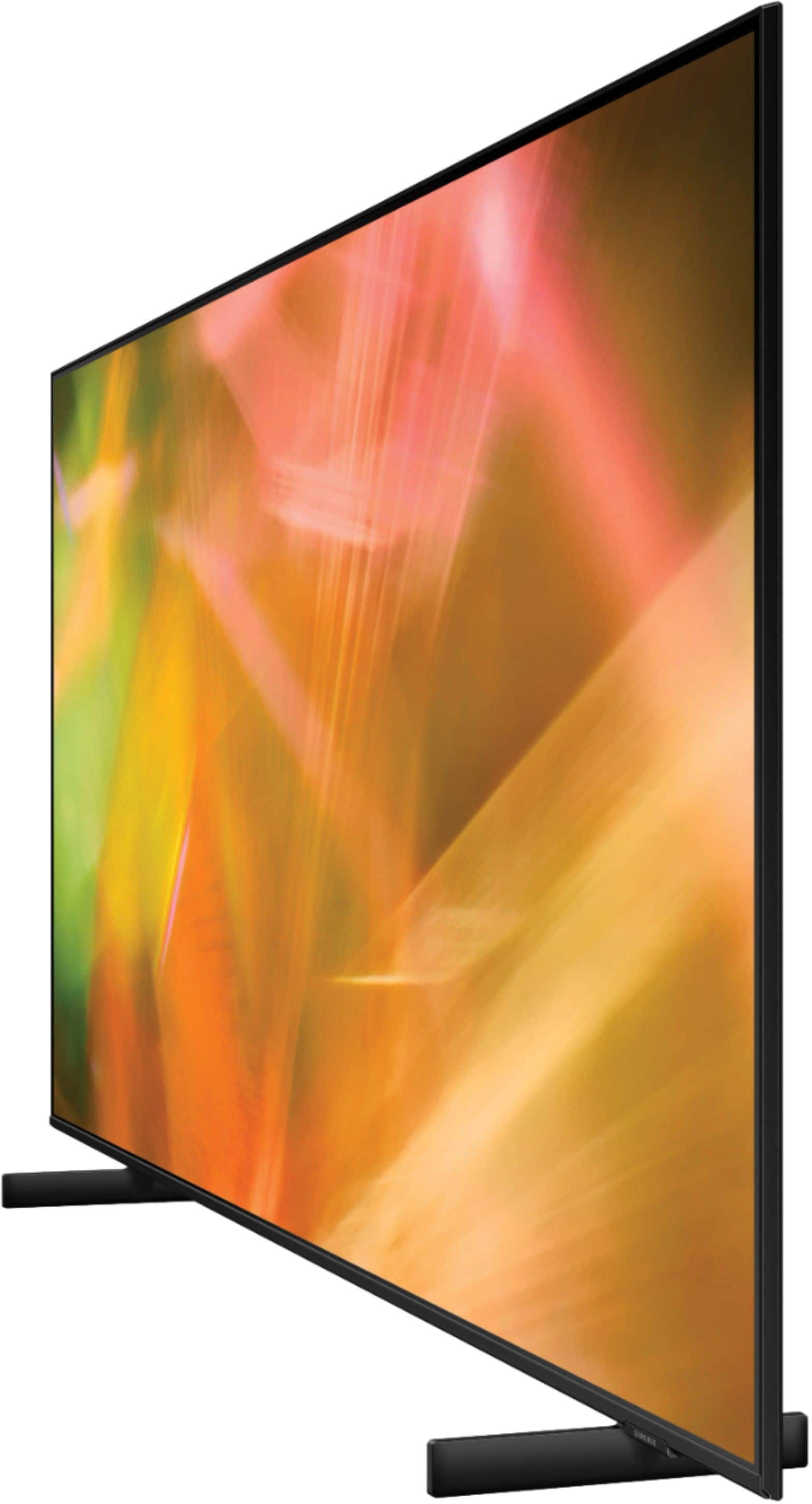
A:AnswerHi TUMBLEWEED! With 4K UHD resolution, you can get much closer to the screen without seeing pixelation or loss in detail. This is due to the large amount of pixels on the screen when compared to previous resolutions. The average viewing distance from a 65" 4K TV is 9ft, however you are certainly able to sit closer or farther away to fit your preference.
^Tim
A:AnswerHi SilverLining! Here are some troubleshooting steps to try if your TV is turning itself on.
1. Unplug the TV from the wall outlet or surge protector and leave it unplugged for 30 seconds.
2. Check the power cord to see if there is any visible damage.
3. Plug the TV power cord back into the wall outlet. If you were using a surge protector, bypass it for now and use a wall outlet.
4. Try to update the software. In some cases, a software update can correct the problem. There is a risk, however. If the TV turns off during the software update, it could damage the TV. Updates can take up to 30 minutes depending on network speed, so if the TV is not turning off too frequently, try updating the software.
5. Disable the Power On with Mobile option. TVs that can connect to SmartThings can be turned on using compatible devices, sometimes automatically. However, if abnormal "power on" signals are sent through the wireless network, they will trigger this function and make the TV turn on. If you do not want this function, navigate to Settings > General > Network > Expert Settings > Power On with Mobile, and turn the setting off. If the TV continues to turn on by itself continuously, please contact our Samsung Customer Support.
^Tim
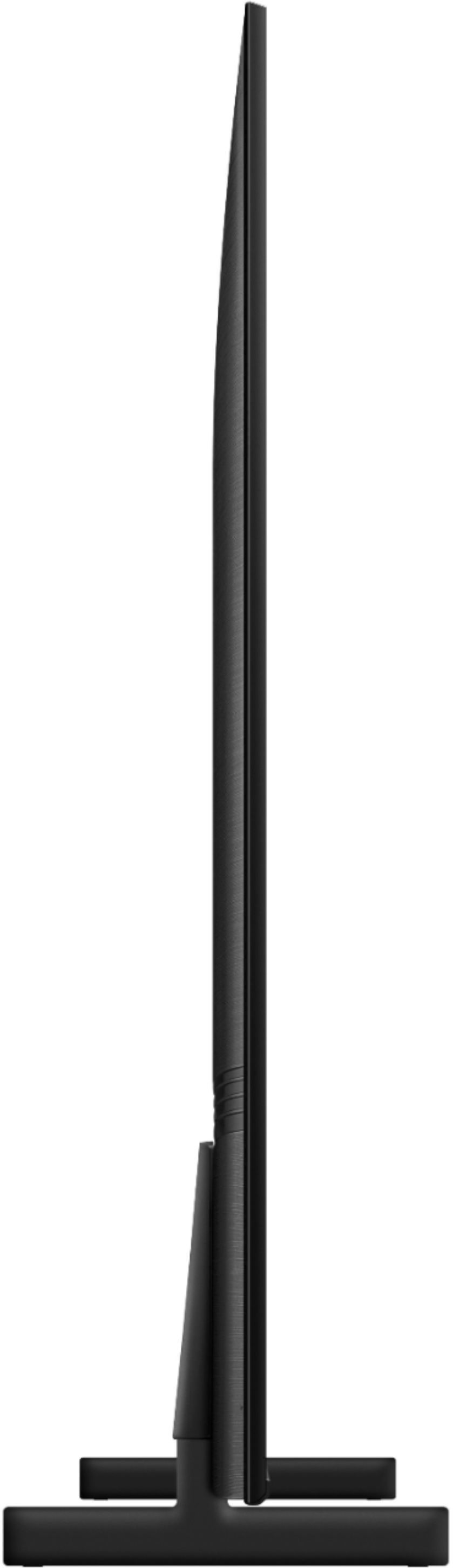
A:AnswerHi Criss! Samsung 70" TVs are larger than the 65" models. Here are the dimensions for the 70" 2021 Q60A QLED TV from Samsung without the stand: (W x H x D) 62 x 34.6 x 1". Here are the dimensions of the 65" AU8000 Crystal UHD TV from Samsung without the stand: (W x H x D) 57.1 x 32.7 x 1.
^Tim
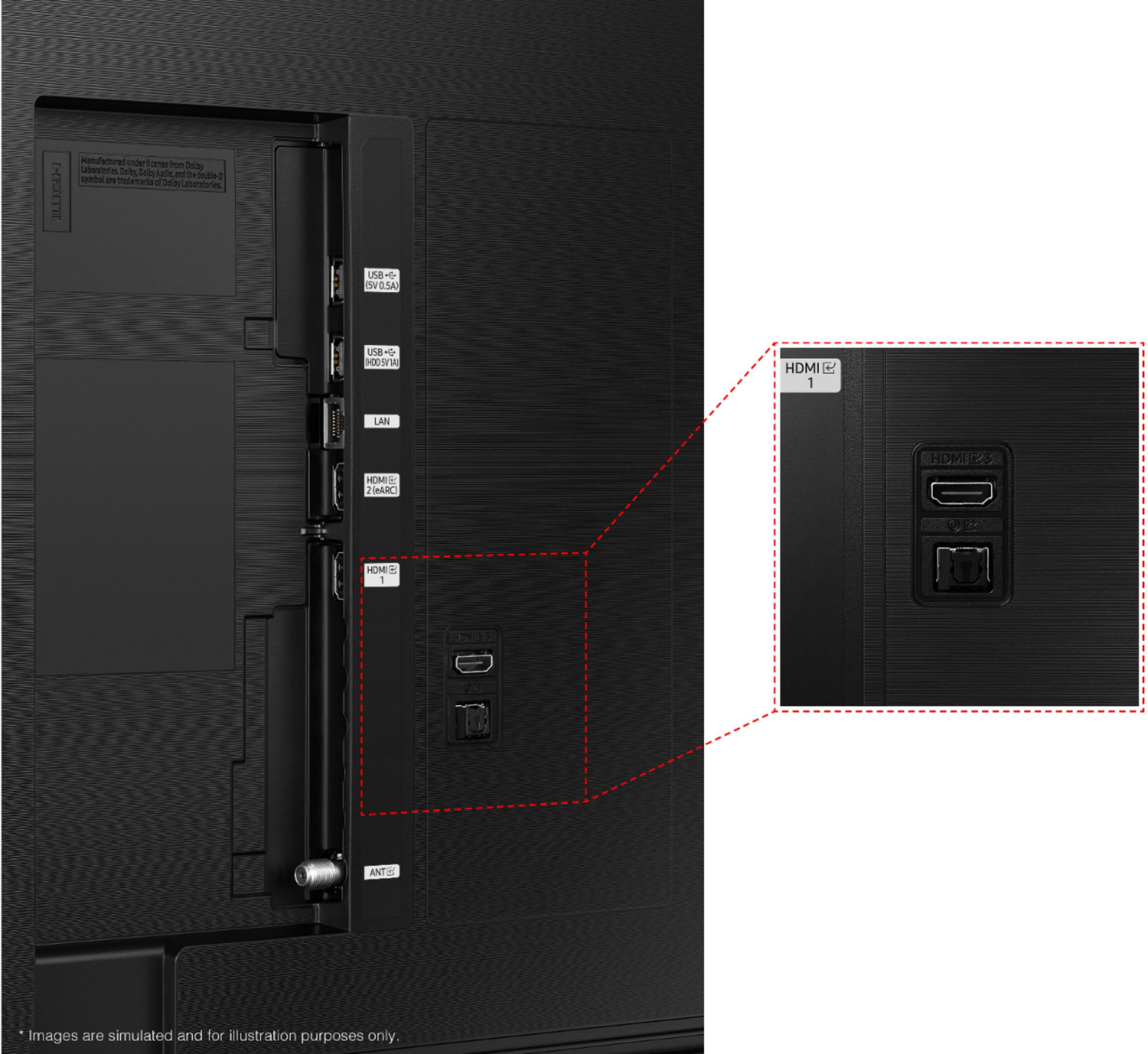
A:AnswerNo. Here are the connectivity specs
2 x USB 2.0
1 x Ethernet RJ45
4 x HDMI 2.0 (ARC, CEC)
1 x Cable/Antenna In (Main, F-Type Female)
1 x Optical Audio Out
1 x RS232 (C)
High-bandwidth Digital Content Protection (HDCP) 2.2
Anynet+ (HDMI-CEC)
A:AnswerI don't believe there is much difference in picture quality if your comparing two tv's of the sane oric range. I would prefer the Samsung for build quality and smart app availability.
A:AnswerHi! Yes, you can use a universal remote to control the AU8000 TV - depending on the type of remote you are utilizing, it may require additional programming steps. You can find programming instructions on your cable provider's website or contacting them directly. Hope this helps!
^Tim