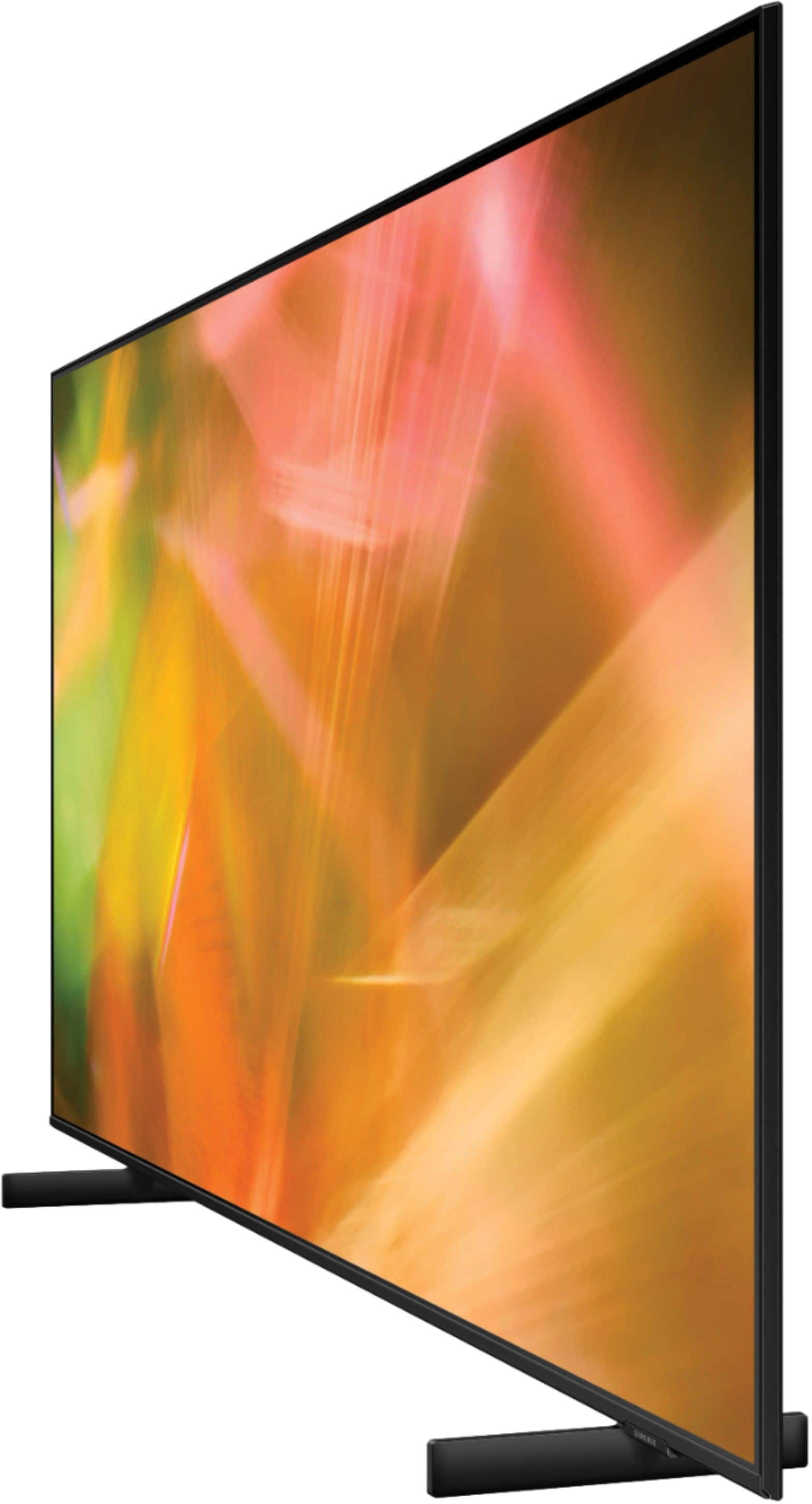
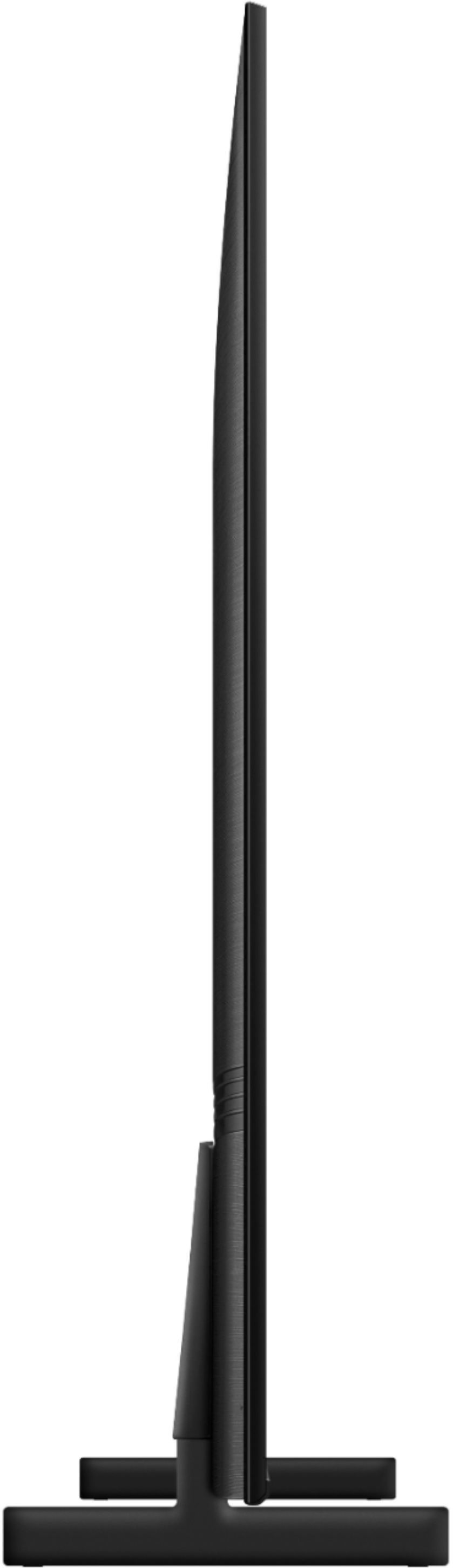
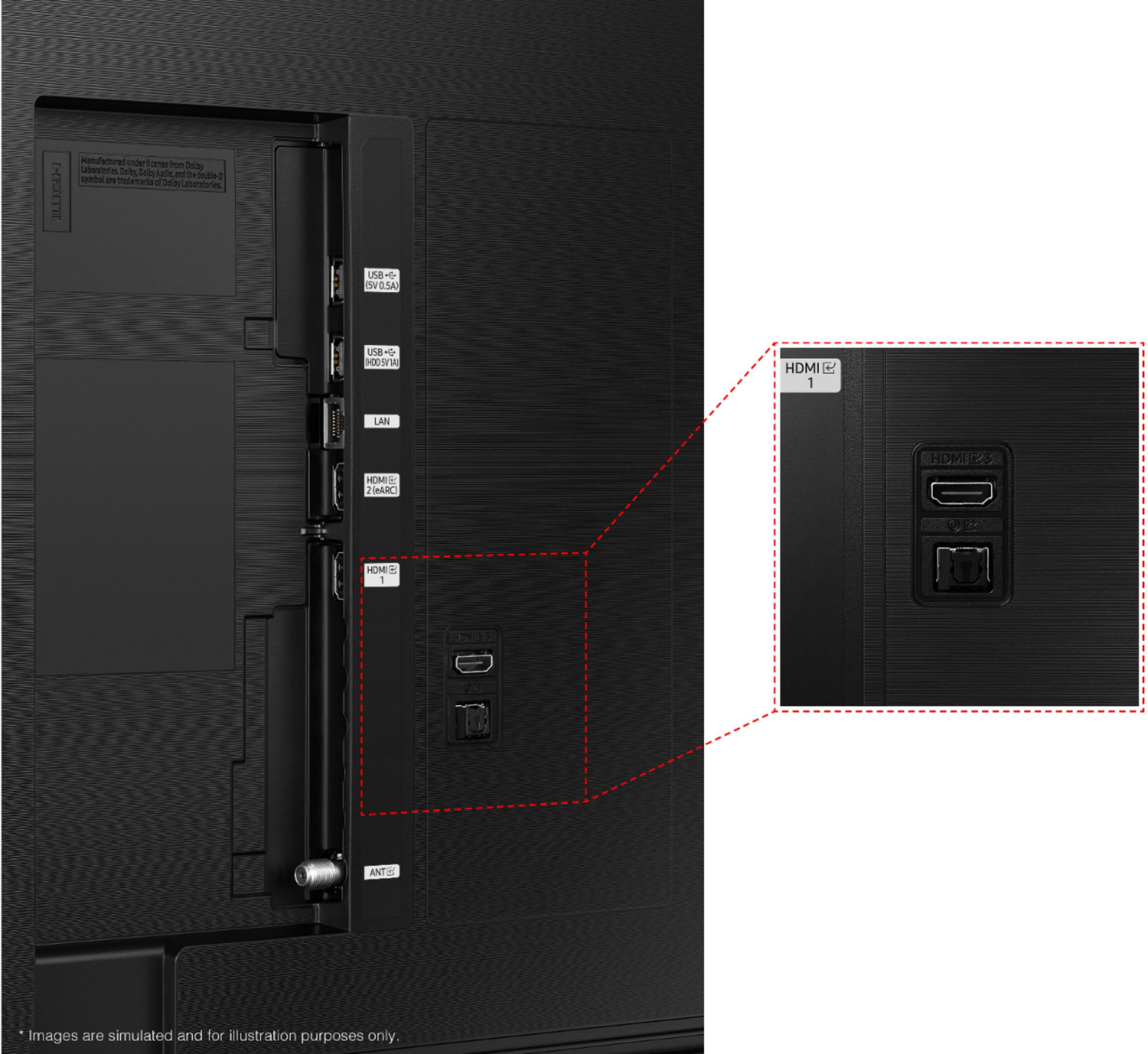
A:AnswerStay with the 8000 series such a difference in color clarity beautiful picture, older model 4000 poor audio not as sharp of a picture worth the difference in cost
A:AnswerHi there! The AU8000 features Samsung's Multi-Output Audio feature. This allows you to utilize a connected Bluetooth speaker or pair of headphones and the TV speakers at the same time. When activated, the volume of the devices can be adjusted separately allowing everyone to enjoy the sound a their own level. To activate this feature, Press the Home button on your remote control to bring up the Smart Hub and then select Settings. From the settings menu, navigate to General then select Accessibility. From the Accessibility menu you can enable or disable Multi Output Audio.
^Tim
A:AnswerHi Rtcdude! Yes, you can connect a Bluetooth audio device for use with the TV should you wish to use a pair of wireless headphones instead of the built in TV speakers. Once connected, the mute button will mute the audio for the connected BT device as well. You can certainly use the TV without connecting it to the internet; however, you will not be able to access a wide range of features like voice control, streaming apps, or the built in free channels from Samsung TV Plus.
^Tim