A:AnswerHi Jared! Different settings make work better for different users or different circumstances. You can adjust the motion settings to your liking through the Expert Picture settings in the menu. For additional assistance tuning the TV for your usage scenario, please reach out to Samsung Support at: 1-800-SAMSUNG (ask for TVs), available 8AM - 12AM EST, 7 days a week, or Chat with us on Samsung.com: https://www.samsung.com/us/support/contact/
^Tim
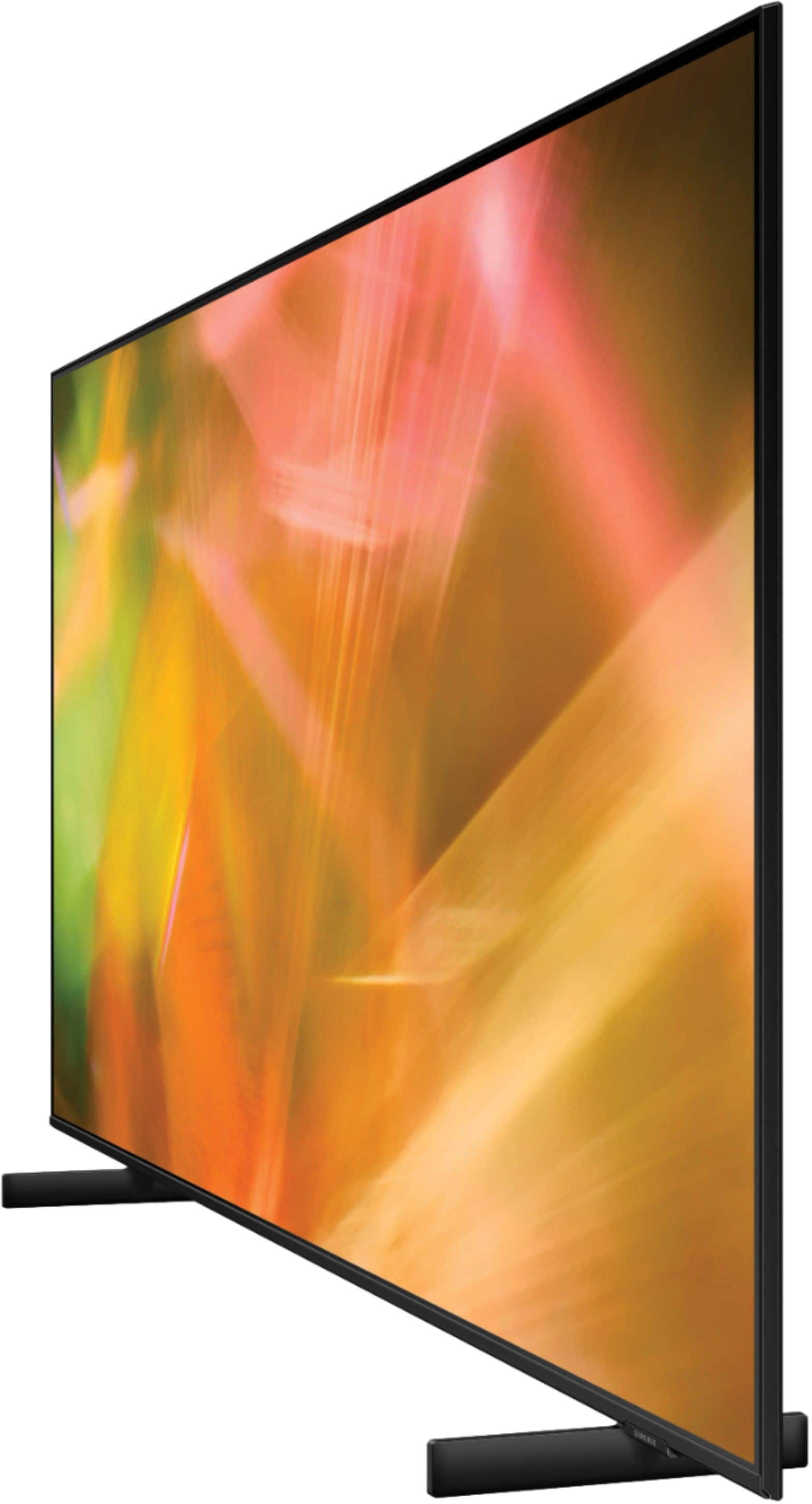
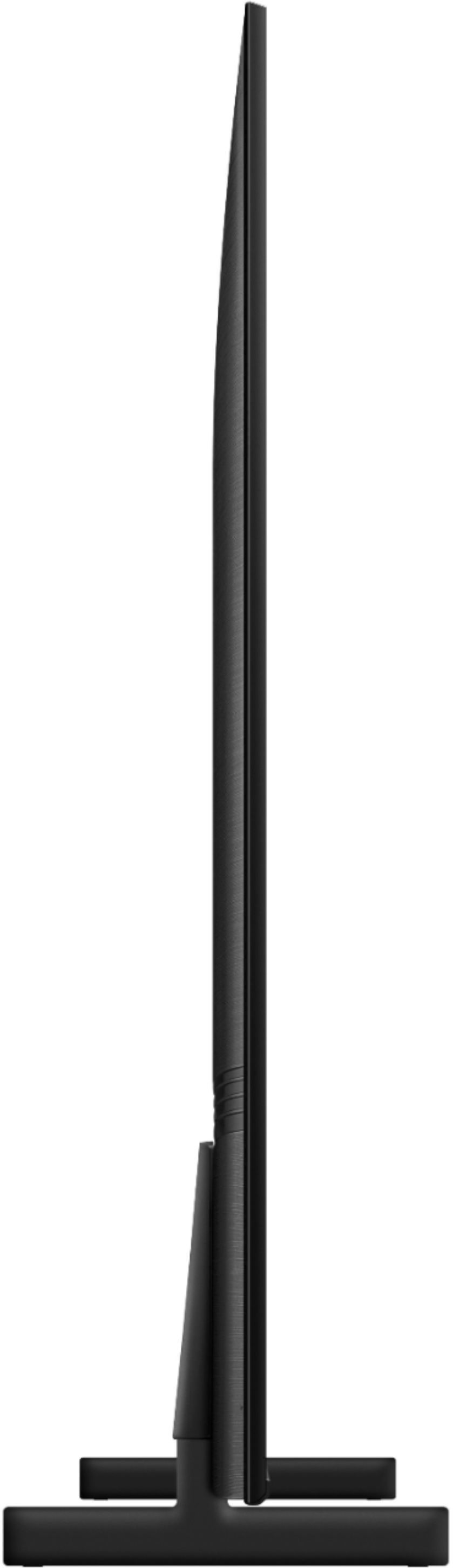
A:AnswerHi Cappy! Apologies for the confusion. As stated in the previous answer, the depth (or length from front to back) of each leg on the 65" AU8000 is 11.1". Your furniture or TV stand will need to have a depth of over 11.1" in addition to the width of over 42.7" to accommodate the distance between each leg. I hope this helps. Should you need additional assistance with this, please reach out to Samsung Support at: 1-800-SAMSUNG (ask for TVs), available 8AM - 12AM EST, 7 days a week, or Chat with us on Samsung.com: https://www.samsung.com/us/support/contact/
^Tim
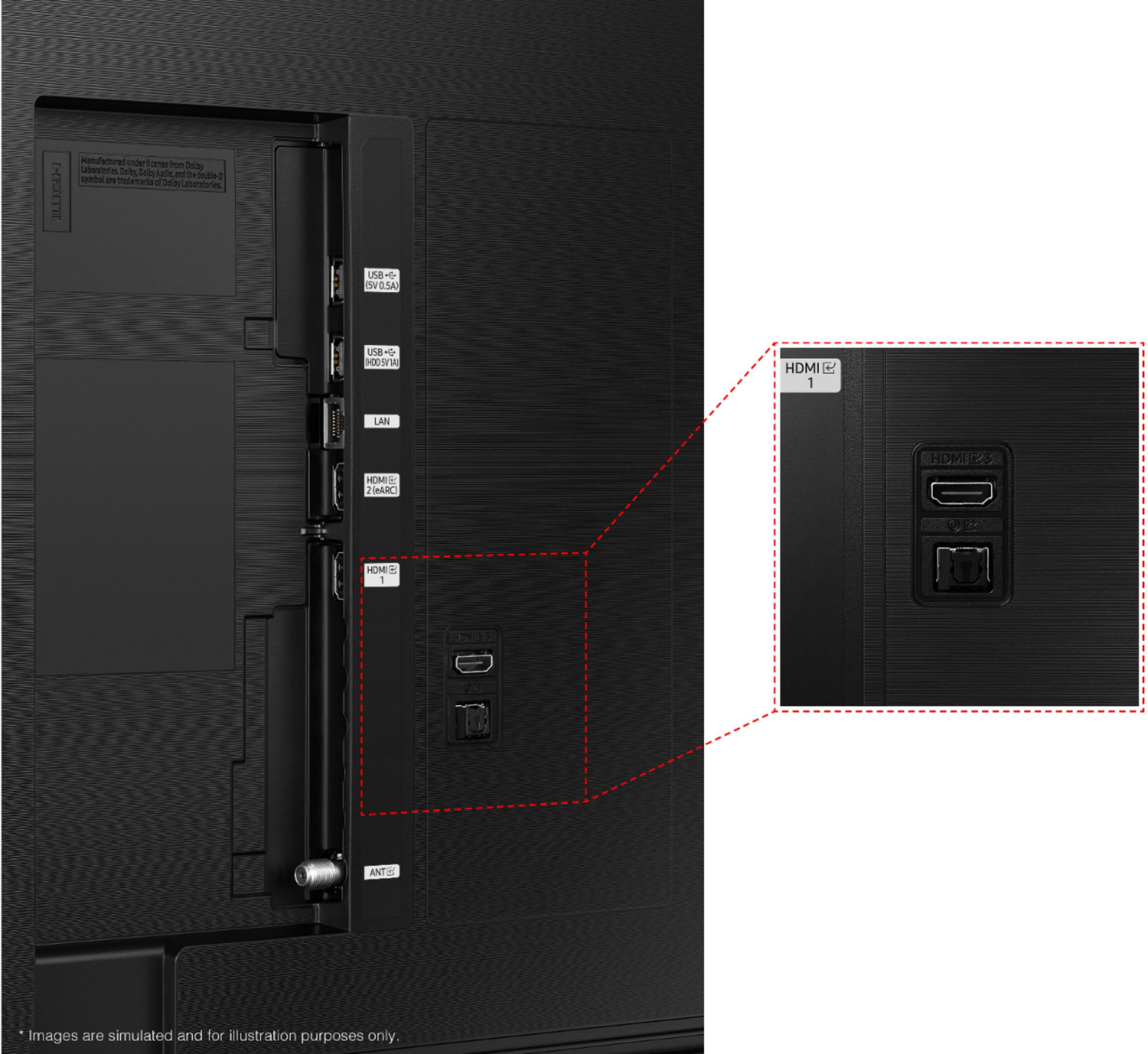
A:AnswerHi Max! Yes, the AU8000 features the ability to connect to an available Wi-Fi network. Alternatively, the AU8000 features a LAN port allowing you to use a hardwired connection to the internet.
^Tim
A:AnswerHi! The Samsung AU8000 supports built in Miracast and Airplay 2 technology allowing you to cast and mirror a wide range of wireless devices to the big screen. Check with the manufacturer of your device to see if it supports a wireless connection to TVs.
^Tim
A:AnswerHi Moyep! The AU8000 features 3 HDMI ports for connecting to external devices. To support devices that use composite (Yellow, white, red) connections, you will need to use a composite to HDMI adapter like the one found at the following link from Best Buy: https://www.bestbuy.com/site/insignia-rca-to-hdmi-converter-black/6134312.p?skuId=6134312
^Tim
A:AnswerIt has Samsung Apps, and we get all the Apps we had on our ROKU, right on the apps store on Samsung TV. All the good ones are available, which means we use the ROKU on another TV now, because we have no need for it on this one.
A:AnswerHi Mike! Yes, the 65" AU8000 supports both Q Symphony and eARC technology for compatibility with the latest Samsung soundbar and Dolby Atmos audio devices.
^Tim
A:AnswerHi Denny! Here is the current list of preinstalled apps for the AU8000: Netflix, Prime Video, Hulu, Apple TV, Youtube, Disney+, HBO Max, Peacock, Samsung Health, OK Google, Alexa, and Internet. You will also be able to take advantage of Samsung TV Plus giving you access to a wide range of free content.
^Tim