A:AnswerFor more information on haul away services, please contact your local Best Buy or visit: https://www.bestbuy.com/site/recycling/tv-appliances-haul-away/pcmcat174900050009.c?id=pcmcat174900050009
~ Samsung Specialist
A:AnswerTom,
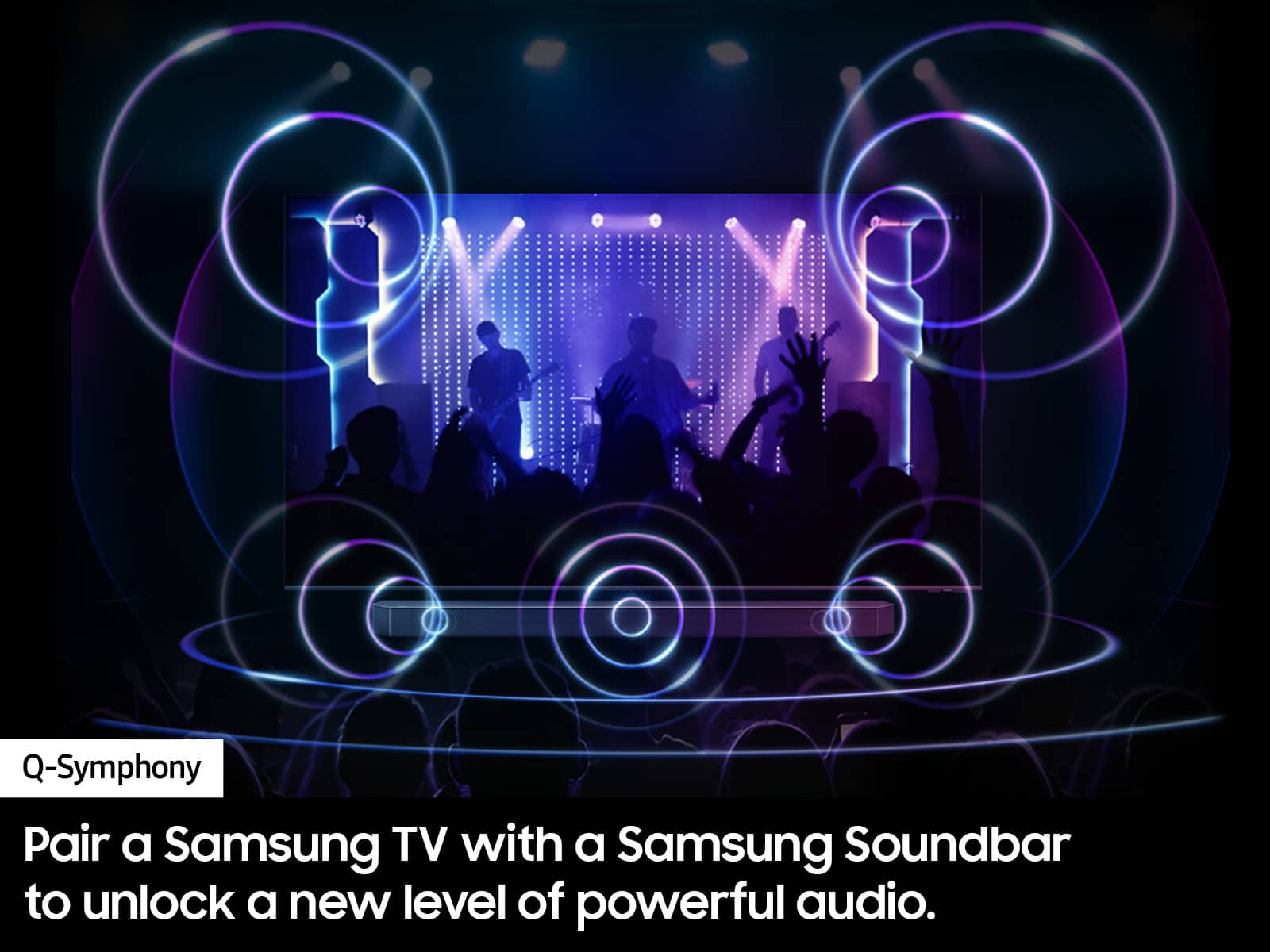
Hi! The DU7200 features 20 Watt 2 Channel audio with Dolby Digital Plus and Object Tracking Sound Lite (OTS Lite) giving you immersive 3D surround sound with strategically placed dynamic speakers that move the sound around you.
~Samsung Pro
A:AnswerHi Cajun,
The DU7200 does not have voice assistants built in. However, they do work with Alexa. You can connect them to your existing Alexa device to ask them to turn on your TV, change channels, control volume, and more.
~Samsung Advisor
A:AnswerHi Ace,
The feet on the DU7200 TV are not adjustable and do not move left to right. I recommend using a swivel mount like this one instead: https://www.bestbuy.com/site/rocketfish-full-motion-tv-wall-mount-for-most-40-75-tvs-black/6353060.p?skuId=6353060
~Samsung Advisor
A:AnswerHi GB,
No, the B1G app is not available on the DU7200. You do have the option to screen mirror from your Apple or Android device to the TV.
~Samsung Advisor
A:AnswerHi FranklinW,
For assistance in choosing a soundbar mount that best fits your needs, I recommend directly contacting or visiting your local Best Buy location.
~Samsung Advisor
A:AnswerHi PictureSize,
Black bars on the top and bottom of your screen can be caused by either a setting on your cable/satellite box or by the content you’re watching. However, the TV can be adjusted to help minimize this. By adjusting the aspect ratio, you can get the image to fill the screen. Go to Home > Settings > All Settings> Picture > Picture Size Settings > Picture Size.
If you are getting an error when utilizing this setting, it is likely the streaming app you are using, as certain streaming apps restrict this setting.
~Samsung Advisor
A:AnswerHi Confused,
After connecting your Firestick via HDMI or USB, the TV should automatically recognize the new device. If it does not, go to Home> Source> then USB or HDMI.
I hope this helps!
~Samsung Advisor