A:AnswerI read on the Samsung site, there is a problem with the TV staying in Bluetooth Speaker mode when turned the TV on. This my friend, is a Manufacturer issue.
A:AnswerI dont know how it works with Xfinity, but once you get to know how to ask Bixby a question, it works beautifully. Be specific. Example....Say something like "Bixby, Game of Thrones on Firestick" or "Bixby, Breaking Bad on Hulu". And in a second it will cue it up on the screen. I personally like it and it gets rid of my fire stick remote.
A:AnswerI have an older Bose surround system. I just plugged in the optical plug in into the back of the tv. I set it up in the tv settings. I have to turn on the Bose speakers with the Bose remote but they work fine.
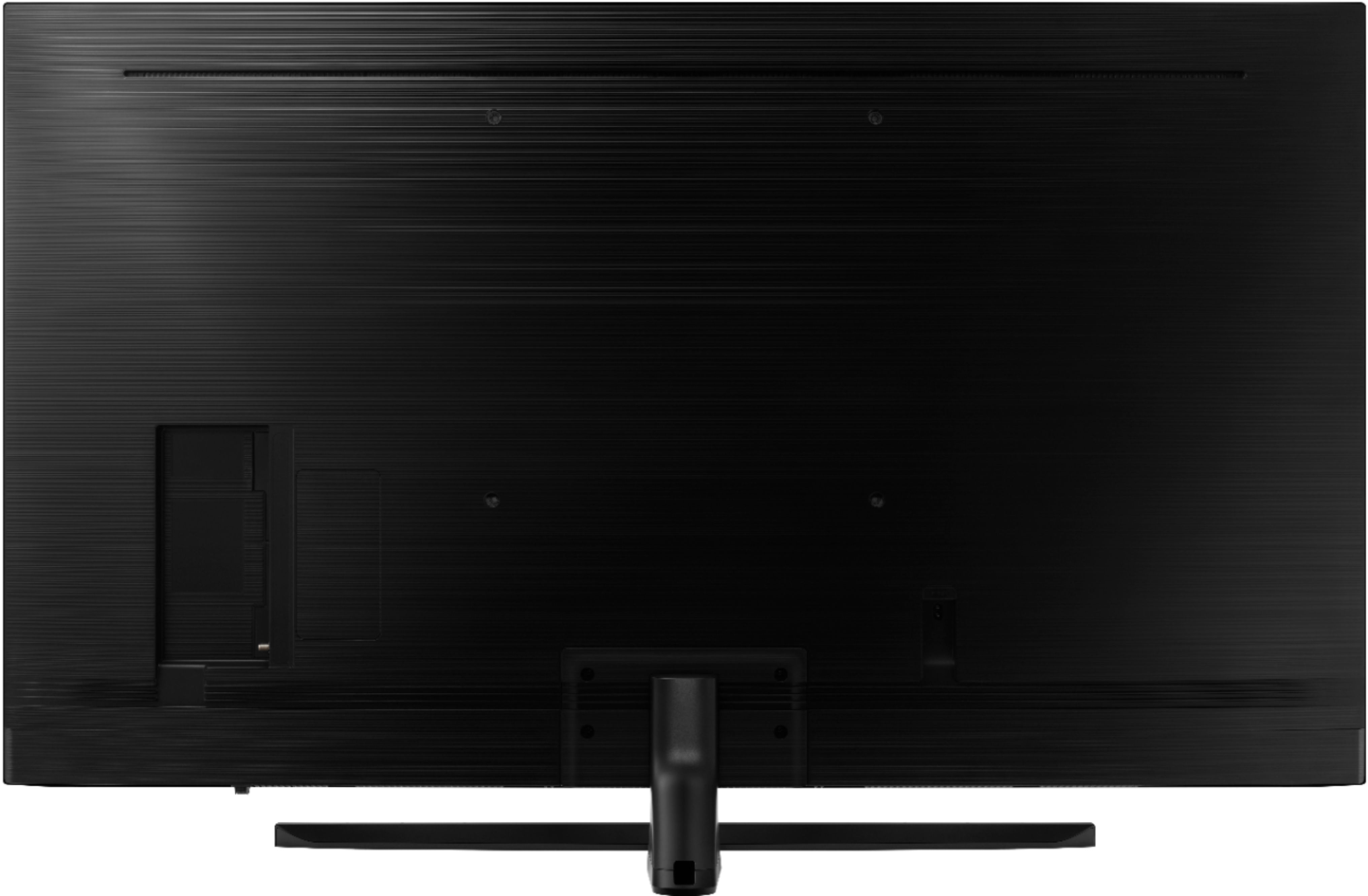
A:AnswerHad the same issue with the Sumsung 65" NU8000. My user Manual says: M8, 1.25, 45mm long. These were a nightmare to find. Went to 3 different Home Depot. Finally ended up in a family own Hardware store. They had M8, 1.25, 50mm long. Used those without issue. Check the user Manual in yours and it should tell you the exact ones that you need. Good Luck
A:AnswerYes, it has one 1x HDMI (ARC) port. Be advised that 2018 Samsung tv's currently do not support outputting to DTS, which I found to be a bit of a bummer. PCM/Dolby Digital/DD+ only
A:AnswerI just tried this for you and the answer is "yes", you can pretty quickly change the sound output from the optical to tv speakers thru the tv menu even with the optical still connected. One cool thing regarding this that I wasn't expecting is that when you select the optical as the output, it adjusts the software automatically to control the volume of my soundbar (that the optical is going to) from the regular tv remote's vol up/down buttons. Because of this, I can now stash the soundbar remote and have one less thing laying around to keep track of.
A:AnswerU won’t get anything better then 1080p. I have yet to see a company with true 4k picture. They may say it is but it’s not. Would require 22mbps to output that picture quality from cable. Constant
A:AnswerYes you can. I put up a small antenna in the attic. I cost me $40. The picture is great. I had to get on the internet on a site that told me where to aim my antenna and now it's great. I'm in Iowa and I can bring in 36 stations. The Samsung remote brings up a menu with all of the stations so you can scroll thought them and see what's on and what will be on. You can toggle between antenna and internet if you stream tv like I do. The menu can run a tad slow but it's loading and it only takes a bout 5 or 10 seconds to load a screen. Once it's loaded you can easily see what's on.