A:AnswerHi bigbadbill,
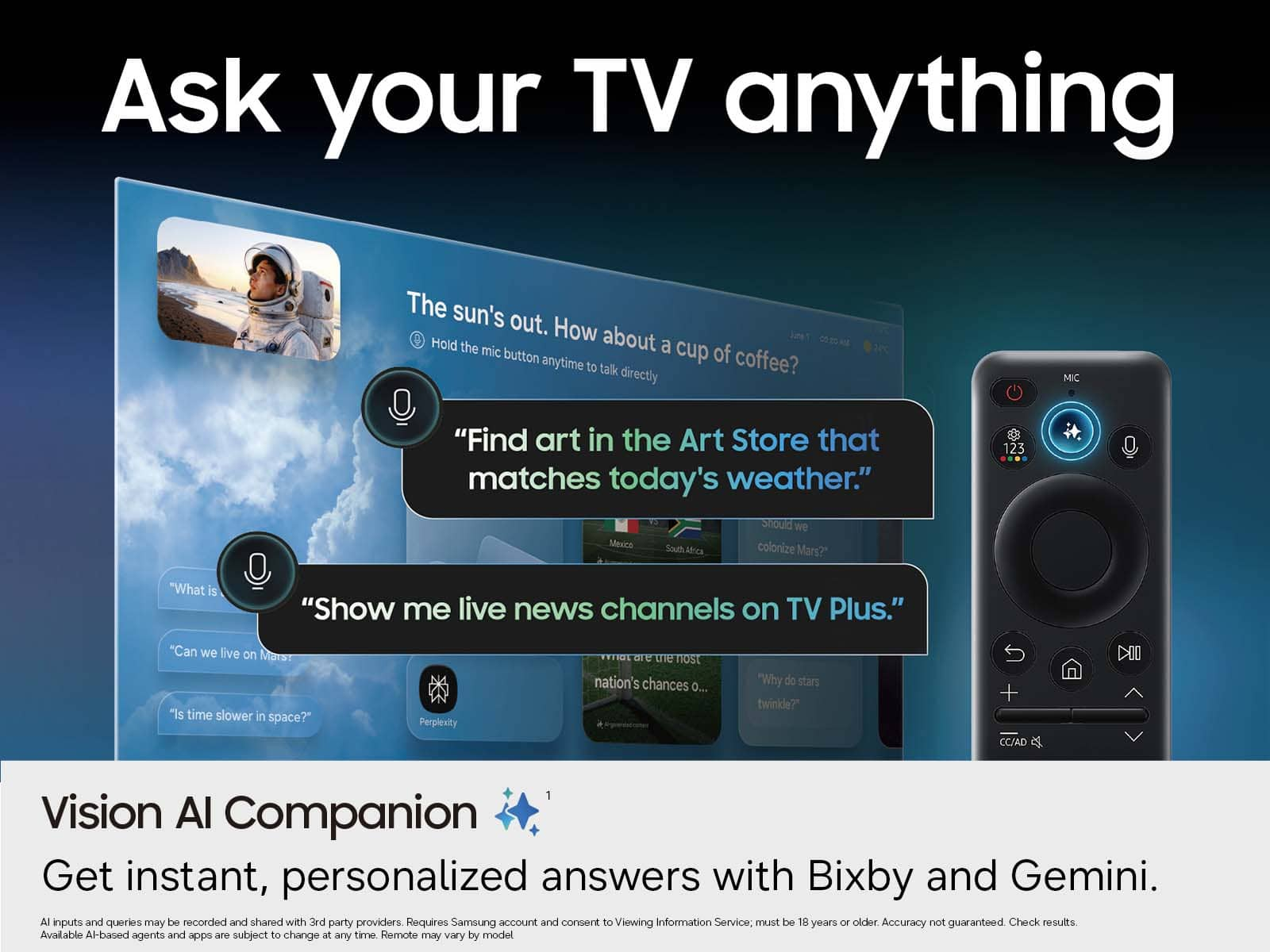
We appreciate you sharing your experience with the included remote. To help you get the most from your TV and remote functions, you can download the full e-Manual and more by visiting Samsung’s website then navigating to: Support > Manual & Software > TVs & Home Theater. From there, you can search for and select your M70H TV model to view or download the available guides.
The e-Manual & Remote Control Guide are also conveniently built into your TV: Settings > Support > Tips and User Guides
Learn TV Remote is another feature designed to help users become familiar with the layout and function of each button on the Samsung remote. When enabled, pressing any button (except the Power button, which will still turn off the TV) will prompt the TV to announce the button’s name and its purpose – without affecting TV operation.
This teaching mode is especially useful for users who are visually impaired or new to Samsung remotes. To enable this feature, go to: Settings > All Settings > General & Privacy > Accessibility > Learn TV Remote. To exit, simply press the Return key twice.
If you’d like more assistance with this feature, please reach Samsung Support at 1-800-SAMSUNG (8AM – 9PM EST Mon – Fri, 8AM – 6PM Sat ). LiveChat agents are also available through the ‘Support’ link on our website.
~ Samsung Advisor
A:AnswerThe M70H TV supports voice commands when connected to a standalone Alexa device, such as an Echo Dot. To use this feature, you’ll need the Amazon Alexa and SmartThings apps installed on your mobile device, a Samsung account signed in, and the SmartThings skill enabled within the Alexa app.
~ Samsung Advisor
A:AnswerHi Miguel,
To best understand your setup needs, please contact us at 1-800-SAMSUNG or Chat with us on Samsung.com: https://www.samsung.com/us/support/contact/
~ Samsung Advisor
A:AnswerHi Mart,
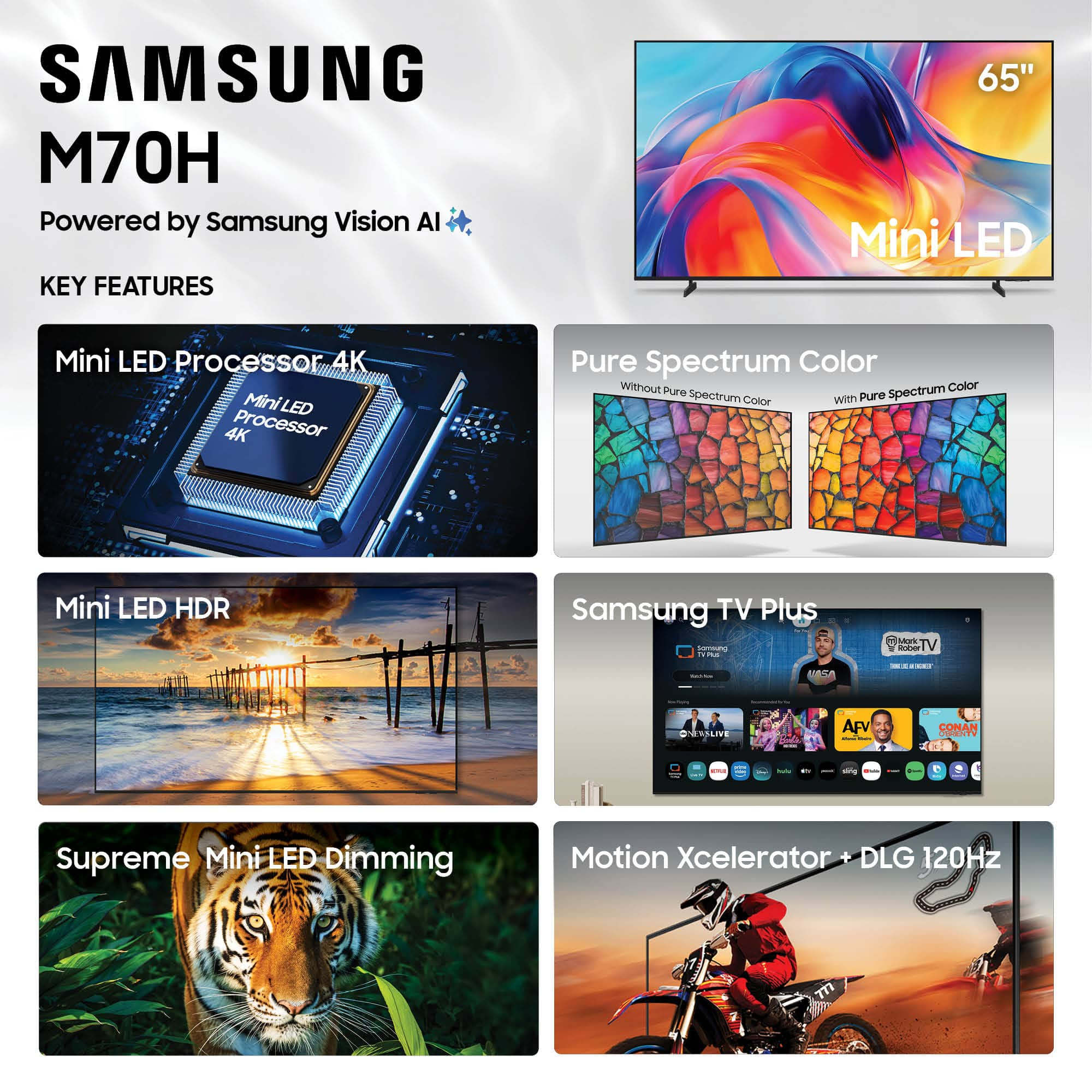
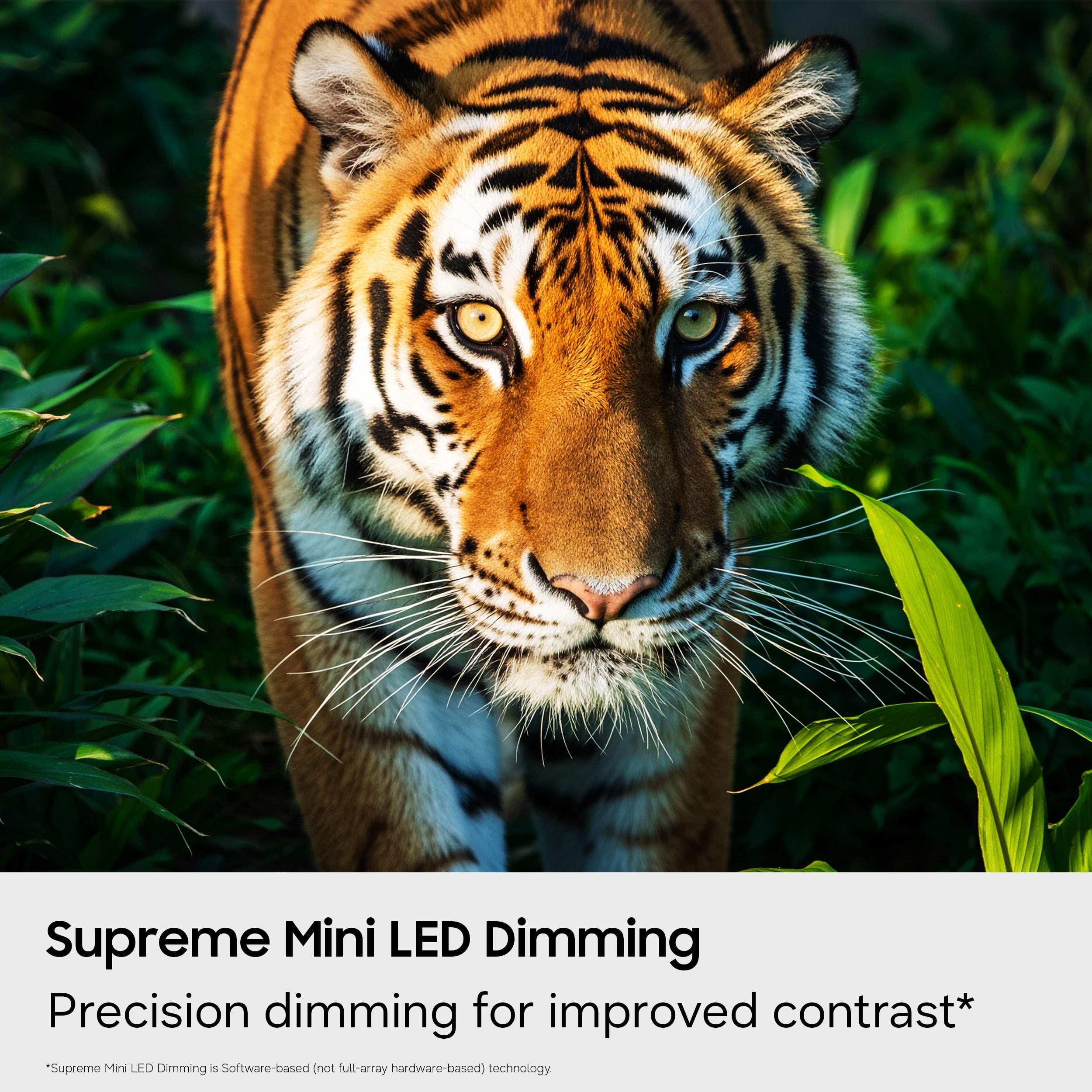
The M70H features Supreme Mini LED Dimming for precise light control. Stepping up to the QN70H adds Wide Viewing Angle for a more consistent picture, while the S85H OLED introduces Ultra Viewing Angle with Anti-Reflection for enhanced color and reduced glare.
~ Samsung Advisor
A:AnswerHi Chuck,
Environmental conditions can significantly affect your TV’s performance. Samsung TVs are designed to operate between 50°F and 104°F, with humidity levels between 10% - 80%. For storage, temperatures should remain between -4°F and 103°F. If you plan to install your TV in a location with extreme temperatures, high humidity, or heavy dust, we strongly recommend contacting an authorized Samsung service center for guidance.
~ Samsung Advisor
A:AnswerHi RobF,
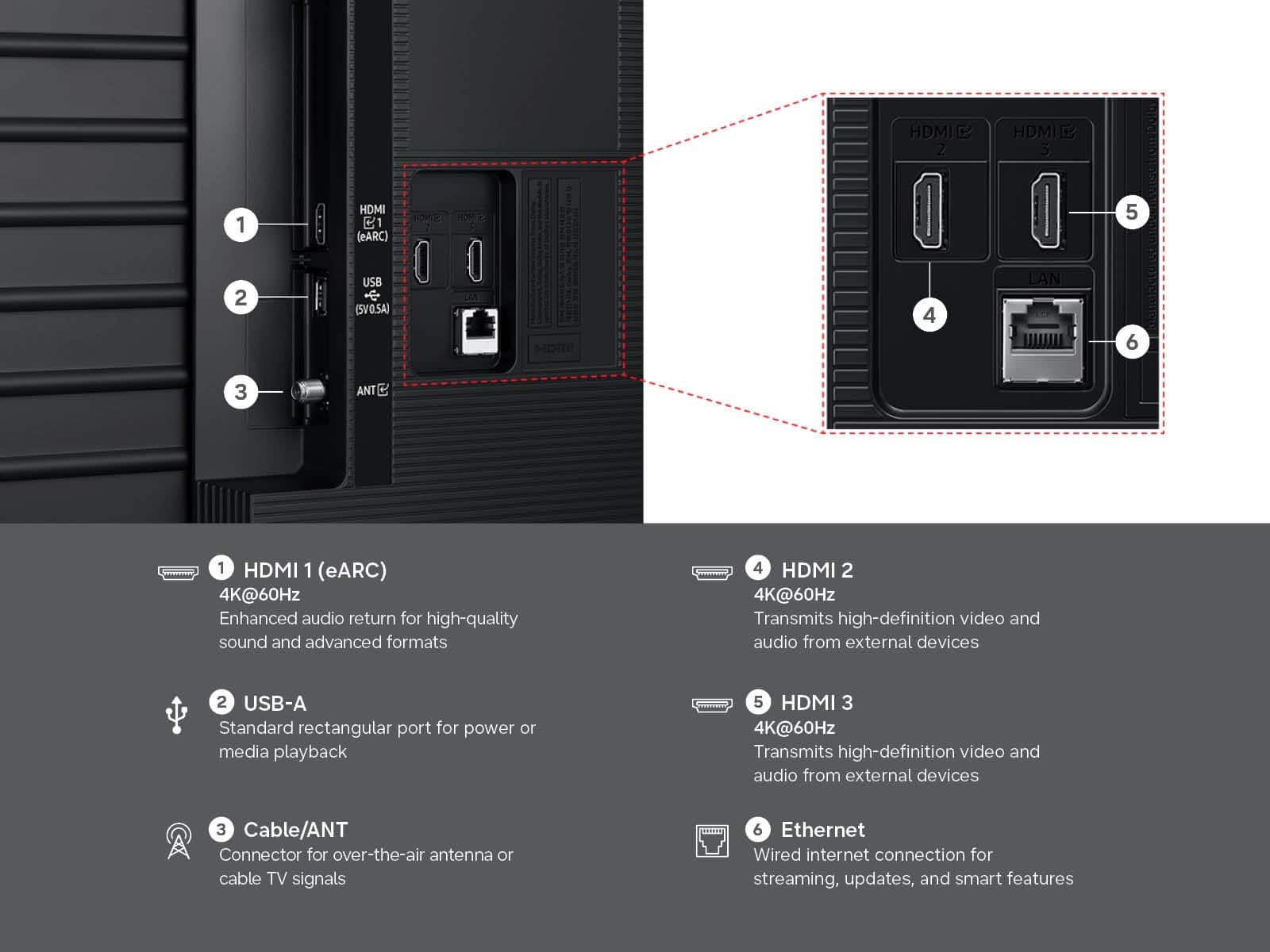
While the M70H TV does not include an Optical port, it does support audio over HDMI, Bluetooth, and Wi-Fi. If an Optical port is important to your setup, this input is available starting with our QN70H Series.
~Samsung Advisor
A:AnswerHi Jchar,
Unusual sounds can come from different sources, so first check whether it’s from the TV speakers, an external device (like a soundbar), or the back of the TV.
• For external audio, ensure cables are connected to the correct output
• If using antenna or cable, check signal strength: Settings > Support > Device Care > Self Diagnosis > Broadcast Signal
• Popping sounds from the back may be due to thermal expansion - this is normal and not a malfunction
• Run a Sound Test to troubleshoot: Settings > Support > Device Care > Self Diagnosis > Sound Test
If the issue continues, please contact Samsung Support at 1-800-SAMSUNG (8AM – 9PM EST Mon – Fri, 8AM – 6PM Sat). LiveChat and additional support resources are also available through the Support link on our website.
~ Samsung Advisor
A:AnswerHi Lk,
For TV mounting and installation services, we recommend contacting your local Best Buy or visiting:
https://www.bestbuy.com/site/tv-home-theater-services/tv-mounting-packages/pcmcat748300648009.c?id=pcmcat748300648009#1
~ Samsung Advisor
A:AnswerHi Linny,
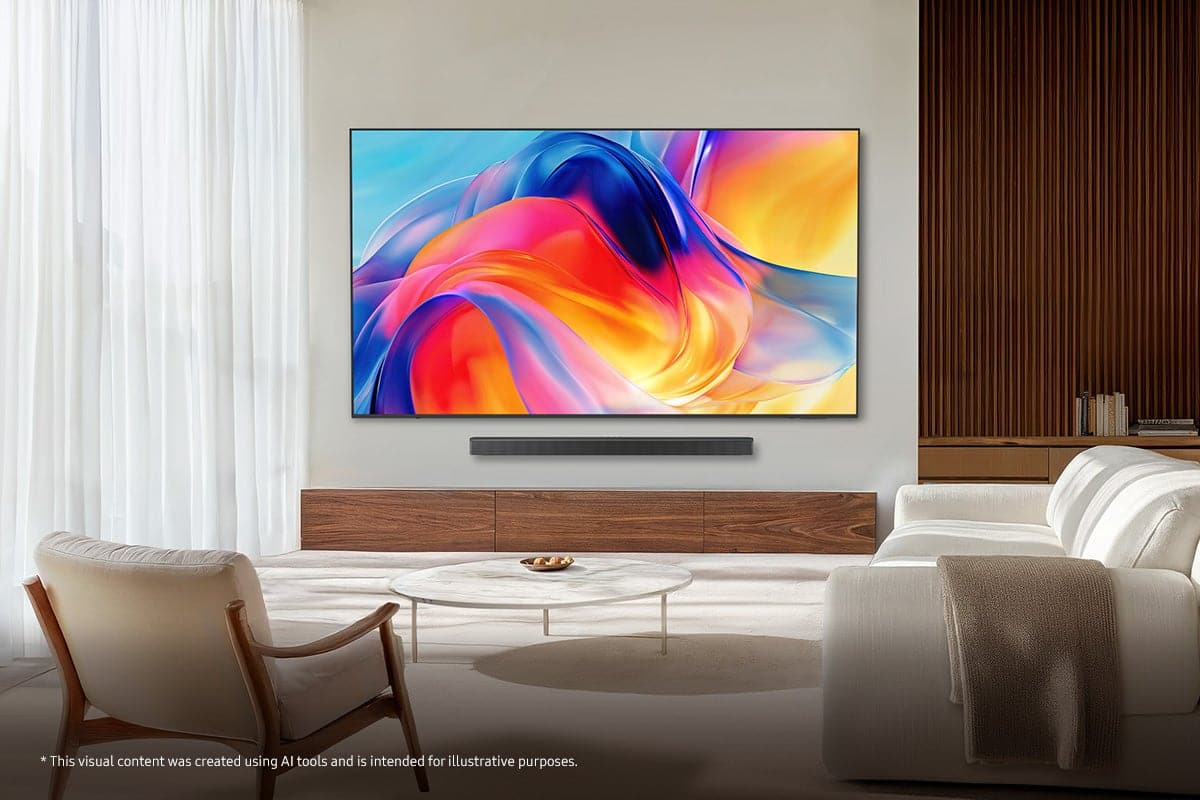
The HW-Q600F Soundbar would be a great addition to the M70H TV. With 3.1.2ch audio and SpaceFit Sound Pro, you’ll get room-filling audio that’s automatically optimized and calibrated for your space - all without the hassle of attached cables. And with Q-Symphony, our Q-Series Soundbar will synchronize with the speakers of your TV for an immersive 3D sound experience.
~Samsung Advisor
A:AnswerHi Bill,
Best Buy does offer paid installation and setup services. For information on professional TV setup and connection services, visit your local Best Buy store or check here:
https://www.bestbuy.com/site/tv-home-theater-services/tv-connect-setup/pcmcat1547141555465.c?id=pcmcat1547141555465
~Samsung Advisor