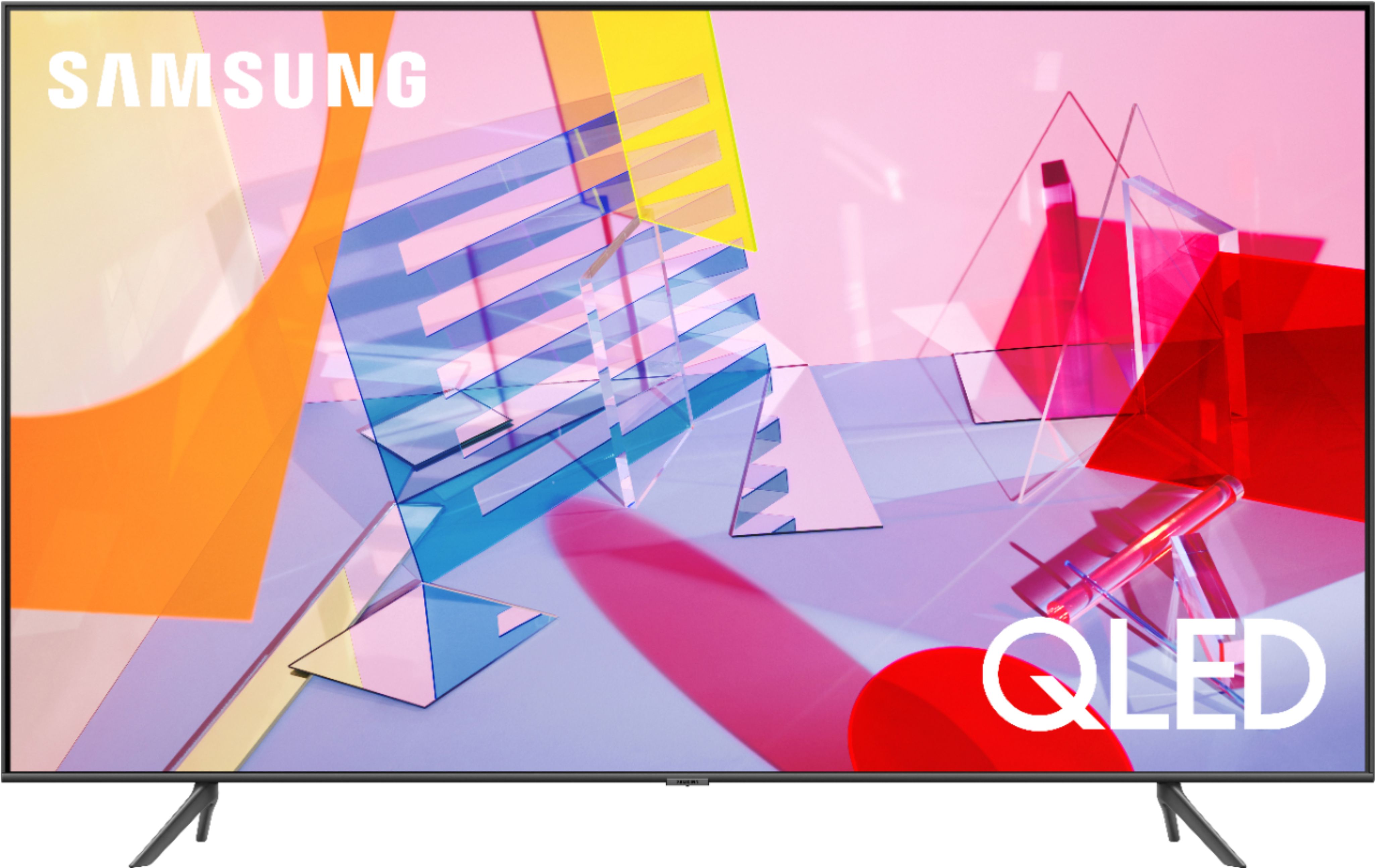
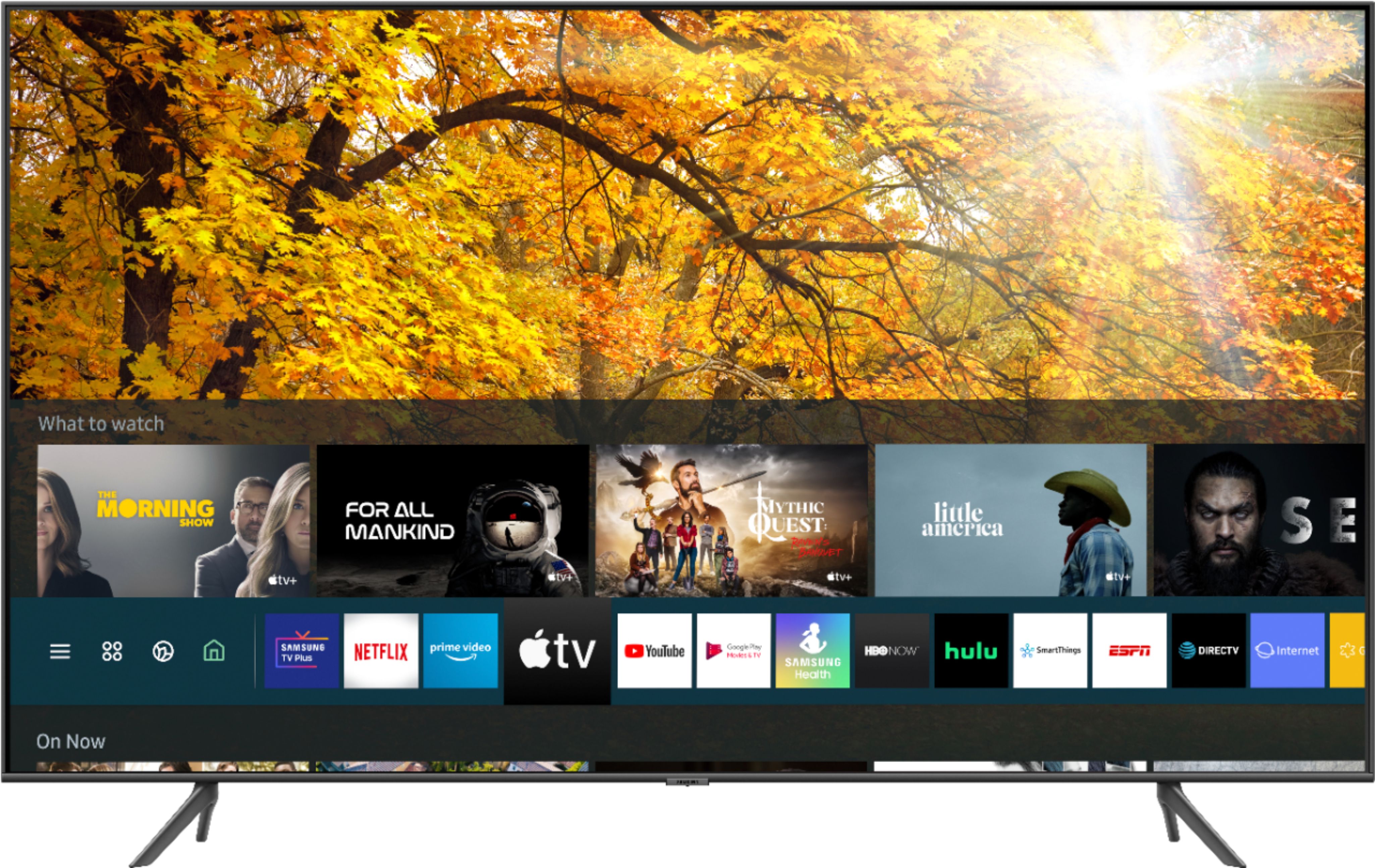
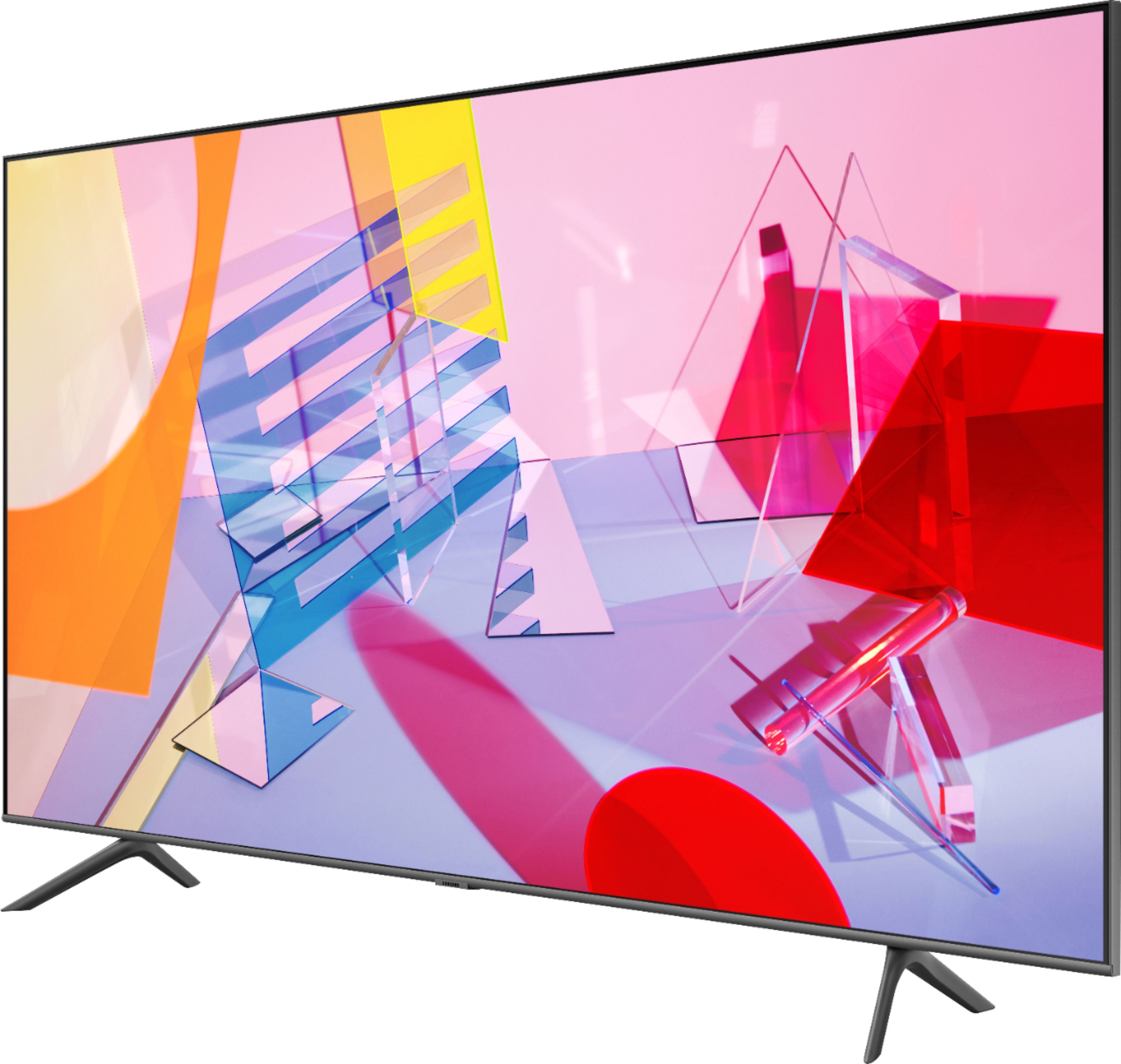
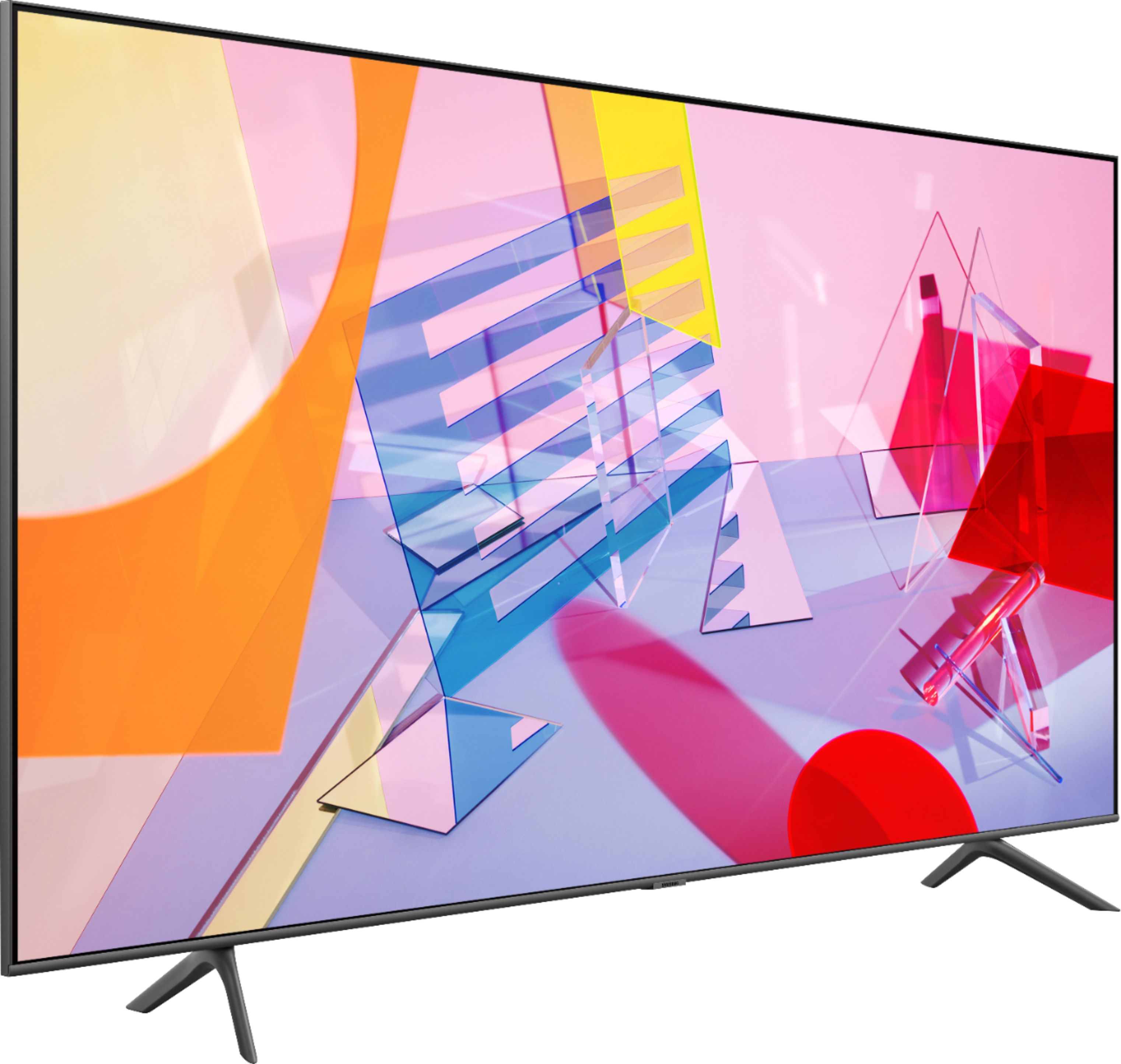
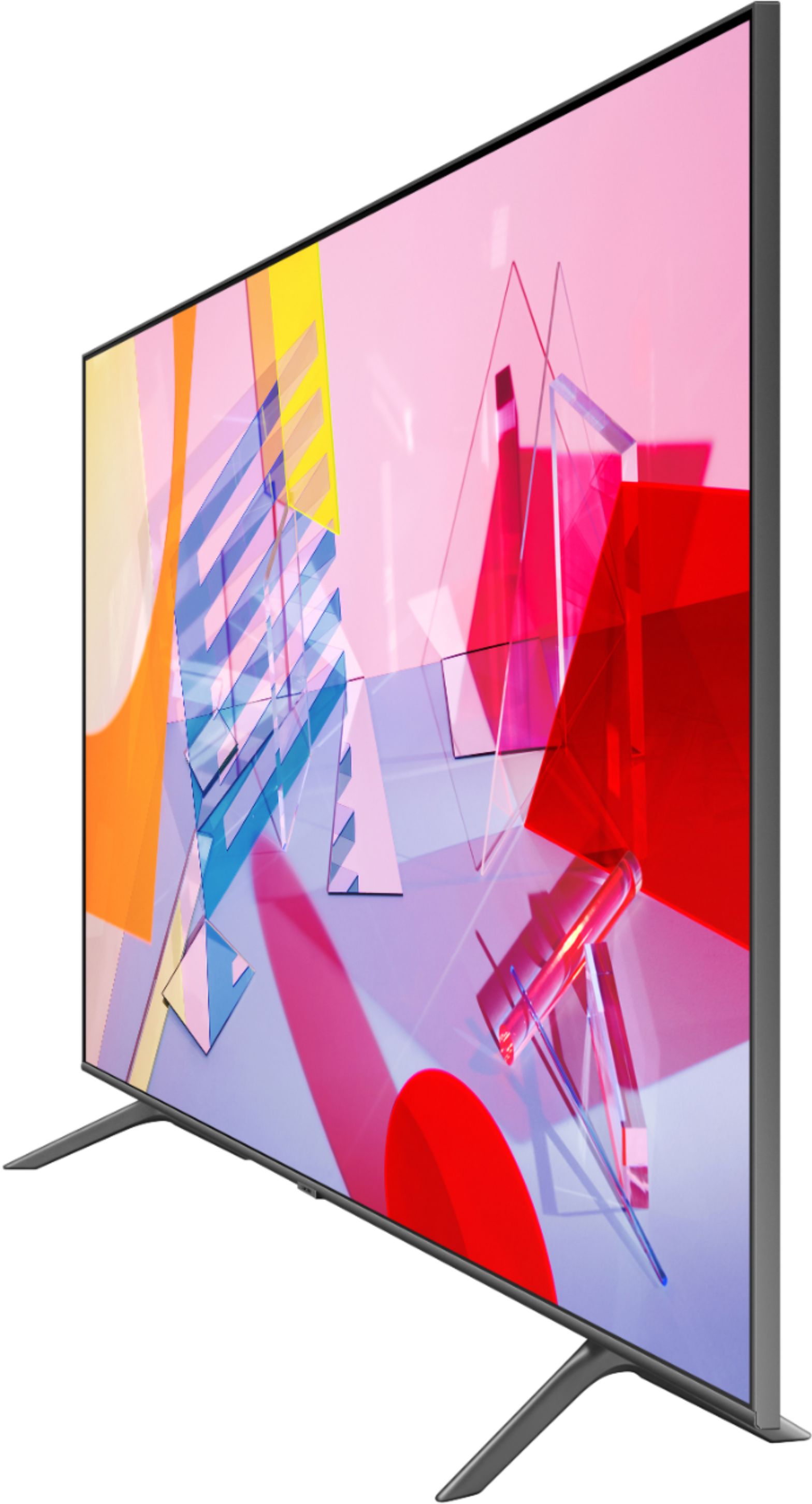
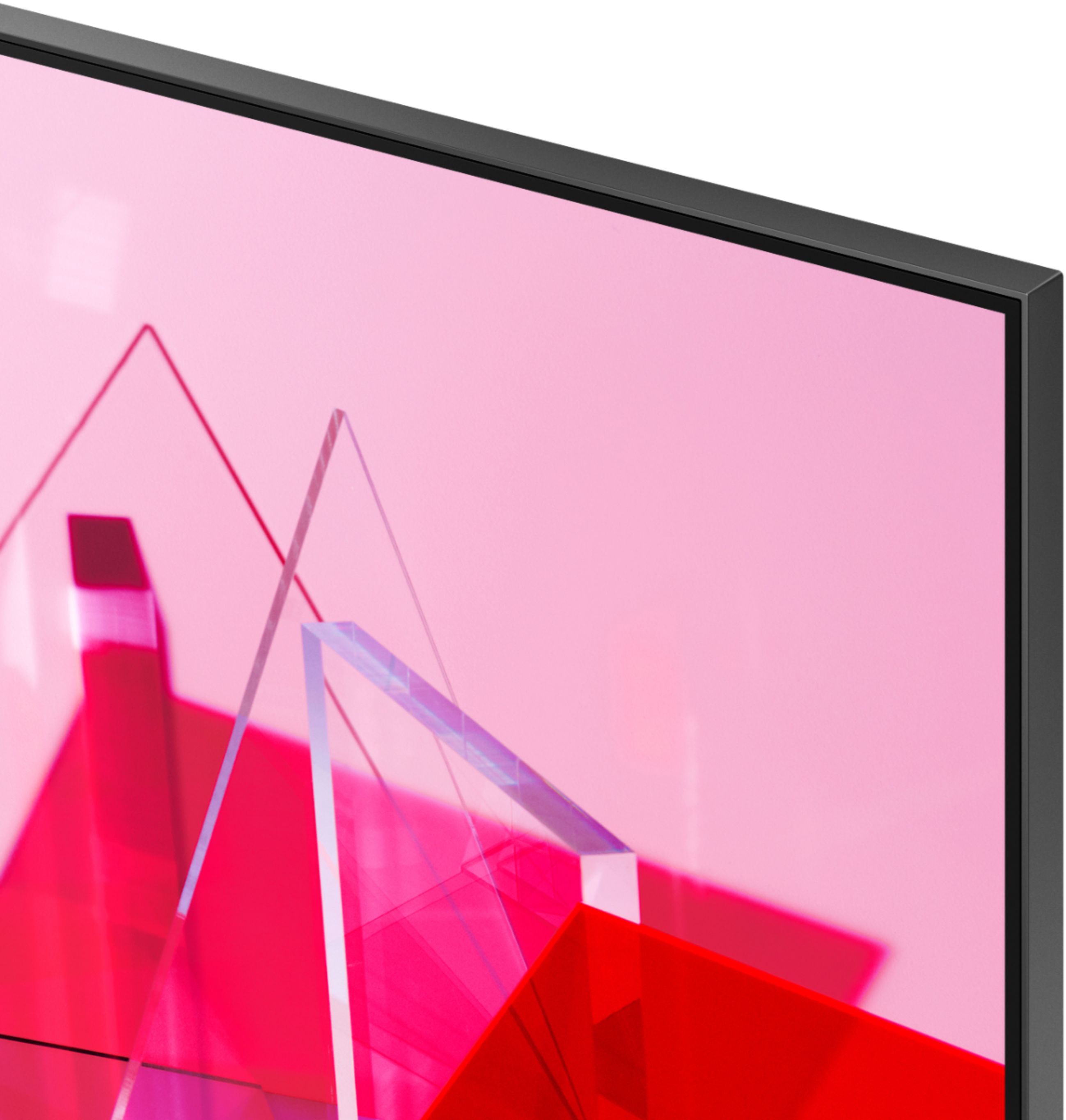
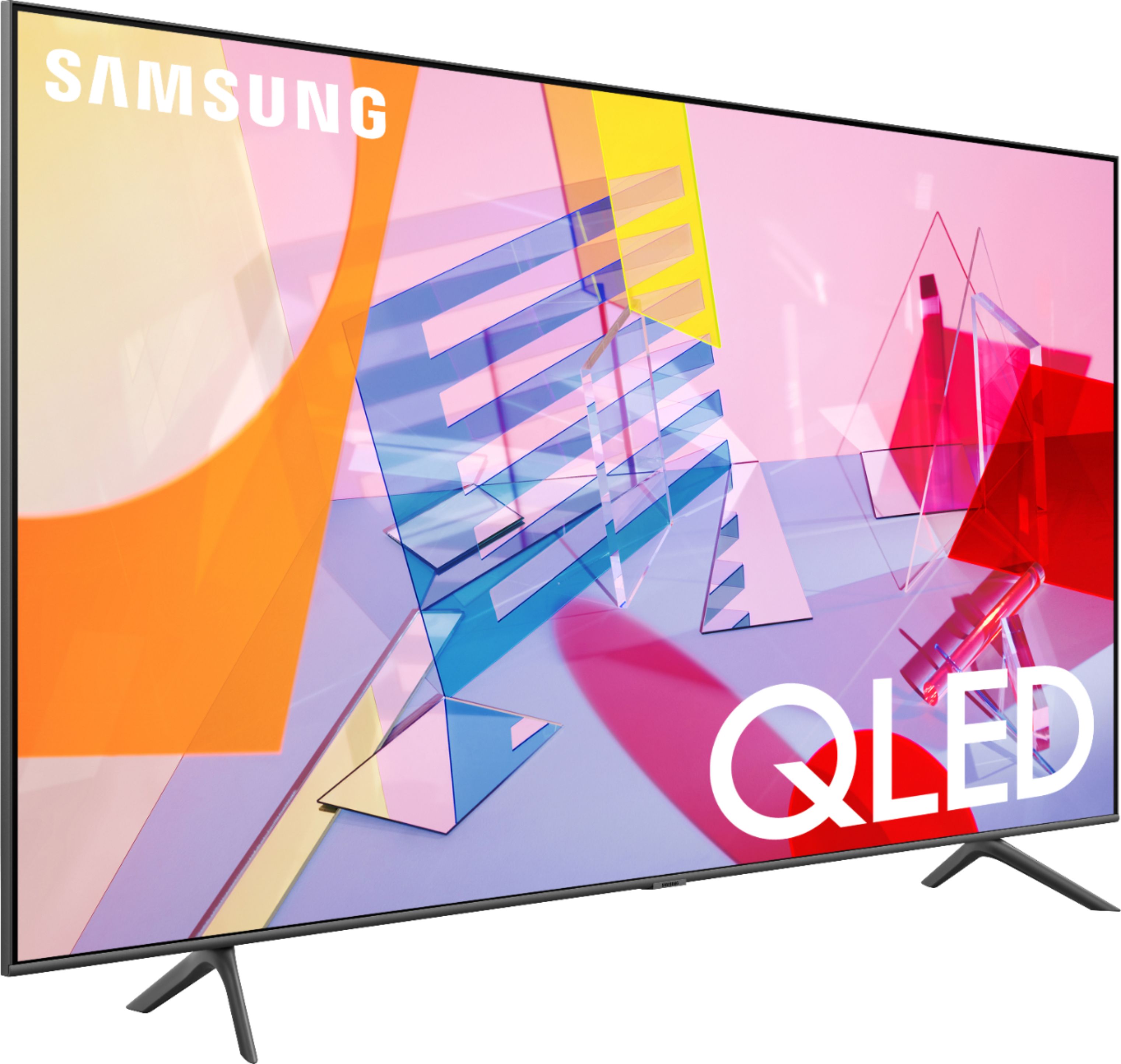
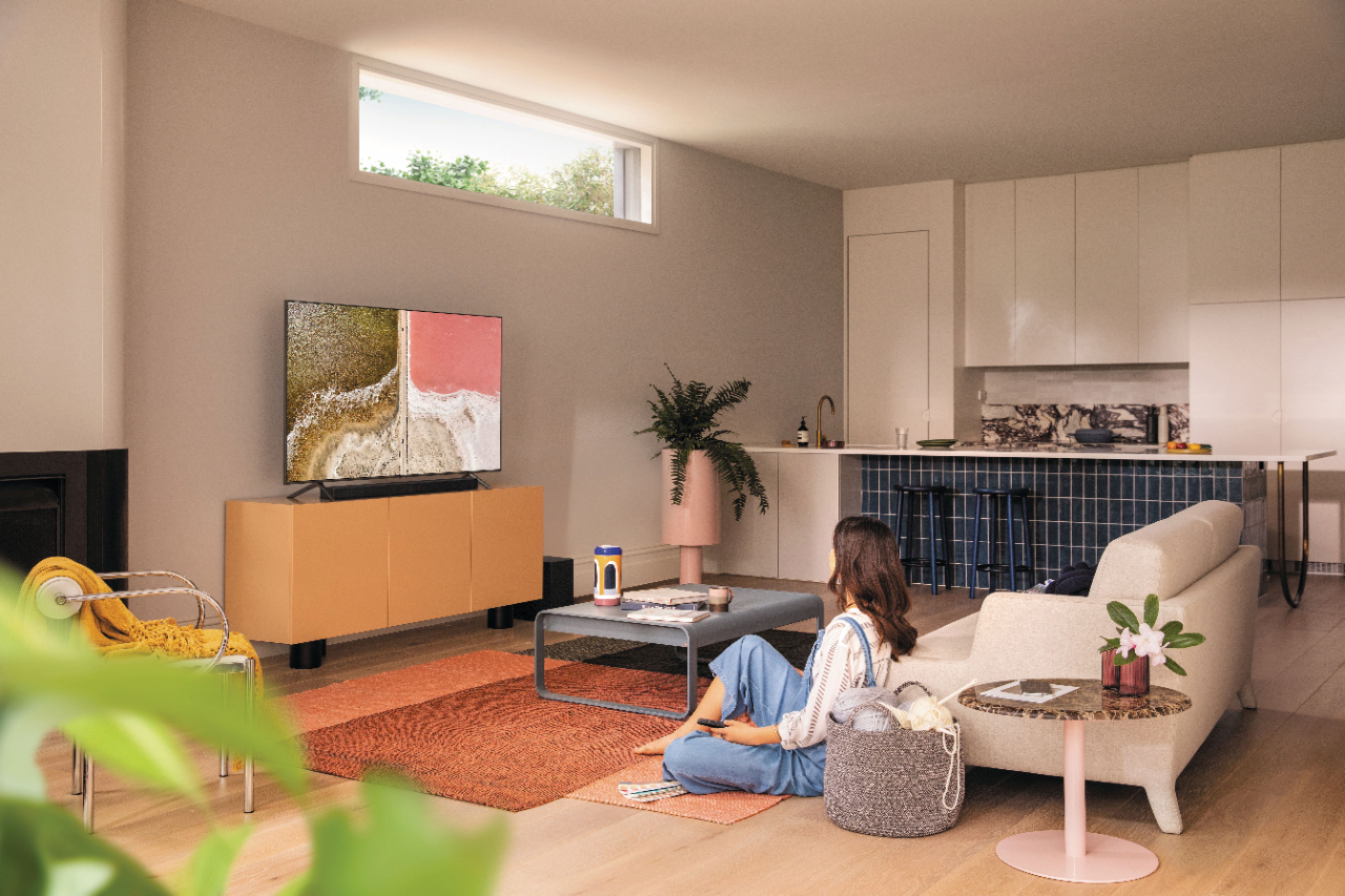
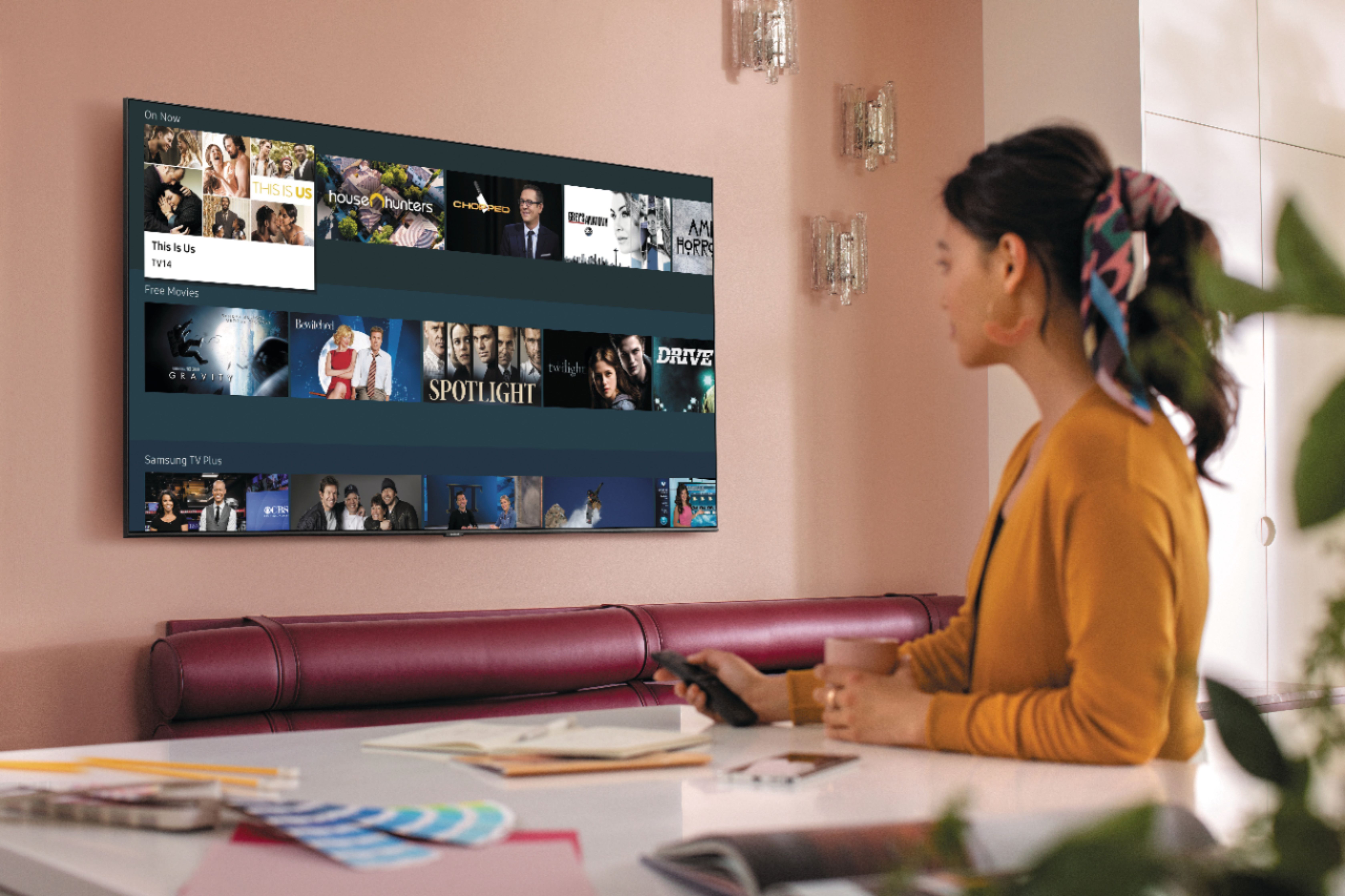
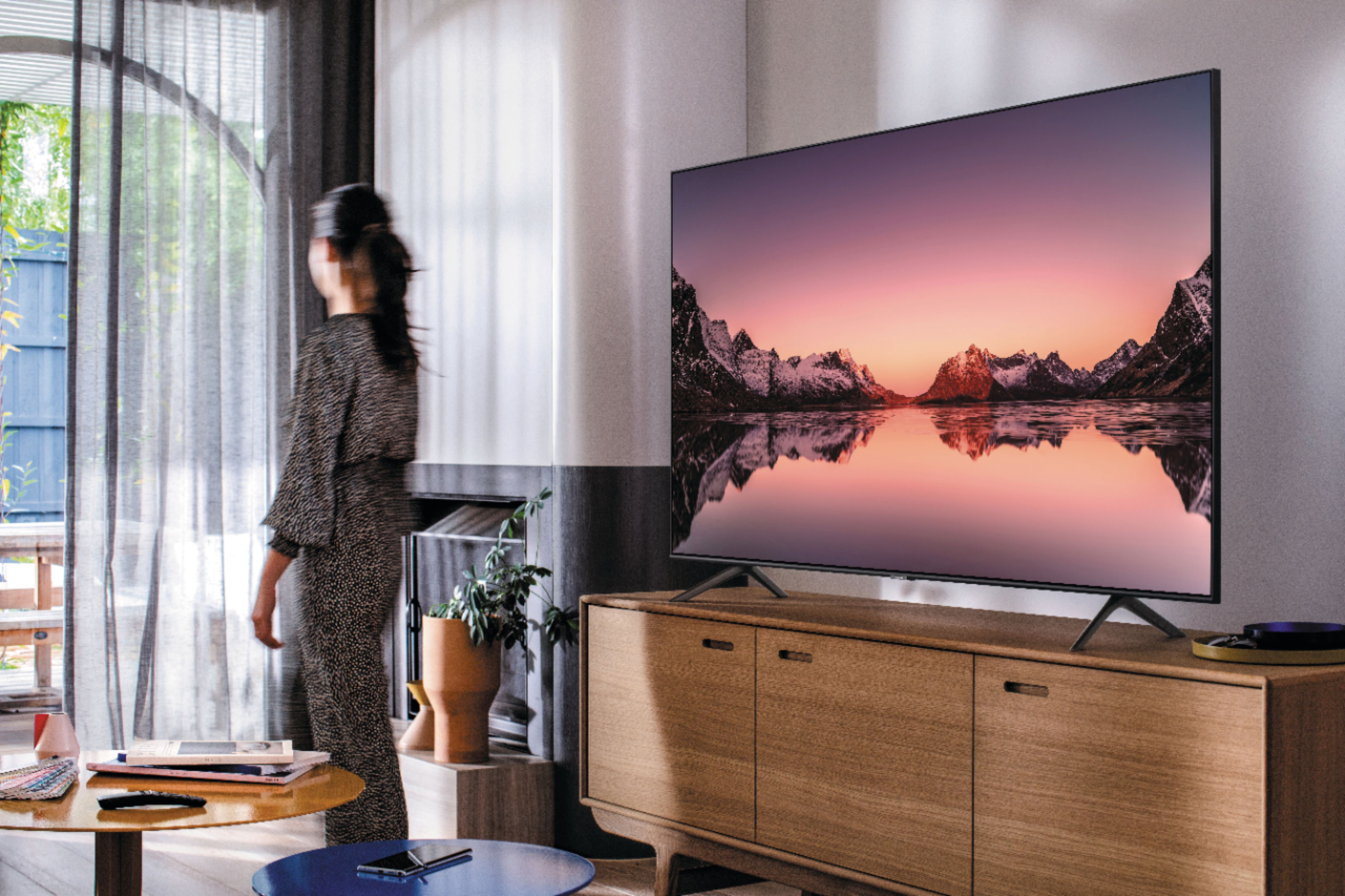
A:AnswerHi LadyCharm, Hi Jewel, The Q60T features Ambient Mode which includes My Gallery to show your pictures on the screen while not in use, Artwork mode allows you to show famous artwork and photography to use as your background, and Music Wall pulses to the music you are playing through the TV. Enjoy your day! ^Scott
A:AnswerThese legs were included in the TV packaging near the top. As you can see they're are specifically designed to fit sockets at the bottom of the TV.
A:AnswerThe measurement for each TV can be found in the specs sheet on the web site. The size will be different of course for each size TV (55, 65, 75, 85) Choose the one you want and the specs will be there including the stand or without the stand. I can say that the quoted size is spot! Measure your space and if you have numbers that fit your space int he specs it will work out fine.
A:AnswerHi there! For the 65Q60T, the Typical Power Consumption is 63W, and the Maximum Power Consumption is 155W. The Estimated yearly electricity use of this model is 125kWh. ^Gina
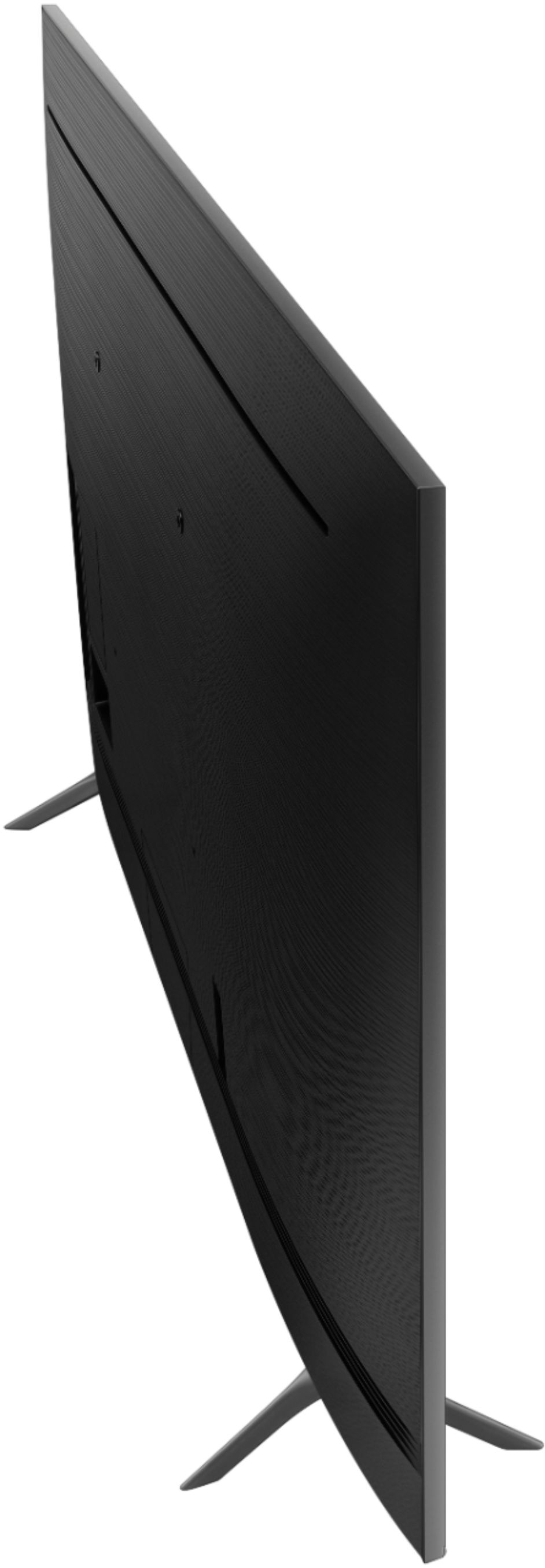
A:AnswerProduct Height With Stand
35.7 inches
Product WidthInfo
57.1 inches
Product Depth With Stand
11.4 inches
Product Height Without Stand
32.6 inches
Product Depth Without Stand
2.3 inches
Product Weight With Stand
49.8 pounds
Product Weight Without Stand
49.2 pounds
Stand Depth
11.4 inches
A:AnswerHello Cindy,
I have checked verified the Roku app is available for the 65Q60T. Please browse the built in app store for "Roku app'.
If you continue to have issues, please reach out to Samsung TV Support. So that we can better troubleshoot towards a solution at.
― Phone: 1-800-SAMSUNG / Available 8 AM - 9 PM EST, Mon - Fri
― LiveChat or Email: https://www.samsung.com/us/support/#contact_us_for_support
We look forward to hearing from you.
^Cristian
A:AnswerHi JimSal! The Q60T features the ability to access the Spectrum TV application through the built in app store. This application allows you to access your Spectrum content and set up DVR recordings without the need for a physical cable box. ^Tim
A:AnswerProduct Height With Stand
35.7 inches
Product WidthInfo
57.1 inches
Product Depth With Stand
11.4 inches
Product Height Without Stand
32.6 inches
Product Depth Without Stand
2.3 inches
Product Weight With Stand
49.8 pounds
Product Weight Without Stand
49.2 pounds
Stand Depth
11.4 inches
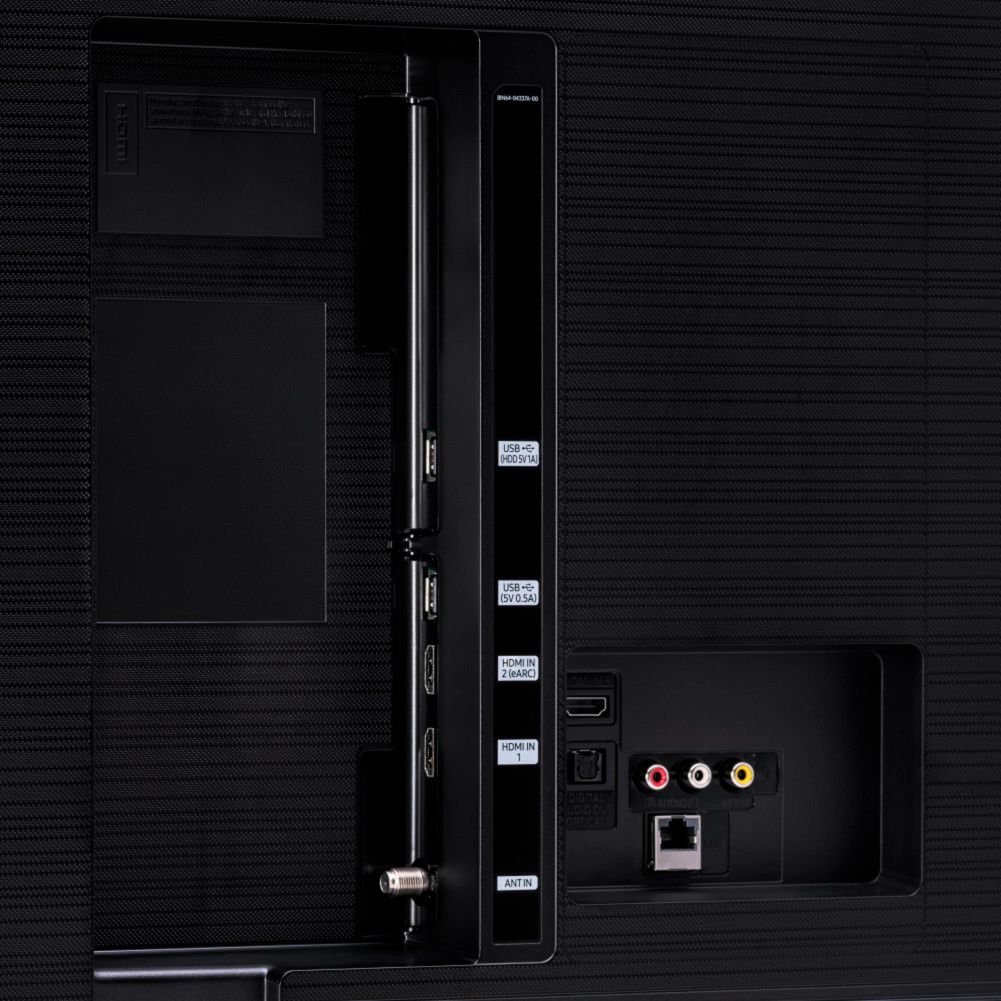
A:AnswerHi there! You will only need to connect your TV to the Internet; this will allow you to access the TV's built-in App Store where you can choose and download from hundreds of apps - no additional devices required! ^Gina
A:AnswerNo there are no screws that come with the TV. If you are mounting on the wall you will need 4x M8 screws and depending on the spacers you may need or not would dictate the length of the screws needed. I went with the guide that came with the TV and the screws were too short for my wall bracket. I had to get 50MM length screws to reach the mounting points on the back of the TV. There is a fine line between to short and too long as well. You wouldn't want them too short or they may accidentally pull out and you don't want them too long as you might go through the guts of the TV or they may not tighten. I put all the brackets and washers and spacer on mine then used a piece of wooden doweling and let it sit in the bottom of the hole and marked the dowel and measured it that way after I removed the dowel. I was able to get the perfect length and all is well. Hope that helps.
A:AnswerHi Bob! If you plan on wall mounting your TV, you will need to purchase one. The Q60T will utilize any universal wall mount with a VESA Standard of 400mm x 300mm. There are several different types of wall mounts such as fixed, tilting, or full motion - the type you utilize will depend on what works best for you and your viewing desire! Check out some wall mount options at Best Buy: https://www.bestbuy.com/site/searchpage.jsp?_dyncharset=UTF-8&id=pcat17071&iht=y&keys=keys&ks=960&list=n&qp=tvmountsize_facet%3DTV%20Size%20Compatibility~65%20-%2074%22&sc=Global&st=wall%20mount&type=page&usc=All%20Categories ^Gina