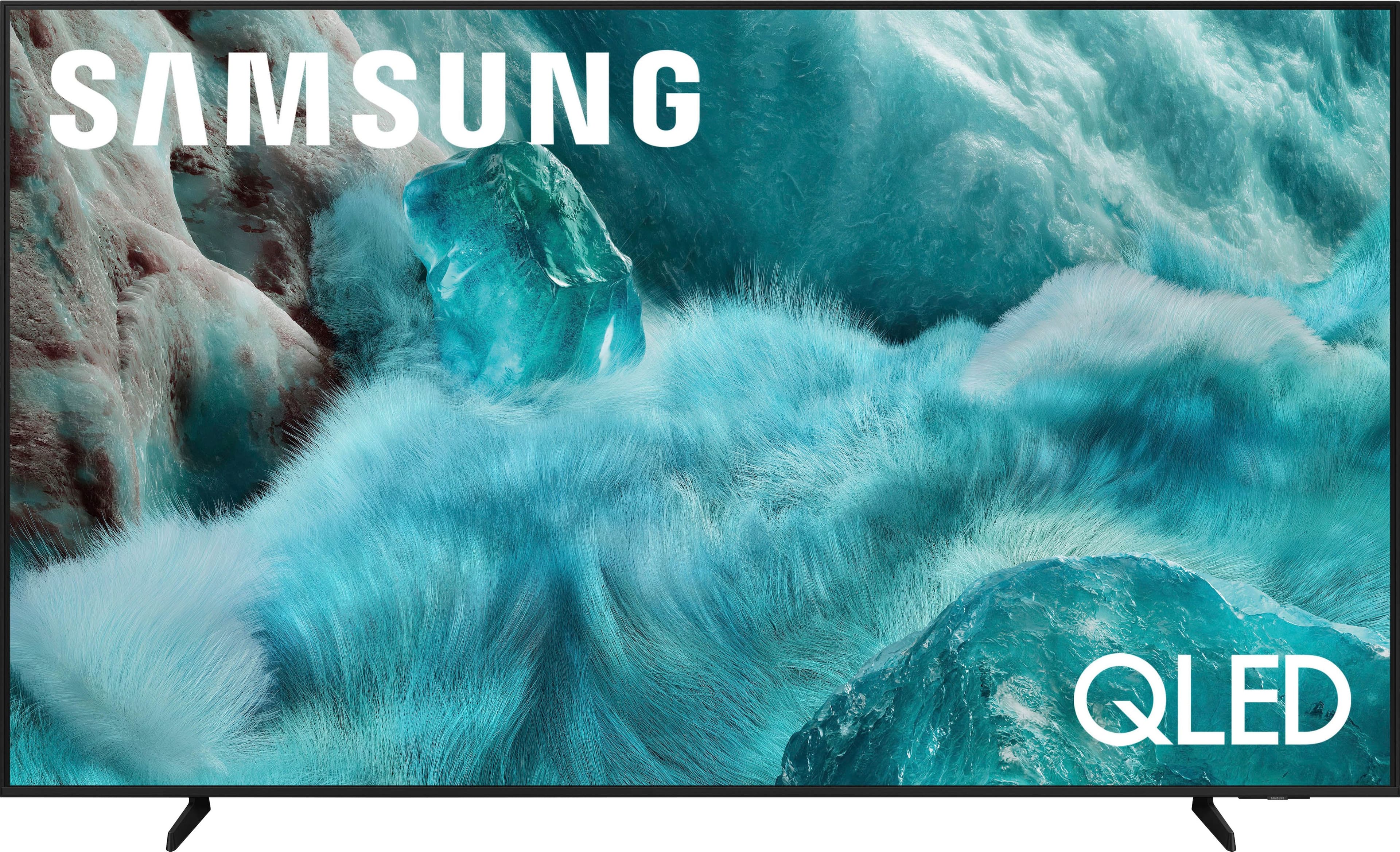
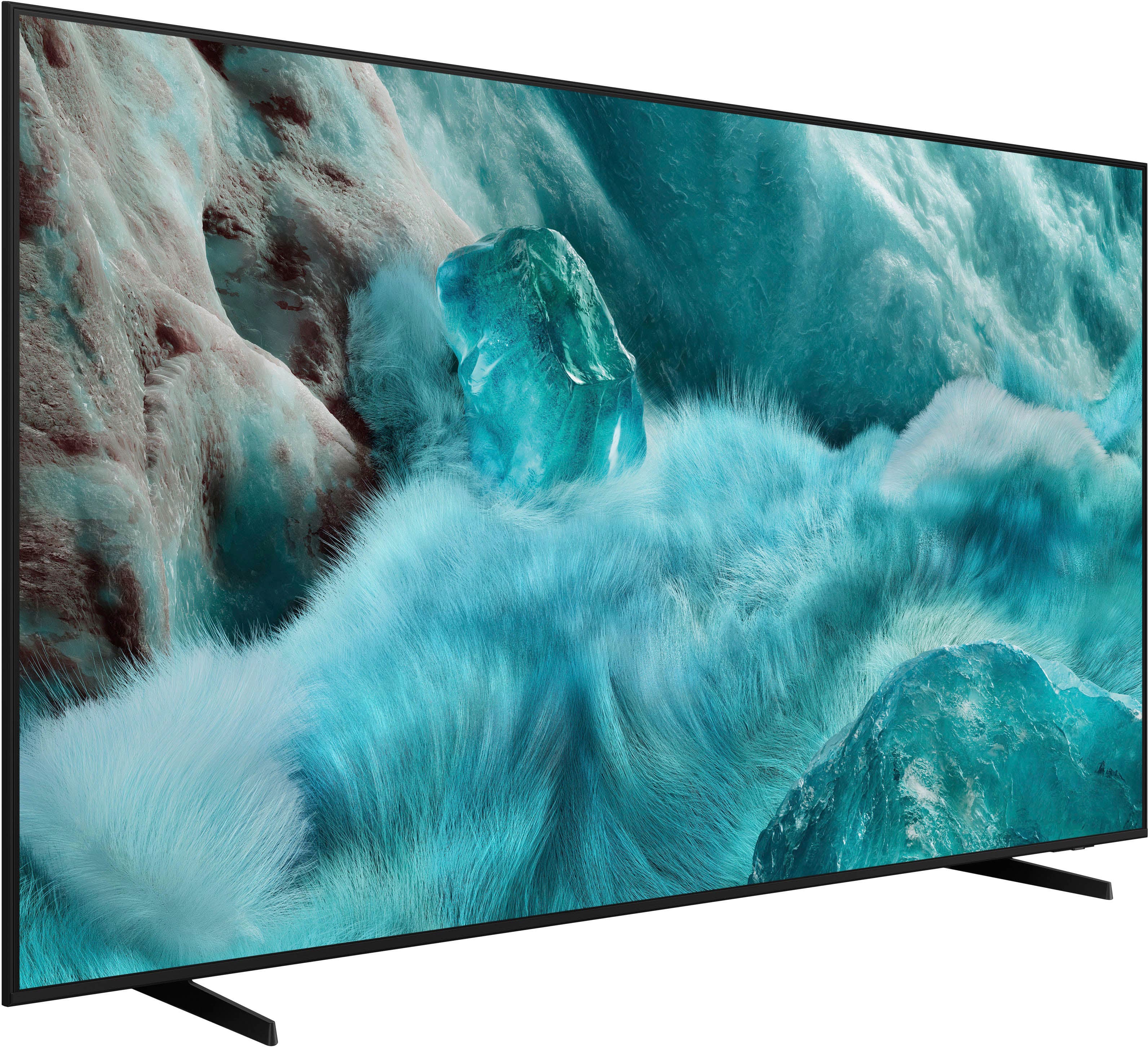
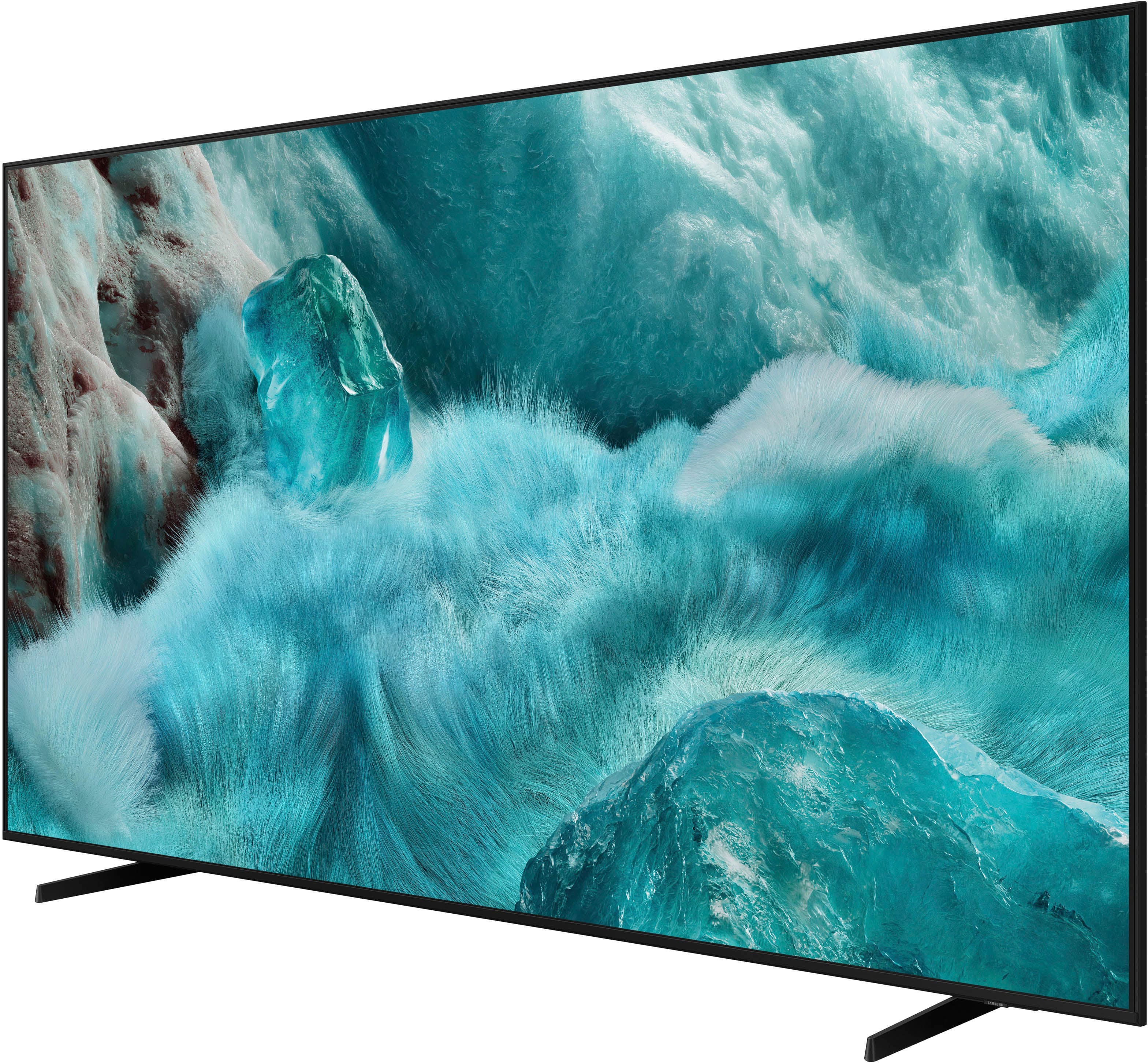
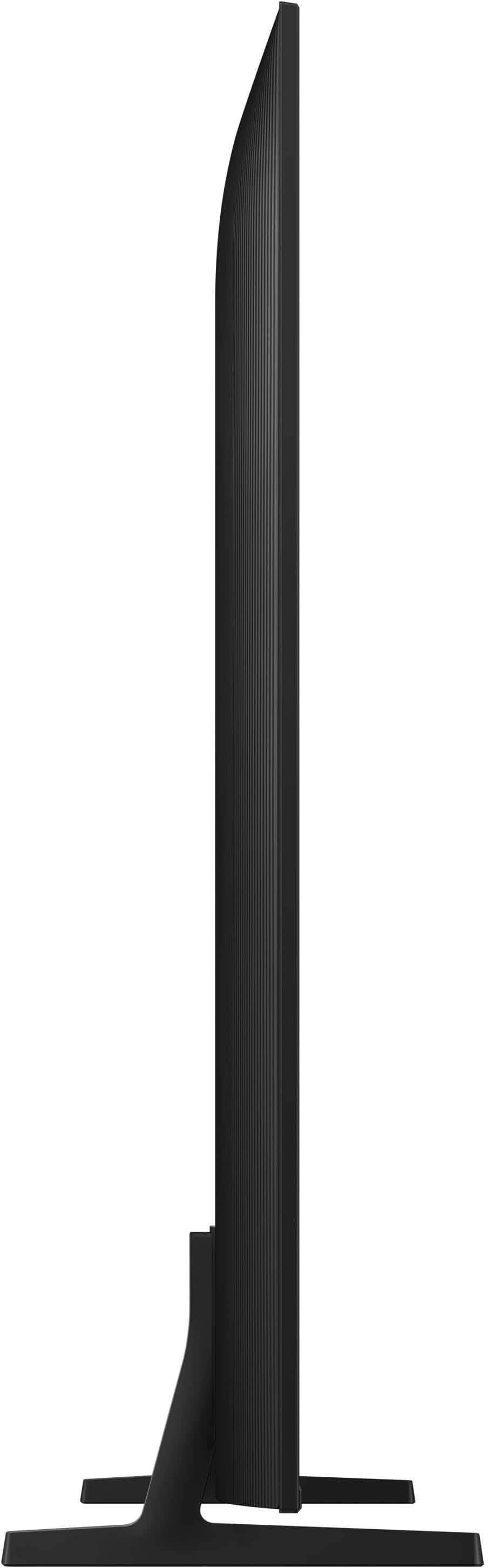
A:Answer2001 - Q-Symphony is a technology that perfectly synchronizes your compatible soundbar with your TV for a perfect audio experience. It also enhances sound by separating and increasing channels while using AI algorithms to optimize the 3D surround effect. When paired with a Q-Series or S-Series soundbar (HDMI or Wi-Fi), Q-Symphony provides an ultra-immersive experience from both soundbar and TV speaker audio.
~ Samsung Specialist
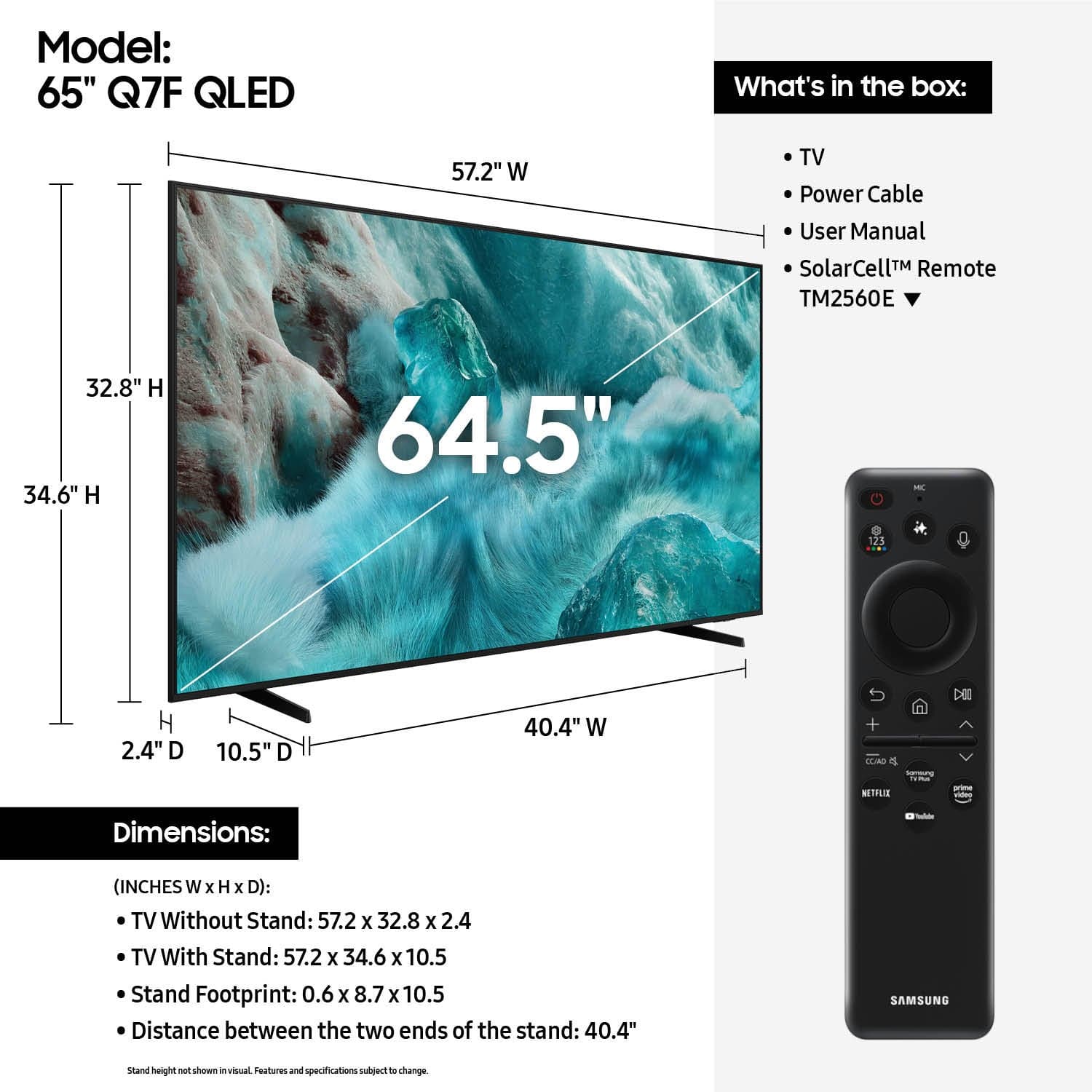
A:AnswerHRFMguy - You can find these measurements on this model’s product page – just click Specifications and scroll down to Box Dimension: https://www.bestbuy.com/site/samsung-65-class-q7f-series-qled-4k-uhd-samsungvision-ai-smart-tizen-tv-2025/6619254.p?skuId=6619254
~ Samsung Specialist
A:AnswerHi DaveB - While Ambient Mode is only supported on our OLED TVs, the Q7F features Generative Wallpaper which allows you to generate unique images using AI. You can select your preferred image and set it as your TV’s wallpaper. If you get tired of your wallpaper after a while, you can generate another image in order to find your new favorite!
~ Samsung Specialist
A:AnswerYes, I did. One that articulates too, so it can be pulled away from wall...the TV is very light, so no need to get something TOO over the top to secure to wall, but I still put in studs not with drywall anchors, just to make sure.
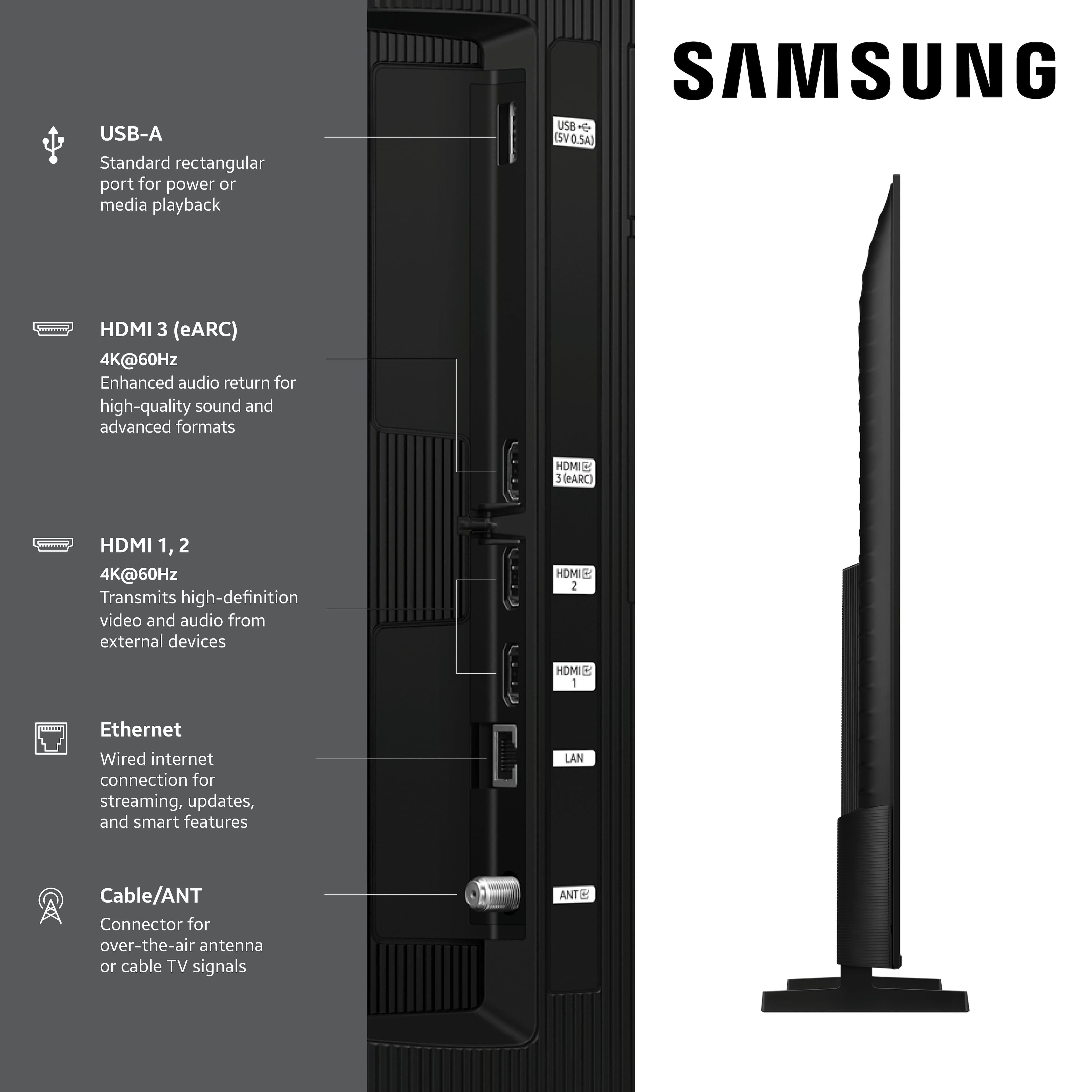
A:AnswerBuggs - Thank you for considering the Q7F for your gaming needs. This model is equipped with 3 HDMI ports, all of which support HDR10+ and Auto Low Latency Mode (Auto Game Mode). HDMI port #2 further supports eARC. If you’re looking for a TV capable of VRR and 4K@120Hz, please consider a step up to the 55-85” Q8F TV, which supports this feature in all HDMI ports.
~ Samsung Specialist
A:AnswerJohn - This will depend on the type of content - for example, if you've subscribed to Netflix's 4K plan, you'll receive native 4K resolution. If you have more questions, please contact Samsung Support at 1-800-SAMSUNG (available daily from 8 AM to 12 AM EST) or connect with us via live chat at Samsung Support: https://www.samsung.com/us/support/contact/
~ Samsung Specialist
A:AnswerOur son-in-law takes care of all of this for us. I am not "TV-literate" and can't see to do anything about it anyway. He is an electronic "geek"! I just use whatever he gets for us to use, and he DID get us another remote control to use rather than the one which came with it.
A:AnswerHi rob - Dolby Digital+ with Atmos can be enabled for external Atmos-compatible devices. When connected through HDMI (eARC), the TV will pass uncompressed Atmos audio. Just make sure both your audio device and the content support Atmos for proper playback.
~ Samsung Specialist