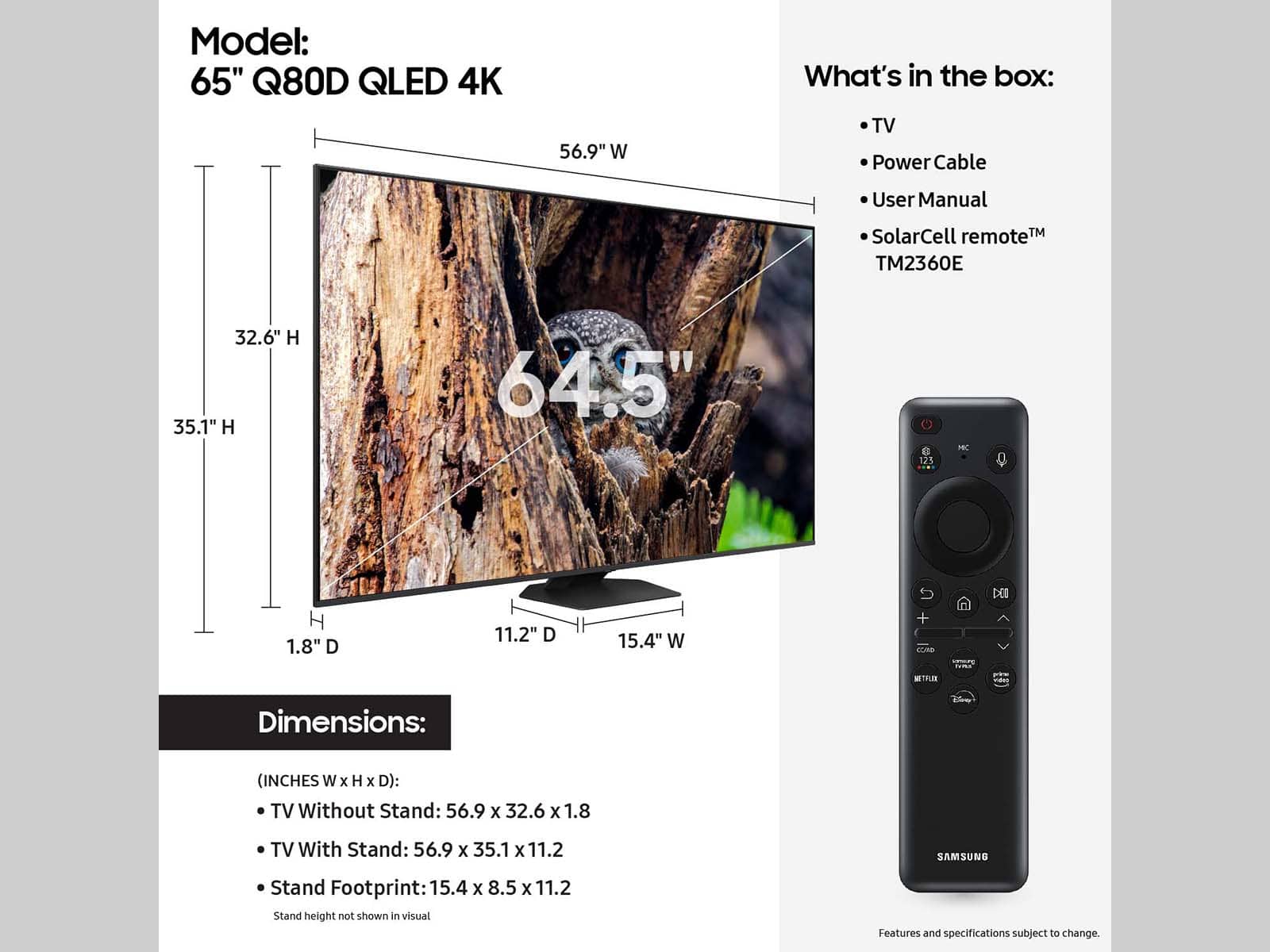
A:AnswerHappyPrinter - You can charge the Solar Cell Remote by using the solar cell or the USB-C port on the bottom of the remote. You can charge the solar cell by leaving the back of the remote facing up. It will charge with either sunlight or indoor light. If you use the USB-C port, a red light will let you know that it is charging. The USB-C cable is not included.
~ Samsung Specialist
A:AnswerNot sure of the size, but I got it home in the back of a Chevy Blazer (back seats down). I would not fit in the trunk or back seat of my sedan.
A:AnswerLarry - Please give us the opportunity to better assist with this by reaching Samsung Support at: 1-800-SAMSUNG, 8AM - 12AM EST, 7 days a week, or Chat with us on Samsung.com: https://www.samsung.com/us/support/contact/
~ Samsung Specialist
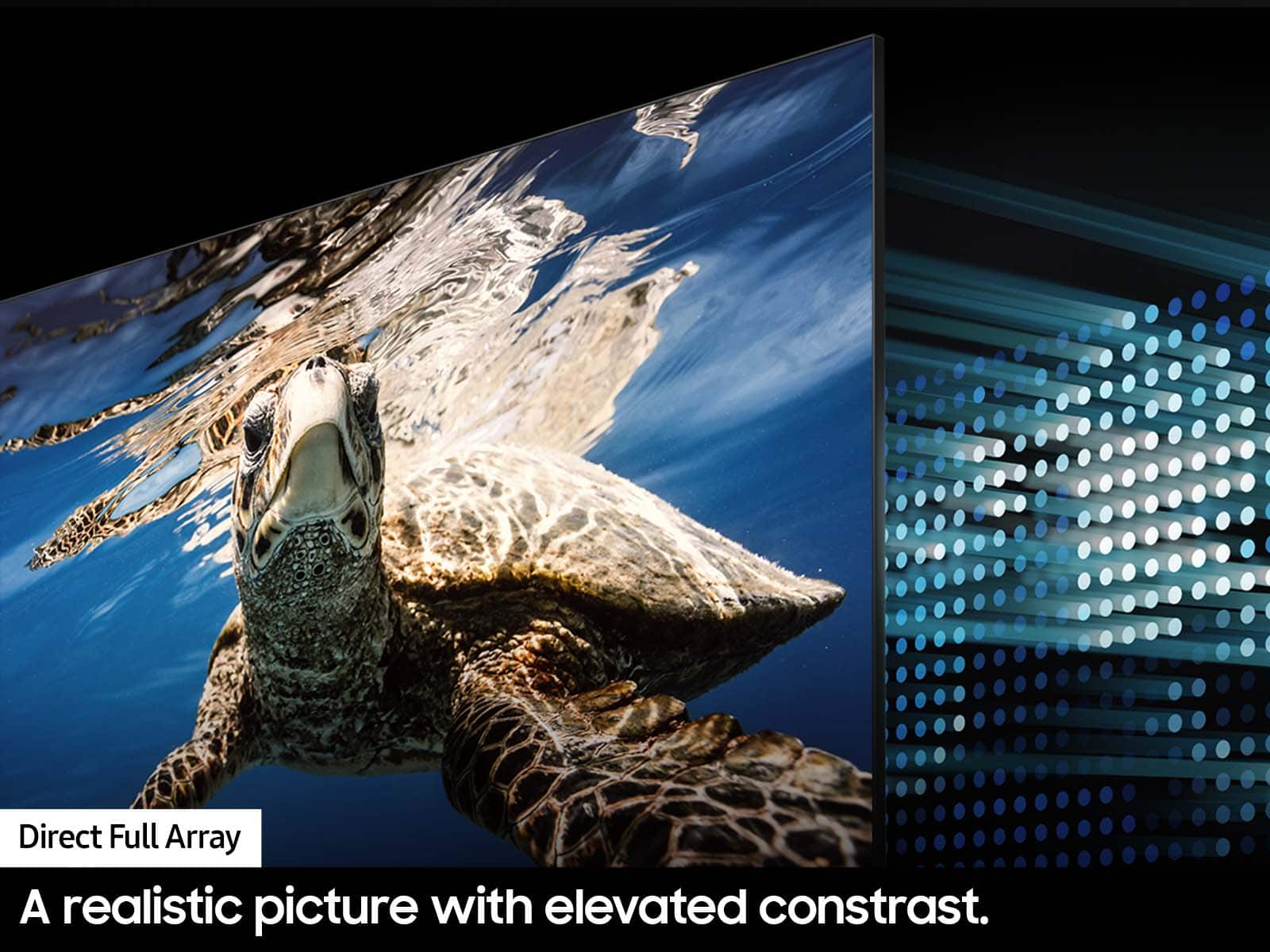
A:AnswerFull array allows better contrast so you get deeper blacks. You ever notice how when you're watching a movie and theres a dark scene, everything gets dark and mixed and you can't really see whats going on? With for array local dimming you'll see the difference when theres a dark screen or when black colors are on screen. Get the full array.
A:Answerkj - We’re here to help with optimizing your settings for a more enjoyable experience; please give us a call at 1-800-SAMSUNG, 8AM - 12AM EST, 7 days a week, or Chat with Us on Samsung.com: https://www.samsung.com/us/support/contact/
~ Samsung Specialist
A:AnswerSparky - When cleaning your TV’s screen, please follow these steps:
- Power off your TV before cleaning. Leaving your TV off for 5-10 minutes prior to cleaning will allow the screen to cool down and prevent excessive streaking.
- Carefully wipe using a soft, dry cloth to avoid scratches
- Do not use any chemicals such as wax, benzene, alcohol, thinners, insecticide, air fresheners, lubricants, or detergents
You can use a screen cleaner such as this product from Best Buy: https://www.bestbuy.com/site/audioquest-cleanscreen-cleaner-kit/6628358.p?skuId=6628358
~ Samsung Specialist
A:AnswerYes but, I bought a “scratched” open box tv. It wasn’t scratched, the WiFi card didn’t work. New mother board. Had a 30 day warranty after. I won’t buy open box again.
A:AnswerThe WIFI works fine but it all depends on what type of internet service you have and the speeds you pay for with your service provider. If you get internet speeds that can stream HD content, the picture will be crystal clear as long as its close enough to your router.
A:AnswerI was in the same situation and the bolts that fit into the back of my 55 inch were not the same size as the ones on the back of the 65. I was able to use the same mount but had to get different screws.
A:AnswerDanw - With Multi-output Audio, you can turn on both the TV speaker and Bluetooth headphones at the same time. When this function is active, you can set the volume of the Bluetooth headphone higher than the volume of the TV speaker. Go to: Settings > All Settings > General & Privacy > Accessibility > Multi-output Audio.
~ Samsung Specialist
A:AnswerTizen is just their smart operating system in the TV. The other brands use their own version of smart TV. The display type really controls the price. They have OLED, QLED, UHD8K and UHD4K.
A:AnswerHi Danw,
You can learn how to use your Samsung Remote by going to Home> (left directional button) Settings> Support> Remote Control Guide.
~Samsung Advisor