A:AnswerSamsung TV models in the 8K Q900R series will support 8K video at a HFR of up to 60 fps through HDMI 2.1 connections. Those who bought a Samsung 8K Q900 last year, will be able to get a complimentary upgrade of a board in the set’s One Connect Box (installed professionally) to accommodate 8K HFR over HDMI 2.1, Samsung said.
In 2019, only the 4K Q90 and the 8K Q900R QLED TV series will support High Frame Rate (HFR) 4K Ultra HD video (4K/120 fps). QLED models in the Q60, Q70, Q80, Q90 and Q900 series will support HFR 120 fps at 2K and 2.5K resolution (2K/120 fps, 2.5K/120 fps).
A:AnswerSamsung TV models in the 8K Q900R series will support 8K video at a HFR of up to 60 fps through HDMI 2.1 connections. Those who bought a Samsung 8K Q900 last year, will be able to get a complimentary upgrade of a board in the set’s One Connect Box (installed professionally) to accommodate 8K HFR over HDMI 2.1, Samsung said.
In 2019, only the 4K Q90 and the 8K Q900R QLED TV series will support High Frame Rate (HFR) 4K Ultra HD video (4K/120 fps). QLED models in the Q60, Q70, Q80, Q90 and Q900 series will support HFR 120 fps at 2K and 2.5K resolution (2K/120 fps, 2.5K/120 fps).
A:AnswerSamsung TV models in the 8K Q900R series will support 8K video at a HFR of up to 60 fps through HDMI 2.1 connections. Those who bought a Samsung 8K Q900 last year, will be able to get a complimentary upgrade of a board in the set’s One Connect Box (installed professionally) to accommodate 8K HFR over HDMI 2.1, Samsung said.
In 2019, only the 4K Q90 and the 8K Q900R QLED TV series will support High Frame Rate (HFR) 4K Ultra HD video (4K/120 fps). QLED models in the Q60, Q70, Q80, Q90 and Q900 series will support HFR 120 fps at 2K and 2.5K resolution (2K/120 fps, 2.5K/120 fps).
A:AnswerYes, through the USB. I believe USB can do 8k 30hz as well. If you have computer with GPU that can handle 8k you can play 8k youtube videos through either chrome/edge.
A:AnswerI would have to say no to that. I can't see with the shape of the legs how you would be able to do that. I also think that it would increase the likelihood of an accident as any wheels added would raise the tv beyond its design.
A:AnswerThe Spec. page is available online either from Best Buy or Samsung itself. It gives the exact dimensions with and without stand. Answers from third parties might not be very accurate.
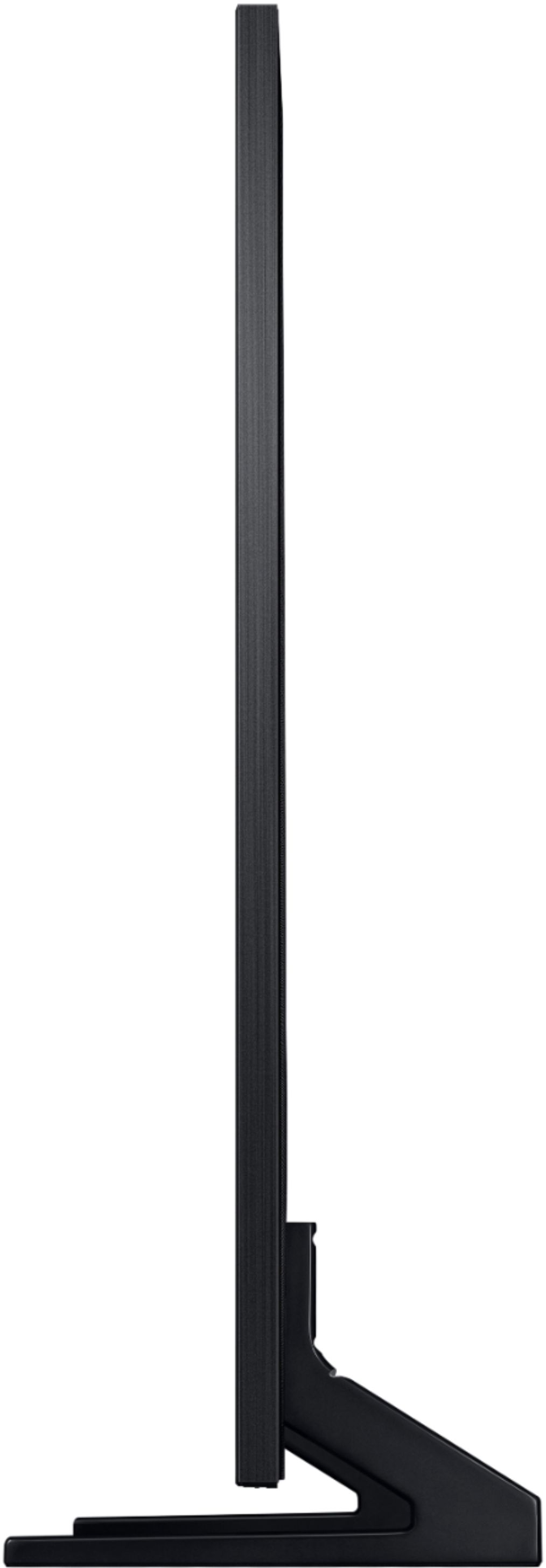
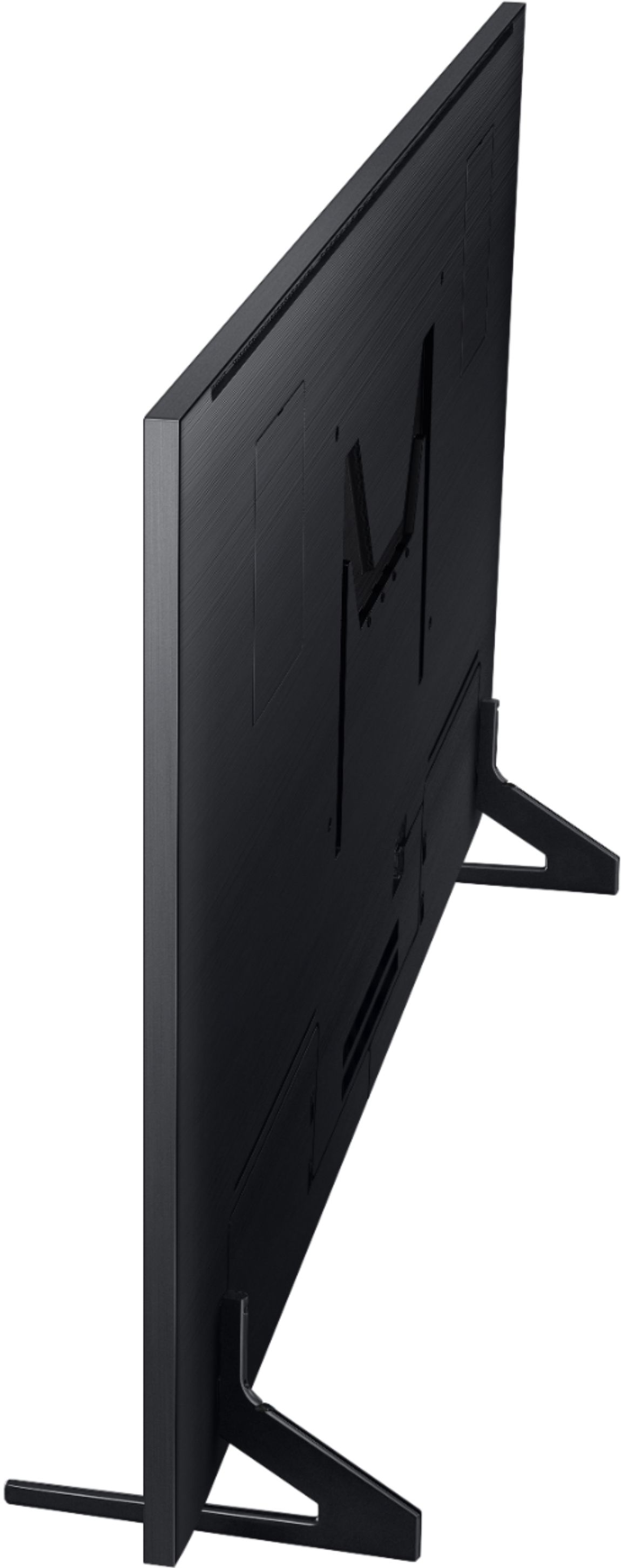
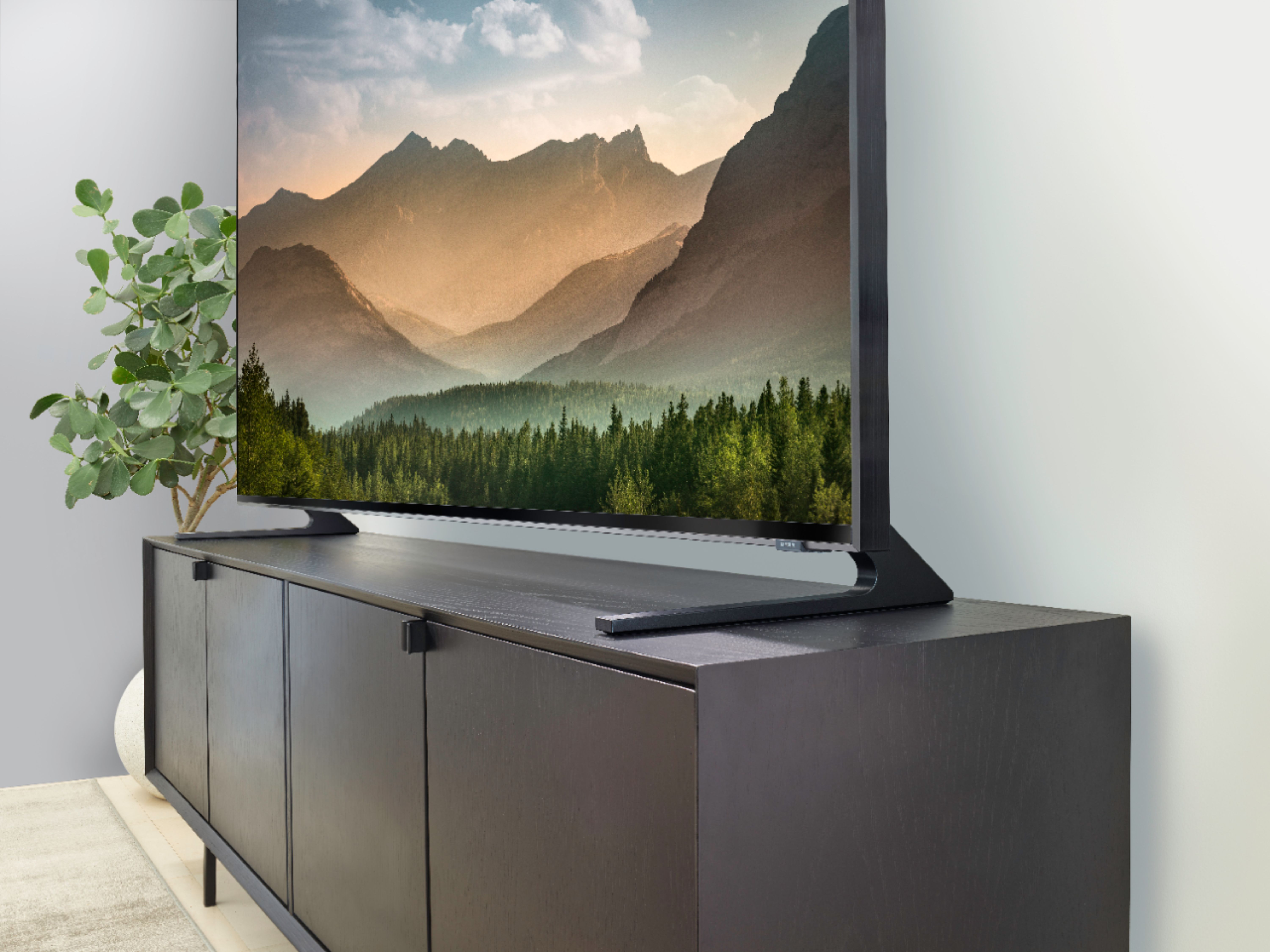
A:AnswerThe legs are attached at the back of the tv. There are four spots for the feet and can be attached either 18" apart or 50" apart. That gives you a lot of options for your stand. Mine are set at 18" because my entertainment center isn't big enough to have them farther apart. The legs are 12" long and stick out in front of the screen 5 1/2". Hope this helps.