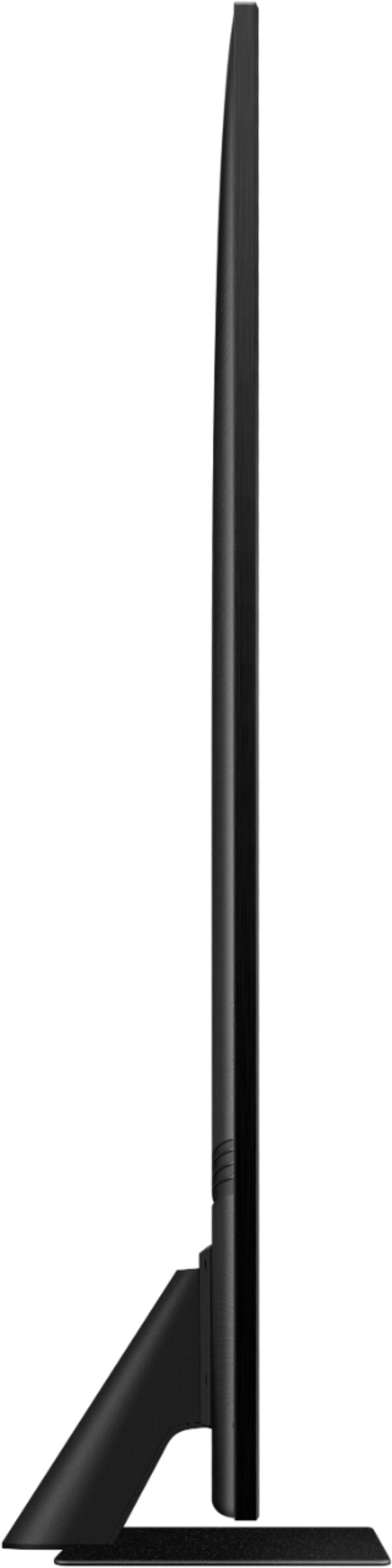
A:Answerjak1 - If you are inquiring about the TV Controller button, this is located on the bottom right corner of the QN85A TV. Single press the button to bring up the menu. Then, single press the button to move along the menu. Long press the center button to make your selection. ^Gina
A:AnswerHi Shortone! The QN85A TV is a Smart TV featuring a built-in App Store which allows you to choose from and download hundreds of apps such as discovery+, HBO Max, Disney+ and many more - no external streaming device needed. ^Gina
A:AnswerVince - I’m sorry to see that you are having difficulties with motion adjustments on your QN85A TV. So that we can better troubleshoot towards a solution, please reach out to Samsung Support at: 1-800-SAMSUNG (ask for TVs), available 8AM - 12AM EST, 7 days a week, Chat with us on Samsung.com, or Email: https://www.samsung.com/us/support/#contact_us_for_support ^Gina
A:AnswerHi - So that we can better assist you with your question, please reach out to Samsung Support at: 1-800-SAMSUNG (ask for TVs), available 8AM - 12AM EST, 7 days a week, Chat with us on Samsung.com, or Email: https://www.samsung.com/us/support/#contact_us_for_support ^Gina
A:AnswerBox - You can find the type of screws needed to mount the QN85A TV at most hardware stores. Most wall mounts should include all the screws you need to get it successfully installed, and you should be able to contact the manufacturer of the mount to obtain additional screws if needed. ^Gina
A:AnswerSure you can, but. I own a Firestick 4K and found it was not necessary with this TV. This TV is as fast as the Firestick and provides excellent streaming.
A:AnswerAudiohelp - The QN85A features SpaceFit Sound to optimize sound tailored to your environment and Active Voice Amplifier (AVA) which further detects disturbances and enhances the on-screen voices for clear dialogue.
Go to Home > Settings > General > Intelligent Mode Settings. Turn the options on or off to meet your needs:
- Active Voice Amplifier is available only when the sound sensor of the TV is active and the sound output is set to TV Speaker, or a Samsung Soundbar interlinked with Adaptive Picture is connected.
- Adaptive Sound+ provides optimized sound quality by analyzing the viewing space and the acoustic components of the content
- Adaptive Volume Automatically adjusts to a specific volume level while you are watching TV.
Several Sound Modes are likewise available to meet your personal preferences: Home > Settings > Sound > Sound Mode
You can also customize sound with Expert Settings.
Go to: Settings > Sound > Expert Settings.
Hope this helps! ^Gina
A:AnswerNick - The QN85A is not rated for outdoor use. If you are looking for an outdoor rated TV, check out The Terrace TV which features Direct Full Array, Wide-Viewing Angle with anti-glare, 2000 nits brightness, and its Weather-Resistant durability to ensure that you can enjoy the same very best QLED viewing experience in your favorite outdoor spaces, rain or shine. The 65" Terrace is available for Full Sun conditions (https://www.bestbuy.com/site/samsung-65-class-led-outdoor-full-sun-4k-qled-smart-tizen-tv/6473082.p?skuId=6473082) or Partial Sun (https://www.bestbuy.com/site/samsung-the-terrace-series-65-class-led-outdoor-partial-sun-4k-uhd-smart-tizen-tv/6407933.p?skuId=6407933). ^Gina
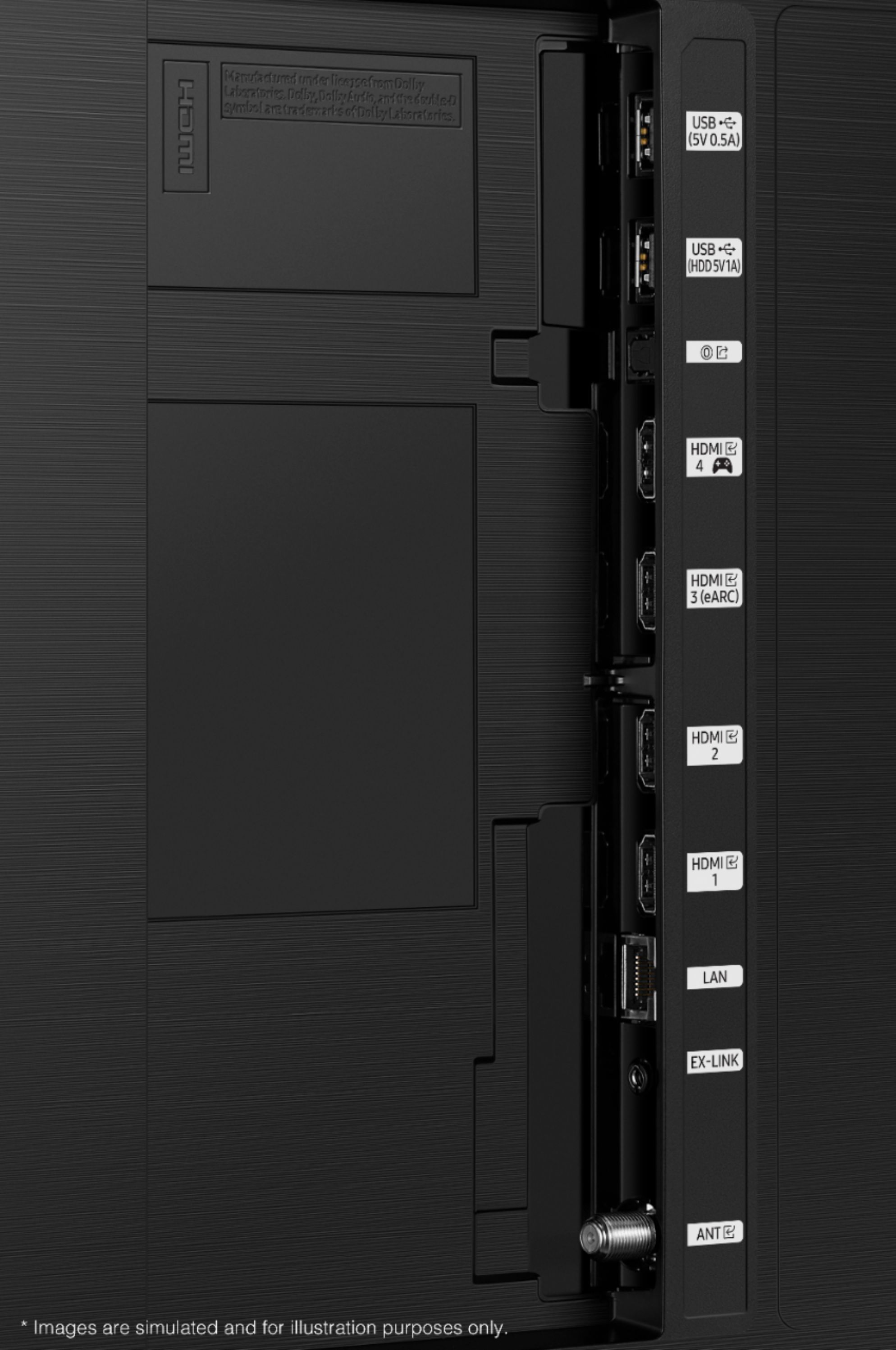
A:AnswerPaul - The QN85A TV features 4 HDMI ports, 2 USB ports, 1 LAN, and 1 Optical input, as well as Bluetooth and Wi-Fi connectivity. If your receiver utilizes any of these connections, you will be able to connect it to the QN85A. If your receiver utilizes different connections, you may need to use an adapter. ^Gina
A:AnswerHi Help - Please update your TV's firmware with version 1560.5 which includes updates to address any lip sync or audio delays that may be occurring. You can check this by going to: Settings > Support > Software Update. ^Gina