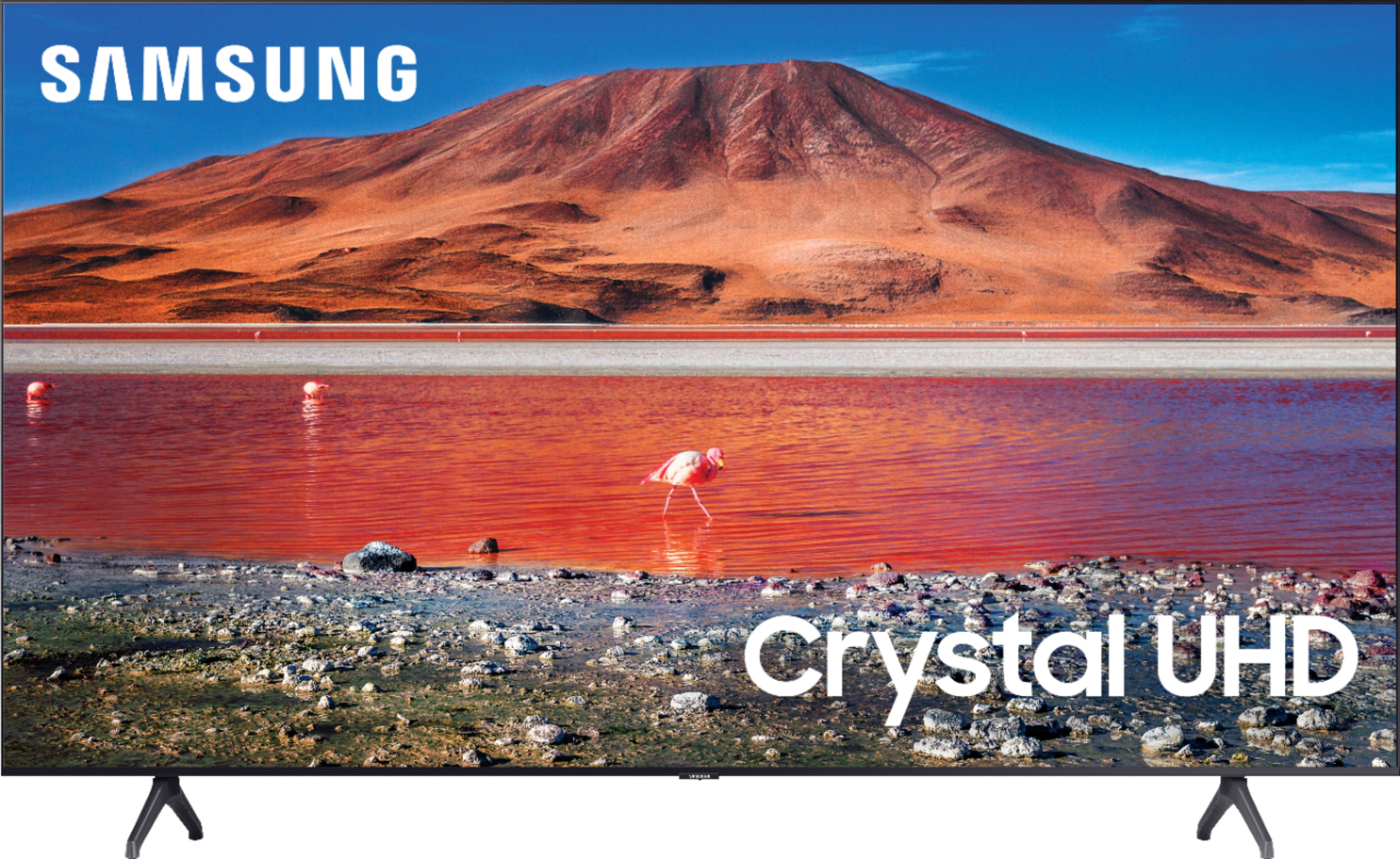
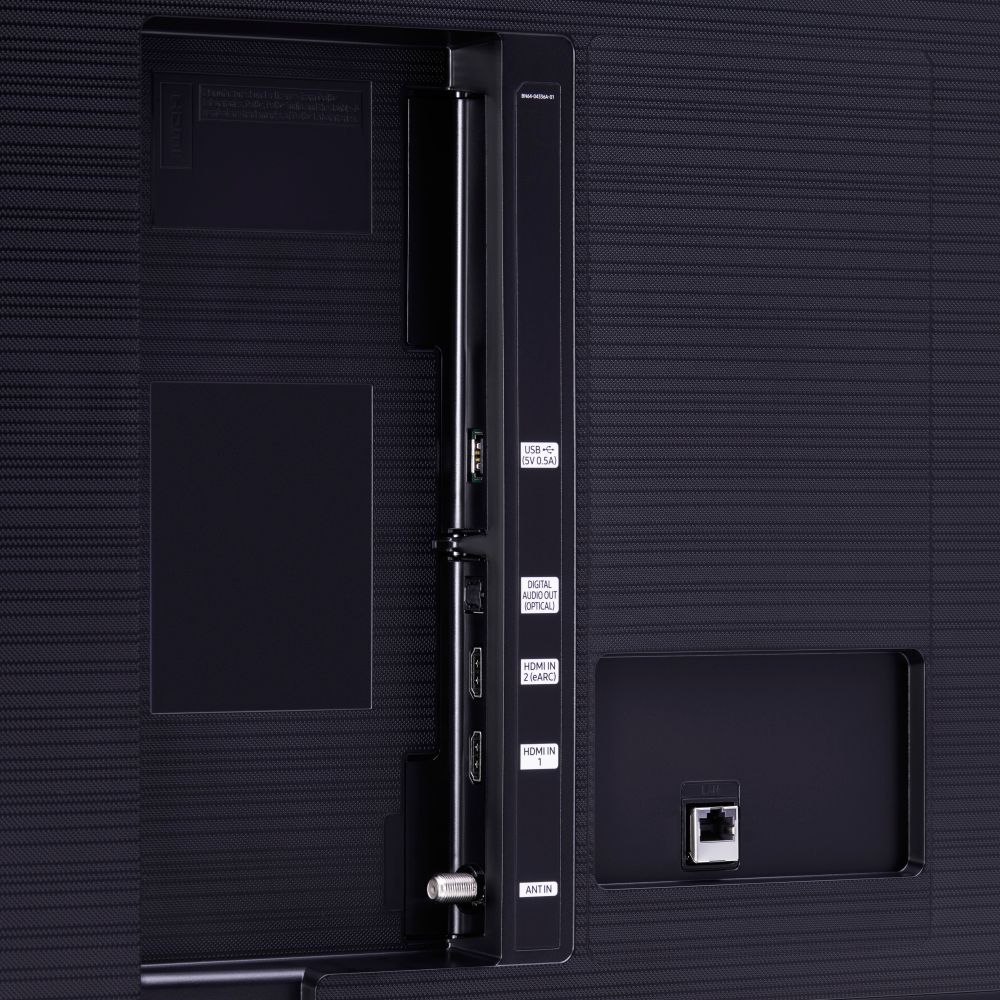
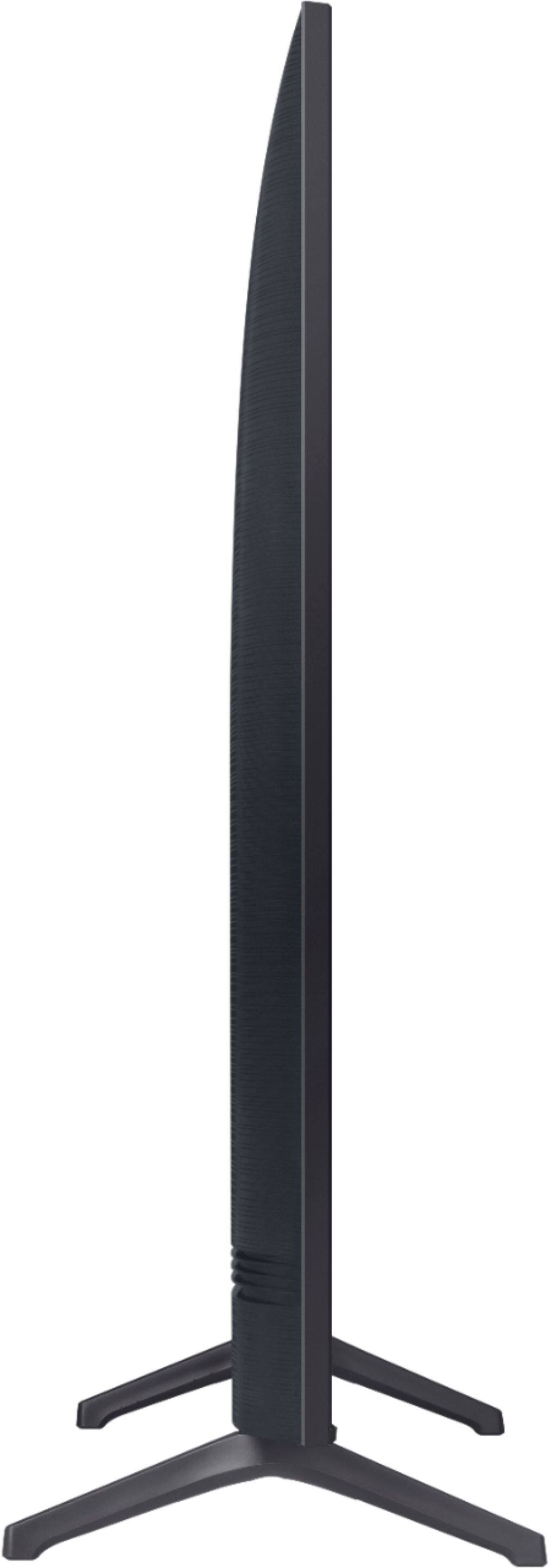
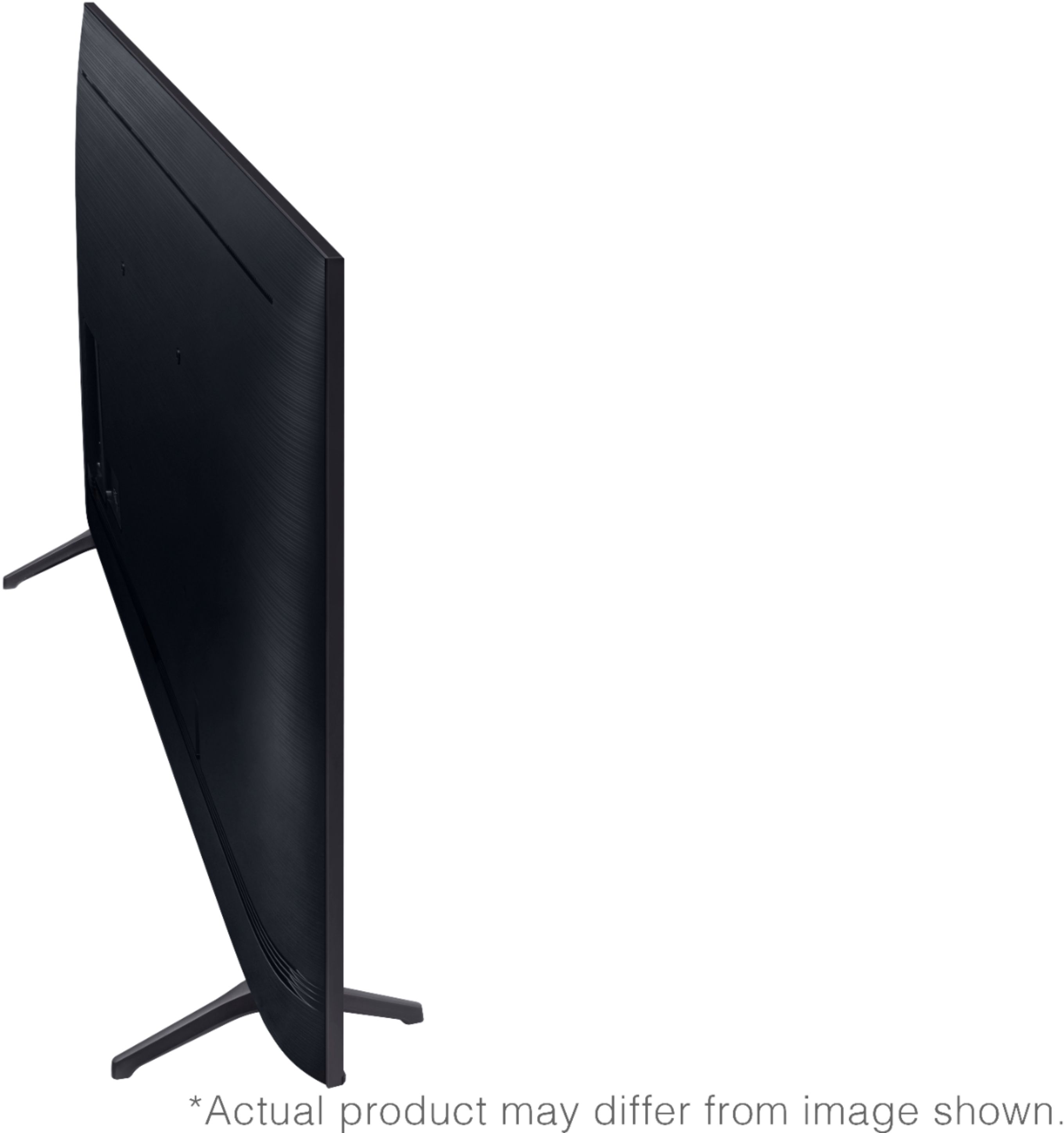
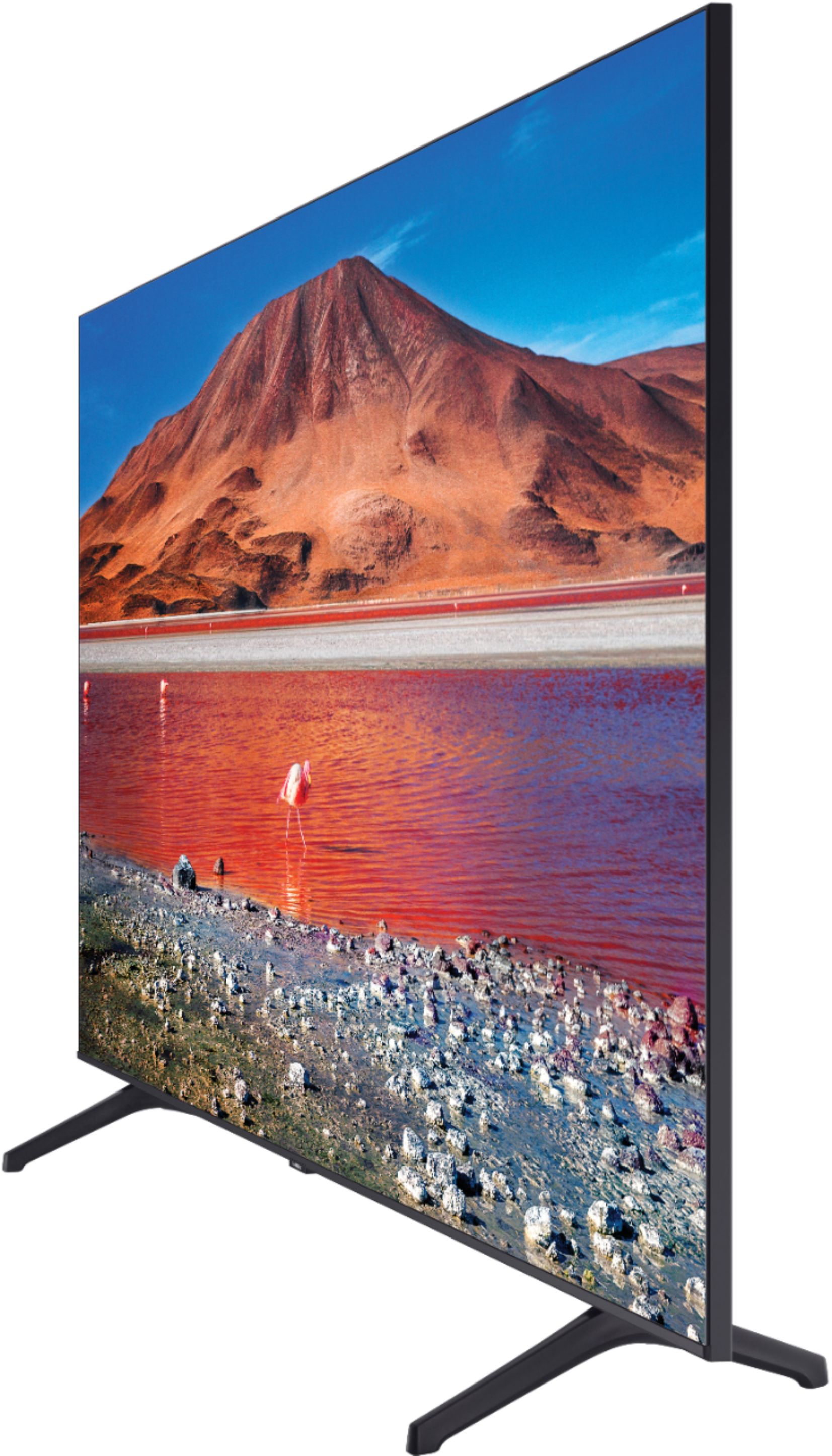
A:AnswerHi there! When stepping up from the TU7000 to the TU8000, you will gain features such as Ambient Mode, built-in Voice Assistants (Amazon Alexa, Bixby, Google Assistant), one additional HDMI and USB port, and a Smart Remote with Voice. For more comparisons, please visit https://www.bestbuy.com/site/compare?skus=6401722,6401718 ^Gina
A:AnswerHi Kickstart, Give this a shot; put the headphones into Bluetooth pairing mode and make sure they are discoverable. See the product's user manual for how to do this, if needed.
Then navigate to the Bluetooth audio device list on your TV and select the headphones to pair with
Home > Settings > Sound > Sound Output > Bluetooth Speaker List.
Thanks ^Scott
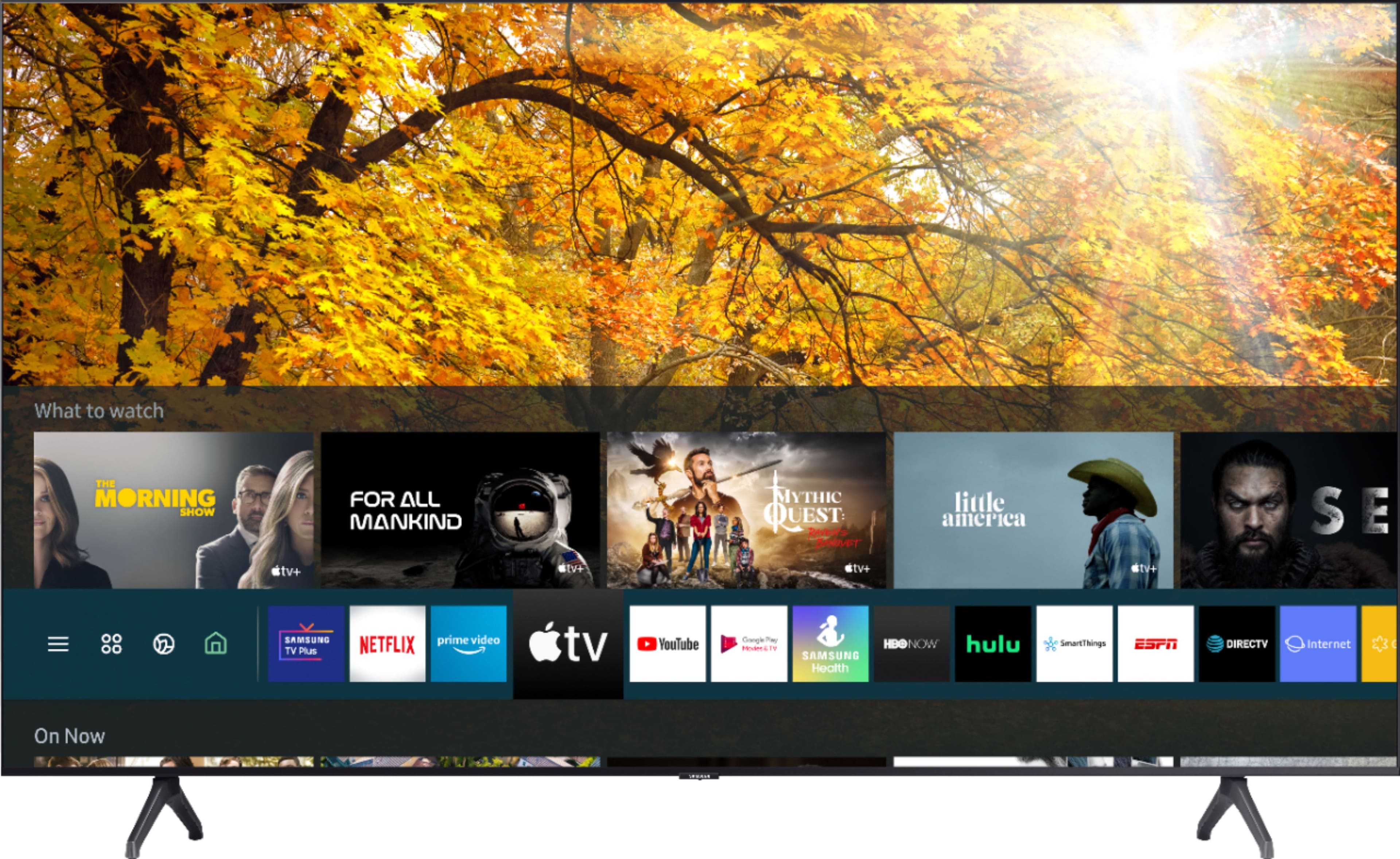
A:AnswerHi JP! The 70TU7000 will support the Amazon Firestick 4k at full UHD resolution. The TU7000 is also a smart TV and features a wide range of popular apps within the TV as well. ^Tim
A:AnswerHi Alan - You will not be able to connect your Sonos One using AirPlay 2, as this device only receives AirPlay 2 content and cannot cast it to another device such as your TV. You would need an additional Sonos soundbar such as the Playbar to connect to your TV via HDMI/Optical; you can then group your Sonos One speaker to your Playbar for sound output from your TV. ^Gina
A:AnswerHey Ernie , Apple TV is built in on all of our 2020 4K TVs. The 70TU7000 does not have a composite in put for the Wii so you would need a composite to HDMI converter available on BestBuy.com https://www.bestbuy.com/site/insignia-rca-to-hdmi-converter-black/6134312.p?skuId=6134312 . ^Jason
A:AnswerHi Mike1969! Yes, the 70TU7000 features a built in Bluetooth transmitter allowing you to connect your Bluetooth audio devices to the TV. Refer to your speaker's user manual for how to pair. Once paired to the TV, press HOME on the TU7000 remote. Then go to Settings > Sound > Sound Output > Bluetooth Speaker List. Choose the speaker you wish to use for sound output and you are ready to go! ^Tim
A:Answerkimb, pausing or rewinding Live TV will depend on your Cable Provider; however, streaming apps such as Hulu Live and YouTube TV will allow you to pause, rewind, and record. ^Gina