A:AnswerHello Pinky,
Yes, for more information on delivery/installation services, please contact your local Best Buy or visit https://www.bestbuy.com/site/help-topics/home-and-business-delivery/pcmcat204400050032.c?id=pcmcat204400050032
^Cristian
A:AnswerHi Mary, there are additional apps you can download outside of the standard apps that come pre loaded. If you hit the home button on your remote, then scroll left until you get to apps (the logo looks like tiled boxes). After clicking to select you’ll see recommended apps and if you scroll up to the upper right hand corner you’ll see magnifying glass which lets you search for additional apps. Hulu is really popular though so it should be one of the first options under the recommended screen.
A:AnswerHi Curtis! The TU6980 "Works With" Alexa; you will need to have a standalone Alexa device to control limited commands such as launching partner apps, switching input sources and changing channels. When stepping up to the TU8000, you will gain built-in Voice Assistants (Amazon Alexa, Bixby, Google Assistant) with a voice button on your remote, which will allow for a wider list of commands like weather, traffic, music and questions. ^Gina
A:AnswerHi Jess! The TU6980 includes 4 different Picture Modes, so you can select the Picture Mode that provides the best viewing experience.• Dynamic makes the picture brighter and clearer in bright viewing environments. • Standard is the default mode suitable for general viewing environments. • Natural reduces eye strain for a comfortable viewing experience. • Movie is suitable for watching TV or movies in a dark room. You can also individually adjust the brightness and contrast (Picture Settings - Expert Settings) to achieve the picture quality you desire. ^Gina
A:AnswerHi CMoney, great question! The only Samsung line with composite (red, yellow, white) inputs are right here:https://www.bestbuy.com/site/samsung-65-class-8-series-led-4k-uhd-smart-tizen-tv/6401718.p?skuId=6401718. Enjoy your new TV. ^Scott
A:AnswerHi there, The only TV's in the world with Samsung Art Mode are the Frame TV's. They look great, check them out here: https://www.bestbuy.com/site/samsung-65-class-the-frame-series-led-4k-uhd-smart-tizen-tv/6403062.p?skuId=6403062. Have a great day! ^Scott
A:AnswerLins, if apps are not working correctly, we recommend first checking for firmware updates on your TV (Home > Settings > Support > Software Update). If your TV is up to date, try a cold boot. There are two ways to cold boot your TV. With the Remote: For most people, the easiest way is to hold down the Power button on the Samsung TV remote until the TV turns off and on again. This should only take about 5 seconds. With the Plug: If you do not have the remote, unplug your TV from the wall outlet or surge protector, leave it unplugged for 30 seconds, and then plug it back in. If the issue persists, please reach out to Samsung TV Support at: ― Phone: 1-800-SAMSUNG / Available 8 AM - 9 PM EST, Mon - Fri ― LiveChat or Email: https://www.samsung.com/us/support/#contact_us_for_support We look forward to hearing from you. ^Celina
A:AnswerIrene, you can connect Bluetooth headphones to the TU6980! Refer to your headphone's user manual for how to pair. Once paired to the TV, press HOME on the remote. Then go to Settings > Sound > Sound Output > Bluetooth Speaker List. Choose the headphones you wish to use for sound output. ^Celina
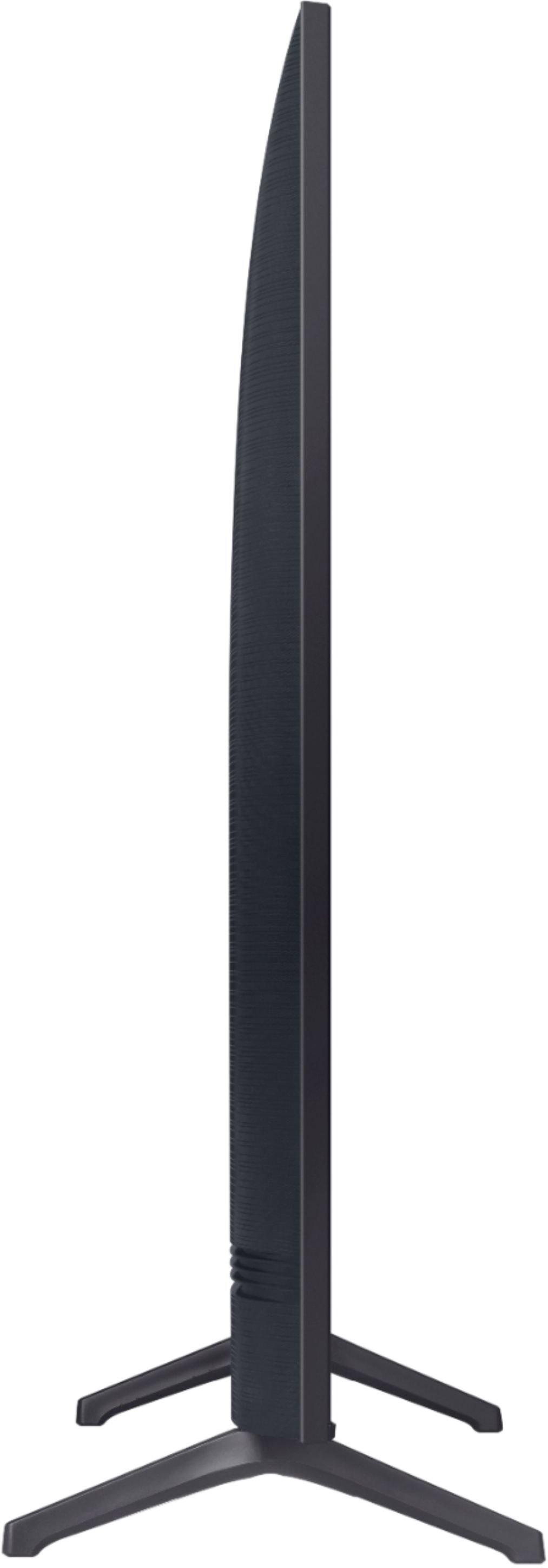
A:AnswerLonestarlonghorns, the weight of the Samsung - 70" Class 6 Series is 54.5 pounds with the stand. The width of the TV is 61.3" you will want the stand to be a little larger to support the TV. ^Celina