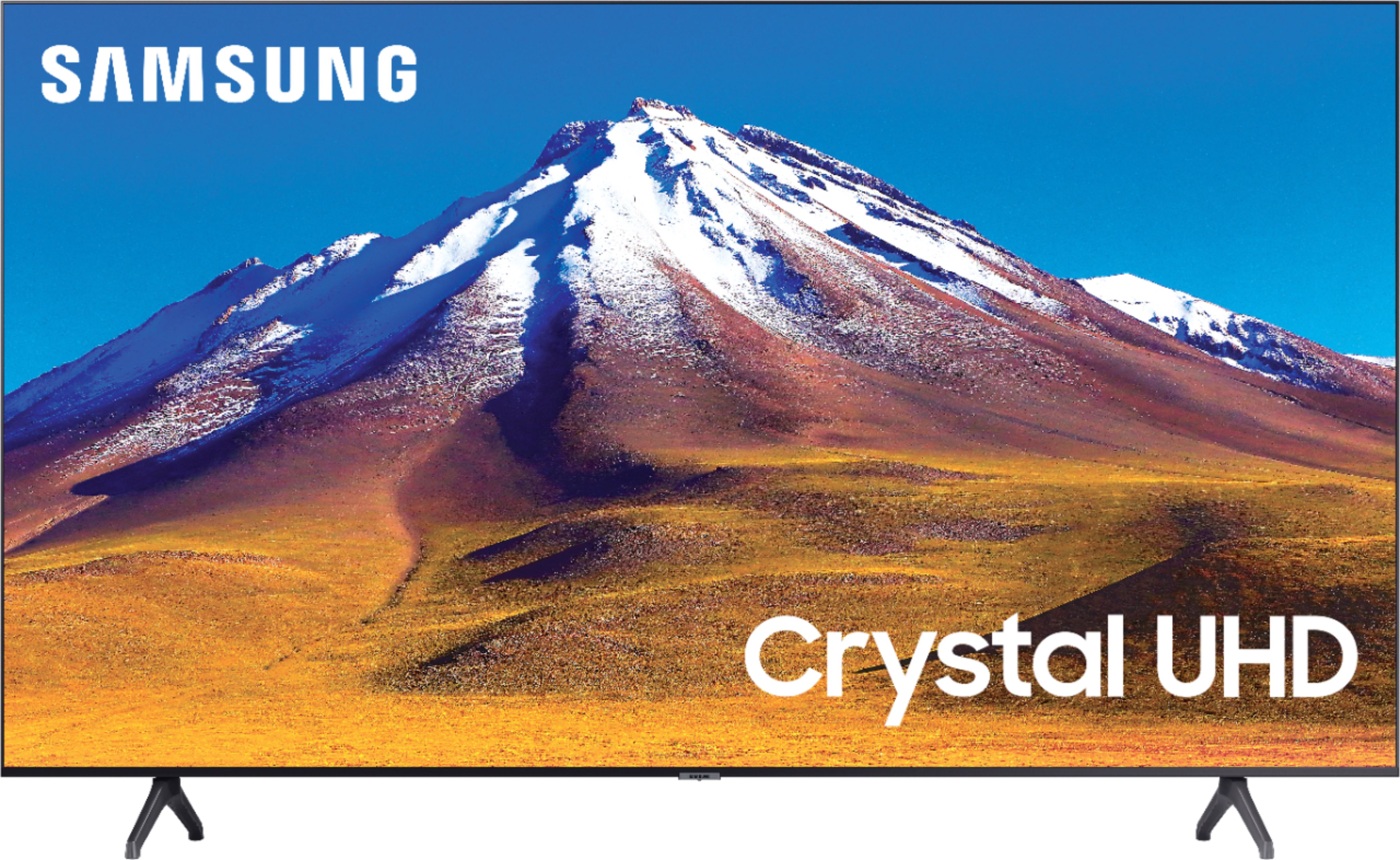
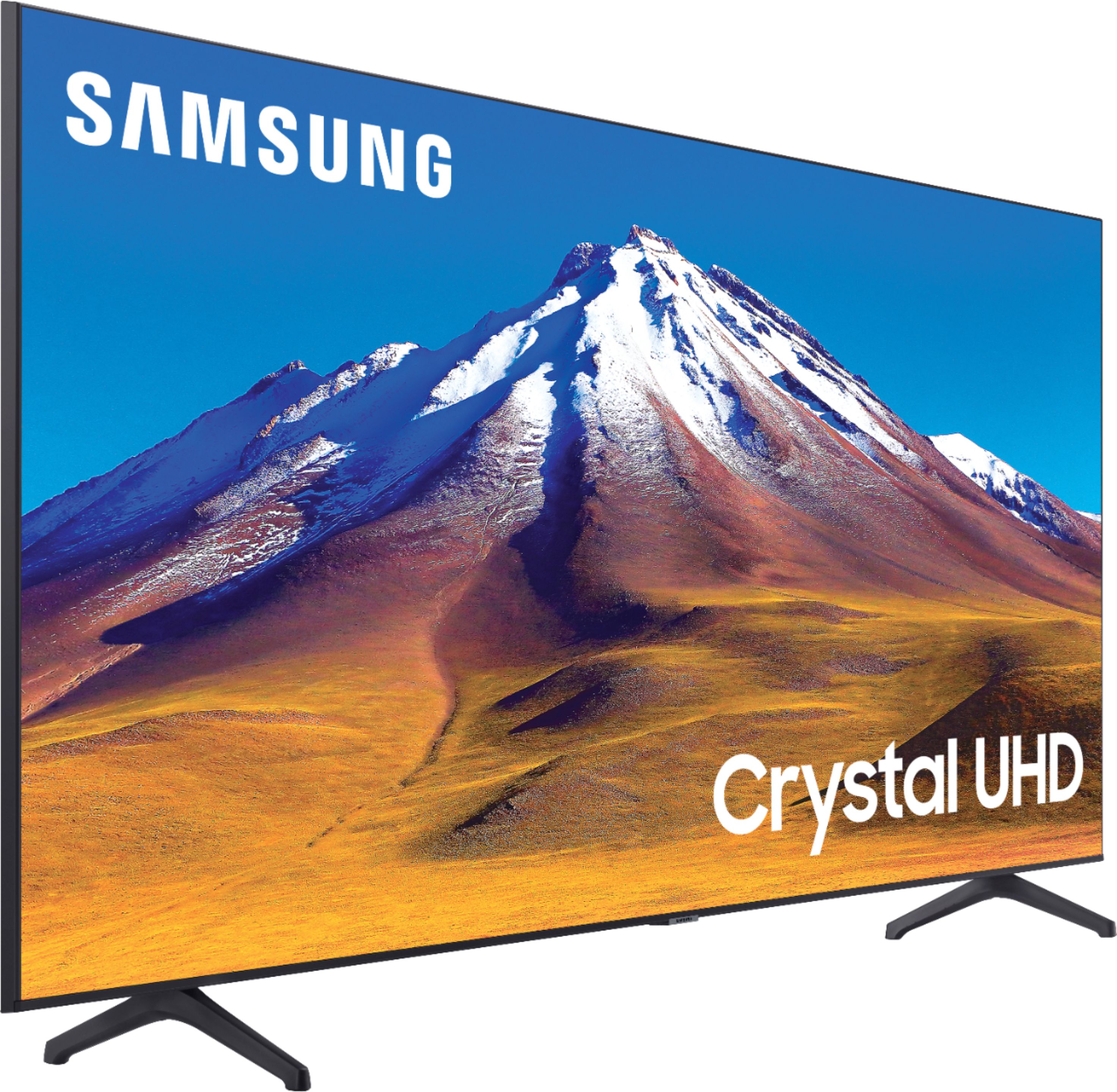
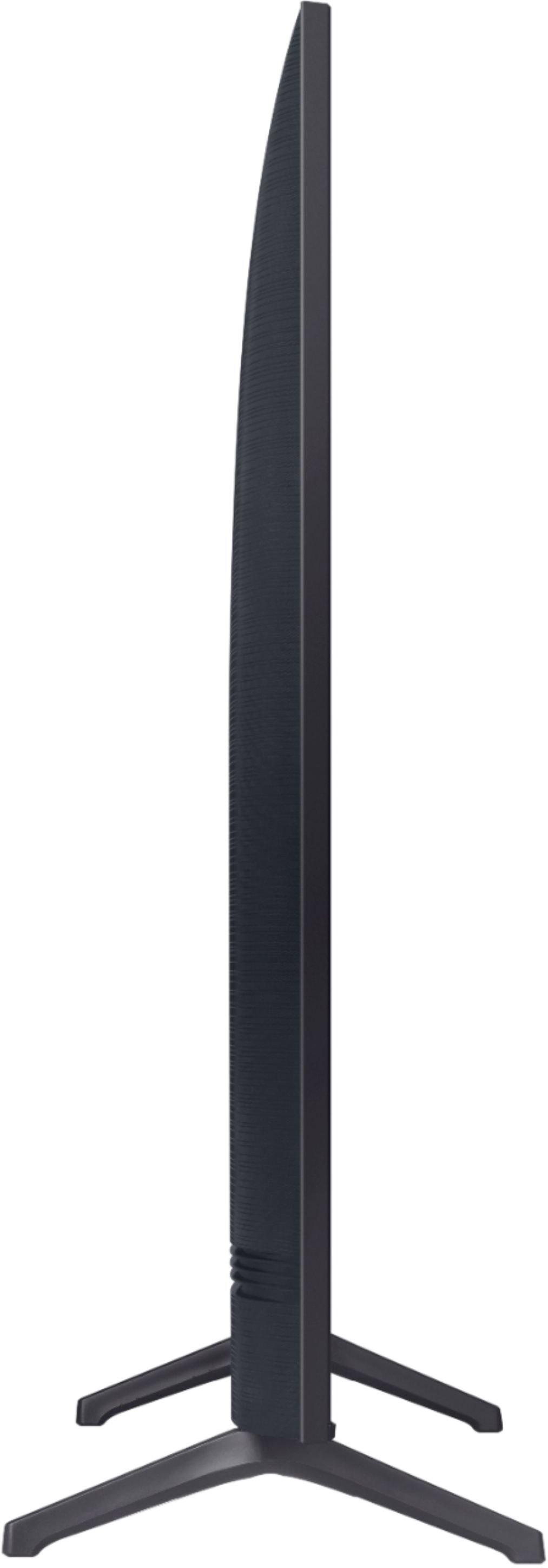
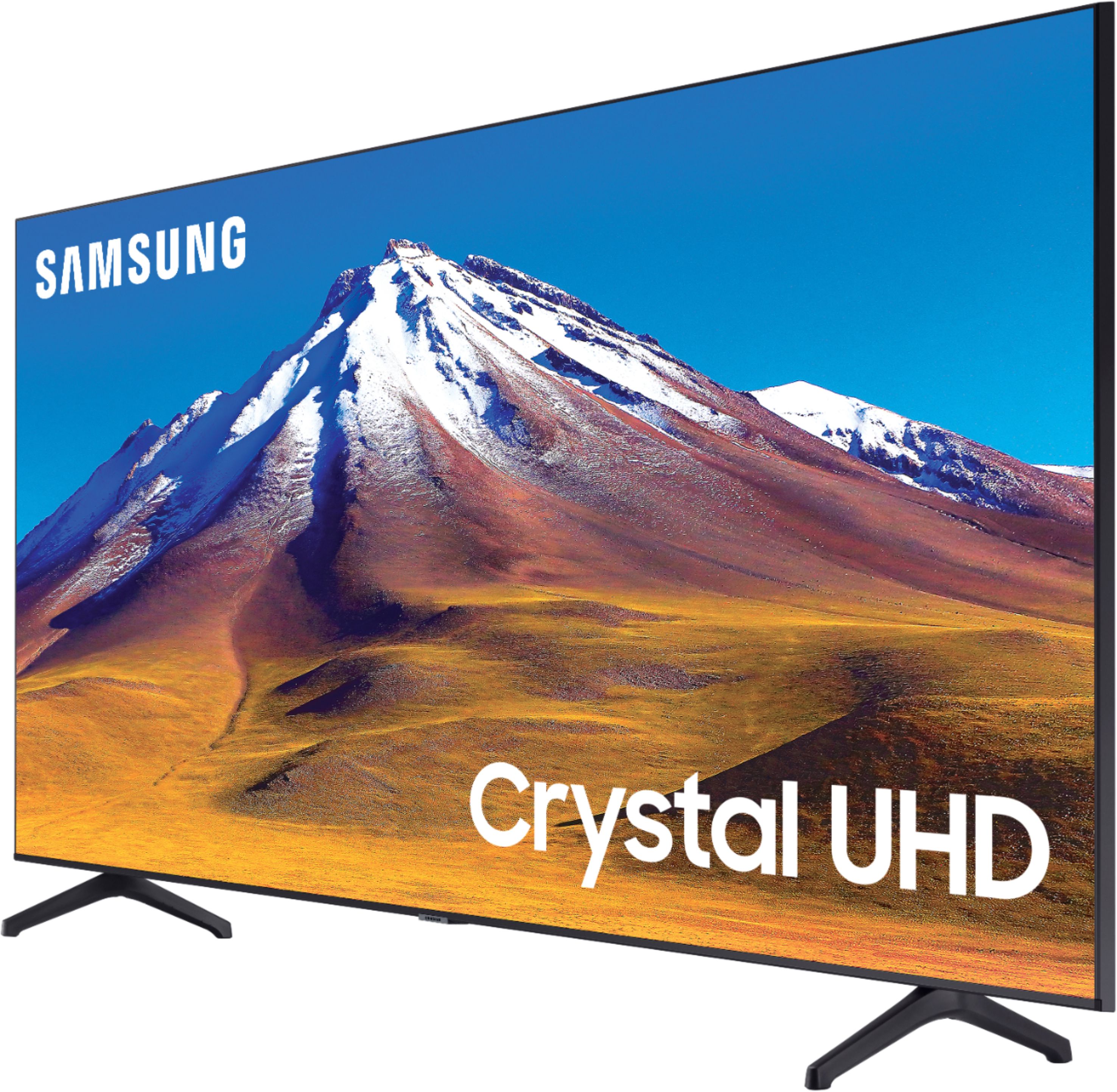
A:AnswerHi Chris, It sure does. As a matter of fact many streaming services will tell you what resolution is being transmitted from the landing or pause screens (UHD=4K, HD=1080p, etc). Great question! ^Scott
A:AnswerHi there, This is a great platform for quick questions and not as great for troubleshooting which requires a great deal of back and forth. We would love to speak with you at Samsung TV Support:
― Phone: 1-800-SAMSUNG / Available 8 AM - 9 PM EST, Mon - Fri
― LiveChat or Email: https://www.samsung.com/us/support/#contact_us_for_support
We look forward to hearing from you. ^Scott
A:AnswerThe sales change everyday, after cyber Monday they will go back to regular sales and call them holiday sales. Cyber Monday is November 30 so expected changes after that.
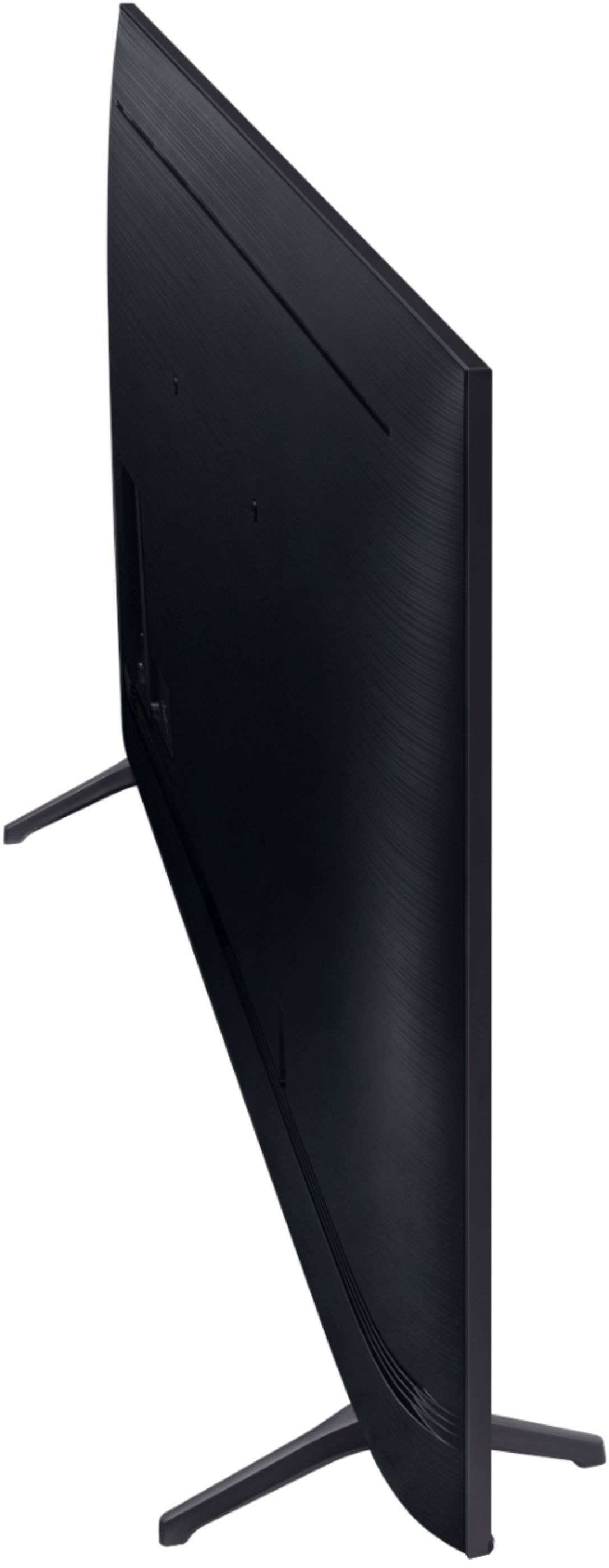
A:AnswerHi Mark, The box dimensions are Height 40.7 inches, Width 7.5 inches, and Depth 68.7 inches. If you are shipping overseas be careful of different voltage standards. Hope this helped! ^Scott
A:AnswerHi Raffiem! I’m sorry to see that you are having difficulties utilizing the built in Airplay.
So that we can better troubleshoot towards a solution, please reach out to Samsung TV Support at:
― Phone: 1-800-SAMSUNG / Available 8 AM - 9 PM EST, Mon - Fri
― LiveChat or Email: https://www.samsung.com/us/support/#contact_us_for_support
We look forward to hearing from you.
^Tim
A:AnswerHello Tommy,
Point the Smart Remote at the remote control sensor on the TV. On most Samsung TVs, the remote control sensor is located on the lower right hand side of the TV. If not, it is directly in the bottom center.
Next, press and hold the Return and Play/Pause buttons simultaneously for at least 3 seconds. Your TV will begin syncing with the Smart Remote. Then a message will appear, indicating that the remote is now connected to your TV.
^Cristian
A:AnswerHi da! Yes, the 70TU6980 features a VESA mounting pattern of 400mm x 300mm for compatibility with a wide range of universal mounting solutions. Check out a list of wall mounts for 70" TVs at the following link from BestBuy: https://www.bestbuy.com/site/tv-stands-mounts-furniture/tv-mounts/abcat0106004.c?id=abcat0106004&qp=tvmountsize_facet%3DTV%20Size%20Compatibility~65%20-%2074%22
^Tim
A:AnswerHi Pumit! The Smart IPTV application is currently not available on the TU6980. For content unavailable through the built in app store, you can take advantage of the screen mirroring features from a mobile Android or Apple device to put more of your favorite content on the big screen. ^Tim
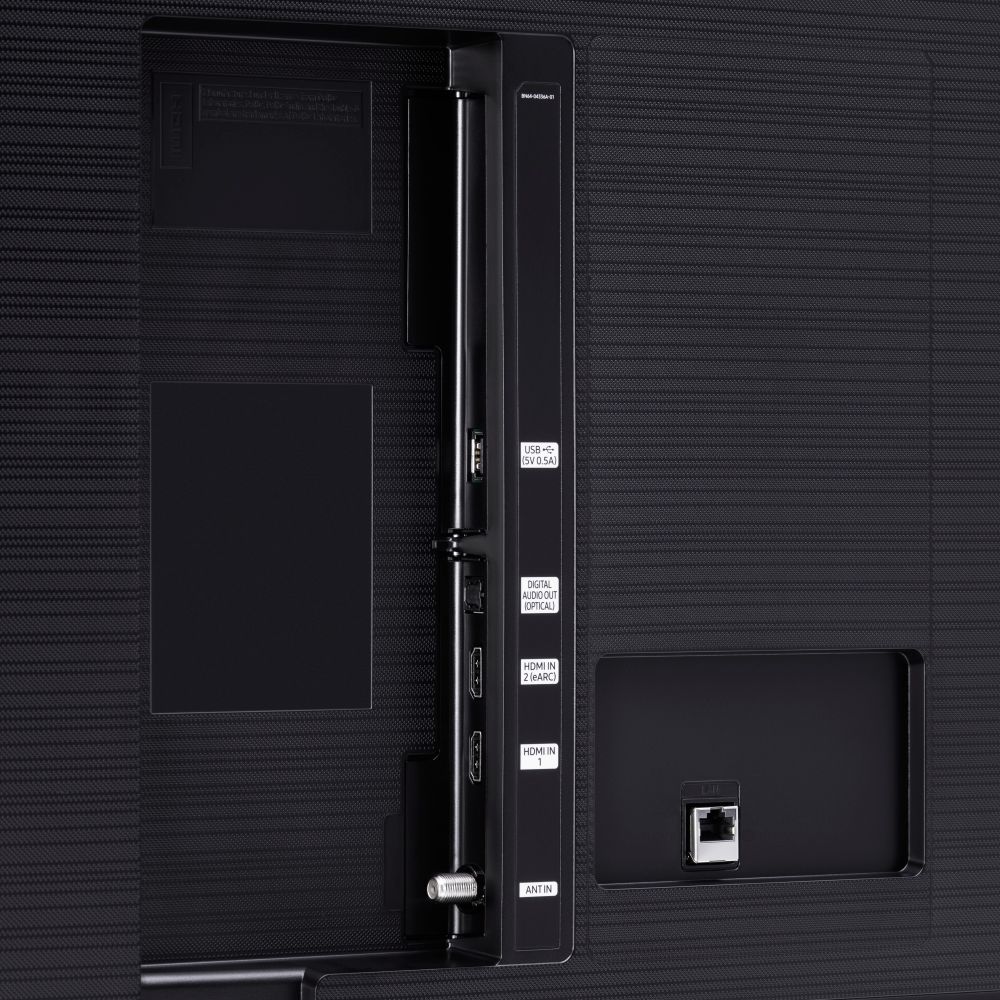
A:AnswerHi there! The Ex-Link port is found on our TU8000 model and above; however, the TU8000 model will require an adapter for Ex-Link connectivity. ^Gina