A:AnswerHi there, There are a lot of different factors in play while booting an external service. Though I can say I've never had to wait more than a few seconds unless my internet was down. Hope this helps! ^Scott
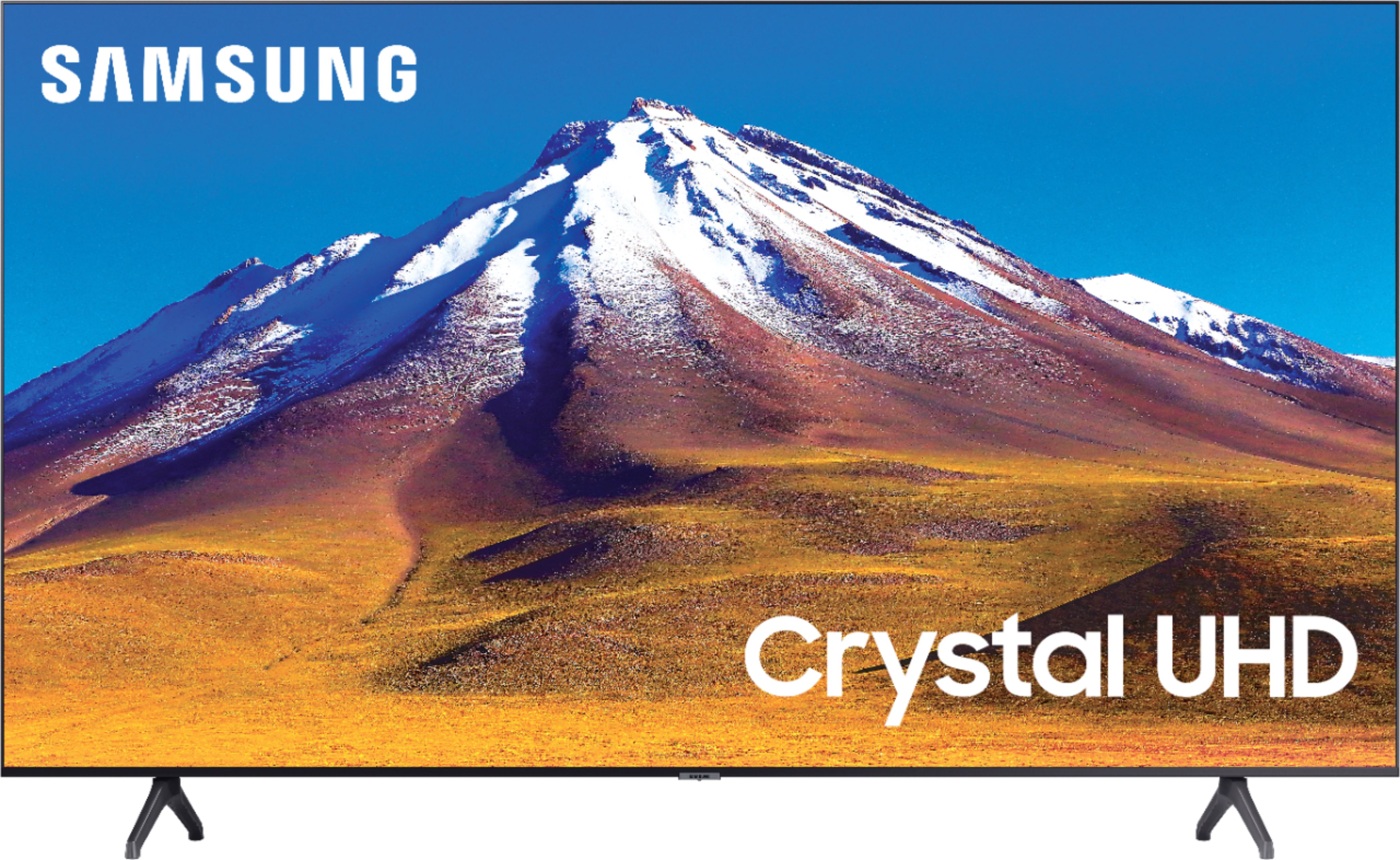
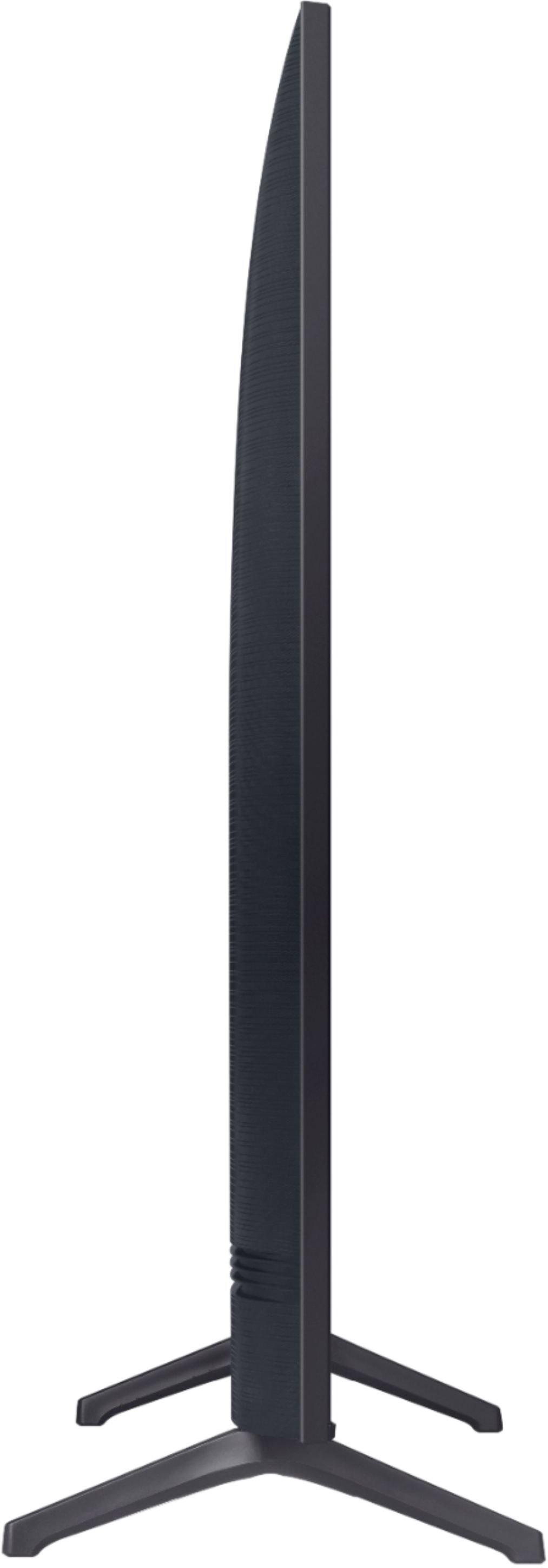
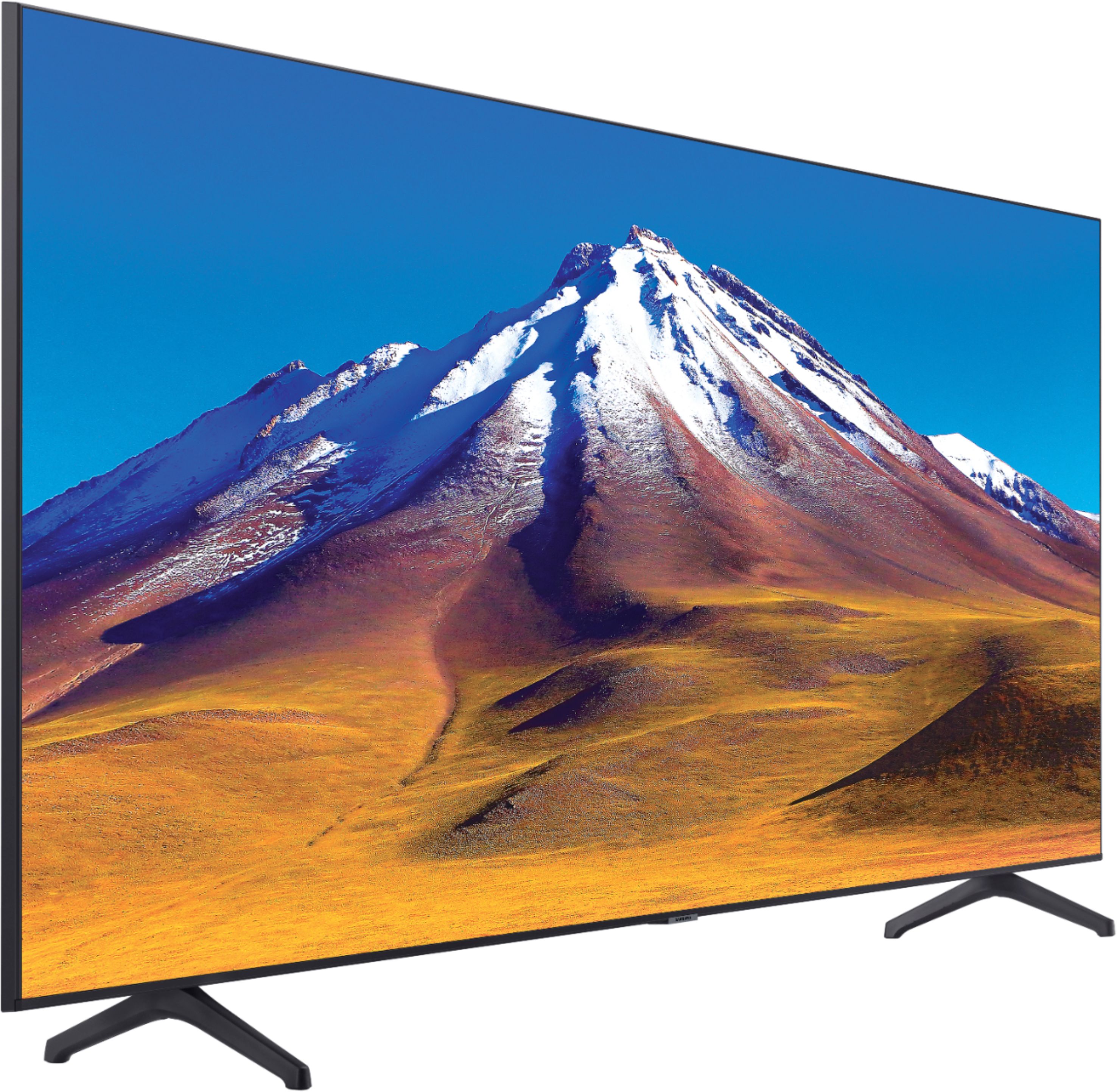
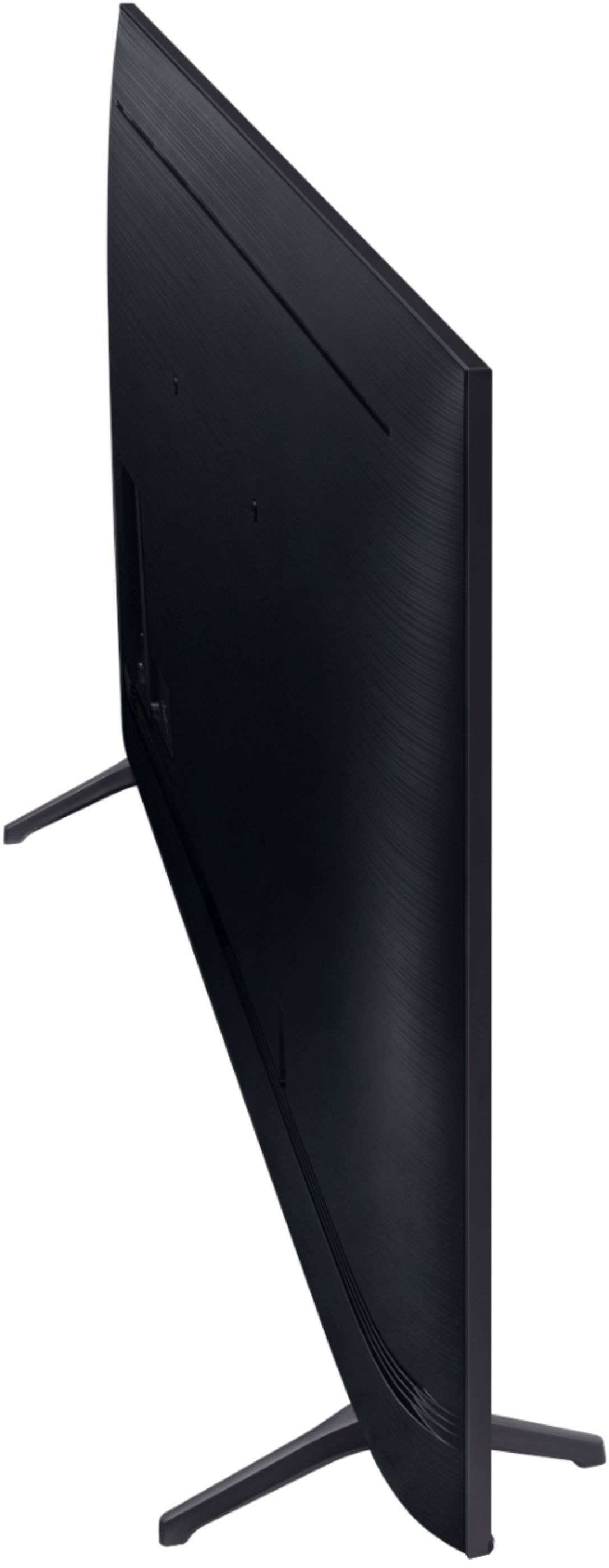
A:AnswerHello! You can wall mount the Samsung - 70" Class 6 Series with any wall mount with a VESA Standard of 400mm x 300mm. Check out some compatible wall mounts at Best Buy: https://www.bestbuy.com/site/searchpage.jsp?st=vesa+400mm+x+300mm&_dyncharset=UTF-8&_dynSessConf=&id=pcat17071&type=page&sc=Global&cp=1&nrp=&sp=&qp=&list=n&af=true&iht=y&usc=All+Categories&ks=960&keys=keys ^Celina
A:AnswerHi Dallas! The Samsung Smart Remote, otherwise known as the One Remote with Voice, is not compatible with the TU6980. Compatibility for the One Remote with Voice starts with model TU8000 and will not connect to the TU6950, TU6980, or TU7000. ^Tim
A:AnswerHi Lada! The TU6980 is compatible with the standard Samsung One Remote without voice control. This remote controls the TV through IR, and does not require you to pair the remote with the TV. ^Tim
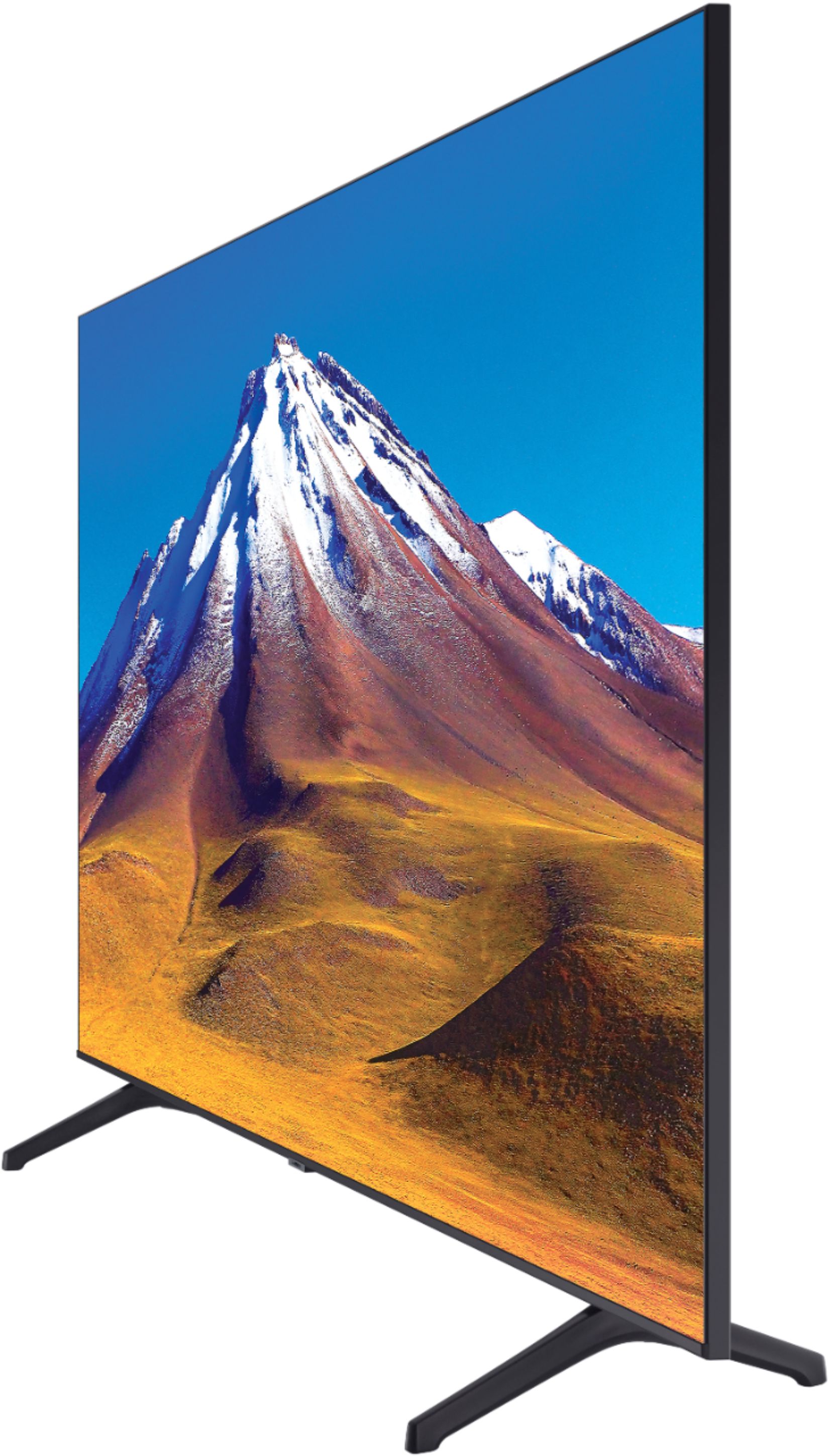
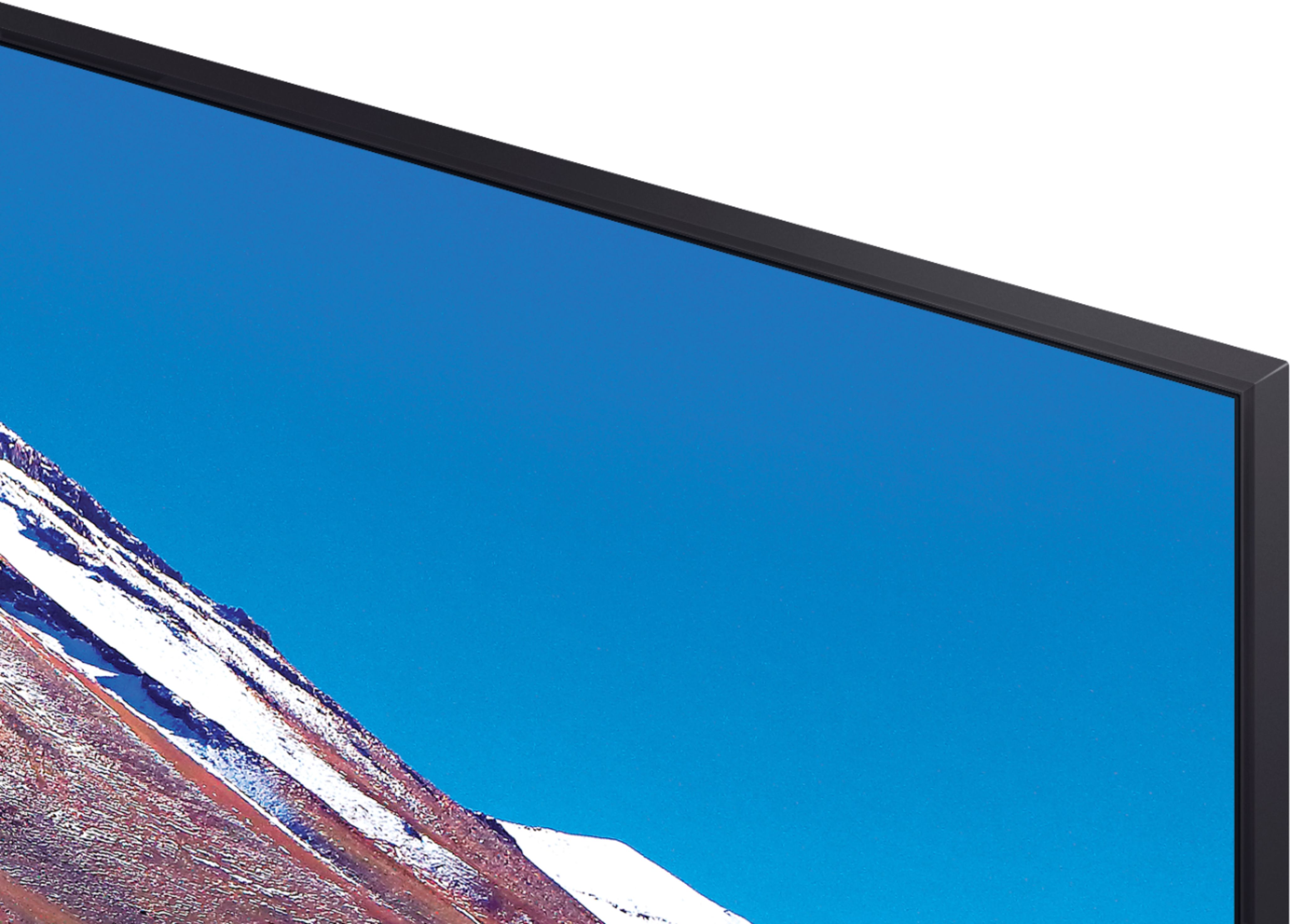
A:AnswerThe film is just around the bezel. No film over screen except the protective white cover in packaging. I believe the film around the screen is to avoid fingerprint smudges when unpacking & set up. :)
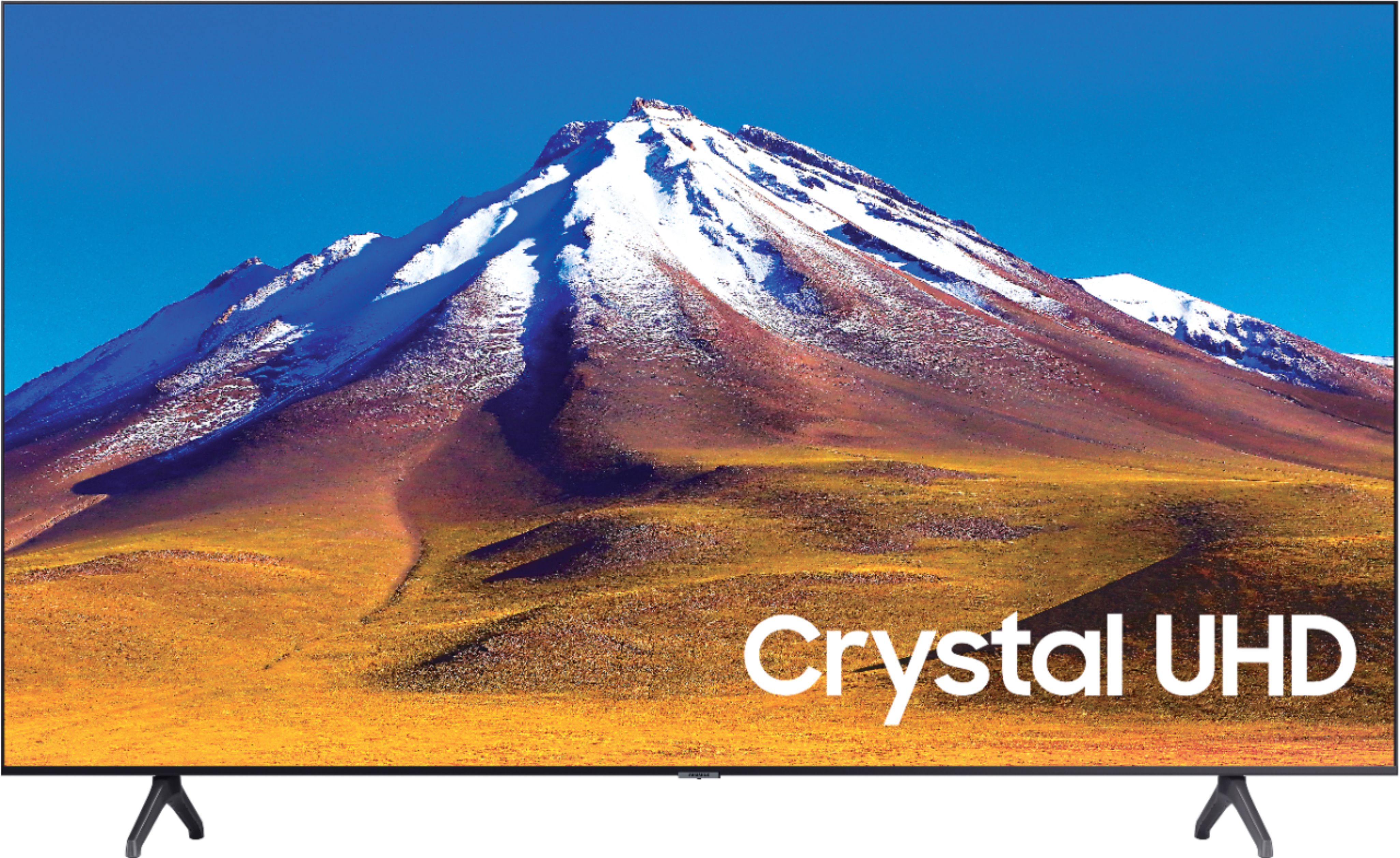
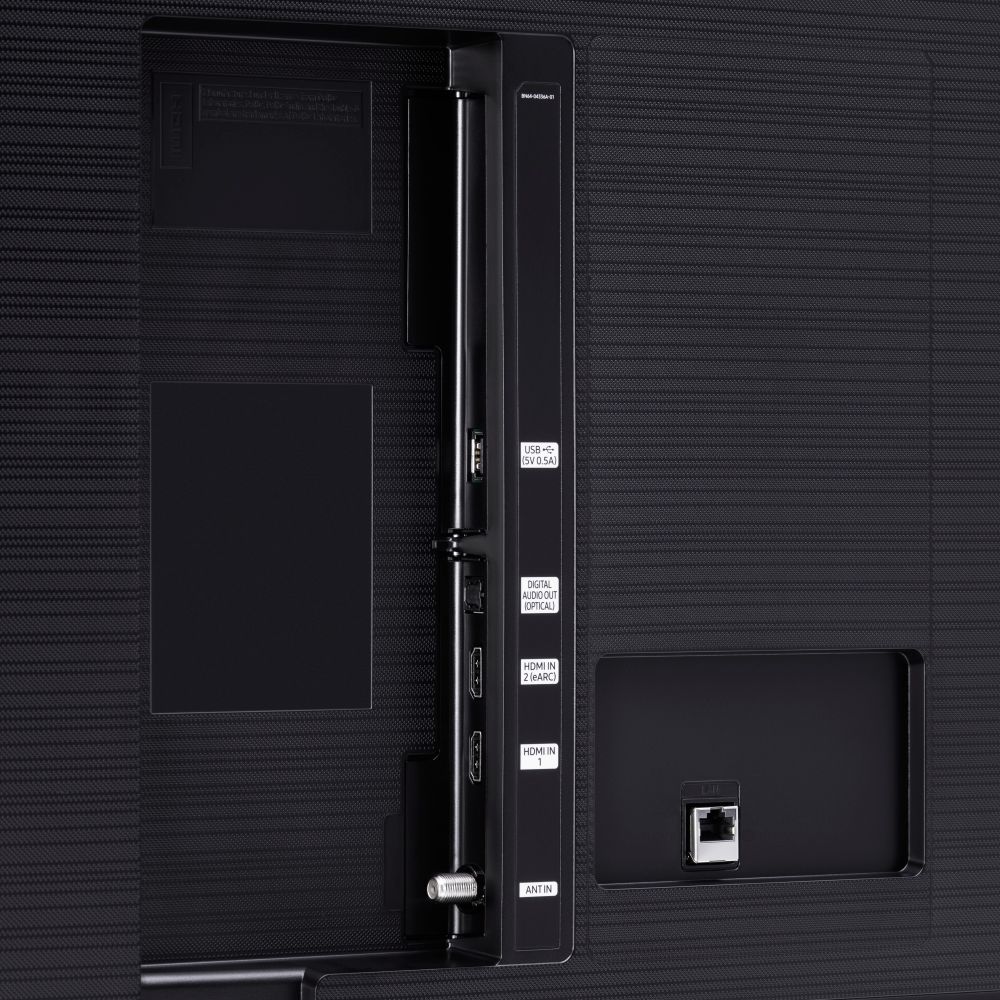
A:AnswerHi jack! The TU6980 introduces our Crystal Display which gives you crystal-clear colors that are fine-tuned to deliver a naturally crisp and vivid picture, and our Crystal UHD Processor, which brings stunning clarity to everything you already watch and powerfully upscales 4K to ensure that you always get life-like 4K resolution no matter the source. When stepping up to the TU8000, you will have all the benefits of Crystal UHD, and will also gain Ambient Mode and built-in Voice Assistants (Amazon Alexa, Bixby, Google Assistant) with a Voice button on your OneRemote. The TU8000 also offers one Composive (AV) input, and an additional HDMI and USB port. ^Gina
A:AnswerIt does. I am able to open a video on my phone and click Airplay to the TV and it pops right up after you type a confirmation code to link your Apple device and TV.