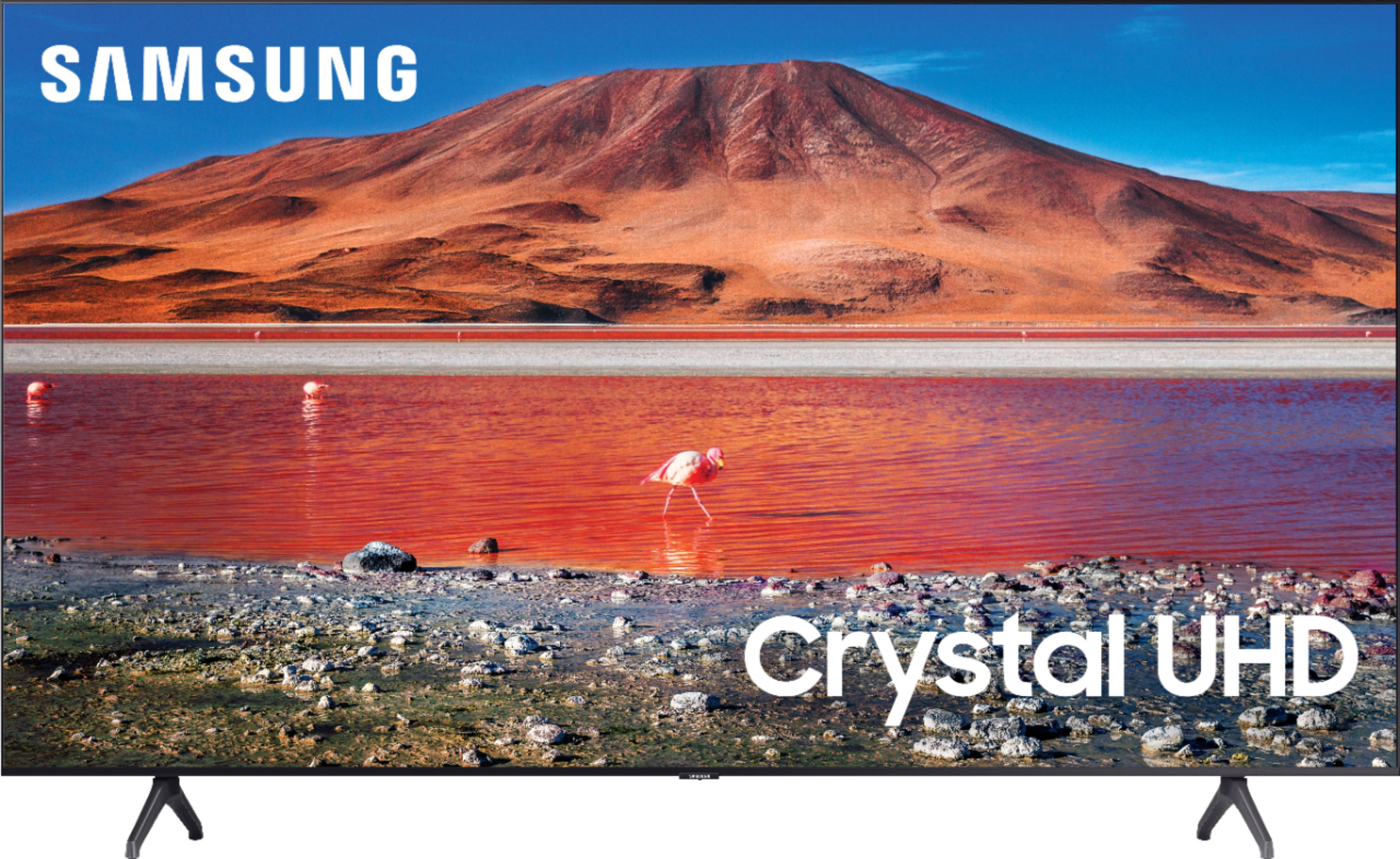
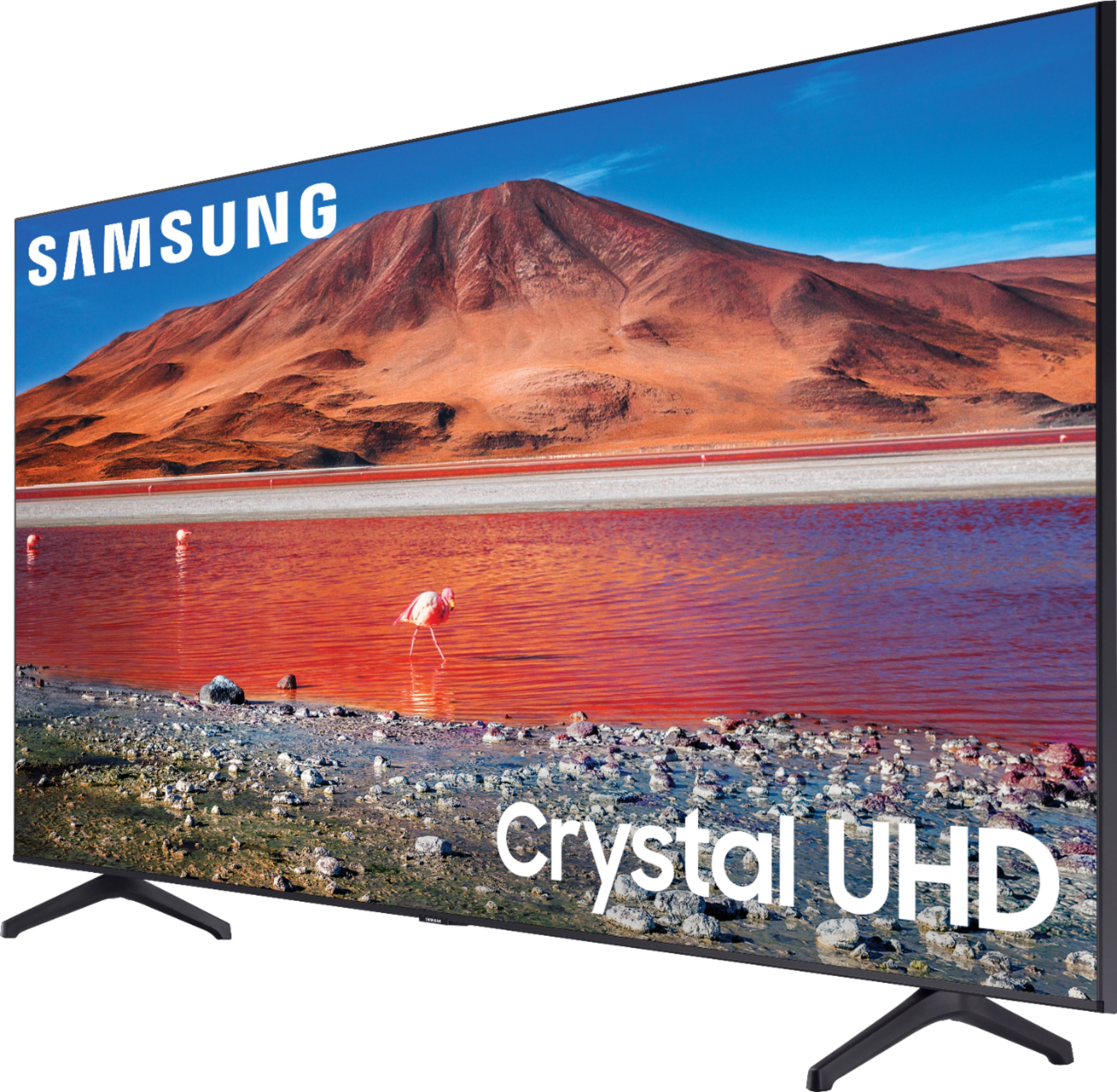
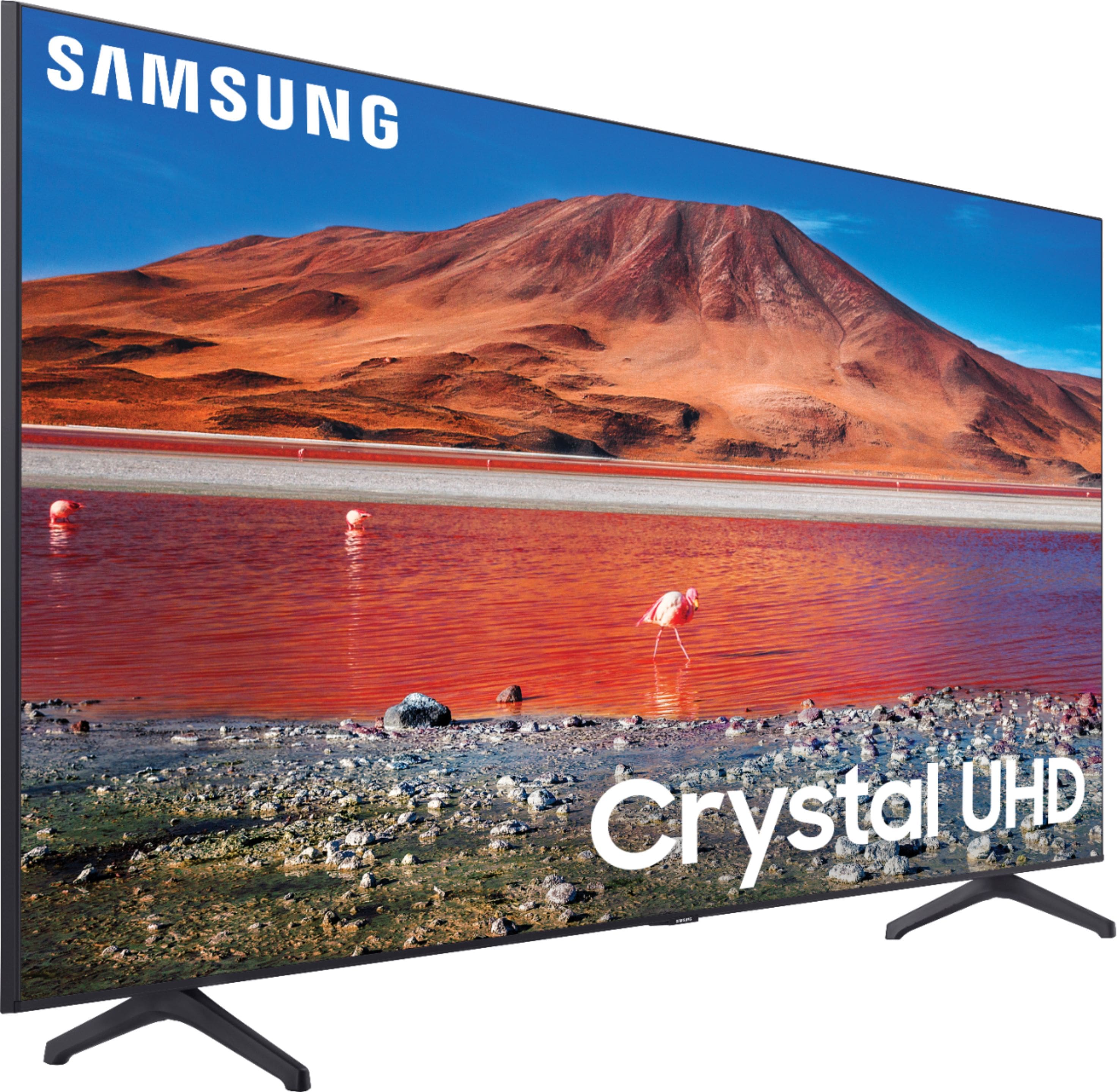
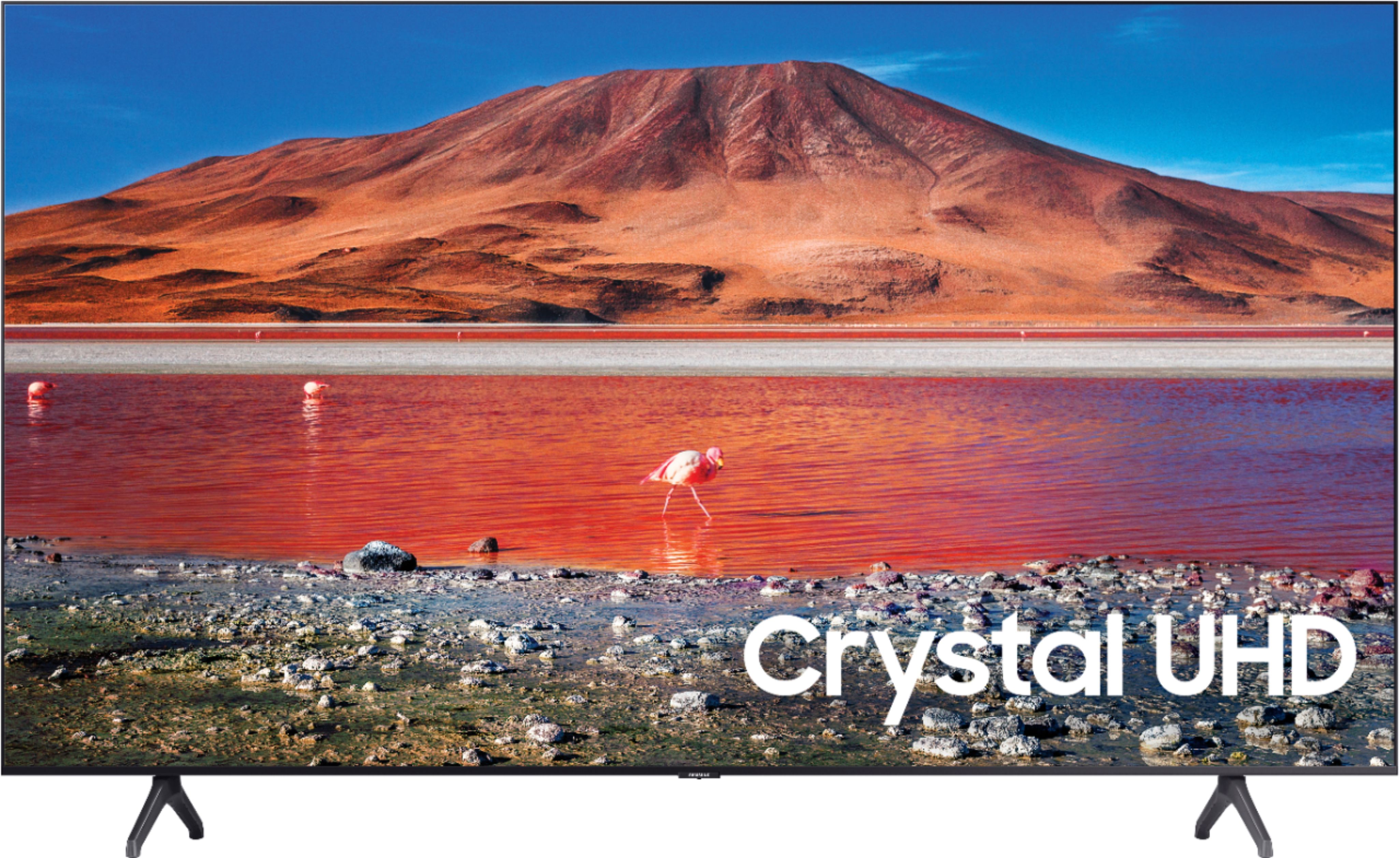
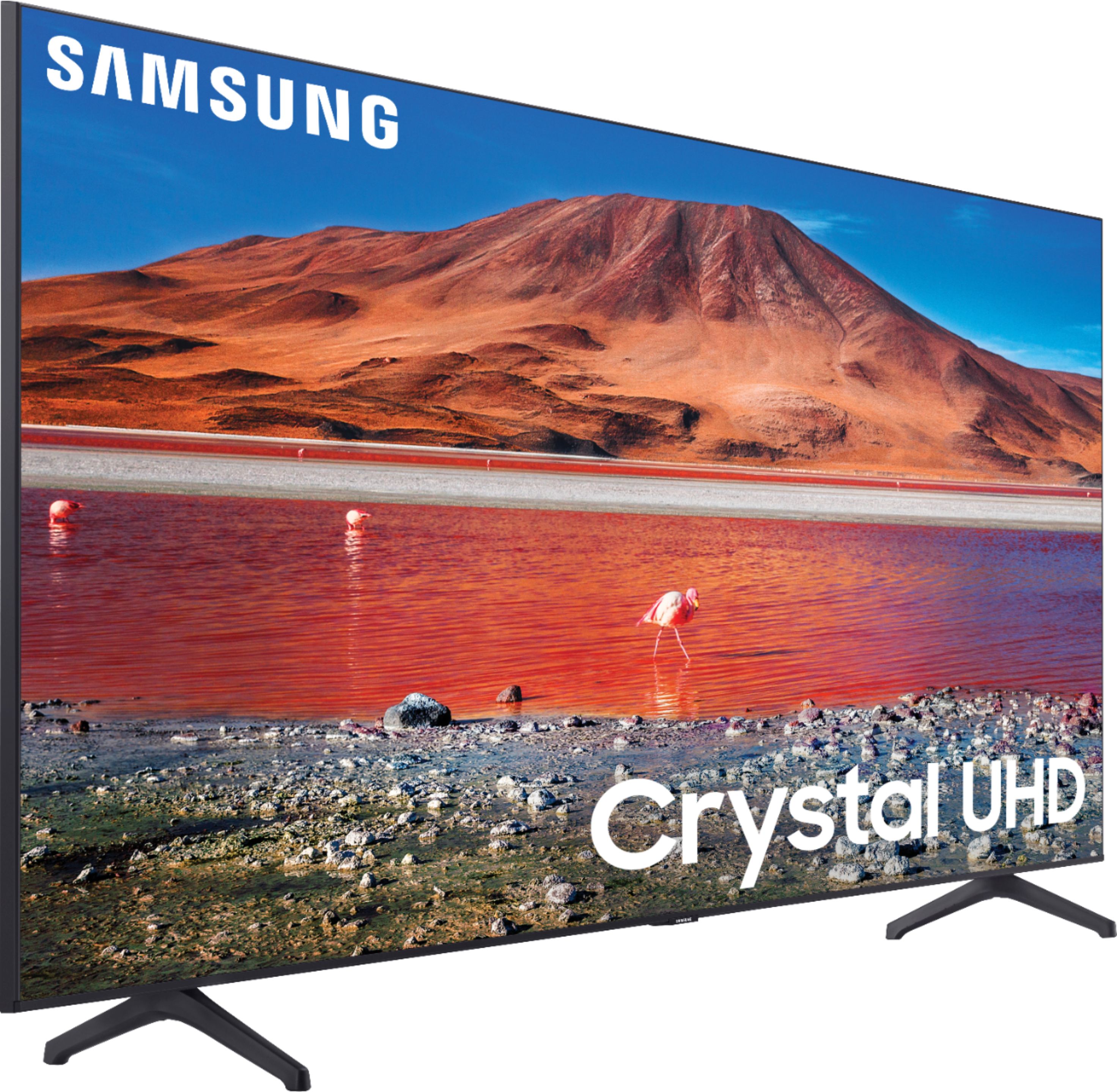
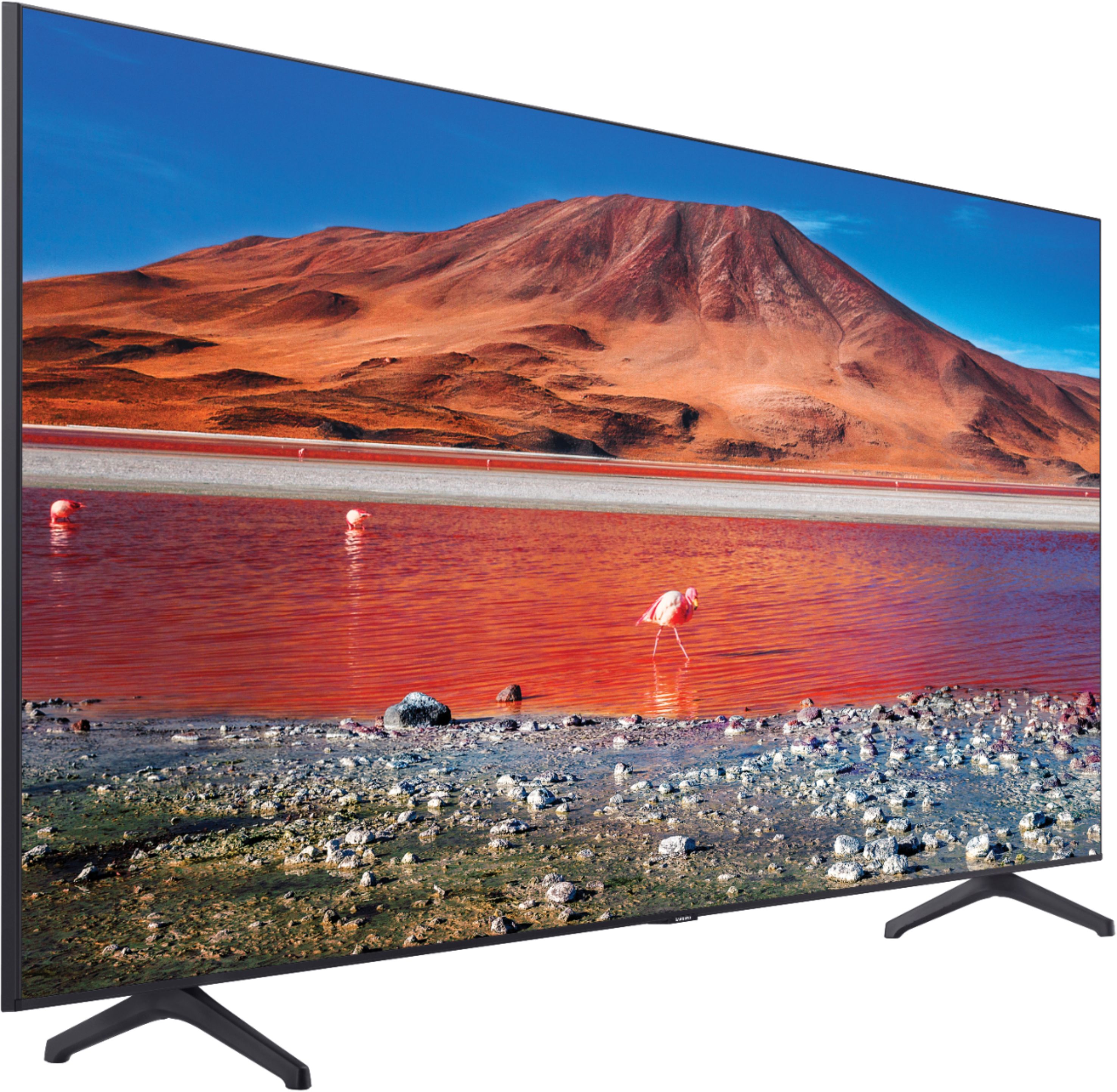
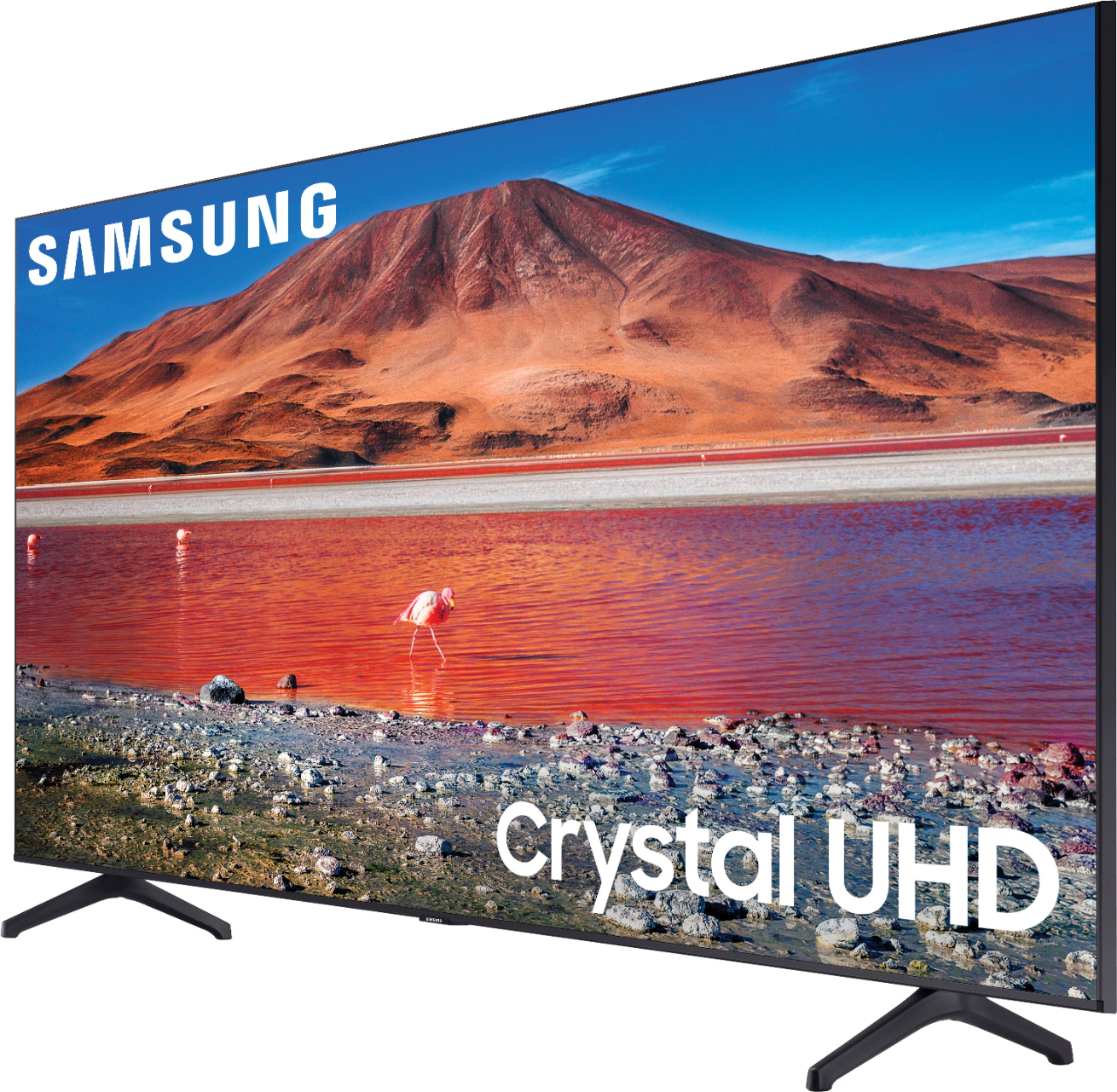
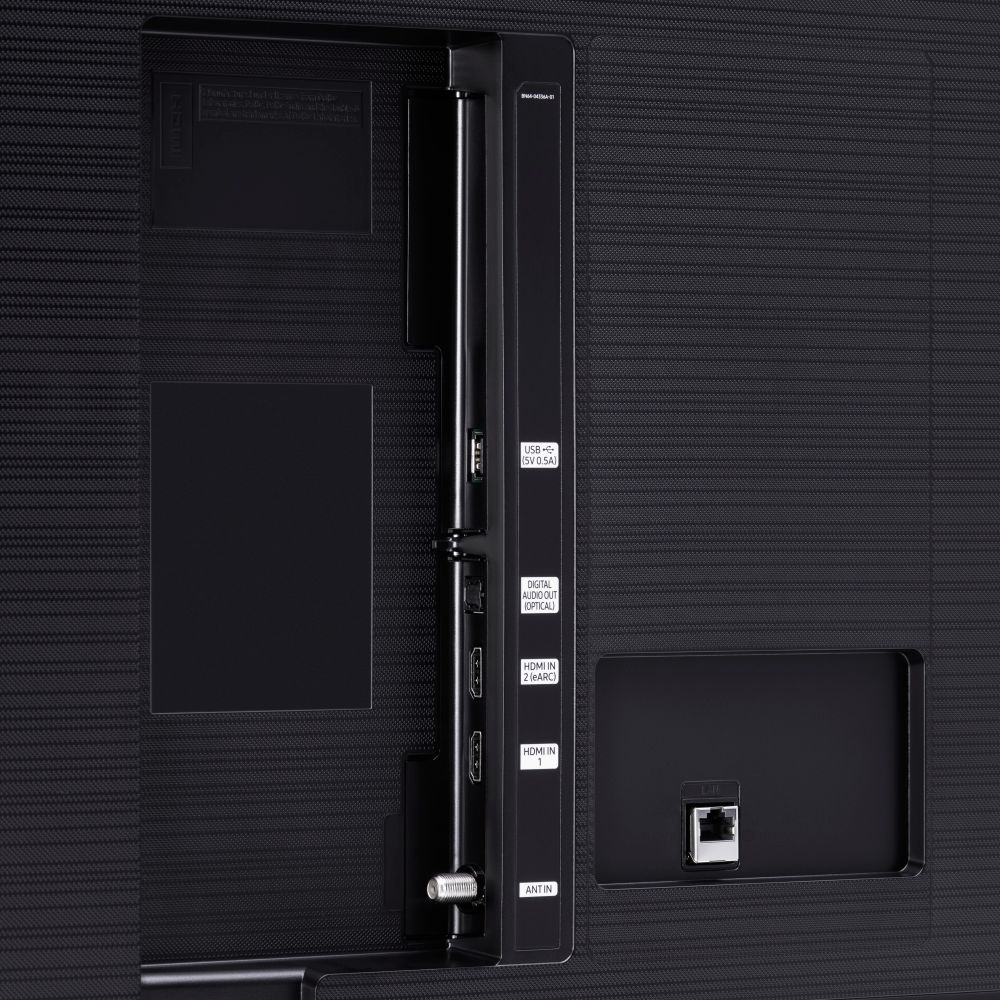
A:AnswerHi Floyd! Yes, the TU7000 can take advantage of Smart View to mirror your Samsung device to the TV. Check out the Q60T which gives the ability to utilize the new Multi View feature! The Multi View feature allows you to display two things at once on your TV. You can view media from different sources, such as an app, Blu-ray player, or game console, on the main left screen while also mirroring your phone to the smaller screen. ^Tim
A:AnswerHi there, The Samsung - 70” Class 7 Series LED 4K UHD Smart Tizen TV has a native refresh rate of 60Hz with a 120mr. The motion rate (mr) includes motion interpolation along with other motion handling technologies. Cheers! ^Scott
A:AnswerHi Nacnud! So that we can better troubleshoot towards a solution, please reach out to Samsung Support at:
― Phone: 1-800-SAMSUNG / Available 8AM - 12AM EST, 7 days a week
― LiveChat or Email: https://www.samsung.com/us/support/#contact_us_for_support
We look forward to hearing from you. ^Gina
A:AnswerHi there! Samsung TVs do not have built-in Chromecast; however, all Samsung TVs are powered by Tizen OS, allowing you to have full accessibility to choose and download from hundreds of streaming apps! ^Gina
A:AnswerHi Mesha, There are several differences depending on which 6 series TV we're talking about. It could be missing the cable clips, or the universal guide, and there can be subtle differences in the processing. Thanks! ^Scott