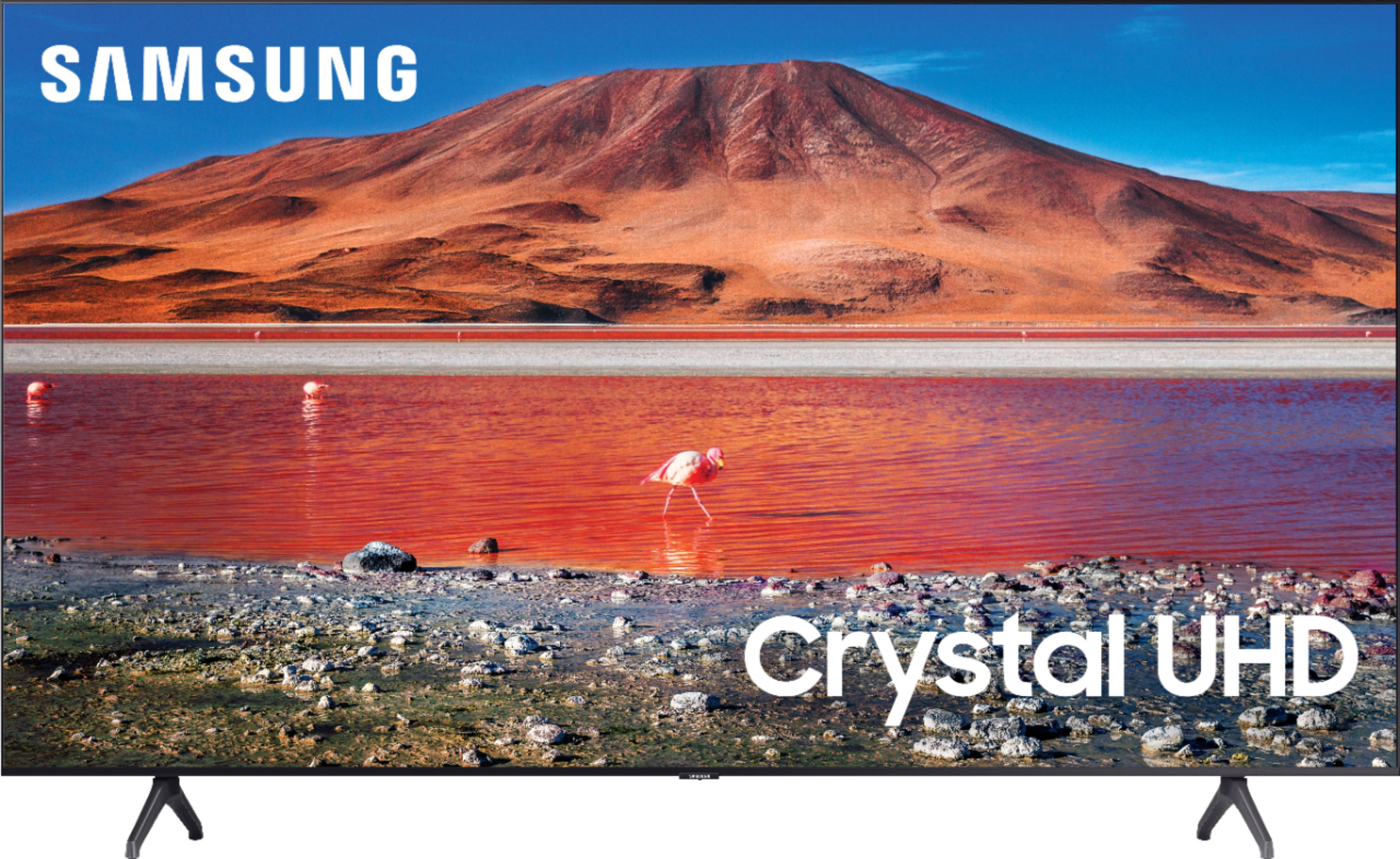
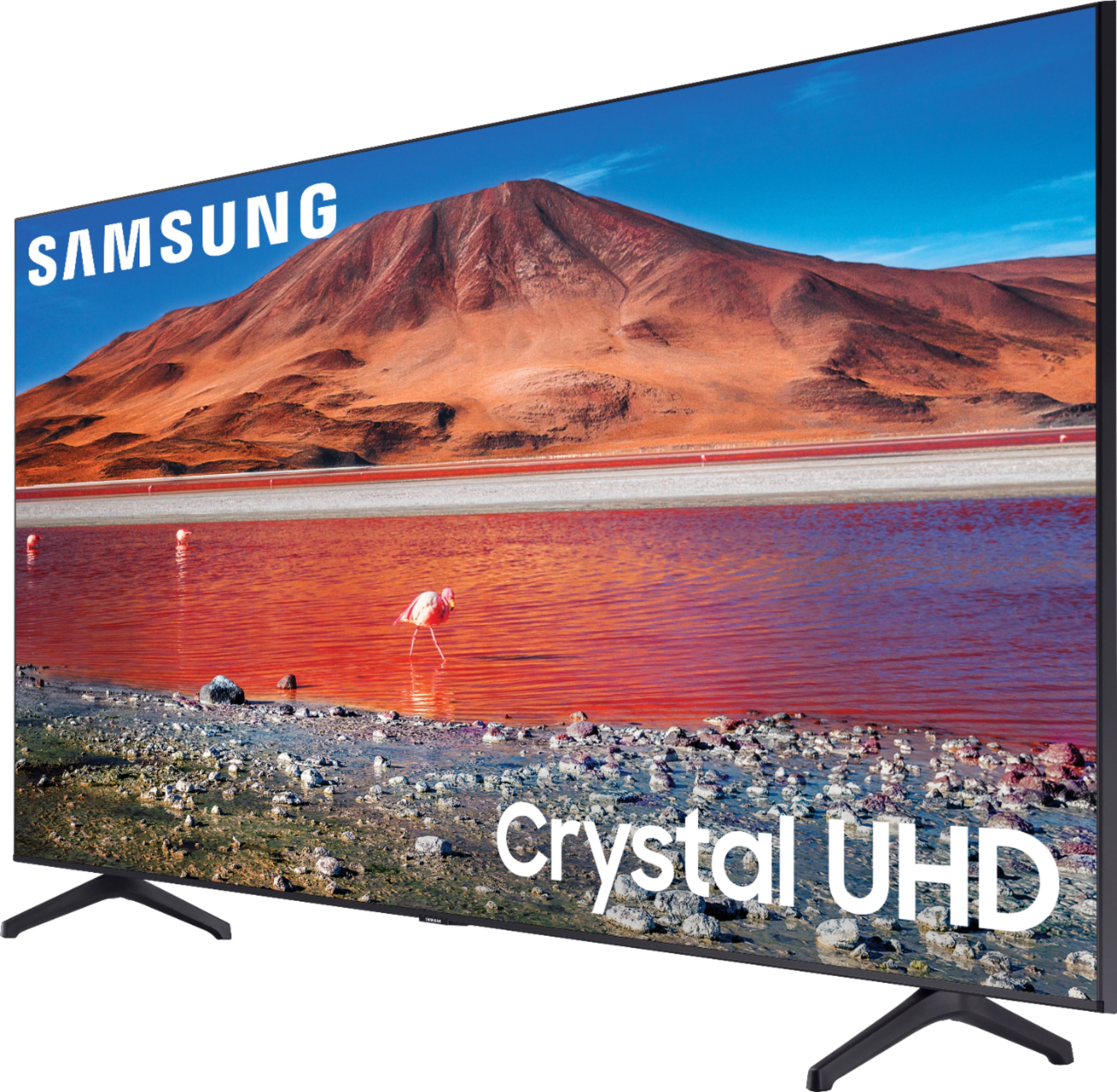
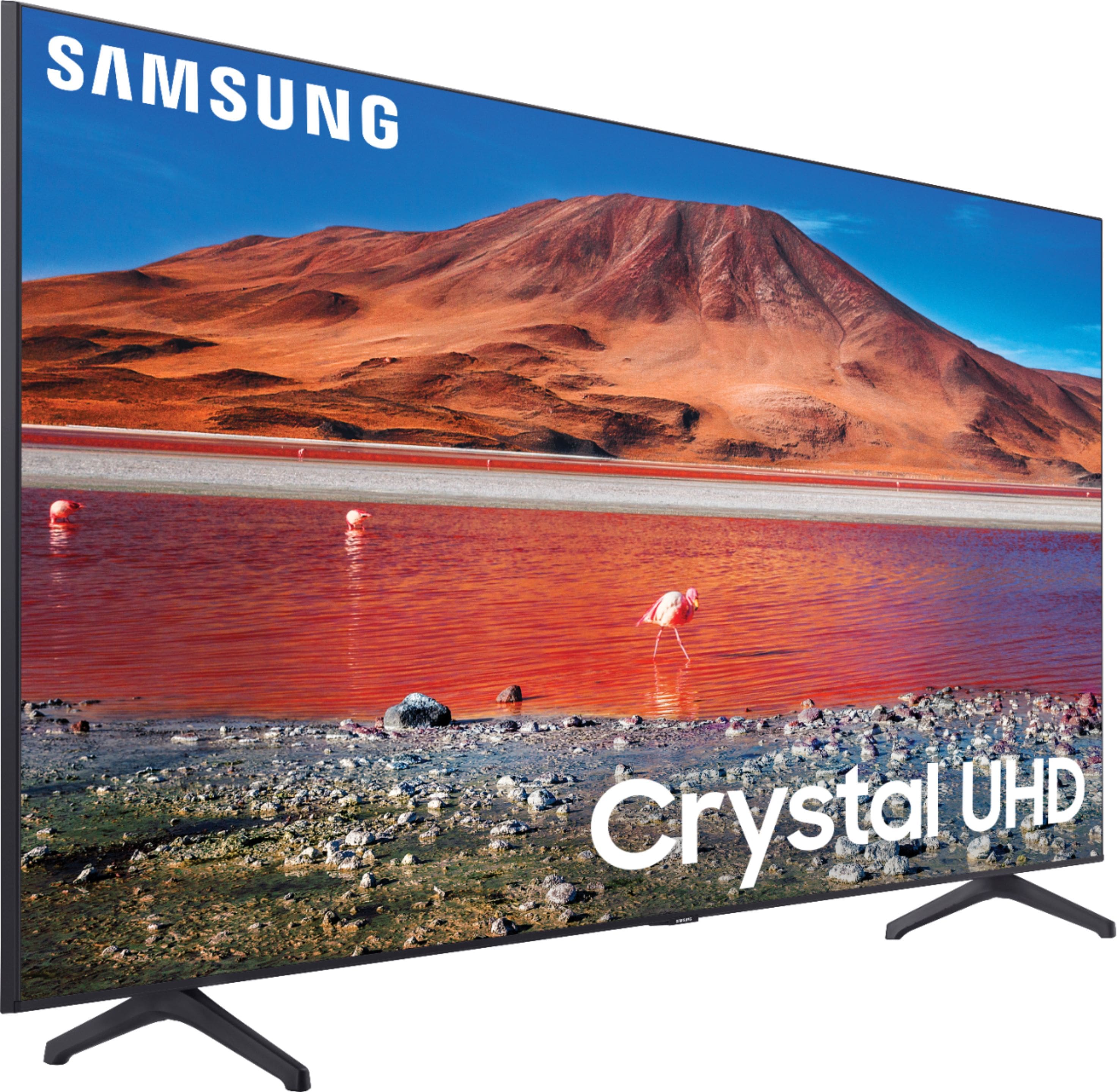
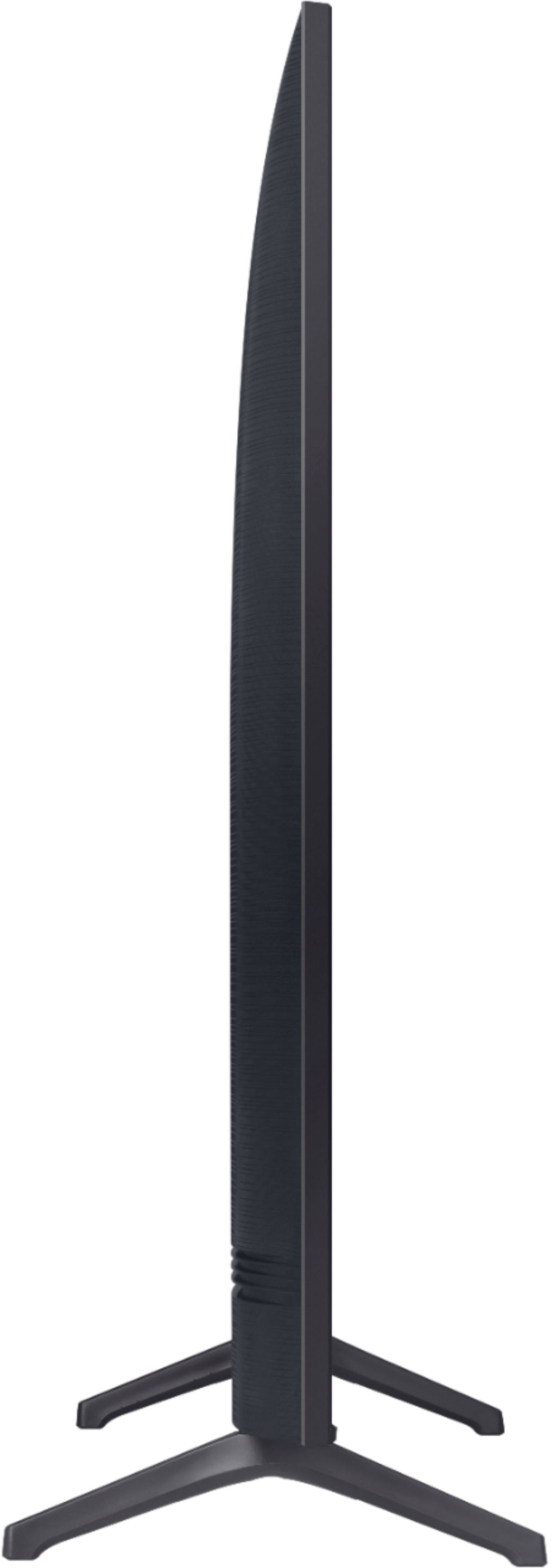
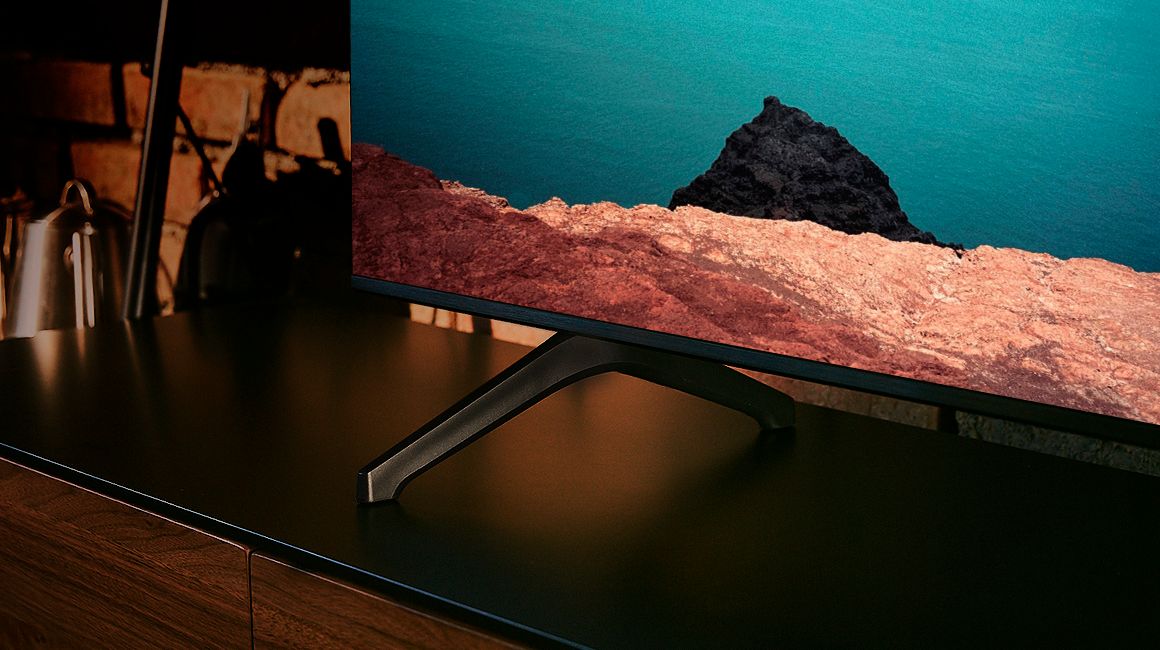
A:AnswerThere are no modern televisions with single centered mounts. The newer standard is VESA, and that allows a special plate, sometimes in the shape of a large X to mount to the back, then attach to either the new furniture you will have to buy, or on the wall mount, which is specific to the size and weight of the TV
Do a web search on "wall mount TV holders" or on "furniture with TV mounts"
A:AnswerHi Pip! The TU7000 Series does not have PIP (or split-screen). Split-screen capability to view two different content side-by-side is available starting from our QLED Q60T Series and up using our Multi View feature. For example, you can view media from different sources, such as an app, Blu-ray player, or game console, on the main left screen, while also mirroring your phone to the smaller screen. Multi View provides you with endless possibilities for splitting screens and viewing several types of content at the same time. ^Gina
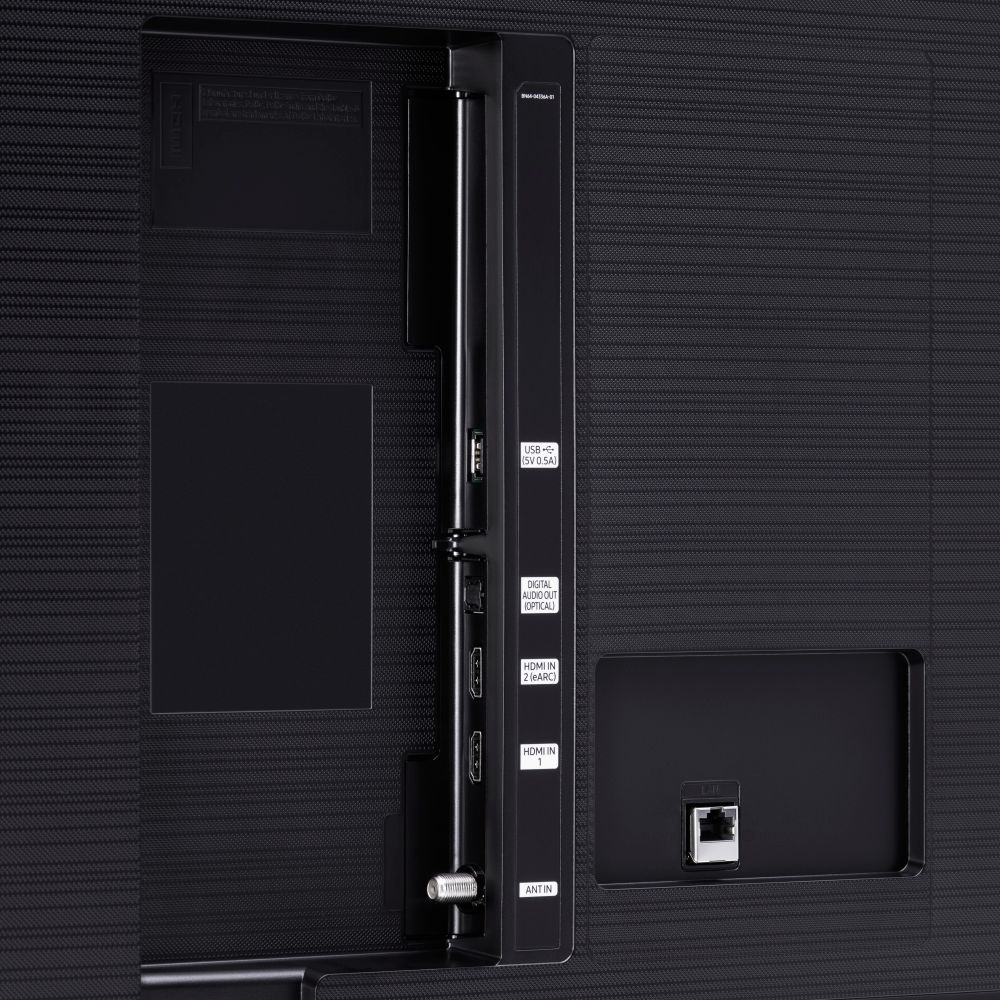
A:AnswerHi Ash - Thank you for your question. With HDMI 2.1 being such a complex topic, we feel it is clearer to highlight the specific features supported by each TV model. This model has 3 HDMI ports, all of which support HDR10+ and Auto Low Latency Mode (Auto Game Mode). The “HDMI In 2” port further supports eARC. If you are looking for a TV capable of 4K@120fps (FRL), please consider a step up to Q70A Series, which supports “FRL on HDMI In 4”. ^Gina
A:AnswerHi Goofy! If there is a protective film on your screen, it will be indicated with a blue triangle in the upper left corner. The triangle will have an illustration showing how to remove the protective film.
If you do not have a blue triangle in the upper left corner, then that means there is no protective film on the screen, so please do not try to peel off anything. You will damage what is actually the screen. If you need assistance or have questions, please call us at 1-800-SAMSUNG, available 8AM - 12AM EST, 7 days a week. ^Gina
A:AnswerHi Steve! You can change the size of the picture displayed on the TU7000 TV screen to 16:9 Standard, Custom, or 4:3. You can further adjust your picture by going to: Home > Settings > Picture > Picture Size Settings. ^Gina
A:AnswerHi Dee! The TU7000 Series does not have PIP (or split-screen). Split-screen capability to view two different content side-by-side is available starting from our QLED Q60T Series and up using our Multi View feature. For example, you can view media from different sources, such as an app, Blu-ray player, or game console, on the main left screen, while also mirroring your phone to the smaller screen. Multi View provides you with endless possibilities for splitting screens and viewing several types of content at the same time. ^Gina
A:AnswerHi Eddiel89! From the TV's Home screen, navigate to and select APPS, and then select the Search icon in the top-right corner. Next, enter the app you want to download and select it. You will see detailed information about the app. From here, select Install. If you are still having issues downloading the HBO Max app, please reach out to Samsung Support at:
― Phone: 1-800-SAMSUNG / Available 8AM - 12AM EST, 7 days a week
― LiveChat or Email: https://www.samsung.com/us/support/#contact_us_for_support
We look forward to hearing from you.
^Gina
A:AnswerHi hoytom42! The ability to connect your TV to Family Hub and stream your favorite shows and movies in the kitchen starts with the QLED line of TVs from Samsung, models Q70T and above. ^Tim
A:AnswerHI JLop! The TU7000 includes a version of Samsung's OneRemote, which will allow you to connect and control all compatible devices with a single remote. ^Gina