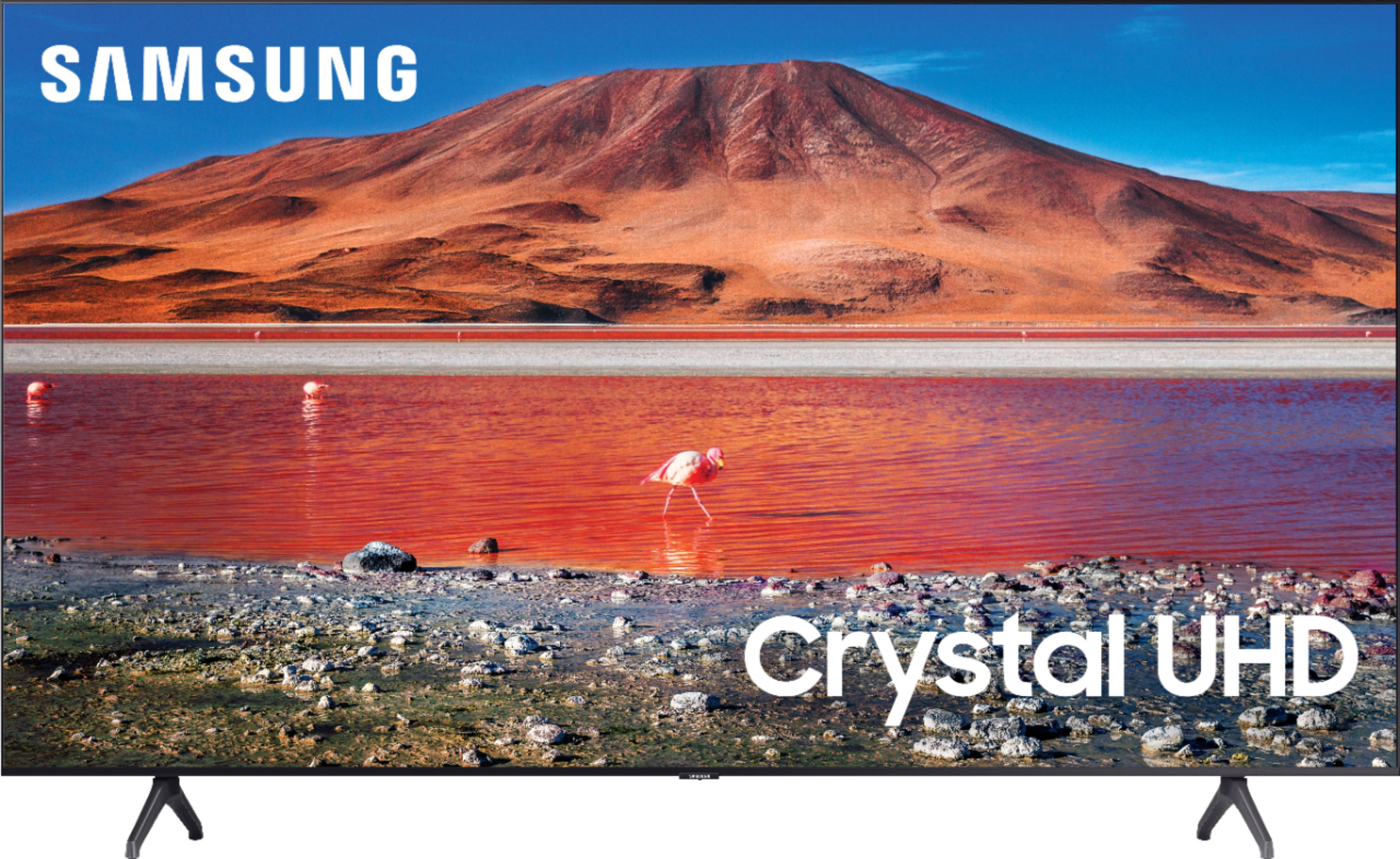
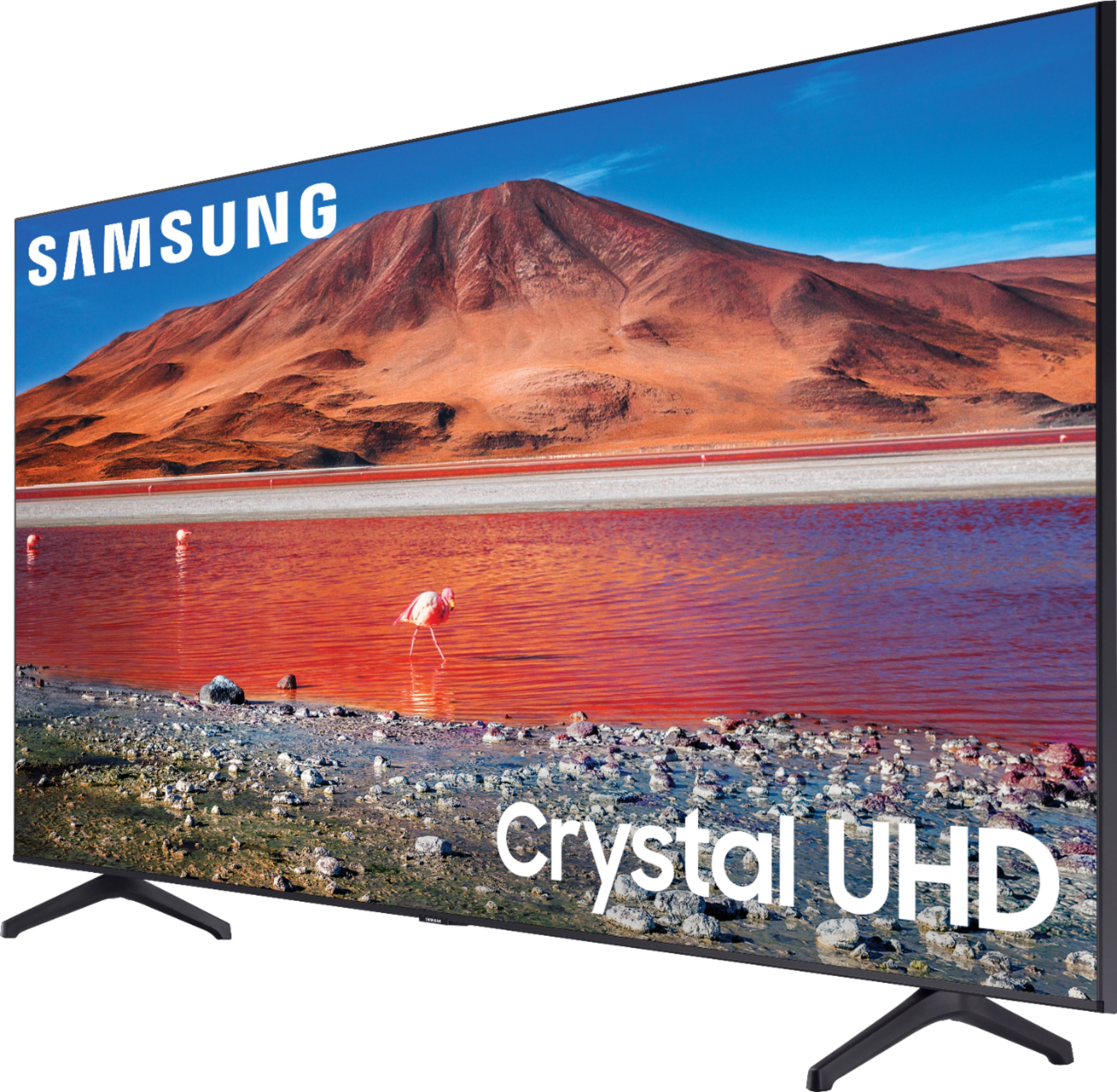
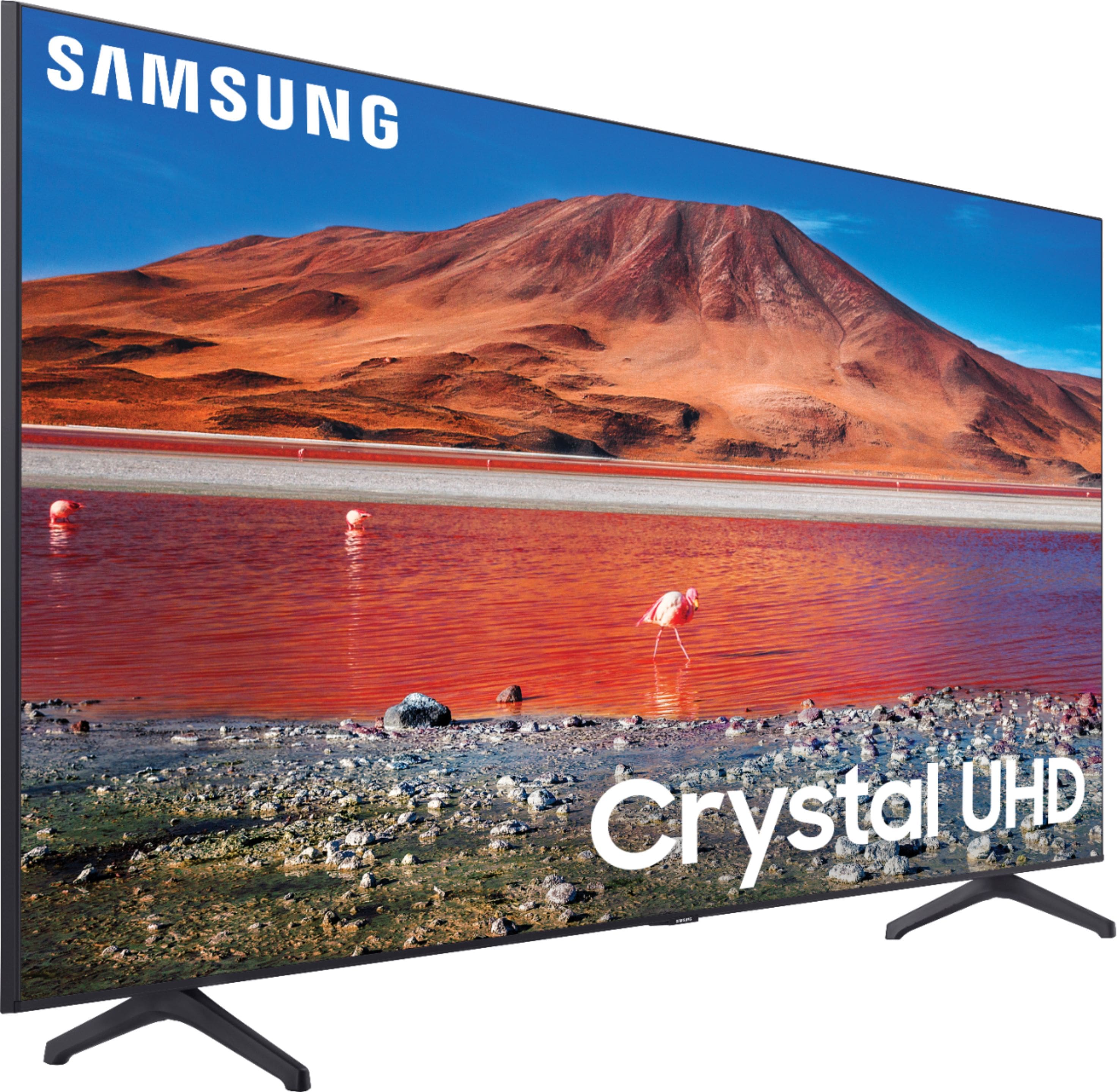
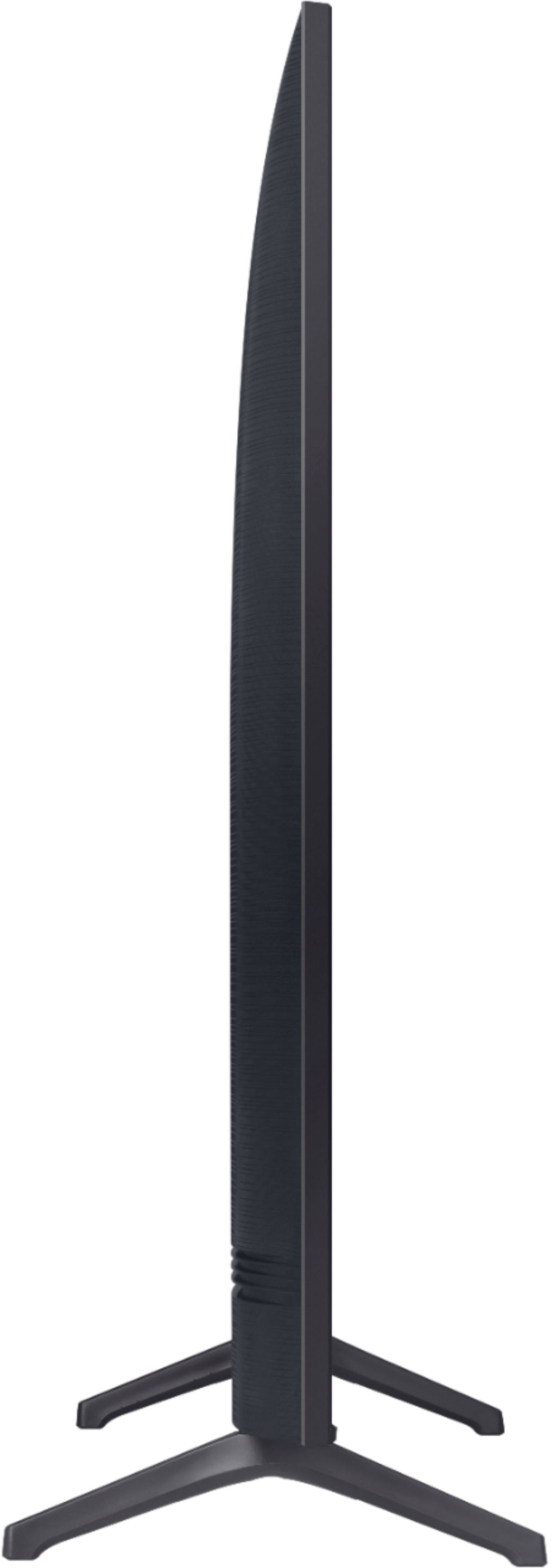
A:AnswerEven though the box and the manual state you can use Alexa - you really cannot
There is a workaround with the Smartthings app but this is a lie from Samsung where it shows on the box and in the manual that it states you can use Alexa
You cannot use Alexa with this TV. Samsung lied
A:AnswerI forgot to add that you must have a source cable to attach, usually from your local cable provider. They may try to get you to pay a "set up fee" but that is a crock load. You are giving the cable company all that money so that the recipient can have the privilege of paying the cable company $100.00 +++ per month for service. It is a form of extortion, so tell them "NO set up fee, or no service from me."
Then speak to a supervisor to waive the fee if you so not get what your friend needs.
A:AnswerYes…..I’ve connected my phone via airplay a few times before…. although some TVs brands want you to pay for Airplay,
Samsung doesn’t require you too…..
A:AnswerI’ve connected my Bluetooth speakers to my television…. and I’m sure the Bluetooth wireless headphones you have should connect and work as well…
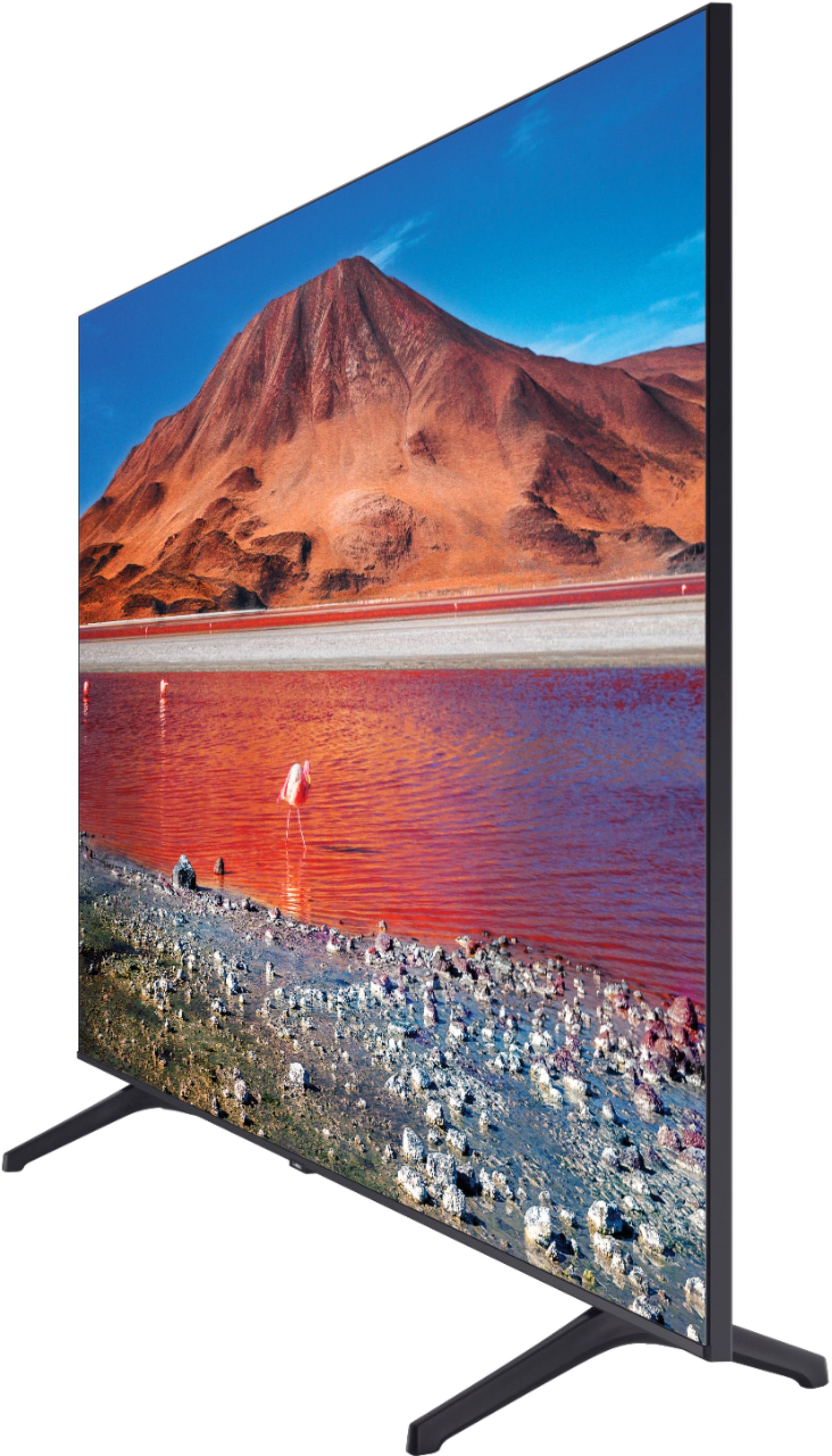
A:AnswerHi Scott! We do not recommend laying the TU7000 flat during transport, as this can cause damage. We recommend keeping it upright, or at a slight angle with the TV screen facing upwards. ^Gina
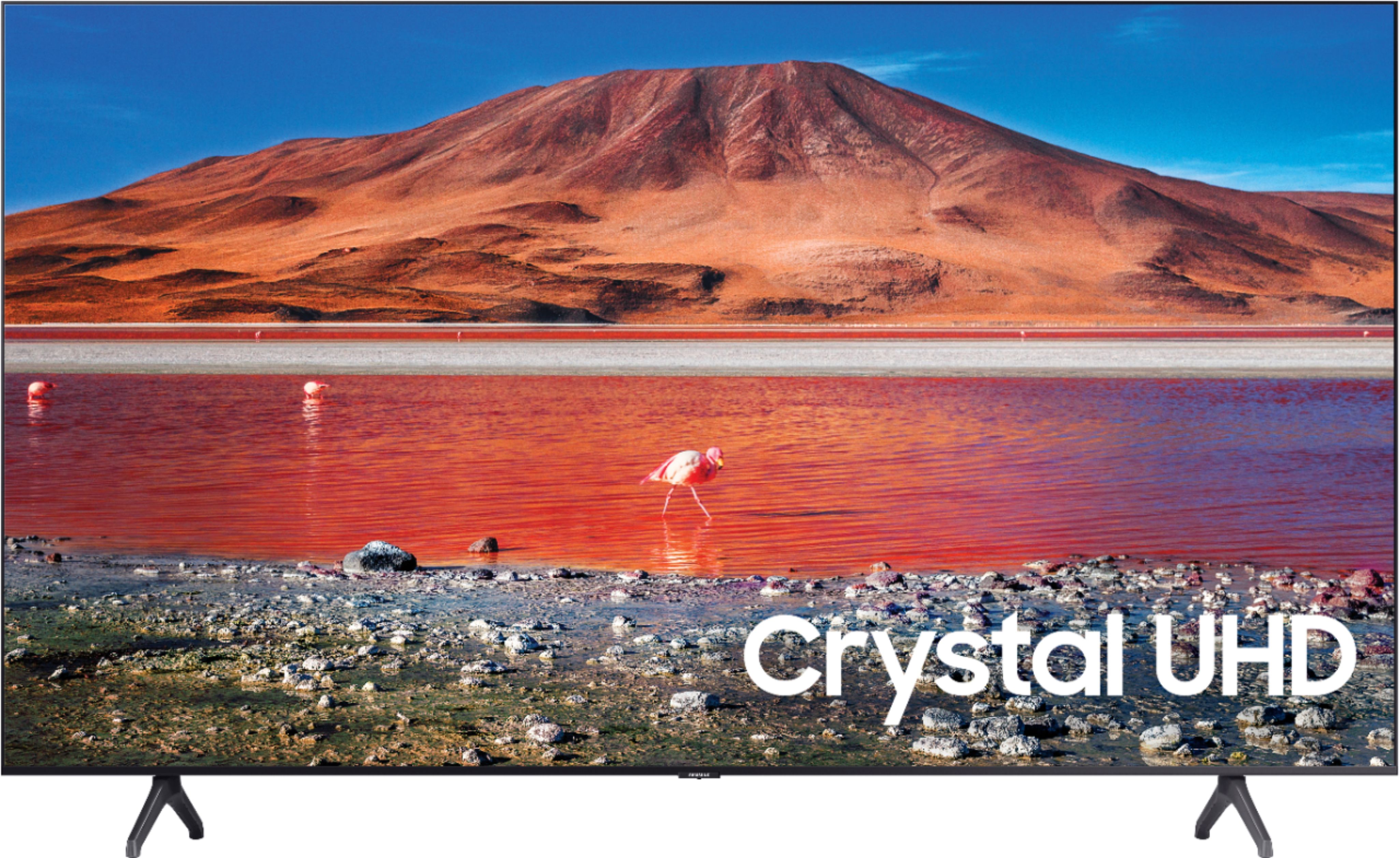
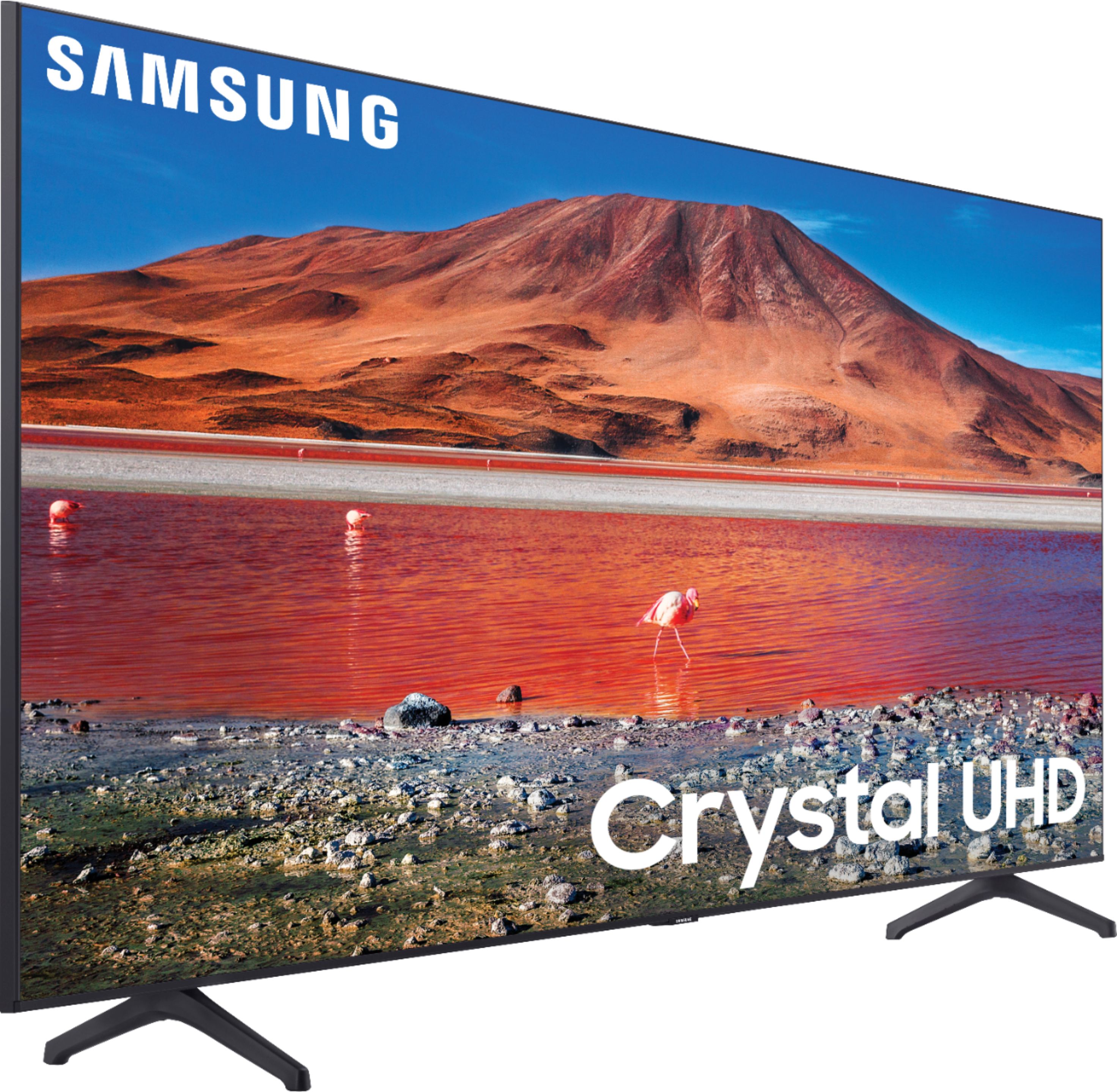
A:AnswerHi there! The TU7000 is a Wi-Fi enabled Smart TV, which includes an Internet Browser app that comes preinstalled in your TV's App Launcher upon setup. ^Gina