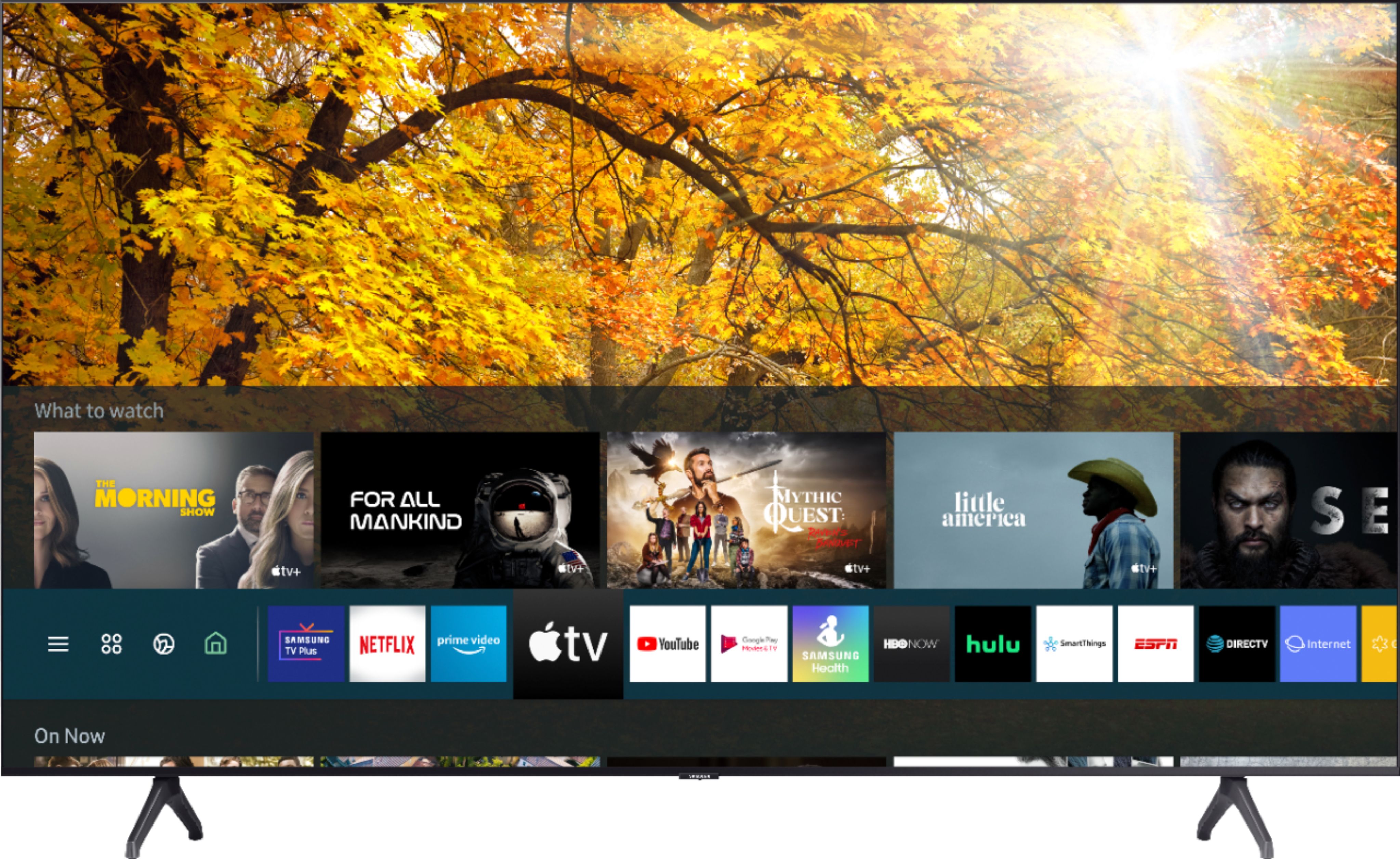
A:AnswerHi Rjam! We recommend resetting your SmartHub to see if this will fix your issue:
- Navigate to Settings > Support > Self Diagnosis > Reset Smart Hub.
- (or) Navigate to Settings > Support > Device Care > Self Diagnosis > Reset Smart Hub.
After the initial setup process, try the app again - you may need to download the app again after the reset.
If the issue persists, please reach out to Samsung Support at:
― Phone: 1-800-SAMSUNG / Available 8AM - 12AM EST, 7 days a week
― LiveChat or Email: https://www.samsung.com/us/support/#contact_us_for_support
We look forward to hearing from you. ^Gina
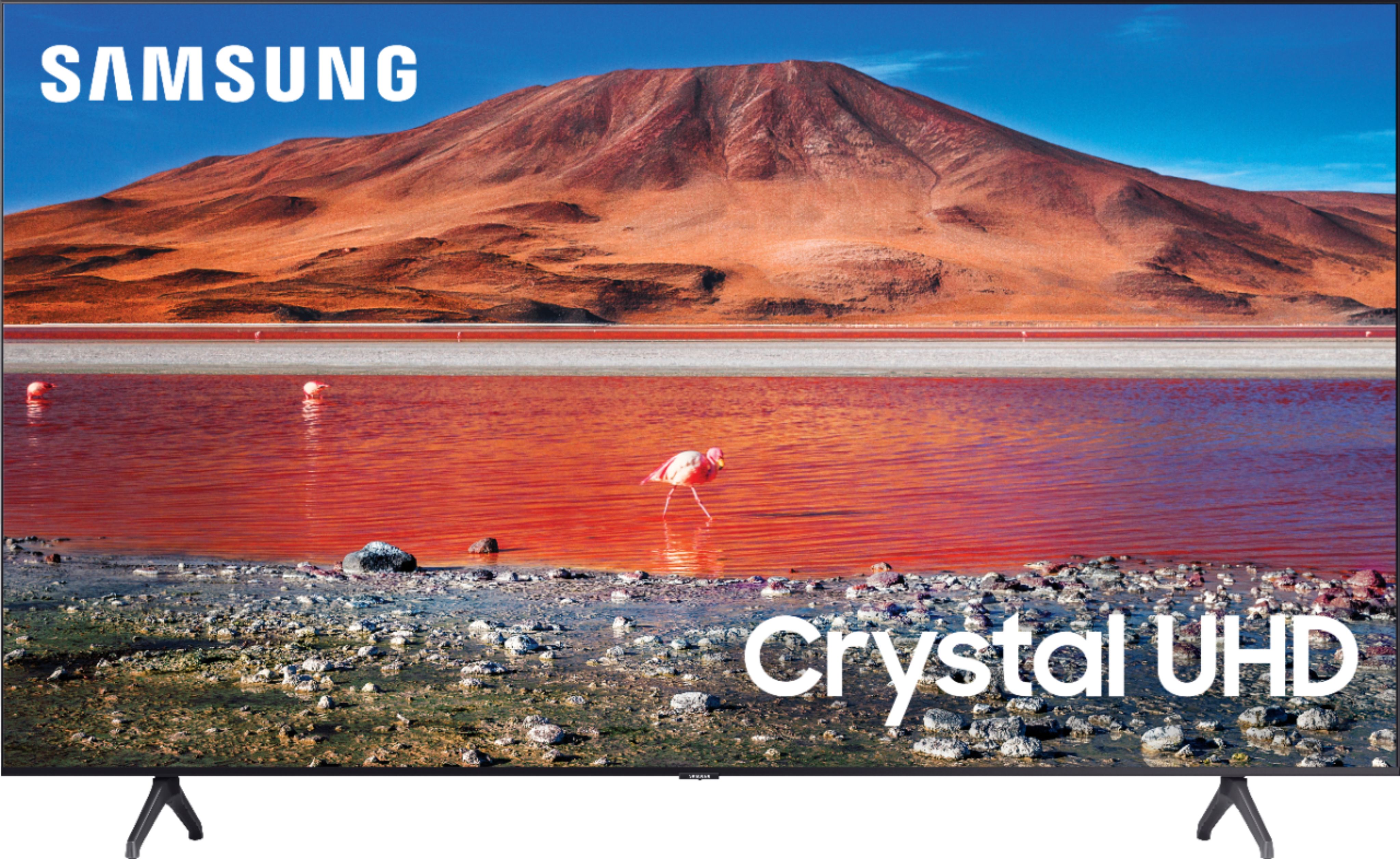
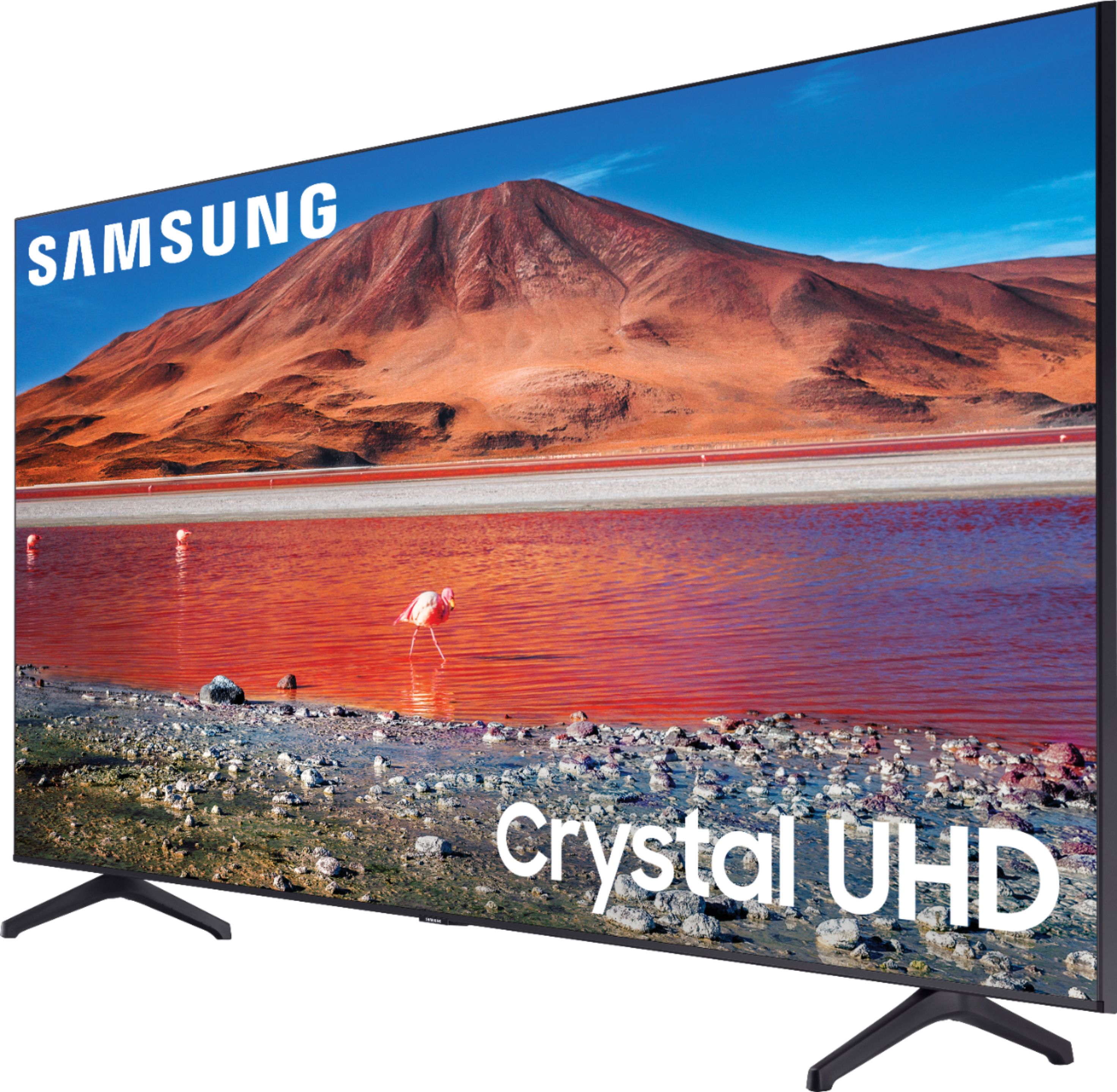
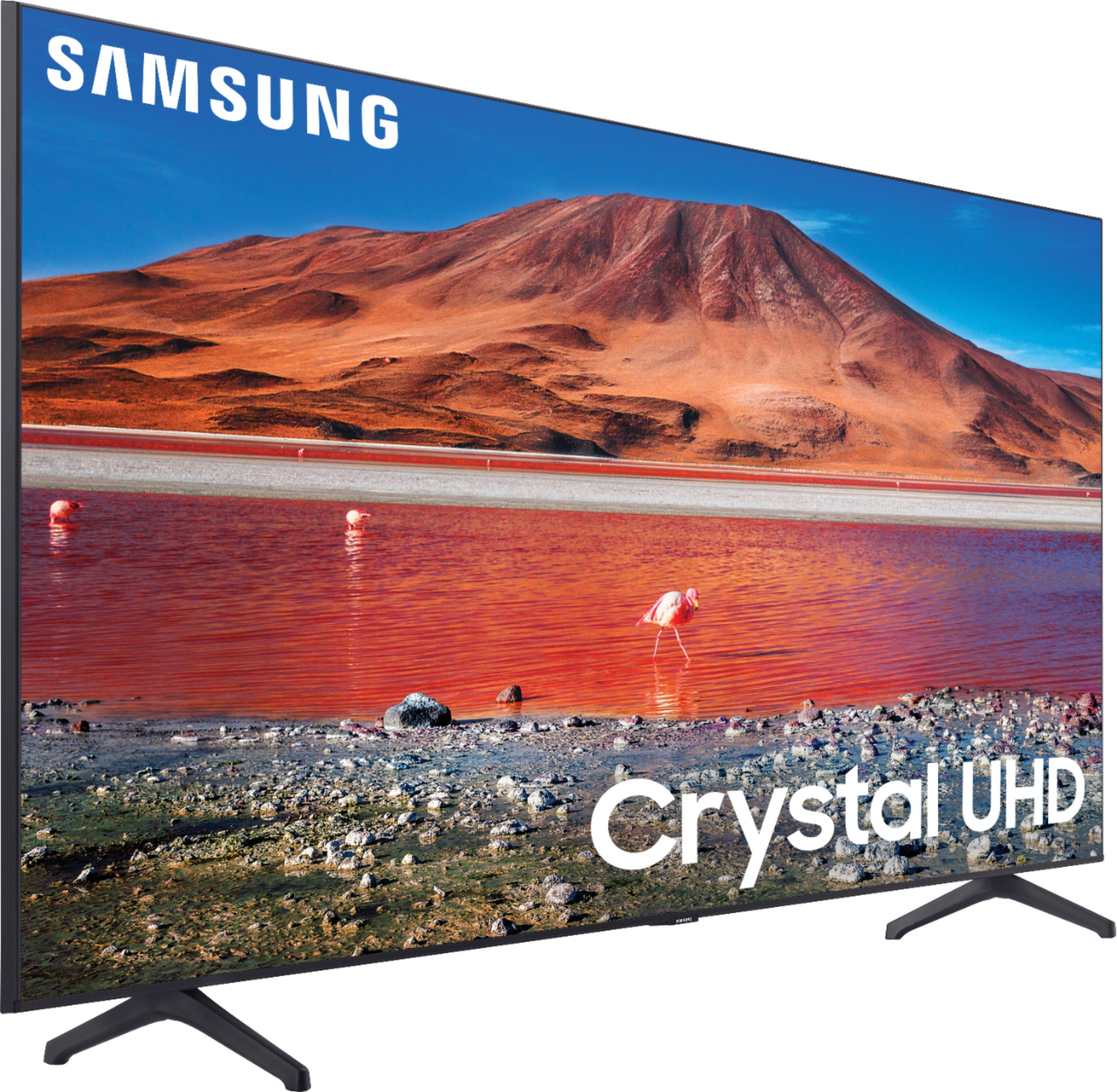
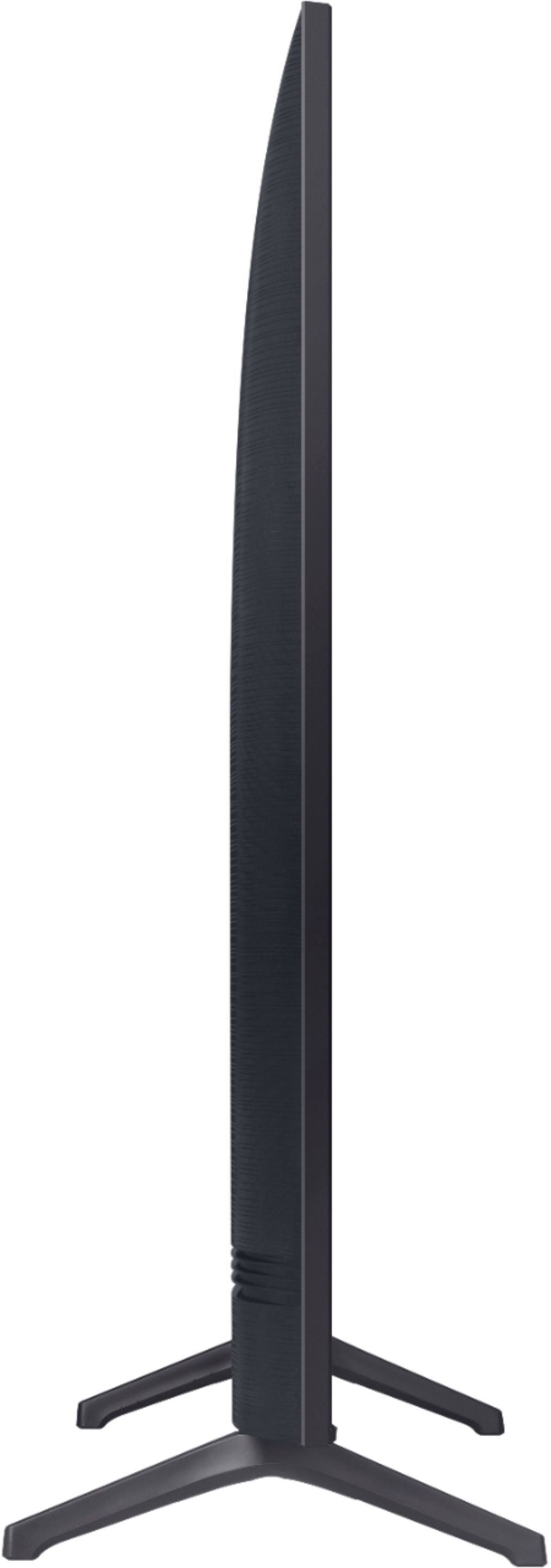
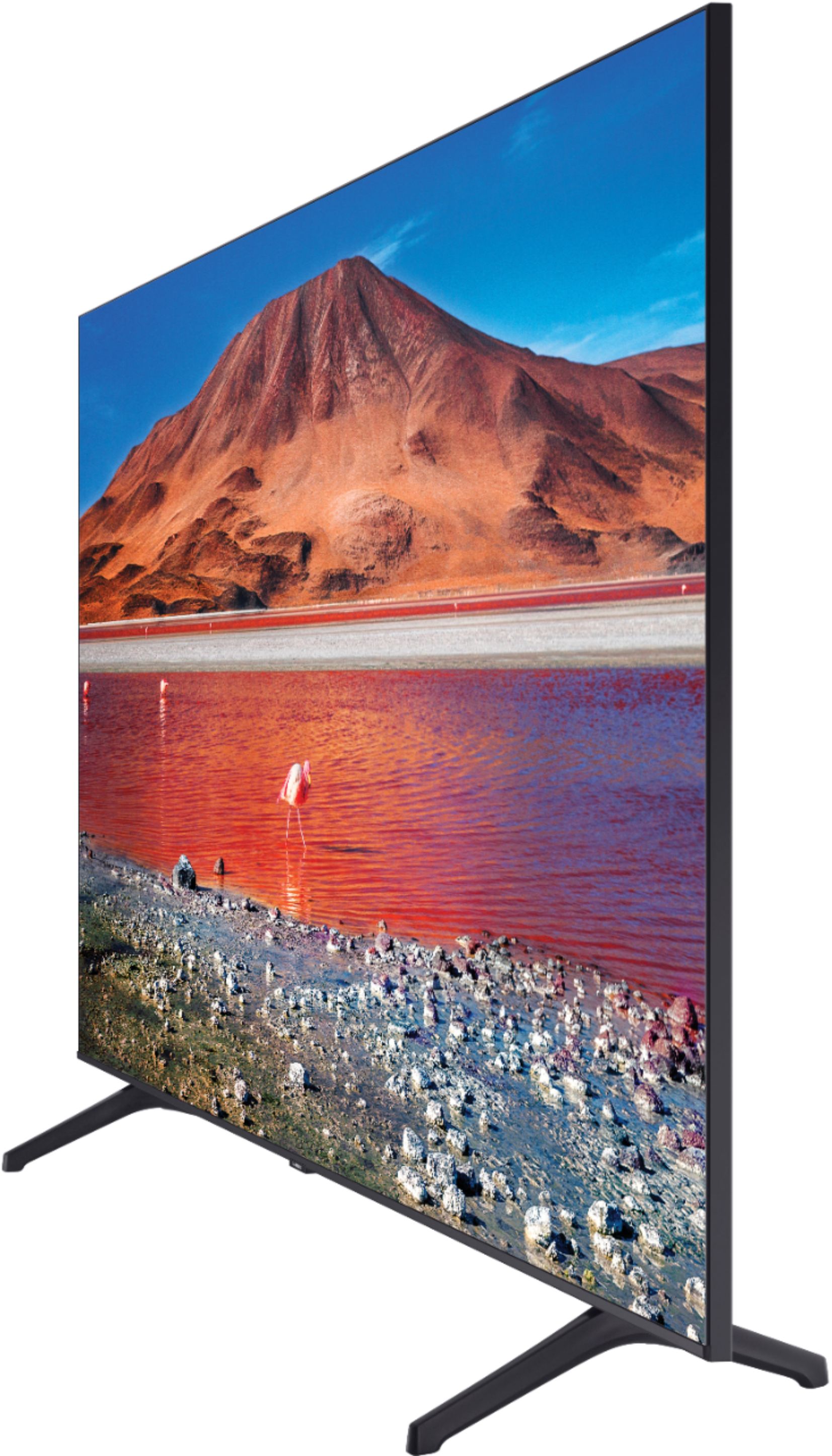
A:AnswerHi, the full dimensions of the 75" TU7000 are: (INCHES W x H x D):
― TV without stand: 65.9 x 37.7 x 2.4
― TV with stand: 65.9 x 41.1 x 13.4
^Val
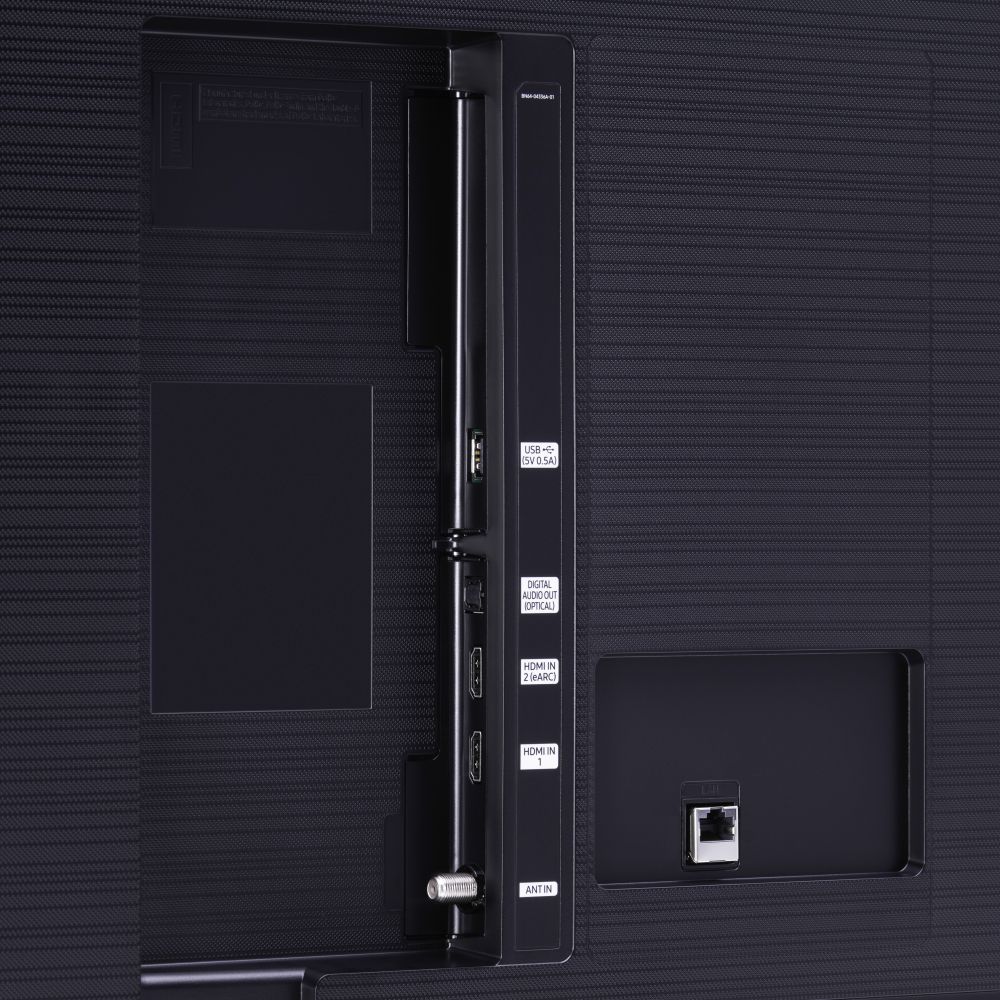
A:AnswerHi SH7WN, thank you for considering this TV for your gaming! The TU7000 has 2 HDMI ports that each support HDR10+ and Auto Low Latency Mode (ALLM/Auto Game Mode). The “HDMI In 2” port also supports eARC. However, if you are looking to game at 4K@120fps (FRL), take a look at Samsung QLED Q70T Series and up. These series in 55" and larger offer 4K@120fps on HDMI 4, as well as have Variable Refresh Rate (VRR) and FreeSync. If we can further help, please call us at 1-800-SAMSUNG. ^Val
A:AnswerHi there! this model does not support mirroring to your Samsung Refrigerator. This feature is available in our Q70T series and up as well as in some of our Lifestyle models. ^Val
A:AnswerHi there, the Q60T model and above feature Quantum Dot Technology which gives you 100% Color Volume. Over one billion shades of pure accurate color. With detail at any level of luminance, Quantum Dots are durable and scalable to deliver the same amazing picture. ^Val