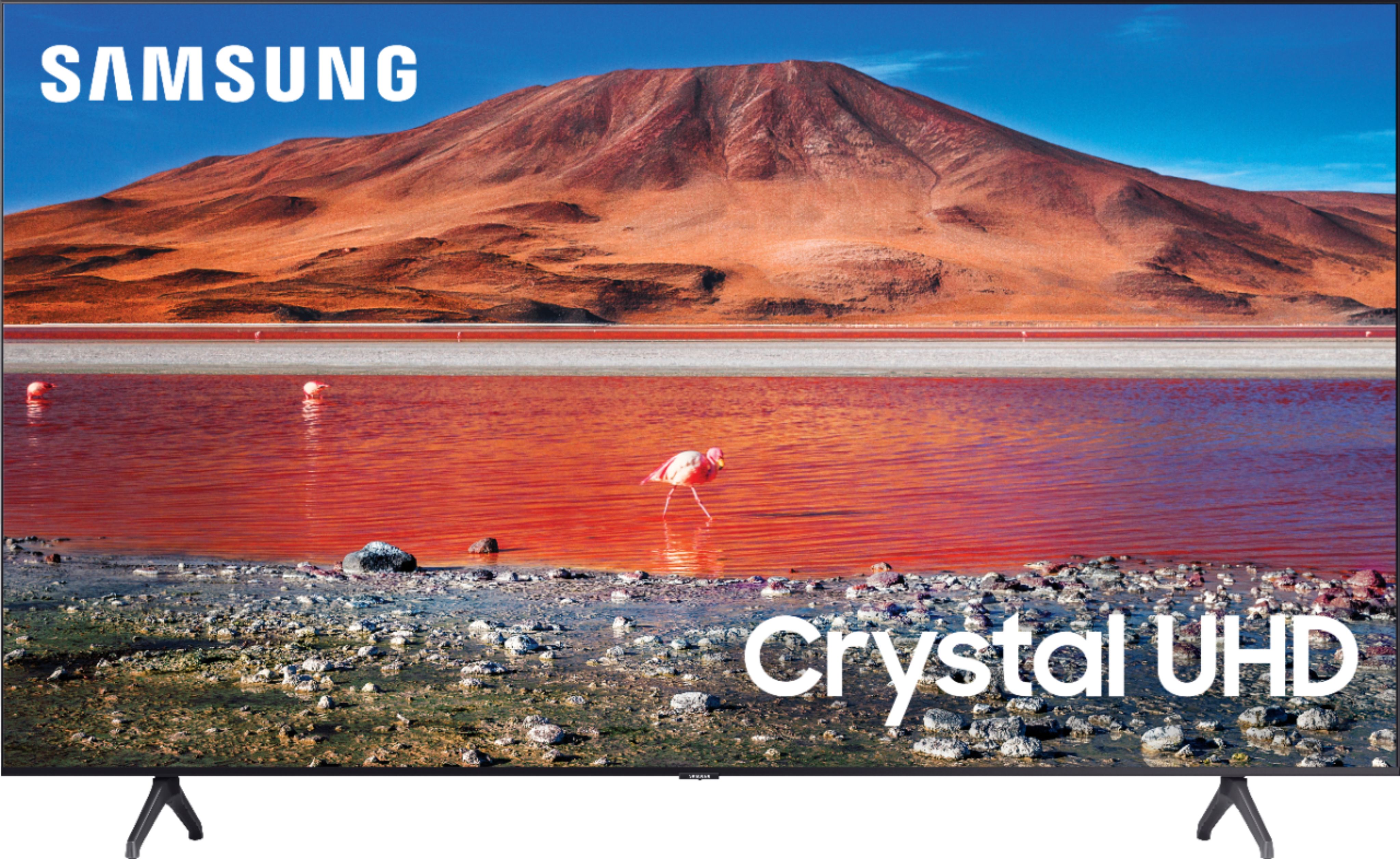
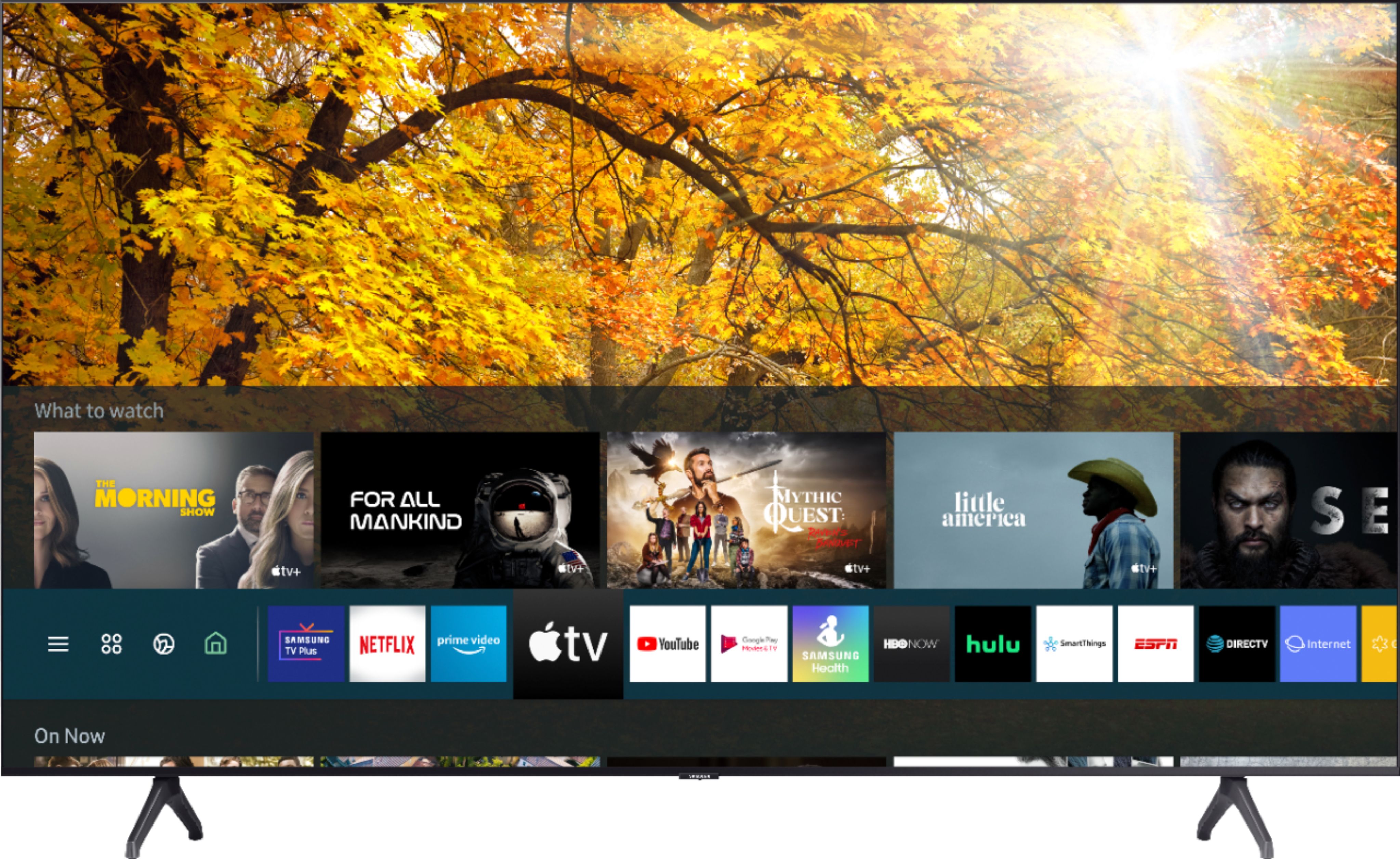
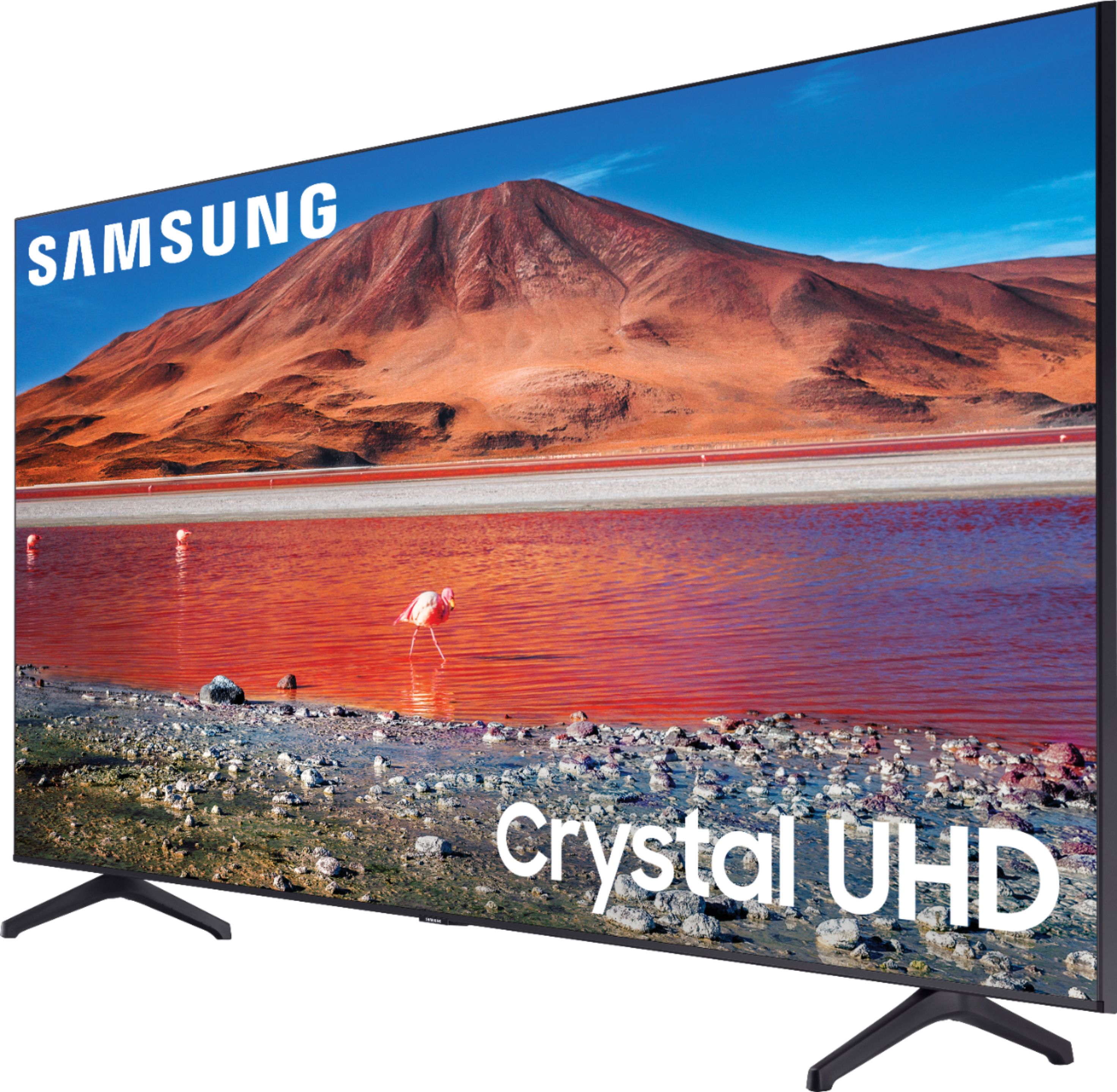
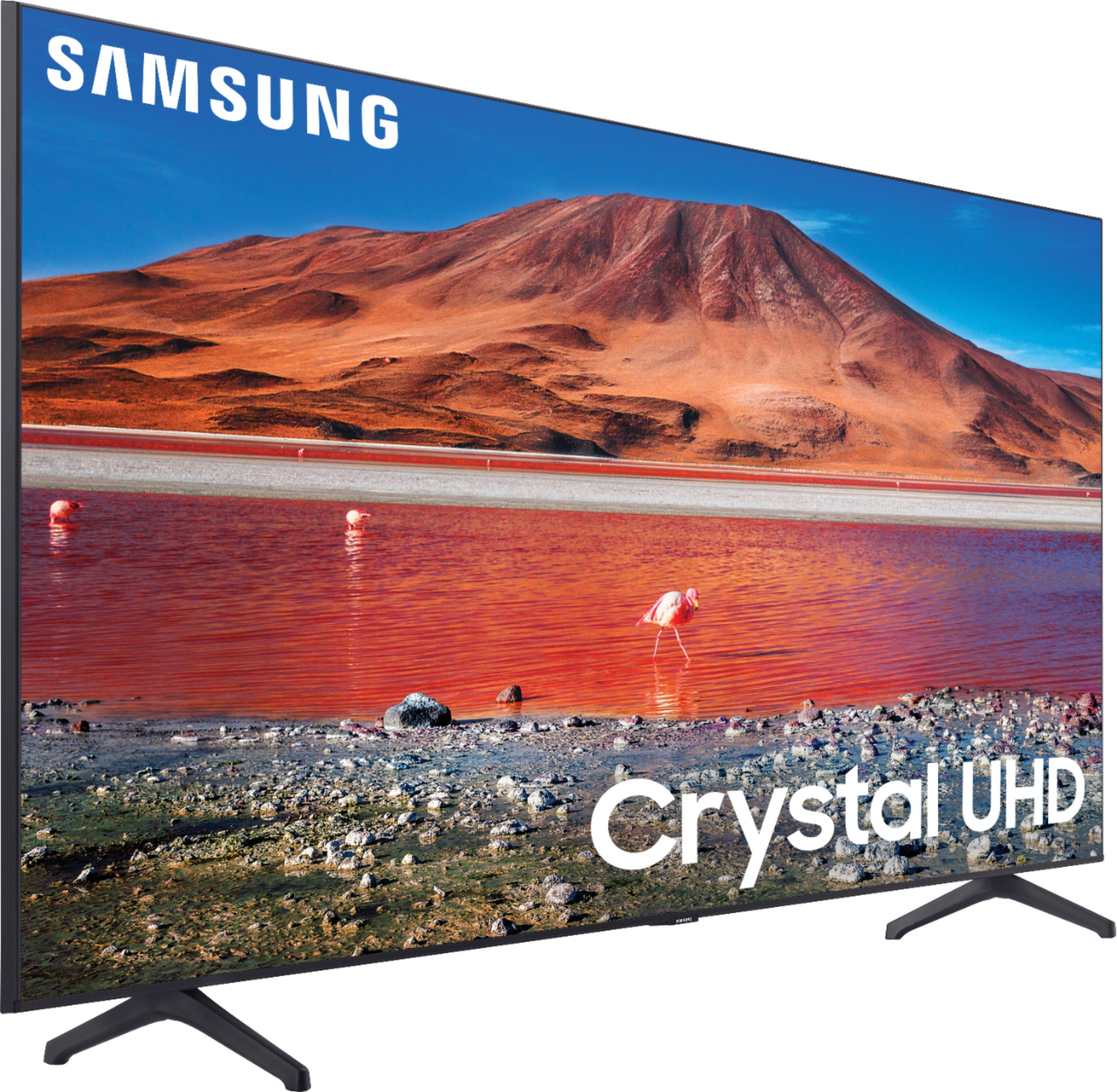
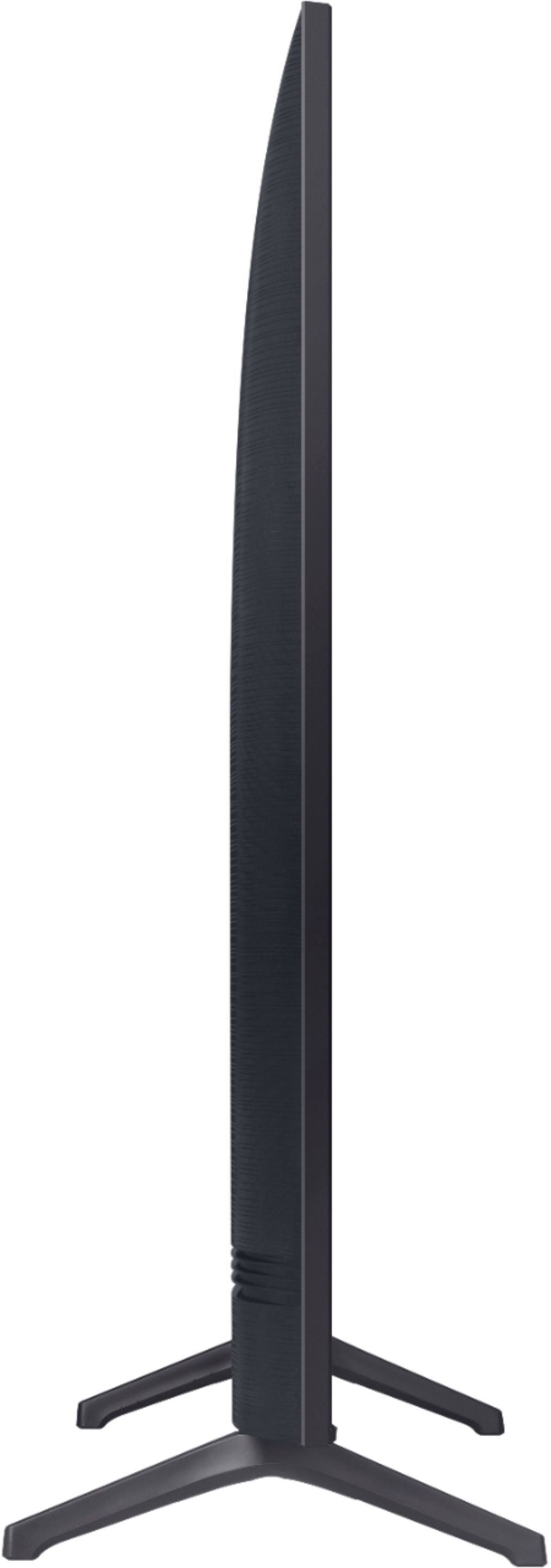
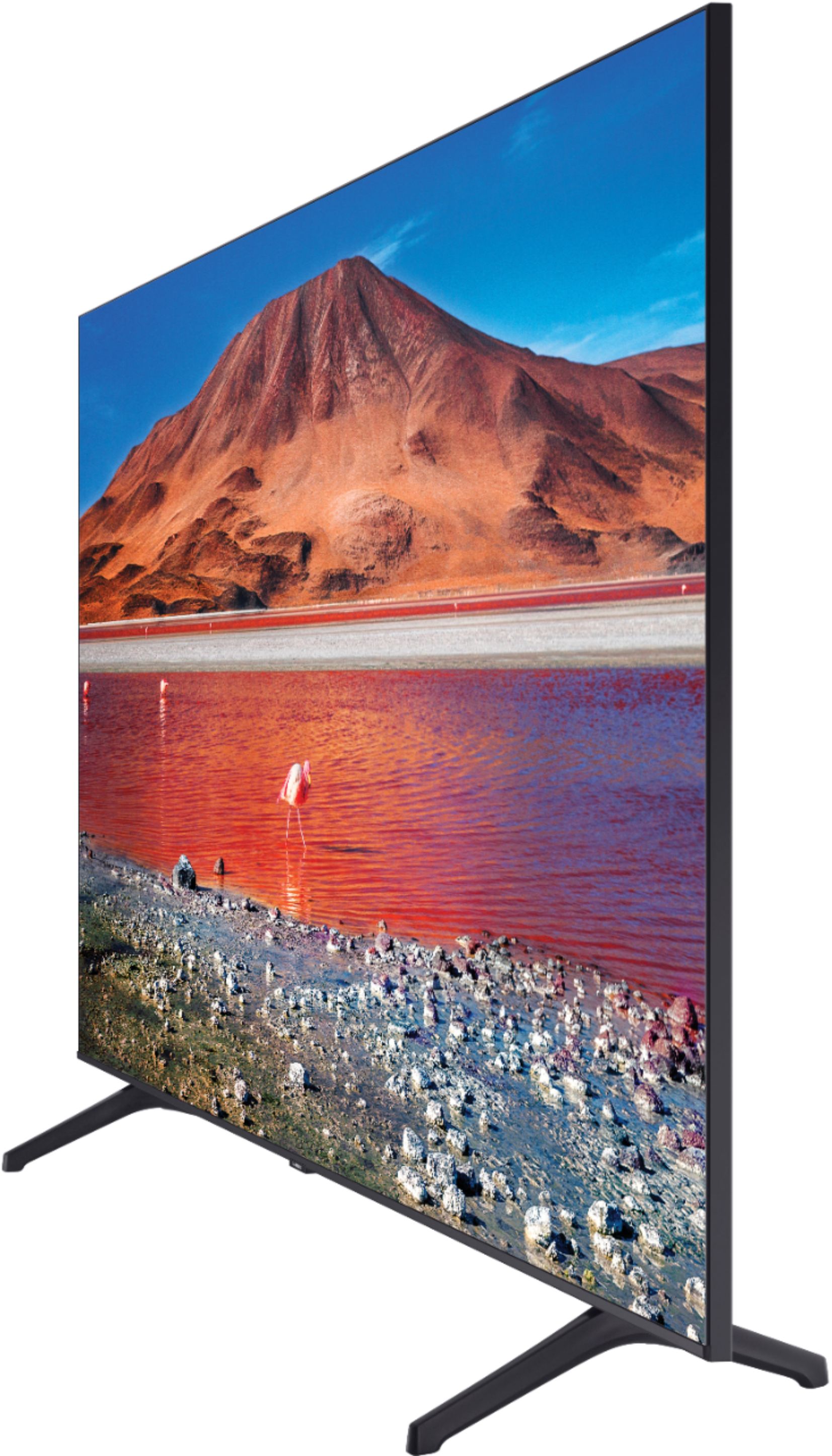
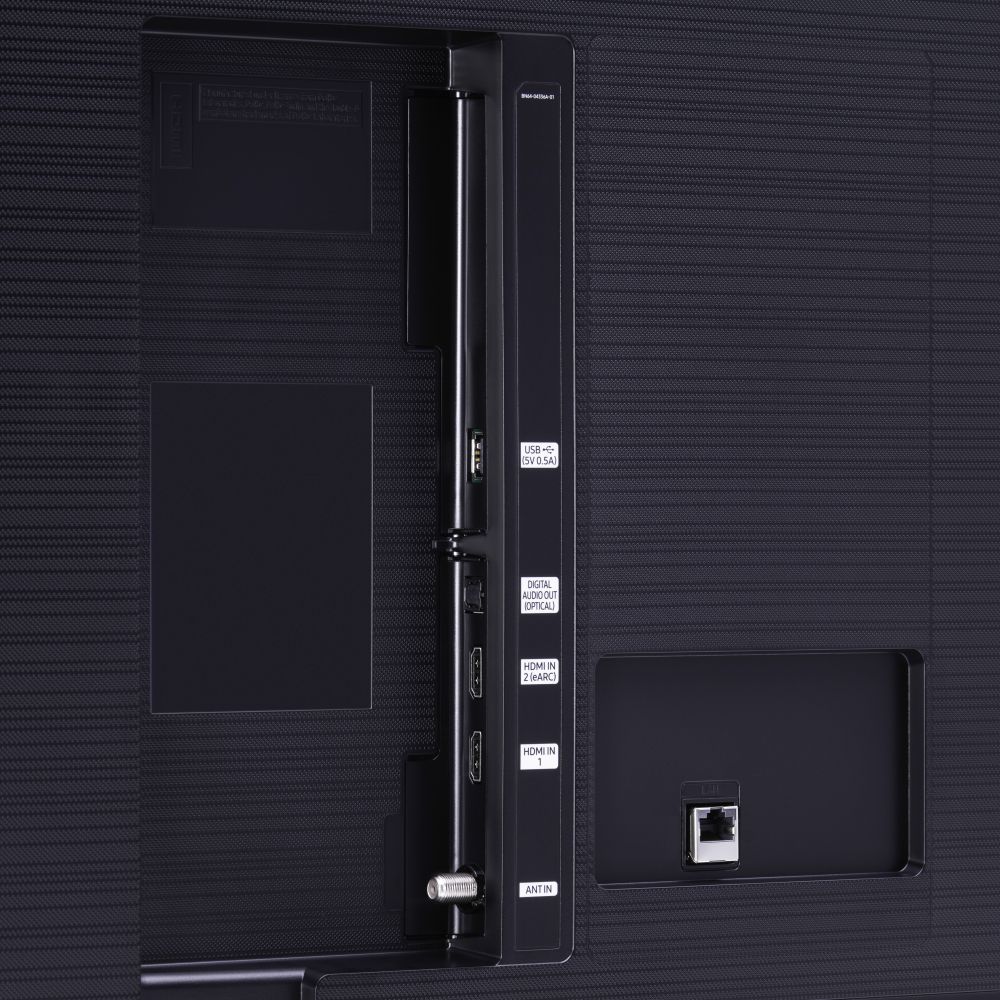
A:AnswerHello Kevo, The 75TU7000 does not allow for picture in picture. It does have the capability to do full screen mobile view (depending on your cellular device). If you wanted the Picture in Picture feature, you would need to look at the Q60 model and above. ^Celina
A:AnswerHi RAY! You can utilize most LCD screen cleaning products with a microfiber cloth to clean your TV screen such as this spray at Best Buy: https://www.bestbuy.com/site/insignia-lcd-screen-cleaner-kit/8958032.p?skuId=8958032 ^Gina
A:AnswerHi Ren, the TU7000 does not utilize a One Connect Box; The Frame Series and the Q950TS are the only 2020 models that utilize the One Connect Box. ^Gina
A:AnswerHello UJ, the TU70000 does not come with a One Connect Box. If you would like a One Connect Box, I would recommend you check out the The Frame TV. https://www.bestbuy.com/site/samsung-65-class-the-frame-series-4k-uhd-tv-smart-led-with-hdr/6403062.p?skuId=6403062 ^Cristian
A:AnswerHi SM! The 75TU7000, along with our other Smart TVs, features a web browser built in that you can control with the remote, or a connected keyboard. Select, but not all, web based media content will be supported through the browser. For the optimal experience with web based media, I suggest exploring the screen mirror capabilities with an Android or Apple device. ^Tim
A:AnswerHi Walker! You can mount the 75TU7000 using any wall mount with a VESA standard of 400mm x 400mm. You can check out a wide range of options from low profile fixed mounts to larger full motion mounts at Best Buy: https://www.bestbuy.com/site/searchpage.jsp?_dyncharset=UTF-8&id=pcat17071&iht=y&keys=keys&ks=960&list=n&qp=tvmountsize_facet%3DTV%20Size%20Compatibility~65%22%20or%20More&sc=Global&st=wall%20mount&type=page&usc=All%20Categories ^Tim
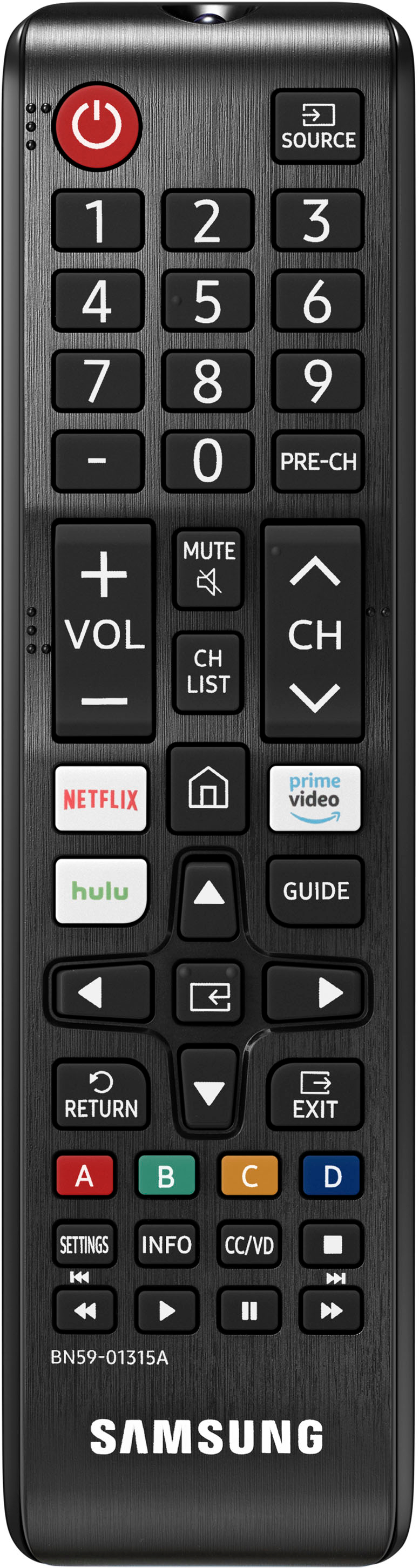
A:AnswerHi Johnnyreb38 - The TU7000 does not have a headphone jack. You can connect bluetooth headphones. Refer to your headphone's user manual for how to pair. Once paired to the TV, press HOME on the TU7000 remote. Then go to Settings > Sound > Sound Output > Bluetooth Speaker List. Choose the headphones you wish to use for sound output. ^Cris
A:AnswerHi there! Our TU7000 includes a OneRemote with Smart TV functions such as app hotkeys, and the ability to connect and control all external devices with one remote. Stepping up to our TU8000, you will gain our sleek and slim OneRemote with a voice control button to activate your TV's built-in Voice Assistant (Bixby, Google Assistant, or Amazon Alexa). ^Gina