A:AnswerHi there,
Yes, you can mirror from your phone to the TV using the Screen Sharing feature or Apple AirPlay. The Tap view feature is available on Samsung mobile devices with Android 8.1 or later installed.
~Samsung Advisor
A:AnswerHi brett,
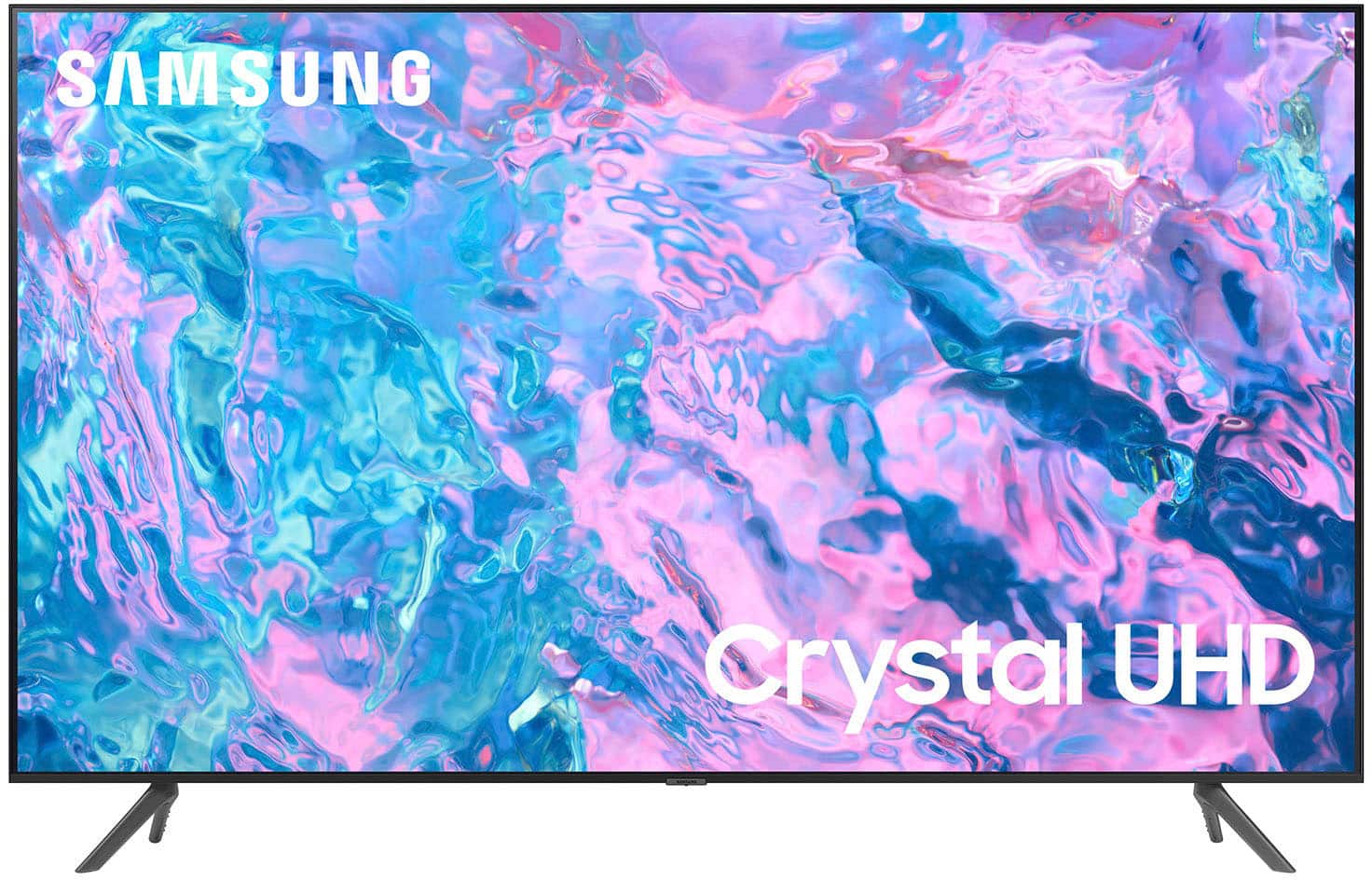
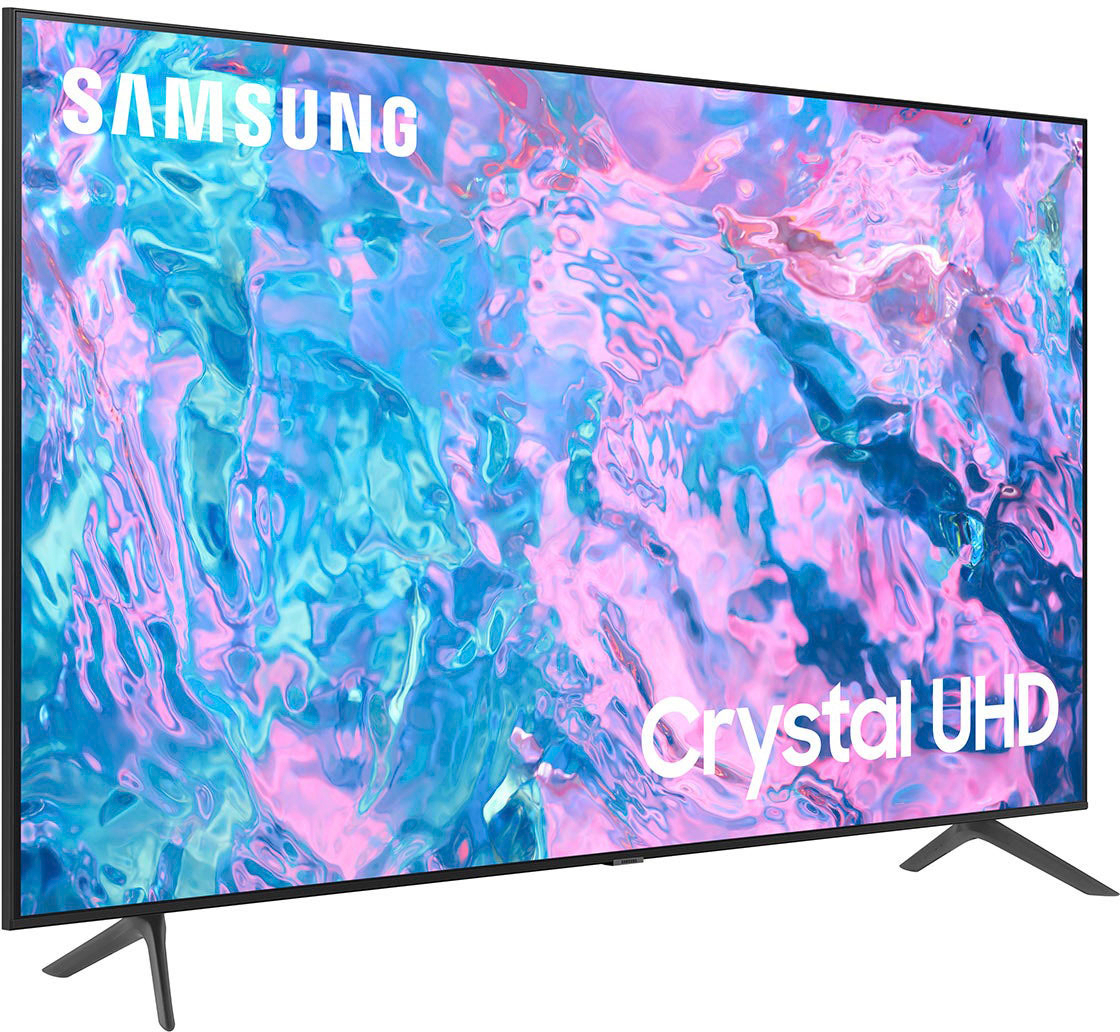
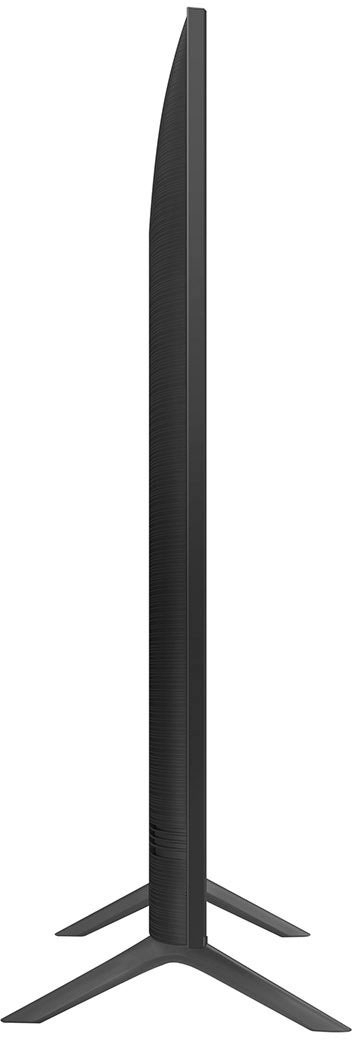
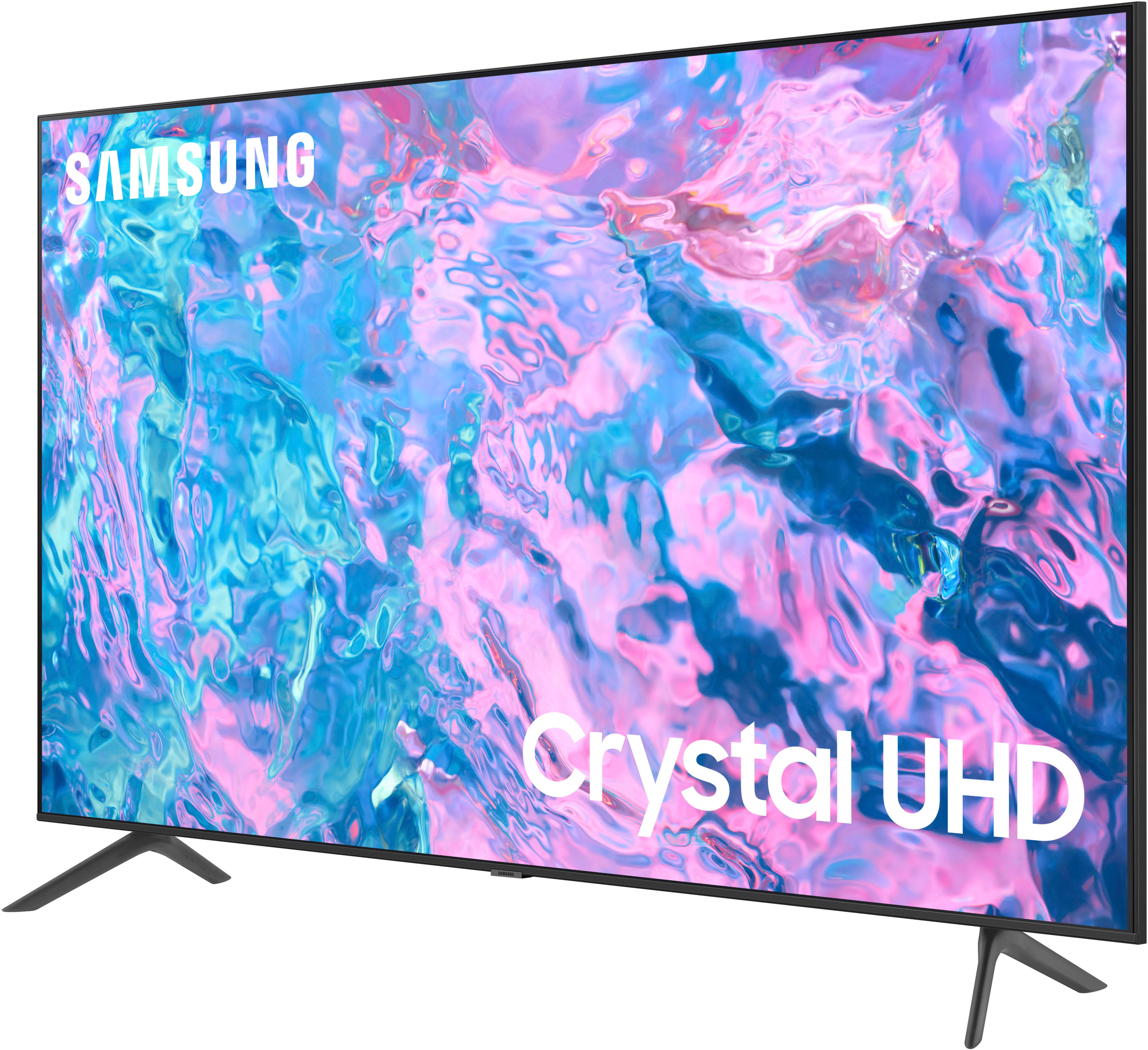
The 75" CU7000 does not come with wall mounting hardware, but it does come with legs that will allow you to place the TV on a stand. If you would like to purchase mounting hardware for your TV, make sure that the VESA pattern of the mount will accommodate at least 400mm x 400mm.
~Samsung Solutions
A:AnswerFor more information on services offered by Best Buy, please contact your local Best Buy or visit https://www.bestbuy.com/site/recycling/tv-appliances-haul-away/pcmcat174900050009.c?id=pcmcat174900050009. ~ Samsung Specialist
A:AnswerHi Queenie,
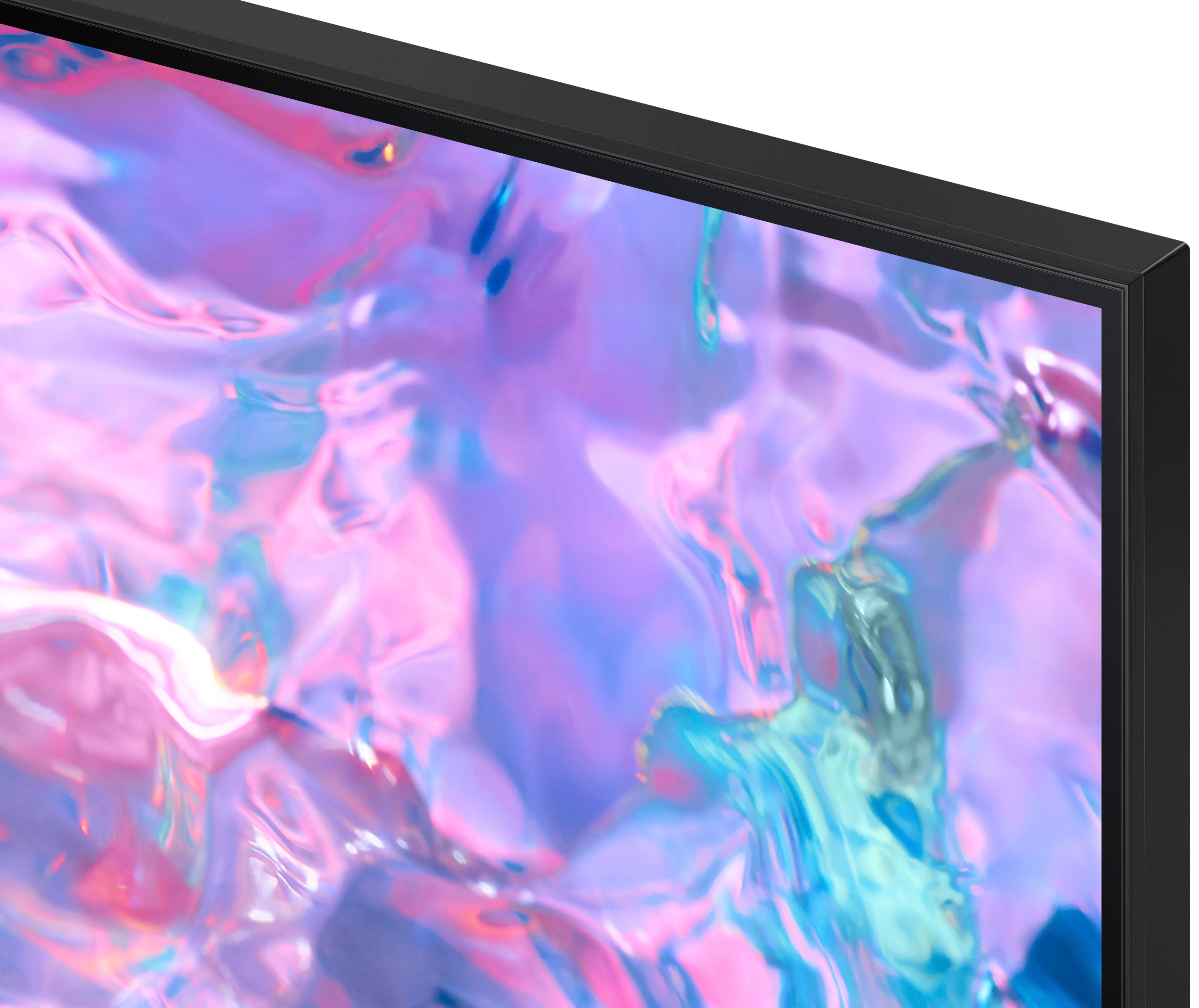
The CU7000 features Crystal Displays for brilliant colors and exceptionally crisp, vivid images. Their Crystal 4K Processor further brings impressive clarity to all your content while upscaling everything you watch to stunning 4K definition, no matter the source.
You'll also gain Dolby decoder MS12 2ch, dual Bluetooth audio, mobile camera support, and Google Meet. Plus, you will gain Filmmaker Mode, which allows you to watch the source content (e.g., movie) just as the director intended, as well as Tap View, which allows you to cast content from your smartphone by simply tapping it to the side of the TV.
When stepping up the new CU8000 you will gain a ton of added features that we are very excited about, such as Multi-View-allowing you to view several types of content at the same time, Dual Audio Support - connect to two Bluetooth devices at once, and ConnecTime - make video calls to and from your screens.
~Samsung Advisor
A:AnswerFor more information on haul away services, please contact your local Best Buy or visit https://www.bestbuy.com/site/recycling/tv-appliances-haul-away/pcmcat174900050009.c?id=pcmcat174900050009.
~Samsung Advisor
A:AnswerWe recommend using 4K HDMI cables for the best possible picture quality. Some 4K HDMI cables are in-wall rated. However, this is not a necessary feature to have if you do not plan to run your HDMI cable(s) through your wall. Check out some 4K HDMI cables at Best Buy: https://www.bestbuy.com/site/searchpage.jsp?st=4k+hdmi&_dyncharset=UTF-8&_dynSessConf=&id=pcat17071&type=page&sc=Global&cp=1&nrp=&sp=&qp=&list=n&af=true&iht=y&usc=All+Categories&ks=960&keys=keys
~Samsung Advisor
A:AnswerHi Rilez,
Hi! You can screen mirror from your (laptop, phone, etc.) to the CU7000 TV using SmartThings on Android devices or Apple AirPlay on iOS devices.
~Samsung Advisor