A:AnswerTbone20,
The DU6900 TV does not feature and optical port. If your external device requires an Optical port, we recommend utilizing an HDMI to Optical Converter. These can be found at your local electronics store. Please also keep in mind that an Optical port can be found on our DU8000F Series and above.
~Samsung Pro
A:AnswerJRS,
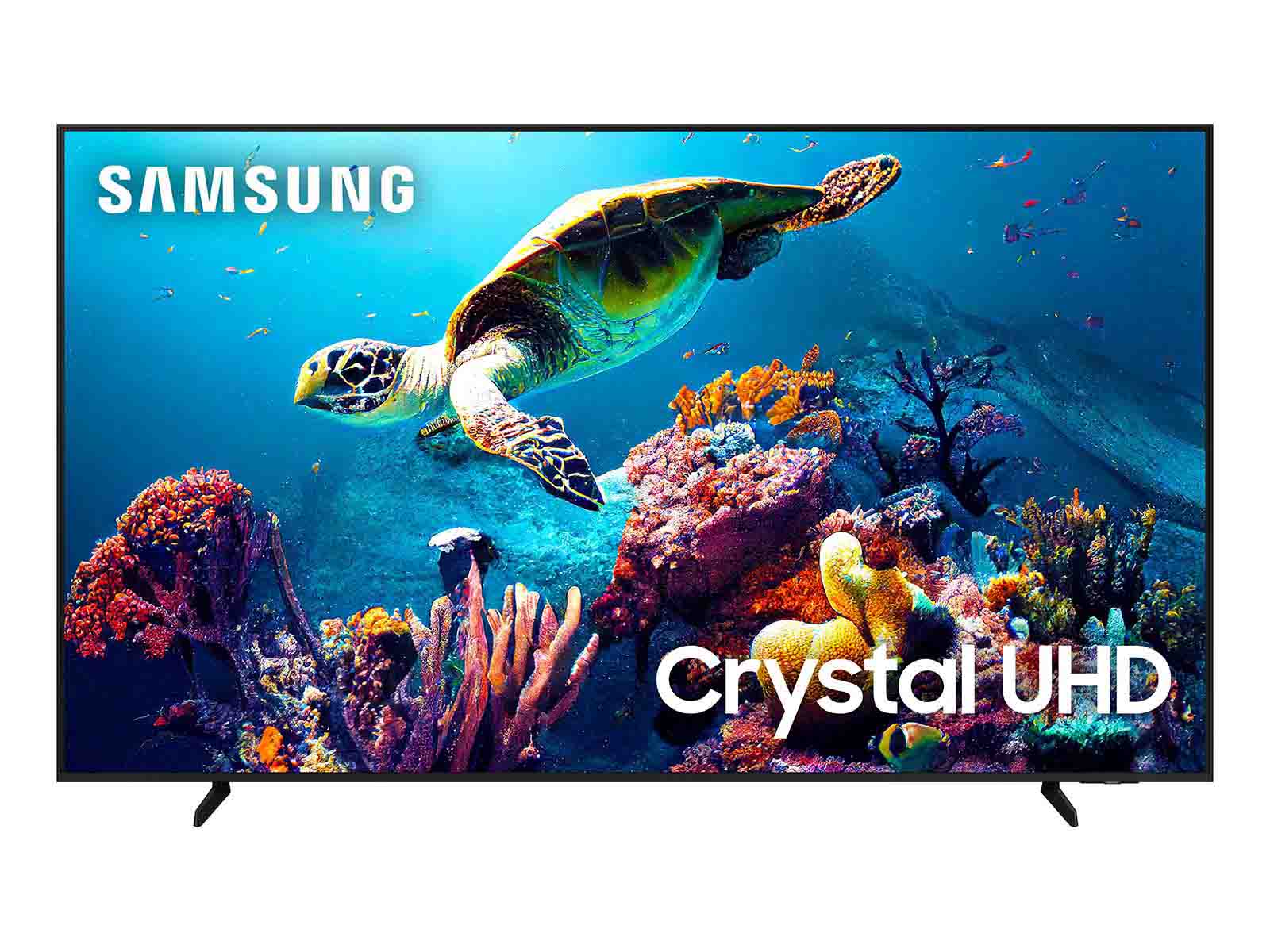
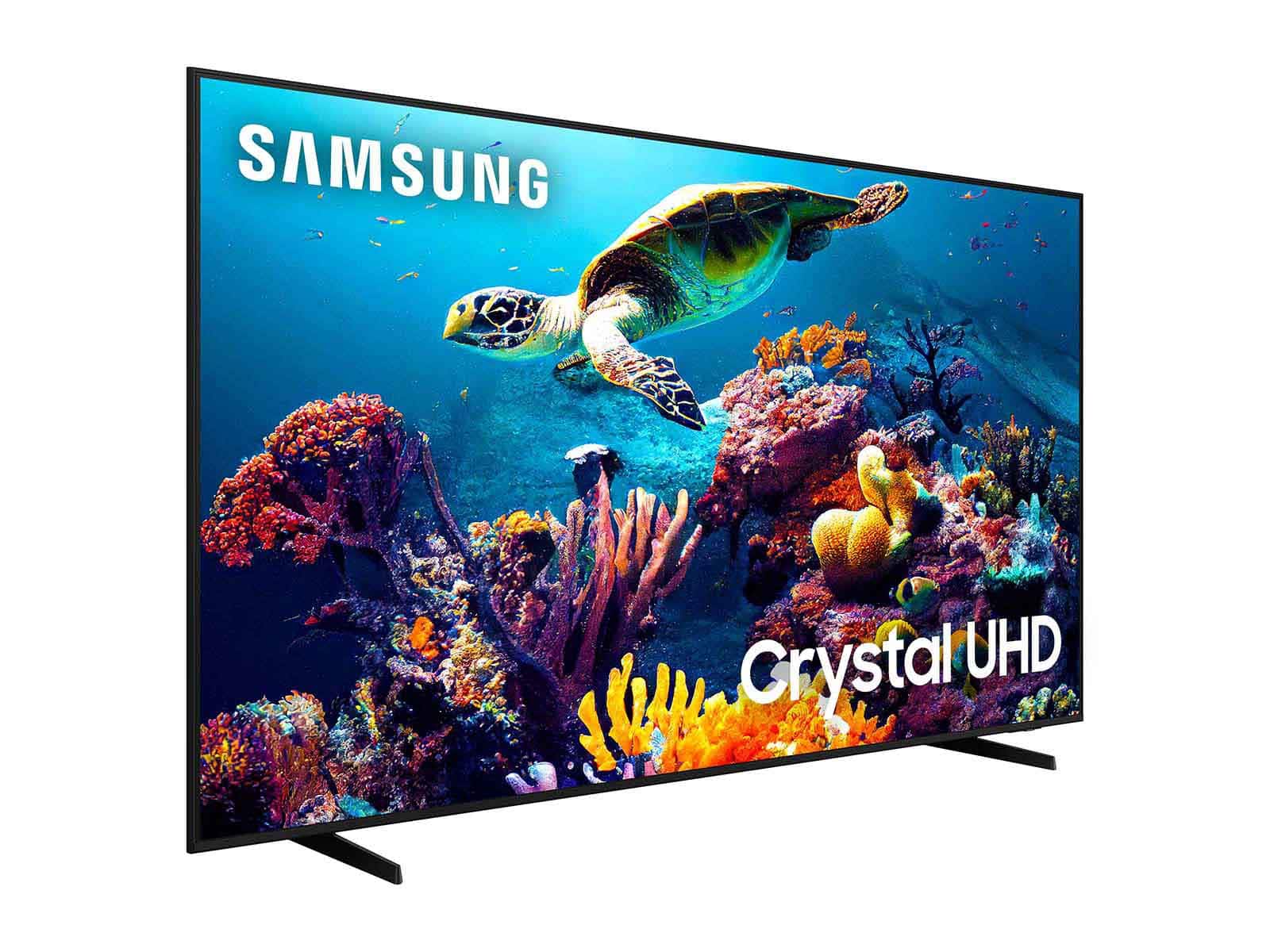
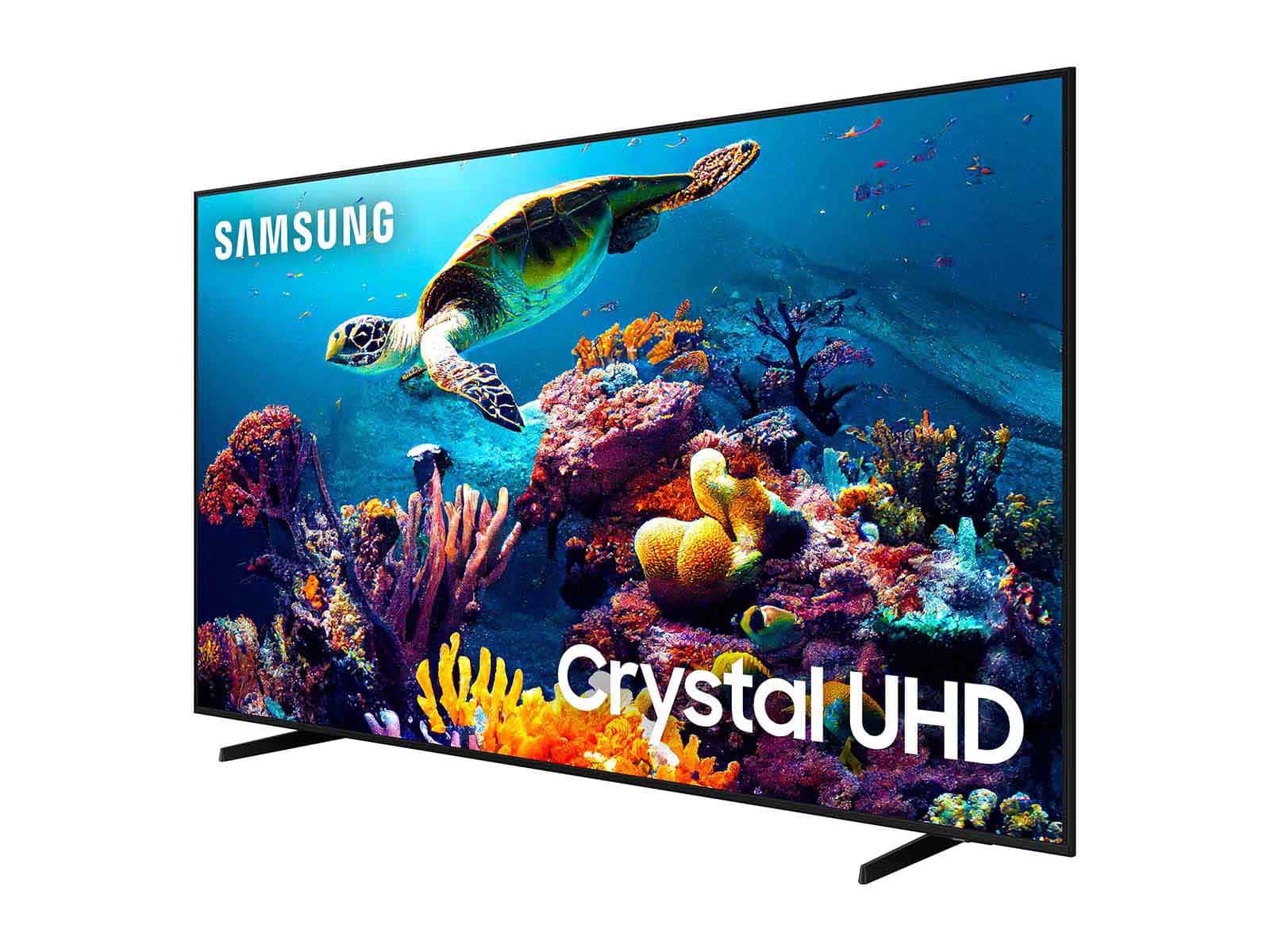
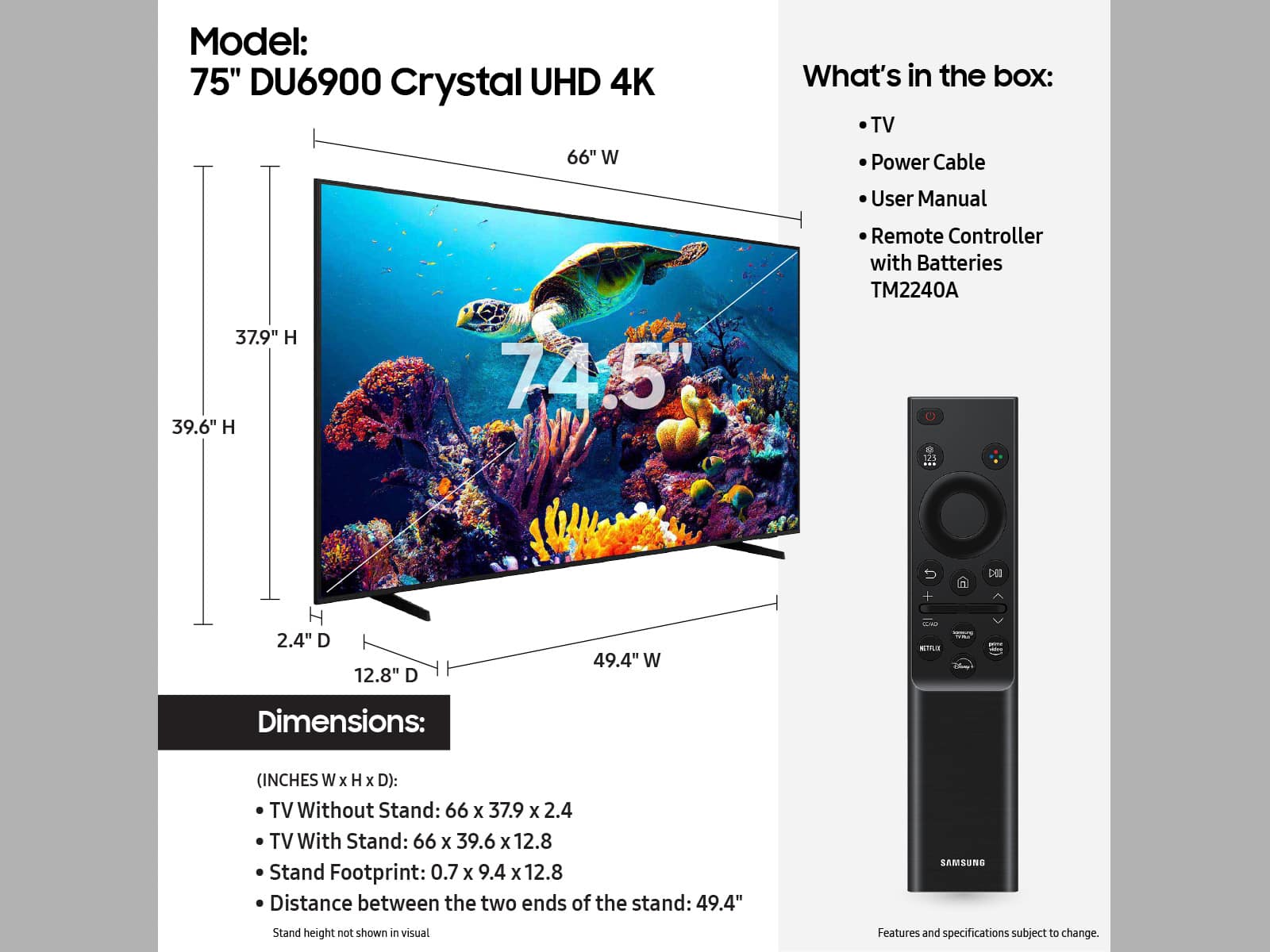
The DU6900 TV does not feature an optical cable. The DU6900 has 2 HDMI ports, 1 USB port, 1 ethernet port, 1 RF antenna input, and is both Wi-Fi and Bluetooth enabled.
~Samsung Pro
A:AnswerHi Muni,
For a 75" DU6900 TV, we recommend a distance of 7.5 feet. Learn more on our buying guide: https://www.samsung.com/us/tvs/tv-buying-guide/what-size-tv-should-i-get/
~Samsung Advisor
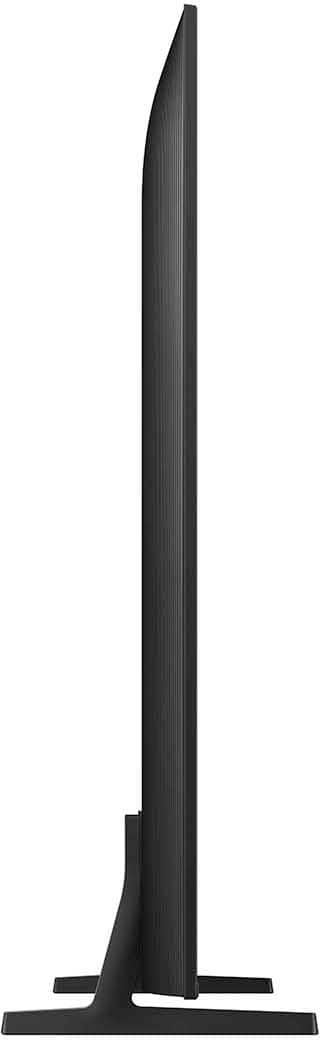
A:AnswerThis is a flat back, and will fit flat against the wall. I have the living room and master bedroom mounted with a full motion brace and the kid's room mounted with a flat bracket
A:AnswerHi Pat,
Please try the following troubleshooting steps:
1) Please check the volume control of your TV, and then check the volume control of any external devices (cable box or satellite box, DVD, Blu-ray, etc.) connected to your TV. Also, check the cable connection between any external device and the TV and then try the cable connection again.
2) Set Sound Output to the TV Speaker by going to Settings > All Settings> Sound > Sound Output.
3) Check whether Digital Output Audio Format is set to Pass-Through by going to Settings > All Settings> Sound > Expert Settings > Digital Output Audio Format > Auto.
4) Settings > All Settings> Sound > Expert Settings > Digital Output Audio Format > set to Pass-Through.
If you continue to have issues, please call us at 1-800-SAMSUNG, 8 AM – 12 AM EST, 7 days a week, or Chat with us on Samsung.com: https://www.samsung.com/us/support/contact/
~ Samsung Advisor