A:AnswerHi Tina,
No, the DU6900 TV does not have an optical port available. You would need to upgrade to the Samsung DU8000 TV, which offers an optical port.
~Samsung Advisor
A:AnswerHi Saph,
We are glad you reached out to us regarding the display issues you see on your Samsung DU6900 TV. I have a few recommendations that may resolve the white spots on your screen.
First, let's ensure you are running the latest Firmware. Go to Settings> Support> Software Update.
Next, run a diagnostic test. Go to Home > Settings > Support > Device Care > Self Diagnosis > Picture Test. If there are no issues during the Picture Test, this means your TV is working fine. To identify and fix the issue, first, try replacing the cable of the external device that is showing lines.
- If the spots still appear after replacing the cable, troubleshoot the external device.
- If spots appear during the Picture Test, proceed to the next step.
If dots appear during your test, the TV will need service. Please reach out to us so we can schedule a warranty appointment. 1-800-SAMSUNG, 8 AM - 12 AM EST, seven days a week. LiveChat with an agent, as well as manuals, software, and warranty info, can be found at the ‘Support’ link on our Samsung website.
~ Samsung Advisor
A:AnswerHi TV,
We provide the Proposition 65 warning on the Samsung DU6900 to comply with California’s Proposition 65 (“Prop 65”) law. A Prop 65 warning does not mean a product is in violation of any product safety standards or requirements. We believe our products are not harmful when used as designed. For more information, please refer to: https://oehha.ca.gov/proposition-65/general-info/proposition-65-plain-language
Should you have any further questions or concerns, please contact Samsung Support at 1-800-SAMSUNG.
~Samsung Advisor
A:AnswerHi Bill,
Multi-view is available on the DU8000 TV Series and above. To best answer the rest of your question, please contact us at 1-800-SAMSUNG, 8 AM – 12 AM EST, 7 days a week, or Chat with us on Samsung.com: https://www.samsung.com/us/support/contact/
~ Samsung Advisor
A:AnswerHi,
This greatly depends on your environmental conditions. Be sure to contact an authorized Samsung service center for information if you intend to install your TV in a location with heavy dust, high or low temperatures, high humidity, etc. The operating temperature is between 50˚F to 104˚F. Operating humidity is between 10% - 80%. Storage temperature ranges between -4˚F to 103˚F. Conditions falling outside these ranges may lead to serious damage to your TV.
~Samsung Advisor
A:AnswerHi Mike,
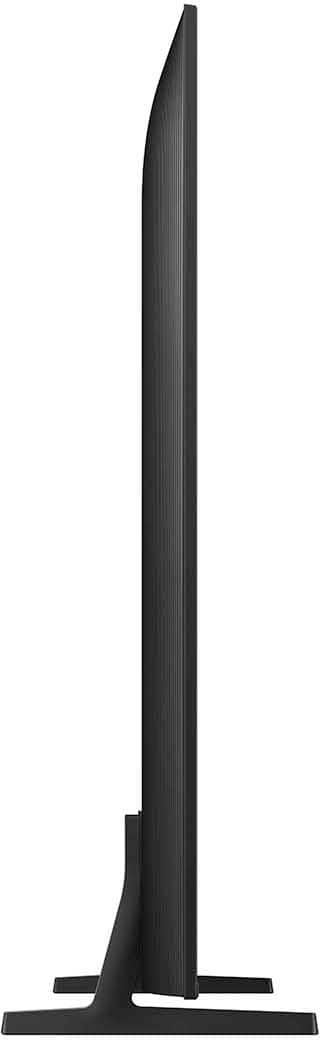
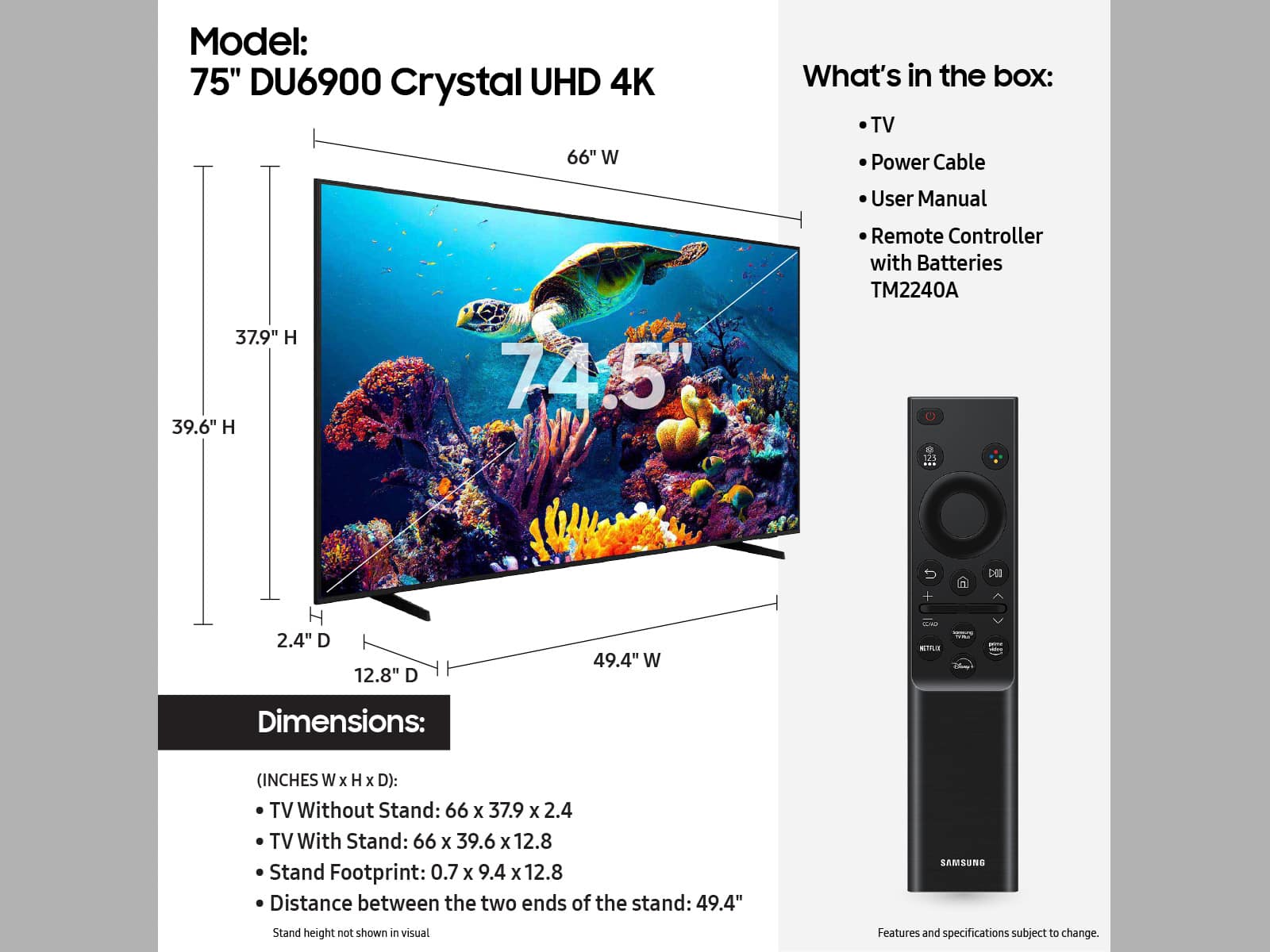
The feet on the 75" DU6900 are adjustable and can be set at either 49.4" or 13.6" apart, so your 63" stand should be fine.
~Samsung Advisor