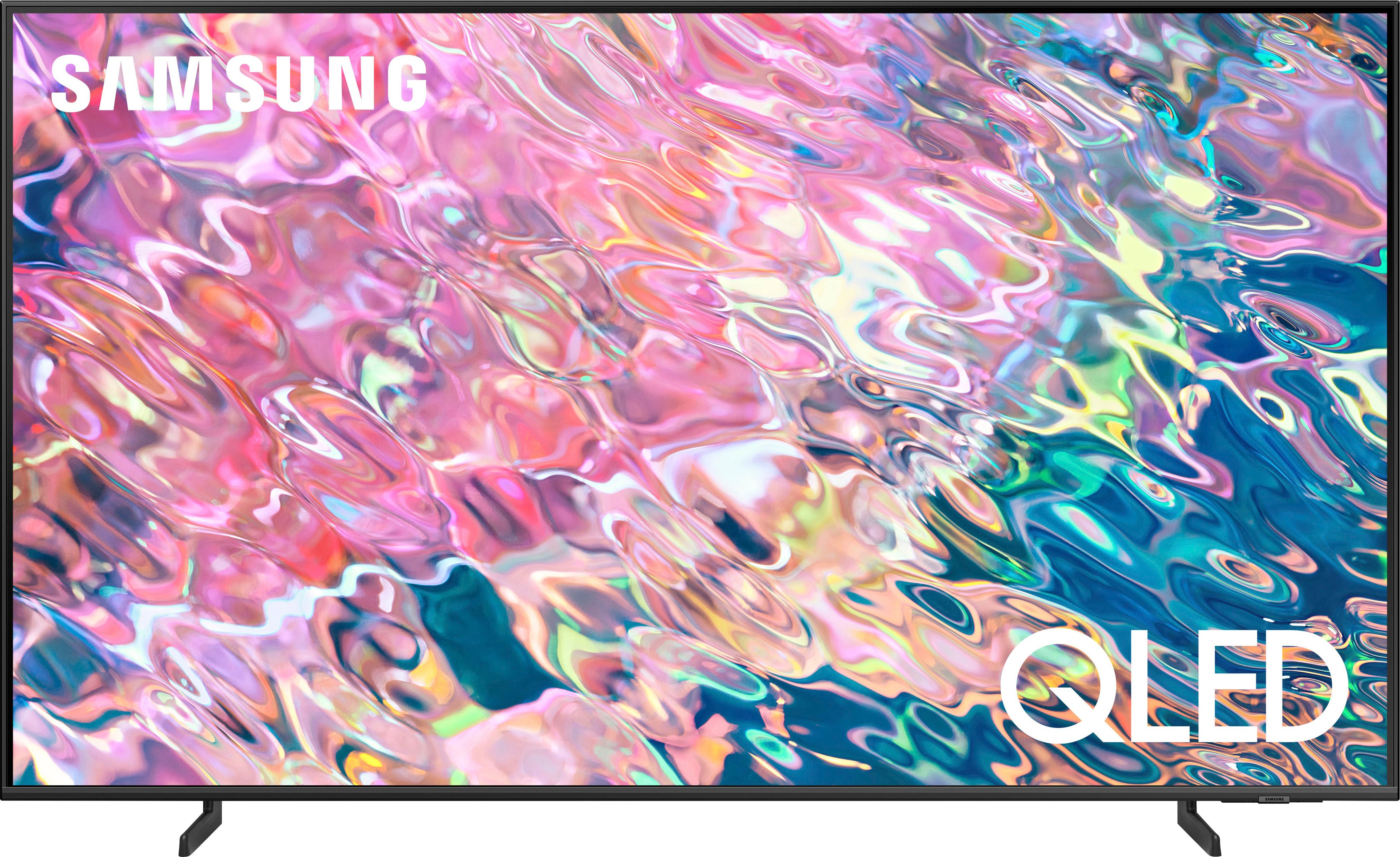
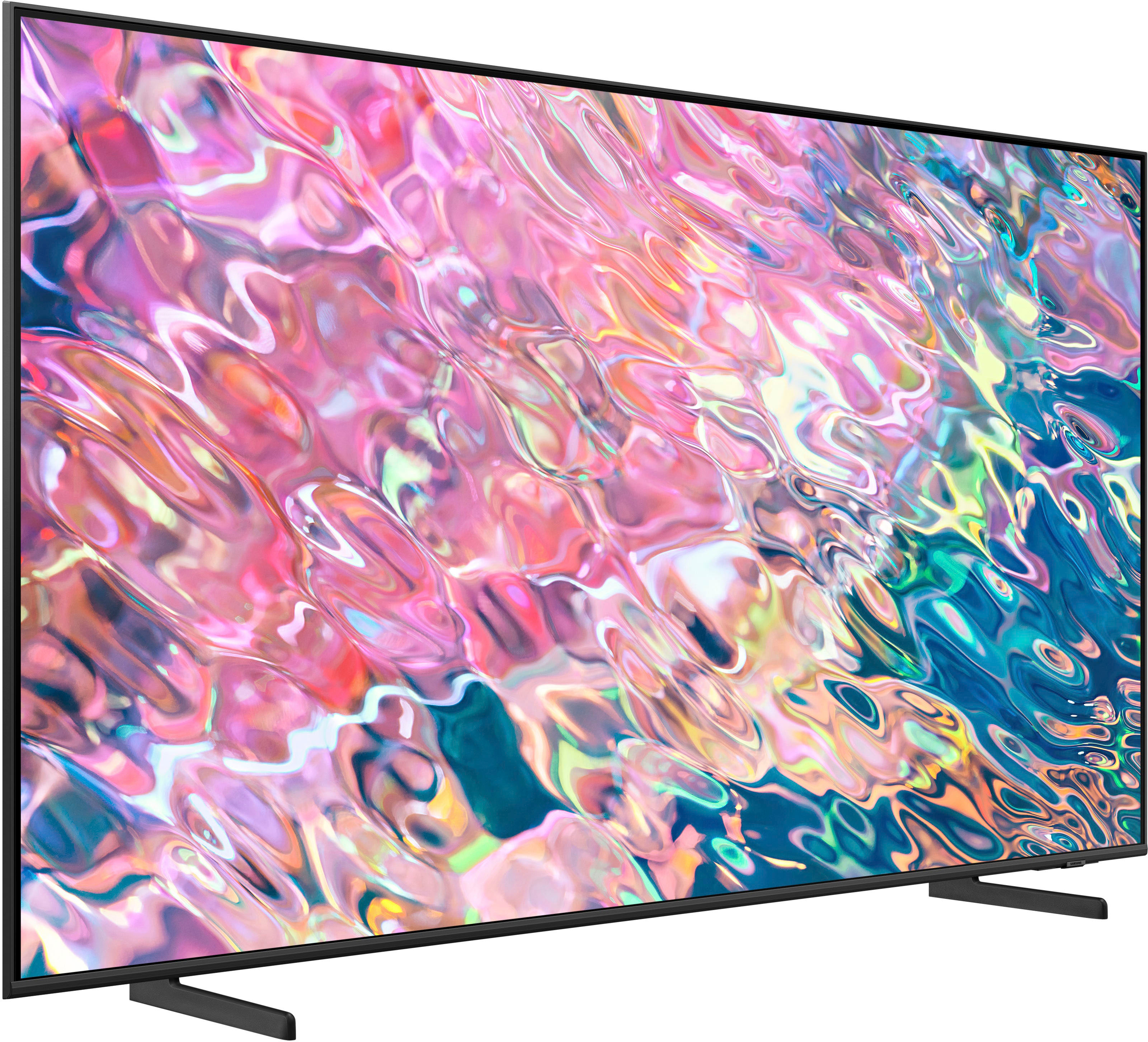
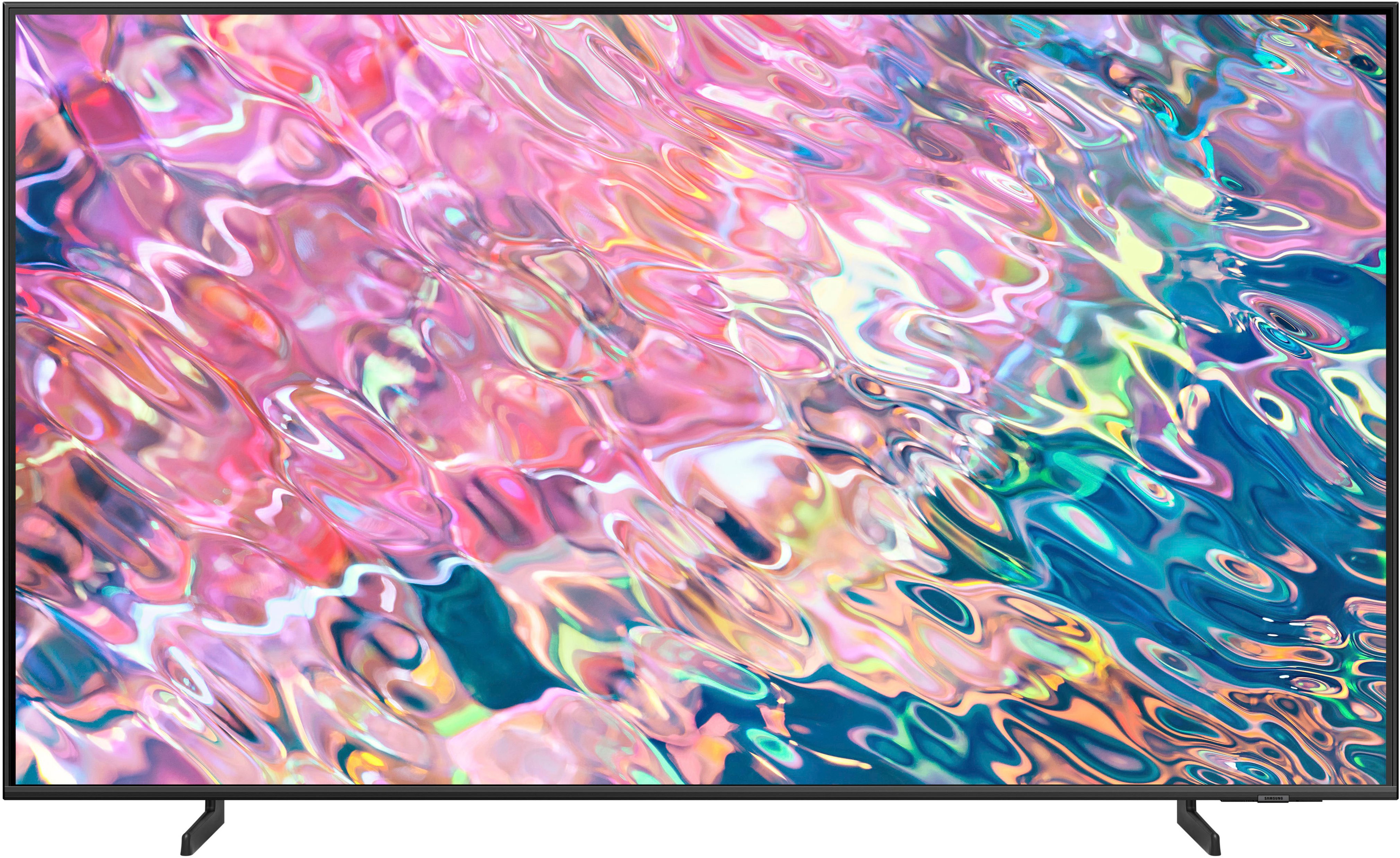
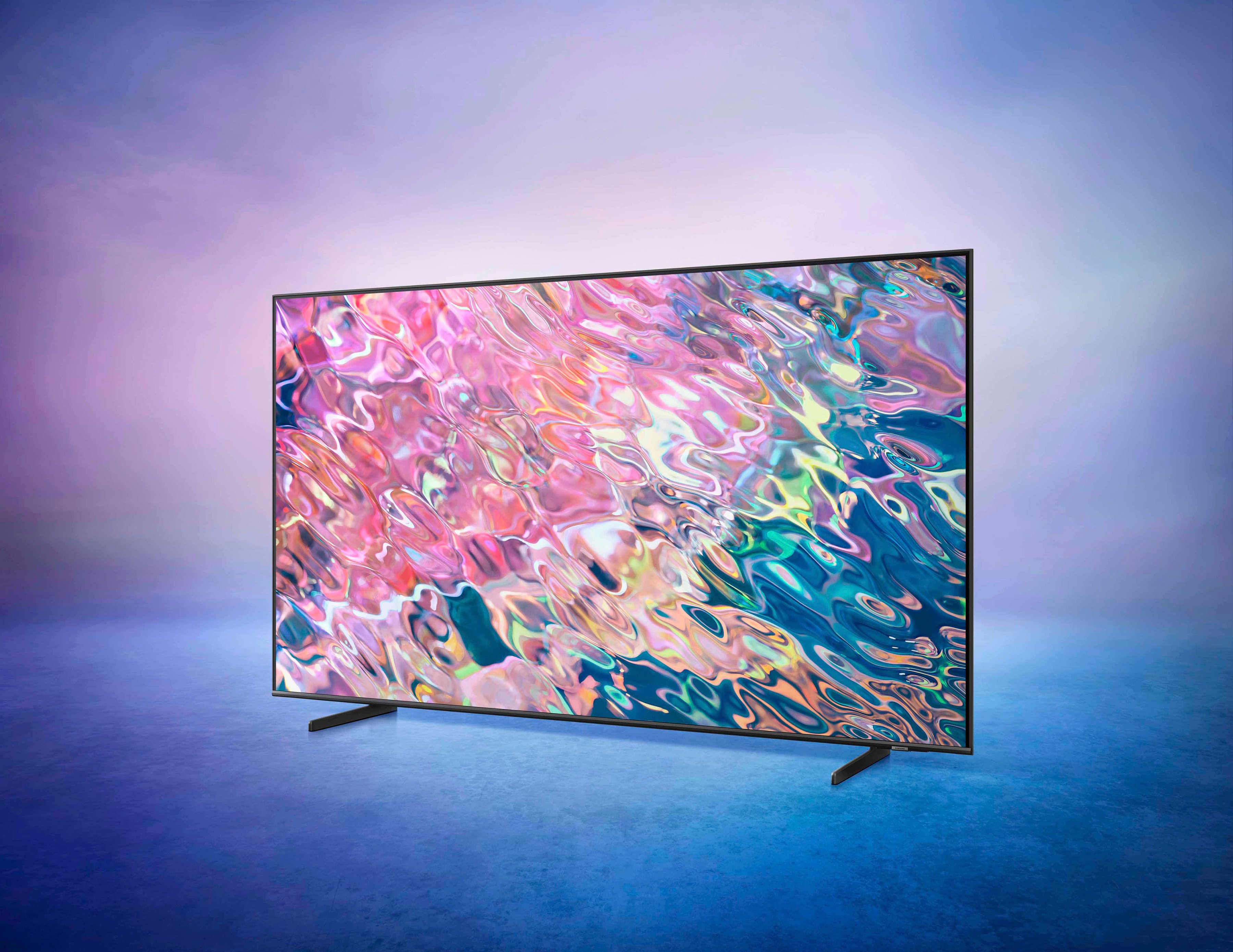
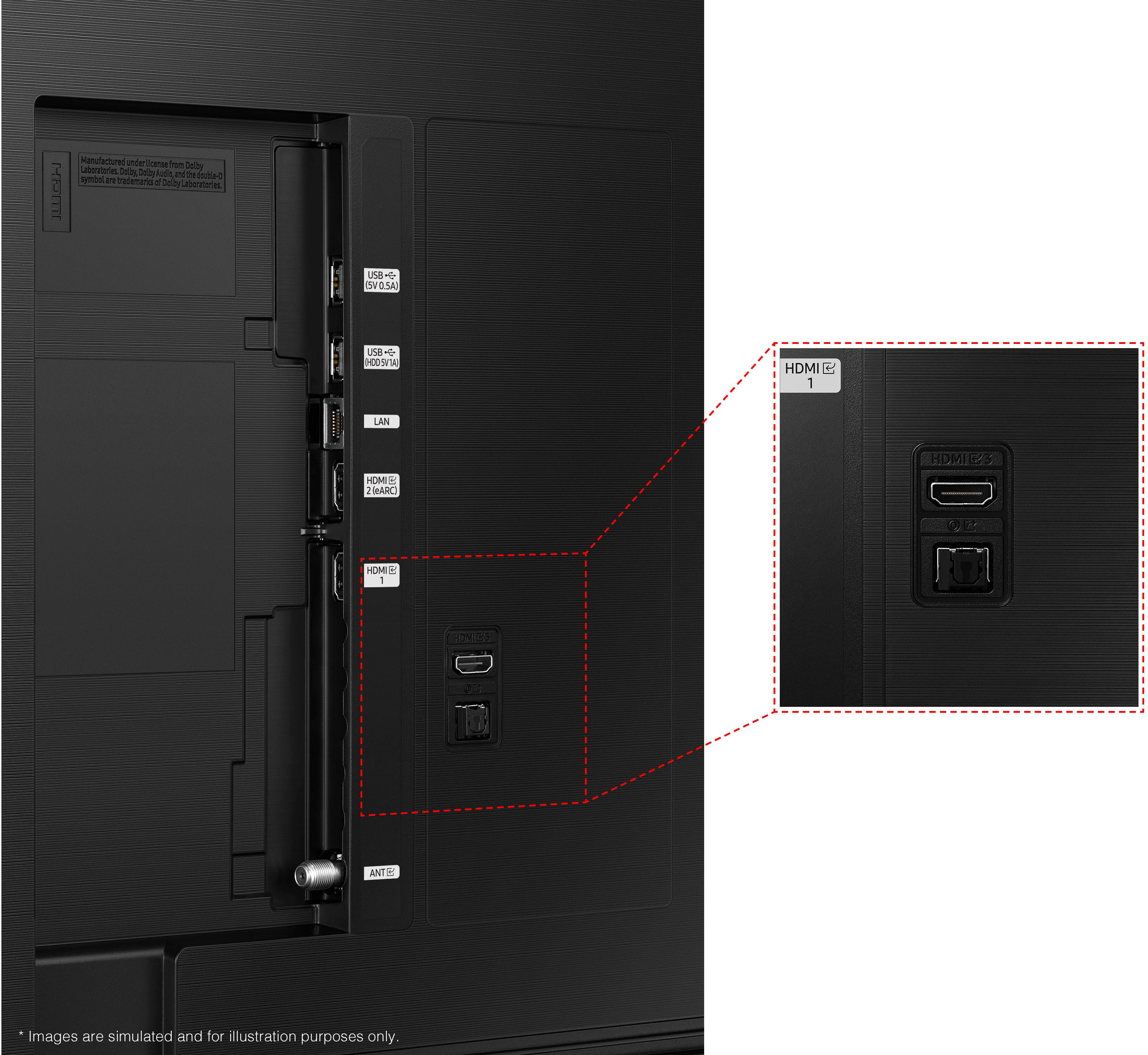
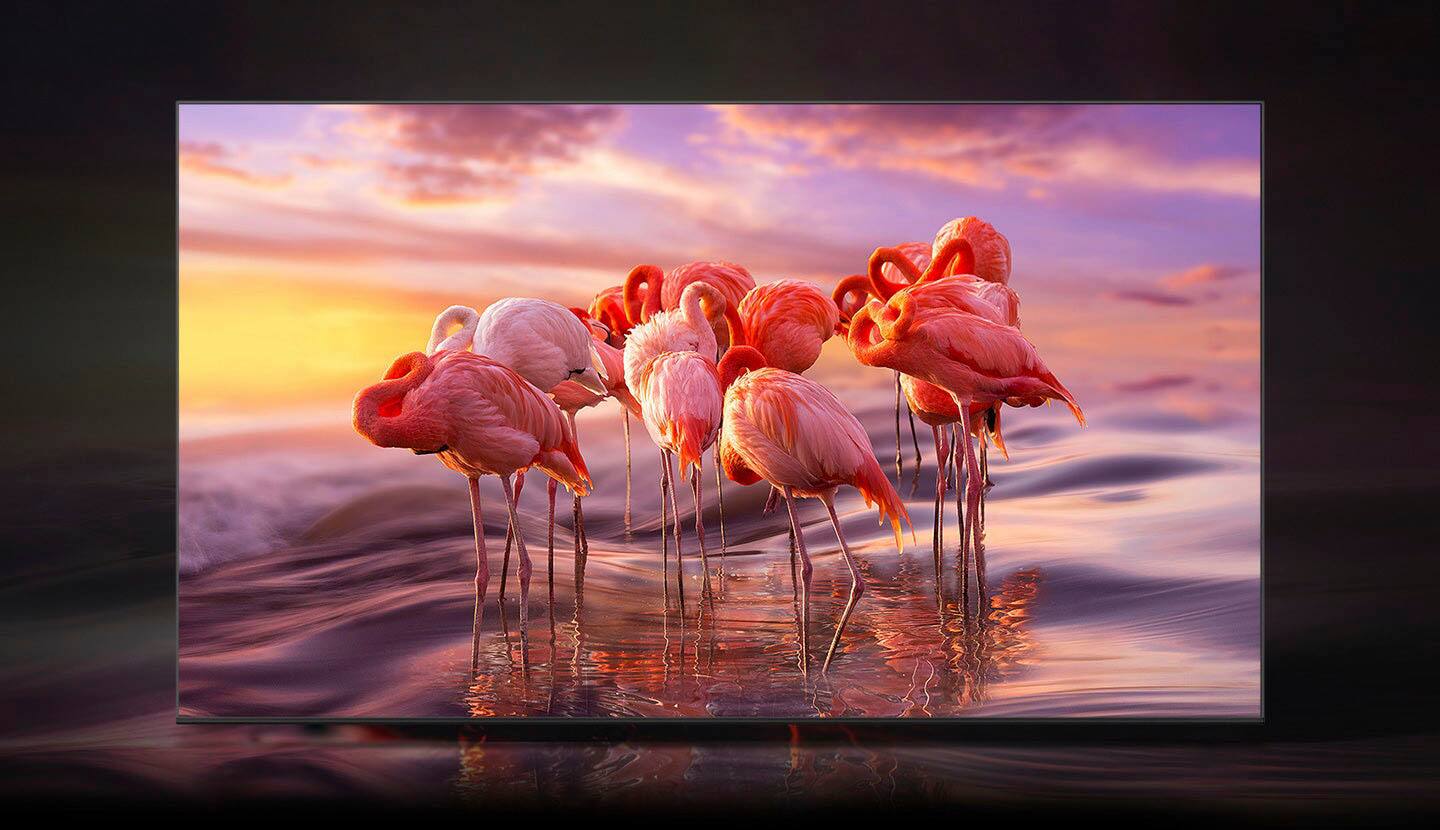
A:AnswerSame here on both accounts. Oled has the best picture but you'll pay a lot more for it. Our uhd wasn't cutting it anymore with my eyesight. This qled is really great for the price and its not super bright. The neo qled is a little better picture but its really bright. The oled is an incredible picture but its too pricey for me right now. I looked at them all side by side for over an hour at best buy. Im more than pleased with this picture and the price. The remote is also easy to use.
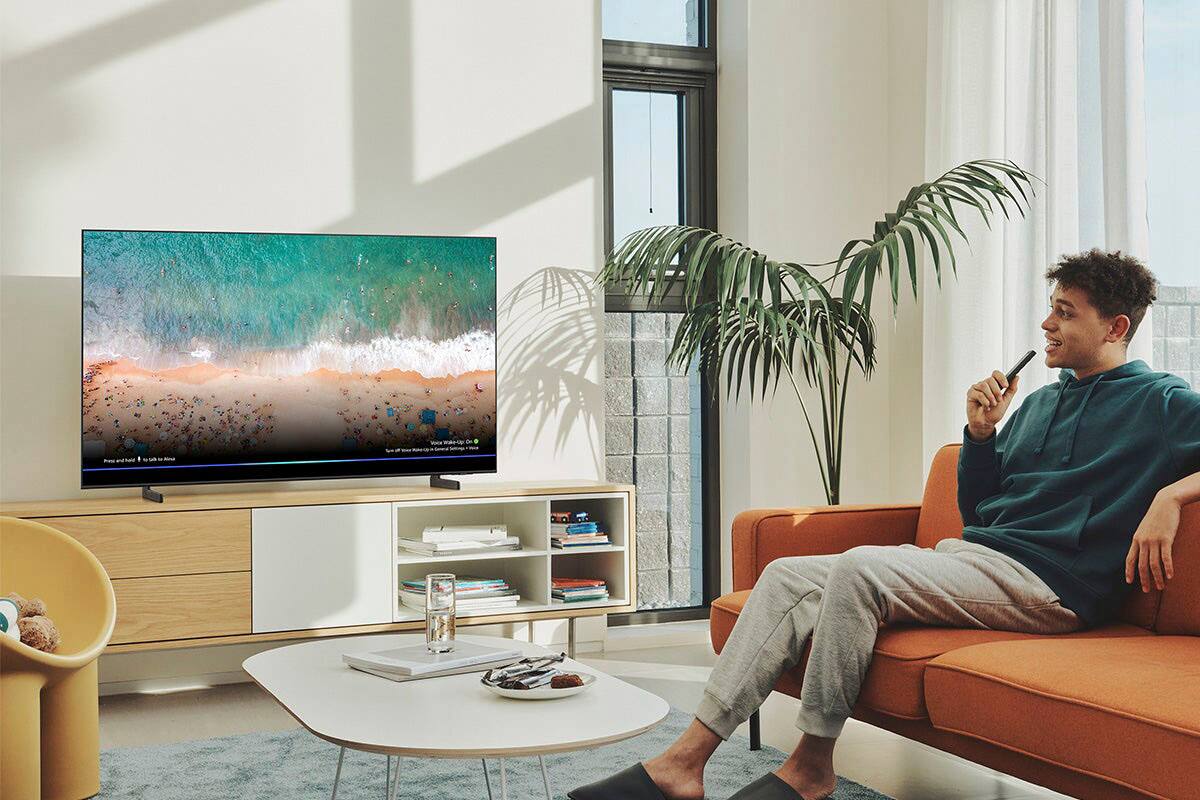
A:AnswerFJ - When using Google Assistant on your Q60B, please know your TV needs to be connected to the Internet to receive voice commands. When it's powered off, the Internet disconnects, and your TV will not be able to receive commands. To turn on your TV with Google Assistant, you will need a standalone Google Home device. From there, you will need to ensure:
1. Your Q60B is added to the SmartThings app, which can be downloaded on your Smartphone.
2. Your Google Home device is connected to the Internet.
3. The SmartThings Skill is enabled within the Google Home app.
Should you have further questions, please reach out to Samsung Support at: 1-800-SAMSUNG, 8AM - 12AM EST, 7 days a week, or Chat with us on Samsung.com: https://www.samsung.com/us/support/contact/
~ Samsung Specialist