A:AnswerHi,
Please try these troubleshooting steps to restore your Samsung TV Plus channels:
・Ensure you are running the latest Firmware. Go to Settings> Support> Software Update.
・Confirm your internet connection is stable and connected. Go to Settings> General> Network.
・Try changing the DNS setting in the TV to Google's DNS (8.8.8.8), then restart the unit. Go to Settings> General> Network> Network Status> IP Settings> Enter Manually.
If you continue to have issues, please contact us at 1-800-SAMSUNG, 8 AM - 12 AM EST, seven days a week. LiveChat with an agent, as well as manuals, software, and warranty info, can be found at the ‘Support’ link on our Samsung website.
~ Samsung Advisor
・
A:AnswerHi Michael,
Yes, you can do this by going to Settings> General> Accessibility> Picture Off. Press any key (except Volume and Power) to turn the screen back on.
~Samsung Advisor
A:AnswerHi moose,
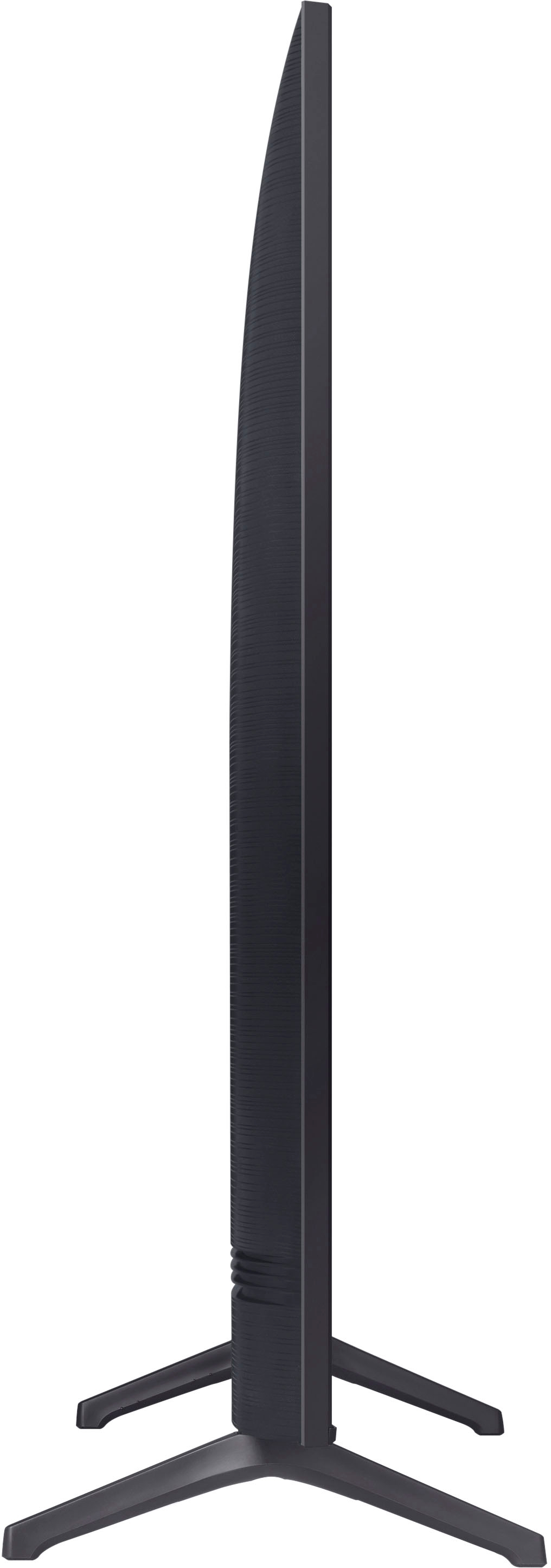
The 75" TU690T measurements are 65.9" x 37.7" x 2.4" (WxHxD) without the stand and 65.9" x 41.1" x 13.4" with the stand.
~Samsung Advisor
A:AnswerHi Jimmy,
The dimensions of the 75" TU690T TV are 65.9" x 37.7" x 2.4" (WxHxD) without the stand and 65.9" x 41.1" x 13.4" with the stand.
~Samsung Advisor
A:AnswerHi Alfonso,
For optimal glare control, we recommend positioning the TV to minimize incident light falling on the screen or consulting a professional installer. Starting with our 55” QN90 model, Samsung TVs feature Anti-Reflection Technology reducing ambient light reflections on the TV screen.
~Samsung Advisor
A:AnswerThe TU690T is a 4K UHD TV, meaning this TV provides you with a horizontal resolution of around 4,000 pixels with 3840 x 2160 (4K) resolution.
~Samsung Advisor
A:AnswerHi Lisa,
Yes, the Discovery+ App is available on the TU690T TV. I recommend ensuring you are running the latest Firmware on your Samsung TV if you are not seeing it in your built-in App store.
~Samsung Advisor
A:AnswerHi,
The TU690T does not have built-in Alexa, but it does work with Alexa-enabled devices. You can ask your Alexa device to turn on your TV, change channels, control the volume, and more.
~Samsung Advisor
A:AnswerHi AB,
Please contact us so we can better assist you with this question at 1-800-SAMSUNG, 8 AM - 12 AM EST, seven days a week. LiveChat with an agent, as well as manuals, software, and warranty info, can be found at the ‘Support’ link on our Samsung website.
~ Samsung Advisor