A:AnswerHi,
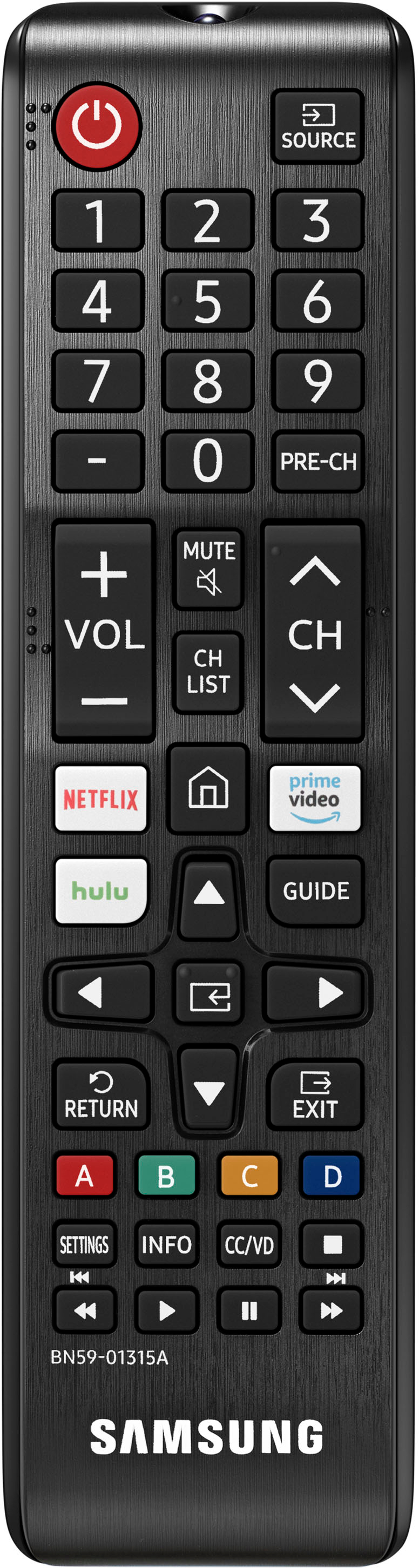
Although the remote can’t be paired to a specific TV as it uses an IR signal, you can take advantage of the remote control function within the SmartThings app. If both TVs have been added to your SmartThings app on your tablet or mobile device, you can use the app to control each device individually.
I hope this helps!
~Samsung Advisor
A:AnswerHi Dotty,
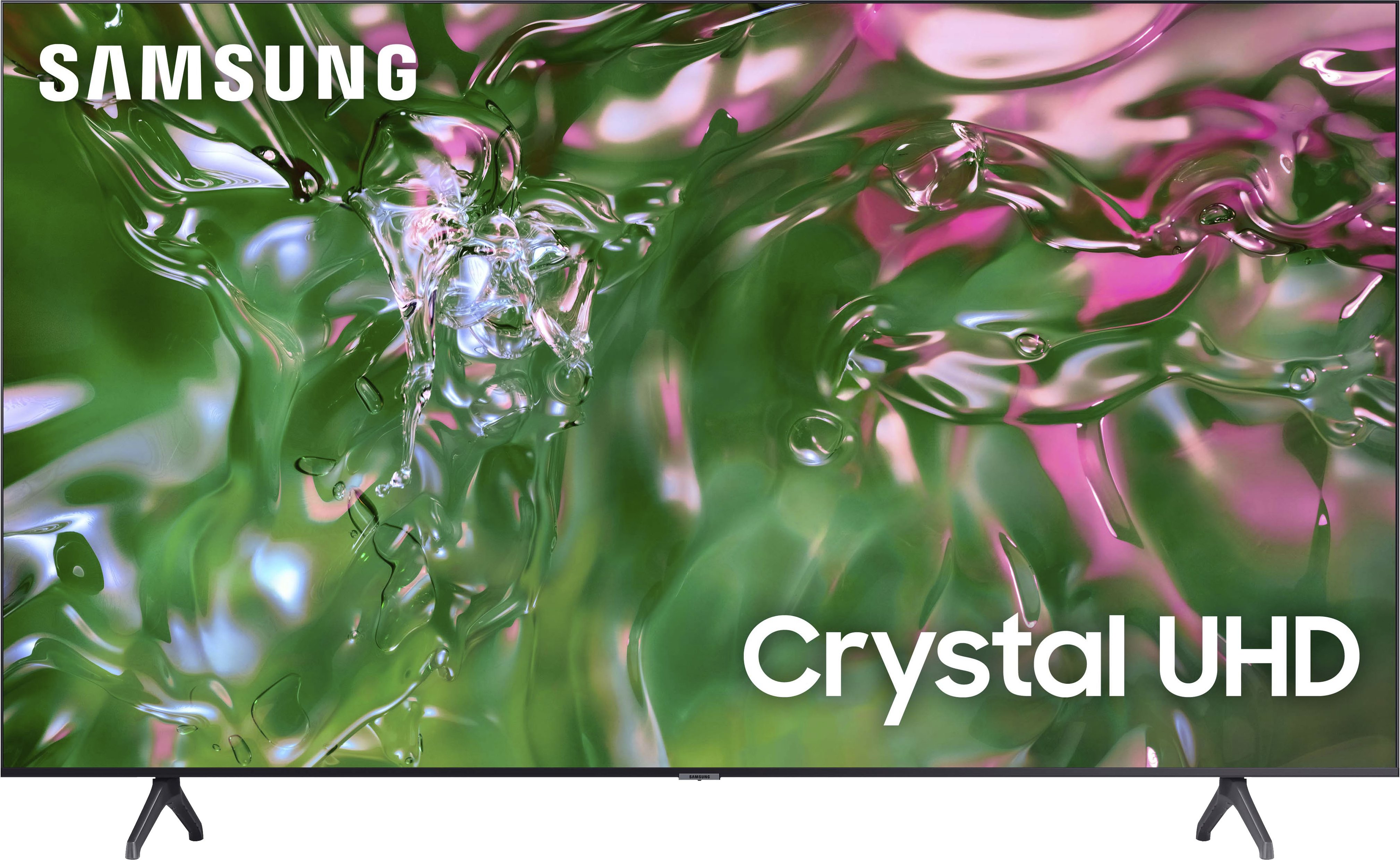
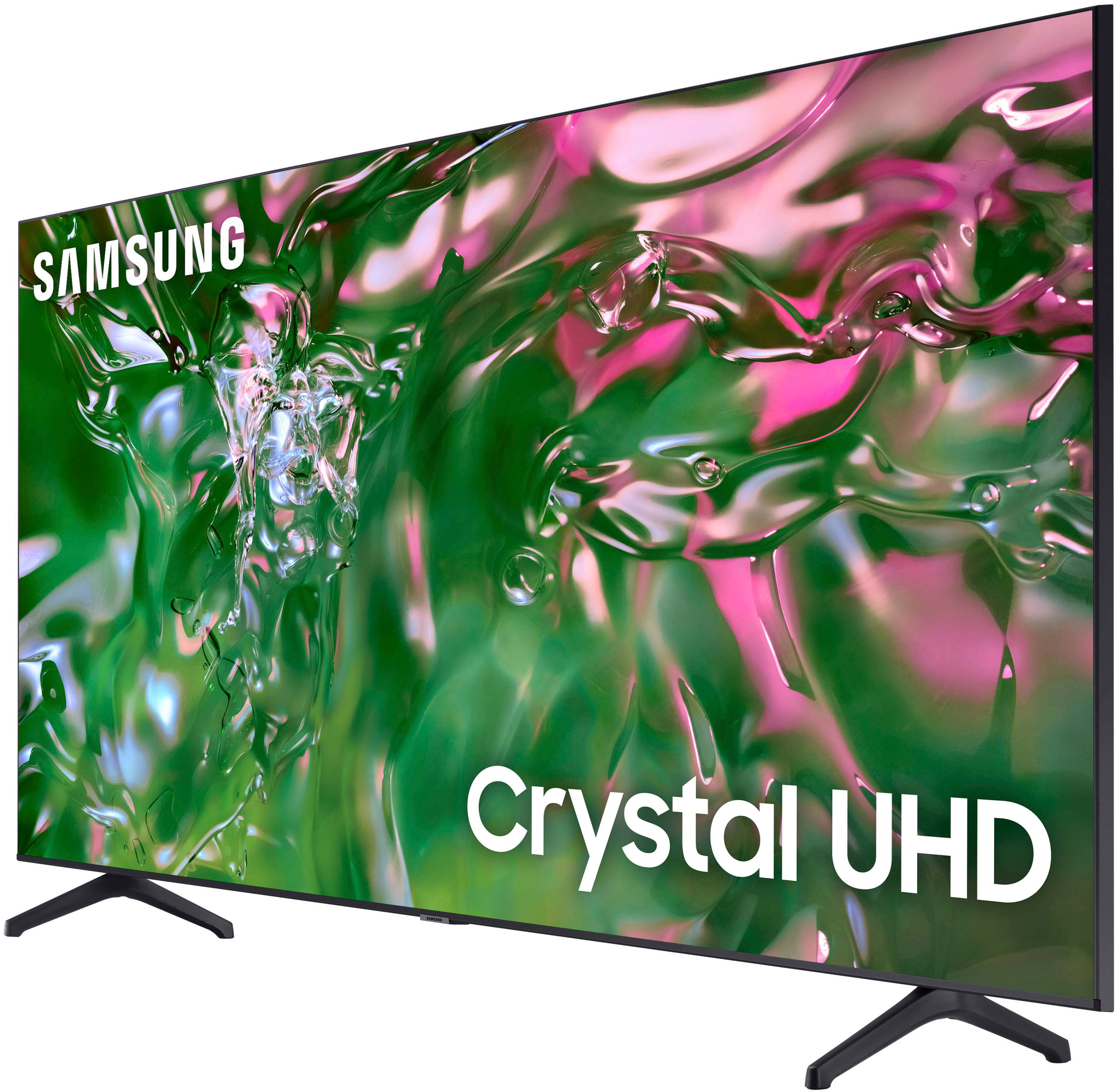
UHD is Ultra High Definition. The TU690T with 4K UHD Upscaling
lets you see everything you watch instantly transformed to incredible 4K resolution.
~Samsung Advisor
~Samsung Advisor
A:AnswerHi ROBK,
Although the remote can’t be paired to a specific TV as it uses an IR signal, you can take advantage of the remote control function within the SmartThings app. If both TVs have been added to your SmartThings app on your tablet or mobile device, you can use the app to control each device individually.
I hope this helps!
~Samsung Advisor
A:AnswerHi, bumpyruler,
The Samsung TU690T features 20 Watt 2 Channel audio with Dolby Digital Plus. If you are looking for a TV that supports Q-Symphony, which will synchronize with your TV speakers for an immersive 3D sound experience, I recommend looking at the AU8000 TV.
~Samsung Advisor
A:AnswerHi Screen,
For optimal glare control, we recommend positioning the TV to minimize incident light falling on the screen or consulting a professional installer. If anti-glare is important to you, I recommend looking at the 55” QN90B model, which features Samsung's Anti-Reflection Technology reducing ambient light reflections on the TV screen.
~Samsung Advisor
A:AnswerHi, reddog,
The Roku Channel is available for download on the built-in app store. You also can connect an external Roku device via HDMI.
~Samsung Advisor