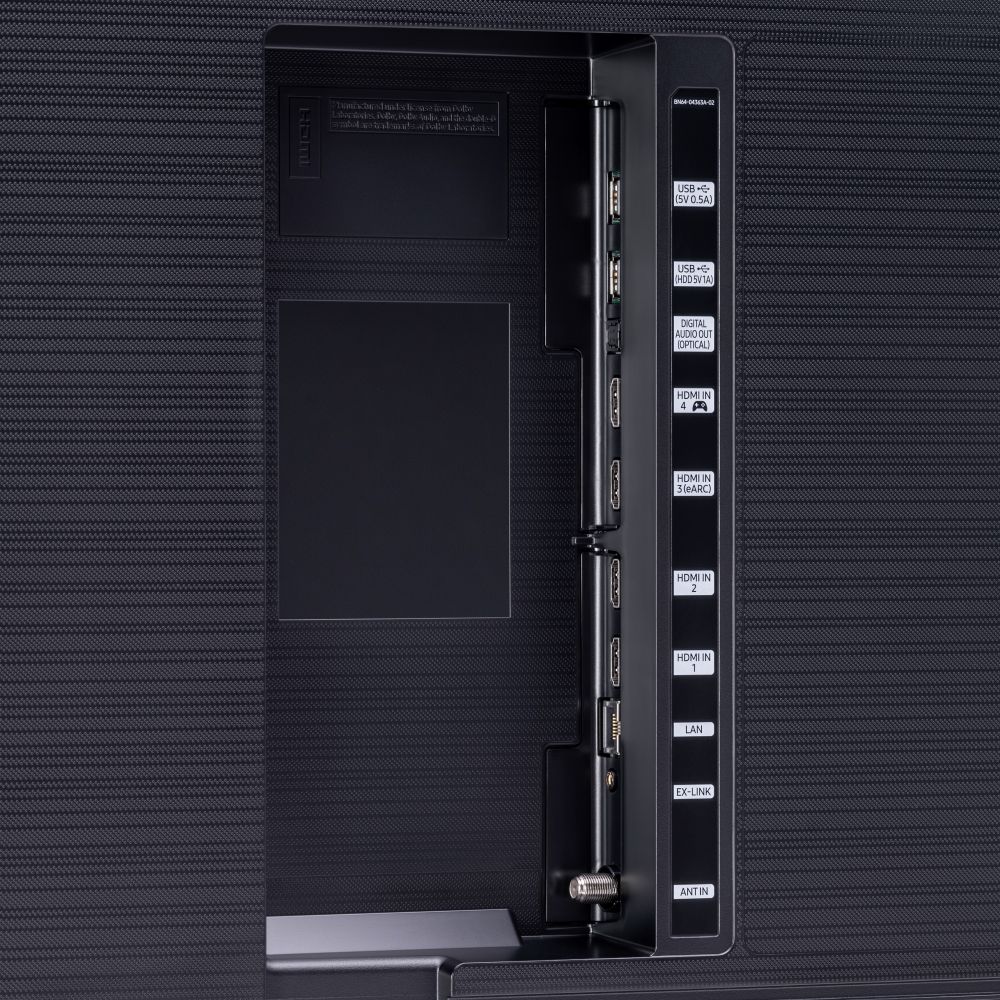
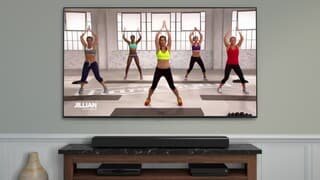
A:AnswerHi Ranjith - yes, you can connect soundbars to this TV via HDMI or optical cables. If you are planning on using the eARC feature, please be sure to use a high-speed cable with Ethernet Channel sometimes called HDMI HEC cable. ^Val
A:AnswerHello Directv1080P,
I’m sorry to see that you are having difficulties with displaying 1080P on your Direct TV app.
So that we can better troubleshoot towards a solution, please reach out to Samsung Support at:
― Phone: 1-800-SAMSUNG / Available 8AM - 12AM EST, 7 days a week
― LiveChat or Email: https://www.samsung.com/us/support/#contact_us_for_support
We look forward to hearing from you.
^Cristian
A:AnswerNo, there is only one stand width (67.8"). A 60" stand will not work. There are very few stands available for TVs this large. However, you could keep you existing stand if you purchase a wall mount for the TV.
A:AnswerHi Jaws! Transporting your TV in cold weather should not affect your TV, especially if you have a relatively short drive and are transporting it inside of your vehicle. Here are the box dimensions of the 85Q70T (WxHxD): 82.3" x 49.1" x 10.2". ^Gina
A:AnswerHi TB, thank you for your service. Most TV manufacturers engineer their products to be used in specific areas of the world, and Samsung is no different. The TV's bought in the U.S. are designed to be used in the US. They are not dual voltage and are not optimized for the different broadcast standards (100Hz vs 120Hz, etc.) used internationally. Thanks again, and stay safe. ^Scott
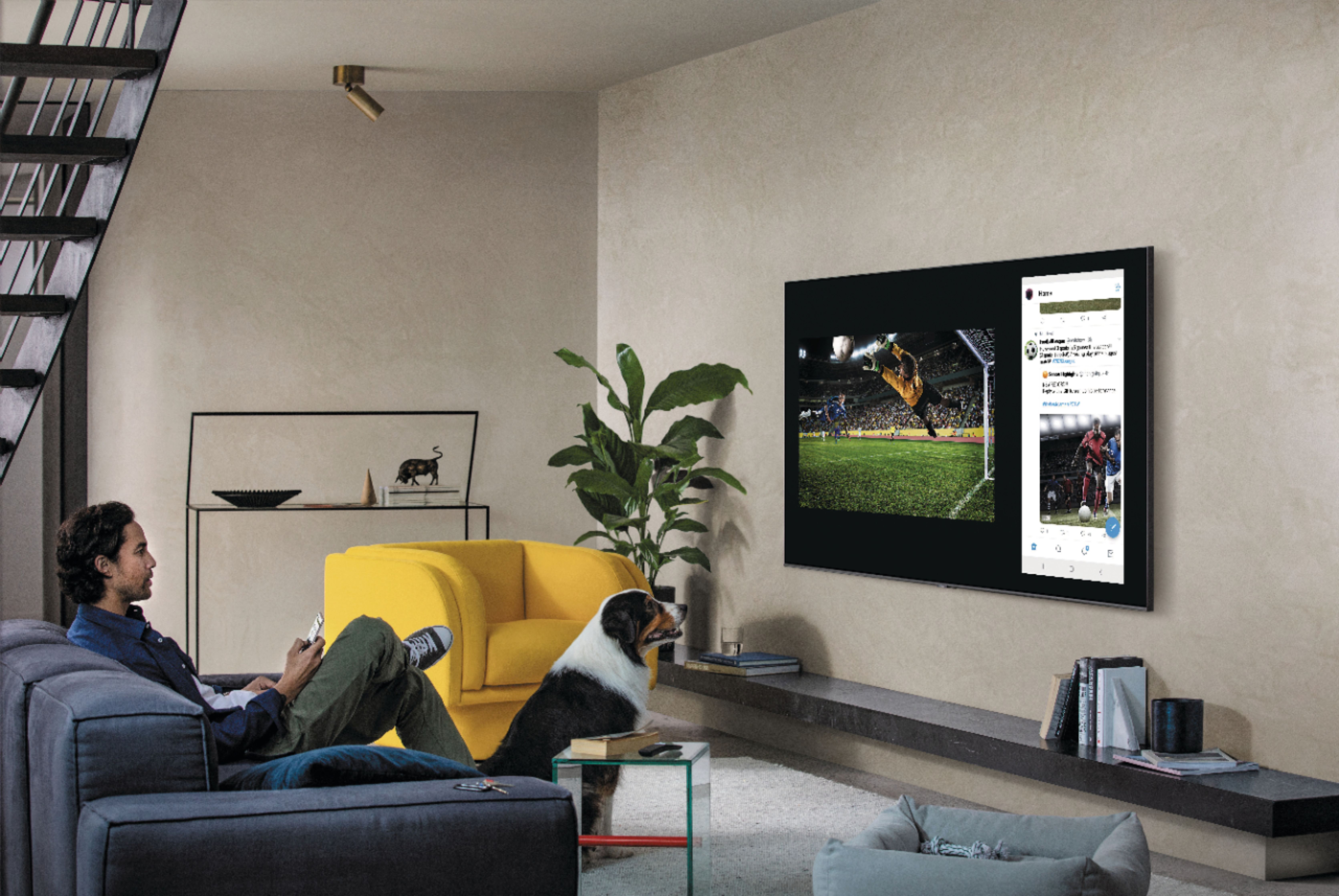
A:AnswerHi! Yes, split-screen capability to view two different content side-by-side is available starting from our QLED Q60T series and up using our Multi View feature. You can view media from different sources, such as an app, Blu-ray player, or game console, on the main left screen, while also mirroring your phone to the smaller screen. Multi View provides you with endless possibilities for splitting screens and viewing several types of content at the same time.
^Tim
A:AnswerHi Mike! Yes, the ESPN+ application is available on the Q70T. To access this application, along with a wide range of other apps and streaming services, utilize the search feature through the built in app store. Check out the following link from Samsung for addition information on installing and managing applications: https://www.samsung.com/us/support/answer/ANS00062169/ ^Tim
A:AnswerHI KT2020! The Q70T is not compatible with Dolby Vision, instead supporting HDR10+. The TV is compatible with Dolby Atmos featuring eARC support for uncompressed Dolby Atmos to compatible audio devices, and HDMI 2.1 support for next generation devices. ^Tim
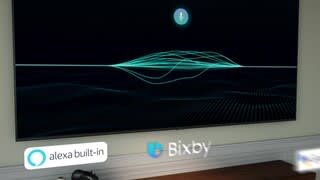
A:AnswerHi Stedi! Yes, the Q70T features built in voice assistant capabilities with your choice between Bixby, Alexa, or Google assistant. You can change to your preferred voice assistant through the voice settings in the menu, or during the initial setup of the TV. ^Tim