Skip to contentGo to Product Search
Main Content

Questions & Answers

$427.99
Save $72
The comparable value is $499.99
Page Showing 1-20 of 27 questions
  • QuestionCan I connect multiple devices to the soundbar via Bluetooth?

    • Answer Yes, you can connect up to two devices simultaneously via Bluetooth and switch between them seamlessly.
    This question and answer was generated by AI based on customer and product data.

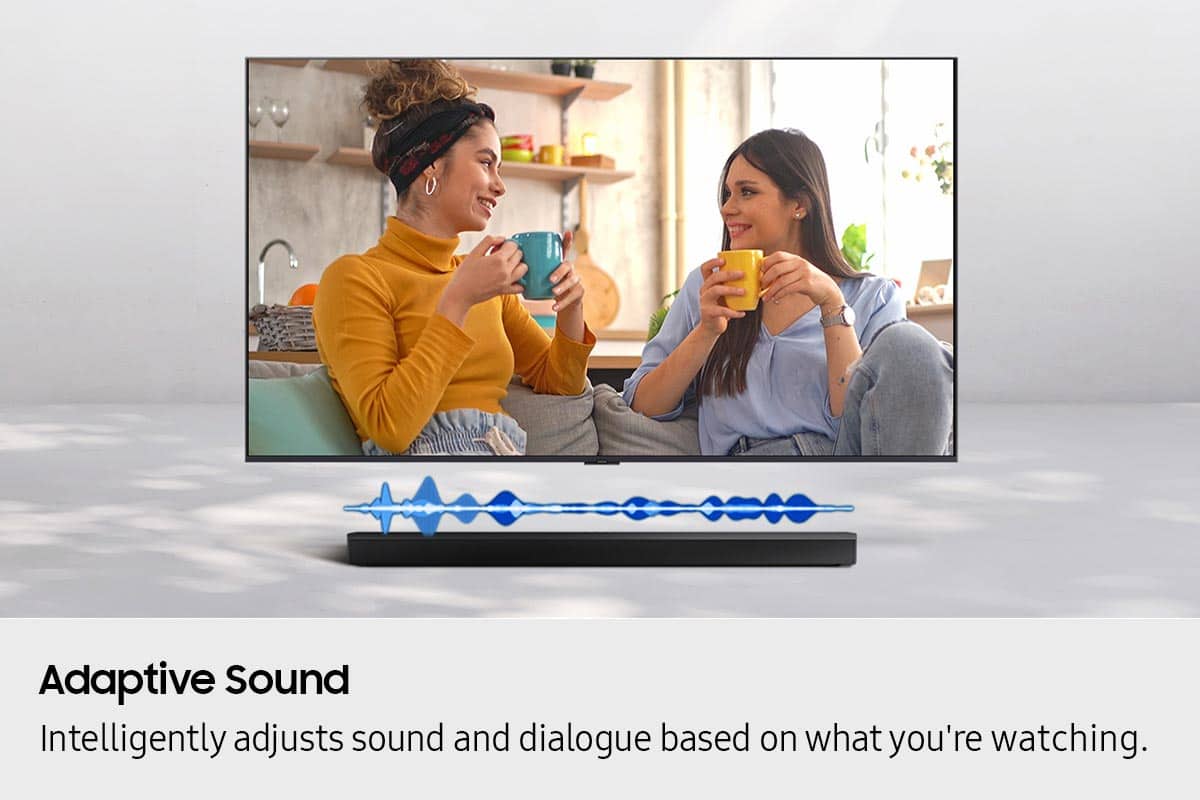
  • QuestionHow does Adaptive Sound enhance the listening experience?

    • Answer Adaptive Sound analyzes the content you're watching in real-time and automatically adjusts the audio settings to provide clear voices and detailed sounds, optimizing the listening experience for each scene.
    This question and answer was generated by AI based on customer and product data.
  • QuestionDoes this soundbar support wireless surround sound?

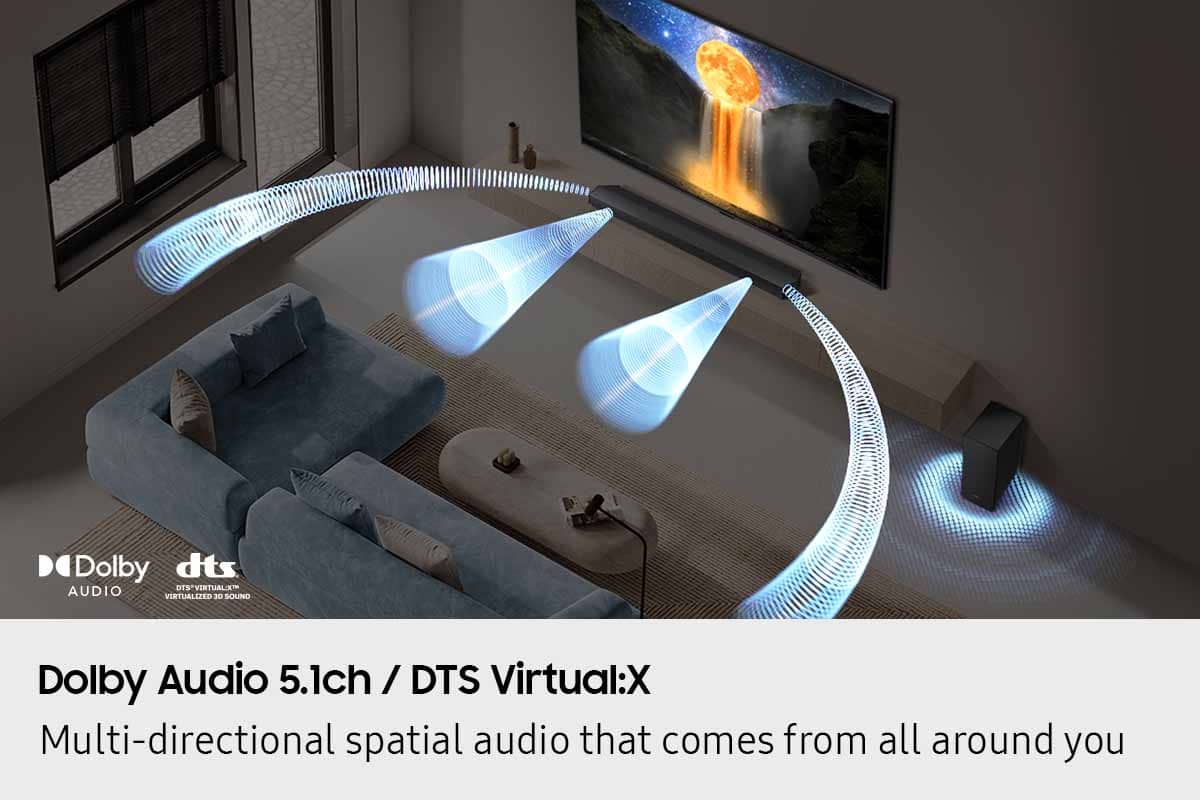
    • Answer Yes, you can expand this soundbar setup to true surround sound with optional rear speakers that connect wirelessly. This enhances the cinematic experience and makes you feel like you're in the middle of the action. You also get additional sound modes like Private Rear Sound and Sound Grouping.
    This question and answer was generated by AI based on customer and product data.
  • QuestionHow does the Game Mode on this soundbar improve the gaming experience?

    • Answer Game Mode optimizes your gaming experience with multi-directional audio and noise reduction, allowing you to track on-screen action, hear the precise location of approaching enemies, and filter out distracting sounds.
    This question and answer was generated by AI based on customer and product data.
  • QuestionHow does the Night Mode feature work on this soundbar?

    • Answer Night Mode automatically lowers the volume and compresses the bass for a softer sound, allowing you to watch TV at night without disturbing others.
    This question and answer was generated by AI based on customer and product data.
  • QuestionWhat audio formats does this soundbar support through HDMI ARC?

    • Answer This soundbar supports digital audio formats like Dolby Digital and DTS 5.1 through HDMI ARC.
    This question and answer was generated by AI based on customer and product data.
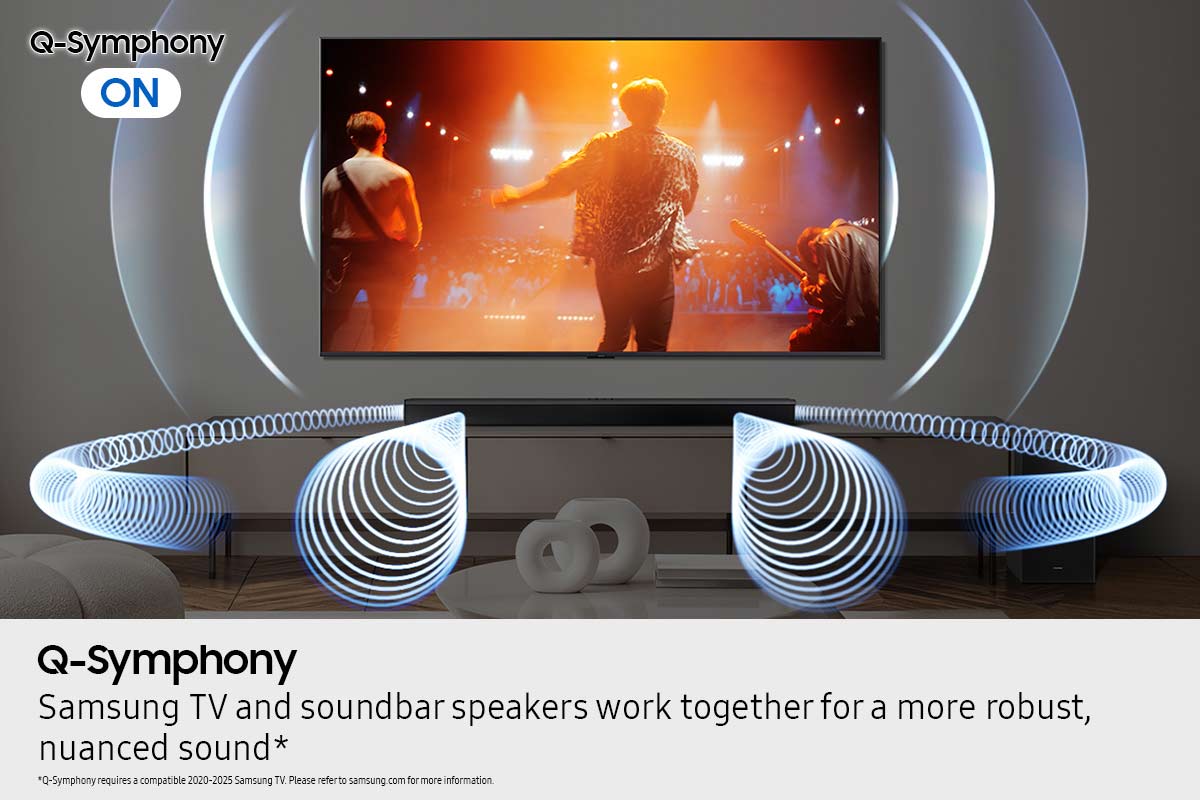
  • QuestionWhat is Q-Symphony and how does it enhance the sound experience?

    • Answer Q-Symphony creates a more immersive sound experience by synchronizing the Samsung TV and Soundbar speakers. This collaboration results in more robust and nuanced audio. With compatible AI TVs, it further refines the sound by separating voices and background sounds from the original audio input and remastering audio objects for optimal surround sound.
    This question and answer was generated by AI based on customer and product data.
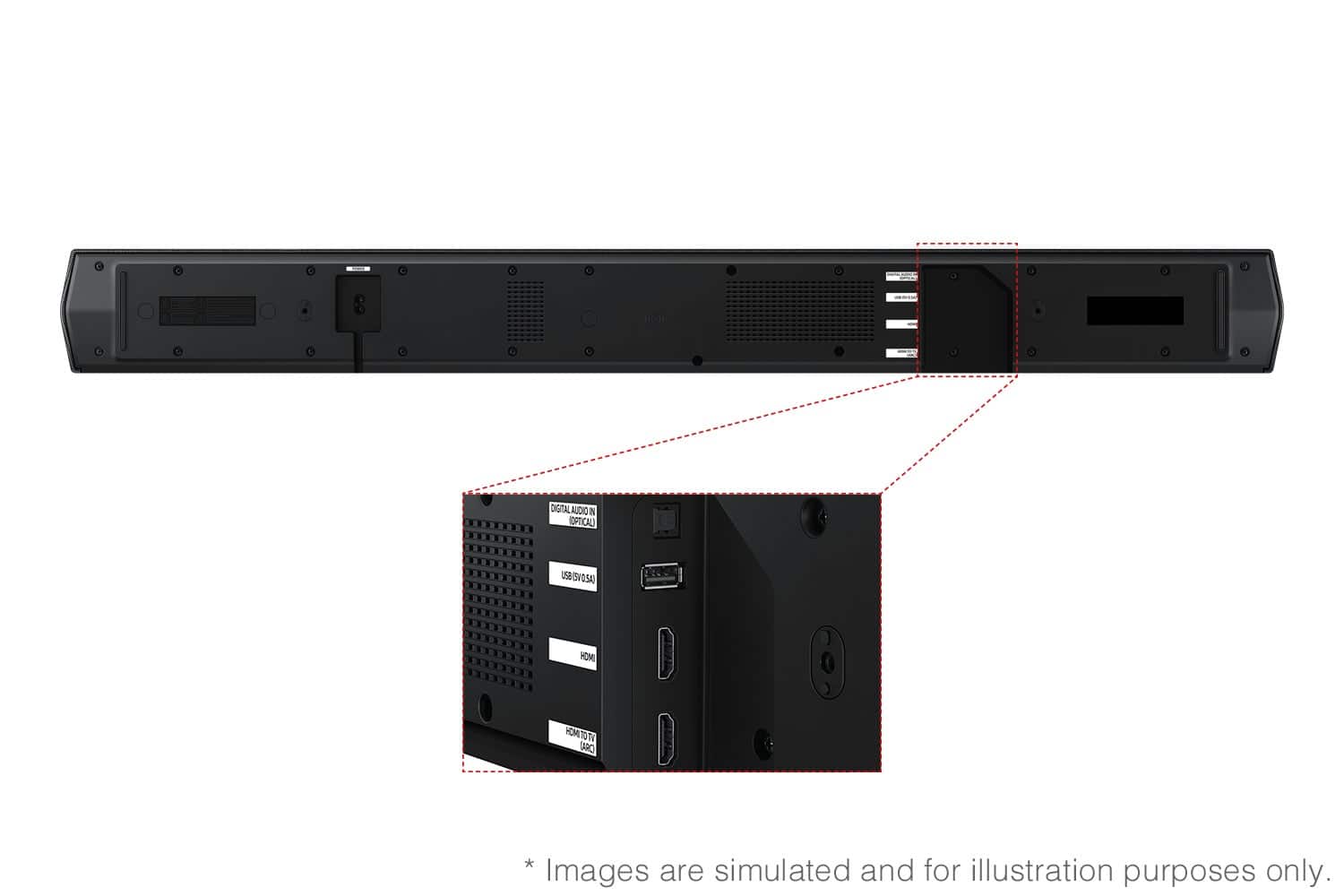
  • QuestionI only want to wire it to my TV with an optical cable. I do NOT want to use HDMI is that possible with this unit? So when the TV comes on the soundbar and sub come on too with only Optical connection?

    Asked by DABear.

    • Answer Hi DABear! Yes, if your soundbar and Samsung TV are connected via an optical cable, Auto Power Link will automatically turn on your soundbar when you turn on the TV. ~ Samsung Solutions

      Answered by Samsung

  • QuestionHow does this soundbar connect to the TV? Is it a wireless connection, or does it need a cable?

    Asked by Curiousimo.

    • Answer Hi Curiousimo! The HW-B750F features three ways to connect to an external device: HDMI (ARC), digital optical audio, and Bluetooth wireless audio technology. If your TV is compatible with one of these three audio connections, you should have no issue connecting the soundbar to your TV. ~Samsung Solutions

      Answered by Samsung

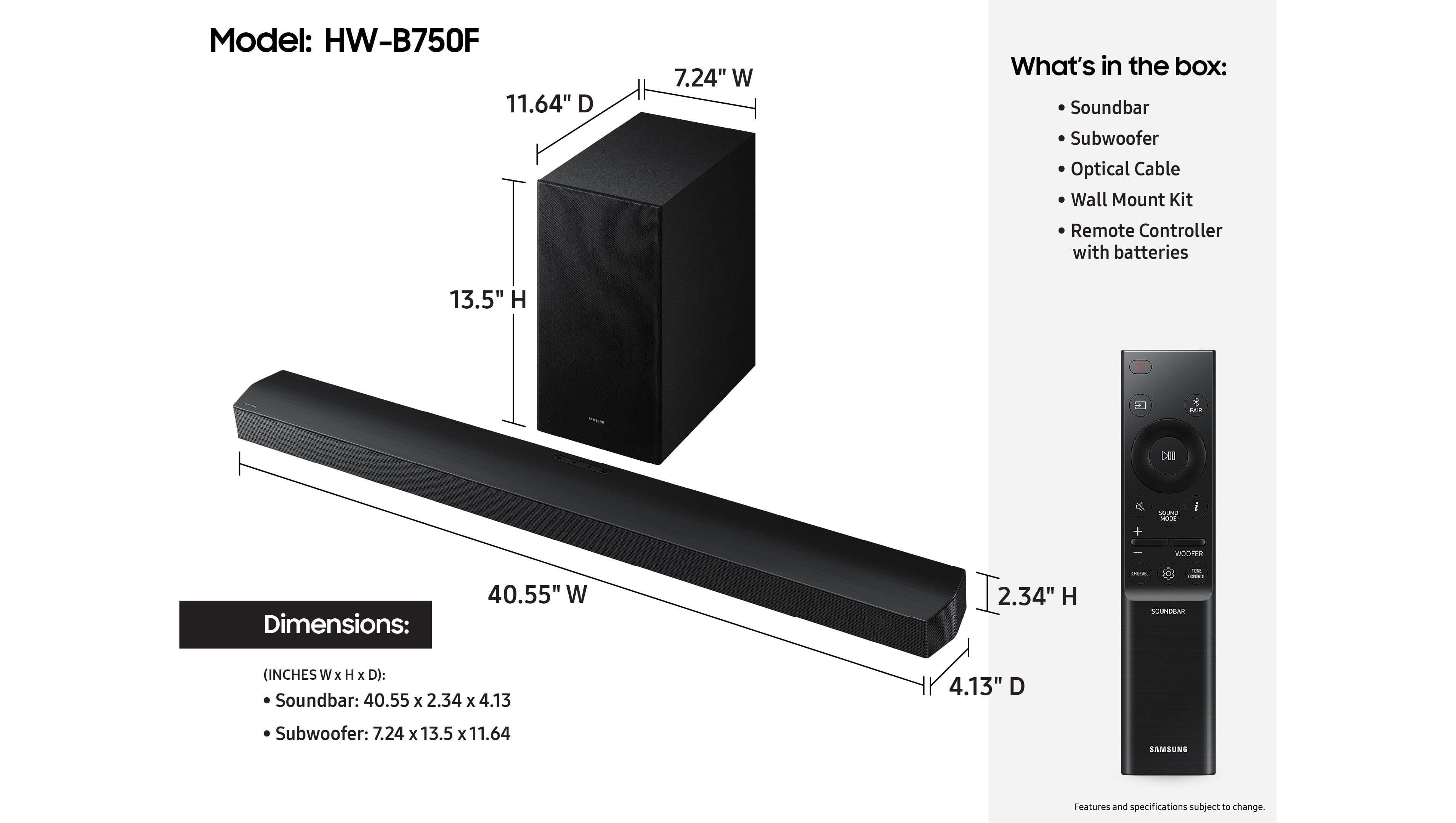
  • QuestionIf you didn't purchase rear speakers at the time of purchase can you at some time purchase them?

    Asked by Anonymous.

    • Answer Hi there! Yes, the HW-B750F Soundbar is compatible with the SWA-9250F Wireless Rear Speaker Kit. ~ Samsung Solutions

      Answered by Samsung

  • QuestionDoes this unit have Dolby atmos ?

    Asked by Pat.

    • Answer Hello Pat! No, the HW-B750F does not feature Dolby Atmos. If you’re looking for a Samsung soundbar with Dolby Atmos, you might consider a Q-series model like the HW-Q600F, which is a 3.1.2-channel Atmos system with a subwoofer — available at Best Buy here: https://www.bestbuy.com/product/samsung-q-series-hw-q600f-atmos-3-1-2-ch-soundbar-with-subwoofer-titan-black/J3ZYG2FV7Z ~ Samsung Solutions

      Answered by Samsung

  • QuestionThis is a sound bar question. Will the Samsung q series and or the jbl either work match up get going with my sony50x85k 4k uhd

    Asked by LongHairLeapingLizard.

    • Answer Hi LongHairLeapingLizard! The Samsung Q-Series soundbars pair very well and will give you excellent audio for movies, shows, and games. With the HW-Q990F, you can feel sound all around with 11 front-facing speakers, 1 subwoofer, and 4 up-firing channels for a true Dolby Atmos experience. Flood the room with audio from all angles, for sound so real you can almost touch it. 11.1.4 channel sound takes you on a ride. ~ Samsung Solutions

      Answered by Samsung

  • Questioncan you place a sound bar on top of a cabinet over the tv cabinet it 5 ft tall

    Asked by Hpsllinone.

    • Answer Hi dancer! Yes, you can place a soundbar on top of a cabinet above the TV, even if the cabinet is about 5 ft tall. However, this placement isn’t ideal for the best sound quality. When a soundbar is mounted that high, dialogue may seem like it’s coming from above the screen, and any up-firing Atmos speakers may not perform as effectively. For optimal results, position the soundbar as close to ear level as possible, typically on the TV cabinet or mounted directly below the TV. If it must be placed above the TV, keep it unobstructed, avoid enclosing it inside a cabinet, and angle it slightly downward toward the seating area to improve clarity. ~ Samsung Solutions

      Answered by Samsung

  • QuestionHow many Watts RMS is this system?

    Asked by Alv.

  • QuestionHow much watts do it have

    Asked by Anonymous.

  • Questionwhat better the Q or the HW and what the max watt

    Asked by Art.

    • Answer Hi Art! The Q series offers stronger surround sound, Dolby Atmos support, and overall better audio quality. If you want a more immersive, theater-like experience, the Q-series is the way to go. ~ Samsung Solutions

      Answered by Samsung

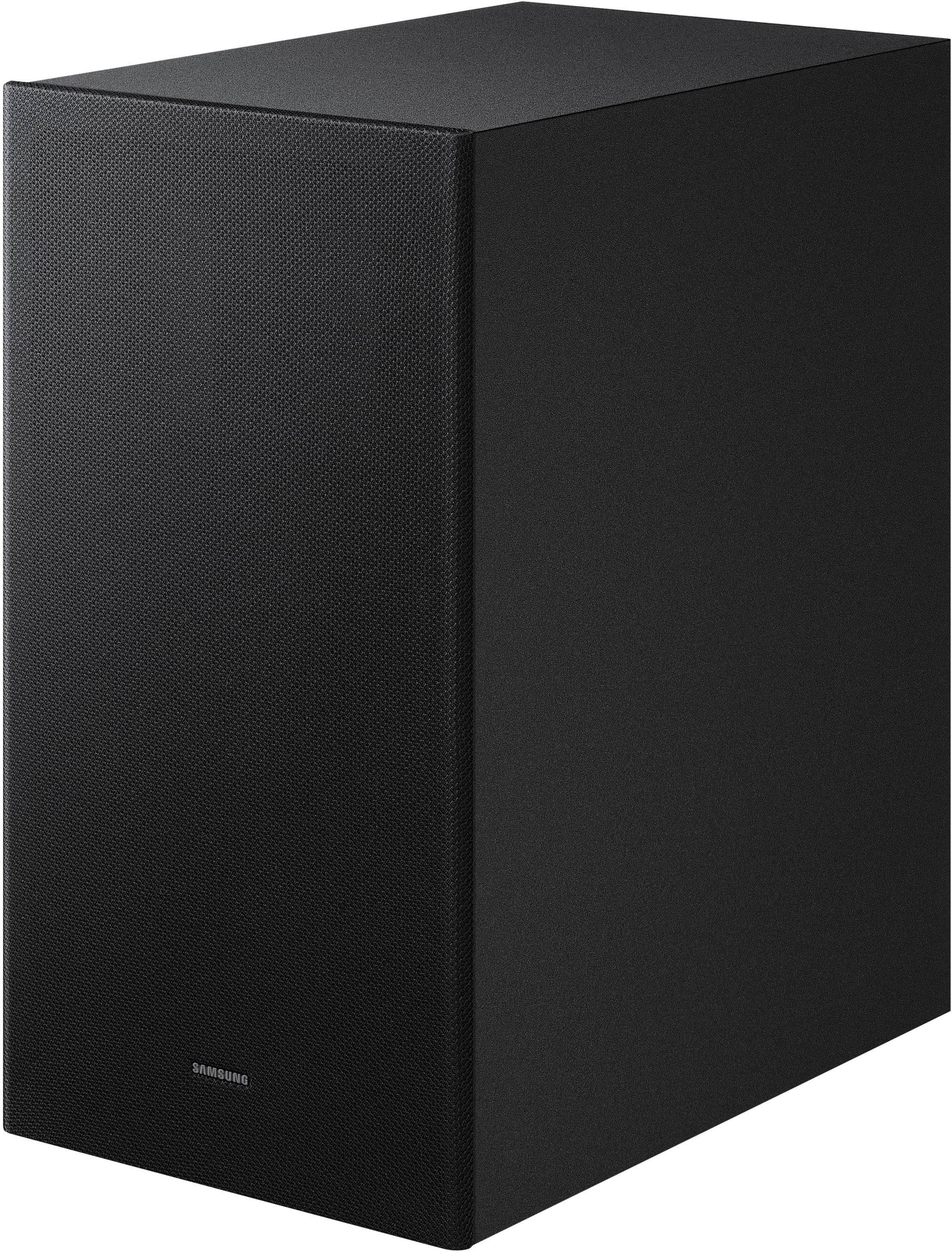
  • QuestionIs there the option of wired connection between the sound bar and sub woofer

    Asked by Carl.

    • Answer Hi Carl. No, the only way to connect the HW-B750F Soundbar to the Subwoofer is wireless. ~ Samsung Solutions

      Answered by Samsung

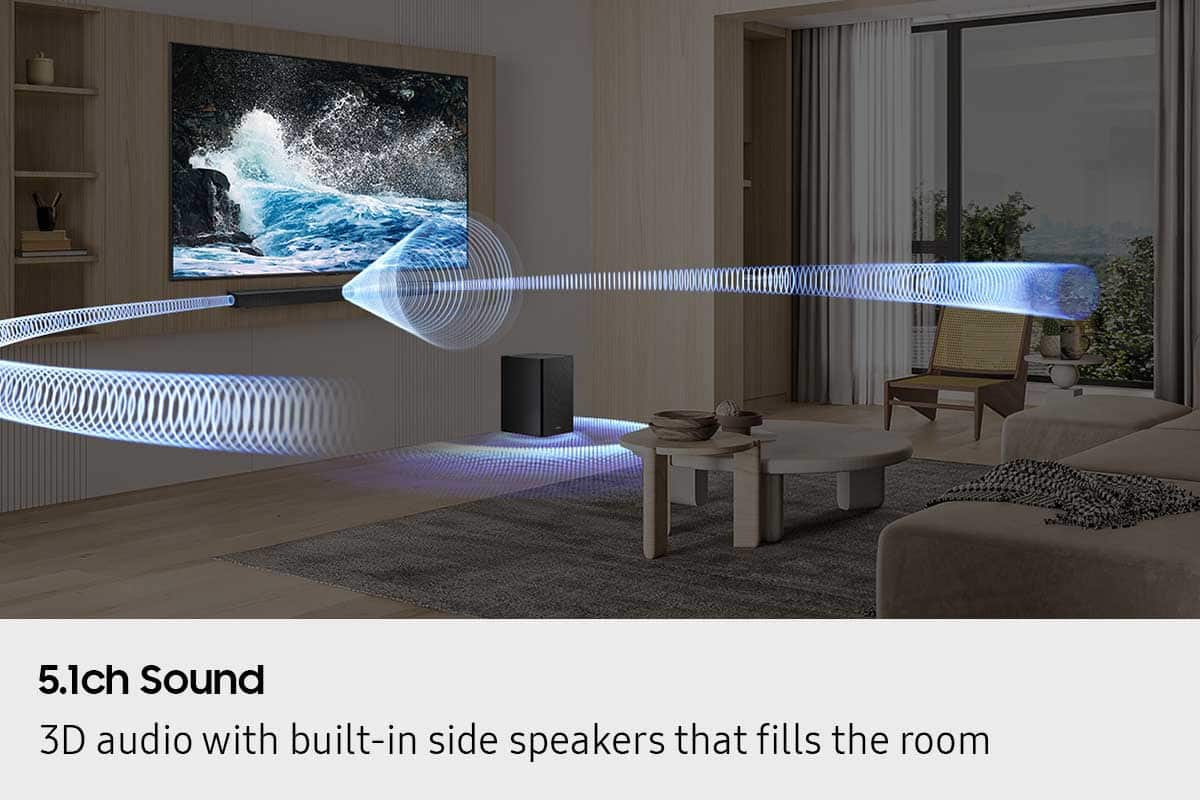
  • QuestionI bought this 5ch sound bar 3 weeks ago, and just got around to mounting it (due to 2 week trip to Reno), and I just noticed there is only sound coming from the ONE little 1" center speaker, NO sound coming from the side speakers. Return ended on day 14!?

    Asked by MichaelC.

    • Answer Hi MichaelC! Samsung is committed to providing the best possible product experience, quality, and value. We back this Samsung Soundbar with a 1-year limited manufacturer's warranty, including authorized repair for manufacturer defect, if purchased brand-new directly from an authorized seller. Please give us the opportunity to assist you by contacting Samsung Customer Support. Just give us a call at 1-800-SAMSUNG (Ask for Soundbars), 8AM - 12AM EST, 7 days a week. Our Live Chat agents are also available by clicking on the ‘Support’ link on our website. ~ Samsung Solutions

      Answered by Samsung

  • QuestionIs this the 2025 model

    Asked by Dave.

    • Answer Hi Dave! Yes, the HW-B750F is a 2025 model. ~ Samsung Solutions

      Answered by Samsung

  • QuestionMy sound bar connected just fine. I cannot get the subwoofer to work. What’s the advise for trouble shooting. I have the subwoofer maybe five foot from the sound bar.

    Asked by Anonymous.

    • Answer Hi there! When powered on for the first time, the subwoofer should automatically connect to the soundbar wirelessly. If the auto-connection process fails, you can try manually connecting the sub to the soundbar. Before performing the manual connection procedure, check whether the power cables for the Soundbar and subwoofer are connected properly and make sure that the Soundbar is turned off. Press and hold ID SET on the rear of the subwoofer for at least 5 seconds. The red indicator on the rear of the subwoofer turns off and the blue indicator blinks. Press and hold the Up button on the remote control for at least 5 seconds. The ID SET message appears on the display of the Soundbar for a moment, and then it disappears. The Soundbar will automatically power on when ID SET is complete. The LINK LED indicator stops blinking and glows a solid blue when a connection is established between the Soundbar and the Wireless Subwoofer. If you need more help, Samsung is here for you. Please call us at 1-800-SAMSUNG, 8AM - 12AM EST (Ask for Soundbars), 7 days a week. Our Live Chat agents are also available by clicking on the ‘Support’ link on our website. ~ Samsung Solutions

      Answered by Samsung