A:AnswerHi there,
Thank you for your inquiry. Let's get you the information you need.
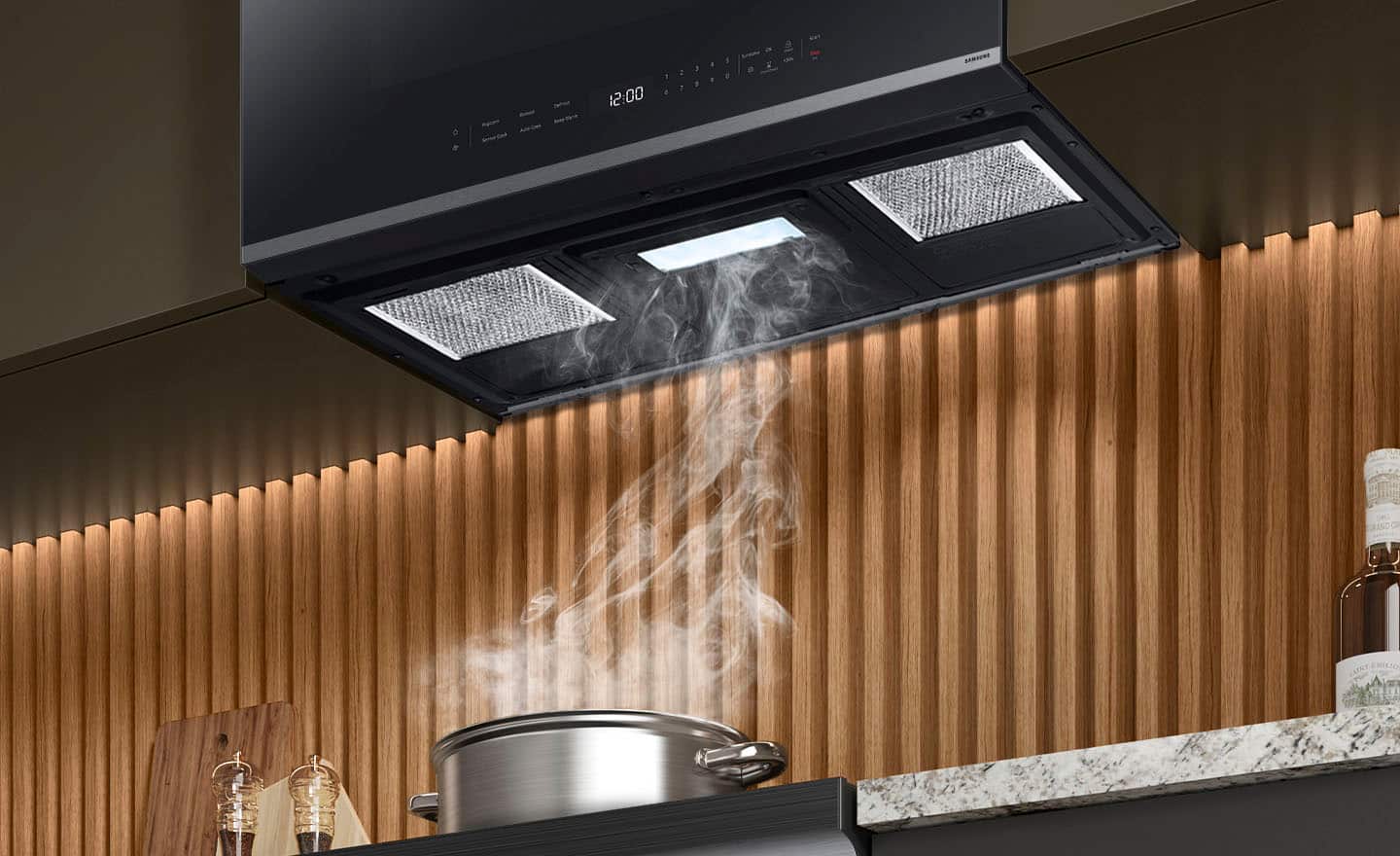
The vent power of this microwave model is 400 CFM.
Have a great day.
-John
A:AnswerDear Valued Best Buy Client,
Thank you for bringing this to our attention. To better assist you with this issue, please contact the Best Buy customer service department at P. (888) 237-8289 H.24 Hours a Day. They can either answer your question or transfer you to your local store to answer your specific concerns.
Have a great day.
-Ricardo
A:AnswerHello there.
We understand how important a reliable microwave is in reheating food and preparing meals. Allow us to help.
Here is a link with information about microwave sounds and the reasons they occur. Browse the guide and select a sound that resembles what your microwave produces. If prompted by an embedded word, select it.
Samsung microwave is making unusual noises
https://www.samsung.com/us/support/troubleshooting/TSG01001968/
Should you need more assistance, please feel free to get back to us via the following options:
1. Facebook Messenger: http://m.me/Samsungsupport
2. Twitter: https://twitter.com/messages/compose?recipient_id=18768513
3. Samsung Community: https://us.community.Samsung.com/t5/Samsung-Community/ct-p/us
When you message us, please provide us with this reference number (1150506791) to help our team pull up your information.
Have a great day.
^Camille
A:AnswerHi Marb,
No, currently, there is no trim kit available for purchase for this over-the-range microwave model. However, you may explore or look for compatible third-party trim kits as an alternative.
Leo
A:AnswerHi Javy,
We understand how you feel regarding this microwave. We are here to help you.
Please see page 35 of the user manual for steps to take when the oven does not turn on.
https://downloadcenter.samsung.com/content/UM/202502/20250214160715379/O_01._IB_FULL_ME7500D_ME21DG6500SR_AA_EN.pdf
Should you still need support, please don’t hesitate to reach out to us through the channels below.
1. Facebook Messenger: http://m.me/samsungsupport
2. Twitter: https://twitter.com/messages/compose?recipient_id=18768513
3. Samsung Community: https://us.community.samsung.com/t5/Samsung-Community/ct-p/us
When you message us, provide us with this reference number (1149192709), and it will help our team pull up your information.
^Rodel
A:AnswerHi Timothy,
No, there is no reset button for this microwave.
To help improve the heating microwave performance for heating, please see the link below and follow the steps and hyperlinks within.
Samsung microwave is not heating or has stopped working
https://www.samsung.com/us/support/troubleshooting/TSG01001963/
Should you need more assistance, please feel free to get back to us via the following options:
1. Facebook Messenger: http://m.me/Samsungsupport
2. Twitter: https://twitter.com/messages/compose?recipient_id=18768513
3. Samsung Community: https://us.community.Samsung.com/t5/Samsung-Community/ct-p/us
When you message us, please provide us with this reference number (1148712495) to help our team gather your information.
Have a great day.
^Charles
A:AnswerHi there,
The space between the bottom of the cabinet and the bottom of the wall bracket is 16 1/2 inches. For reference, check page 7 (MOUNTING SPACE) of the installation manual and watch the full video of the Samsung over-the-range microwave installation.
Installation manual:
https://downloadcenter.samsung.com/content/EM/202403/20240318130943669/DE68-04108A-08_IM_ME18H704SFB_AA_EN_240305.pdf
Installing your over-the-range microwave | Samsung US:
https://www.youtube.com/watch?v=eueYEAgeDWQ&t=13s
Have a great day,
-Ernest-
A:AnswerYes. The very first instruction in the installation manual is to detach the mounting plate that you'll use as a template for drilling when you begin installation. It should come attached to the back of the microwave by two screws.
My open box unit did not come with one though. Not sure if I could have reused the back plate from my previous (GE) microwave, or not. I ended up returning it because there were other missing parts and issues.
A:AnswerIt vents UPWARDS, but the vent on the top of the microwave isn't completely in the back of the top. Since I'm replacing a different microwave, I have to jimmy-rig meeting the 2 vents up.
A:AnswerHi there,
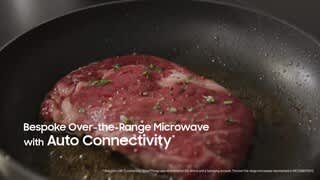
We all want to utilize all the functions of our appliances. To help you with the auto connectivity function, Please see the "Auto connectivity" on page 19 of the user's manual for reference.
Manual
https://downloadcenter.samsung.com/content/UM/202402/20240227133434652/O_01._IB_FULL__ME7500D_ME21DG6500SR_AA_EN.pdf
Have a great day.
^Aloe
A:AnswerHi Kimmer,
Our Samsung over-the-range microwave is designed to be installed in between the cabinets to prevent blocking the vents at the bottom of the unit. Placing it over the range is optional.
We have included an installation video link below for your reference for the microwave.
Installing your over-the-range microwave | Samsung US
https://www.youtube.com/watch?v=eueYEAgeDWQ
Have a lovely day.
-Kimberly
A:AnswerThe Best Buy installation team told me that the fan CAN be vented to the exterior of the house. They performed a quick modification to the microwave fan direction and installed the unit so it does vent to our previously existing vent to outside the house.
A:AnswerBy default the vent is set to interior venting. I believe to vent outwards, there is a hatch in the back or the back needs to be removed to swivel the vent direction to outward.
A:AnswerHi there,
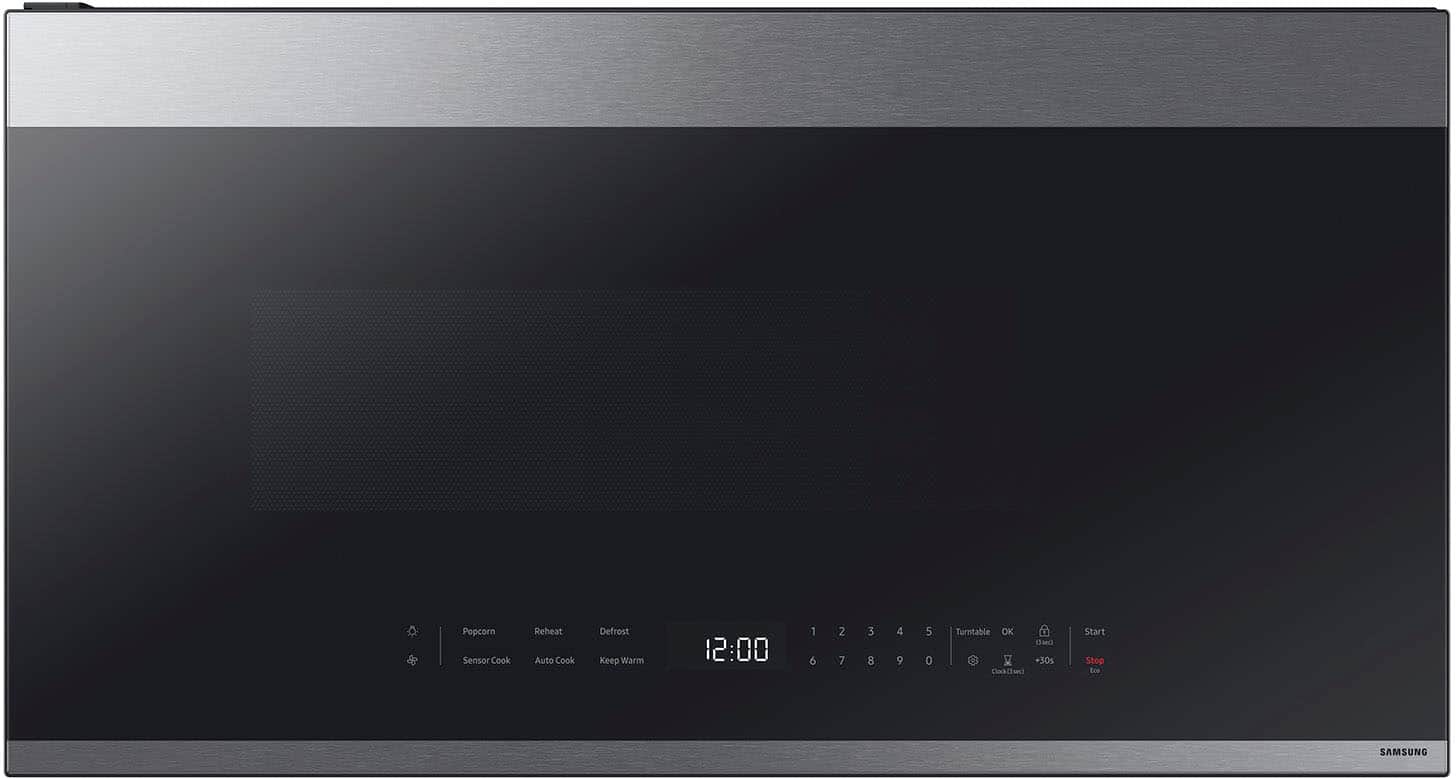
The microwave doesn't have a screen saver mode. You may check the "Setting up your new microwave oven" section on pages 12 - 19 to learn more about microwave functions.
User's Manual
https://downloadcenter.samsung.com/content/UM/202402/20240227133434652/O_01._IB_FULL__ME7500D_ME21DG6500SR_AA_EN.pdf
Have a great day.
^Aloe

![12:45 Food: A 100% Shopping List
Sort by Recipe
Carrot Pancake 1/7
Eggs and Cheese
Eggs 30
Place into the center of the oven and press the [Send to Microwave] button below until the egg whites have set but the yolks are still runny
Cook with your appliances
Oven
Induction Samsung Microwave
and Vegetables
Carrot 2
Apple 1
12 eggs in avocado
Avocado 2
Add
Buy online
Send to Microwave
10 min
Baked salmon and rice
Provider
Recipe price and availability of each product may vary
Home
Search
Communities
My](https://pisces.bbystatic.com/image2/BestBuy_US/images/products/6568/6568541cv22d.jpg)