A:AnswerThis is not possible without the use of software. A simple google search reveals: https://www.pcmag.com/how-to/how-to-control-multiple-computers-with-one-keyboard-and-mouse
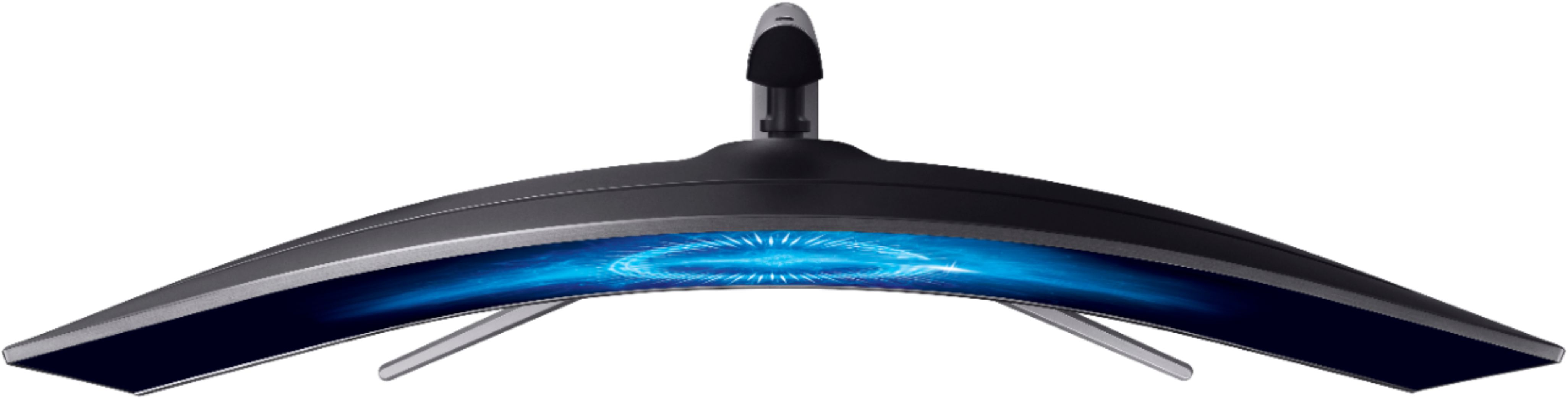
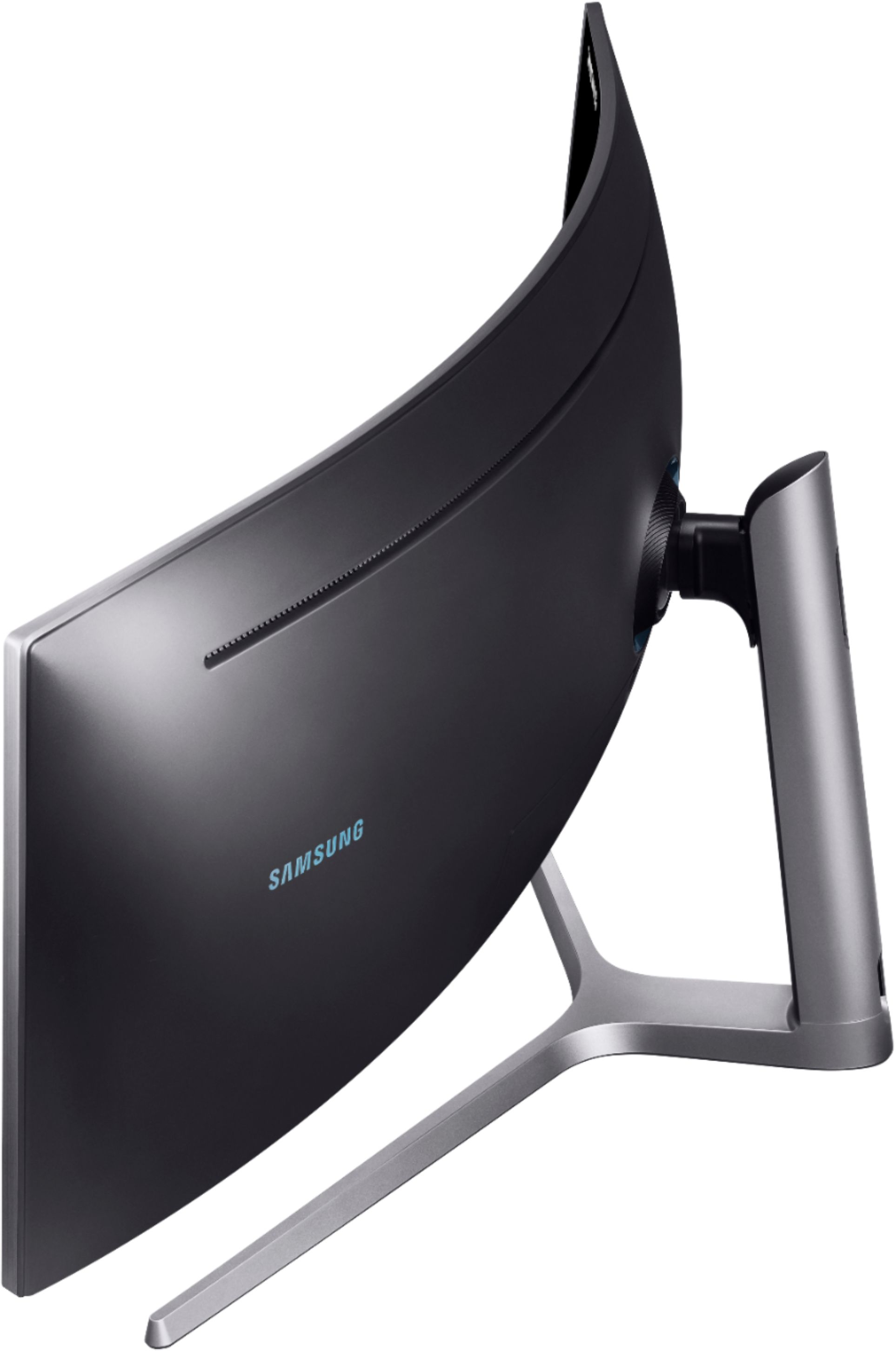
A:AnswerBecause it has to be curved at this size it would be incredibly difficult to build a computer into and the market for it would be so small that sadly there are none this big available so you would need a separate pc for use with this monitor. You could get a small pc for a similar experience(The only super small pc I can think of is the mac mini unless you build your own mini itx)
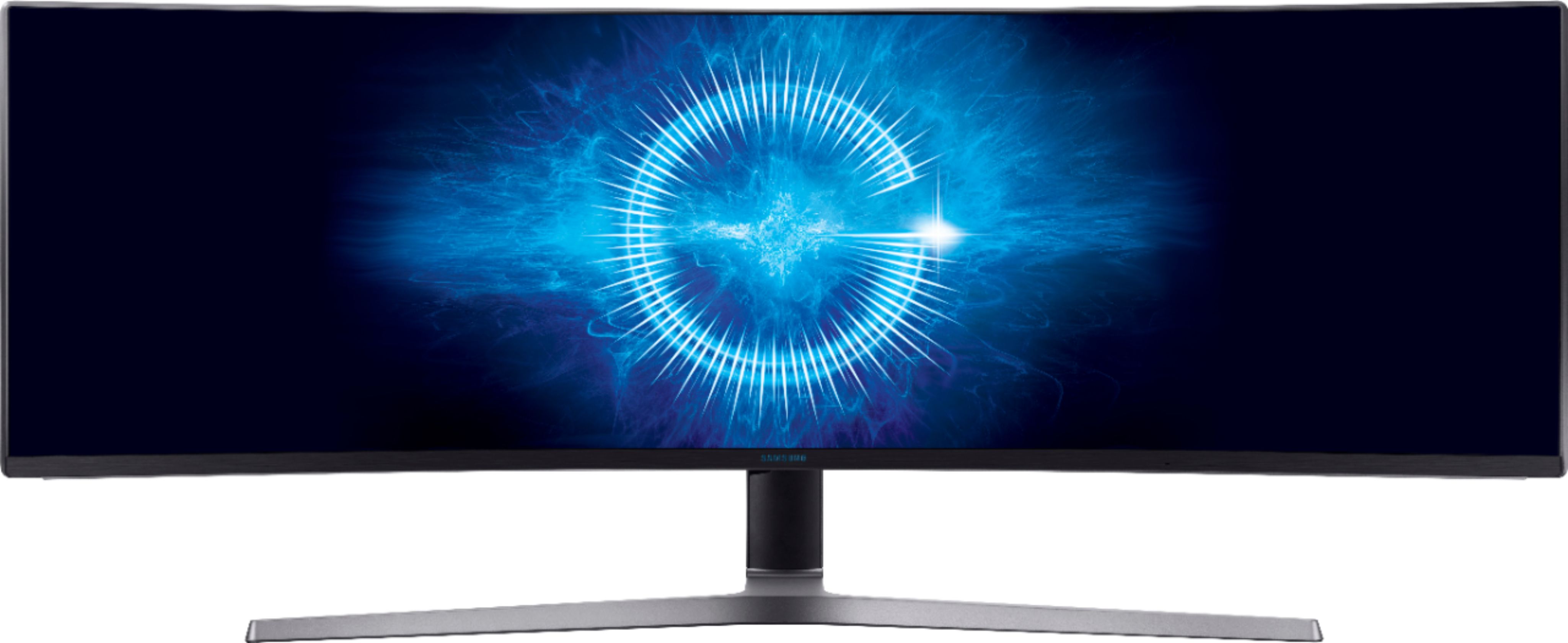
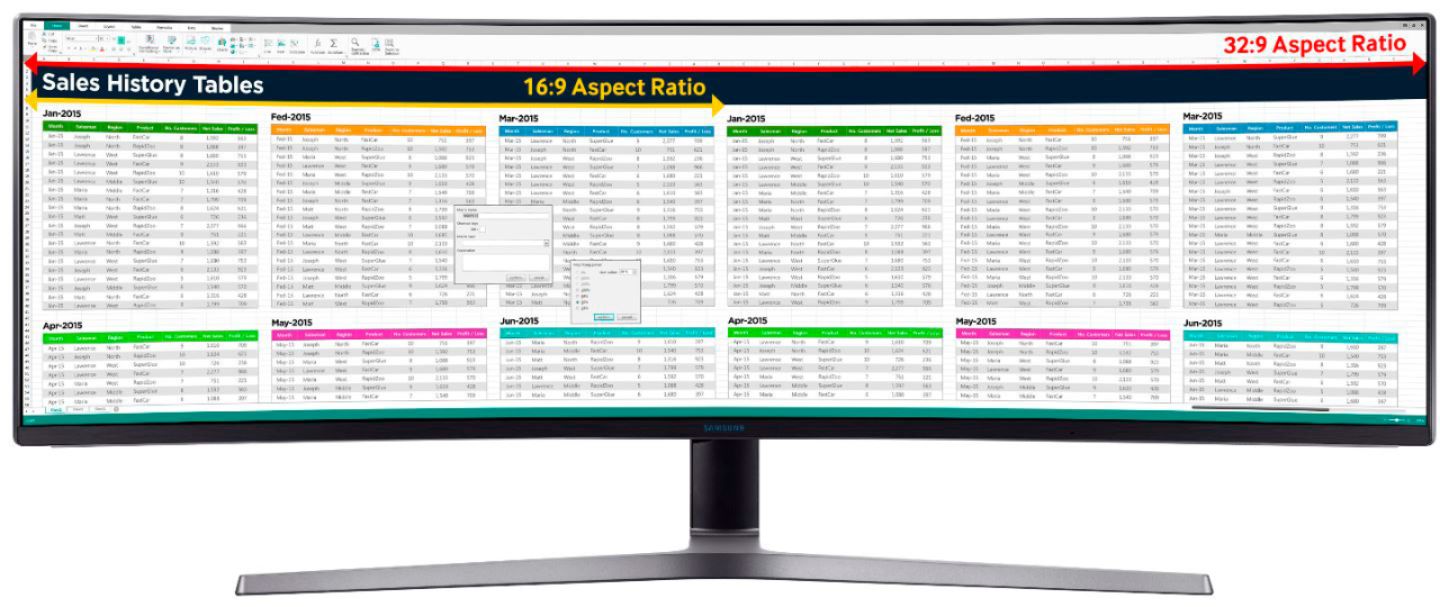
A:AnswerThis screen has so much real estate - itd be great for this use case. You can also use multiple systems, allowing more than one pc to be connected at the same time, each with their own display.
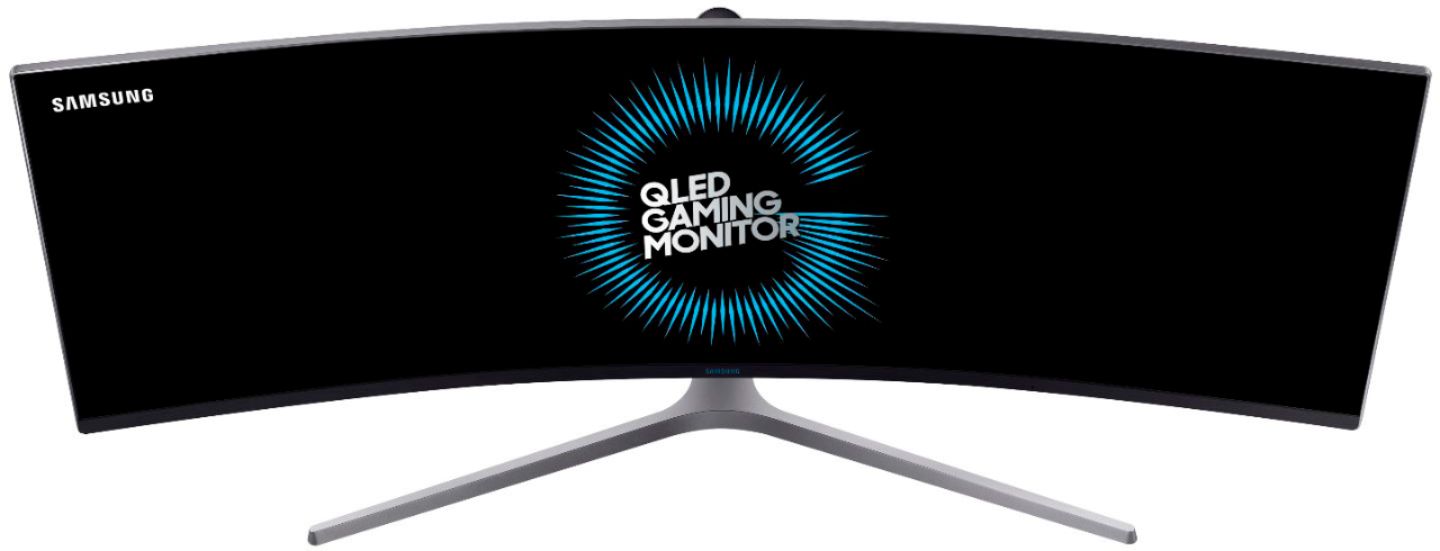
A:AnswerA 1660 would output to this monitor fine but you would probably want something a little beefier for gaming. You should treat it as a 1440p 144hz monitor when choosing a gpu. You could watch benchmark videos of the games you play to see what kind of gpu you need.
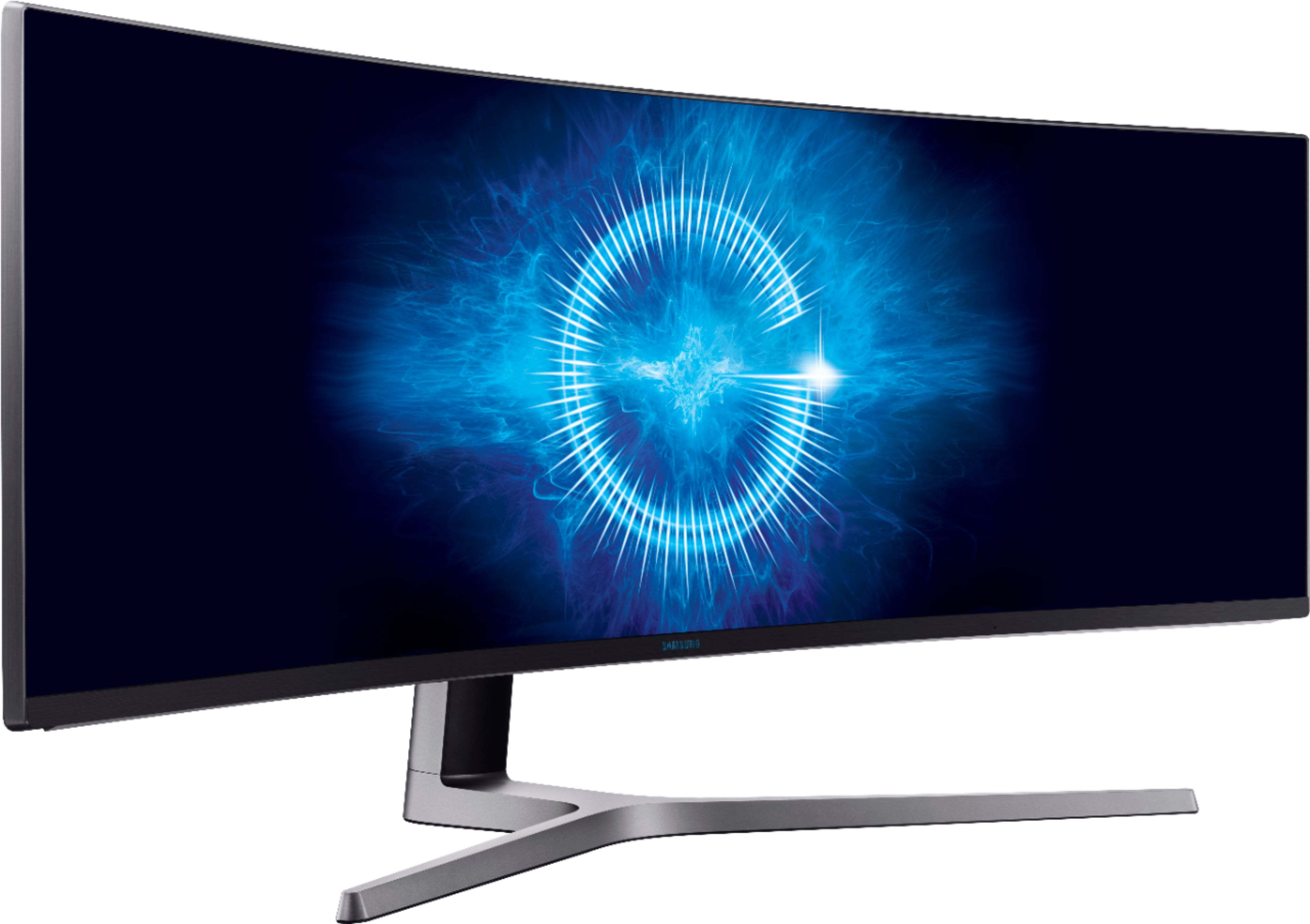
A:AnswerIt comes with a separate wall mount bracket that should work. You might need to screw that to a arm mount first but should work with some creativity.
A:AnswerGreat for Warcraft. The cut scenes are really well done and most fill up the whole screen. Be aware of your settings though. The chat window cannot be moved and is on the far lower left and if you sit as close as I do to the monitor (about 24 inches away), this means you will need to turn your head about 20 degrees to read it.
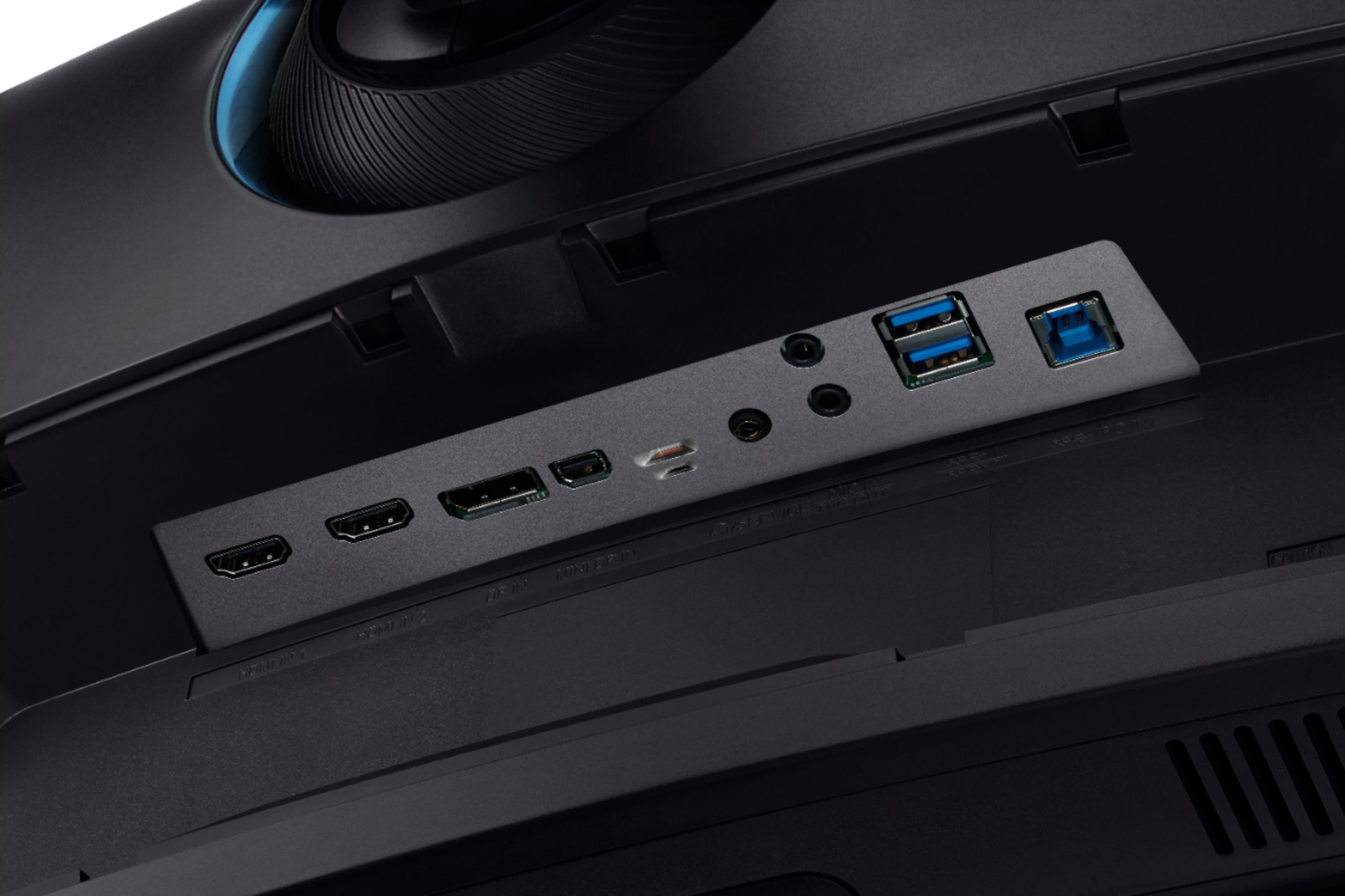
A:AnswerI have 2 cables (1 Display Port to HDMI & 1 HDMI to HDMI) running from my tower to the monitor and I am able to set them up like a two monitor setup.
Hope this helps...