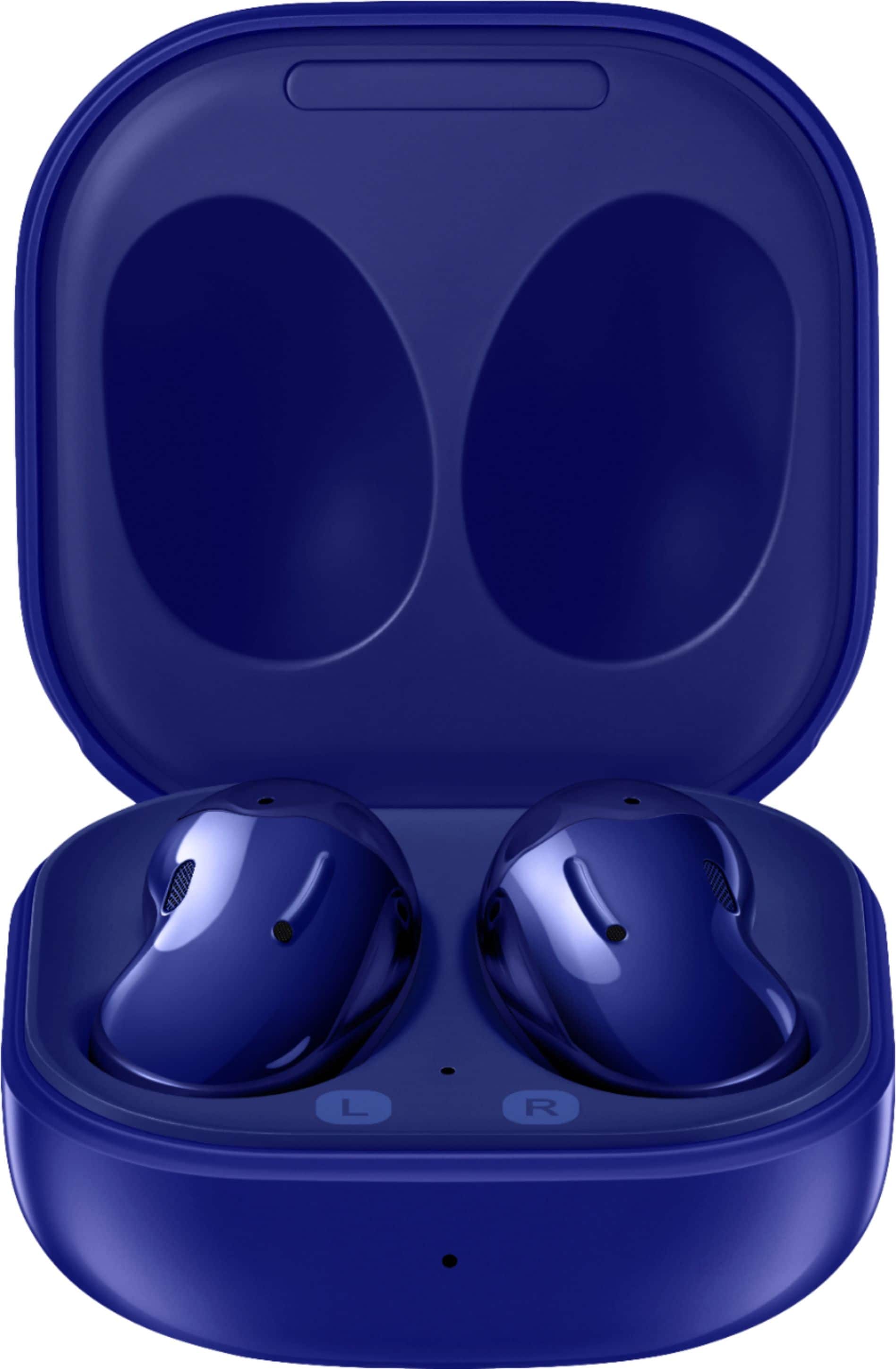
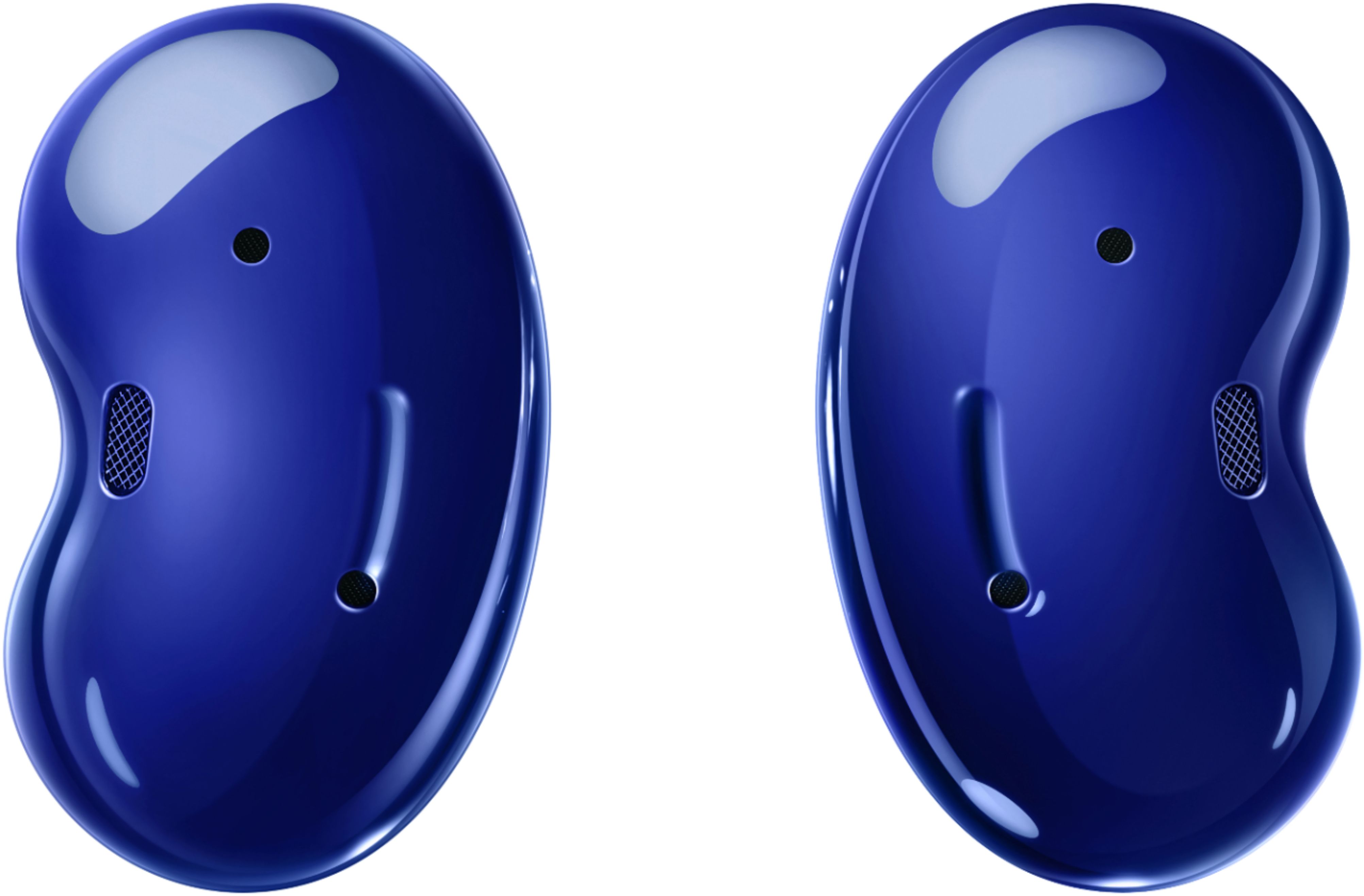
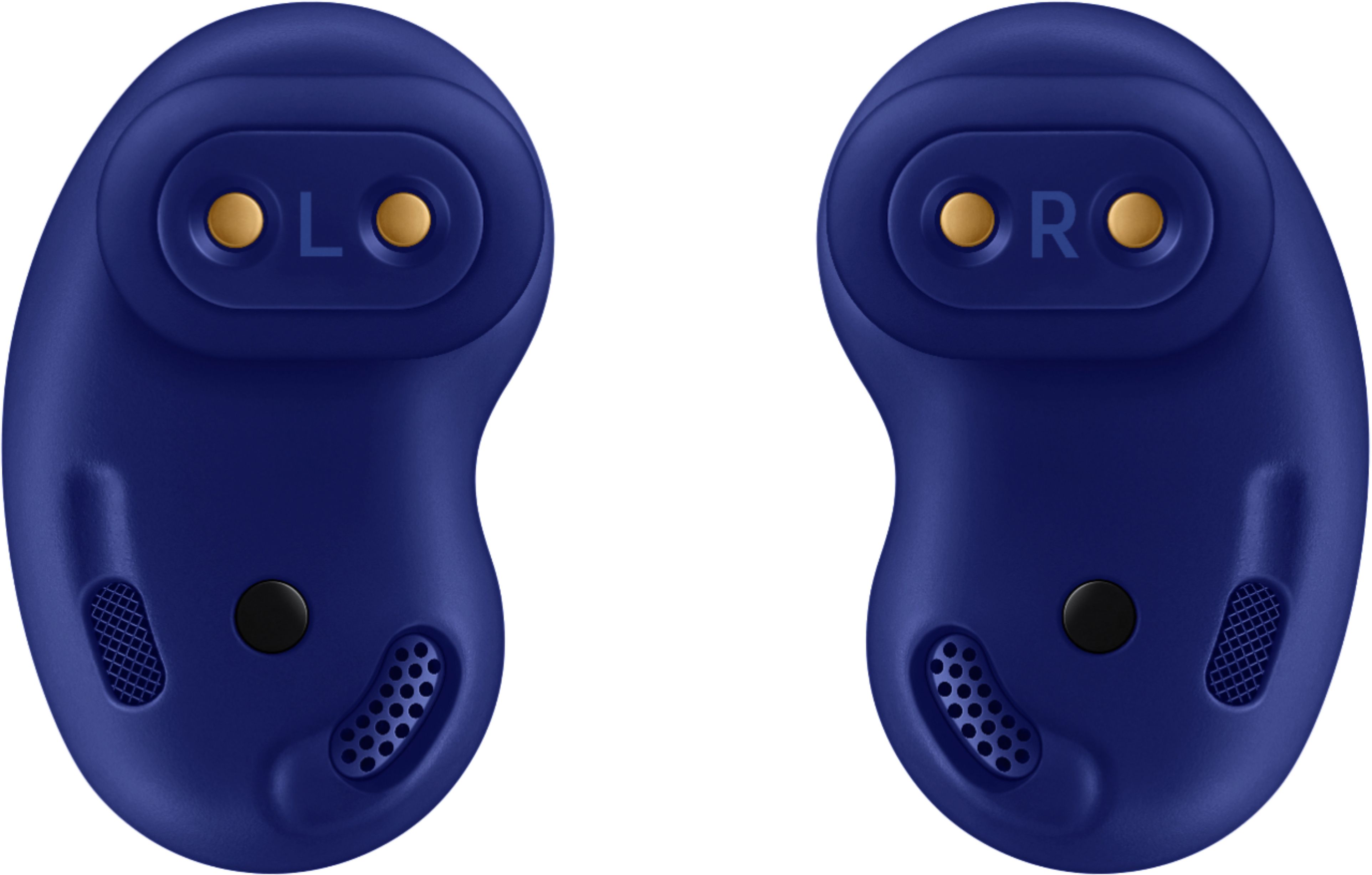
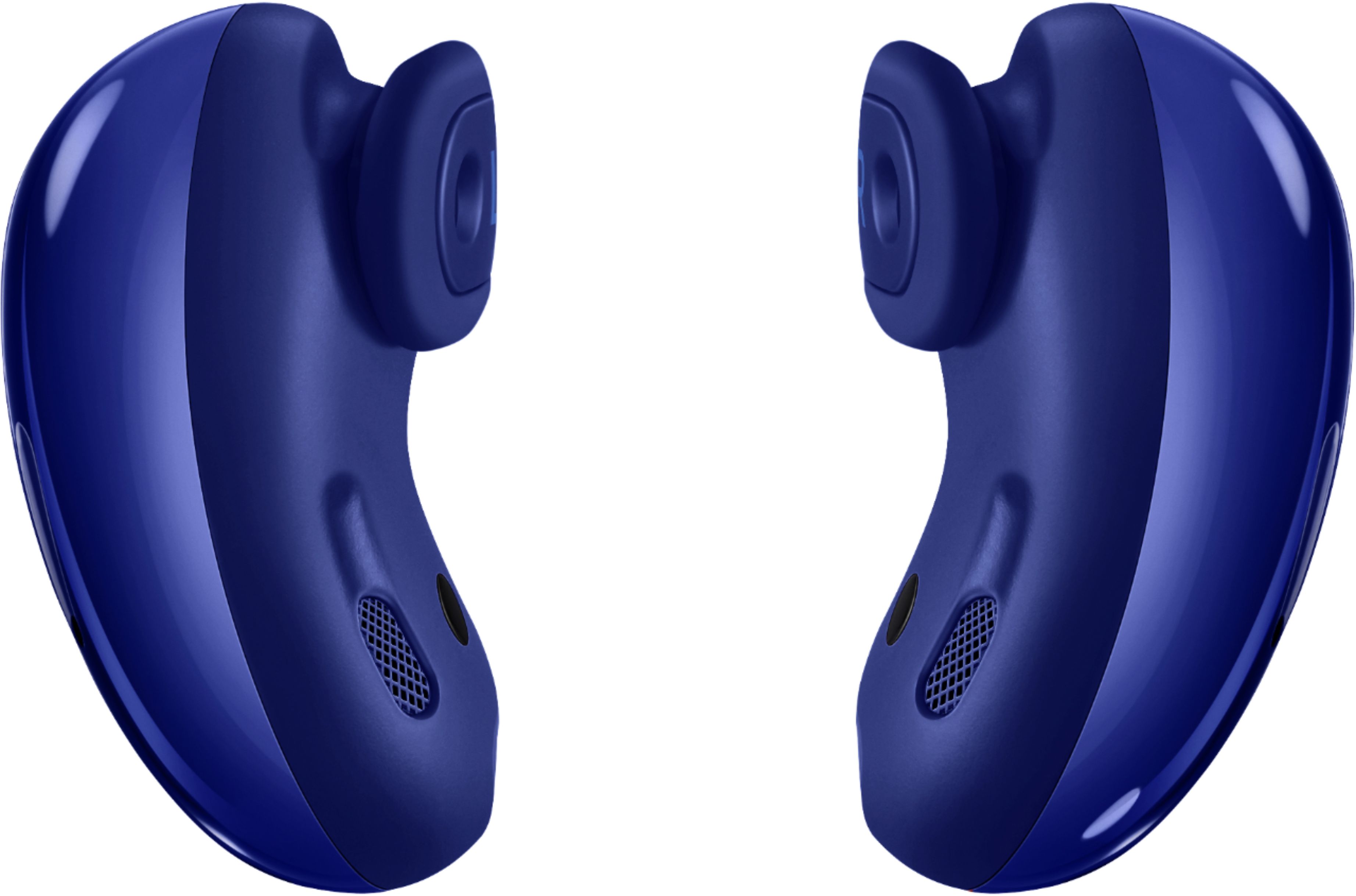
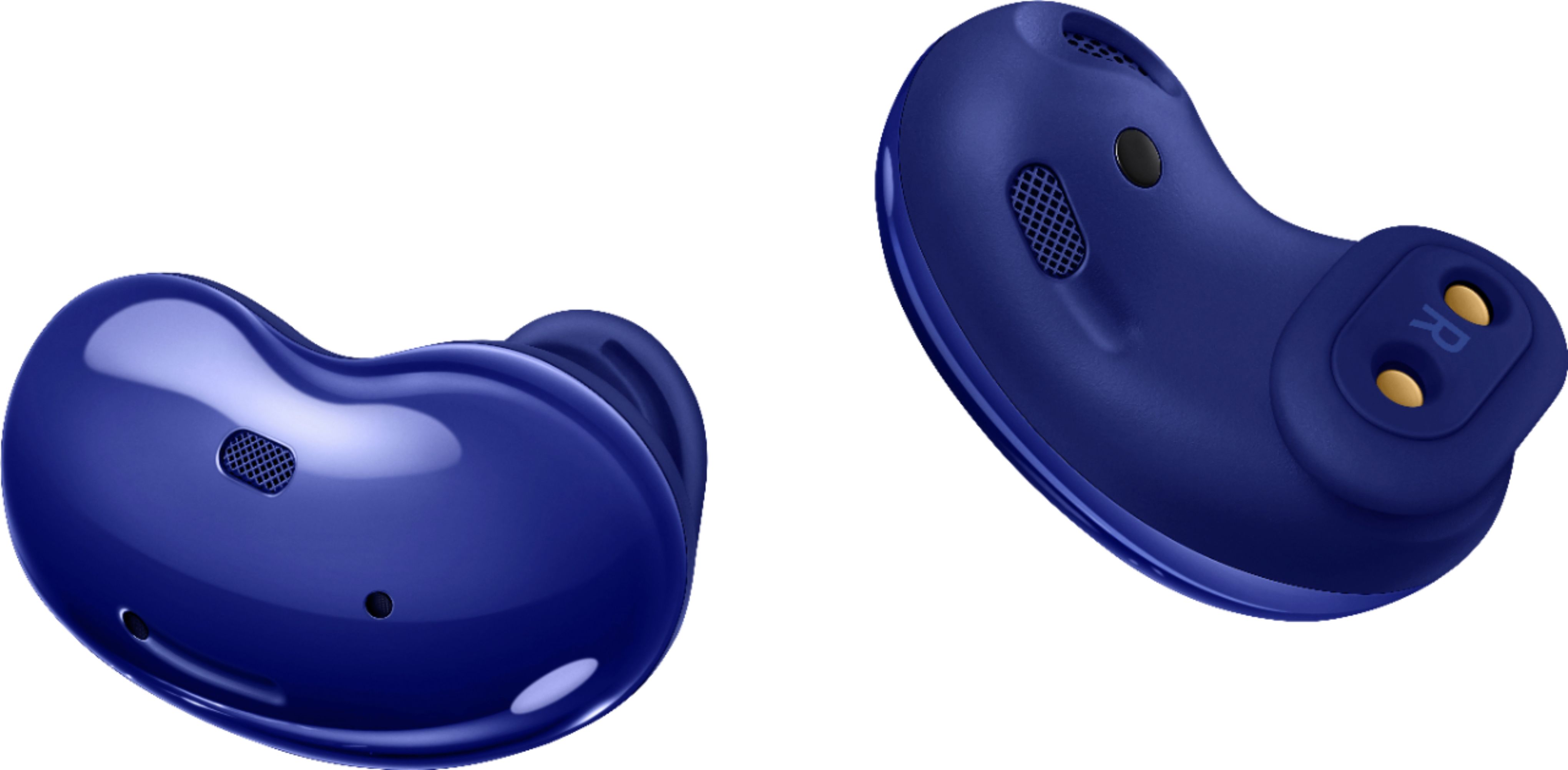
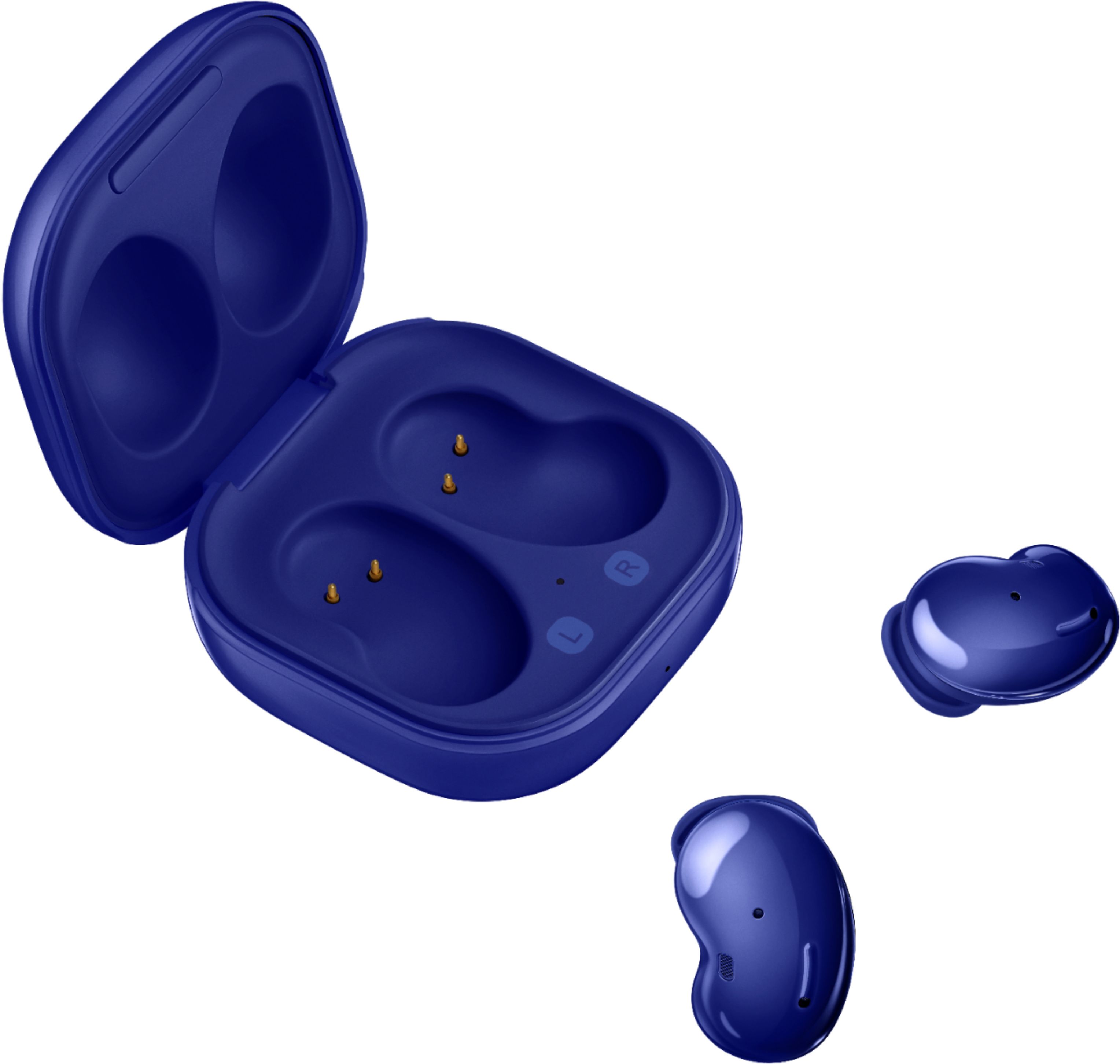
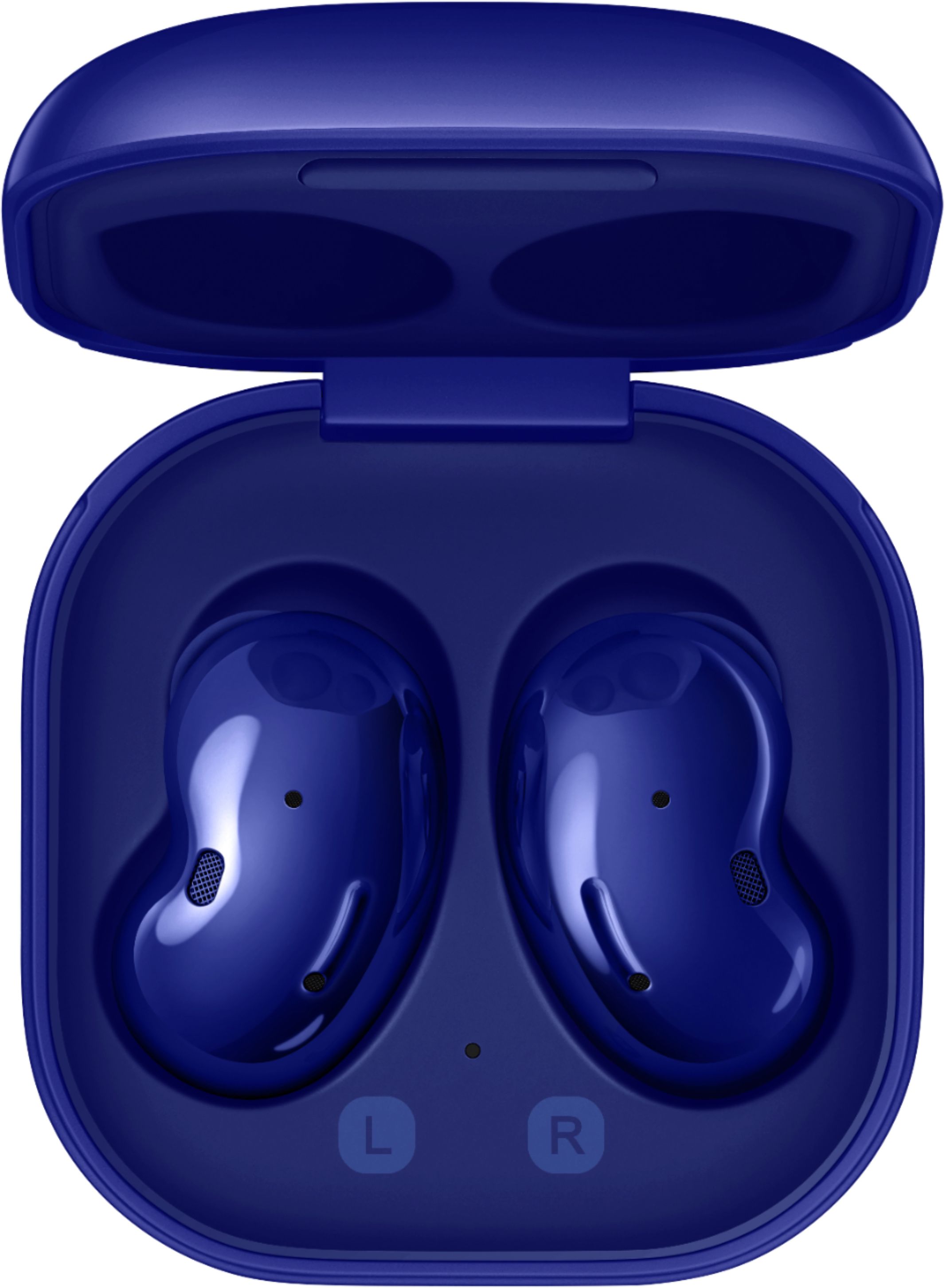
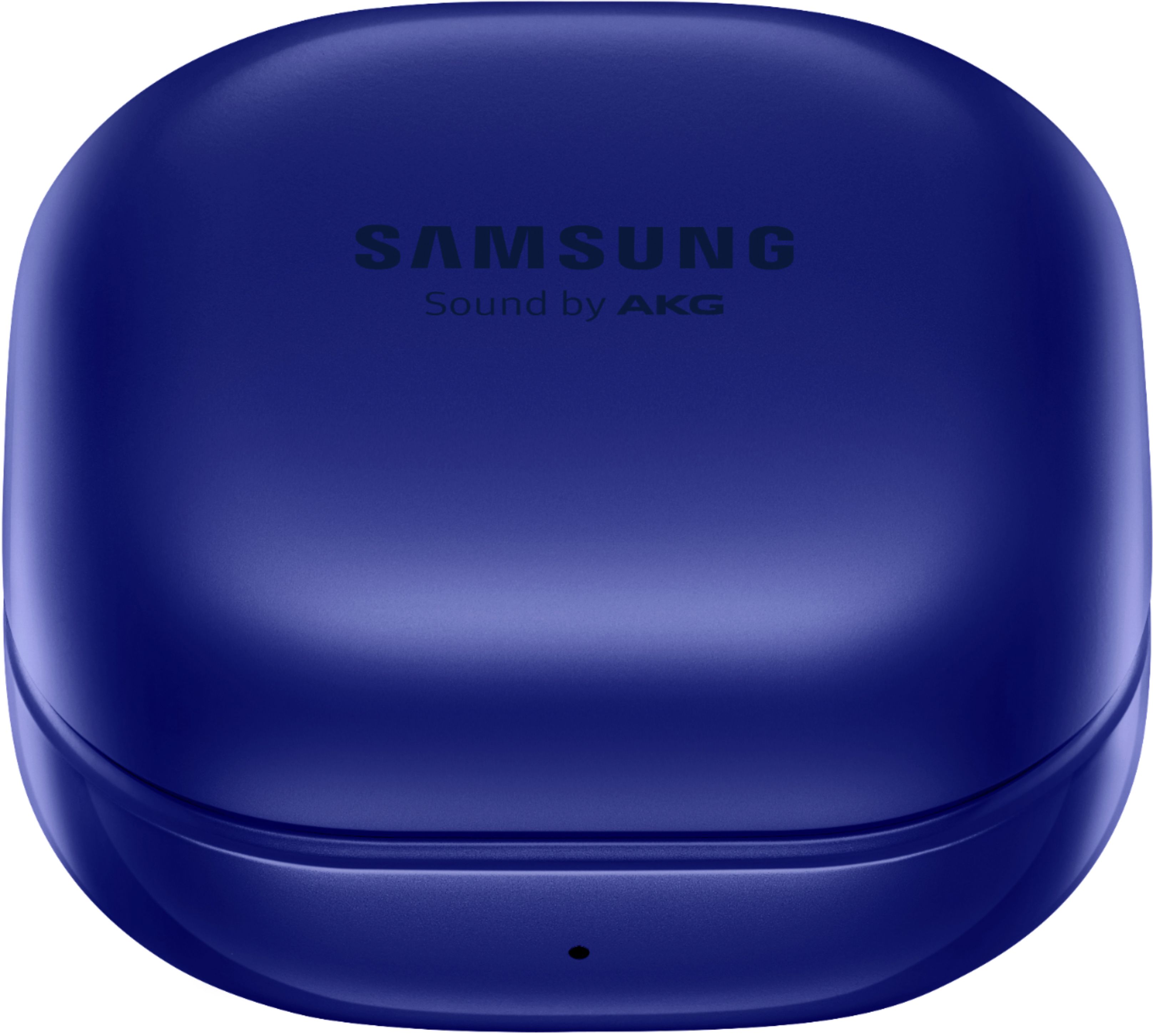
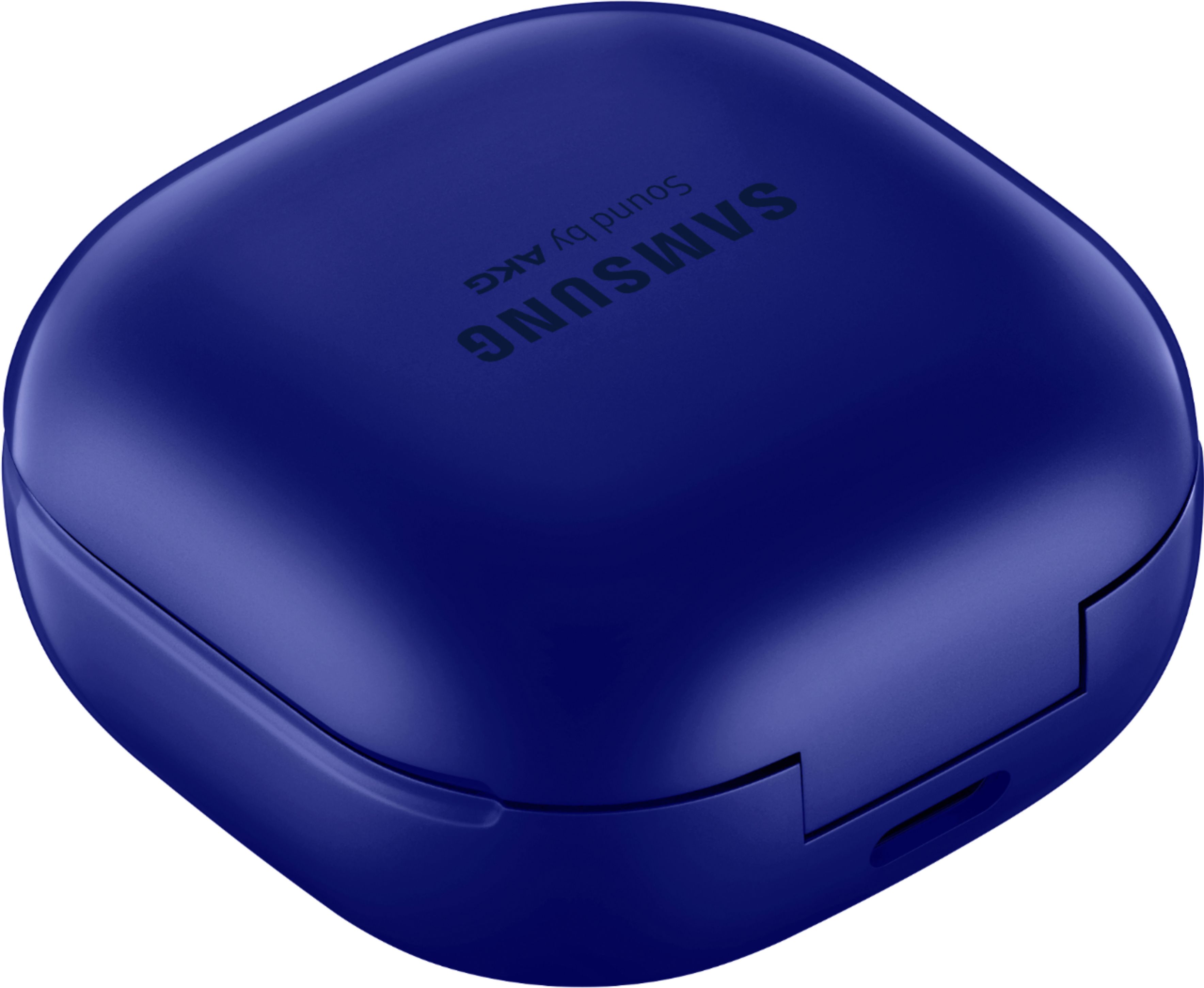
A:AnswerYes, the Samsung Galaxy Buds should work with an Apple iPod 7th generation.
The Galaxy Buds Live use Bluetooth technology to connect to devices, which is a universal wireless standard that allows for compatibility with a wide range of devices, including smartphones, tablets, computers, and media players. The iPod 7th generation also supports Bluetooth connectivity, so you should be able to pair the Galaxy Buds Live with the iPod and use them to listen to music or make calls.
To pair the Galaxy Buds Live with the iPod, make sure that Bluetooth is turned on and that the earbuds are in pairing mode. You can put the earbuds in pairing mode by removing them from the charging case and pressing and holding the touchpad on the earbud until the indicator light on the earbud flashes.
Then, on the iPod, go to Settings > Bluetooth and turn on Bluetooth. The iPod should search for available devices and display the Galaxy Buds Live in the list of available devices. Select the Galaxy Buds Live from the list and follow the on-screen prompts to complete the pairing process.
Once the Galaxy Buds Live are paired with the iPod, you should be able to use them to listen to music, make calls, and control playback directly from the earbuds.
A:AnswerI have both the live and the pro. The pro has better noise cancelation in my opinion and the sound is richer. It may be because the pro earbuds go into your ear and the live earbuds rest along the shape of your ear. I wear my live buds when I plan to fall asleep because they are more comfortable to lay directly on.
A:AnswerYes, Nade! You are able to pair the Galaxy Buds Live to multiple devices. However, the earbuds cannot be connected to multiple devices simultaneously. I have included this link, (https://www.samsung.com/us/support/answer/ANS00086702/), with more information. If you have further question, please reach out to us on Facebook at (http://m.me/samsungsupport) or Twitter at (https://twitter.com/messages/compose?recipient_id=18768513). Thank you for taking the time to leave this review. ^Kayla
A:AnswerYes, Roser! You are able to change the touch control through the Galaxy Wearable application. I have included a link with the options you have. Thank you for asking this question. ^Kayla
https://www.samsung.com/us/support/answer/ANS00078137/
A:AnswerThat is a great question! The case that comes with the Galaxy Buds charges the buds when they are placed inside. You are able to either connect the USB cable or place the charging case on a wireless charger. The earbuds and charging case are charged simultaneously. Thank you for taking the time to ask this question. ^Kayla
A:AnswerHi Nana!
Thank you for reaching out to us. We appreciate your interest in knowing if Galaxy Buds Live works with iPhone XR and iPhone 12. Galaxy Buds Live is compatible with iOS through Bluetooth and the Galaxy Buds iOS app. Requires iPhone 7 or later models running iOS 10 and higher versions which iPhone XR and iPhone 12 are upgraded to iOS 10.
For your reference, you may access this link about "Galaxy Wearables that are Compatible with iOS": https:/www.samsung.com/us/support/answer/ANS00089822/.
Should you need more assistance, please feel free to get back to us via the following options:
1. Facebook Messenger: http://m.me/samsungsupport
2. Twitter: https://twitter.com/messages/compose?recipient_id=18768513
3. Samsung Community: https://us.community.samsung.com/t5/Samsung-Community/ct-p/us
Reference #: 1144322632
Have a great day.
Melardo
A:AnswerThey will work. However the person you're talking to will hear literally everything in the background. Normal wind that you typically wouldn't pay attention to sounds like you're in the middle of a tornado.
A:AnswerYes, when you put the galaxy buds back in the case it charges them. The case itself can be charged by placing it on a wireless charging pad, or simply using the usb-c cable it comes with.