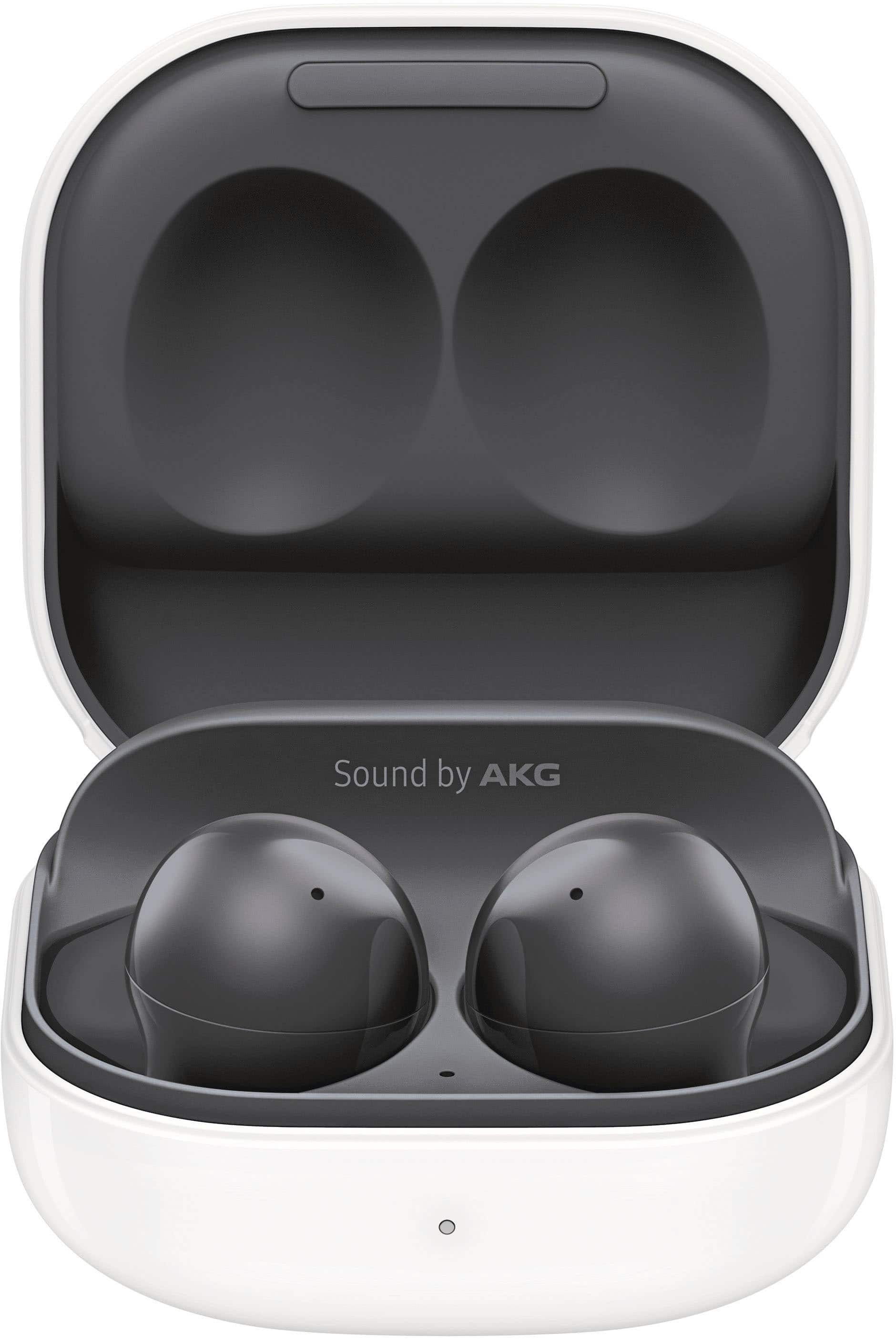
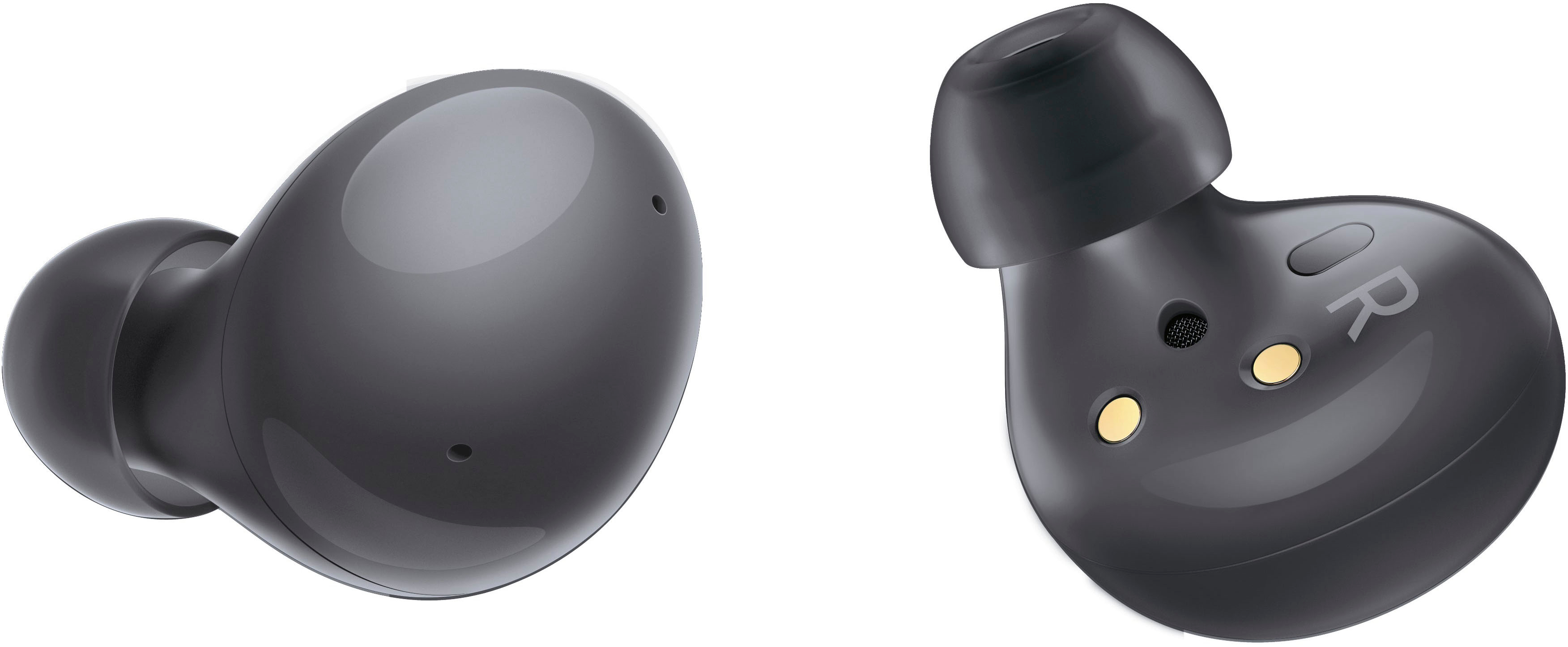
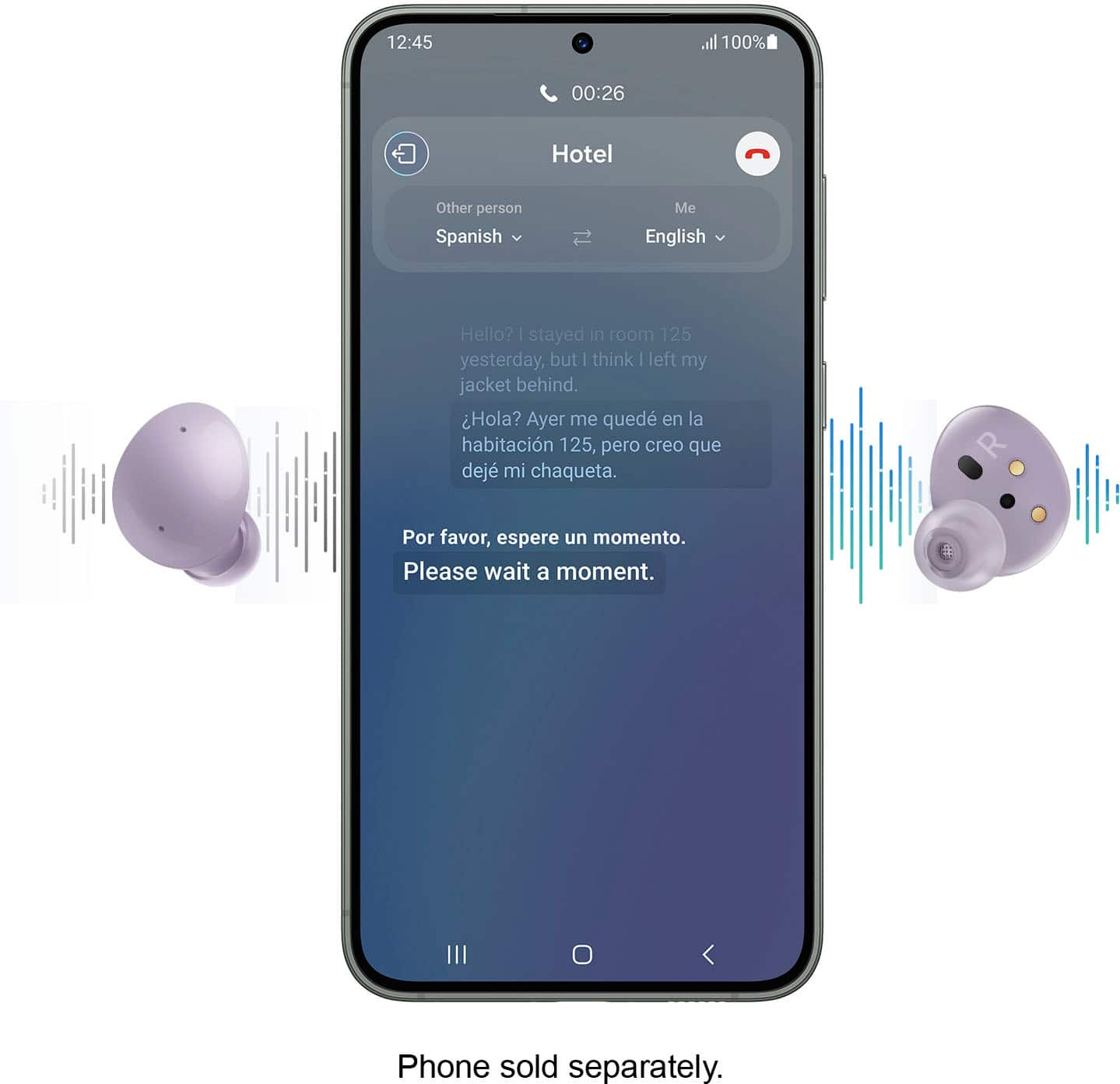
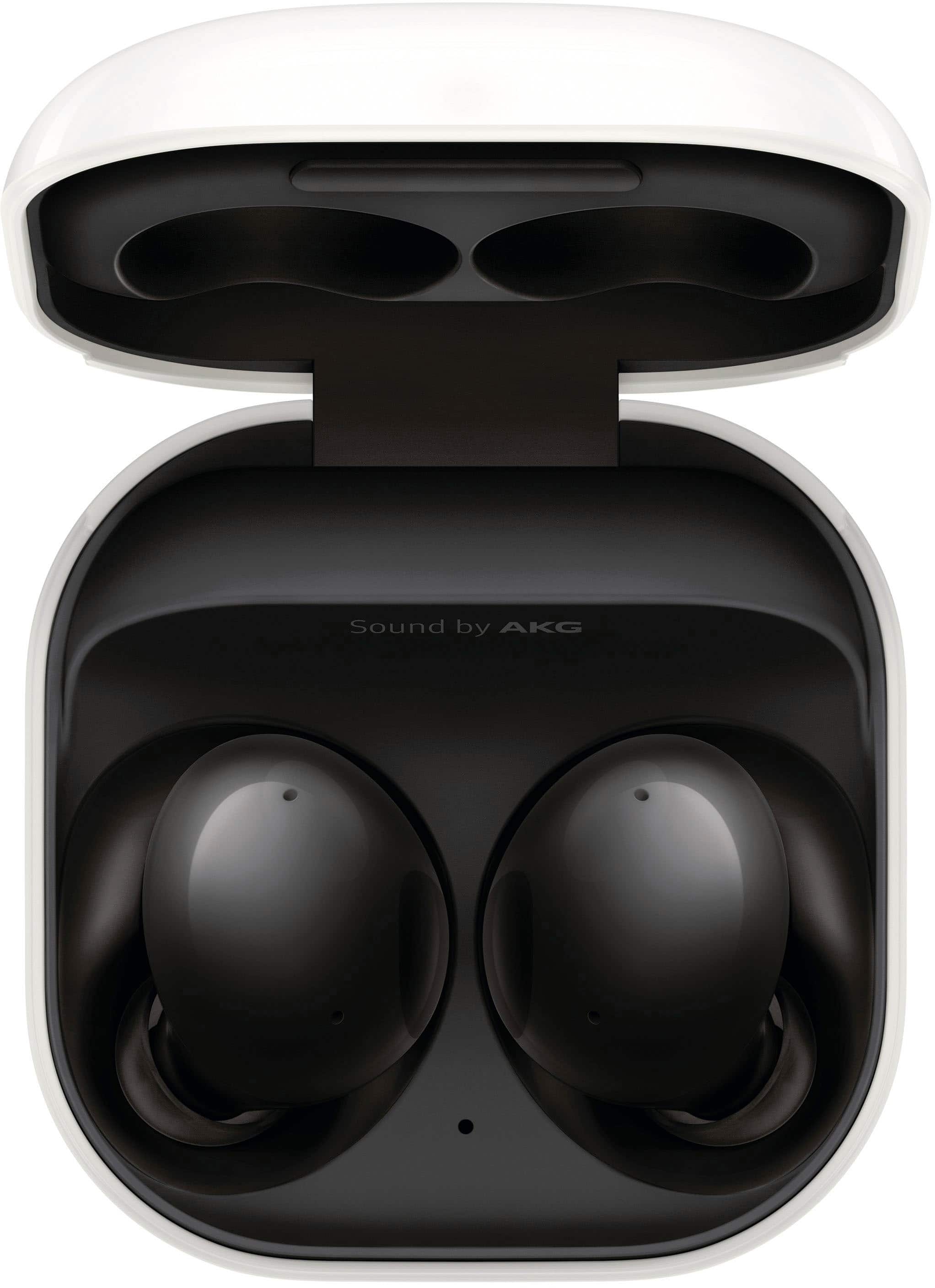
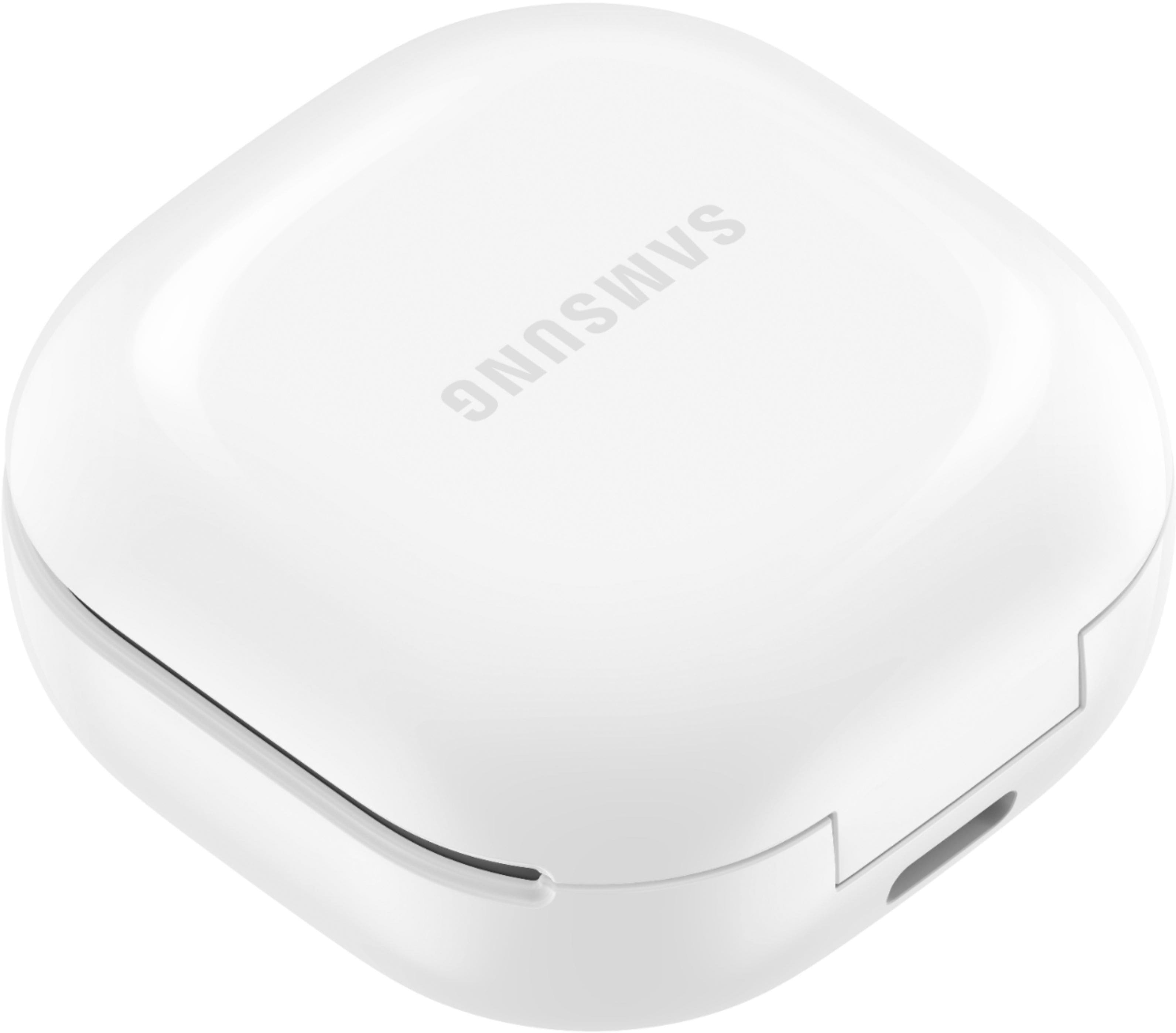
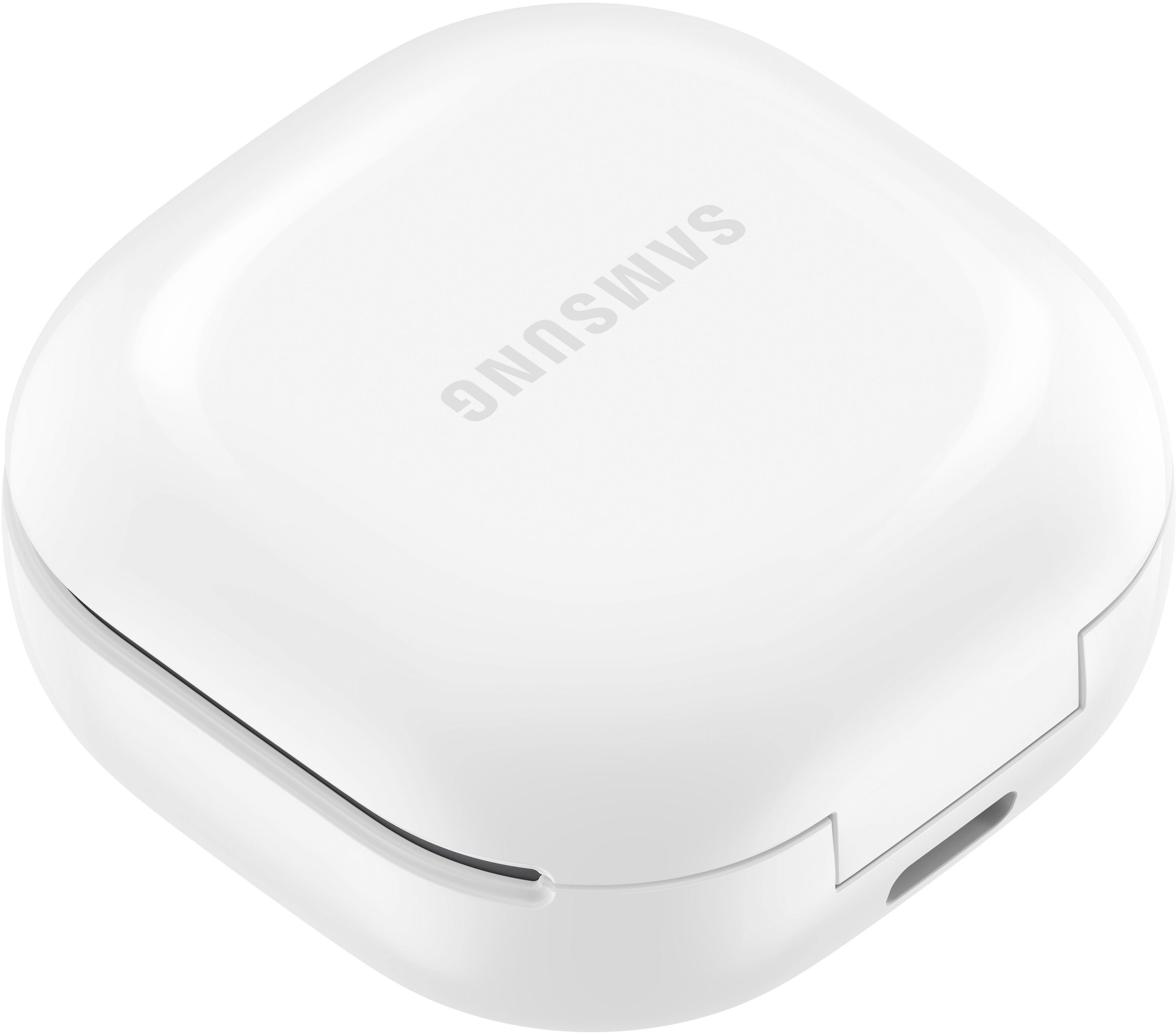
A:AnswerIt depends on how loud theyre talking. If its normal conversation and nothing is playing from the earbuds then you cant hear anything from them at all. If nothing is playing out of your earbuds and they talking normally they do a great job of cancelling the noise but naturally you will feel sound vibrations so youll hear a tiny bit but you wont know what theyre saying.
A:AnswerMy sister has that phone and they work. Samsung works with Samsung. I use my phone charger to charge these USB-C or I place them on a wireless charging mat.
A:AnswerTurn on wireless power sharing on Samsung phone in the drop-down menu and place earbuds on your phone to charge them. Or use and USB C charger including the one that can with your phone. You can also just plug them into you computer for a slow charge. I've even used my kindle charger to charge them. Wireless mats work too.
A:AnswerHi BW,
Thank you for reaching out and taking interest if the Galaxy Buds 2 can be charged wirelessly. To answer your question, yes, you're able to charge them wirelessly and through Powershare as well from your phone.
Please visit this link for some helpful tips:
https://www.samsung.com/us/support/answer/ANS00047798/
Use Wireless PowerShare on your Galaxy device:
https://www.samsung.com/us/support/answer/ANS00082564/
Please see its user manual under Page 5-8 for further instructions:
https://downloadcenter.samsung.com/content/UM/202108/20210817072111129/WEA_R177_EN_UM_UDJ_071521_FINAL_AC.pdf
Should you need more assistance, you may reach us via the following for immediate support:
1. Samsung Community: https://us.community.samsung.com/t5/Samsung-Community/ct-p/us
2. Facebook Messenger: http://m.me/samsungsupport
3. Twitter: https://twitter.com/messages/compose?recepient_ id=18768513
Reference Number: 1144243497
Thank you for choosing Samsung. Have a great day!
^Chrystel
A:AnswerYes, these earbuds will work and connect wirelessly with your HP computer. I use mine for my iPhone and my Mac ProAir and I’ve never had any issues. If you need assistance connecting them, there are several YouTube videos to assist with that.
A:AnswerThey should connect just like you would any other device. I've never had a issue . You might have a defective pair. Have someone else try to connect them to their phone or whatever. You've probably already solved or returned them, if not I hope this helps.